
Convert PNG to AVIF online
Drop a PNG or JPEG and get an AVIF of the same pixels back, at roughly half the byte cost. One image per request, no sign-up, nothing saved.
- No account required
- Nothing saved
- Pixel-for-pixel, no resizing
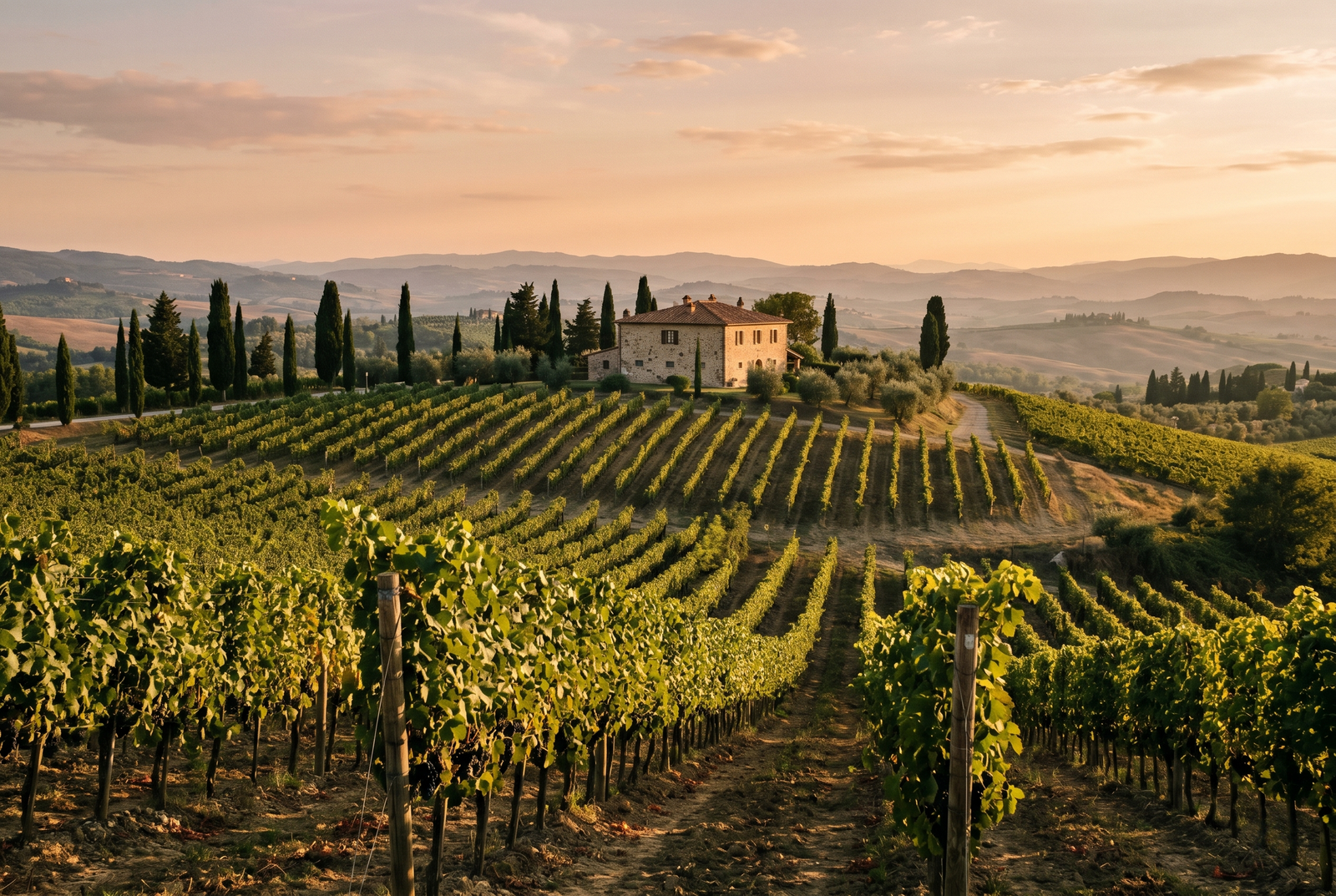
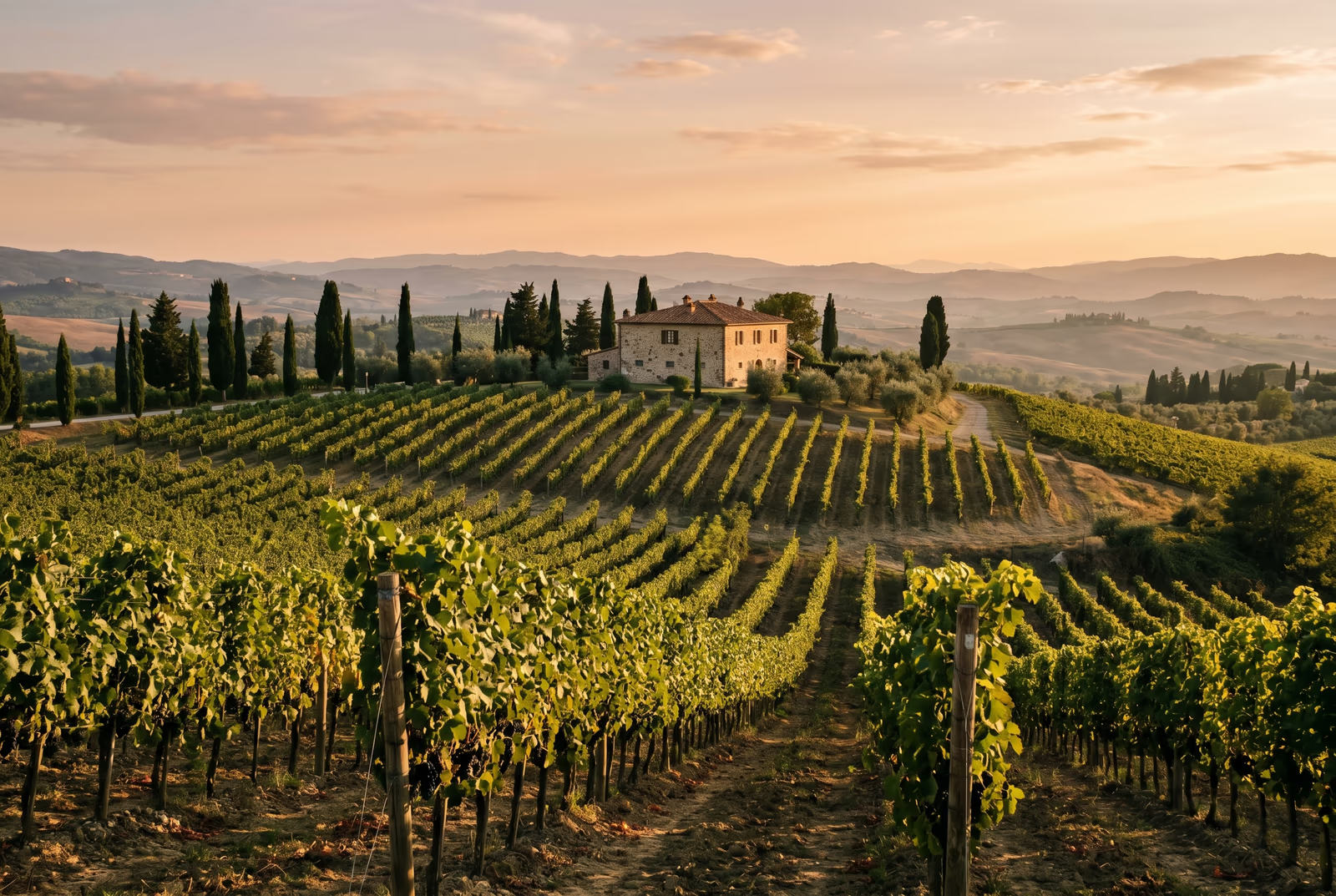
Dra for å sammenligne, før / etter
Oversikt
AVIF (AV1 Image File Format) is a modern image format from the same family as the AV1 video format, finalised by the Alliance for Open Media in 2018. For typical photographs it reaches PNG-quality visuals at roughly half the file size, and JPEG-quality visuals at about a third. That bandwidth saving is the whole story: smaller pages load faster, rank better on page-speed scores, and cost less to serve.
This tool converts one image per request without resizing, cropping, or shifting any colours. You give it a PNG or a JPEG; you receive the same picture as AVIF. There is no silent dimension change, no watermark, and no quality drop beyond the format trade-off you asked for. The default quality target matches the source on regular photographs; HDR and wide-colour-range sources are passed through with their full colour range, which JPEG and WebP cannot do.
Browser support reached the global 95% baseline in 2024: Chrome 85+, Firefox 113+, Safari 16+ on macOS Ventura and iOS 16+, Edge 85+, and Opera 71+. The remaining gap is older Safari versions, some in-app browsers (a few email clients), and desktop image viewers that have not yet caught up. For production sites we recommend the standard picture-tag pattern with an AVIF source first and a JPEG fallback; this is the same pattern that ships AVIF on the BBC, the New York Times, and Netflix product pages today.
The trade-off worth knowing about is conversion cost. AVIF takes roughly 5 to 10 times longer to produce than JPEG and uses more CPU and RAM, which is why a browser-only conversion feels sluggish on large images. We run the conversion on our side so your laptop or phone stays cool and your file finishes in under five seconds for a typical photo. Reading an AVIF is fast: a supporting browser shows it as quickly as a JPEG.
When NOT to use AVIF: archival masters where every pixel matters (PNG is still the right choice), tiny icons under 50 by 50 pixels where the AVIF format itself adds more bytes than it saves (use PNG or SVG), and assets aimed only at legacy systems (where a high-quality JPEG is the safer default). For everything else (hero images, product photography, feature illustrations, blog cover art) AVIF is the correct 2026 default.
Every upload is only held while we process it. The output AVIF is served with a one-time download link and is deleted once you fetch it (or sooner, if you never come back). No account ties the upload to your identity, and the Privacy page lists every byte that ever touches a disk.
AVIF at a glance
Tallene og avveiningene du trenger før du forplikter deg.
Compression vs PNG and JPEG
On photographic content AVIF reaches PNG-equivalent visual quality at roughly 50% of the bytes and JPEG-equivalent quality at roughly 33% of the bytes.
Browser support
Chromium 85+, Firefox 113+, Safari 16+ (macOS Ventura, iOS 16+), and Edge 85+. Global support crossed the 95% baseline in 2024.
Codec base
AVIF is built on AV1, the same intra-frame codec that powers AV1 video; it inherits AV1's perceptual coding tools and HDR support.
Colour space support
AVIF natively encodes Display P3 wide-gamut and Rec. 2100 HDR (PQ + HLG), which JPEG and WebP cannot do.
Alpha channel
AVIF supports an 8-bit or 10-bit alpha channel, so PNGs with transparency convert without losing the alpha.
Encoding cost
AVIF encoding is roughly 5-10x slower than JPEG, which is why we run the encoder on our side instead of in your browser.
When NOT to use AVIF
Archival masters (use PNG), icons under 50 by 50 pixels (the format itself adds more than it saves), and assets shipped only to legacy systems (use a high-quality JPEG instead).
Hvordan det fungerer
Tre trinn, vanligvis ferdig innen fem sekunder.
- 1
Upload a PNG or JPEG
Drop an image up to 25 MB, or paste from the clipboard. No sign-up, no credit card.
- 2
We re-encode it as AVIF
We convert your upload to AVIF at a default quality that matches PNG visual quality for typical photographic content.
- 3
Download your AVIF
Your download link works once, then the file is deleted. If you never come back, the file is deleted anyway. Nothing is saved on our servers.
Se det i aksjon
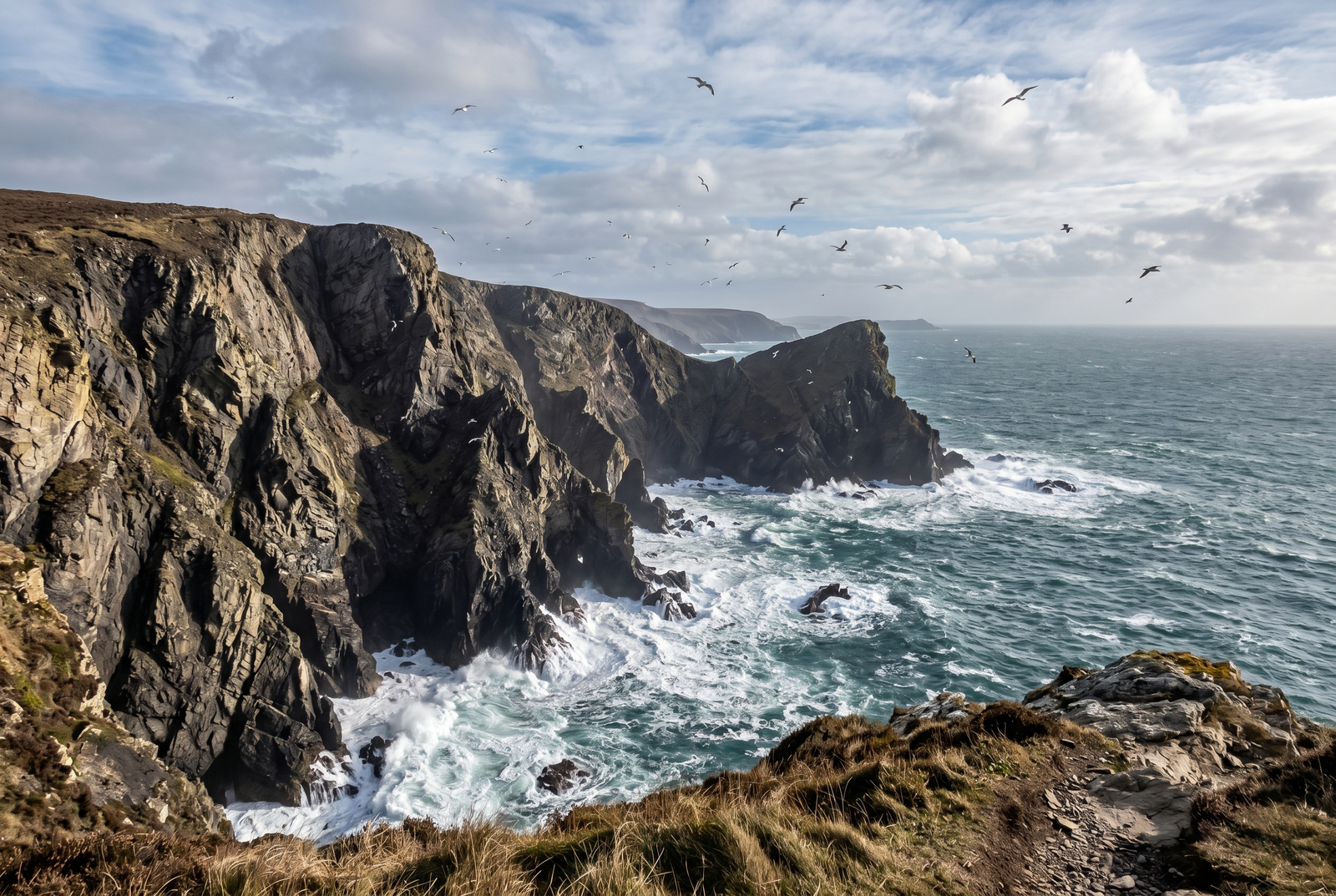
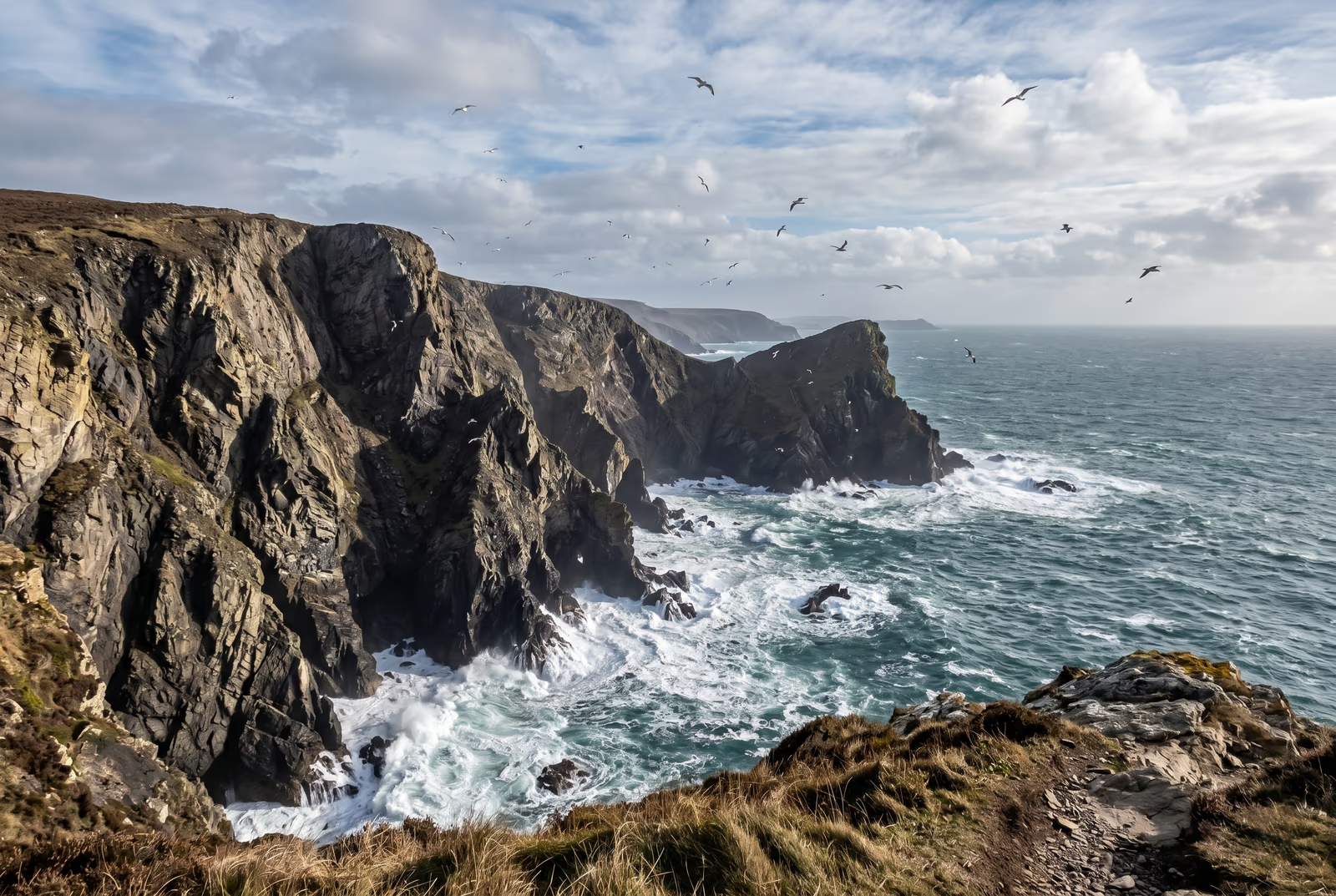
Dra hver glider for å piksel-titte før og etter.
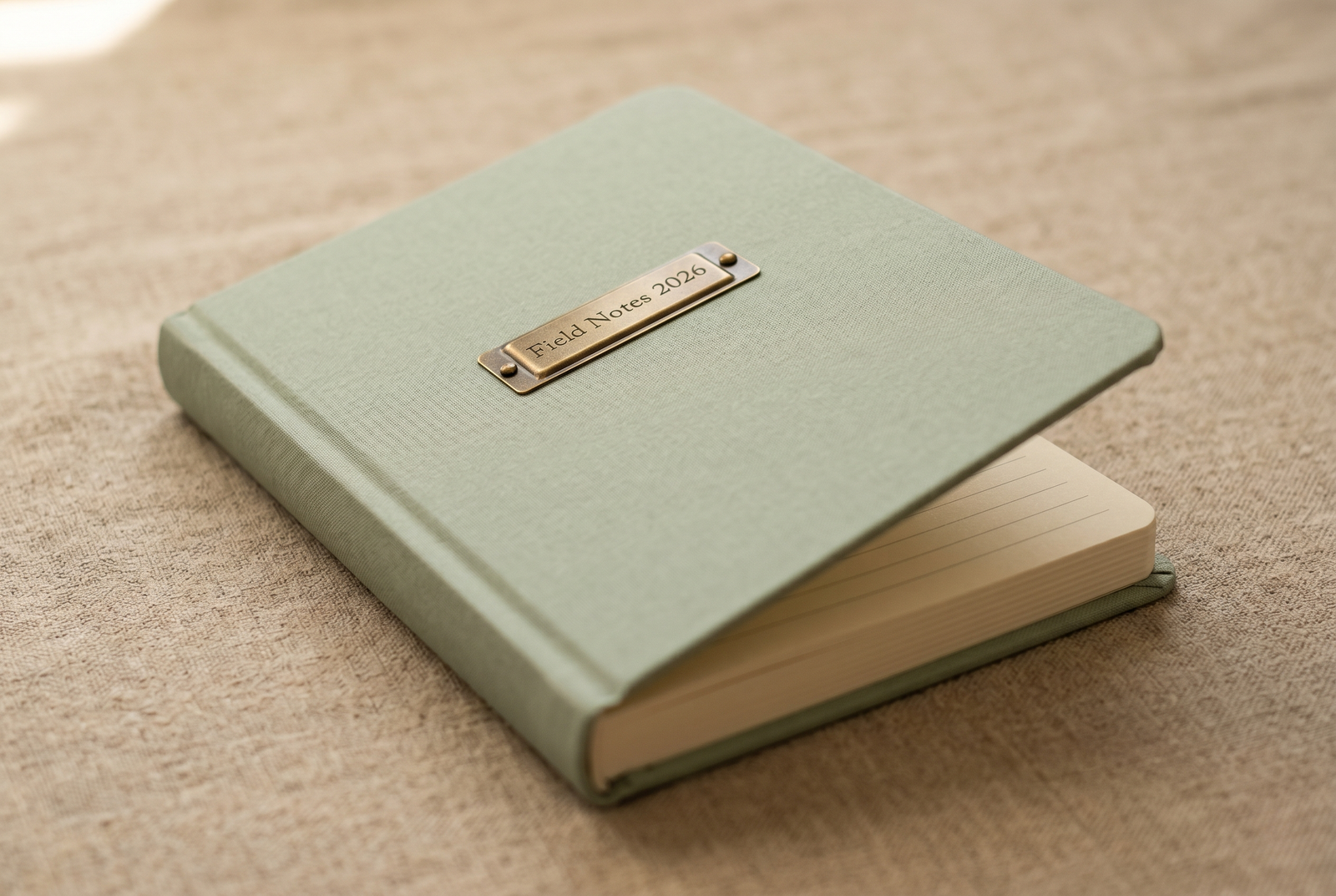
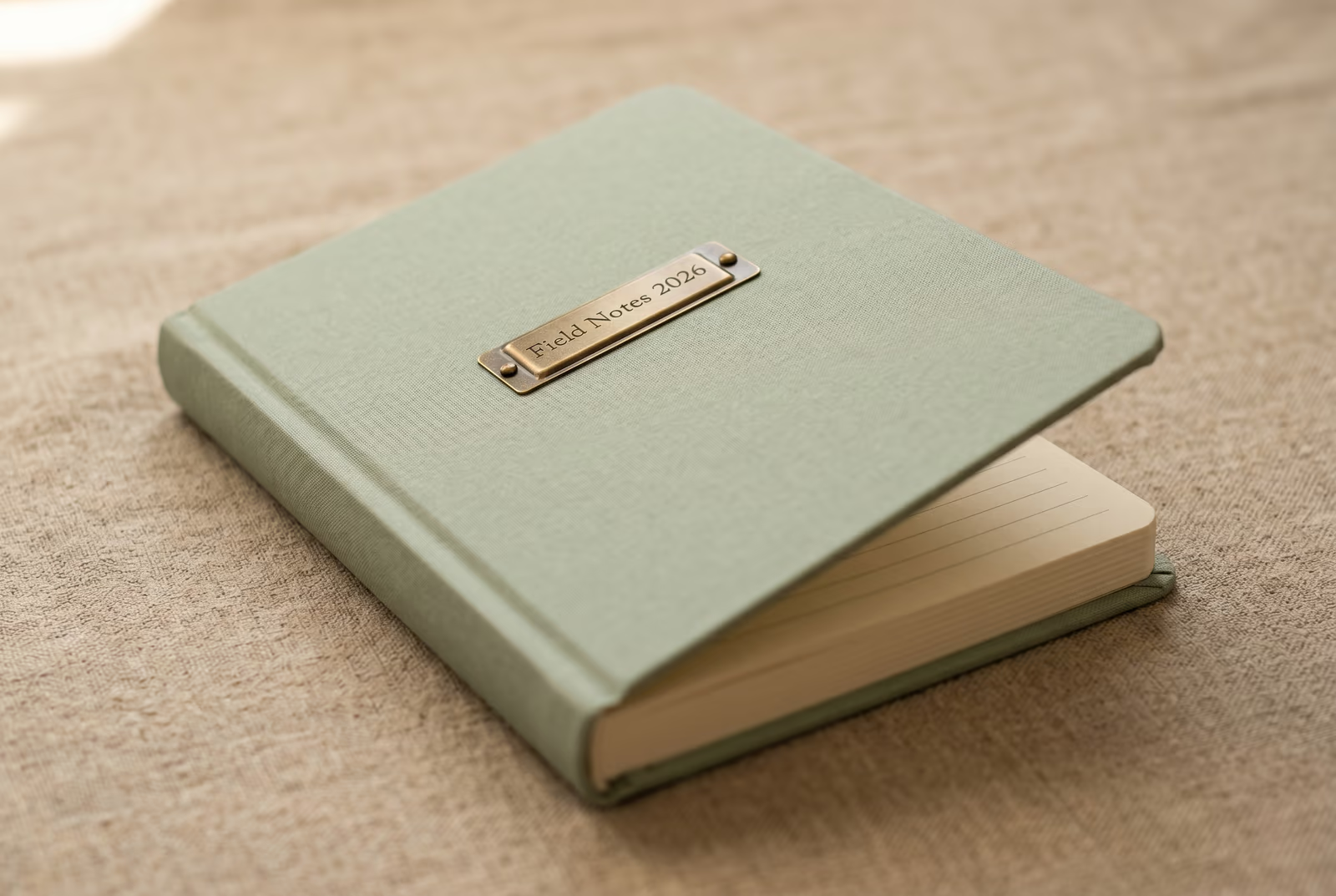
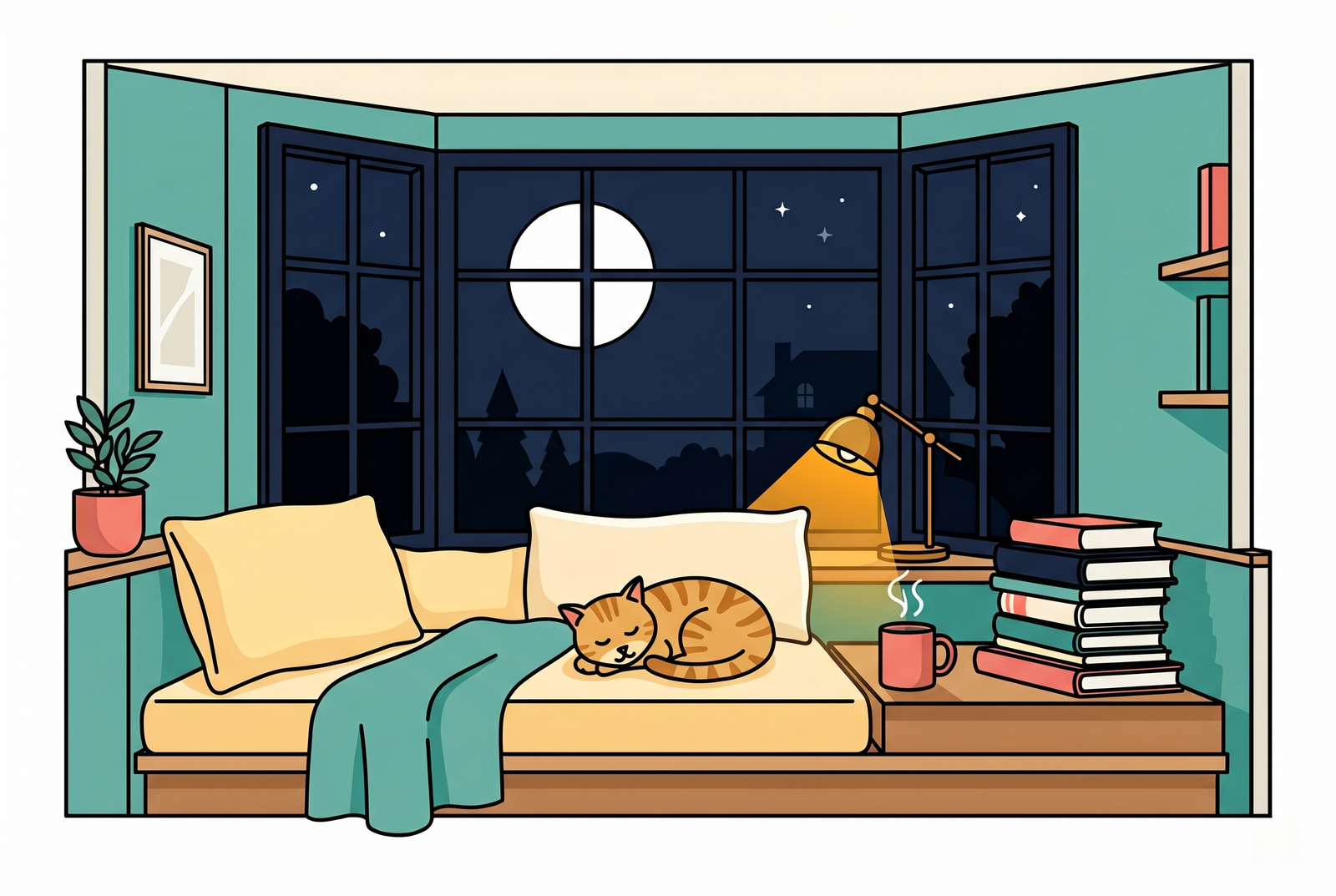
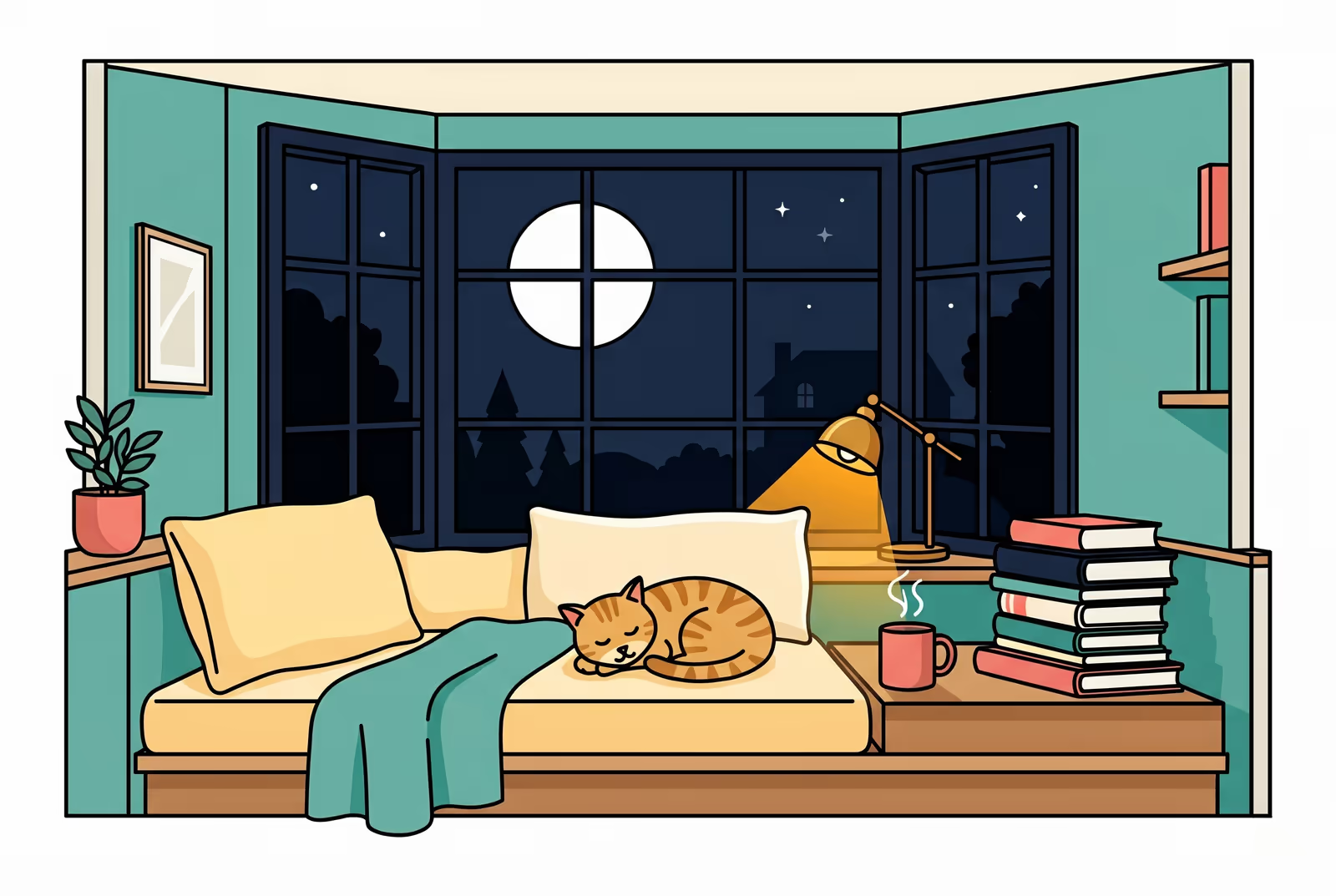
Bildet ditt, borte når du er ferdig
Format conversion runs on our side so your browser and battery stay out of it. Your upload is only held while we process it and is deleted the moment we send the result back. Nothing is saved on our servers.
- Behandlet på sekunder
- Ingenting lagres
- Ingen konto knyttet til
Last opp et bilde
Ett klikk. Ingen registrering. Vi gjør resten.
Konverter bildeformat
Trenger du å behandle mer enn ett bilde?
Gratis Convert PNG to AVIF online kjører ett bilde om gangen. En kredittpakke åpner for opptil 50 bilder per batch, én ZIP-nedlasting, og tre navngitte forhåndsinnstillinger (Blogg / Sosialt / E-handel). Fra €5 for 100 kreditter. Betal én gang, utløper aldri.
Glossary
Klare definisjoner på vanlig norsk for fagspråket ovenfor.
Vanlige spørsmål
Svar på det de fleste lurer på før de prøver et nytt verktøy.
Relaterte verktøy
Ett-klikks hopp til andre jobber dette bildet sannsynligvis trenger.
Compress image
Shrink your AVIF further without changing its format, for use on bandwidth-constrained pages.
Strip EXIF metadata
Remove camera, GPS, and device metadata before publishing the converted image publicly.
Remove Gemini watermark
Clean the Gemini AI badge off a generated image before converting it to AVIF.
Related reading on AVIF and image optimisation
Andre verktøy som passer godt sammen med dette.
- Compress without changing formatRe-encode the same format at lower bitrate when you cannot ship AVIF (legacy email clients, archive masters).
- Strip EXIF before publishingConversion preserves EXIF, so scrub camera and GPS metadata in the same pipeline before the AVIF goes public.
- Pad to a target aspect ratioMany social platforms require 1:1 or 9:16 frames; pad before converting so the AVIF lands at the correct dimensions.
- Rotate sideways photosBake EXIF orientation into the pixels so the AVIF renders correctly in every viewer regardless of orientation tag support.
Skal du sitere eller dele?
Kopier et kortfattet Markdown-sammendrag (tittel, beskrivelse, FAQ, kanonisk URL og sitering) klart til å limes inn i en LLM eller et dokument.