
View EXIF metadata online, private in-browser image inspector
Drop a JPG, PNG, WebP, or AVIF and read every EXIF, XMP, IPTC, and ICC tag it carries (GPS, camera, timestamps, copyright). Your image stays on your device, processed 100% in your browser.
- Processed 100% in your browser
- No account required
- Nothing uploaded


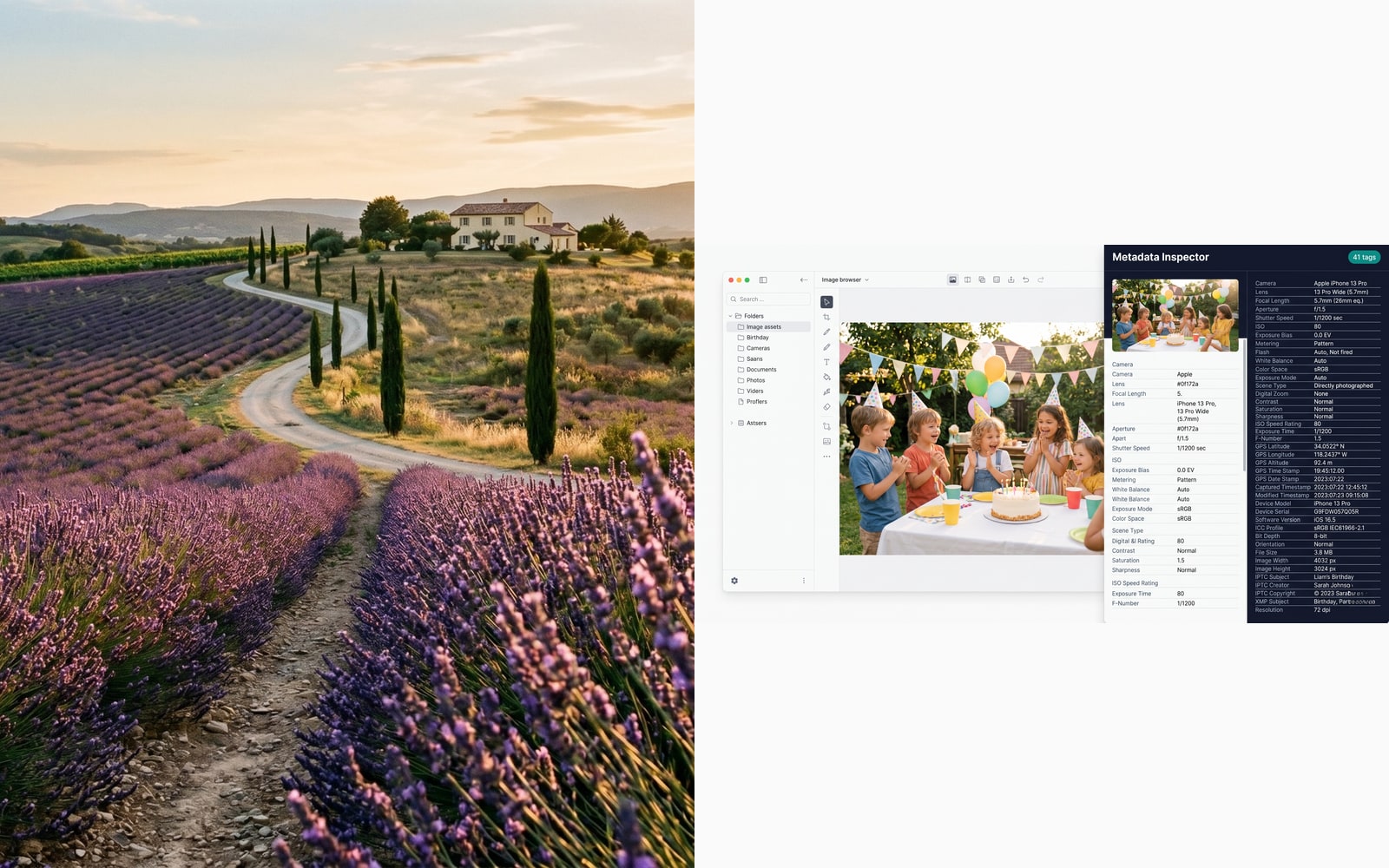
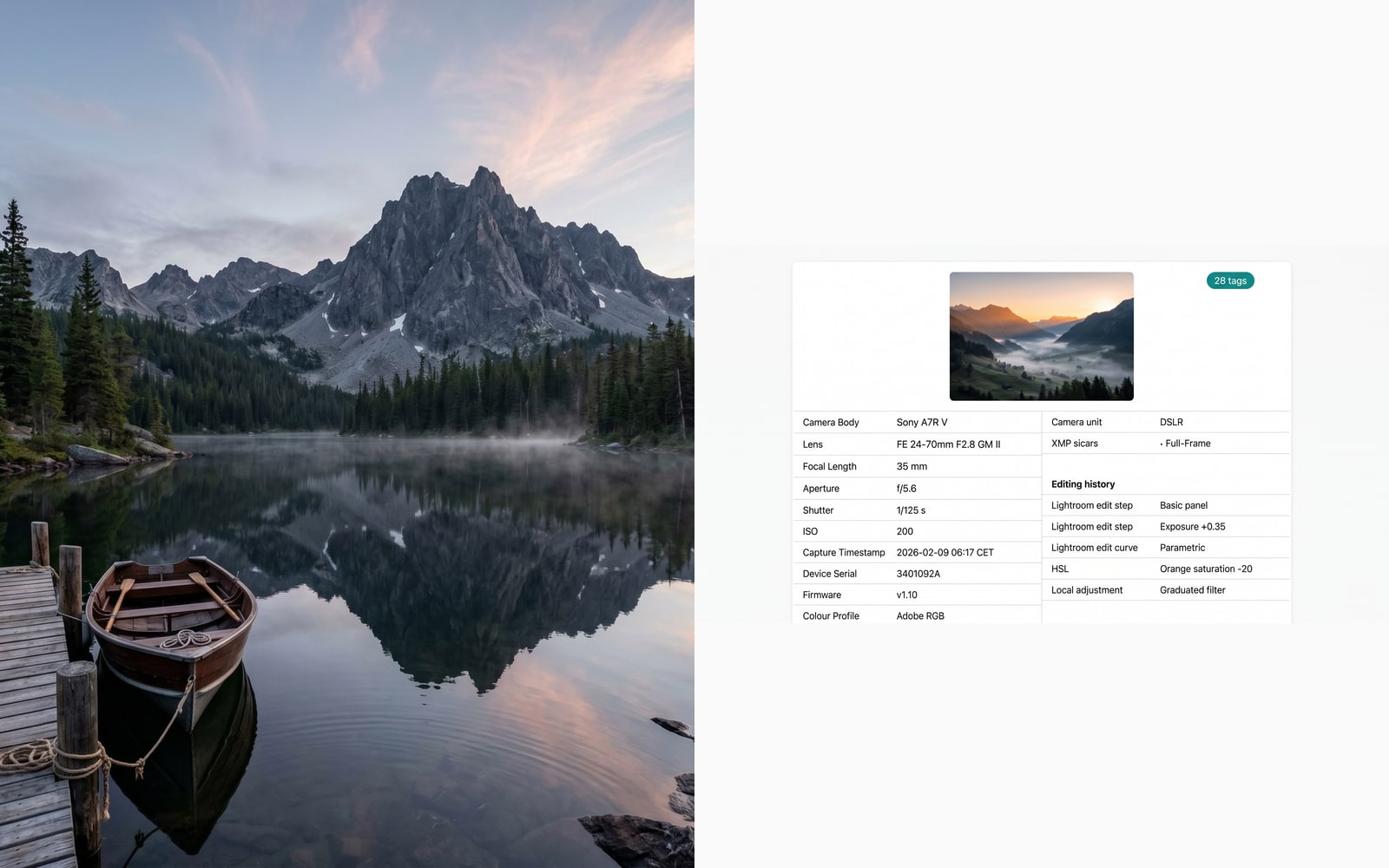
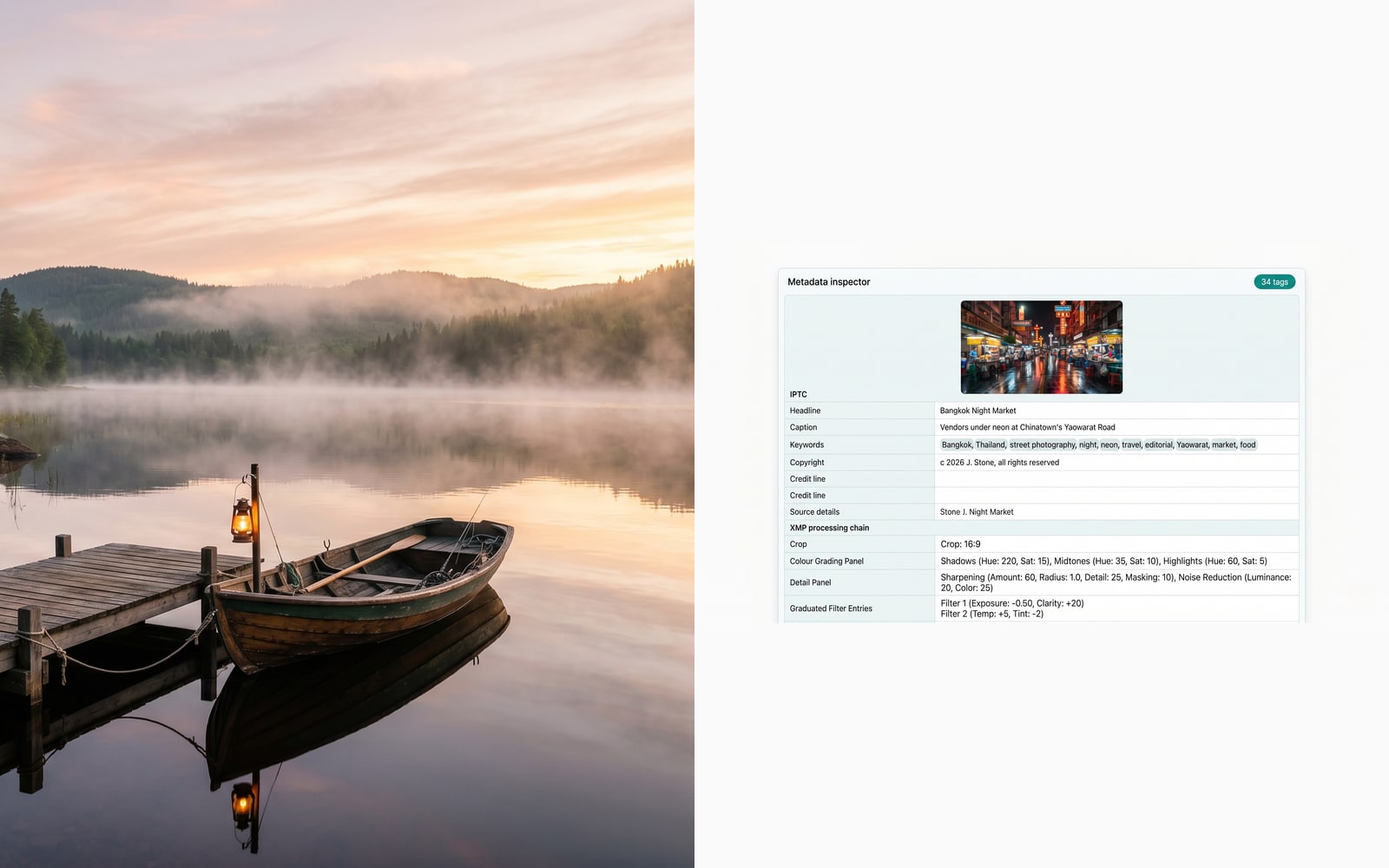
Drag to compare, before / after
Overview
Every photo your phone or camera takes ships with a hidden manifest: GPS latitude and longitude, the exact second the shutter opened, the camera make and model, the device serial number, the lens used, the software that last edited it, the copyright string, sometimes even the owner name. Most people never see it because image viewers hide the panel behind a "File info" menu.
This viewer flips that around. Drop an image in, and every EXIF, XMP, IPTC, and ICC tag is decoded and grouped into readable sections (GPS, Camera, Timestamps, Software, Copyright, Device). Privacy-relevant tags (GPS coordinates, device serials, owner names) get a warning badge so you can see at a glance whether the file is safe to publish.
The whole process runs in your browser, so your image is processed 100% on your device, never uploaded, never saved, never indexed. Once you have inspected a file, a one-click shortcut jumps you to the EXIF stripper tool to produce a clean copy for publishing.
Quick facts
The numbers and trade-offs you need before you commit.
Where it runs
Processed 100% in your browser, on your device. Nothing is uploaded to our servers.
Tags read
EXIF, XMP, IPTC, and ICC blocks grouped into GPS, Camera, Timestamps, Software, Copyright, and Device sections.
Sensitive tags
GPS coordinates, device serials, owner names, and copyright strings are badged so you can spot identifying data at a glance.
File-size limit
Twenty five megabytes per image (same as our other single-image tools).
How it works
Three steps, usually done inside five seconds.
- 1
Upload an image
Drop a JPG, PNG, WebP, or AVIF up to 25 MB. No sign-up, no credit card.
- 2
We decode every tag in your browser
EXIF, XMP, IPTC, and ICC blocks are parsed locally and grouped into GPS, Camera, Timestamps, Software, Copyright, and Device sections.
- 3
Review flagged tags
GPS coordinates, serial numbers, owner names, and other identifying tags are badged as sensitive so you can decide whether the image is safe to publish.
- 4
Strip metadata if needed
One click jumps you to the EXIF stripper, which produces a clean copy of the same image without re-encoding the pixels.
See it in action
Drag each slider to pixel-peep the before and after.



Your image, gone when you're done
The entire EXIF read runs in your browser. Your image is processed 100% on your device, never uploaded to our servers, never saved, never trained on. This is the strictest privacy tier we offer; a tiny on-device parser reads the metadata in memory and throws it away the moment you close the tab.
- Processed in seconds
- Nothing saved
- No account linked
Upload an image
One click. No signup. We'll do the rest.
View EXIF metadata
Metadata glossary
Plain-English definitions for the jargon above.
Frequently asked questions
Answers to the things most people ask before trying a new tool.
Related tools
One-click jumps to other jobs this image probably needs.
Strip EXIF metadata
Once you have seen what the image leaks, produce a clean copy with every EXIF, XMP, and IPTC block removed (no re-encoding).
Compress image
Shrink a photo before you publish it. Pairs well with stripping metadata for a tight, private upload.
Convert PNG to AVIF
Re-encode to AVIF for roughly half the byte cost. Converting also drops legacy metadata blocks along the way.
Citing or sharing?
Copy a concise Markdown summary (title, description, FAQ, canonical URL, and citation) ready to paste into an LLM or a doc.