
Convert JPEG to PNG (JPEG to Portable Network Graphics)
Convert JPEG to PNG online. Drop a JPEG and get a Portable Network Graphics back at roughly 851% of the original byte cost. No sign-up, nothing saved.
- Pixel-exact snapshot
- No account required
- Nothing saved
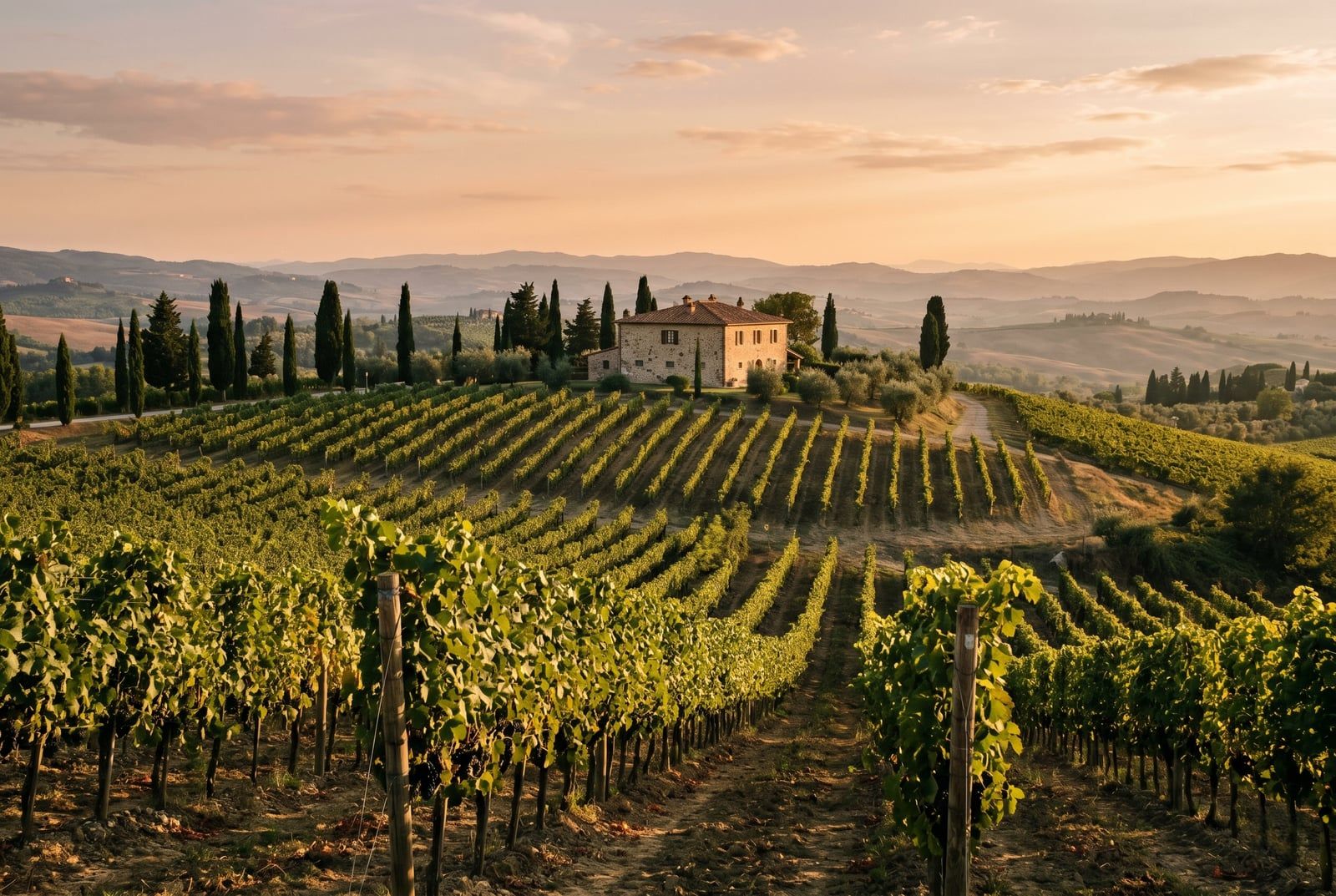
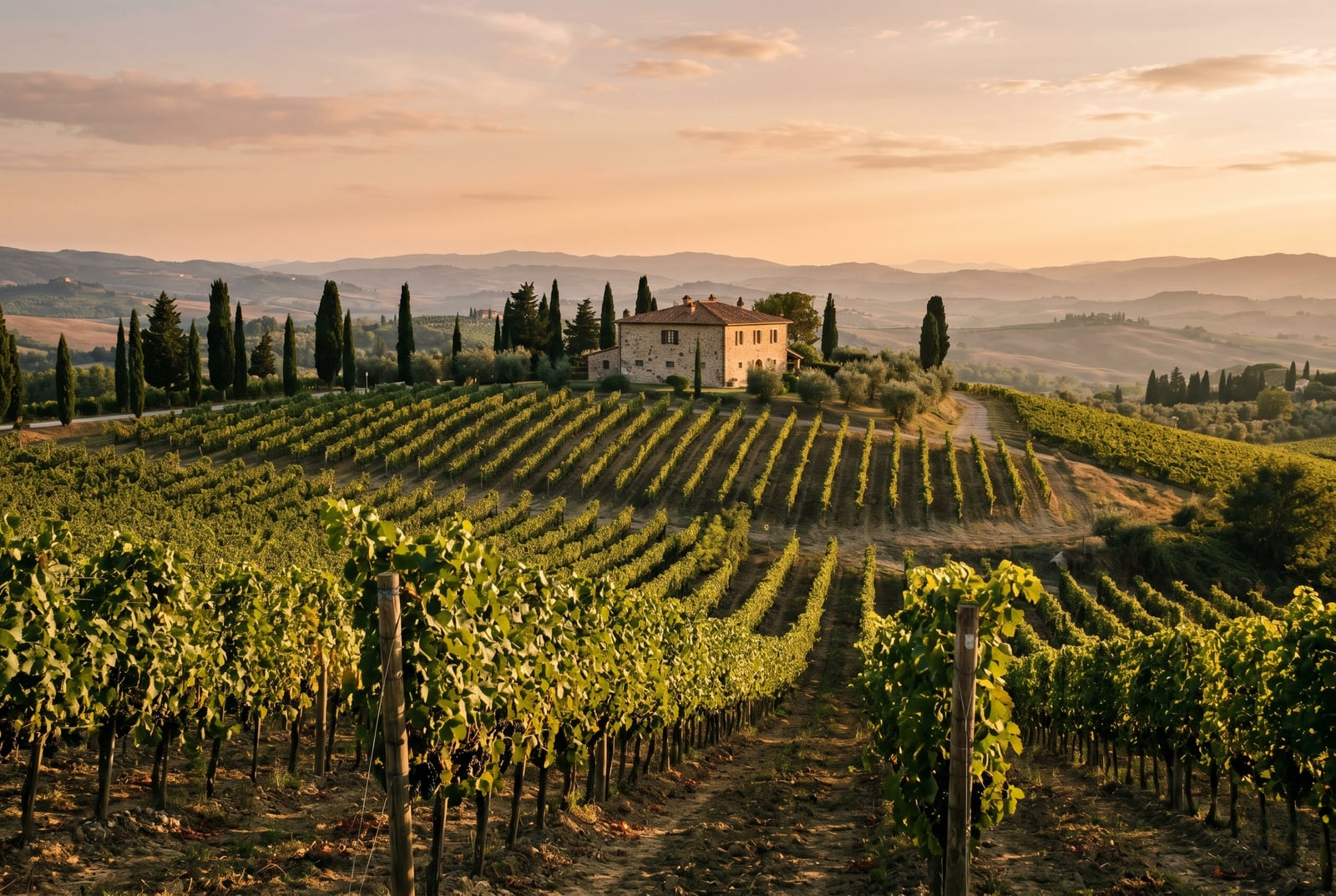
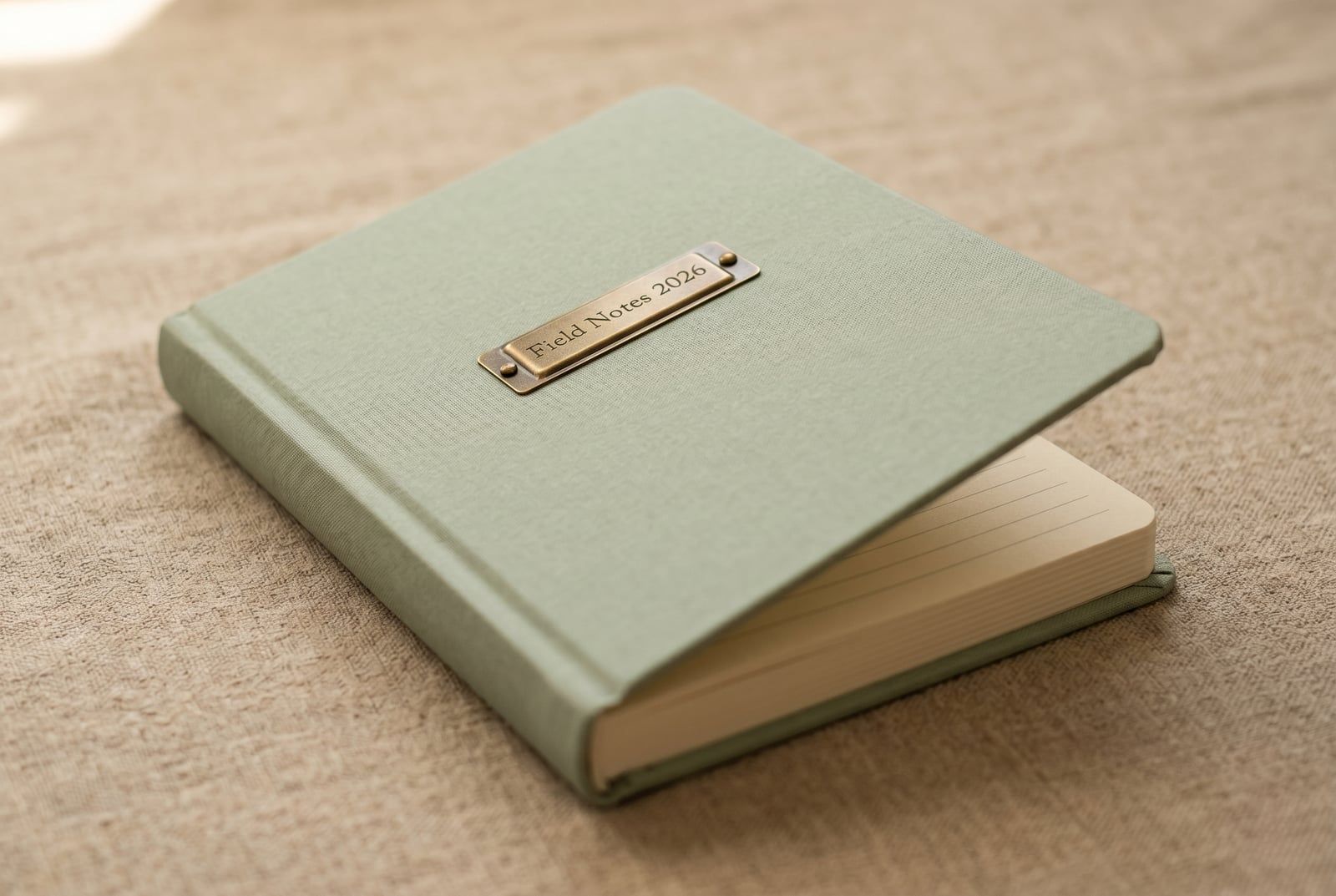
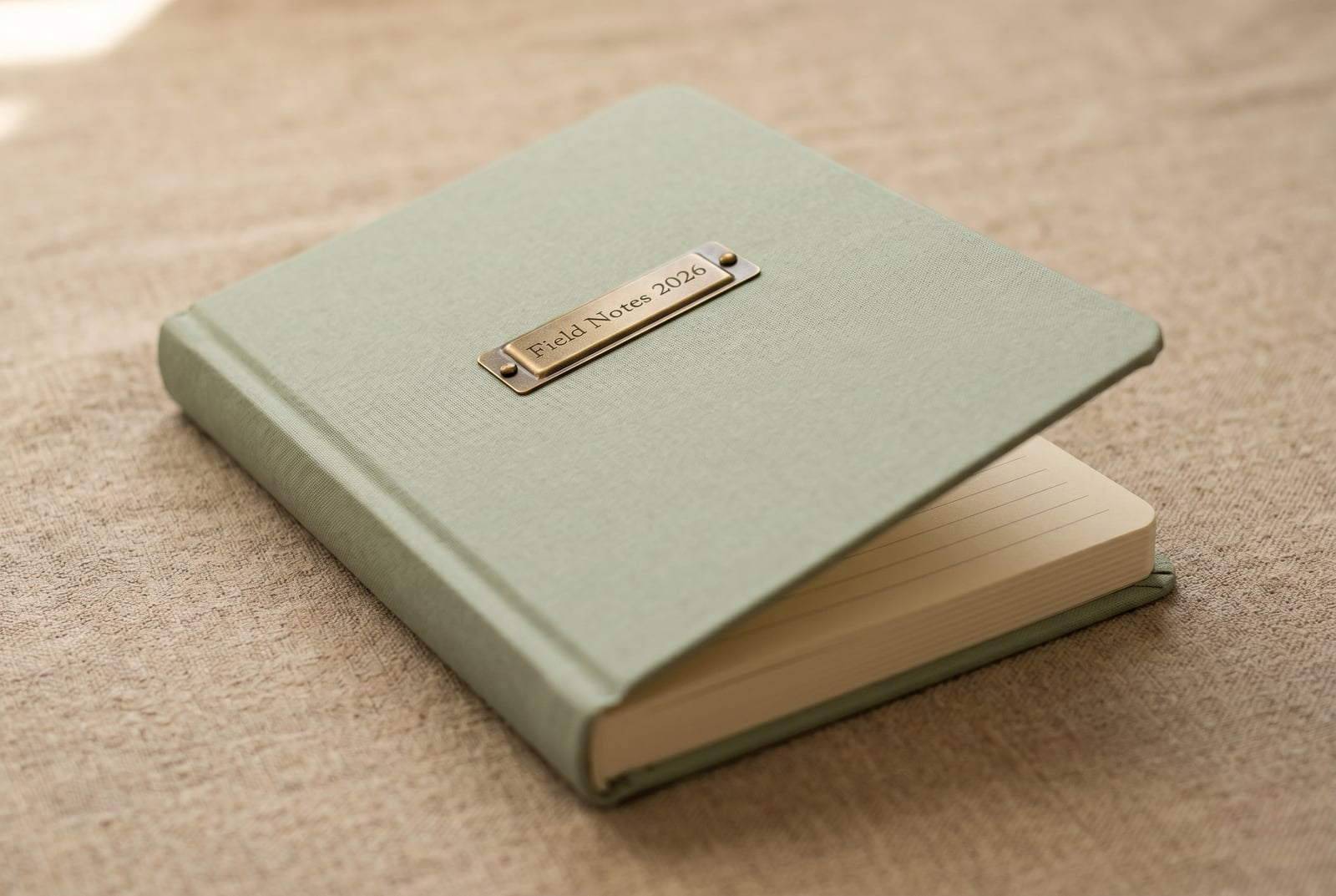
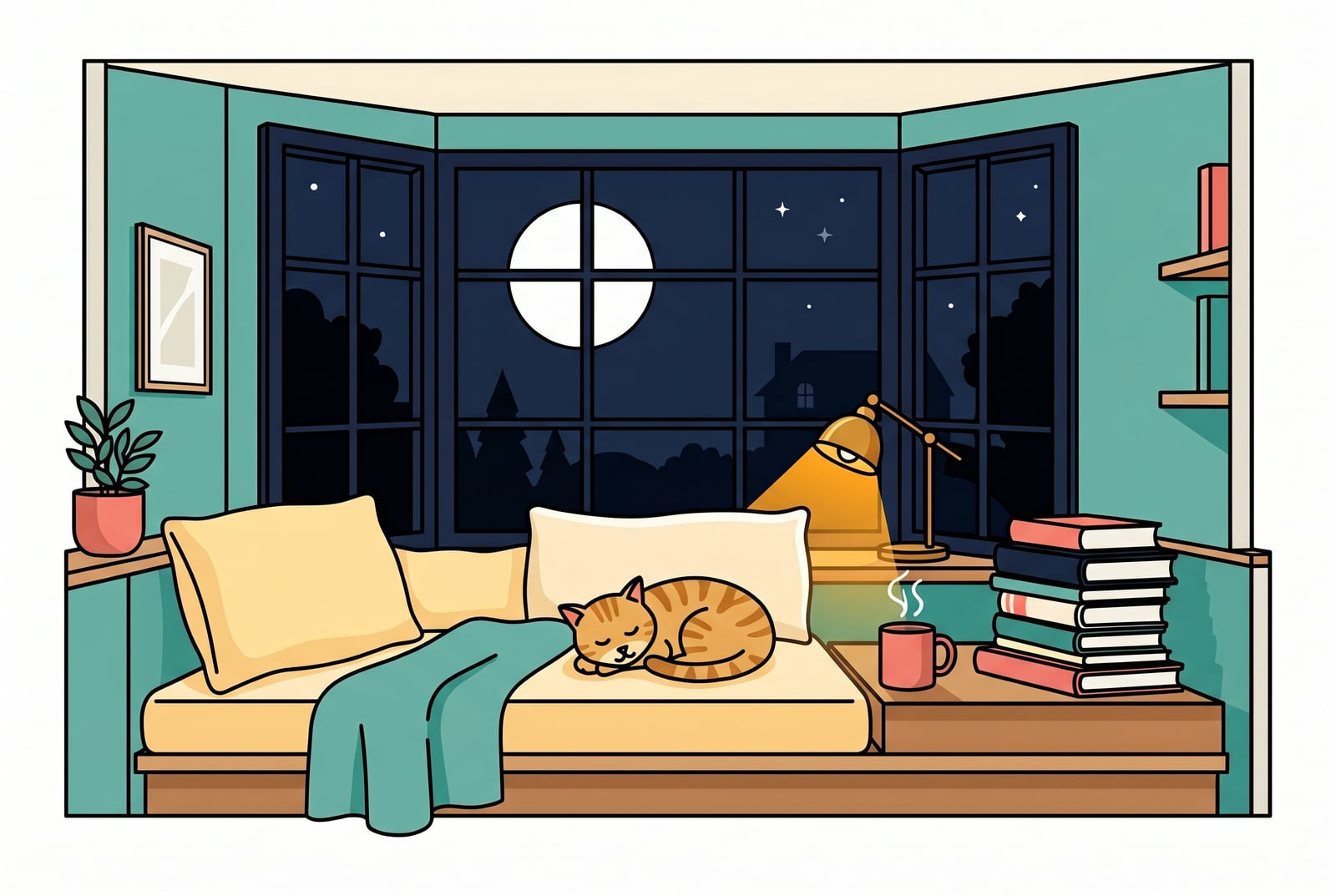
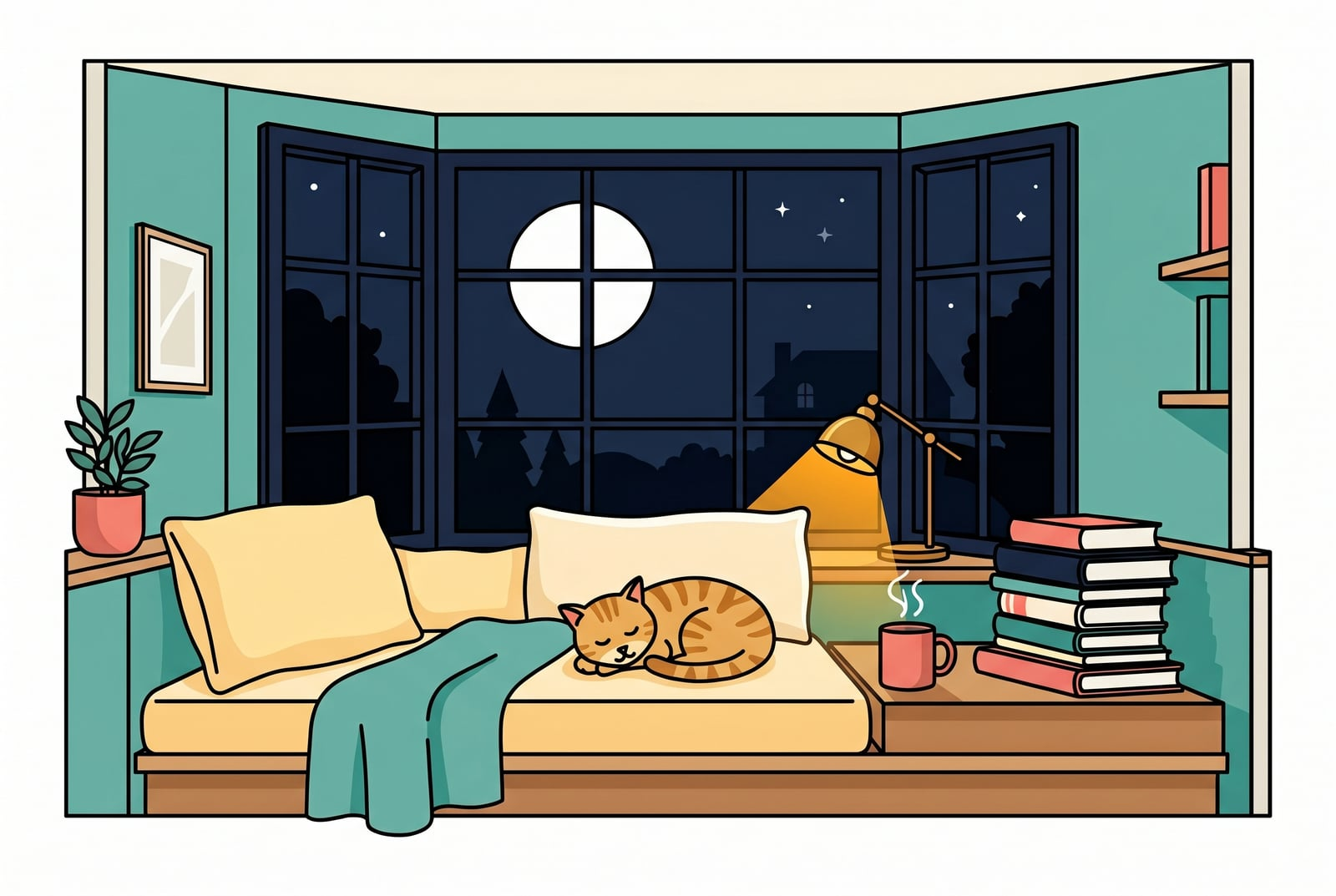
Drag to compare, before / after
Overview
Convert JPEG to PNG. This tool takes a JPEG and re-encodes its pixels as a lossless Portable Network Graphics. What this does NOT do is recover detail that JPEG already discarded: the source was lossy, so the PNG you get back is a pixel-exact snapshot of the already-compressed image, not a higher-quality original.
PNG (Portable Network Graphics) is lossless: every pixel of the input is preserved exactly. It was standardised in 1996, supports an alpha channel, and is the universal editor-friendly format. Design tools (Photoshop, Figma, Affinity) import PNG without quality loss, which is why it is the right target when the next step is manual editing, layer compositing, or a transparent overlay.
JPEG (JPEG) is a lossy codec: its whole value is squeezing photographic content into a small file by discarding detail the eye is unlikely to notice. That compression is one-way. By the time a JPEG exists, the original high-frequency detail is gone forever and no subsequent format change can bring it back. This is the single most important fact about this direction.
The trade-off is size. PNG needs roughly 851% more bytes than JPEG for the same pixels, because it cannot compress by discarding perceptual detail. That is a feature of PNG, not a flaw. The upside is a file that survives round-trips through an editor with zero generation loss, unlike a JPEG that degrades slightly with every re-save.
When NOT to convert JPEG to PNG: when the destination is the public web (ship the JPEG directly or re-encode to a modern codec like AVIF or WebP). When you want "better quality" from the already-compressed source (you cannot get quality back). When the source already has a lossless master available: go back to the master, not through the JPEG.
Your JPEG upload is held only while we re-encode it. The resulting PNG comes back on a one-time download link and is deleted the moment you fetch it. Nothing is saved on our servers, and no account ties the upload to you. Converting JPEG to PNG on BouseMutton is a quiet one-shot snapshot, not a saved artefact.
JPEG to PNG at a glance
The numbers and trade-offs you need before you commit.
No quality recovery
JPEG was already lossy, so the PNG is a pixel-exact snapshot of the already-compressed image. The original uncompressed detail cannot be restored.
Editor-friendly
PNG survives round-trips through image editors losslessly, so repeated save-and-reload cycles will not compound compression artifacts the way JPEG would.
Alpha channel available
PNG supports transparent backgrounds and semi-transparent compositing. JPEG cannot represent transparency, so moving to PNG unlocks alpha workflows.
Expect a larger file
PNG cannot compress by discarding perceptual detail, so it needs roughly 851% more bytes than JPEG at identical pixels.
Archival snapshot
A PNG is a stable rollback point: further edits in an editor will not progressively degrade the file the way they do with JPEG.
Not a web-delivery choice
For public-web delivery, re-encode from the original source to AVIF or WebP. The PNG is a working artefact, not a distribution format for a site of this era.
Year standardised
PNG dates from 1996 and is supported in roughly 100%% of browsers; every image editor imports it without quality loss.
How it works
Three steps, usually done inside five seconds.
- 1
Upload a JPEG
Drop a JPEG up to 25 MB, or paste from the clipboard. No sign-up, no credit card.
- 2
We wrap it as lossless PNG
We decode the JPEG and re-encode the resulting pixels as PNG with no further quality loss. The PNG you get back is a pixel-exact snapshot of the decoded source.
- 3
Download your PNG
Your PNG comes back on a one-time download link, ready to drop into an editor. Fetch it and the file is deleted; never come back and it is deleted anyway.
See it in action
Drag each slider to pixel-peep the before and after.
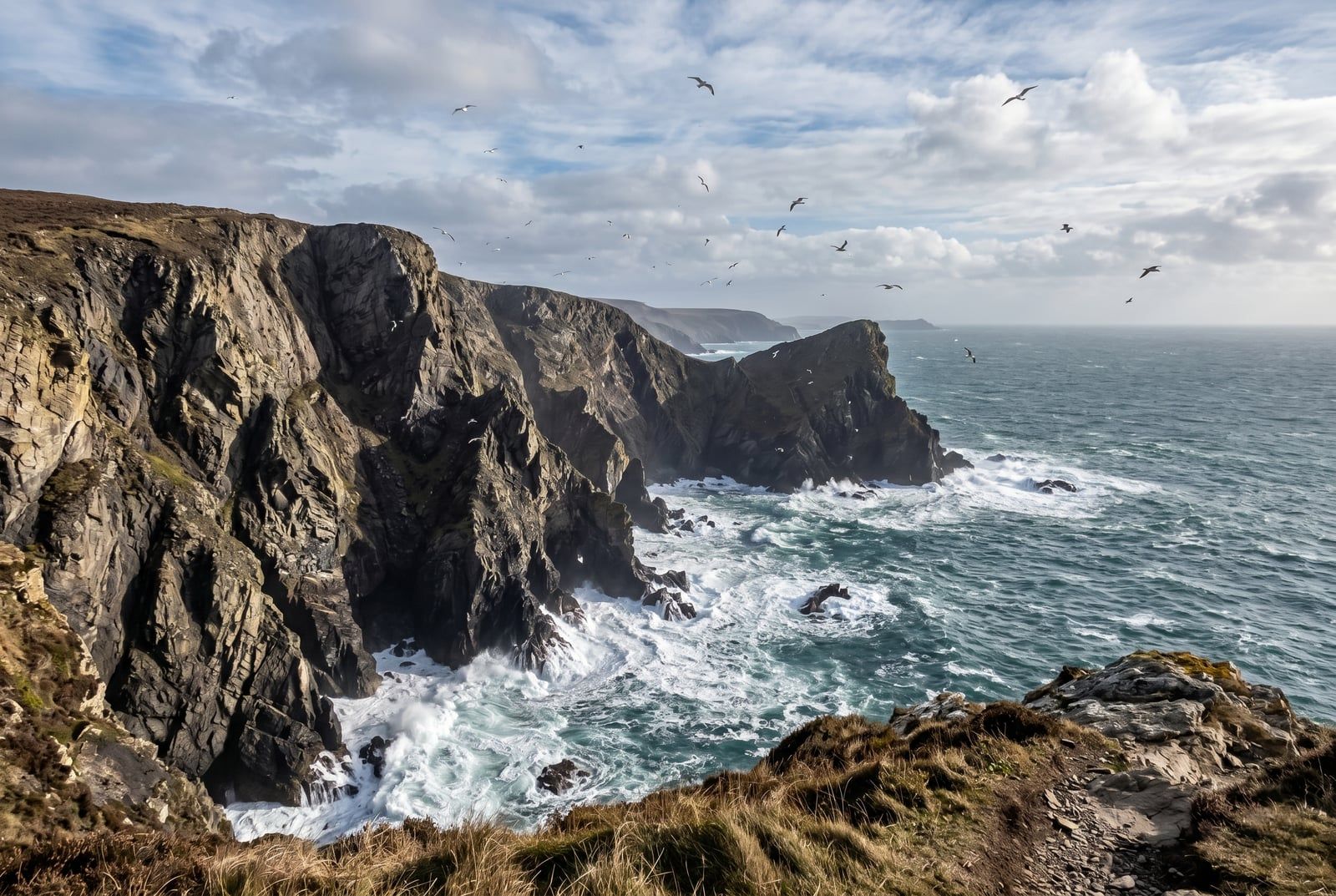
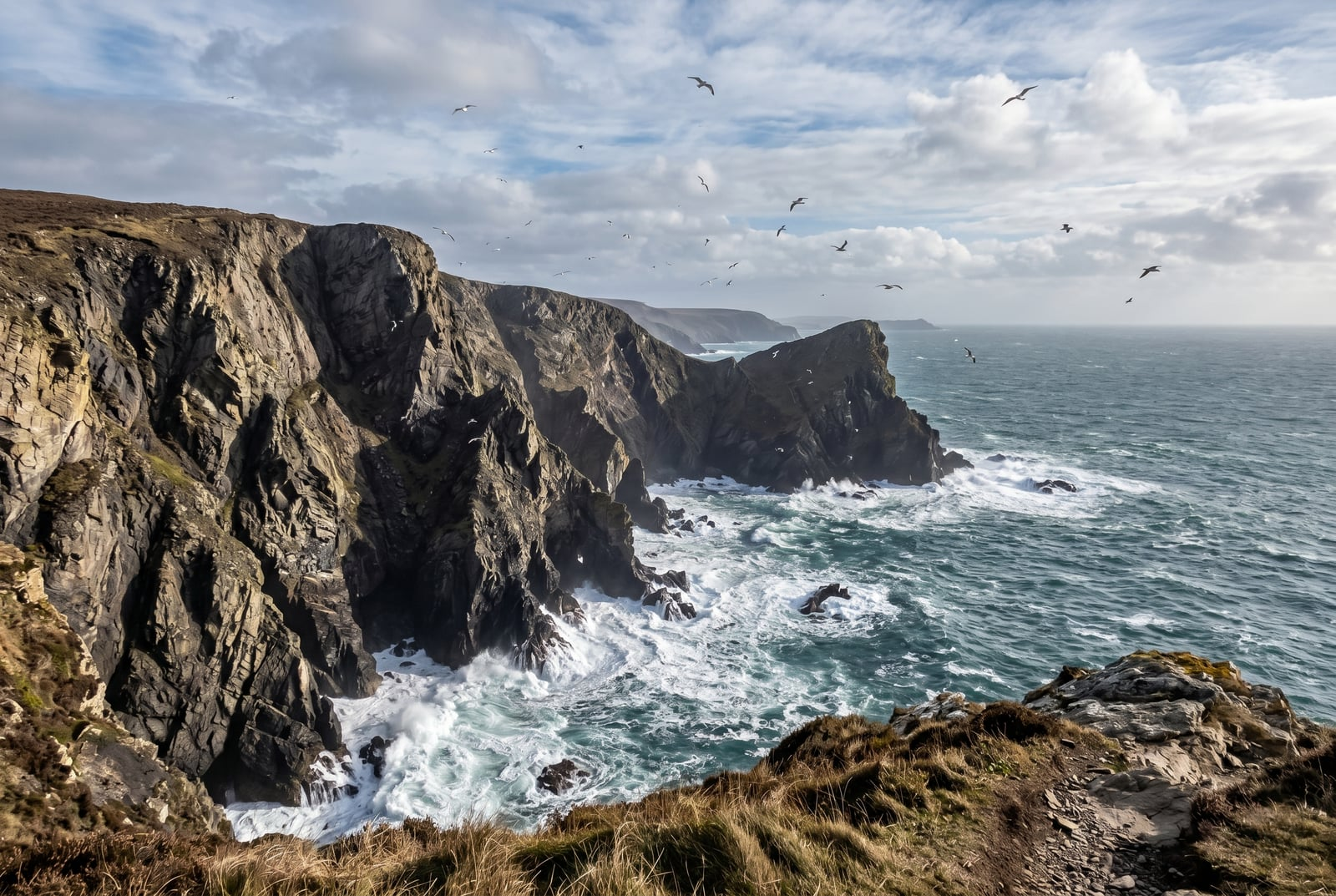
Your image, gone when you're done
Your JPEG upload is held only while we re-encode it. The resulting PNG comes back on a one-time download link and is deleted the moment you fetch it. Nothing is saved on our servers, and no account ties the upload to you. Converting JPEG to PNG on BouseMutton is a quiet one-shot snapshot, not a saved artefact.
- Processed in seconds
- Nothing saved
- No account linked
Upload an image
One click. No signup. We'll do the rest.
Convert image format
Need to process more than one image?
The free Convert JPEG to PNG (JPEG to Portable Network Graphics) runs one image at a time. A credit pack unlocks up to 50 images per batch, a single ZIP download, and three named presets (Blog / Social / Ecom). From €5 for 100 credits. Pay once, never expire.
Glossary for JPEG and PNG
Plain-English definitions for the jargon above.
Frequently asked questions
Answers to the things most people ask before trying a new tool.
Related tools
One-click jumps to other jobs this image probably needs.
Strip EXIF metadata
Remove camera, GPS, and device metadata before publishing the converted image publicly.
Rotate sideways photos
Bake EXIF orientation into the pixels so the converted file renders correctly in every viewer regardless of orientation tag support.
Pad to a target aspect ratio
Extend the canvas to a 1:1 or 9:16 frame without losing pixels, before or after the format conversion.
Related reading on JPEG, PNG, and editor workflows
Other tools that pair well with this one.
- Browse all format convertersSee the full set of JPEG and PNG tools on BouseMutton, including compression, EXIF stripping, and resize.
- JPEG -> AV1 Image File FormatAlso converting JPEG to AV1 Image File Format? This tool handles the same source in a different target format, for cases where the codec choice differs.
- WebP -> Portable Network GraphicsRun WebP through this tool before or after conversion to Portable Network Graphics, depending on the workflow step you are at.
- Compress imageShrink an already-converted image further without changing its format, for bandwidth-constrained pages.
Citing or sharing?
Copy a concise Markdown summary (title, description, FAQ, canonical URL, and citation) ready to paste into an LLM or a doc.