
Bulk rename images with EXIF dates, in your browser
Drop up to 200 images, type a token pattern (e.g. {date}-{seq:03d}), and download a ZIP of renamed files plus a manifest.csv mapping old to new. The pattern can read the photo date, original filenames, dimensions, camera, and lens from each image. Photos never leave your browser.
- Processed 100% in your browser
- No account required
- Up to 200 files, 100 MB each
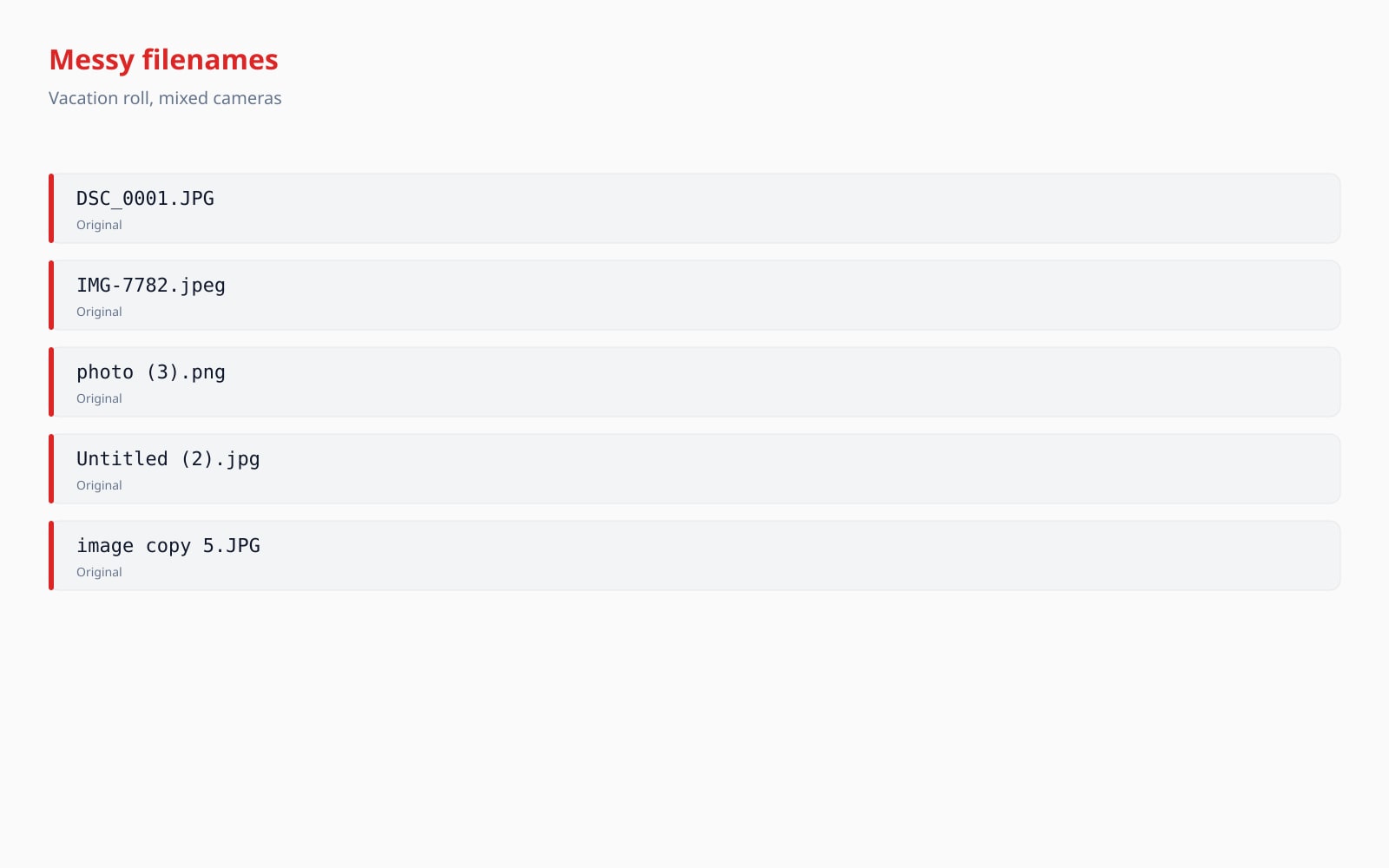
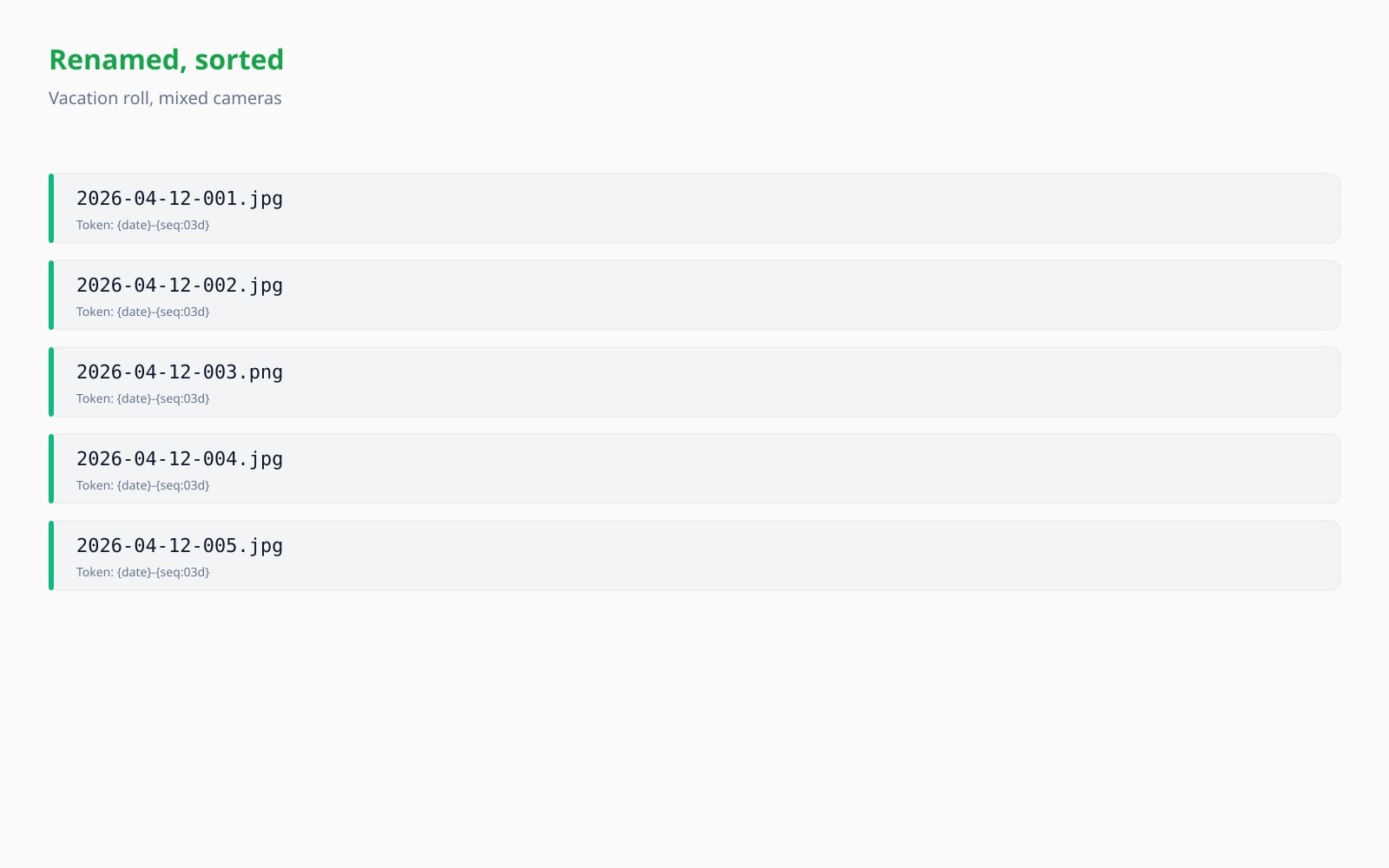
Drag to compare, before / after
Overview
Photographers, asset managers, and journalists end up doing the same chore over and over: take a folder of camera-default filenames (IMG_1234.JPG, DSC_0001.RAF, _DSC4567.NEF, P5300012.JPG) and turn them into something a human can sort and a CMS will accept. The destination pattern is usually the same: shoot date plus a sequence number, sometimes camera body, sometimes the original basename as a suffix.
Desktop tools (Adobe Bridge, ExifTool, A Better Finder Rename) do this well, but they require an install and a license. Web tools that exist tend to upload your photos to a third-party server, which is the opposite of what you want for a private shoot or an embargoed press release.
BouseMutton runs the rename + ZIP pipeline entirely in your browser. Drop up to 200 files, type a token pattern (the default is {date}-{seq:03d}, which produces 2026-04-28-001.jpg, 002.jpg, etc.), and the preview table shows you exactly what each file will be renamed to. Click Build ZIP and the browser writes a deterministic ZIP archive containing every renamed file plus a manifest.csv mapping old to new. Image bytes never leave the page.
Quick facts
The numbers and trade-offs you need before you commit.
Where it runs
Processed 100% in your browser. Nothing is uploaded.
Batch cap
Up to 200 files per ZIP, each up to 100 MB. PNG, JPG, WebP, AVIF, GIF, HEIC, or HEIF.
Pattern tokens
{date}, {time}, {seq:NNd} (NN is 1 to 9), {original}, {ext}, {w}, {h}, {camera}, {lens}.
Collision detection
Case-insensitive by default (matches Windows / macOS filesystems). Switch to case-sensitive for ext4 / btrfs targets.
Audit trail
manifest.csv with old,new header is committed to every ZIP so the rename is reversible in a spreadsheet.
How it works
Three steps, usually done inside five seconds.
- 1
Drop your files
PNG, JPG, WebP, AVIF, GIF, HEIC, or HEIF. Up to 200 files per batch, up to 100 MB each. No sign-up, no credit card.
- 2
Type a rename pattern
The default is {date}-{seq:03d}, but you can compose any combination of {date}, {time}, {seq:NNd}, {original}, {ext}, {w}, {h}, {camera}, and {lens}. Literals (dashes, underscores, slashes are stripped) are allowed between tokens.
- 3
Review the preview table
Each row shows the original filename, the resolved new filename, and a status badge (OK, collision, fallback, truncated). Collisions block the Build ZIP button until you adjust the pattern or enable the case-sensitive switch.
- 4
Download the ZIP
The browser writes a ZIP archive with every renamed file plus a manifest.csv mapping old to new in input order. Open the manifest in a spreadsheet to keep an audit trail of the rename.
See it in action
Drag each slider to pixel-peep the before and after.
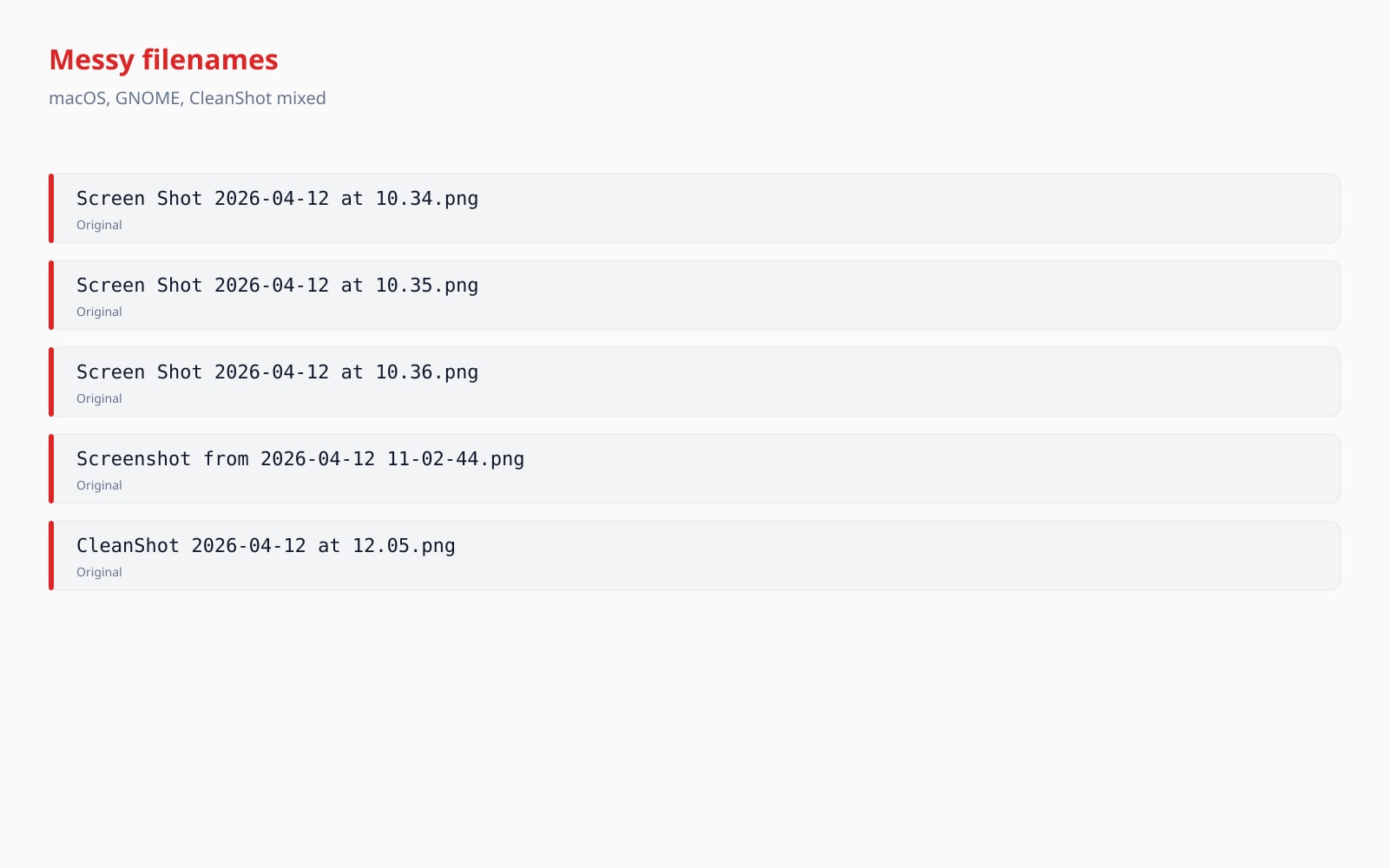
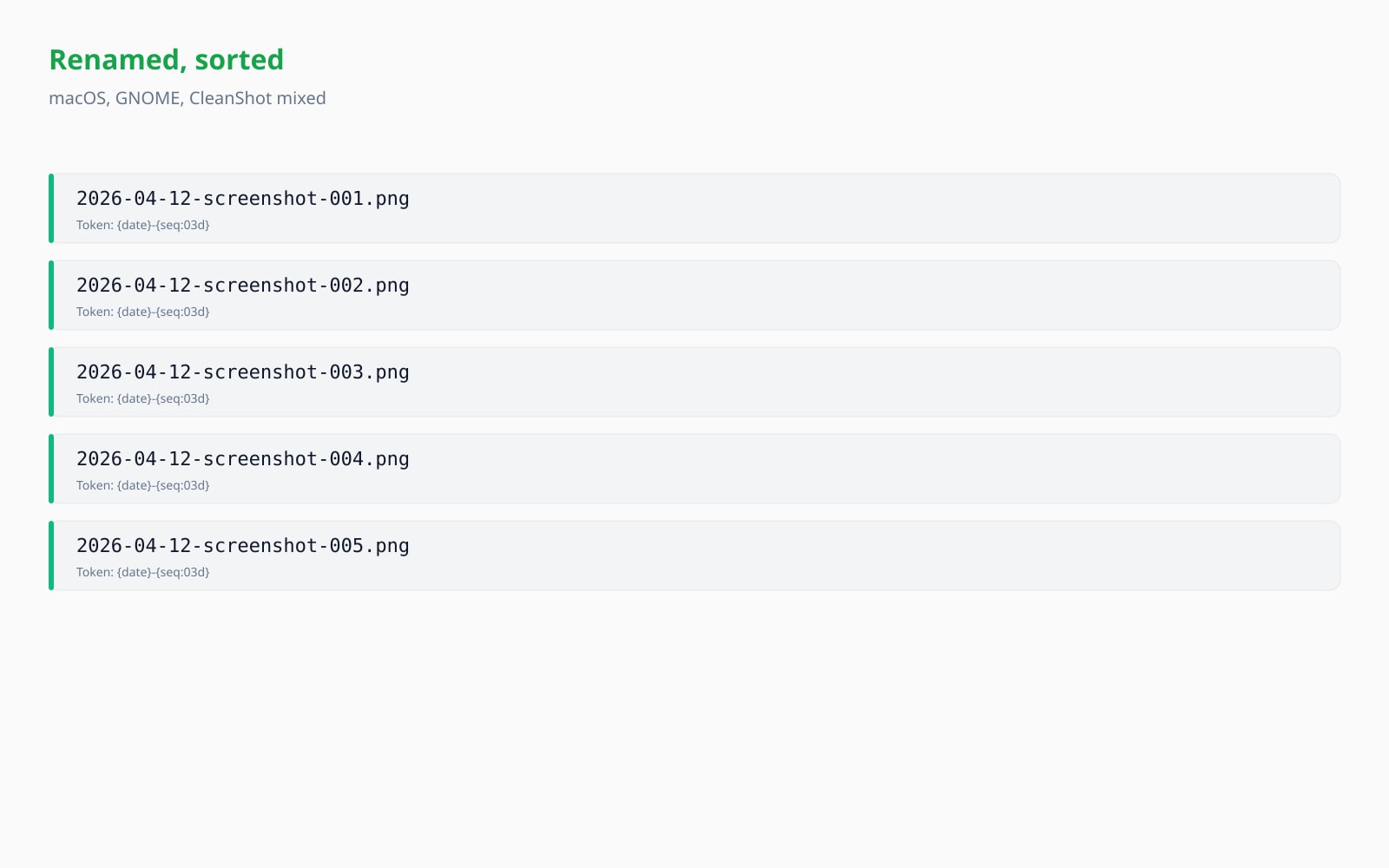
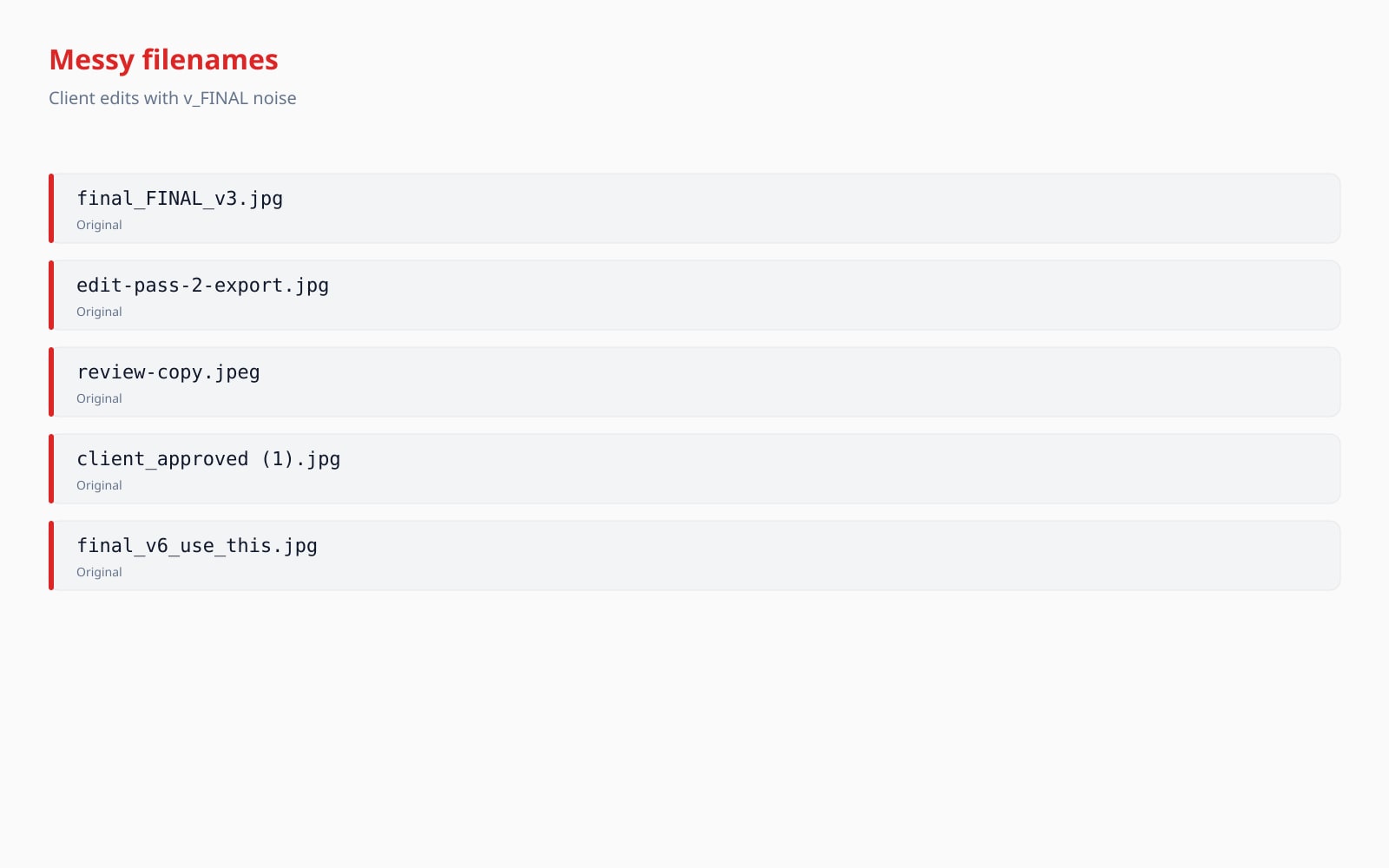
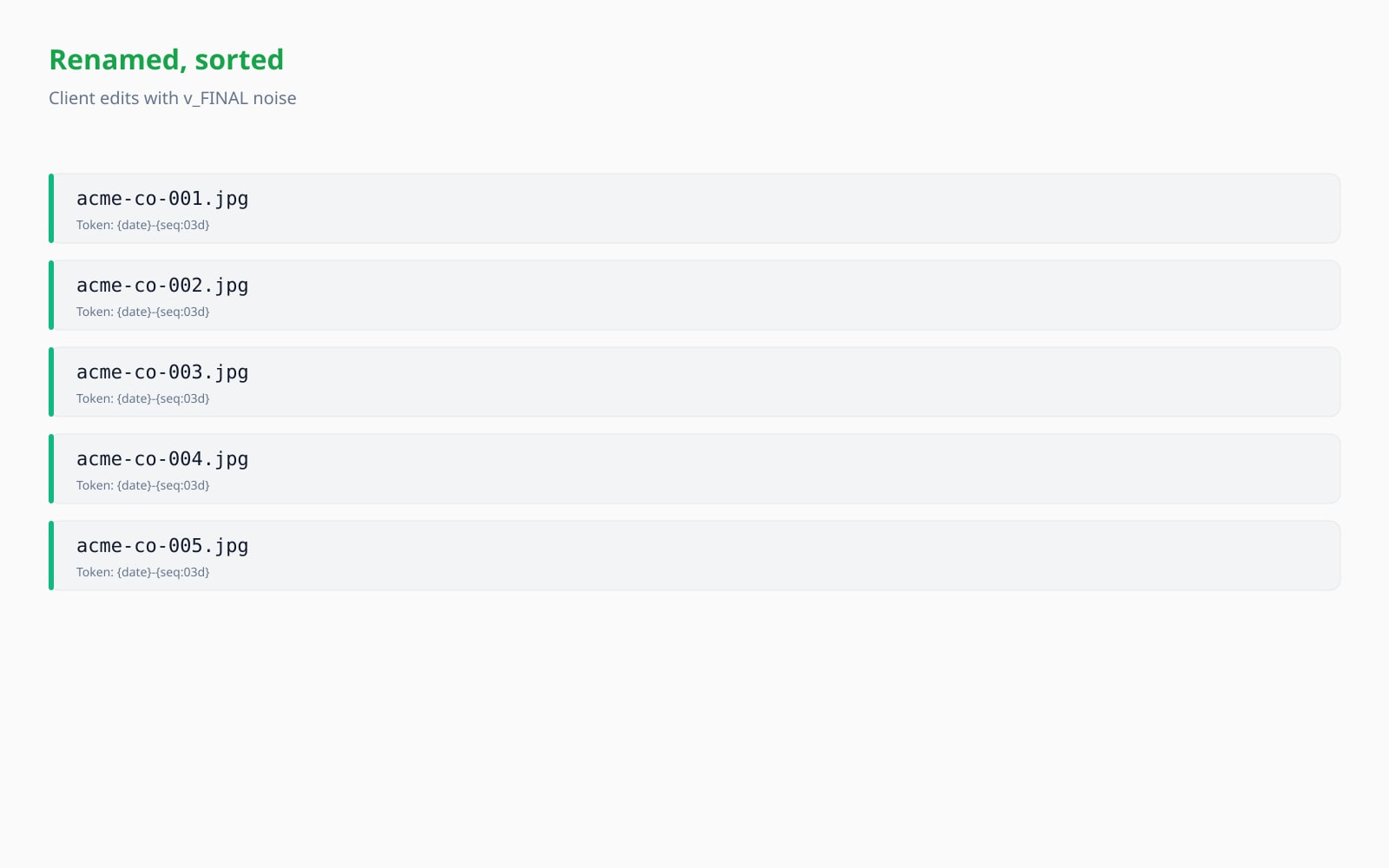
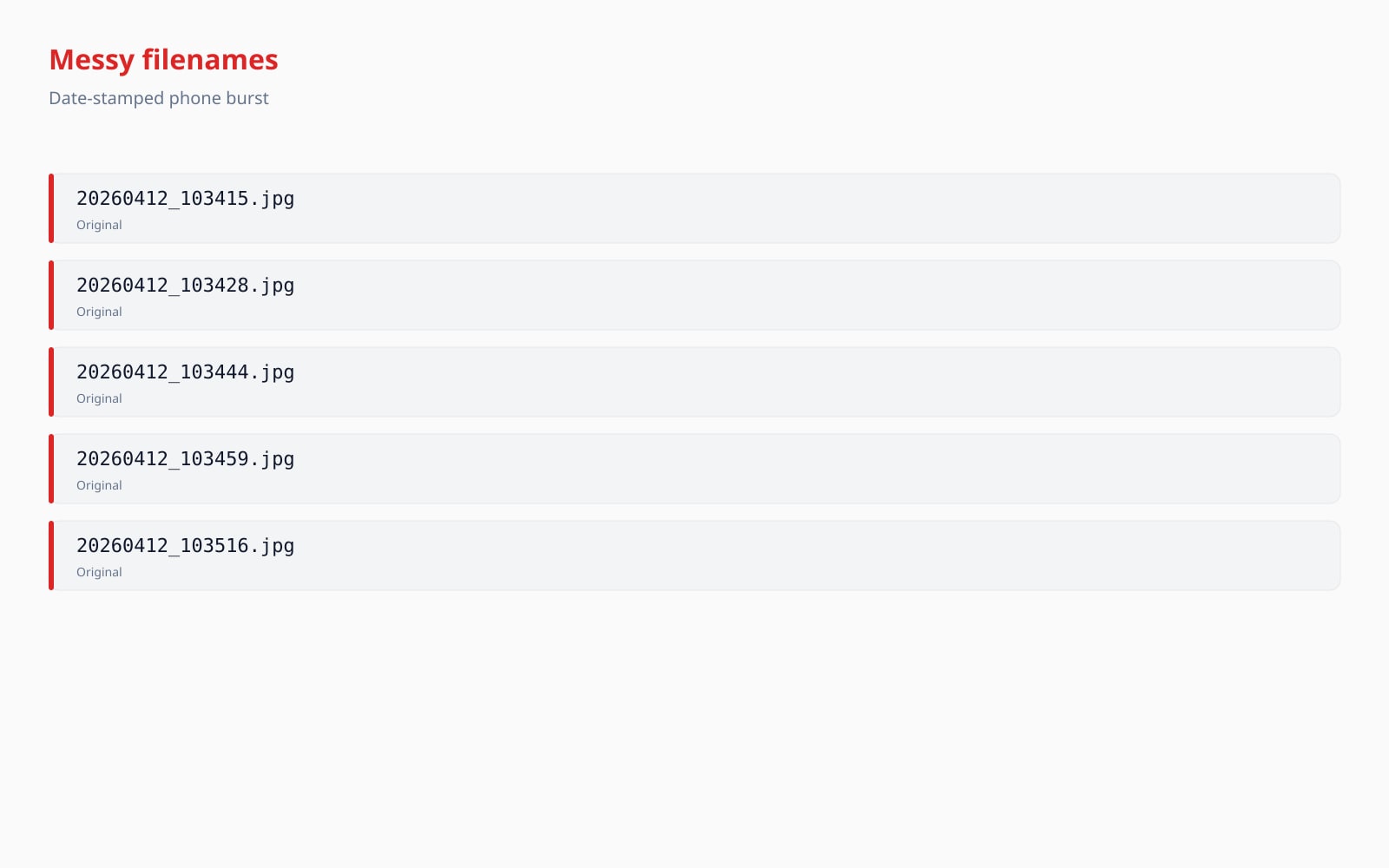
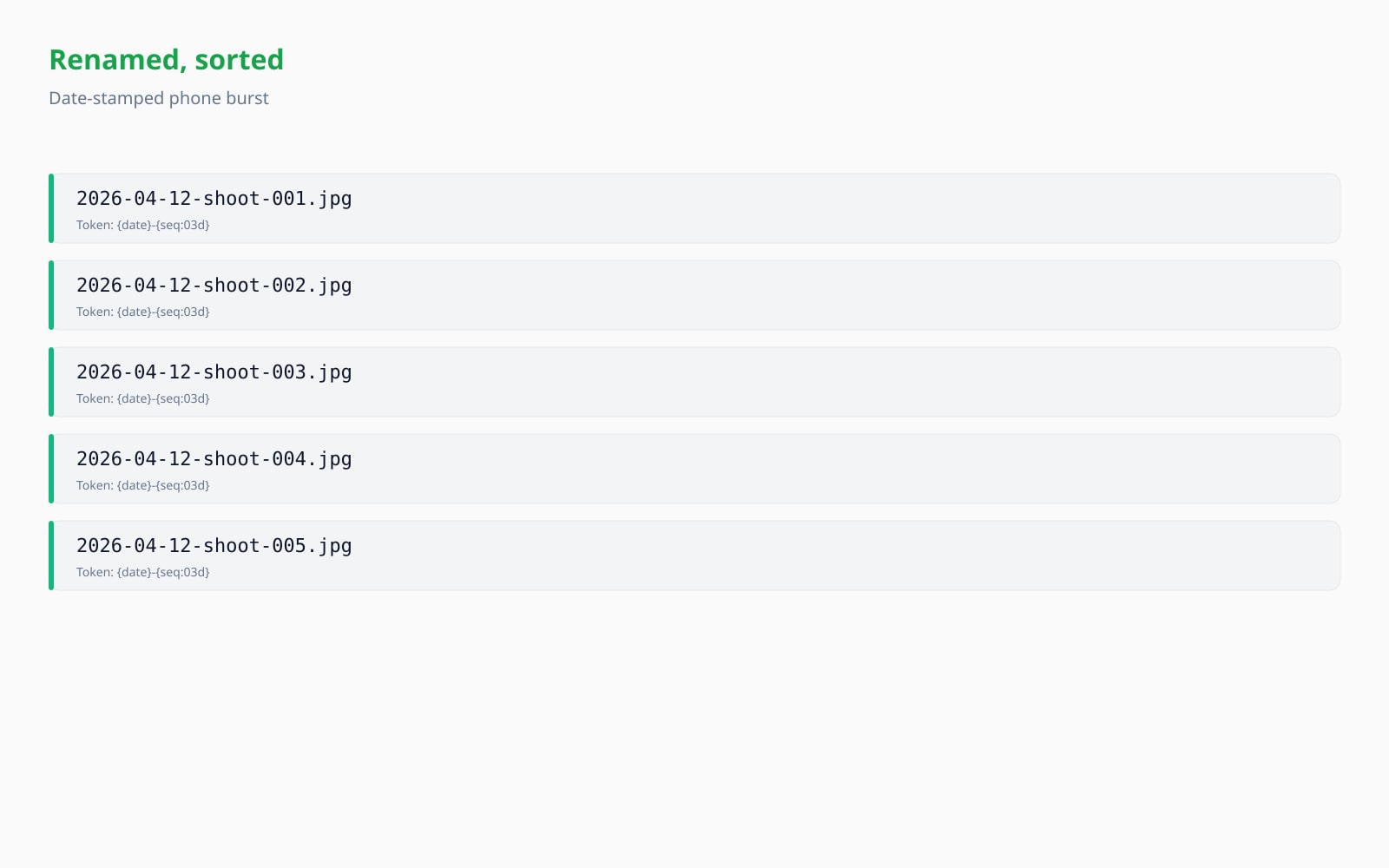
Your image, gone when you're done
The rename + ZIP pipeline runs entirely in your browser. EXIF parsing, dimension probing, sanitisation, collision detection, and ZIP writing all happen on the main thread or a render-cycle off-thread tick. The image bytes never reach our servers, never touch disk, and are not used to train any model. The only network traffic is a single Plausible analytics beacon (consent-gated) carrying nothing but the page name, the file count, and the alphabetical set of token names used in the pattern.
- Processed in seconds
- Nothing saved
- No account linked
Upload an image
One click. No signup. We'll do the rest.
Bulk rename images
Tokens: {date}, {time}, {seq:NNd}, {original}, {ext}, {w}, {h}, {camera}, {lens}.
Bulk-rename glossary
Plain-English definitions for the jargon above.
Frequently asked questions
Answers to the things most people ask before trying a new tool.
Related tools
One-click jumps to other jobs this image probably needs.
Convert HEIC to JPG
Renaming after converting is a common workflow: start with HEIC files from an iPhone, convert to JPG, then bulk-rename to a date-based pattern. Both tools run in your browser.
View EXIF metadata
Curious what date, camera, or lens metadata your photos carry before you build the rename pattern? The viewer shows GPS, camera, and copyright tags in the same browser-only privacy posture.
Extract colour palette
Once your photos are sorted by date you often want to pull a colour palette for the cover image. The palette extractor uses the same client-local pipeline.
Citing or sharing?
Copy a concise Markdown summary (title, description, FAQ, canonical URL, and citation) ready to paste into an LLM or a doc.