
Convert JPEG to AVIF (JPEG to AV1 Image File Format)
Convert JPEG to AVIF online. Drop a JPEG and get a AV1 Image File Format back at roughly 73% of the original byte cost. No sign-up, nothing saved.
- No account required
- Nothing saved
- Pixel-for-pixel, no resizing


Drag to compare, before / after
Overview
Convert JPEG to AVIF. This tool re-encodes one JPEG into a AV1 Image File Format of the same pixels at roughly 73% of the byte cost, without resizing, cropping, or colour-regrading. The net effect is faster pages, better Core Web Vitals scores, and lower CDN egress bills, because the same visual output travels in a much smaller container. Nothing is saved on our side.
AVIF (AV1 Image File Format) is the modern web target. It was standardised in 2018 and reaches roughly 95%% of global browsers in 2026. At equivalent visual quality it cuts byte cost against JPEG to about 73% on typical photographic content, which is why hero images on news sites, product galleries, and blog covers increasingly ship as AVIF first with a legacy fallback.
JPEG (JPEG) is the incumbent your source probably came from: camera exports, older CMS uploads, and designer PSDs still save as JPEG by default. It is supported everywhere, decodes fast, and is trivial to produce. The cost is size. Nothing in the JPEG spec was designed for 2026 bandwidth budgets, and on photographic content a typical JPEG file is measurably larger than the same pixels in AVIF.
The trade-off is encoding speed and fallback plumbing. AVIF takes more CPU to encode than JPEG, which is why we run the encoder on our side instead of in your browser. Visual quality at the default target matches JPEG on typical photographic content; screenshots and flat-colour illustrations retain their sharp edges. Shipping AVIF in production usually pairs with a standard picture element and a JPEG fallback for the last few percent of visitors.
When NOT to convert JPEG to AVIF: archival masters where every original pixel matters (keep the JPEG), email-newsletter assets where a desktop client may still refuse AVIF (ship JPEG there), and tiny icon-sized assets under 50x50 pixels where the AVIF container overhead can exceed the encoded payload. For real hero art, product photography, and blog covers, AVIF is the right 2026 default.
Every upload is held only while we re-encode it. The resulting AVIF comes back on a one-time download link and is deleted the moment you fetch it, or sooner if you never come back. No account ties the upload to you, and the Privacy page lists every byte that touches disk. Converting JPEG to AVIF on BouseMutton leaves no residue behind.
AVIF at a glance, against JPEG
The numbers and trade-offs you need before you commit.
AVIF vs JPEG byte cost
On typical photographic content, AVIF reaches JPEG-equivalent visual quality at roughly 73% of the bytes. Flat illustrations compress even better.
AVIF browser support
AVIF covers roughly 95%% of global browser traffic in 2026. Pair with a JPEG fallback in a picture element for the remaining tail.
Codec era
AVIF was standardised in 2018; JPEG dates from earlier. The generation gap is why AVIF fits the same image in much less space.
Encoding cost
AVIF encoding is more CPU-heavy than JPEG, which is why we run it on our side. Decoding in the browser is fast and not perceptibly slower than JPEG.
No resizing
Conversion is pixel-for-pixel. A JPEG that was 2048 pixels wide comes back as a AVIF that is 2048 pixels wide. No silent dimension change.
Transparency preserved
AVIF supports an alpha channel, so JPEG files with transparent regions convert without losing transparency. Edges stay clean.
When to keep JPEG
Keep the JPEG for archival masters, for email-only delivery, and for icons under 50x50 pixels where the AVIF container overhead outweighs its codec win.
How it works
Three steps, usually done inside five seconds.
- 1
Upload a JPEG
Drop a JPEG up to 25 MB, or paste from the clipboard. No sign-up, no credit card, no account link.
- 2
We re-encode it as AVIF
We run the AVIF encoder on our side at a default quality that matches JPEG visual quality for typical photographic content. Your battery stays cool.
- 3
Download your AVIF
Your AVIF comes back on a one-time download link. Fetch it and the file is deleted. Never come back and the file is deleted anyway.
See it in action
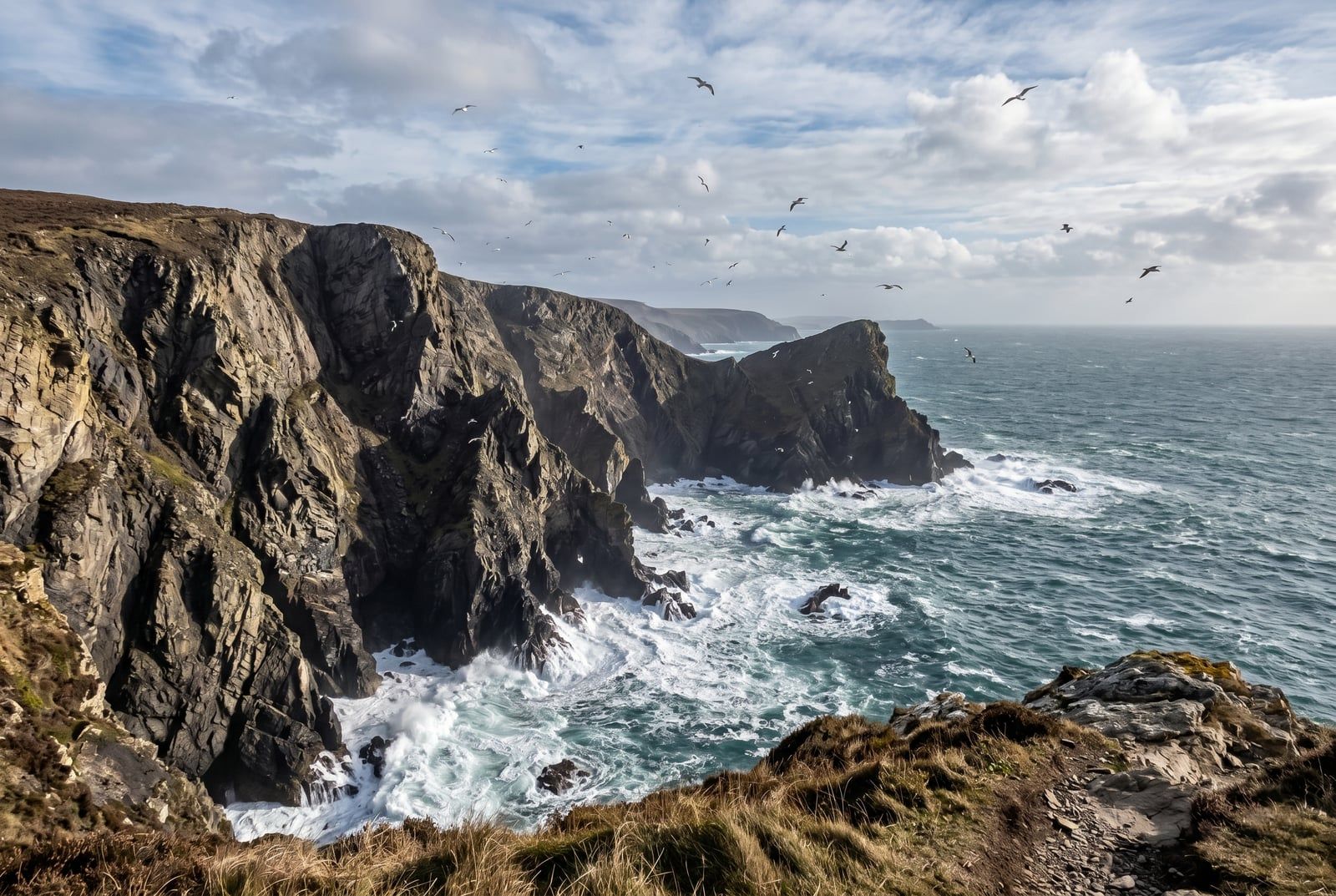
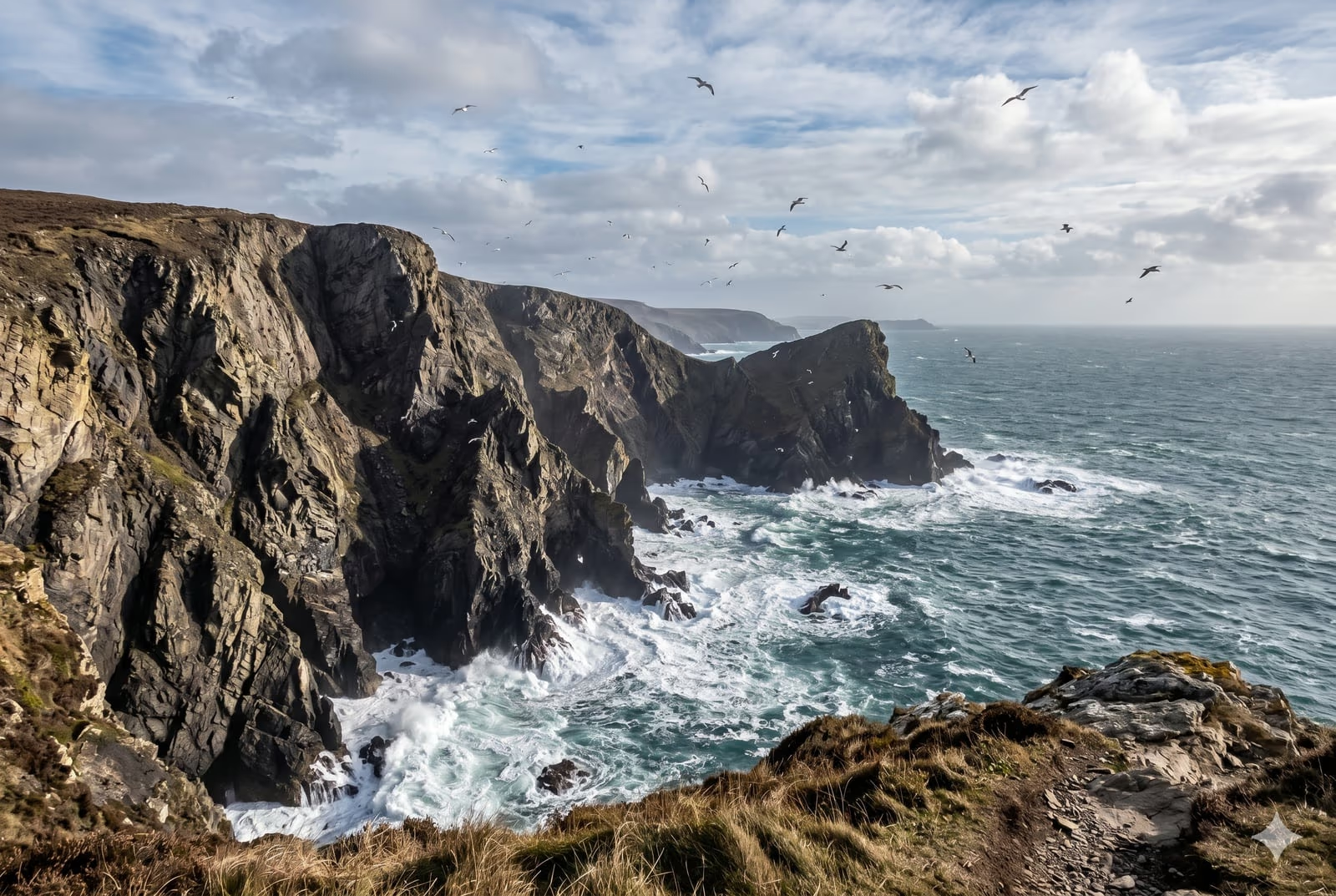
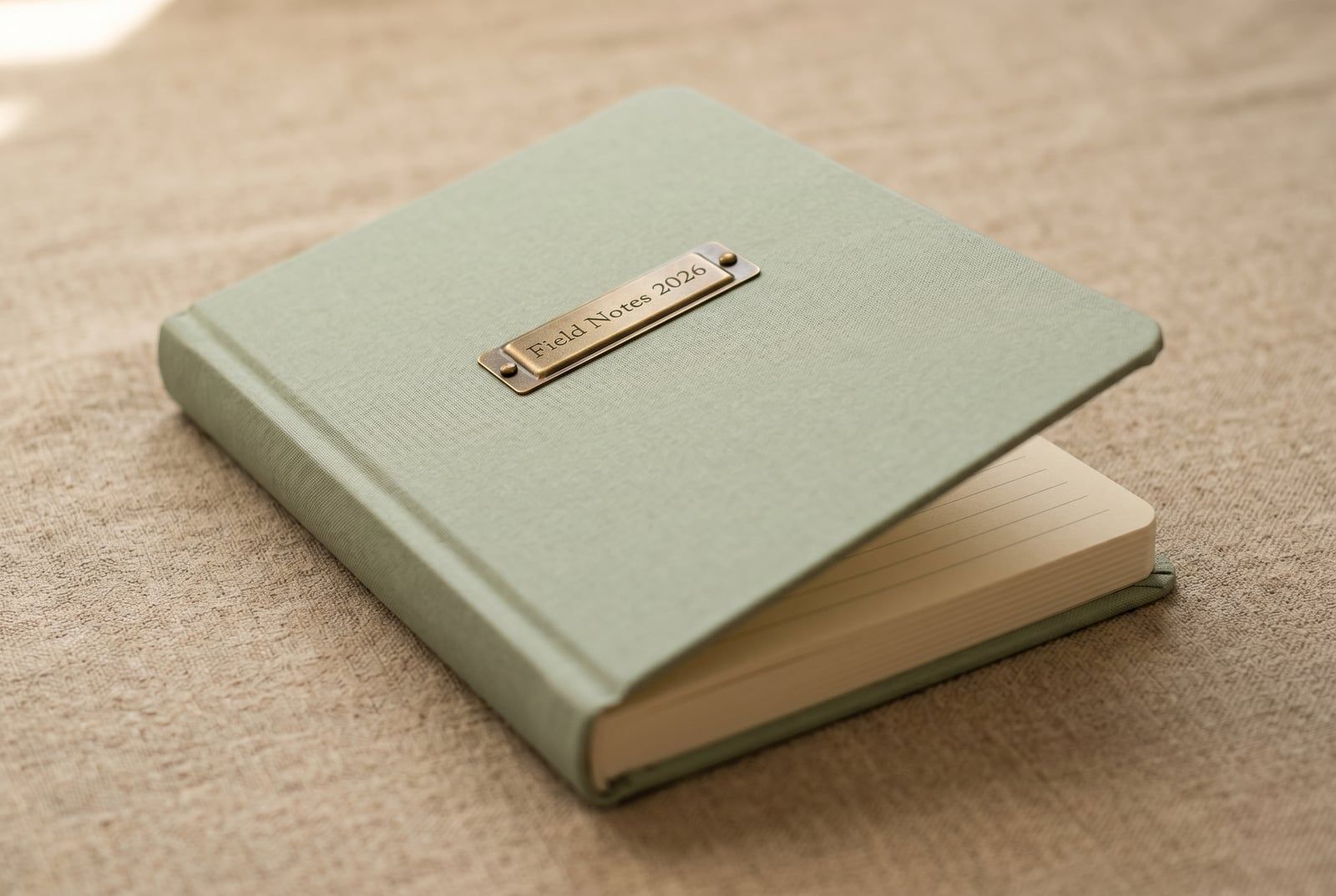
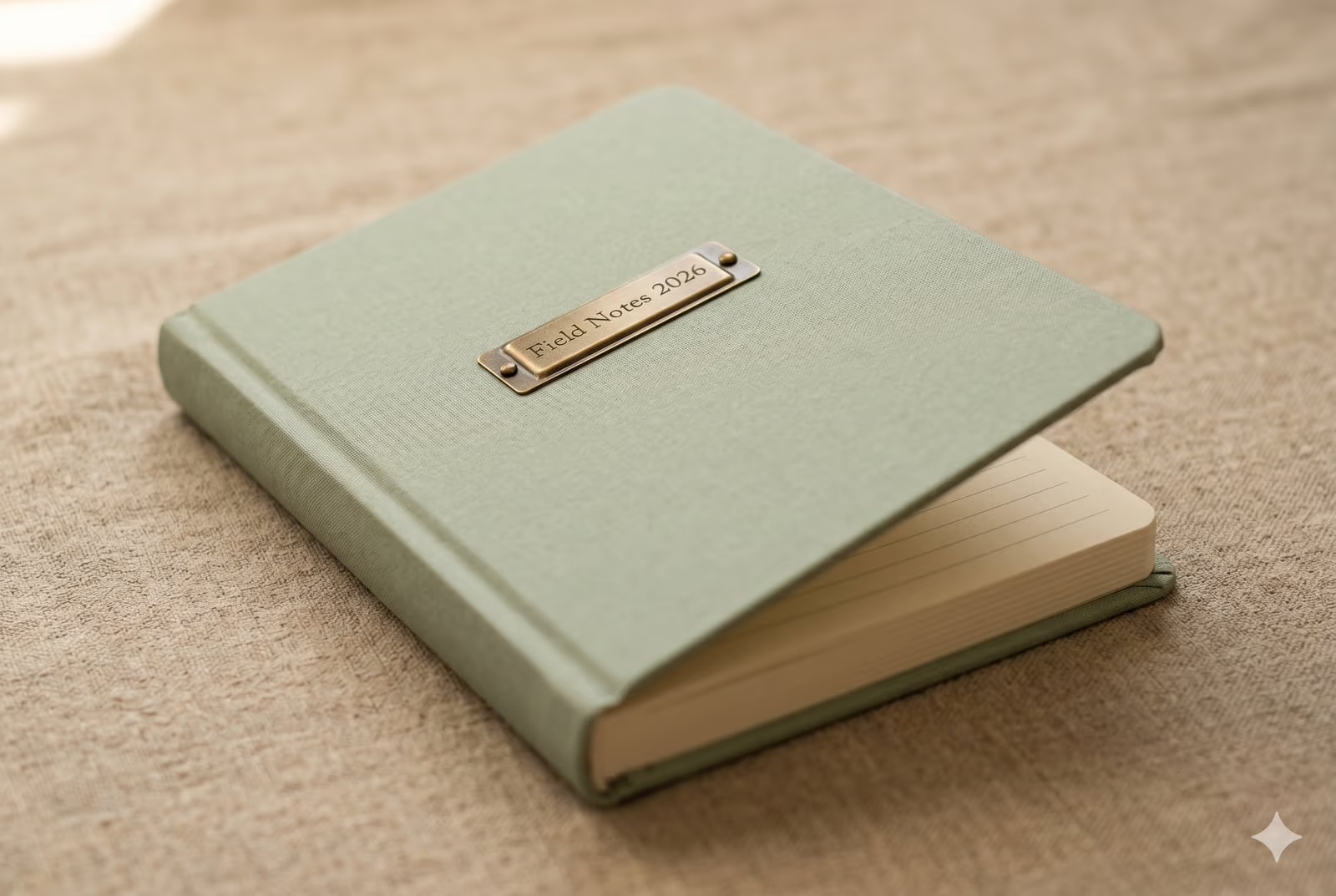
Drag each slider to pixel-peep the before and after.


Your image, gone when you're done
Every upload is held only while we re-encode it. The resulting AVIF comes back on a one-time download link and is deleted the moment you fetch it, or sooner if you never come back. No account ties the upload to you, and the Privacy page lists every byte that touches disk. Converting JPEG to AVIF on BouseMutton leaves no residue behind.
- Processed in seconds
- Nothing saved
- No account linked
Upload an image
One click. No signup. We'll do the rest.
Convert image format
Need to process more than one image?
The free Convert JPEG to AVIF (JPEG to AV1 Image File Format) runs one image at a time. A credit pack unlocks up to 50 images per batch, a single ZIP download, and three named presets (Blog / Social / Ecom). From €5 for 100 credits. Pay once, never expire.
Glossary for JPEG and AVIF
Plain-English definitions for the jargon above.
Frequently asked questions
Answers to the things most people ask before trying a new tool.
Related tools
One-click jumps to other jobs this image probably needs.
Compress image
Shrink an already-converted image further without changing its format, for bandwidth-constrained pages.
Strip EXIF metadata
Remove camera, GPS, and device metadata before publishing the converted image publicly.
Pad to a target aspect ratio
Extend the canvas to a 1:1 or 9:16 frame without losing pixels, before or after the format conversion.
Related reading on JPEG, AVIF, and image optimisation
Other tools that pair well with this one.
- Browse all format convertersSee the full set of JPEG and AVIF tools on BouseMutton, including compression, EXIF stripping, and resize.
- JPEG -> WebPAlso converting JPEG to WebP? This tool handles the same source in a different target format, for cases where the codec choice differs.
- WebP -> AV1 Image File FormatRun WebP through this tool before or after conversion to AV1 Image File Format, depending on the workflow step you are at.
- Compress imageShrink an already-converted image further without changing its format, for bandwidth-constrained pages.
Citing or sharing?
Copy a concise Markdown summary (title, description, FAQ, canonical URL, and citation) ready to paste into an LLM or a doc.