
Pad image to square, 1:1, 16:9, 9:16 without cropping
Drop an image and pad it to a square, 16:9, or 9:16 frame with a colour background of your choice. One image per request, nothing saved.
- No account required
- Nothing saved
- No cropping, pixels preserved
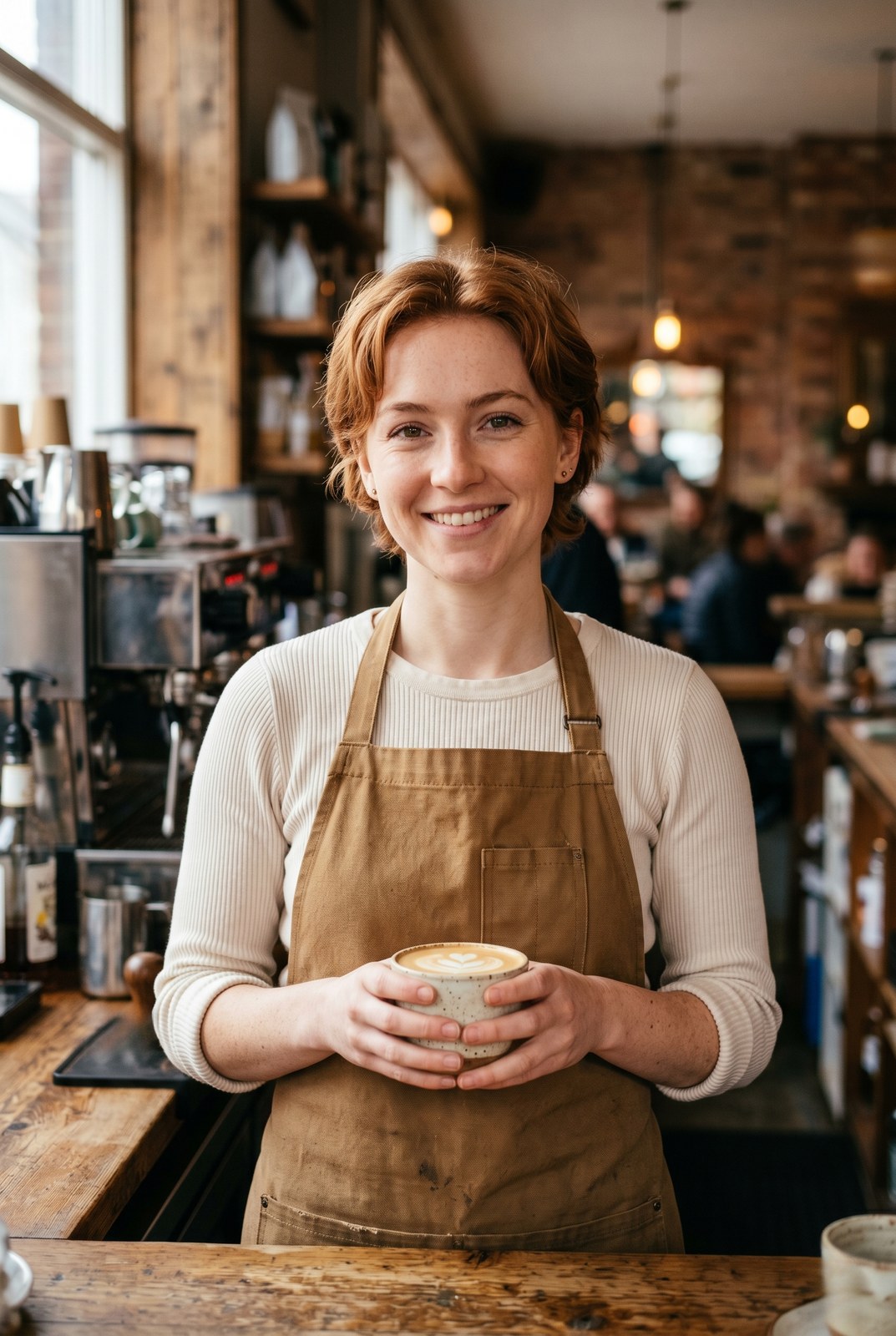
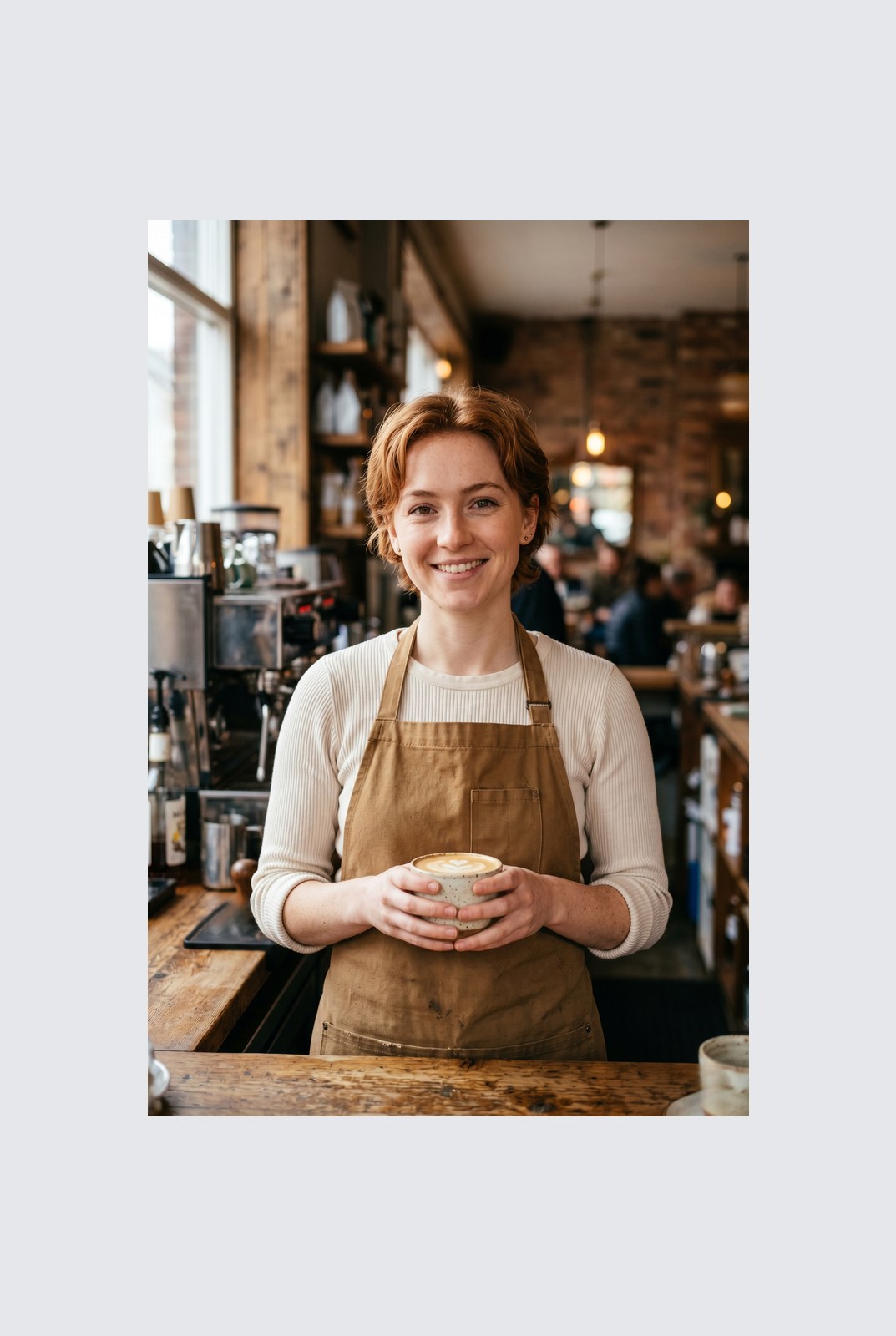
Dra for å sammenligne, før / etter
Oversikt
Instagram wants a square. LinkedIn wants 16:9. TikTok wants 9:16. Your photo was shot at whatever ratio your camera felt like. Cropping removes parts of the frame you might care about. Padding does not: it just adds a coloured background around the image until it hits the aspect ratio you need.
This tool extends one image per request to a target aspect ratio without touching the original pixels. The padded area is filled with a colour of your choice: a solid background, a brand accent, or full transparency for PNG, WebP, or AVIF outputs. You pick the ratio (1:1, 16:9, 9:16, or a custom ratio like 4:5), the colour, and the alignment (centre, top, left, and so on).
Padding runs entirely in your browser. Your browser decodes, composites, and re-encodes the image on your own device, then hands you a download. Nothing is uploaded, nothing is saved, nothing is indexed or trained on, because we never see the pixels.
Hvordan det fungerer
Tre trinn, vanligvis ferdig innen fem sekunder.
- 1
Upload an image
Drop a JPG, PNG, WebP, or AVIF up to 25 MB. No sign-up, no credit card.
- 2
Pick a ratio and colour
Choose 1:1, 16:9, 9:16, or a custom ratio. Pick any hex colour or transparent. The preview updates live.
- 3
Download the padded image
The padded file is generated in your browser and saved straight to your device. Nothing is uploaded, so there is nothing for us to store or delete.
Se det i aksjon
Dra hver glider for å piksel-titte før og etter.
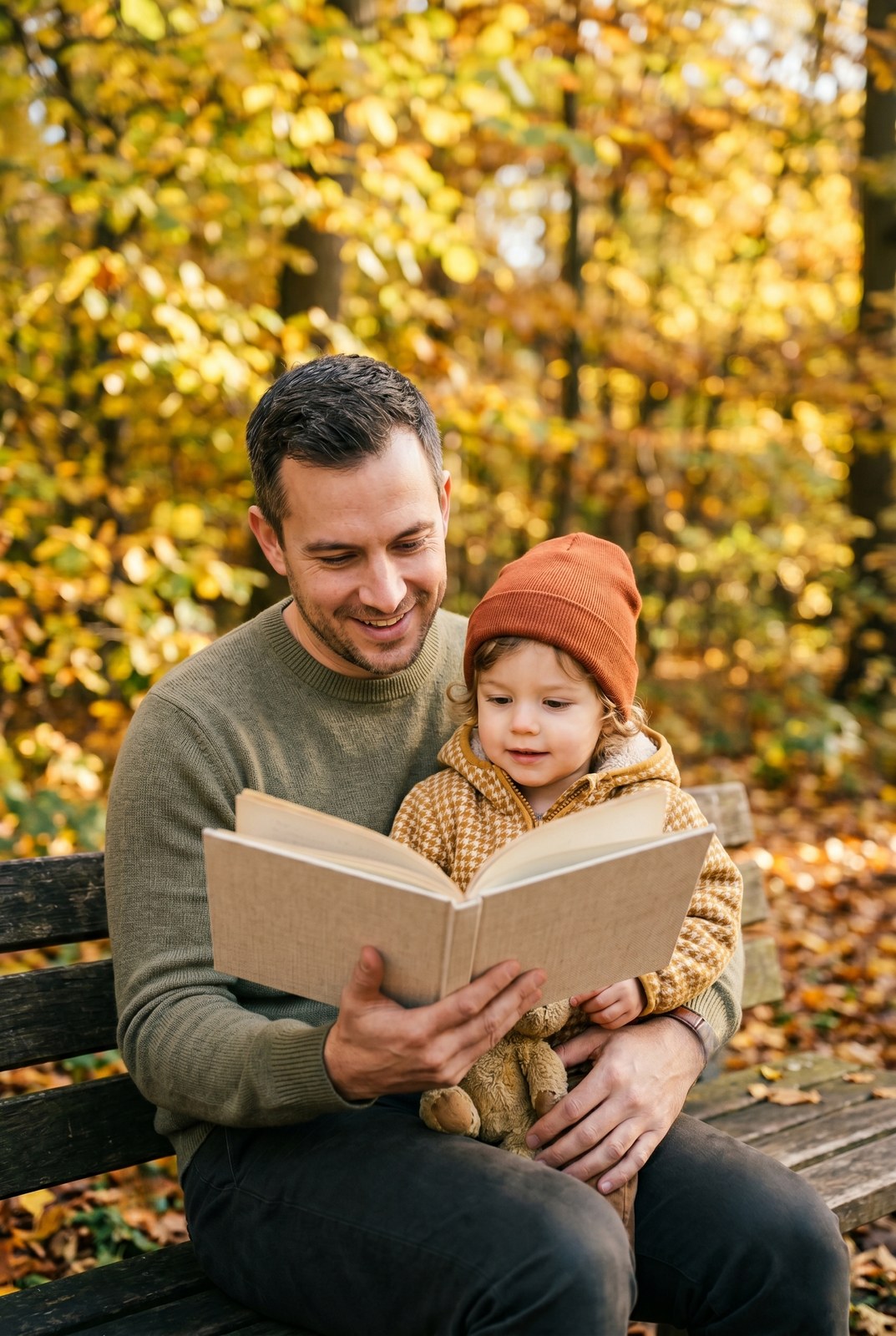
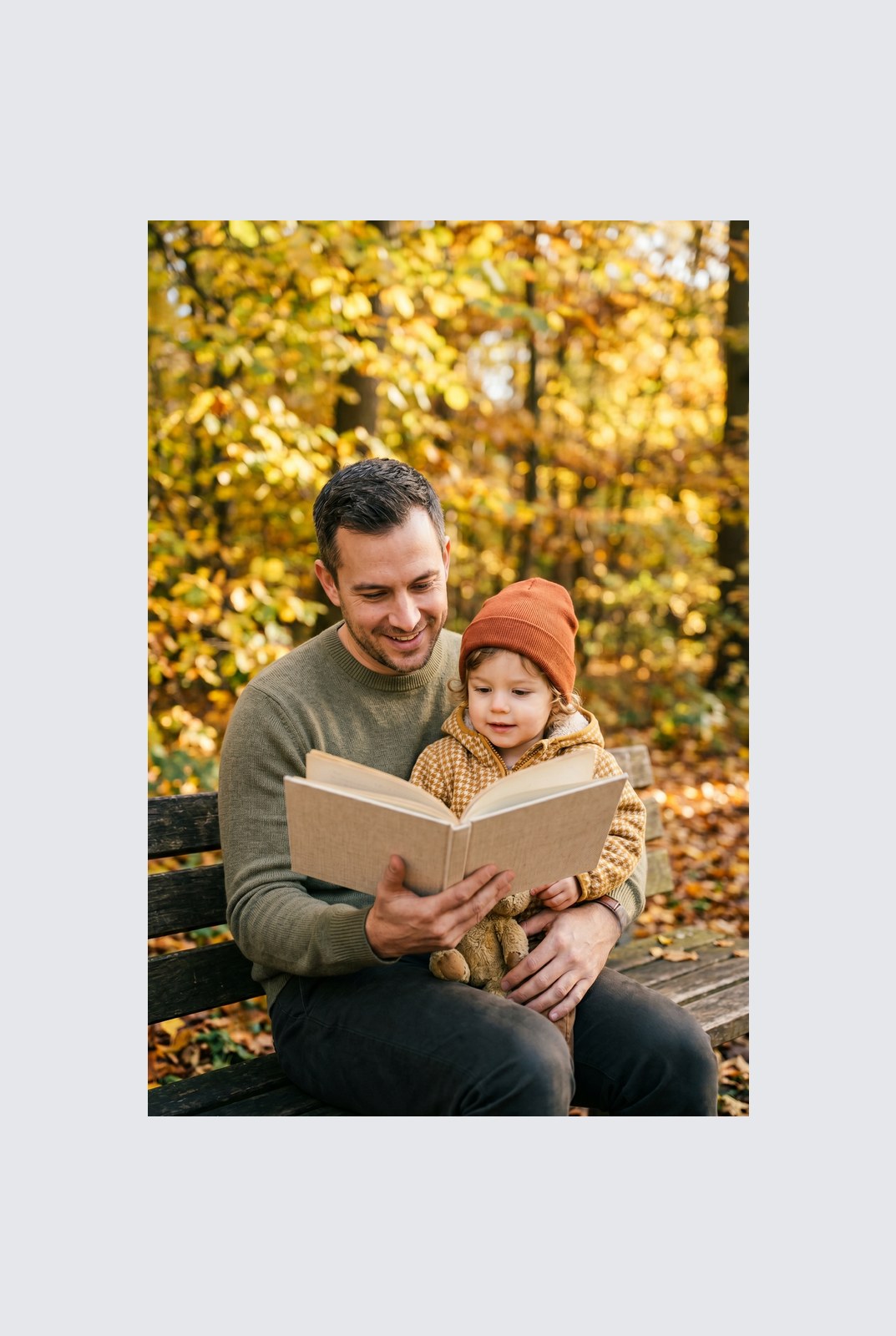
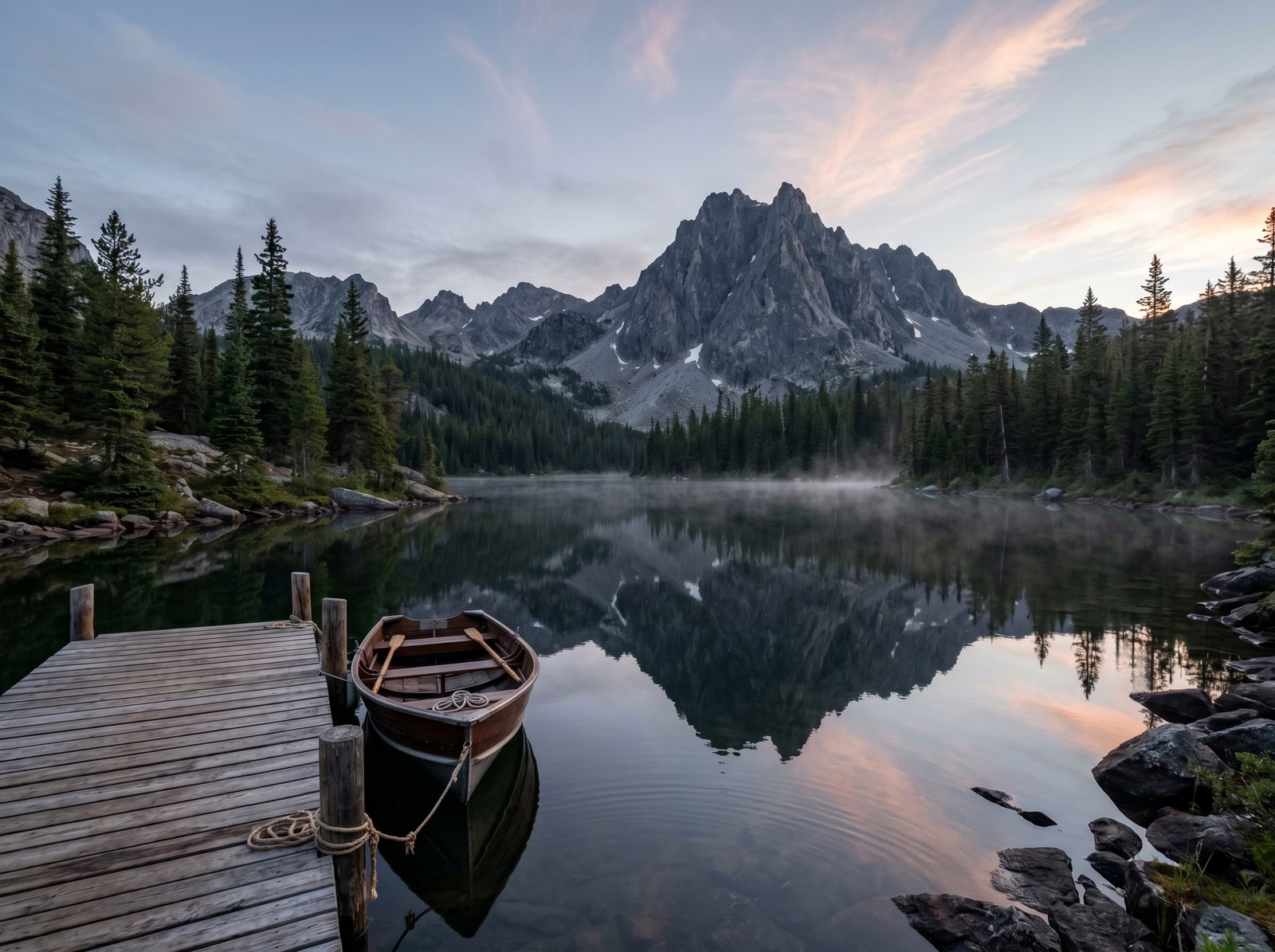
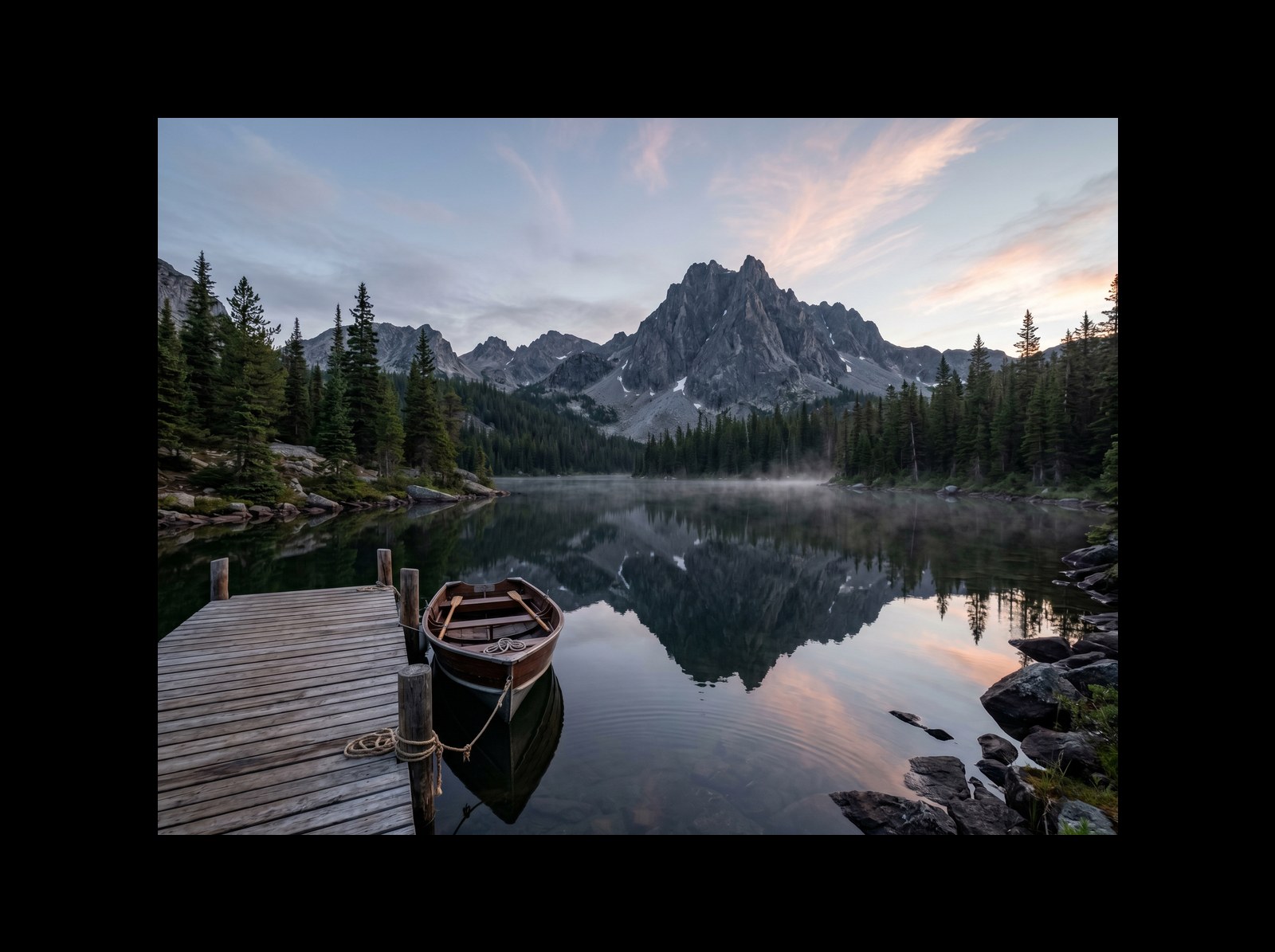
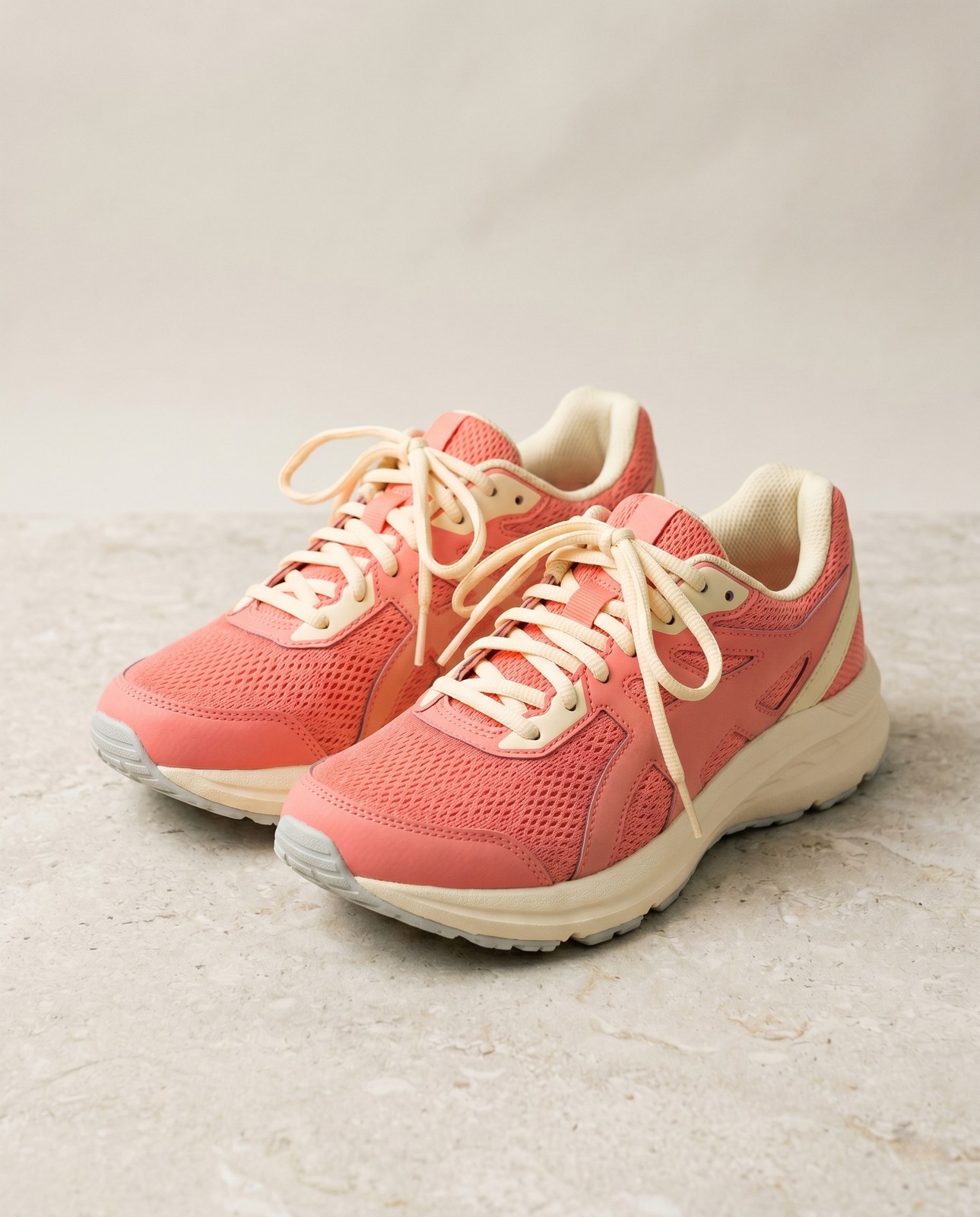
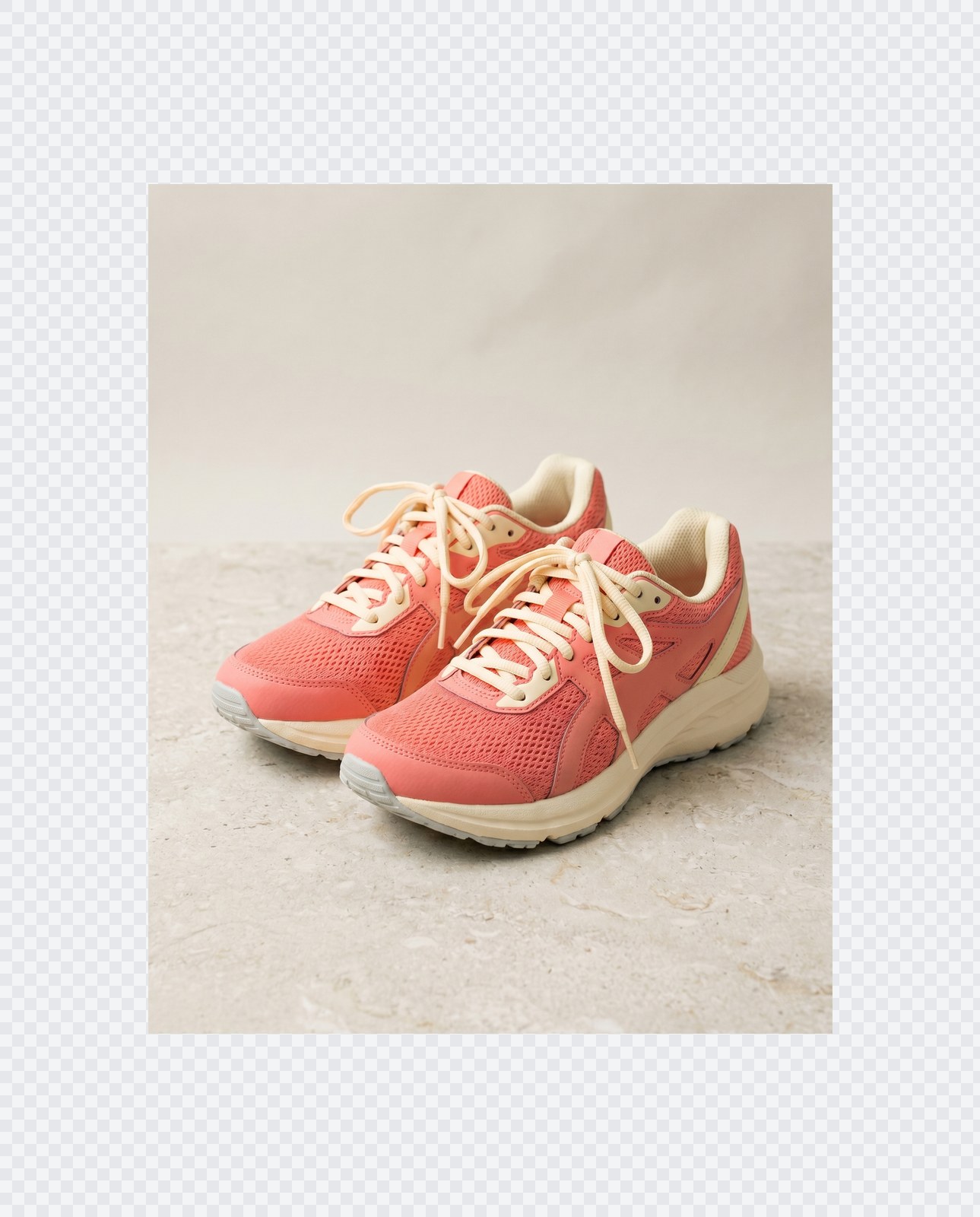
Bildet ditt, borte når du er ferdig
Padding runs entirely in your browser. Your image is never uploaded, never touches our servers, and never gets saved, indexed, or used for model training. If you close the tab, the image goes with it.
- Behandlet på sekunder
- Ingenting lagres
- Ingen konto knyttet til
Last opp et bilde
Ett klikk. Ingen registrering. Vi gjør resten.
Pad / utvid lerret
Trenger du å behandle mer enn ett bilde?
Gratis Pad image to square, 1:1, 16:9, 9:16 without cropping kjører ett bilde om gangen. En kredittpakke åpner for opptil 50 bilder per batch, én ZIP-nedlasting, og tre navngitte forhåndsinnstillinger (Blogg / Sosialt / E-handel). Fra €5 for 100 kreditter. Betal én gang, utløper aldri.
Vanlige spørsmål
Svar på det de fleste lurer på før de prøver et nytt verktøy.
Relaterte verktøy
Ett-klikks hopp til andre jobber dette bildet sannsynligvis trenger.
Rotate image
Fix sideways photos before padding so the result aligns to the target aspect ratio.
Compress image
Padding keeps pixels intact but inflates file size; compress the padded result for the web.
Remove Gemini watermark
Clean the Gemini AI badge off a generated image before padding it for a social platform.
Skal du sitere eller dele?
Kopier et kortfattet Markdown-sammendrag (tittel, beskrivelse, FAQ, kanonisk URL og sitering) klart til å limes inn i en LLM eller et dokument.