
Crop image online, free aspect-ratio cropper with draggable rectangle
Drop an image, drag a rectangle or pick a preset aspect ratio (1:1, 4:5, 16:9), and download the cropped output. Runs in your browser, nothing saved.
- Aspect-ratio presets
- Runs in your browser
- Drag-friendly rectangle


Dra för att jämföra, före / efter
Översikt
Cropping a photo on a desktop browser usually means launching an image editor, fighting with a misbehaving rectangle, and exporting a file in a format you did not pick. This tool keeps the surface small: drop an image, pick an aspect ratio (or pick Custom to drag freely), drag the rectangle to the part you want, and download.
Aspect-ratio presets cover the cases people actually need: square (1:1) for product tiles, portrait (4:5, 9:16) for Instagram and TikTok, landscape (16:9, 3:2) for YouTube thumbnails and DSLR-native ratios. The Original preset removes the aspect constraint; Custom does the same but reflows freely as you drag the corners.
In any modern browser the crop runs locally: the cropper renders to a canvas and the encode happens in the browser, so the image bytes never leave your device. A server fallback exists for browsers that cannot mount the cropper canvas; on that path the upload is deleted the moment we send the result back.
Så fungerar det
Tre steg, vanligtvis klart inom fem sekunder.
- 1
Upload an image
Drop a JPG, PNG, WebP, or AVIF up to 25 MB. Clipboard paste also works.
- 2
Pick an aspect ratio
Choose Original, 1:1, 4:5, 16:9, 9:16, 3:2, 2:3, or Custom. The rectangle resnaps to the new ratio without losing your position.
- 3
Drag the rectangle
Move the rectangle, resize from the corners, or drag the edges. The selection updates live; you can switch presets at any time.
- 4
Download the cropped image
Pick the output format (Same as source, JPEG, PNG, or WebP) and confirm. The file downloads with `-cropped` appended to the original filename.
Se det i praktiken
Dra varje reglage för att inspektera före och efter på pixelnivå.
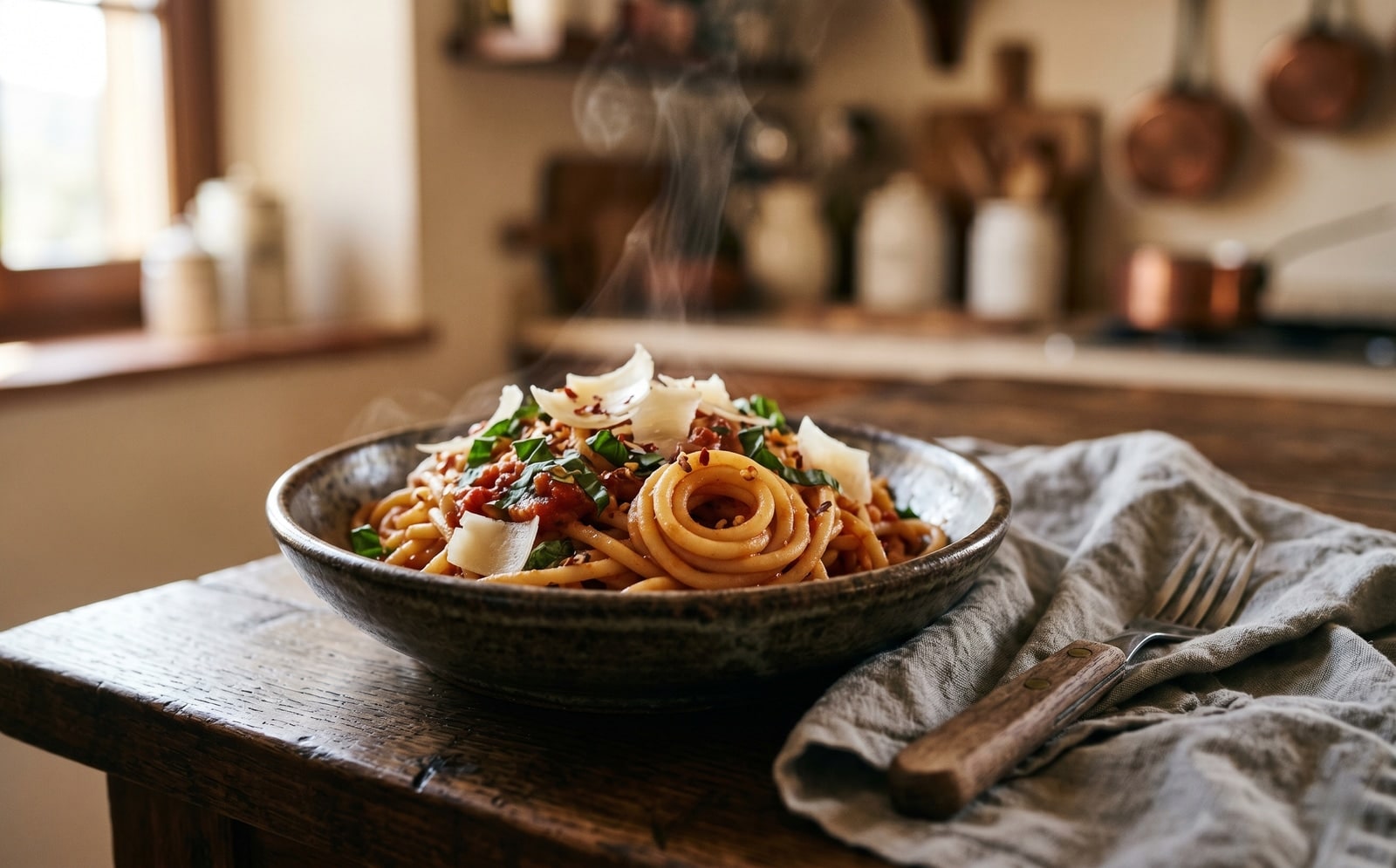
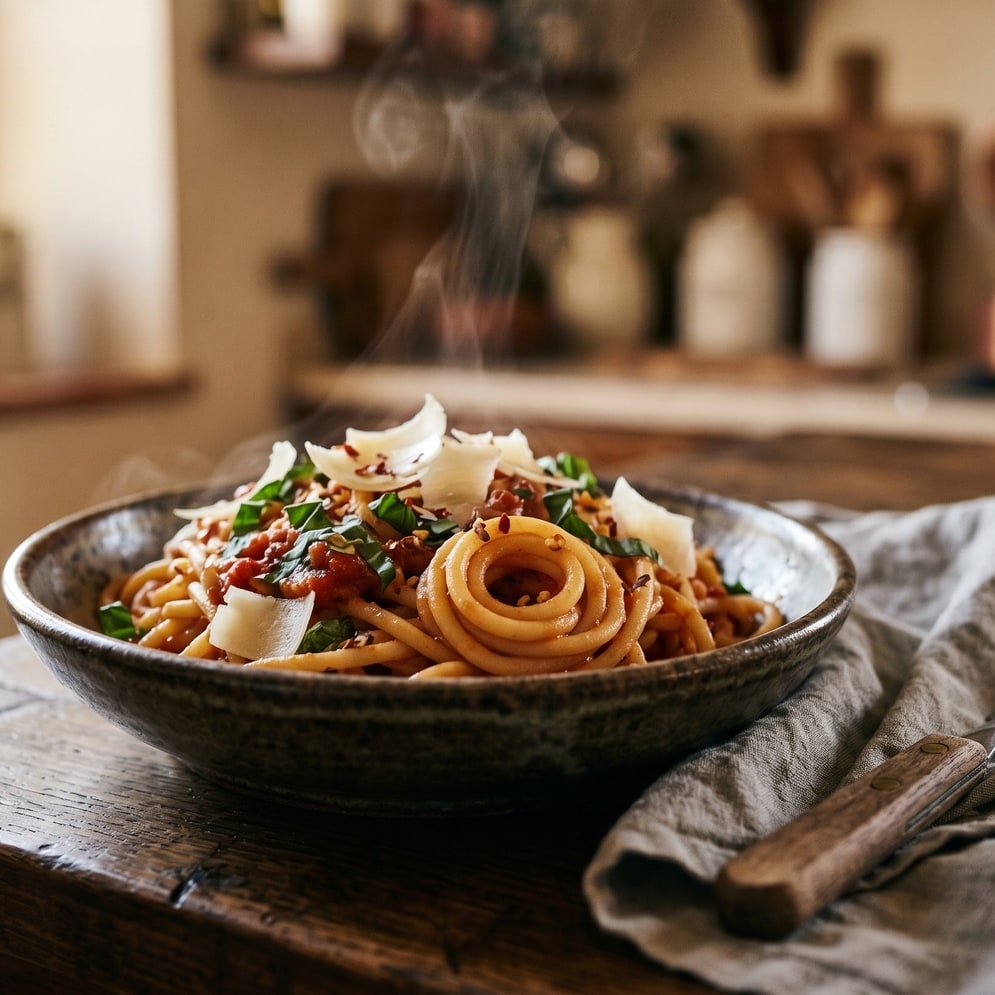


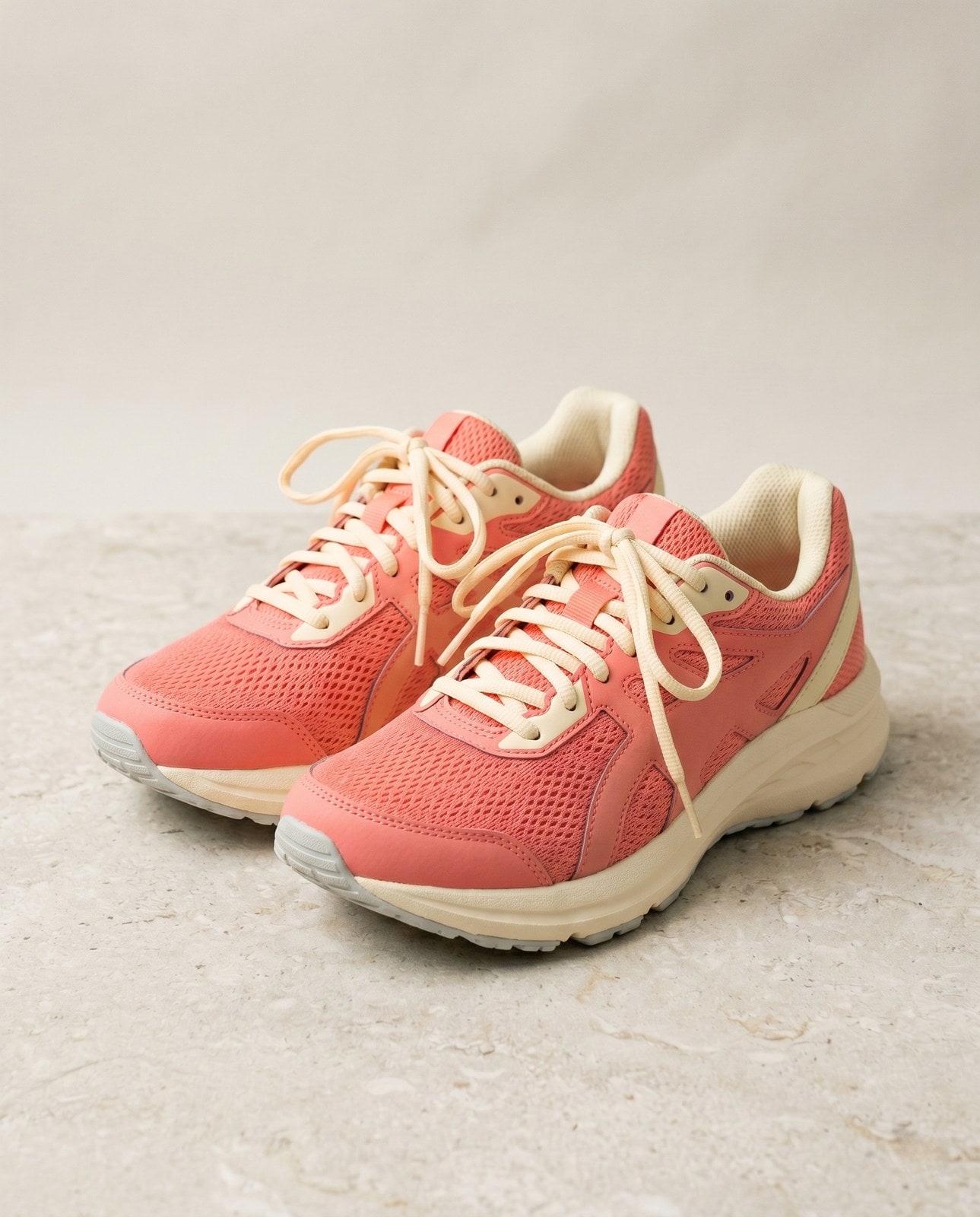
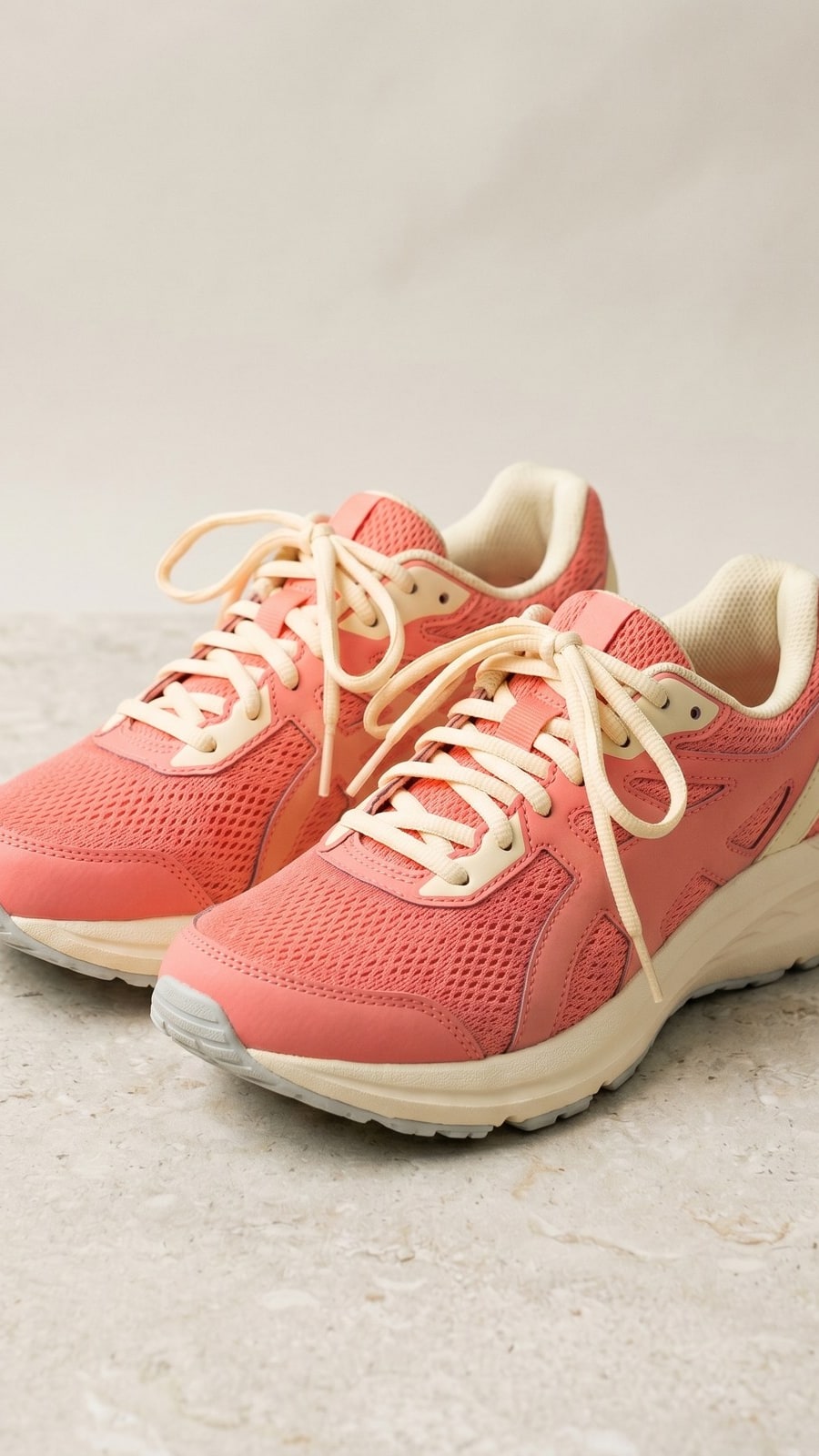
Din bild, borta när du är klar
Cropping runs in your browser by default. Your image never leaves your device on that path. For the small share of browsers that cannot mount the cropper canvas we fall back to a server round-trip, where the upload is only held while we process it and is deleted the moment the result is sent back. Nothing is saved, indexed, or trained on.
- Bearbetas på sekunder
- Inget sparas
- Inget konto kopplat
Ladda upp en bild
Ett klick. Ingen registrering. Vi sköter resten.
Beskär bild
Behöver du behandla mer än en bild?
Gratisversionen av Crop image online, free aspect-ratio cropper with draggable rectangle kör en bild i taget. Ett kreditpaket låser upp upp till 50 bilder per omgång, en enda ZIP-nedladdning och tre namngivna förinställningar (Blogg / Sociala medier / E-handel). Från 5 EUR för 100 krediter. Betala en gång, går aldrig ut.
Vanliga frågor
Svar på det som de flesta frågar innan de provar ett nytt verktyg.
Relaterade verktyg
Ett-klick-genvägar till andra jobb som den här bilden förmodligen behöver.
Resize image
Already at the right shape? Resize to exact pixels with optional aspect-ratio lock and a quality knob.
Pad to square
Want to keep the whole frame? Pad to a target aspect ratio instead of cropping it away.
Rotate or flip
If the source is sideways from your phone, rotate first, then crop.
Citerar eller delar?
Kopiera en kort Markdown-sammanfattning (titel, beskrivning, FAQ, kanonisk URL och citering) redo att klistras in i en stor språkmodell eller ett dokument.