
Convert PNG to JPEG (Portable Network Graphics to JPEG)
Convert PNG to JPEG online. Drop a Portable Network Graphics and get a JPEG back at roughly 9% of the original byte cost. No sign-up, nothing saved.
- Visual parity on photos
- No account required
- Nothing saved
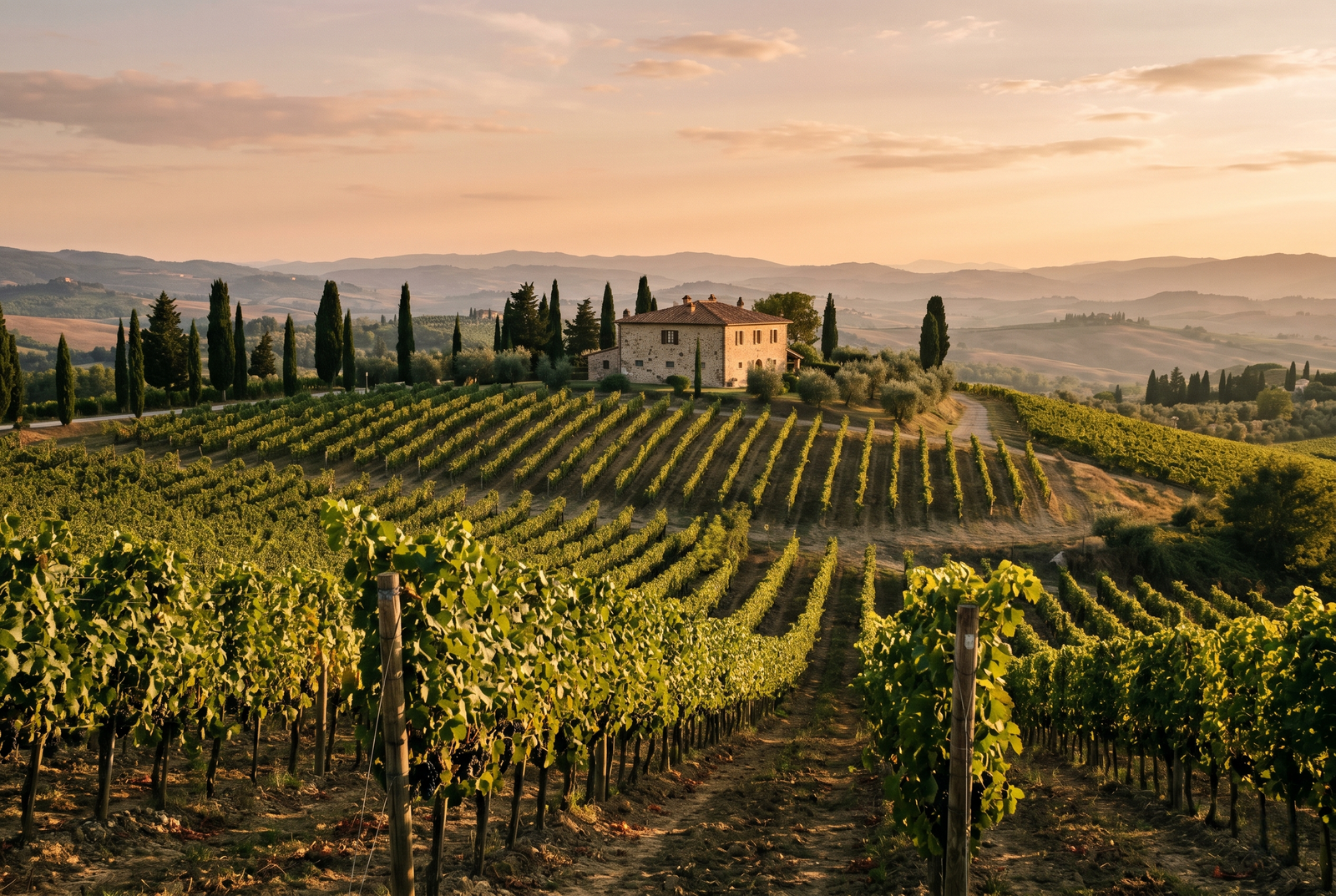
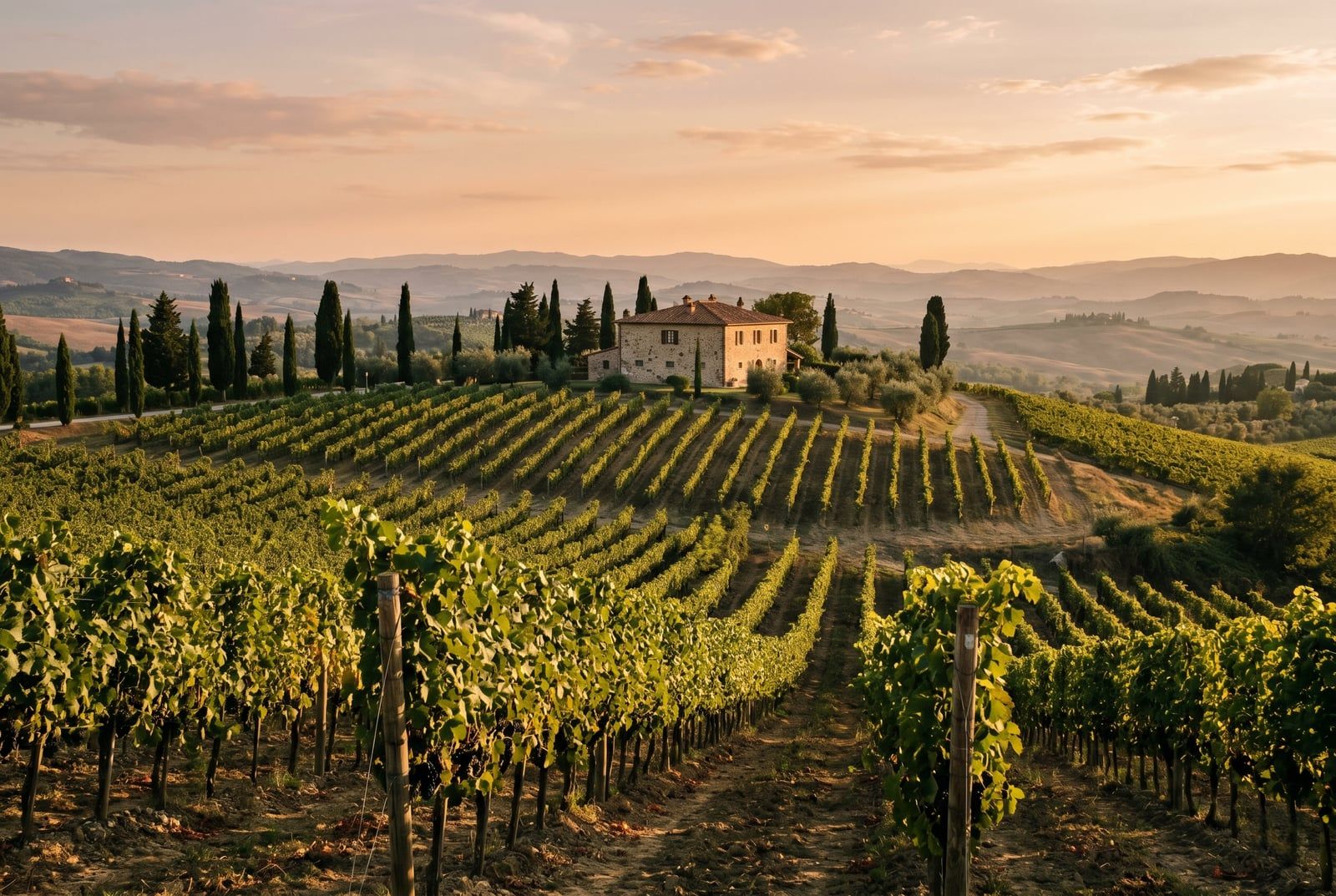
Dra för att jämföra, före / efter
Översikt
Convert PNG to JPEG. This tool takes a lossless Portable Network Graphics and re-encodes it as a JPEG at a quality that targets visual parity on photographic content, at roughly 9% of the PNG byte cost. The input stays on our side only long enough to encode and is deleted as soon as the JPEG download starts.
JPEG (JPEG) is a lossy codec standardised in 1992 and supported in roughly 100%% of 2026 browsers. Its whole purpose is compressing photographic content into a small payload by discarding detail the human eye is unlikely to notice. For hero images, product photography, and travel snapshots, a well-encoded JPEG looks indistinguishable from the source PNG at normal viewing distance.
PNG (Portable Network Graphics) is lossless: every original pixel is preserved. That makes it a great editor source and a faithful archive, but a heavy delivery format. A typical PNG is materially larger than the same pixels in JPEG, and on the public web every extra kilobyte costs Core Web Vitals score, CDN egress, and mobile battery.
The trade-off is content-dependent. On smooth photographic content, JPEG hits visual parity with PNG at a large byte saving. On screenshots, UI mocks, flat-colour illustrations, or anything with sharp text edges, JPEG artifacts become visible at aggressive quality settings. For those sources, JPEG is the wrong target: stay on PNG, or consider a modern lossless codec such as WebP lossless or AVIF lossless for a smaller lossless file.
When NOT to convert PNG to JPEG: screenshots, UI mocks, and dense-text images (the JPEG codec softens sharp edges). Images with transparency (JPEG flattens alpha against a solid background). Archival masters where every pixel matters (keep the PNG). Modern-browser-only targets where AVIF or WebP would give the same visual quality at half the bytes (convert to a modern codec instead).
Your PNG upload is held only while we encode it. The resulting JPEG comes back on a one-time download link and is deleted the moment you fetch it. Nothing is saved on our side, no account ties the file to you, and the Privacy page lists every byte that touches disk. Converting PNG to JPEG on BouseMutton is a one-shot operation, not a saved artefact.
PNG to JPEG at a glance
Siffrorna och avvägningarna du behöver innan du bestämmer dig.
Byte savings
On photographic content, JPEG reaches PNG-equivalent visual quality at roughly 9% of the byte cost. Smooth gradients compress best.
No transparency
JPEG flattens alpha against white. If transparency matters, pick a target that supports alpha (JPEG does not).
Sharp edges degrade
Screenshots, UI mocks, and dense-text images show visible JPEG artifacts around sharp edges. Stay on PNG for those sources.
Universal browser support
JPEG covers roughly 100%% of 2026 browsers and plays in every email client, CMS, and print workflow without fallback.
Codec era
JPEG was standardised in 1992. Its age is the reason it plays everywhere and the reason modern codecs beat it on byte cost.
Modern alternative
For a modern-browser audience, AVIF or WebP typically beat JPEG by a further 20-50% at the same visual quality. Consider those targets instead.
Privacy model
Your PNG is held only while we encode. The JPEG is deleted the moment you fetch it. Nothing is saved on our servers.
Så fungerar det
Tre steg, vanligtvis klart inom fem sekunder.
- 1
Upload a PNG
Drop a PNG up to 25 MB, or paste from the clipboard. No sign-up, no credit card, nothing tied to an account.
- 2
We encode it as JPEG
We encode your PNG to JPEG at a default quality that targets visual parity on photographic content. Transparent pixels flatten against white; everything else converts cleanly.
- 3
Download your JPEG
Your JPEG comes back on a one-time download link. Fetch it and the file is deleted; never come back and the file is deleted anyway.
Se det i praktiken
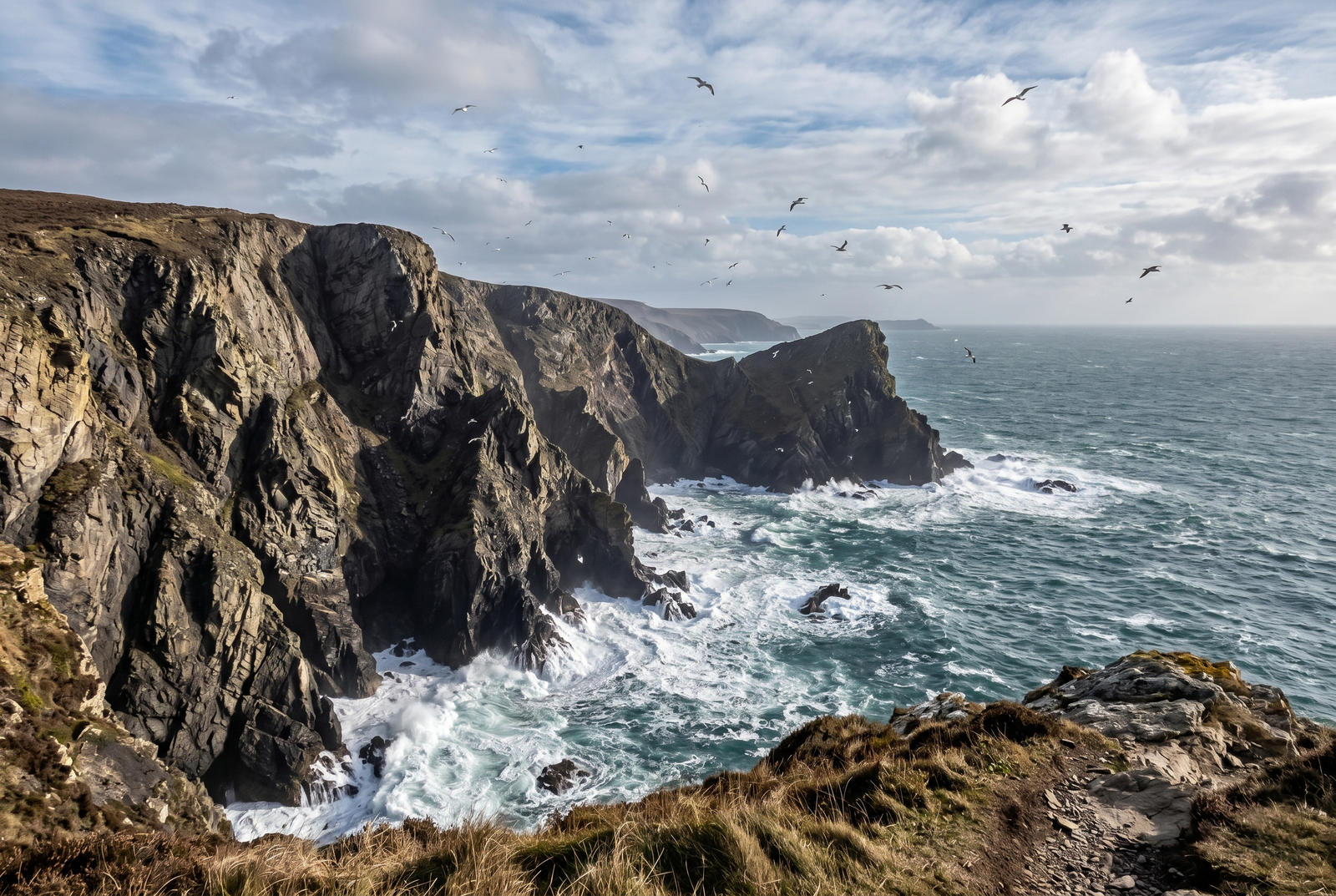
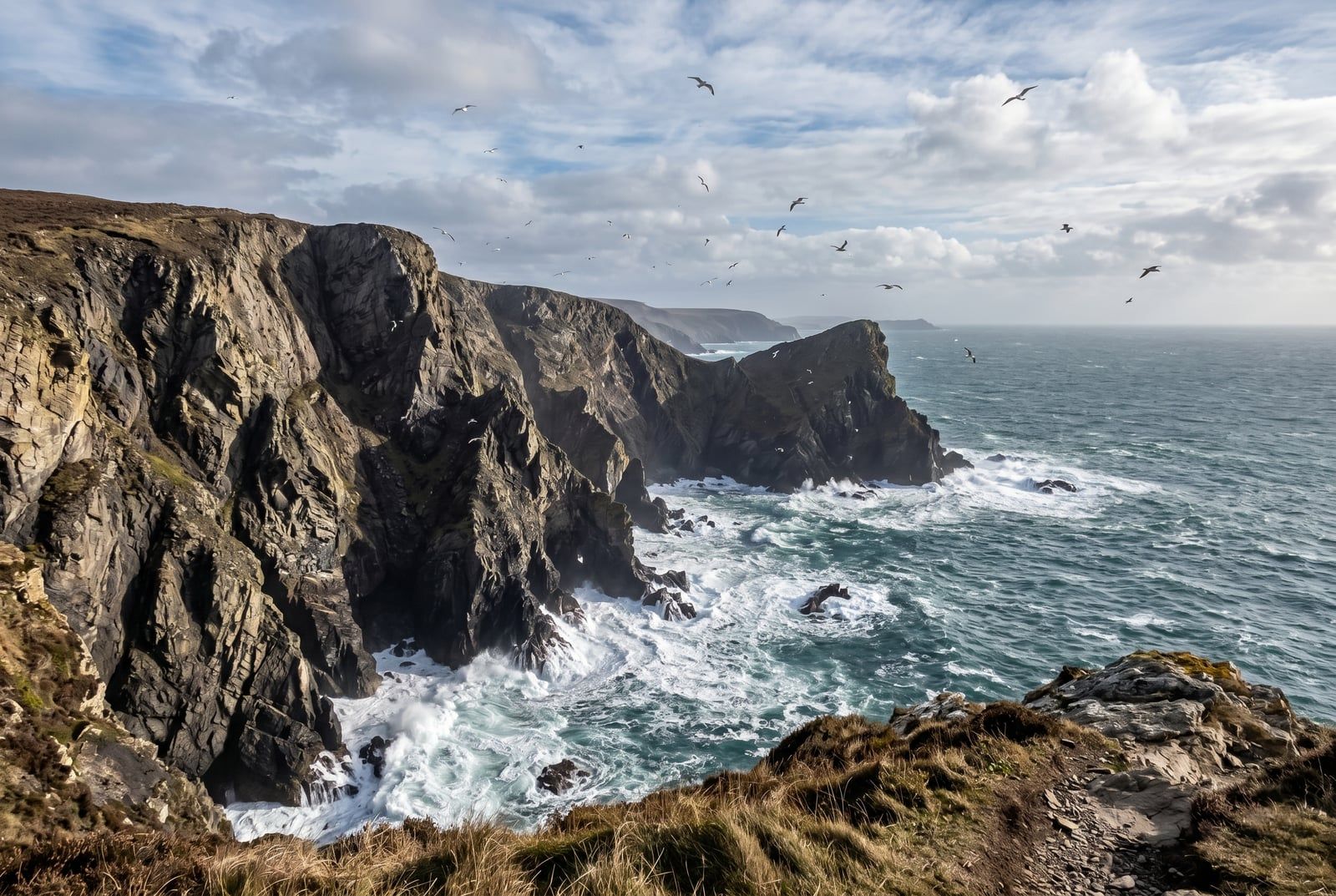
Dra varje reglage för att inspektera före och efter på pixelnivå.
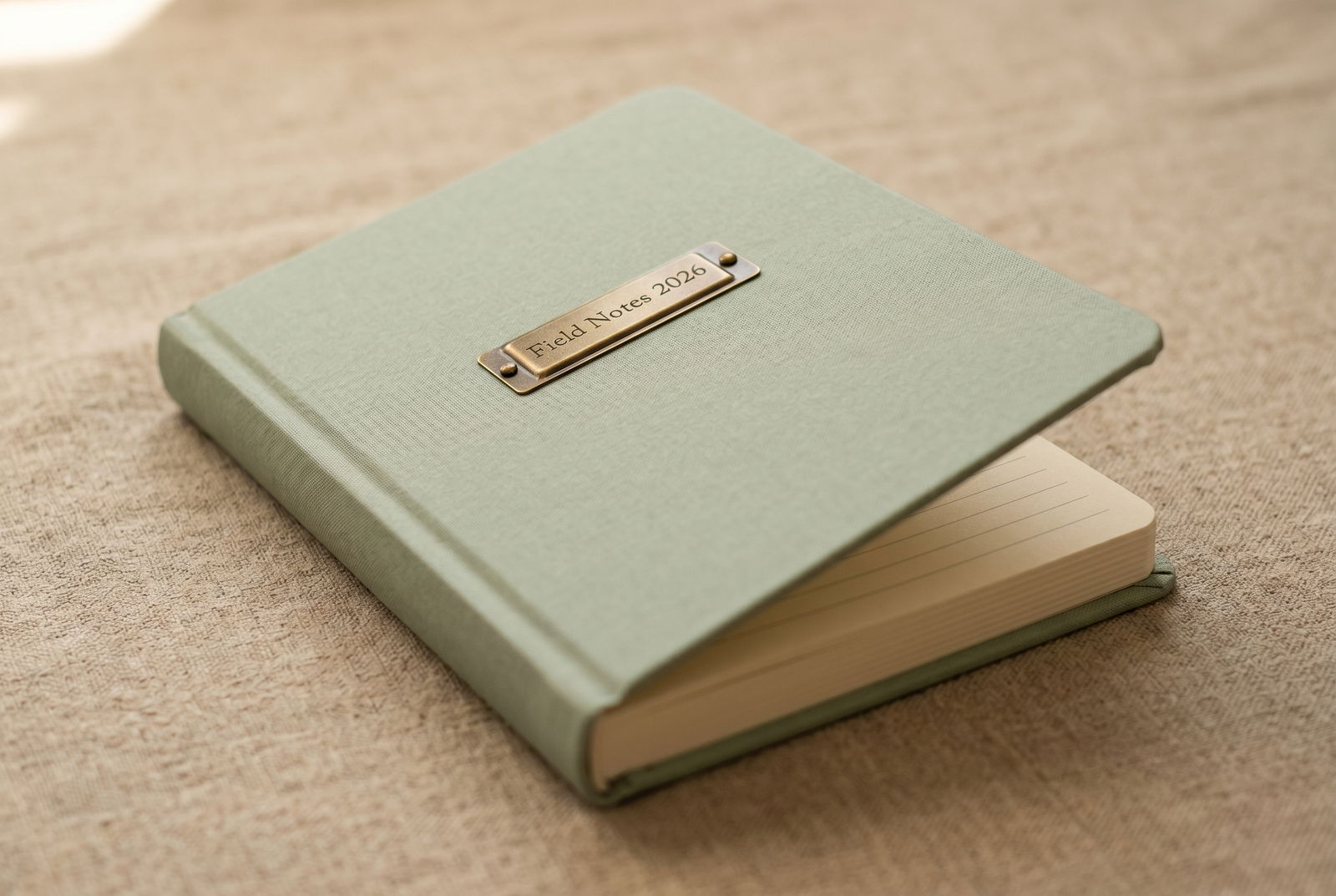
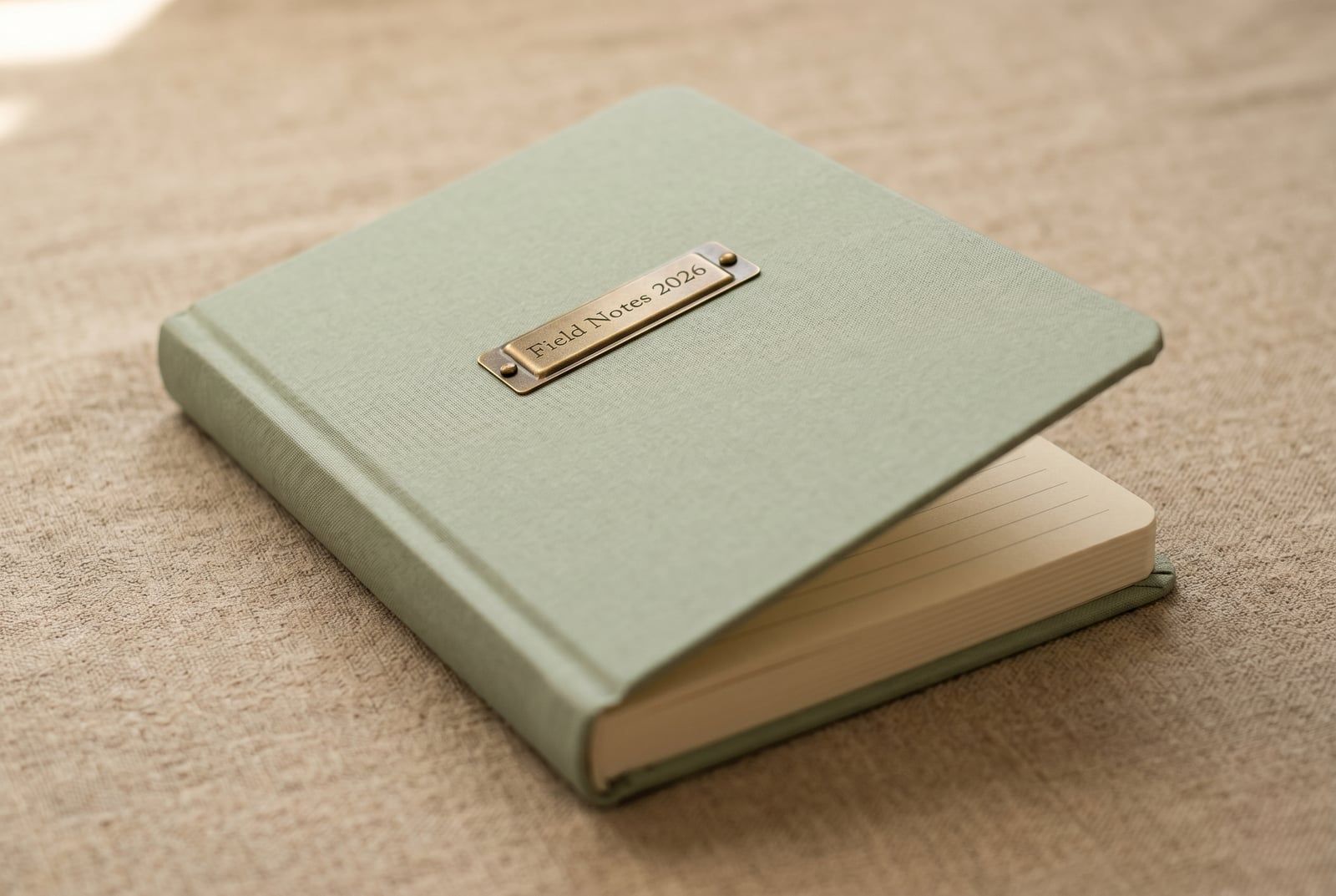
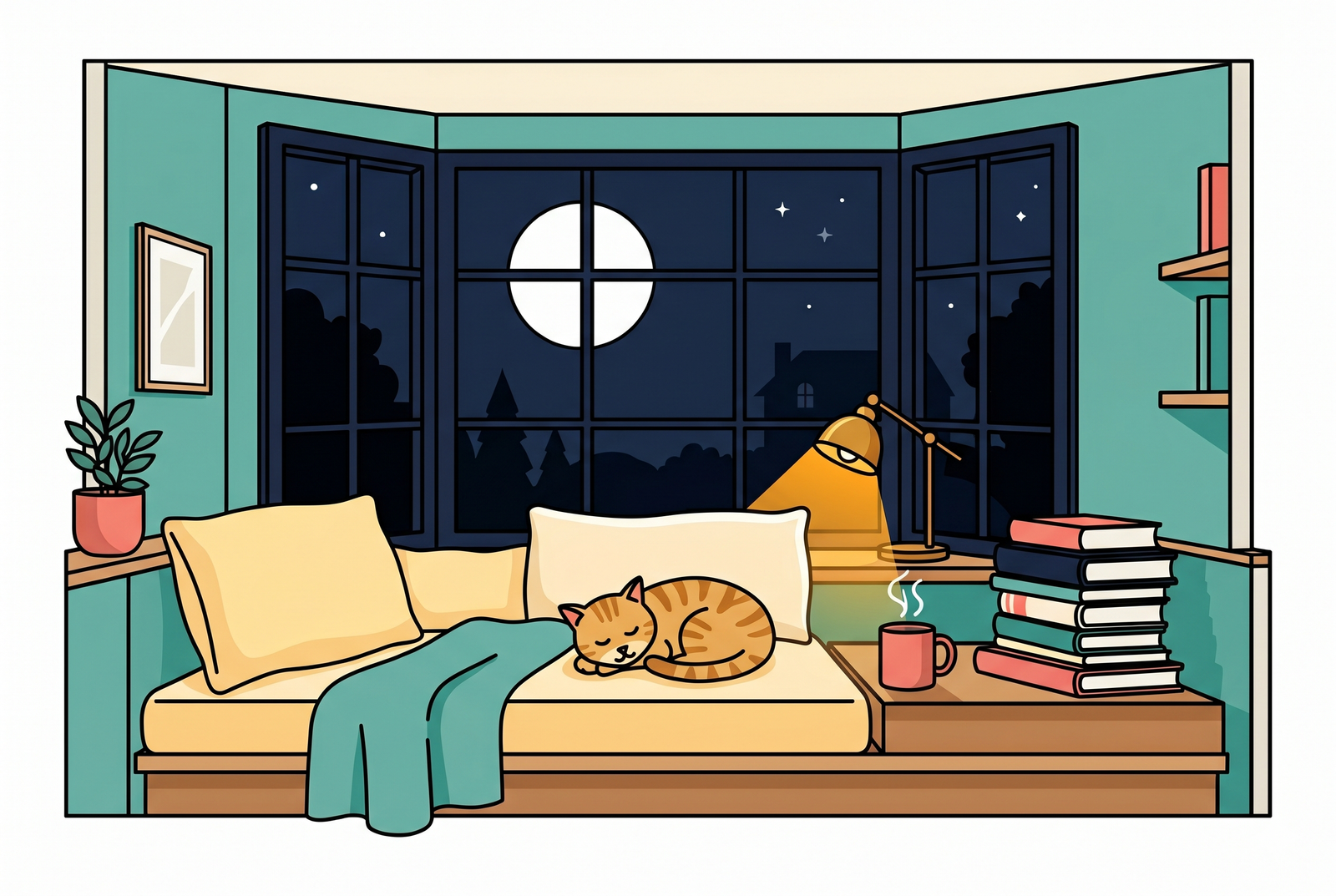
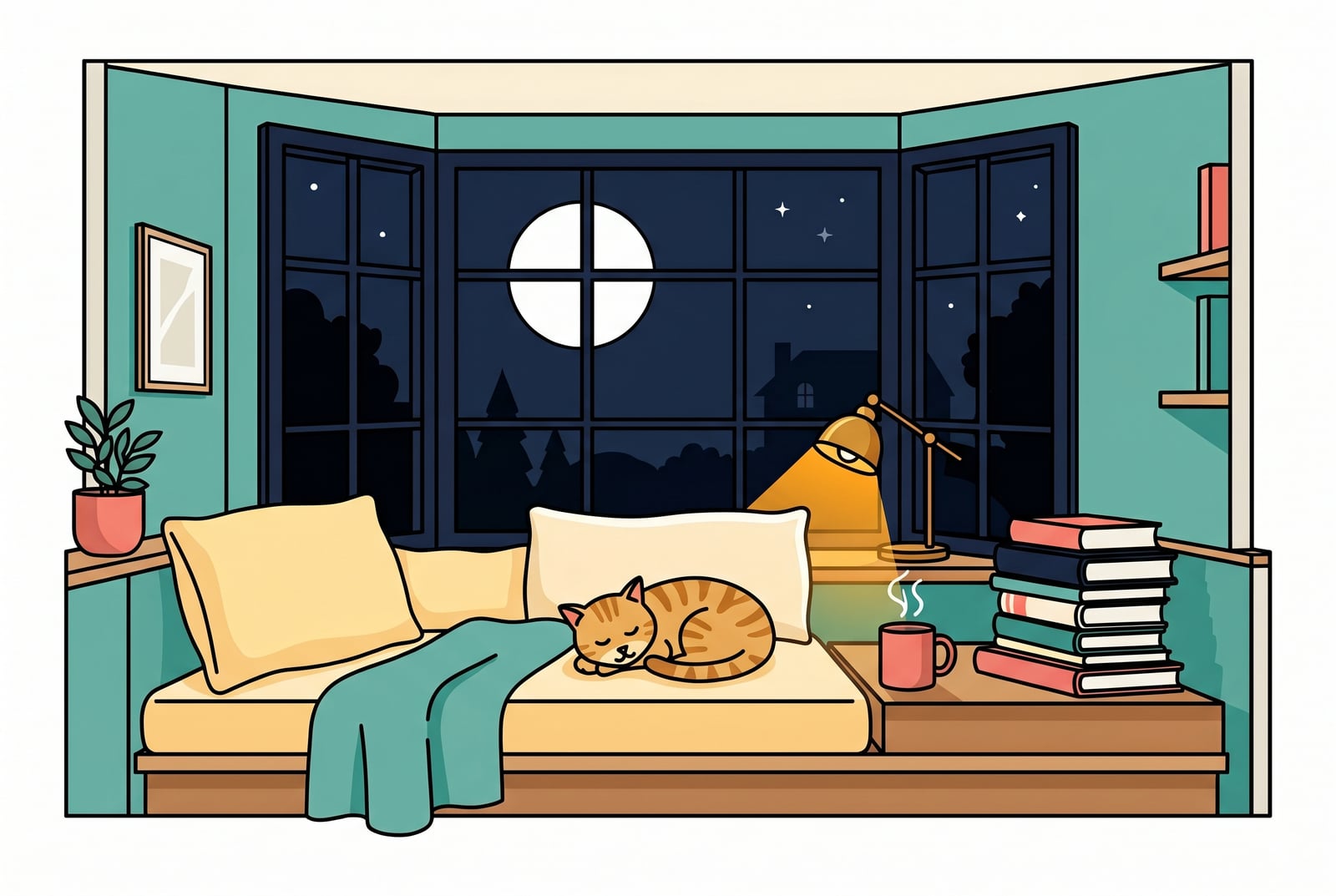
Din bild, borta när du är klar
Your PNG upload is held only while we encode it. The resulting JPEG comes back on a one-time download link and is deleted the moment you fetch it. Nothing is saved on our side, no account ties the file to you, and the Privacy page lists every byte that touches disk. Converting PNG to JPEG on BouseMutton is a one-shot operation, not a saved artefact.
- Bearbetas på sekunder
- Inget sparas
- Inget konto kopplat
Ladda upp en bild
Ett klick. Ingen registrering. Vi sköter resten.
Konvertera bildformat
Behöver du behandla mer än en bild?
Gratisversionen av Convert PNG to JPEG (Portable Network Graphics to JPEG) kör en bild i taget. Ett kreditpaket låser upp upp till 50 bilder per omgång, en enda ZIP-nedladdning och tre namngivna förinställningar (Blogg / Sociala medier / E-handel). Från 5 EUR för 100 krediter. Betala en gång, går aldrig ut.
Glossary for PNG and JPEG
Enkla definitioner på svenska för facktermerna ovan.
Vanliga frågor
Svar på det som de flesta frågar innan de provar ett nytt verktyg.
Relaterade verktyg
Ett-klick-genvägar till andra jobb som den här bilden förmodligen behöver.
Compress image
Shrink an already-converted image further without changing its format, for bandwidth-constrained pages.
Strip EXIF metadata
Remove camera, GPS, and device metadata before publishing the converted image publicly.
Pad to a target aspect ratio
Extend the canvas to a 1:1 or 9:16 frame without losing pixels, before or after the format conversion.
Related reading on PNG, JPEG, and web delivery
Andra verktyg som passar bra ihop med det här.
- Browse all format convertersSee the full set of PNG and JPEG tools on BouseMutton, including compression, EXIF stripping, and resize.
- Portable Network Graphics -> WebPAlso converting Portable Network Graphics to WebP? This tool handles the same source in a different target format, for cases where the codec choice differs.
- WebP -> JPEGRun WebP through this tool before or after conversion to JPEG, depending on the workflow step you are at.
- Compress imageShrink an already-converted image further without changing its format, for bandwidth-constrained pages.
Citerar eller delar?
Kopiera en kort Markdown-sammanfattning (titel, beskrivning, FAQ, kanonisk URL och citering) redo att klistras in i en stor språkmodell eller ett dokument.