
Pad image to square, 1:1, 16:9, 9:16 without cropping
Drop an image and pad it to a square, 16:9, or 9:16 frame with a colour background of your choice. One image per request, nothing saved.
- No account required
- Nothing saved
- No cropping, pixels preserved
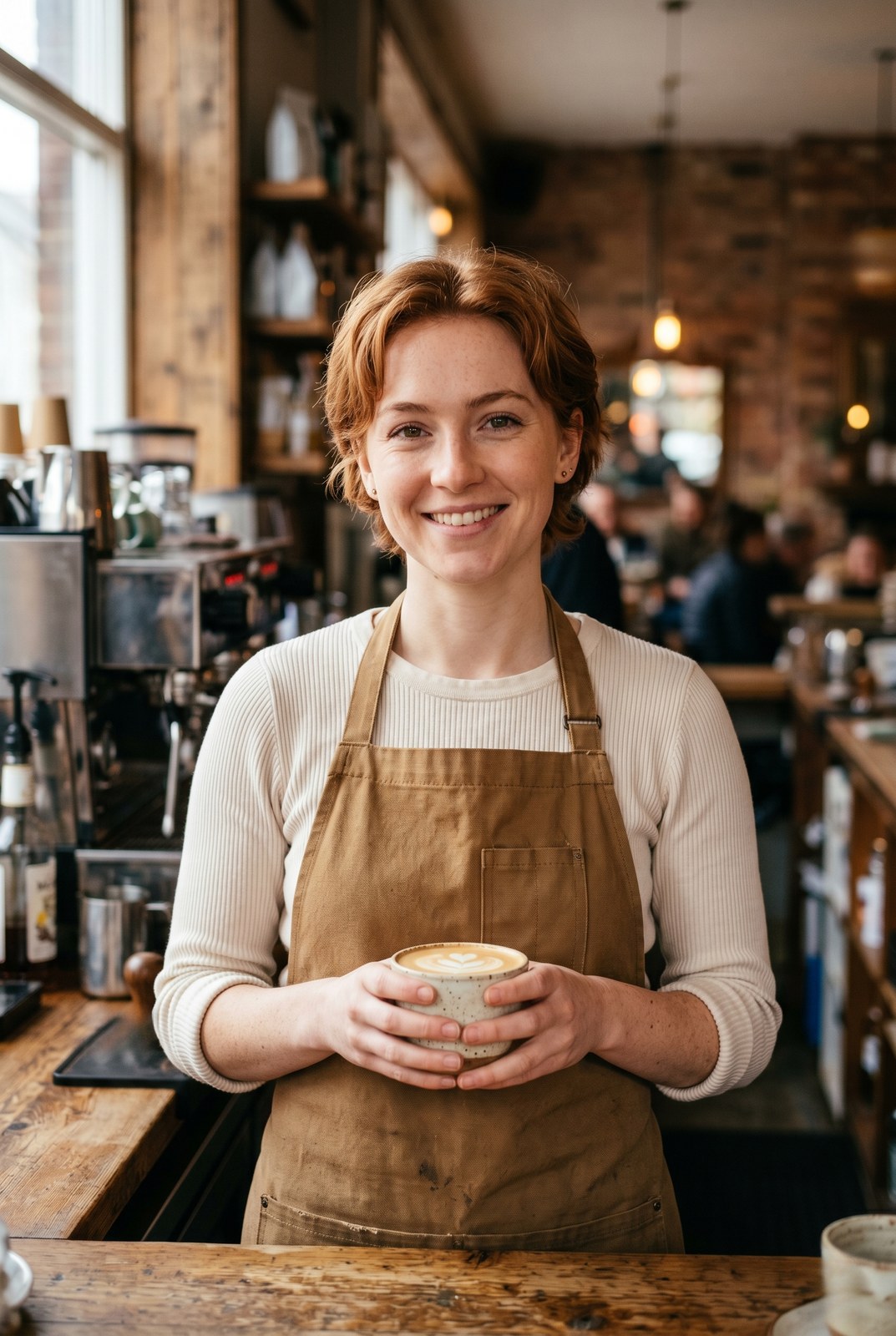
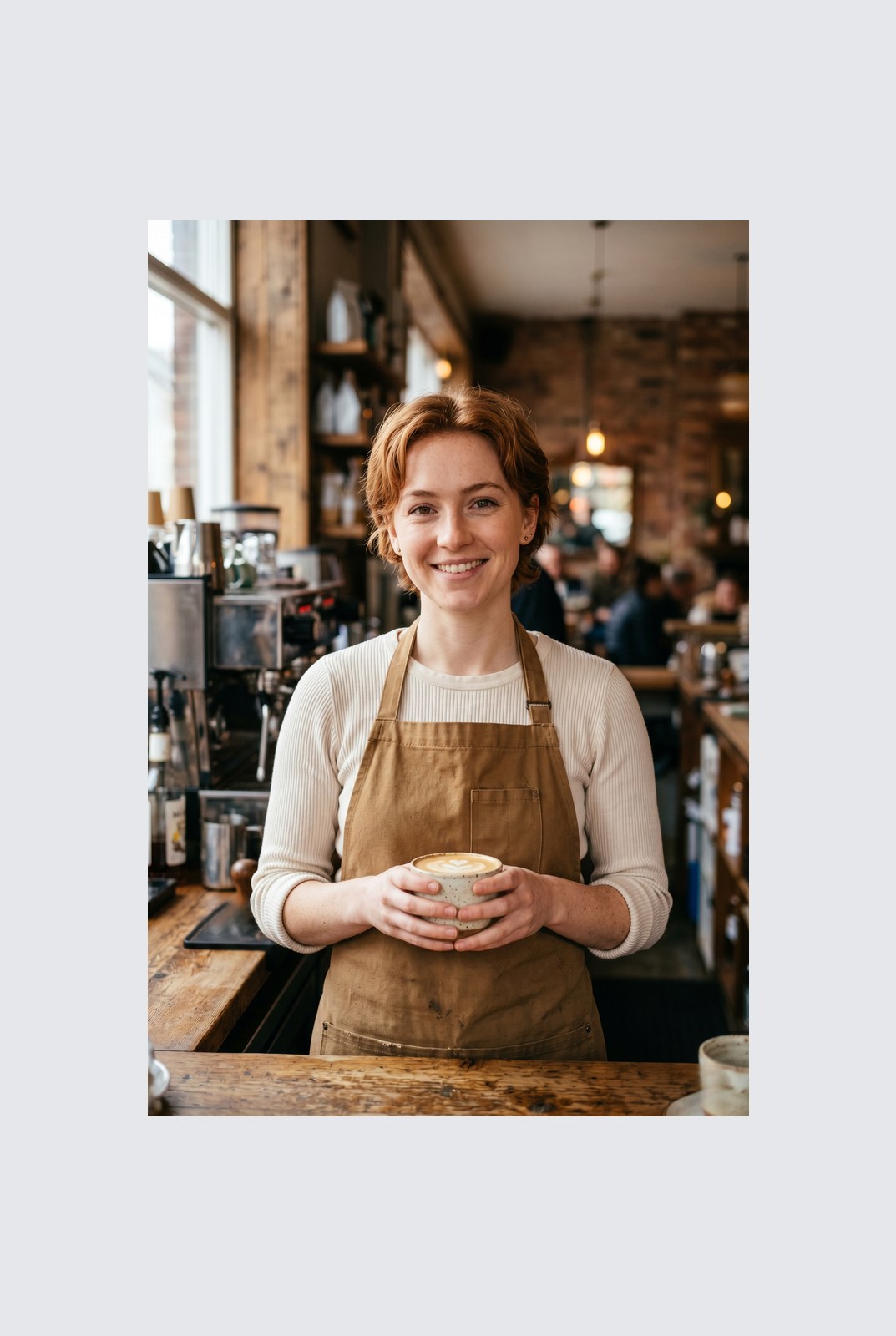
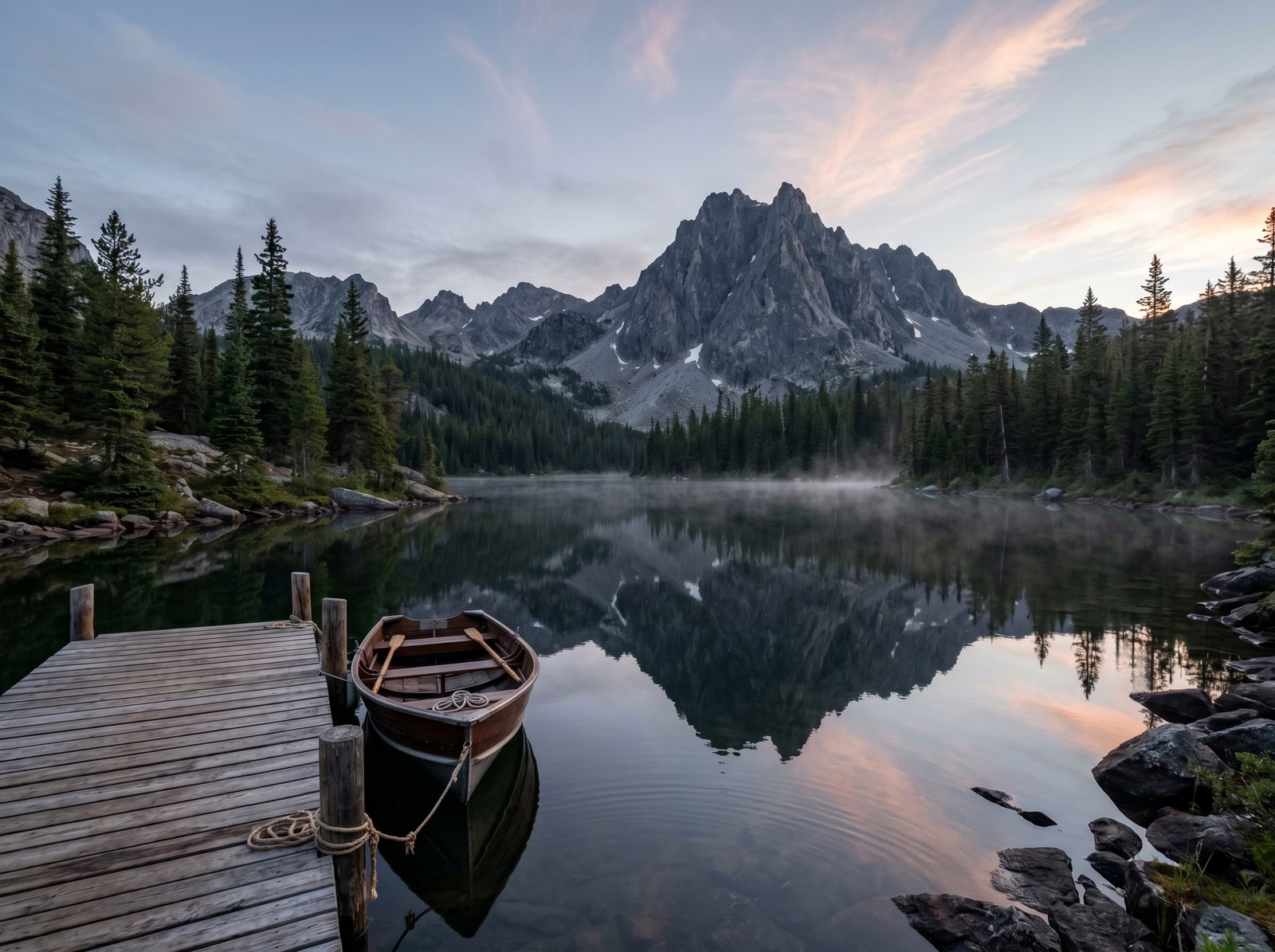
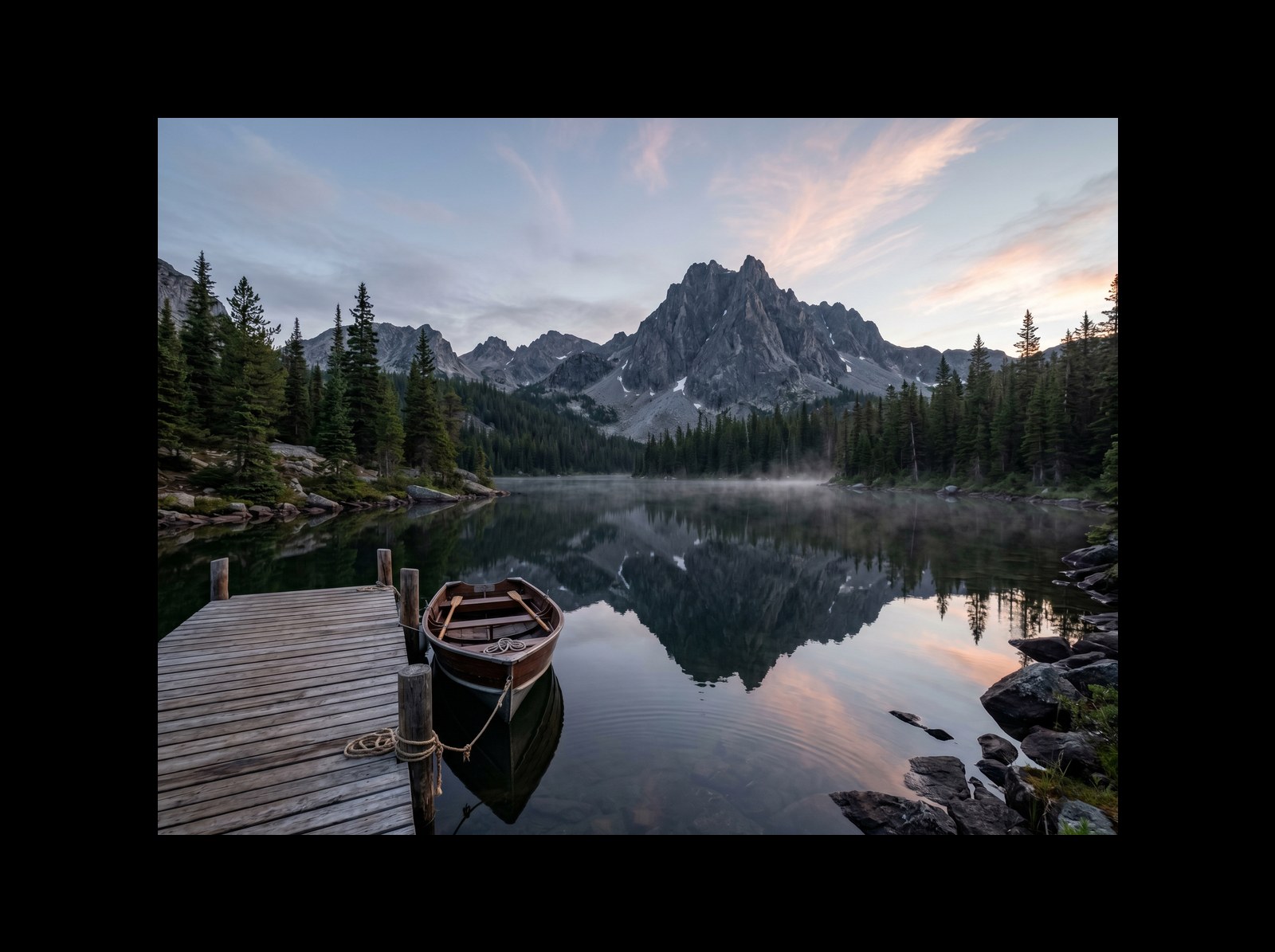
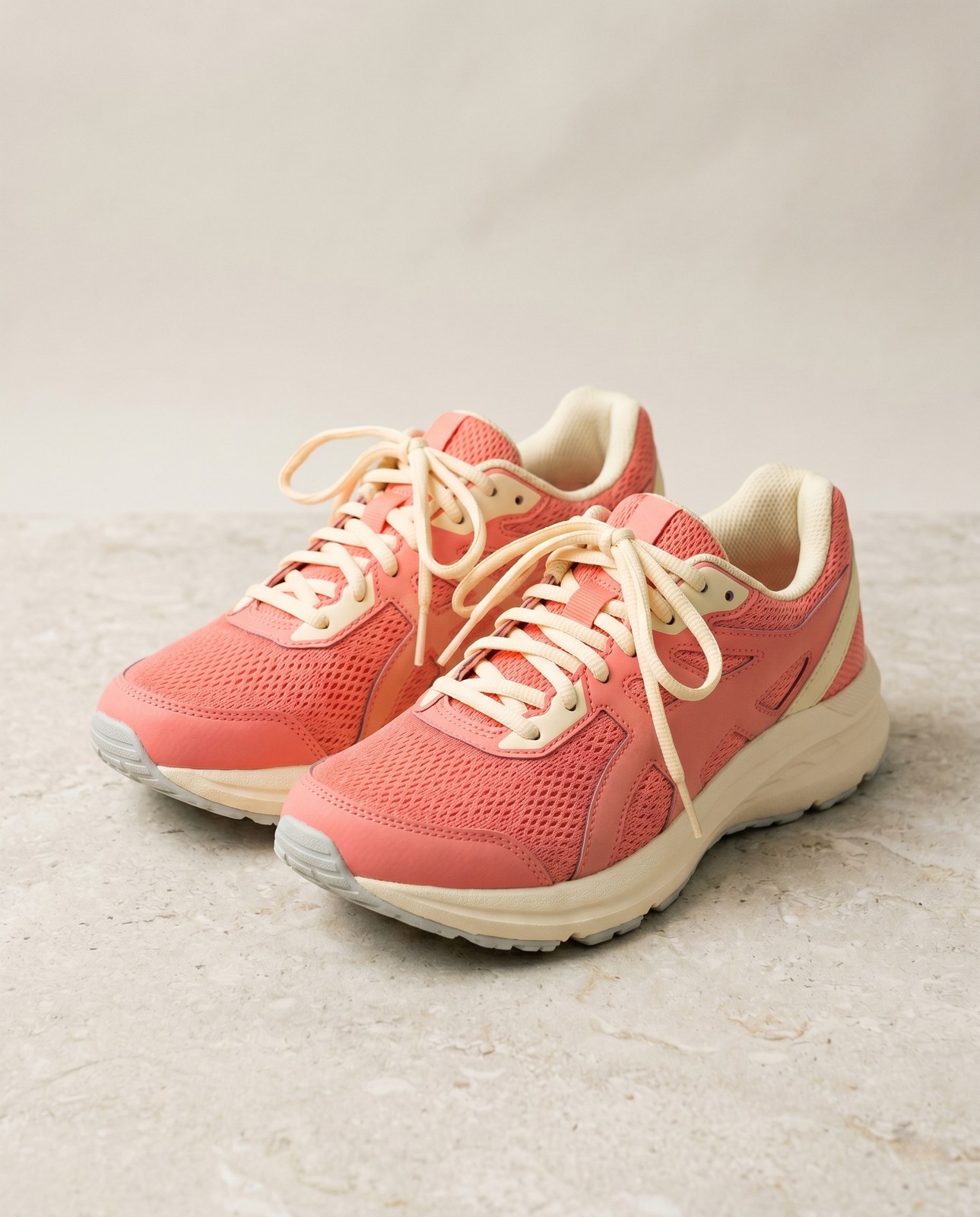
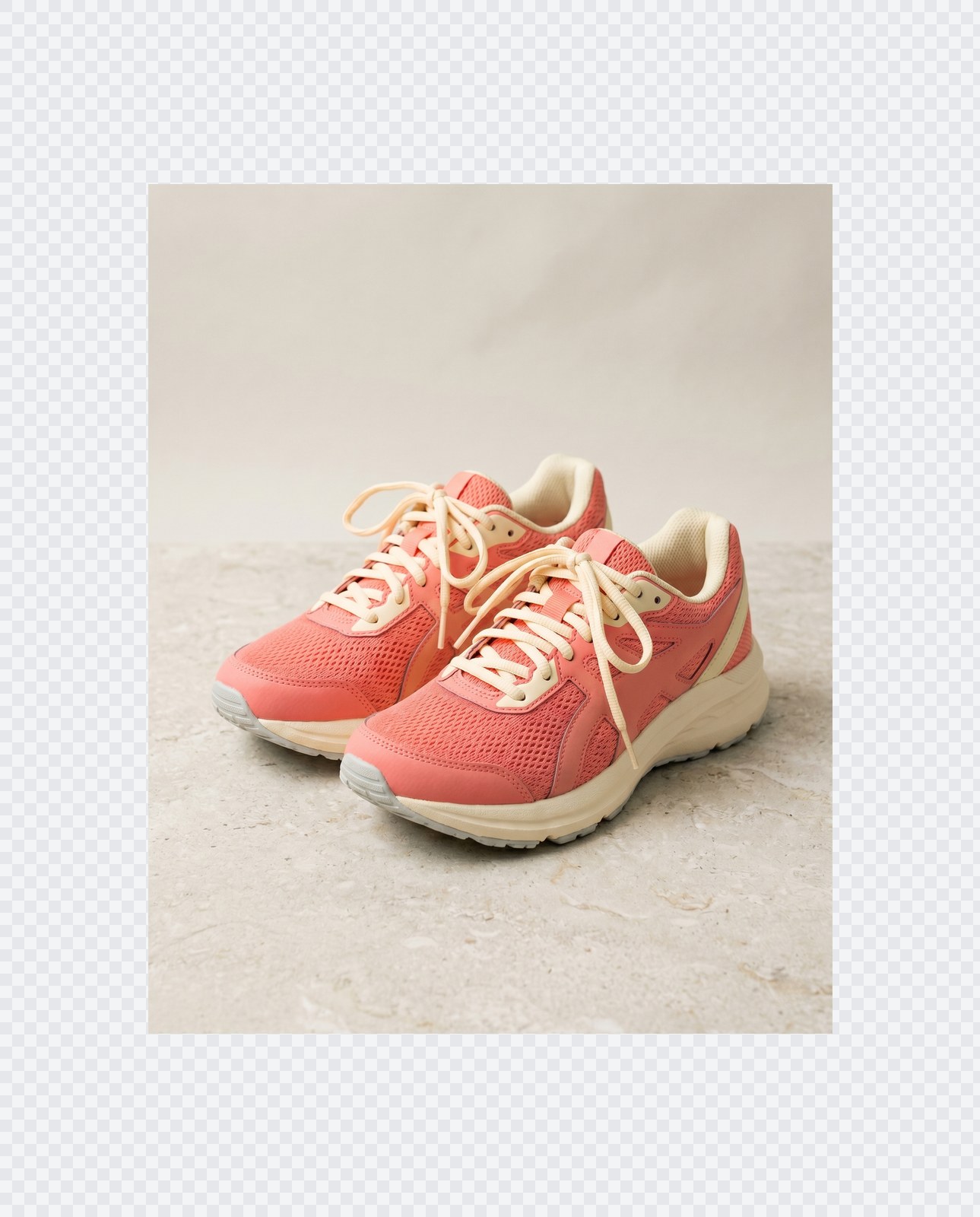
Потяните, чтобы сравнить, до / после
Обзор
Instagram wants a square. LinkedIn wants 16:9. TikTok wants 9:16. Your photo was shot at whatever ratio your camera felt like. Cropping removes parts of the frame you might care about. Padding does not: it just adds a coloured background around the image until it hits the aspect ratio you need.
This tool extends one image per request to a target aspect ratio without touching the original pixels. The padded area is filled with a colour of your choice: a solid background, a brand accent, or full transparency for PNG, WebP, or AVIF outputs. You pick the ratio (1:1, 16:9, 9:16, or a custom ratio like 4:5), the colour, and the alignment (centre, top, left, and so on).
Padding runs entirely in your browser. Your browser decodes, composites, and re-encodes the image on your own device, then hands you a download. Nothing is uploaded, nothing is saved, nothing is indexed or trained on, because we never see the pixels.
Как это работает
Три шага, обычно меньше пяти секунд.
- 1
Upload an image
Drop a JPG, PNG, WebP, or AVIF up to 25 MB. No sign-up, no credit card.
- 2
Pick a ratio and colour
Choose 1:1, 16:9, 9:16, or a custom ratio. Pick any hex colour or transparent. The preview updates live.
- 3
Download the padded image
The padded file is generated in your browser and saved straight to your device. Nothing is uploaded, so there is nothing for us to store or delete.
Посмотрите в действии
Потяните каждый ползунок, чтобы рассмотреть до и после в деталях.
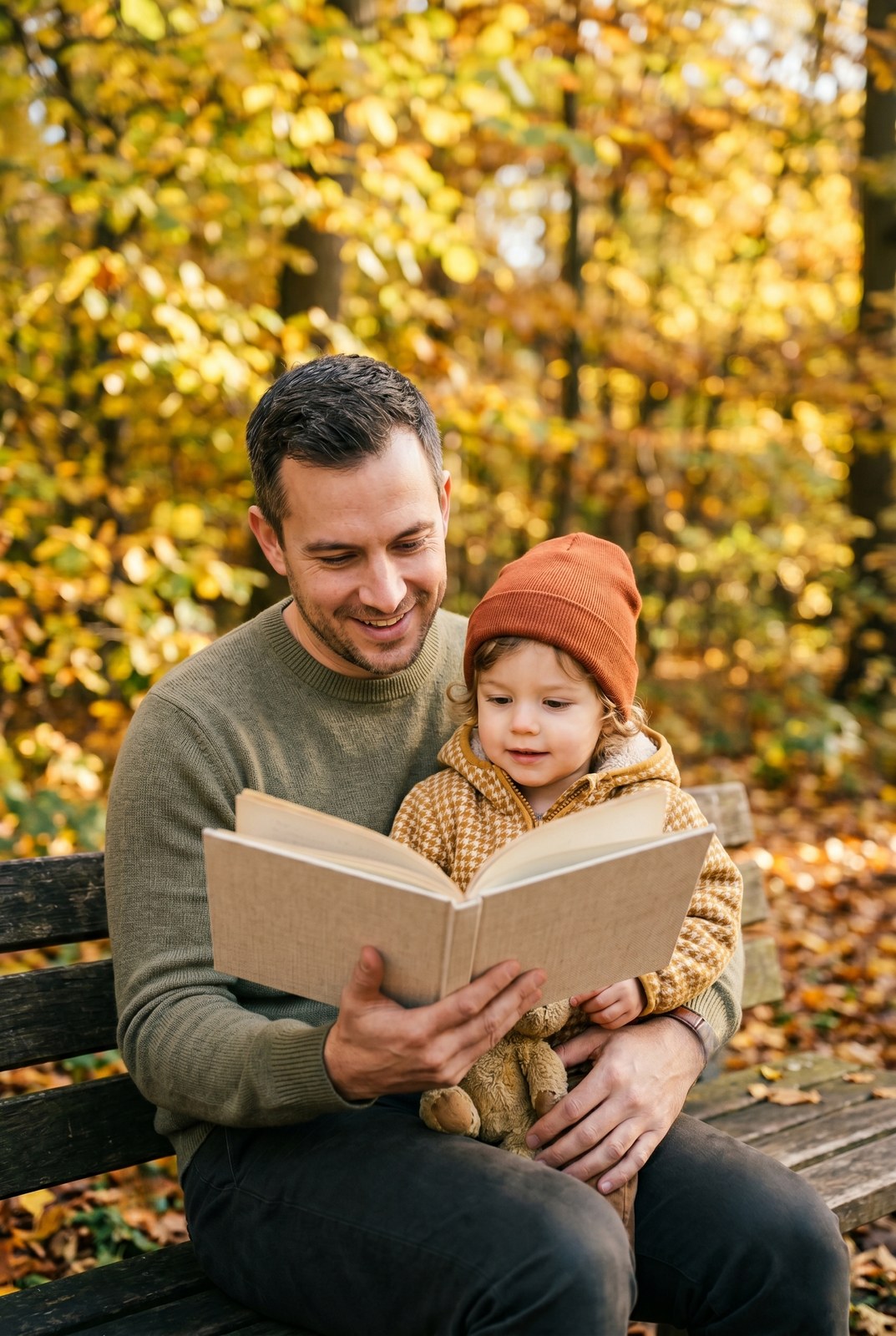
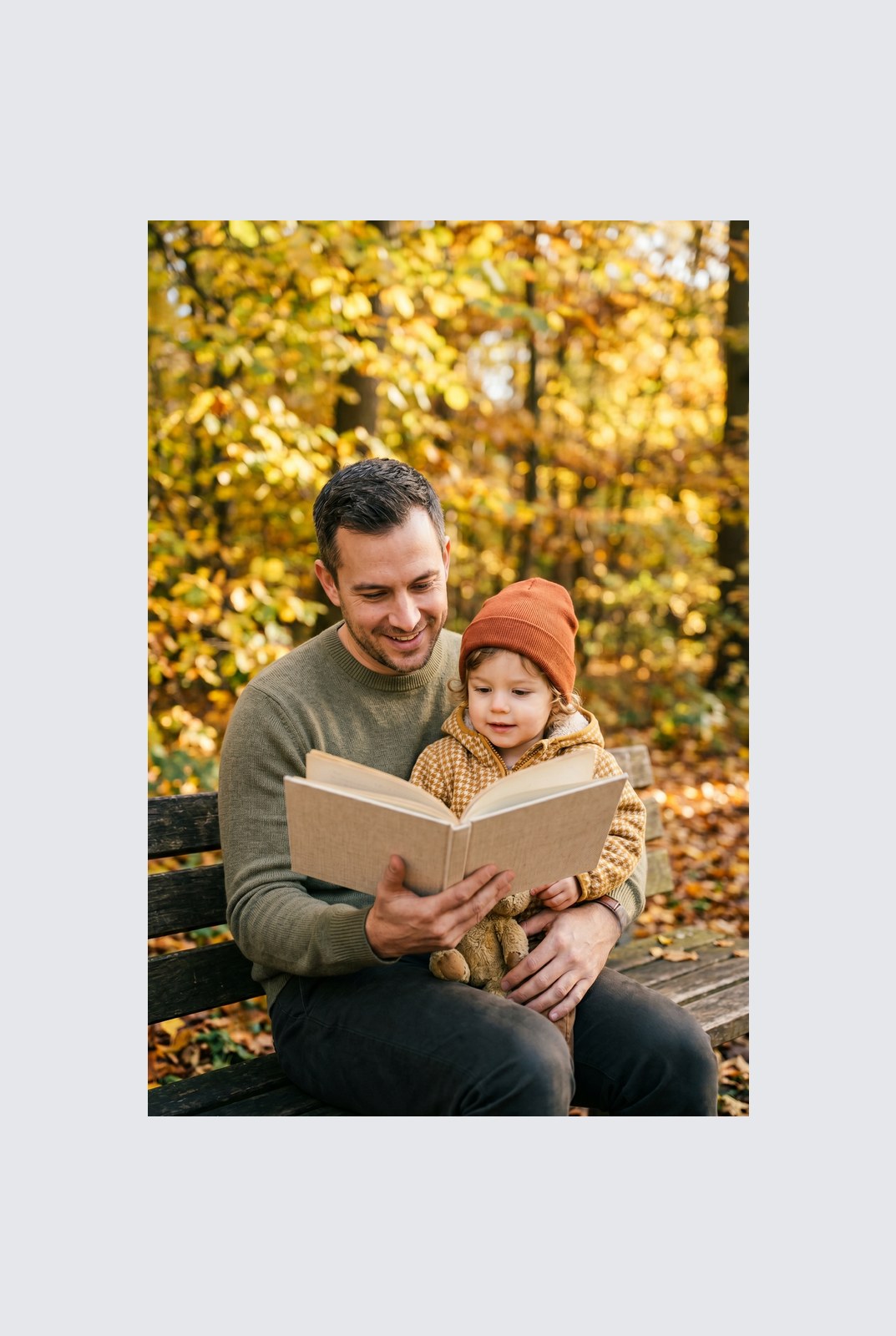
Ваше изображение исчезает, когда вы закончили
Padding runs entirely in your browser. Your image is never uploaded, never touches our servers, and never gets saved, indexed, or used for model training. If you close the tab, the image goes with it.
- Обрабатывается за секунды
- Ничего не сохраняется
- Не привязано к аккаунту
Загрузите изображение
Один клик. Без регистрации. Остальное мы сделаем сами.
Добавить поля / расширить холст
Нужно обработать больше одного изображения?
Бесплатный Pad image to square, 1:1, 16:9, 9:16 without cropping обрабатывает по одному изображению за раз. Пакет кредитов открывает до 50 изображений за партию, единый ZIP-архив и три готовых пресета (Блог / Соцсети / Магазин). От €5 за 100 кредитов. Платите один раз, кредиты не сгорают.
Часто задаваемые вопросы
Ответы на то, что чаще всего спрашивают перед тем, как попробовать новый инструмент.
Похожие инструменты
Переходы в один клик к другим задачам, которые наверняка нужны этому изображению.
Rotate image
Fix sideways photos before padding so the result aligns to the target aspect ratio.
Compress image
Padding keeps pixels intact but inflates file size; compress the padded result for the web.
Remove Gemini watermark
Clean the Gemini AI badge off a generated image before padding it for a social platform.
Цитируете или делитесь?
Скопируйте краткое резюме в Markdown (заголовок, описание, FAQ, канонический URL и цитата), готовое для вставки в чат с AI или в документ.