
Crop image online, free aspect-ratio cropper with draggable rectangle
Drop an image, drag a rectangle or pick a preset aspect ratio (1:1, 4:5, 16:9), and download the cropped output. Runs in your browser, nothing saved.
- Aspect-ratio presets
- Runs in your browser
- Drag-friendly rectangle


Потяните, чтобы сравнить, до / после
Обзор
Cropping a photo on a desktop browser usually means launching an image editor, fighting with a misbehaving rectangle, and exporting a file in a format you did not pick. This tool keeps the surface small: drop an image, pick an aspect ratio (or pick Custom to drag freely), drag the rectangle to the part you want, and download.
Aspect-ratio presets cover the cases people actually need: square (1:1) for product tiles, portrait (4:5, 9:16) for Instagram and TikTok, landscape (16:9, 3:2) for YouTube thumbnails and DSLR-native ratios. The Original preset removes the aspect constraint; Custom does the same but reflows freely as you drag the corners.
In any modern browser the crop runs locally: the cropper renders to a canvas and the encode happens in the browser, so the image bytes never leave your device. A server fallback exists for browsers that cannot mount the cropper canvas; on that path the upload is deleted the moment we send the result back.
Как это работает
Три шага, обычно меньше пяти секунд.
- 1
Upload an image
Drop a JPG, PNG, WebP, or AVIF up to 25 MB. Clipboard paste also works.
- 2
Pick an aspect ratio
Choose Original, 1:1, 4:5, 16:9, 9:16, 3:2, 2:3, or Custom. The rectangle resnaps to the new ratio without losing your position.
- 3
Drag the rectangle
Move the rectangle, resize from the corners, or drag the edges. The selection updates live; you can switch presets at any time.
- 4
Download the cropped image
Pick the output format (Same as source, JPEG, PNG, or WebP) and confirm. The file downloads with `-cropped` appended to the original filename.
Посмотрите в действии
Потяните каждый ползунок, чтобы рассмотреть до и после в деталях.
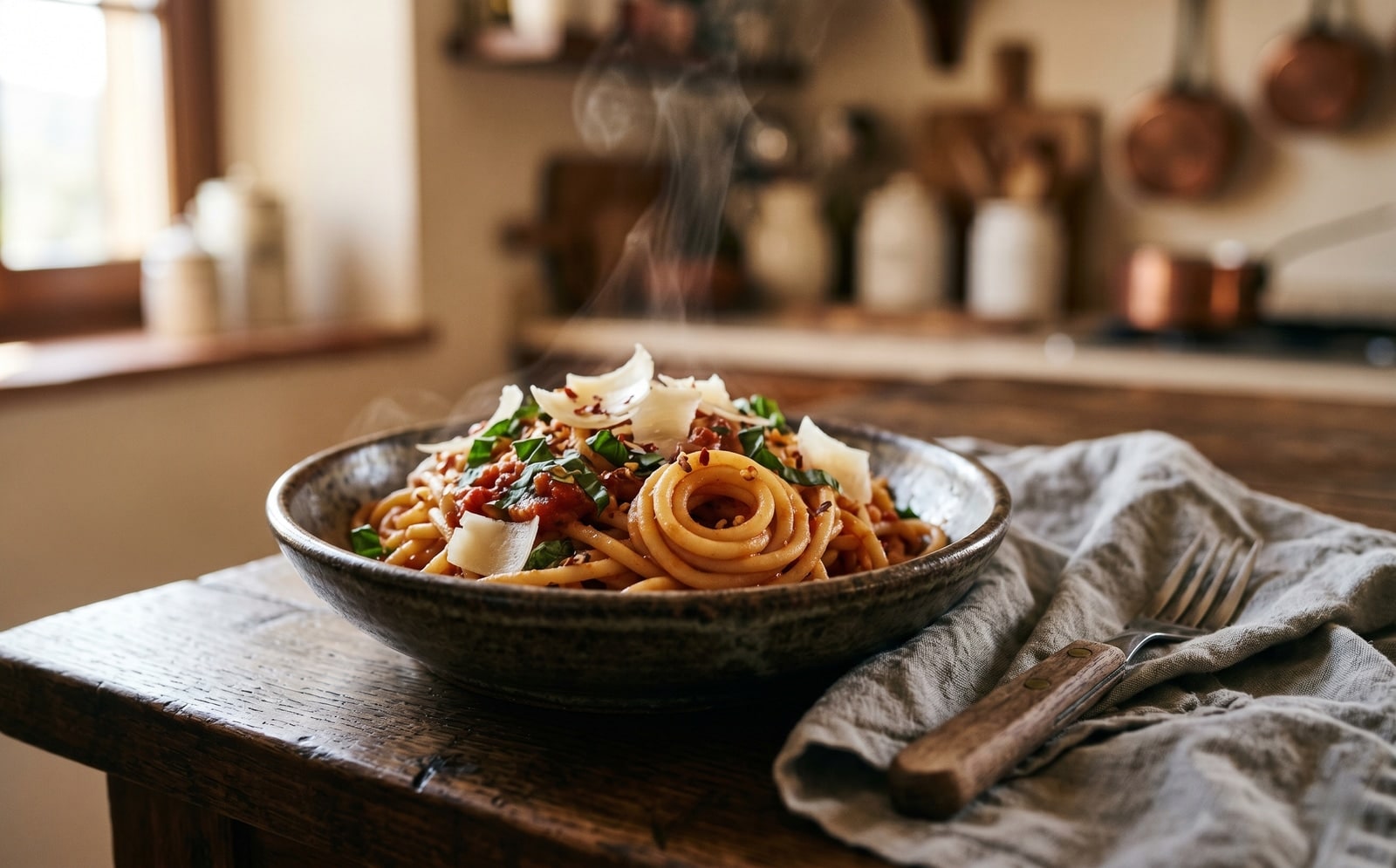
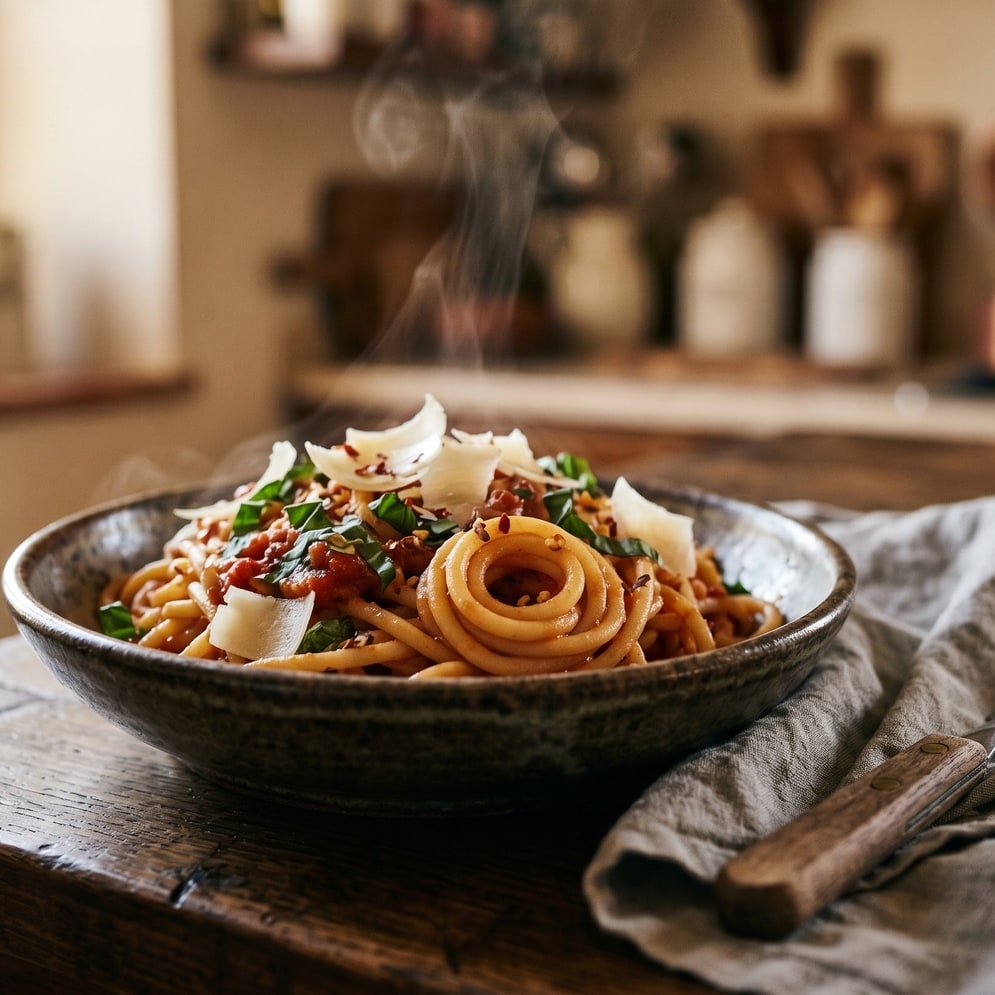


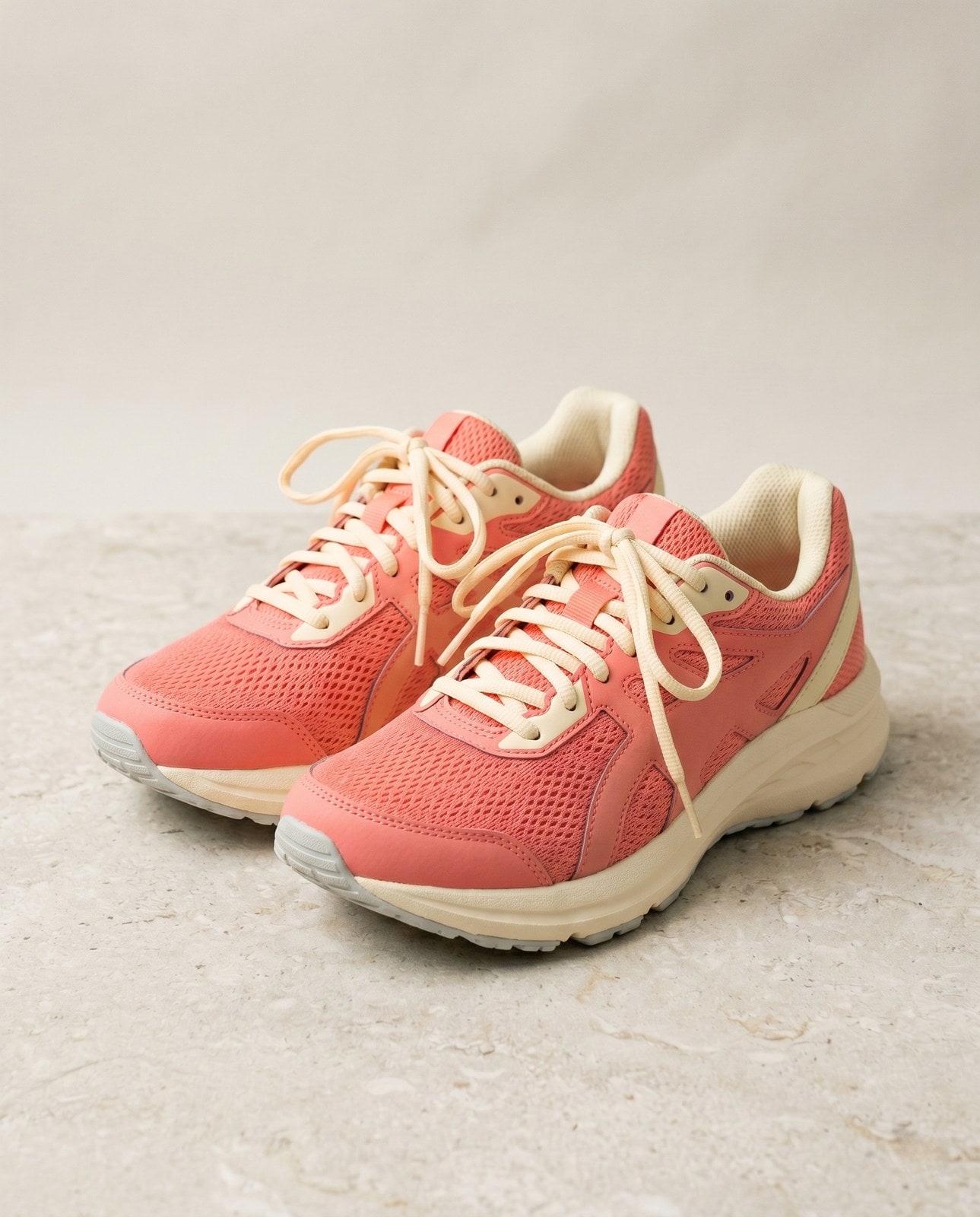
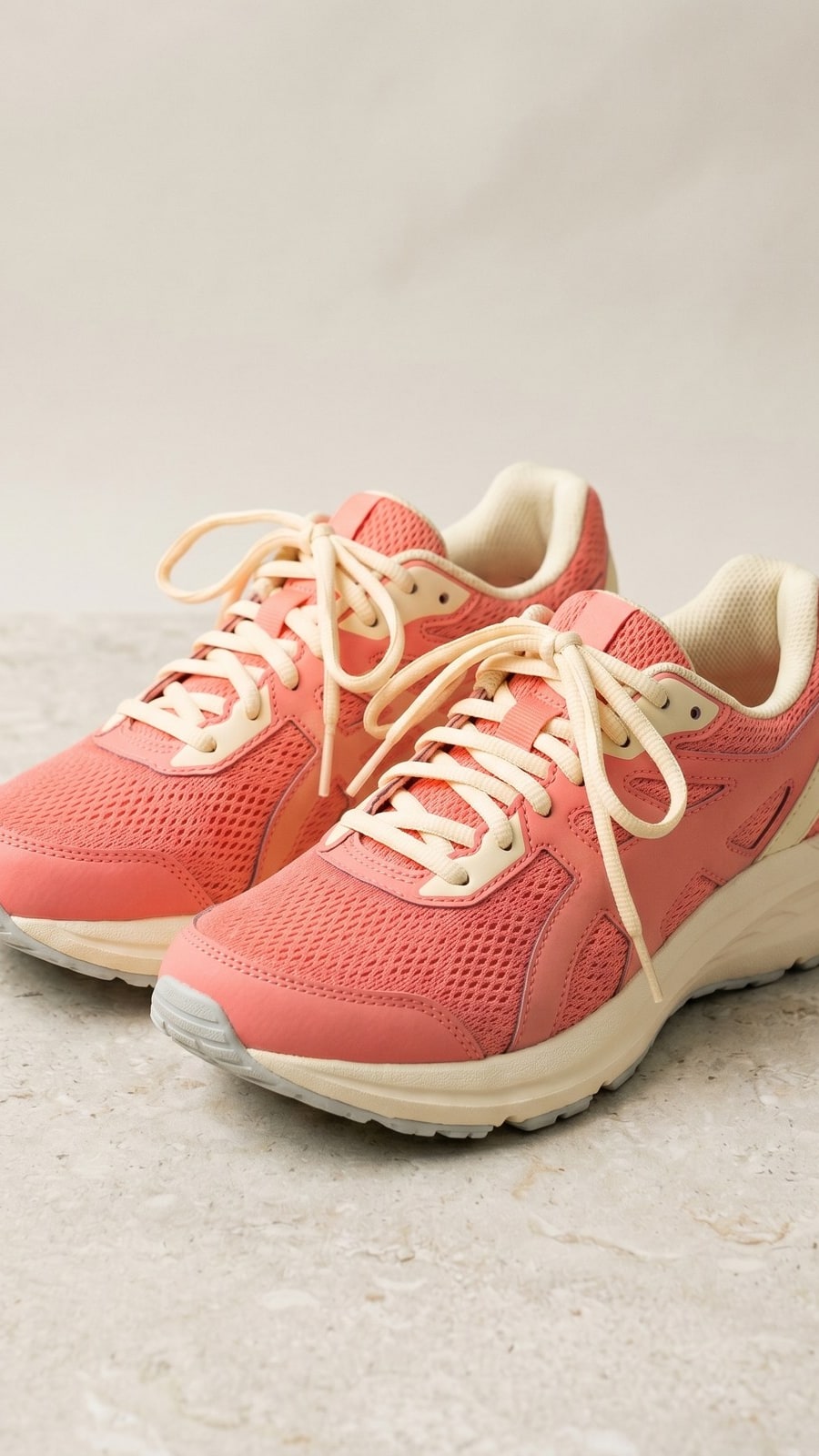
Ваше изображение исчезает, когда вы закончили
Cropping runs in your browser by default. Your image never leaves your device on that path. For the small share of browsers that cannot mount the cropper canvas we fall back to a server round-trip, where the upload is only held while we process it and is deleted the moment the result is sent back. Nothing is saved, indexed, or trained on.
- Обрабатывается за секунды
- Ничего не сохраняется
- Не привязано к аккаунту
Загрузите изображение
Один клик. Без регистрации. Остальное мы сделаем сами.
Обрезать изображение
Нужно обработать больше одного изображения?
Бесплатный Crop image online, free aspect-ratio cropper with draggable rectangle обрабатывает по одному изображению за раз. Пакет кредитов открывает до 50 изображений за партию, единый ZIP-архив и три готовых пресета (Блог / Соцсети / Магазин). От €5 за 100 кредитов. Платите один раз, кредиты не сгорают.
Часто задаваемые вопросы
Ответы на то, что чаще всего спрашивают перед тем, как попробовать новый инструмент.
Похожие инструменты
Переходы в один клик к другим задачам, которые наверняка нужны этому изображению.
Resize image
Already at the right shape? Resize to exact pixels with optional aspect-ratio lock and a quality knob.
Pad to square
Want to keep the whole frame? Pad to a target aspect ratio instead of cropping it away.
Rotate or flip
If the source is sideways from your phone, rotate first, then crop.
Цитируете или делитесь?
Скопируйте краткое резюме в Markdown (заголовок, описание, FAQ, канонический URL и цитата), готовое для вставки в чат с AI или в документ.