
Convert WebP to PNG (WebP to Portable Network Graphics)
Convert WebP to PNG online. Drop a WebP and get a Portable Network Graphics back at roughly 934% of the original byte cost. No sign-up, nothing saved.
- Pixel-exact snapshot
- No account required
- Nothing saved


Потяните, чтобы сравнить, до / после
Обзор
Convert WebP to PNG. This tool takes a WebP and re-encodes its pixels as a lossless Portable Network Graphics. What this does NOT do is recover detail that WebP already discarded: the source was lossy, so the PNG you get back is a pixel-exact snapshot of the already-compressed image, not a higher-quality original.
PNG (Portable Network Graphics) is lossless: every pixel of the input is preserved exactly. It was standardised in 1996, supports an alpha channel, and is the universal editor-friendly format. Design tools (Photoshop, Figma, Affinity) import PNG without quality loss, which is why it is the right target when the next step is manual editing, layer compositing, or a transparent overlay.
WebP (WebP) is a lossy codec: its whole value is squeezing photographic content into a small file by discarding detail the eye is unlikely to notice. That compression is one-way. By the time a WebP exists, the original high-frequency detail is gone forever and no subsequent format change can bring it back. This is the single most important fact about this direction.
The trade-off is size. PNG needs roughly 934% more bytes than WebP for the same pixels, because it cannot compress by discarding perceptual detail. That is a feature of PNG, not a flaw. The upside is a file that survives round-trips through an editor with zero generation loss, unlike a WebP that degrades slightly with every re-save.
When NOT to convert WebP to PNG: when the destination is the public web (ship the WebP directly or re-encode to a modern codec like AVIF or WebP). When you want "better quality" from the already-compressed source (you cannot get quality back). When the source already has a lossless master available: go back to the master, not through the WebP.
Your WebP upload is held only while we re-encode it. The resulting PNG comes back on a one-time download link and is deleted the moment you fetch it. Nothing is saved on our servers, and no account ties the upload to you. Converting WebP to PNG on BouseMutton is a quiet one-shot snapshot, not a saved artefact.
WebP to PNG at a glance
Цифры и компромиссы, которые стоит знать заранее.
No quality recovery
WebP was already lossy, so the PNG is a pixel-exact snapshot of the already-compressed image. The original uncompressed detail cannot be restored.
Editor-friendly
PNG survives round-trips through image editors losslessly, so repeated save-and-reload cycles will not compound compression artifacts the way WebP would.
Alpha channel available
PNG supports transparent backgrounds and semi-transparent compositing. WebP cannot represent transparency, so moving to PNG unlocks alpha workflows.
Expect a larger file
PNG cannot compress by discarding perceptual detail, so it needs roughly 934% more bytes than WebP at identical pixels.
Archival snapshot
A PNG is a stable rollback point: further edits in an editor will not progressively degrade the file the way they do with WebP.
Not a web-delivery choice
For public-web delivery, re-encode from the original source to AVIF or WebP. The PNG is a working artefact, not a distribution format for a site of this era.
Year standardised
PNG dates from 1996 and is supported in roughly 100%% of browsers; every image editor imports it without quality loss.
Как это работает
Три шага, обычно меньше пяти секунд.
- 1
Upload a WebP
Drop a WebP up to 25 MB, or paste from the clipboard. No sign-up, no credit card.
- 2
We wrap it as lossless PNG
We decode the WebP and re-encode the resulting pixels as PNG with no further quality loss. The PNG you get back is a pixel-exact snapshot of the decoded source.
- 3
Download your PNG
Your PNG comes back on a one-time download link, ready to drop into an editor. Fetch it and the file is deleted; never come back and it is deleted anyway.
Посмотрите в действии
Потяните каждый ползунок, чтобы рассмотреть до и после в деталях.
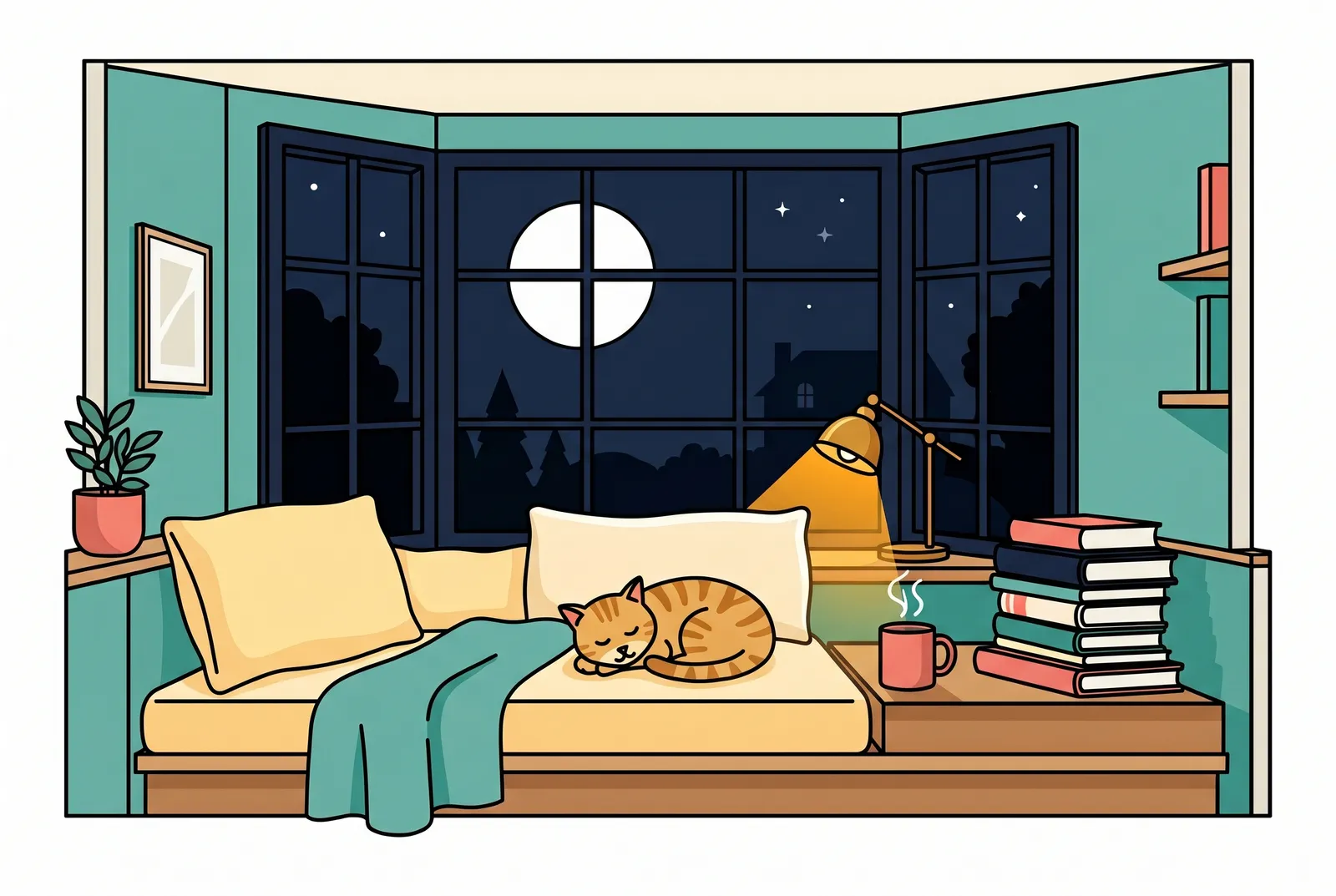
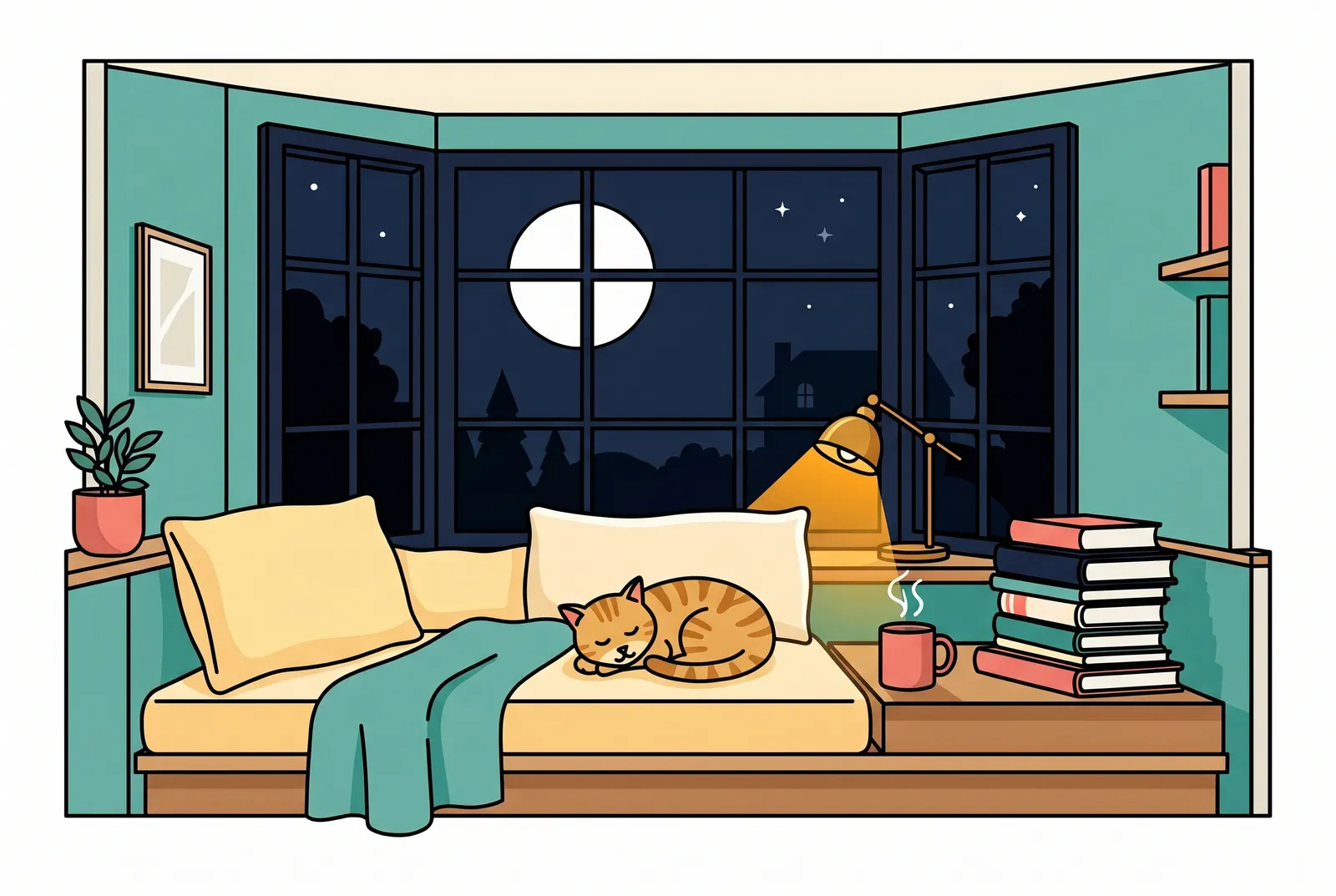
Ваше изображение исчезает, когда вы закончили
Your WebP upload is held only while we re-encode it. The resulting PNG comes back on a one-time download link and is deleted the moment you fetch it. Nothing is saved on our servers, and no account ties the upload to you. Converting WebP to PNG on BouseMutton is a quiet one-shot snapshot, not a saved artefact.
- Обрабатывается за секунды
- Ничего не сохраняется
- Не привязано к аккаунту
Загрузите изображение
Один клик. Без регистрации. Остальное мы сделаем сами.
Конвертировать формат изображения
Нужно обработать больше одного изображения?
Бесплатный Convert WebP to PNG (WebP to Portable Network Graphics) обрабатывает по одному изображению за раз. Пакет кредитов открывает до 50 изображений за партию, единый ZIP-архив и три готовых пресета (Блог / Соцсети / Магазин). От €5 за 100 кредитов. Платите один раз, кредиты не сгорают.
Glossary for WebP and PNG
Простые определения для жаргона выше.
Часто задаваемые вопросы
Ответы на то, что чаще всего спрашивают перед тем, как попробовать новый инструмент.
Похожие инструменты
Переходы в один клик к другим задачам, которые наверняка нужны этому изображению.
Strip EXIF metadata
Remove camera, GPS, and device metadata before publishing the converted image publicly.
Rotate sideways photos
Bake EXIF orientation into the pixels so the converted file renders correctly in every viewer regardless of orientation tag support.
Pad to a target aspect ratio
Extend the canvas to a 1:1 or 9:16 frame without losing pixels, before or after the format conversion.
Related reading on WebP, PNG, and editor workflows
Другие инструменты, которые хорошо сочетаются с этим.
- Browse all format convertersSee the full set of WebP and PNG tools on BouseMutton, including compression, EXIF stripping, and resize.
- WebP -> AV1 Image File FormatAlso converting WebP to AV1 Image File Format? This tool handles the same source in a different target format, for cases where the codec choice differs.
- JPEG -> Portable Network GraphicsRun JPEG through this tool before or after conversion to Portable Network Graphics, depending on the workflow step you are at.
- Compress imageShrink an already-converted image further without changing its format, for bandwidth-constrained pages.
Цитируете или делитесь?
Скопируйте краткое резюме в Markdown (заголовок, описание, FAQ, канонический URL и цитата), готовое для вставки в чат с AI или в документ.