
Pad image to square, 1:1, 16:9, 9:16 without cropping
Drop an image and pad it to a square, 16:9, or 9:16 frame with a colour background of your choice. One image per request, nothing saved.
- No account required
- Nothing saved
- No cropping, pixels preserved
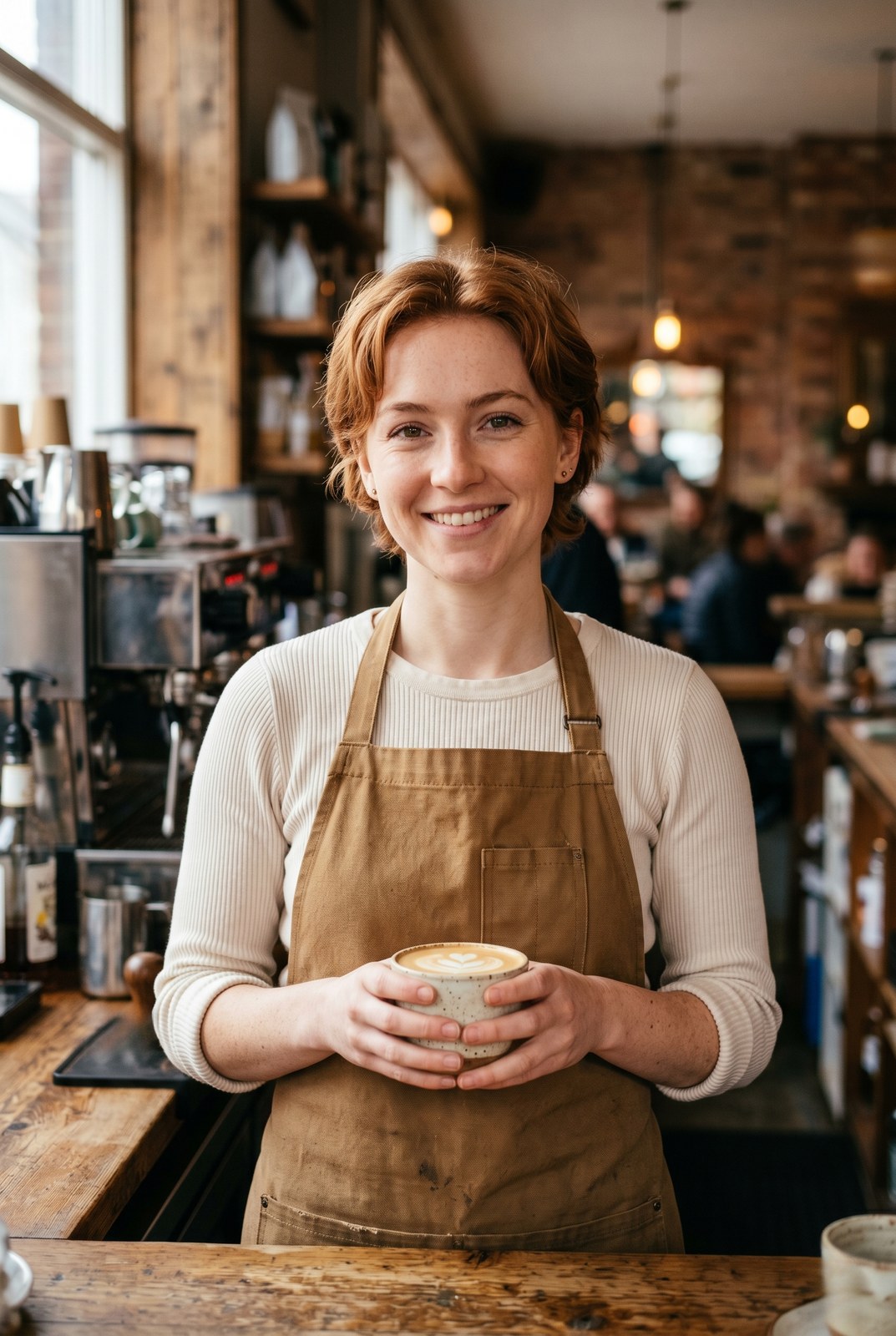
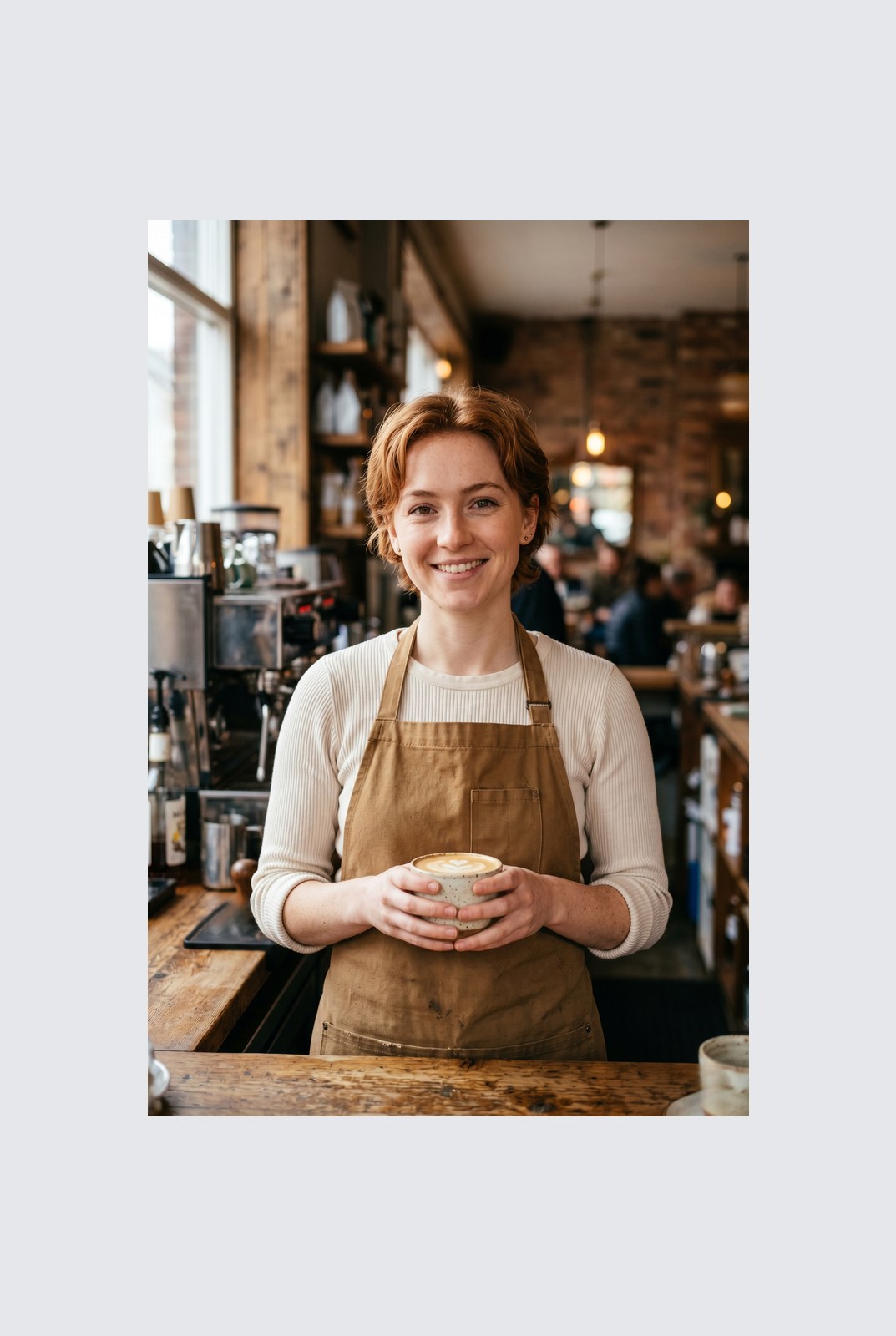
Arraste para comparar, antes / depois
Visão geral
Instagram wants a square. LinkedIn wants 16:9. TikTok wants 9:16. Your photo was shot at whatever ratio your camera felt like. Cropping removes parts of the frame you might care about. Padding does not: it just adds a coloured background around the image until it hits the aspect ratio you need.
This tool extends one image per request to a target aspect ratio without touching the original pixels. The padded area is filled with a colour of your choice: a solid background, a brand accent, or full transparency for PNG, WebP, or AVIF outputs. You pick the ratio (1:1, 16:9, 9:16, or a custom ratio like 4:5), the colour, and the alignment (centre, top, left, and so on).
Padding runs entirely in your browser. Your browser decodes, composites, and re-encodes the image on your own device, then hands you a download. Nothing is uploaded, nothing is saved, nothing is indexed or trained on, because we never see the pixels.
Como funciona
Três passos, normalmente em menos de cinco segundos.
- 1
Upload an image
Drop a JPG, PNG, WebP, or AVIF up to 25 MB. No sign-up, no credit card.
- 2
Pick a ratio and colour
Choose 1:1, 16:9, 9:16, or a custom ratio. Pick any hex colour or transparent. The preview updates live.
- 3
Download the padded image
The padded file is generated in your browser and saved straight to your device. Nothing is uploaded, so there is nothing for us to store or delete.
Veja em ação
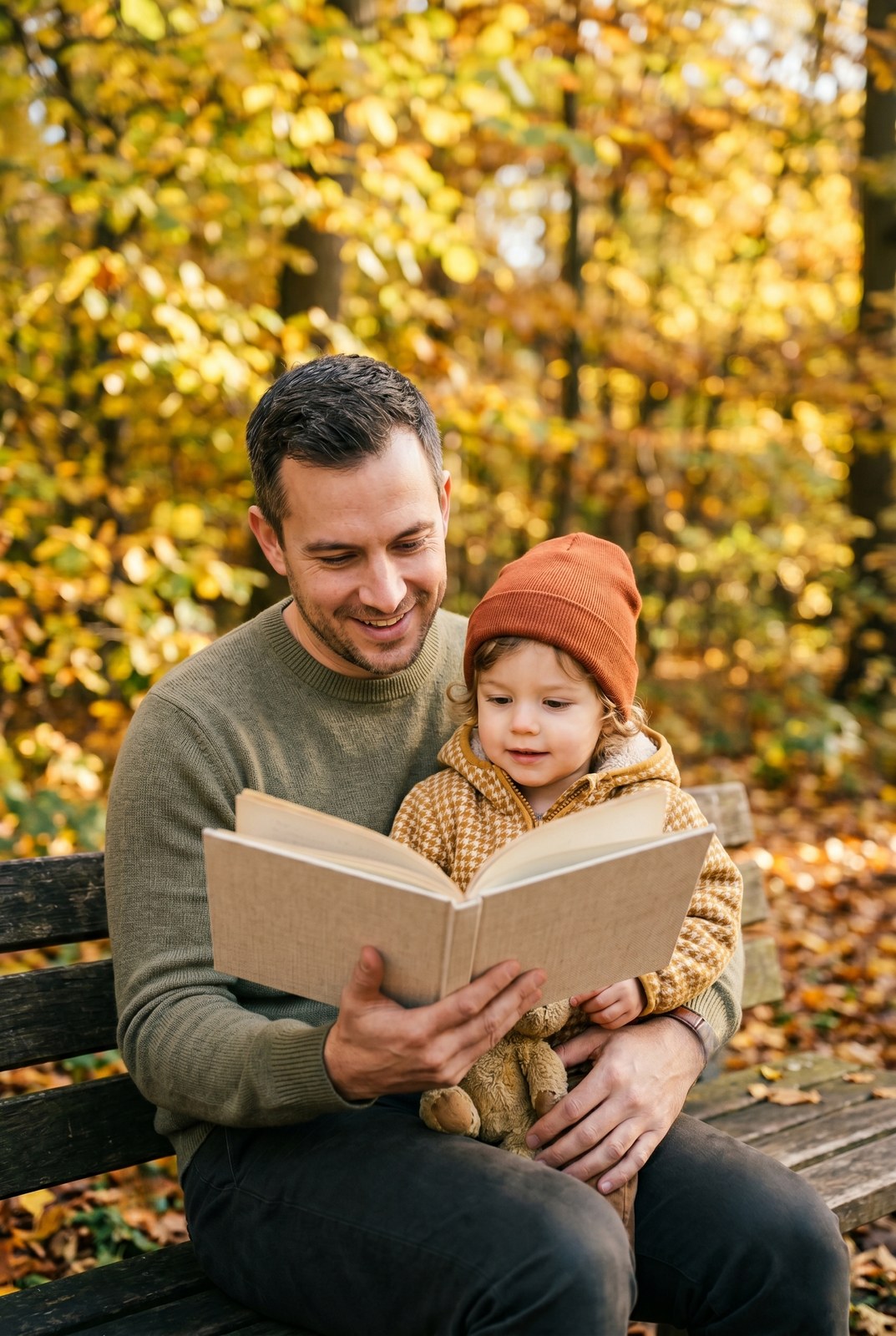
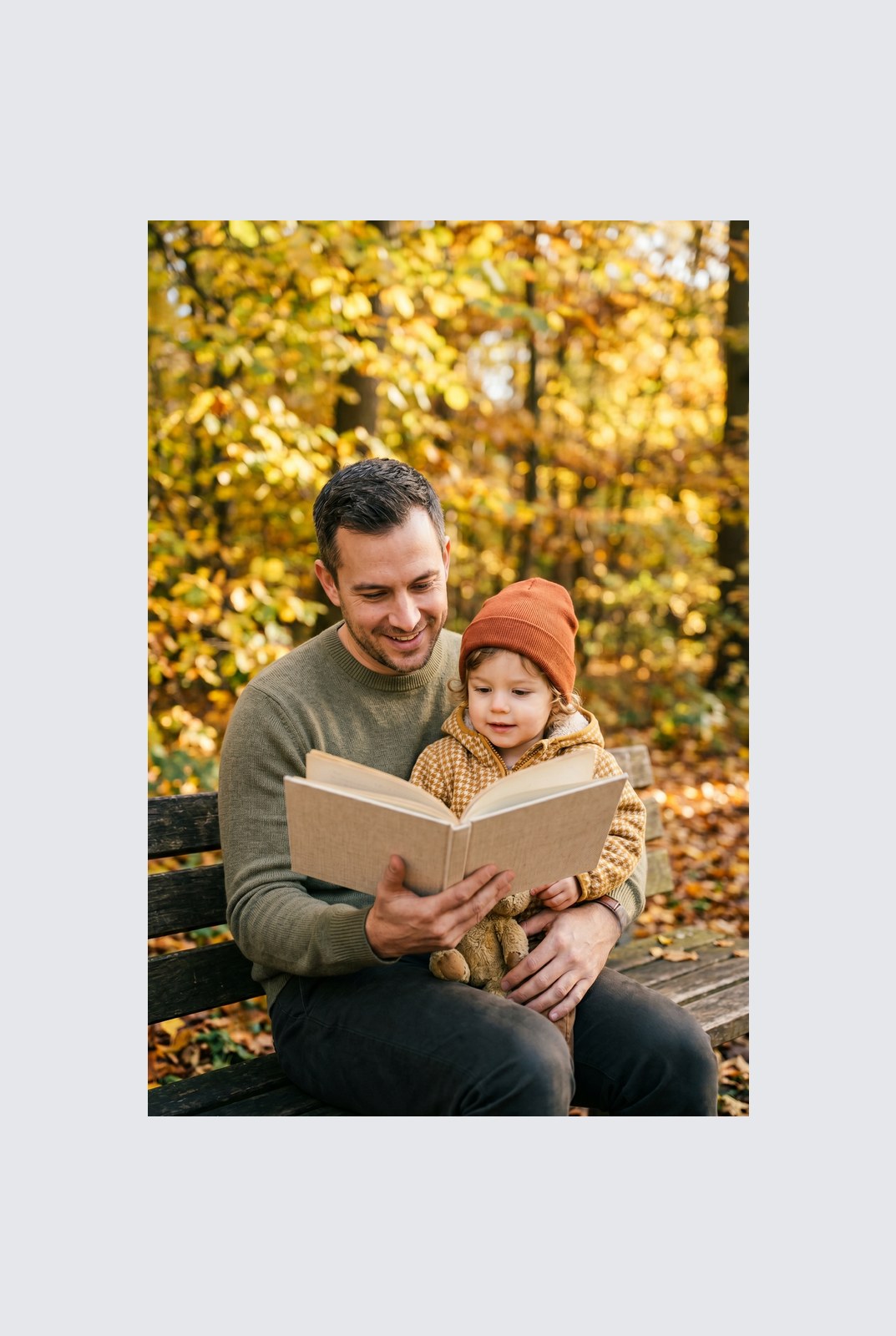
Arraste cada controlo para inspecionar o antes e o depois ao detalhe.
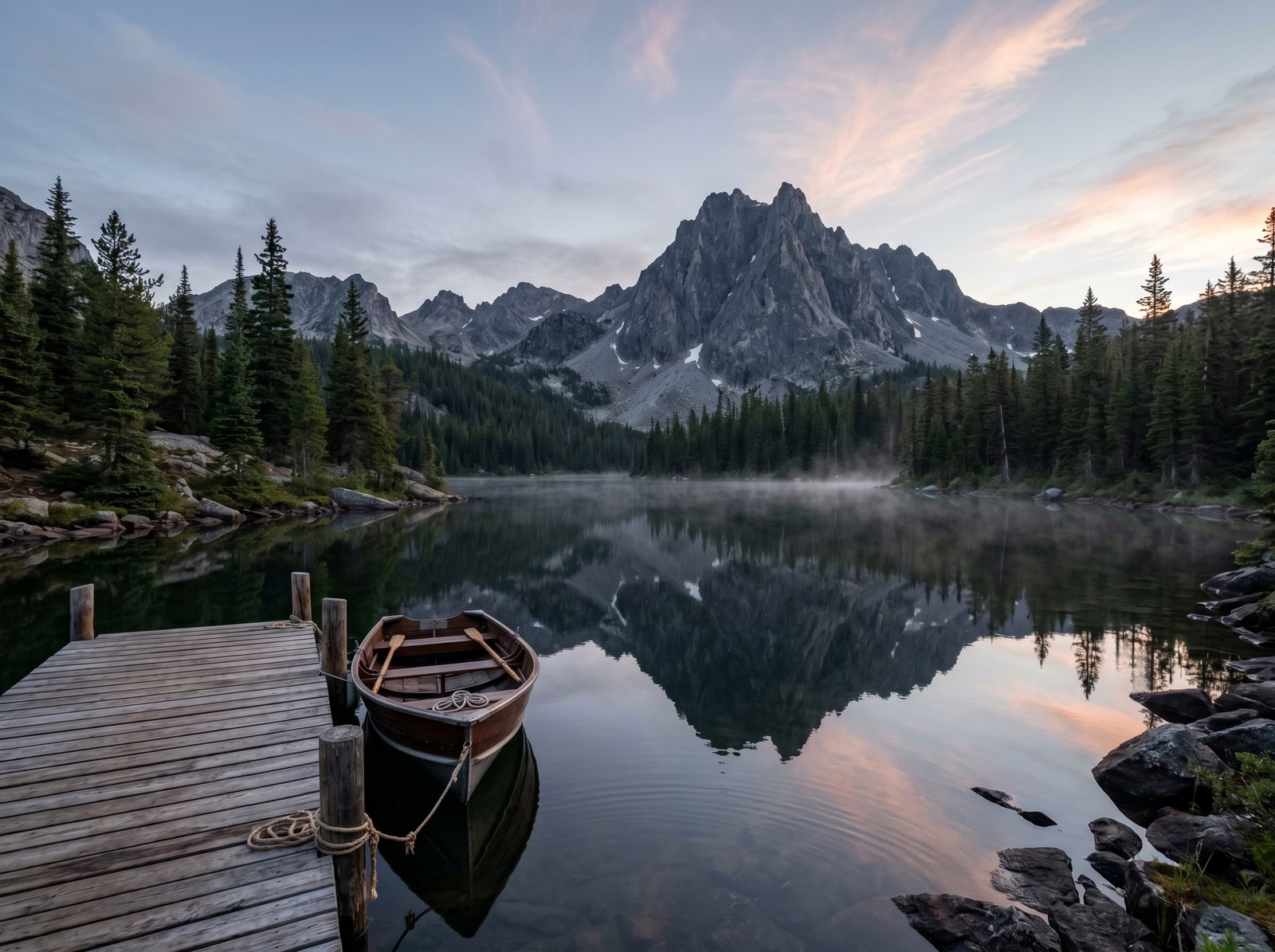
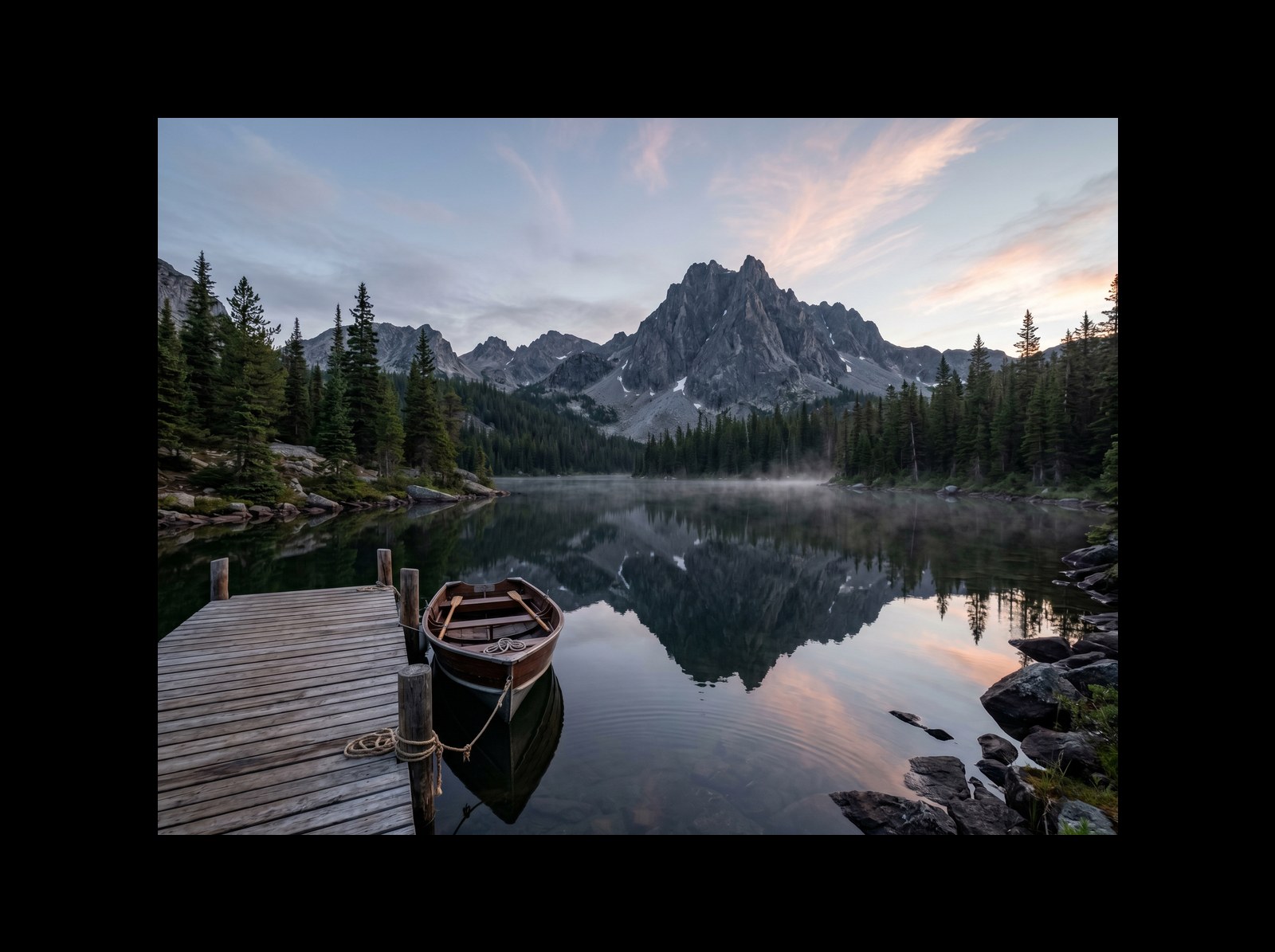
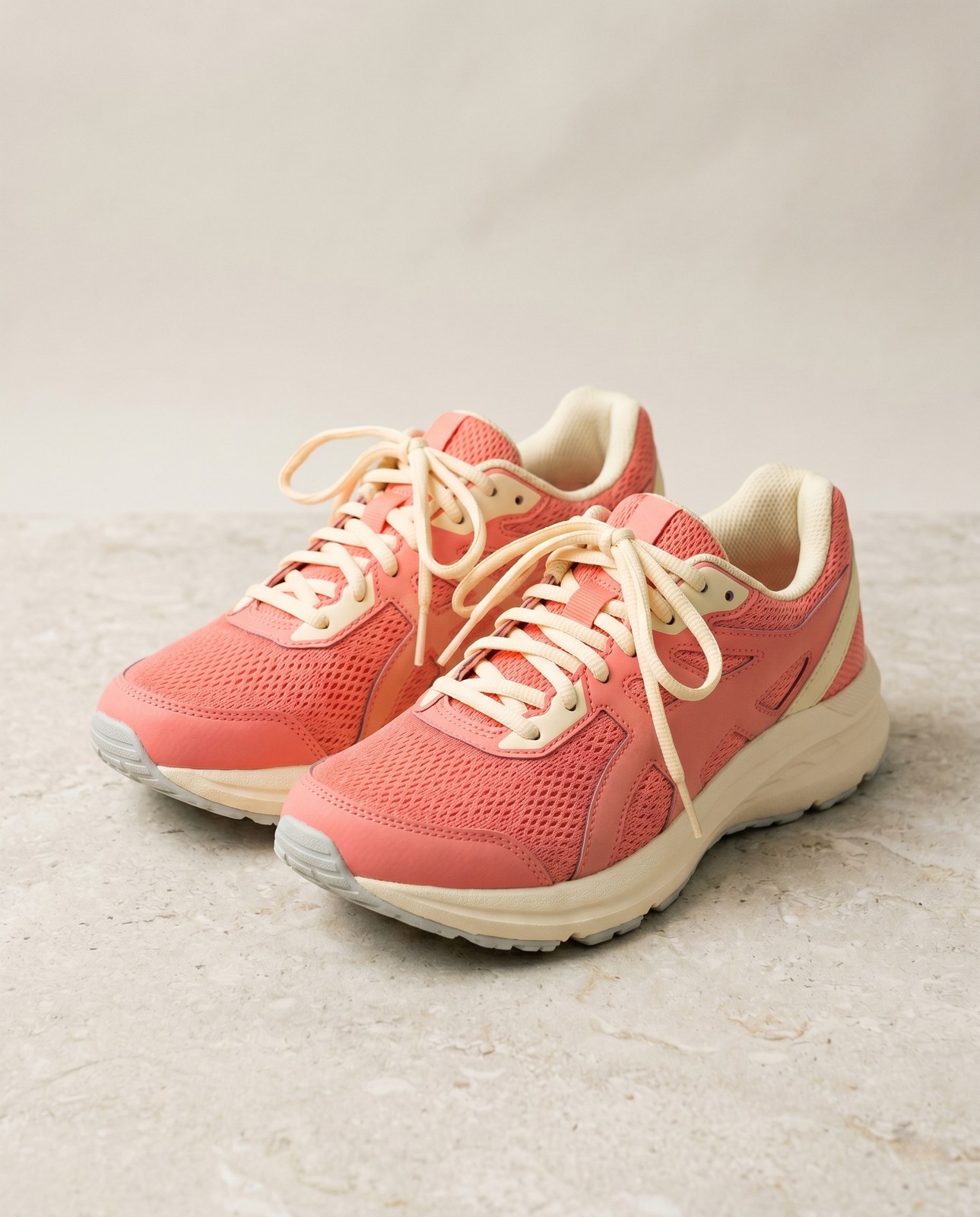
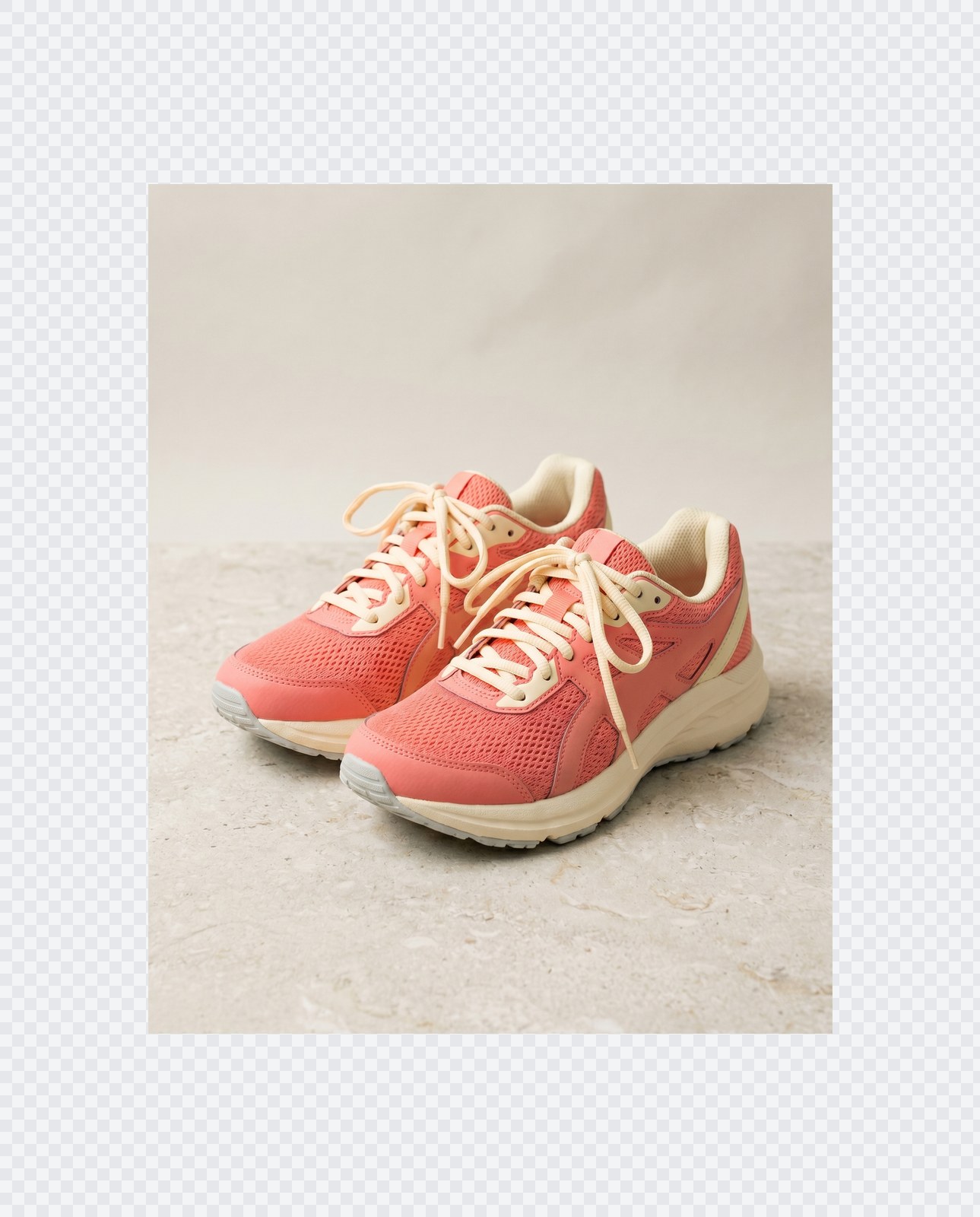
A sua imagem desaparece quando termina
Padding runs entirely in your browser. Your image is never uploaded, never touches our servers, and never gets saved, indexed, or used for model training. If you close the tab, the image goes with it.
- Processada em segundos
- Nada é guardado
- Sem conta associada
Carregue uma imagem
Um clique. Sem registo. Tratamos do resto.
Adicionar margens / estender tela
Precisa de processar mais do que uma imagem?
A versão gratuita Pad image to square, 1:1, 16:9, 9:16 without cropping processa uma imagem de cada vez. Um pacote de créditos permite até 50 imagens por lote, um único ZIP para descarregar e três predefinições nomeadas (Blog / Redes sociais / E-commerce). A partir de 5 EUR por 100 créditos. Pague uma vez, sem prazo de validade.
Perguntas frequentes
Respostas às dúvidas mais comuns antes de experimentar uma ferramenta nova.
Ferramentas relacionadas
Atalhos de um clique para outras tarefas que esta imagem provavelmente precisa.
Rotate image
Fix sideways photos before padding so the result aligns to the target aspect ratio.
Compress image
Padding keeps pixels intact but inflates file size; compress the padded result for the web.
Remove Gemini watermark
Clean the Gemini AI badge off a generated image before padding it for a social platform.
Quer citar ou partilhar?
Copie um resumo conciso em Markdown (título, descrição, FAQ, URL canónico e citação) pronto a colar num assistente de IA ou num documento.