
Extract a colour palette from any image, in your browser
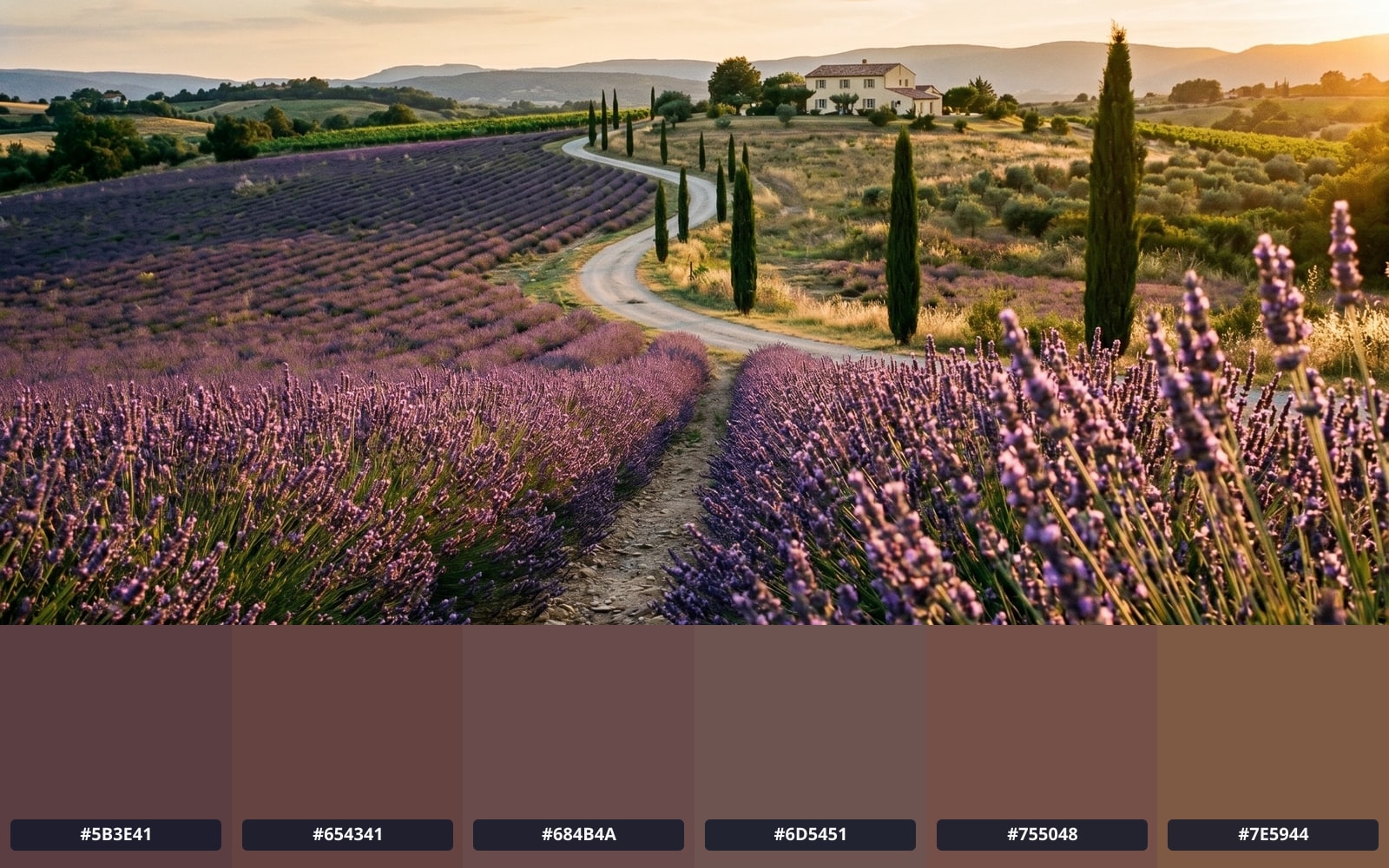
Drop a photo and get its 3 to 12 most representative colours as hex, RGB, HSL, CSS custom properties, Tailwind theme colours, SCSS variables, JSON, or a 600 x 100 px PNG strip. Each swatch is annotated with its WCAG contrast tier against white and black. Image bytes never leave your browser.
- Processed 100% in your browser
- No account required
- Nothing uploaded
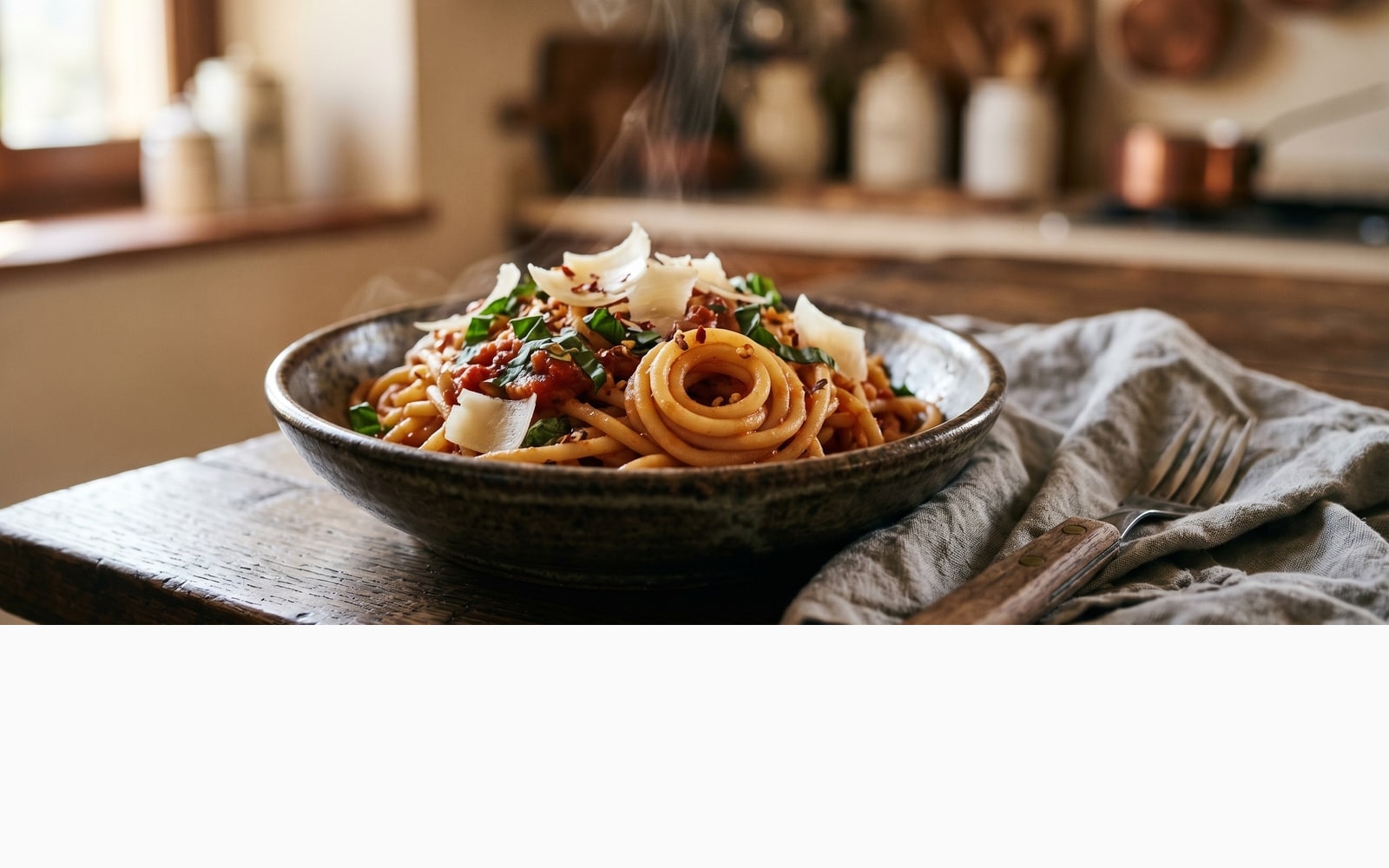
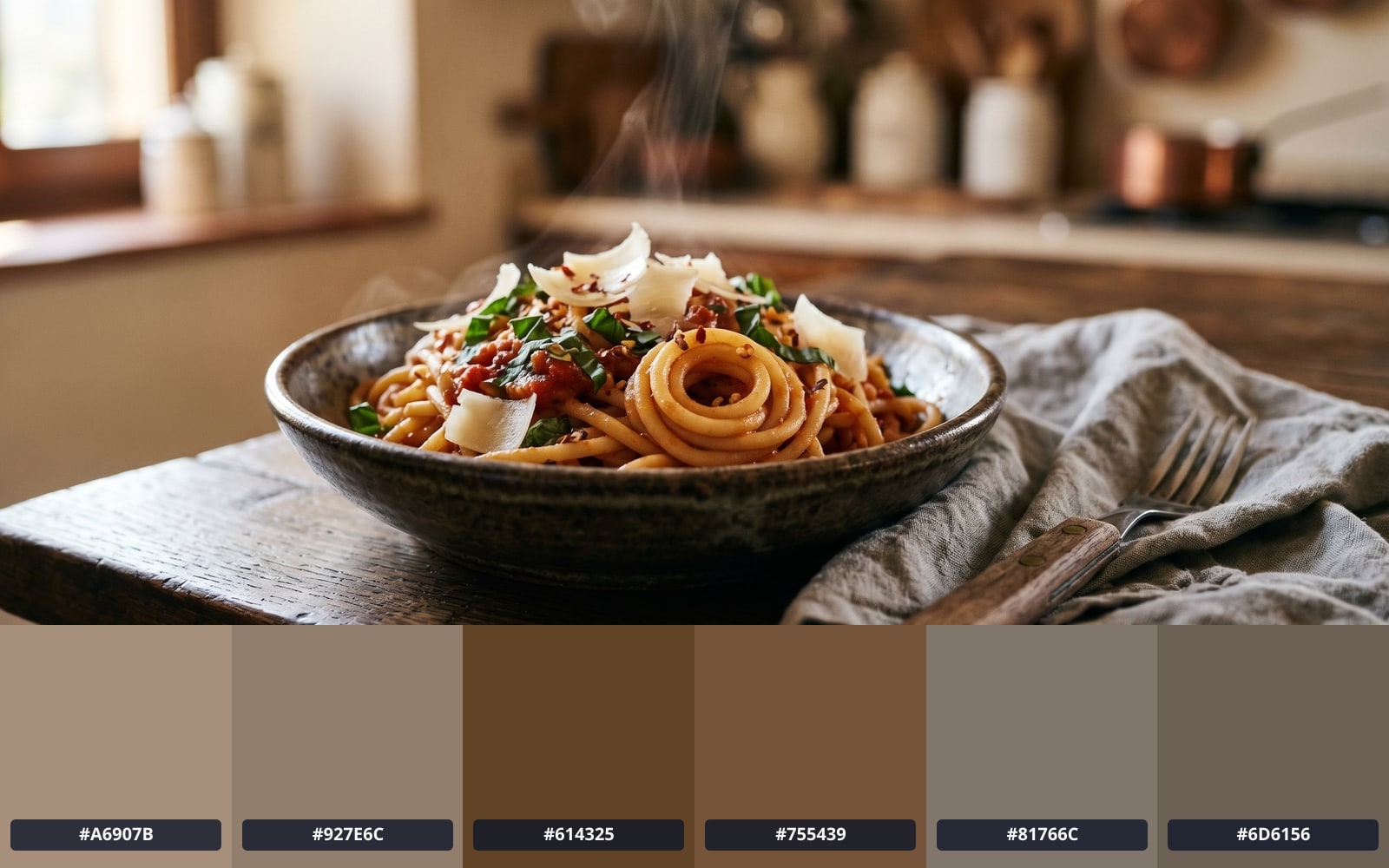
Przeciągnij, aby porównać, przed / po
Przegląd
Every photo carries a colour story: a dominant tone, two or three supporting accents, and a long tail of edge-case pixels. Designers use that palette to build mood boards, brand systems, and accessible UI themes; developers reach for it when they want CSS variables that match a hero image without eyeballing the swatch.
The classic way to extract a palette is server-side: upload the image, the server crunches the colours, and a list of hex codes comes back. That round-trip is wasteful for what is, fundamentally, a few hundred milliseconds of in-memory math. It also means handing your image to a third party. Neither of those trade-offs is necessary.
BouseMutton runs the palette extractor in your browser. Drop an image; the browser shrinks it to 256 pixels on the longest edge (plenty of detail for palette work), groups the colours into the number of swatches you asked for, and renders them with WCAG contrast badges. The image never leaves the page. Five export formats are one click away: CSS custom properties, Tailwind theme.extend.colors, SCSS variables, JSON, and a 600 x 100 px PNG strip.
Quick facts
Liczby i kompromisy, które warto znać przed decyzją.
Where it runs
Processed 100% in your browser. Nothing is uploaded.
Palette size
Adjustable from 3 to 12 swatches via a UInputNumber. The dominant colour and 4 accents are tagged when size is 5 or more.
Export formats
CSS custom properties, Tailwind theme.extend.colors, SCSS variables, JSON, and a 600 x 100 px PNG swatch strip.
WCAG contrast
Each swatch is annotated AAA, AA, AA-Large, or Fail against pure white and pure black backgrounds.
Jak to działa
Trzy kroki, zwykle w pięć sekund.
- 1
Drop an image
PNG, JPG, WebP, AVIF, or GIF up to 25 MB. Single image at a time. No sign-up, no credit card.
- 2
Pick the palette size
Choose how many colours you want: anywhere from 3 (just the brand essentials) to 12 (a full design-system palette).
- 3
Your browser does the work
Your browser shrinks the image to a thumbnail, groups the pixels into the number of colour groups you asked for, and returns one swatch per group. The whole pass takes a few hundred milliseconds for typical photos.
- 4
Export to your stack
Copy any swatch to your clipboard as hex, or download the full palette as CSS custom properties, a Tailwind theme.extend.colors block, SCSS variables, JSON (with WCAG contrast ratios baked in), or a 600 x 100 px PNG strip.
Zobacz w akcji
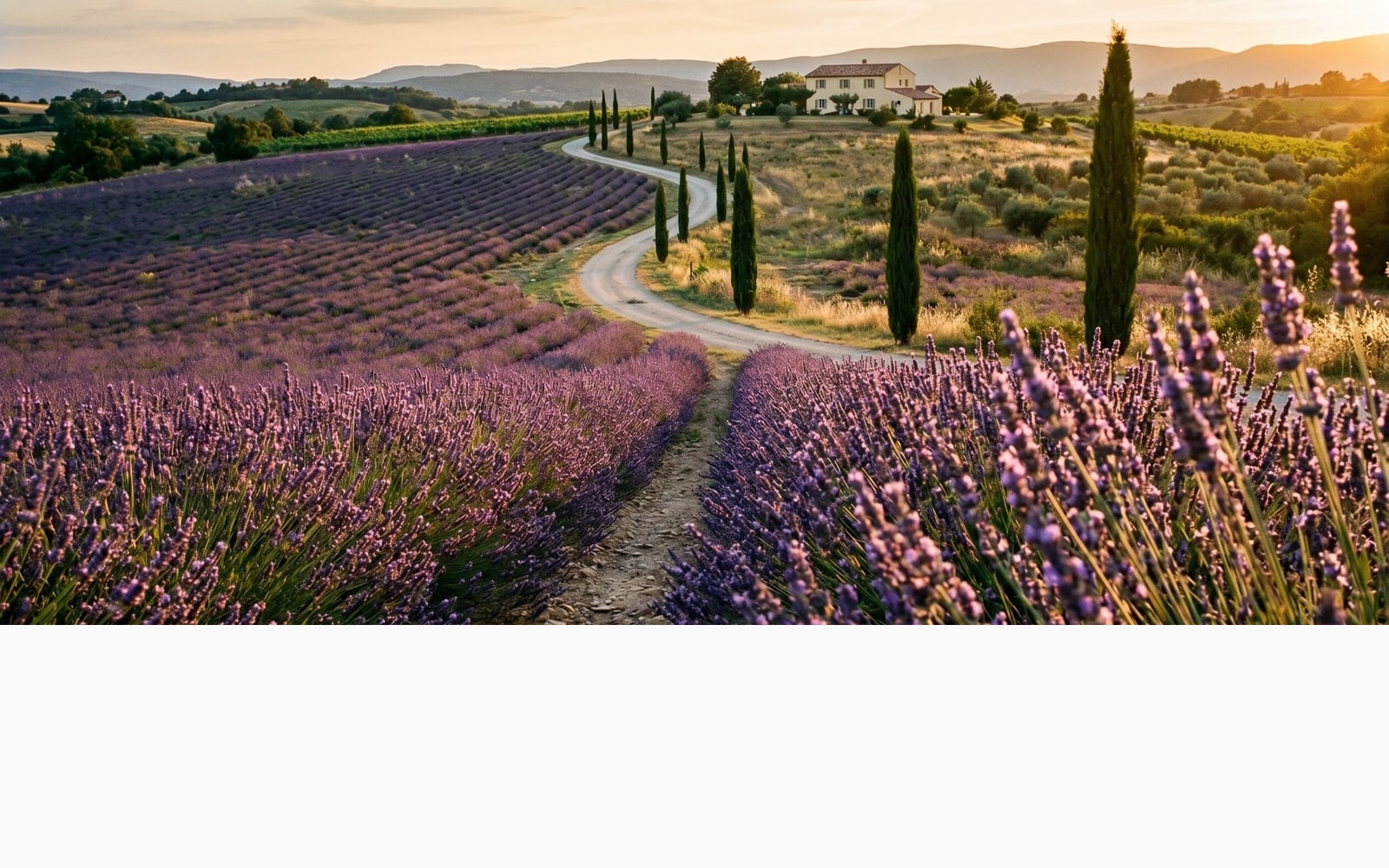
Przeciągnij każdy suwak, aby dokładnie obejrzeć efekt przed i po.
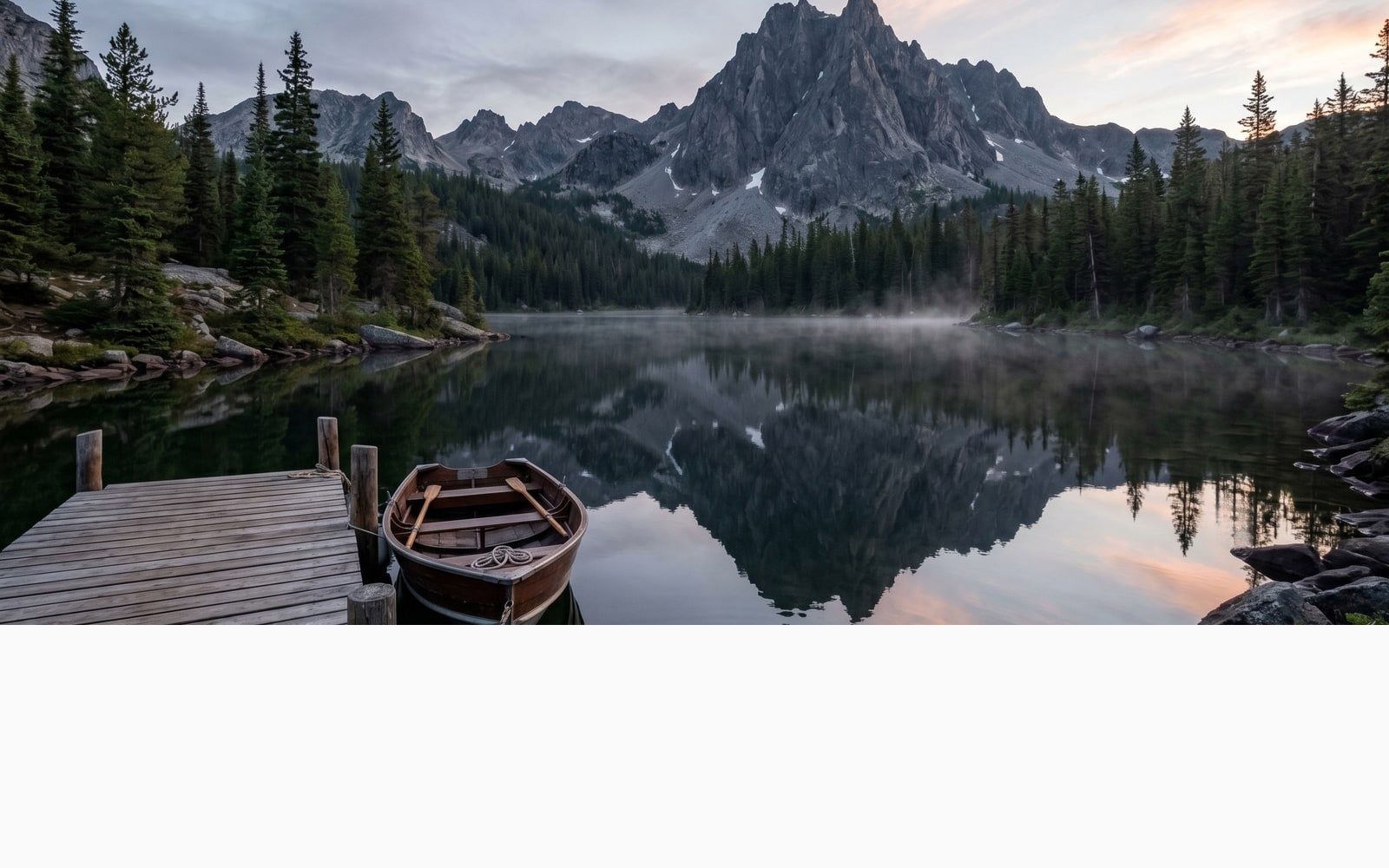
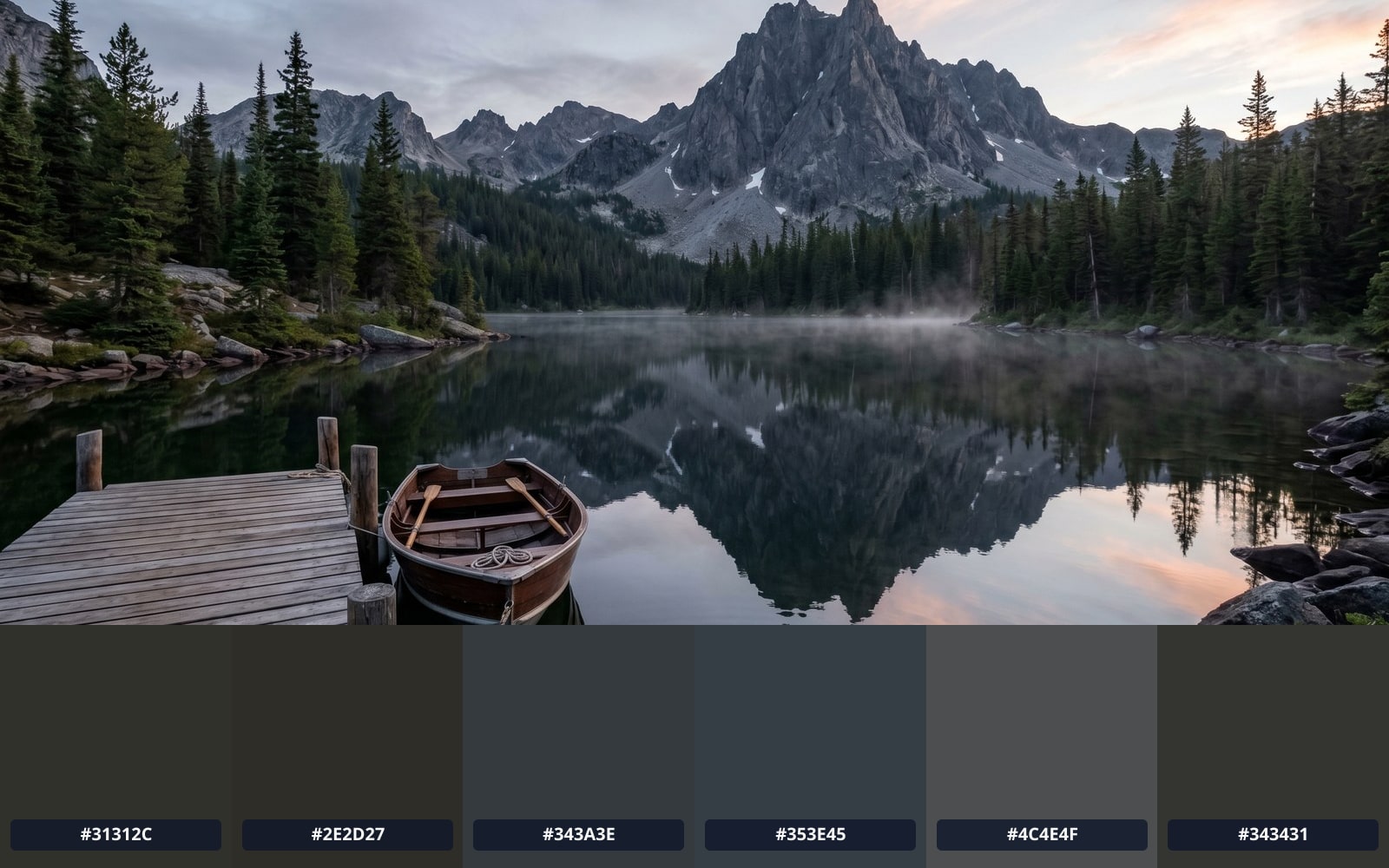
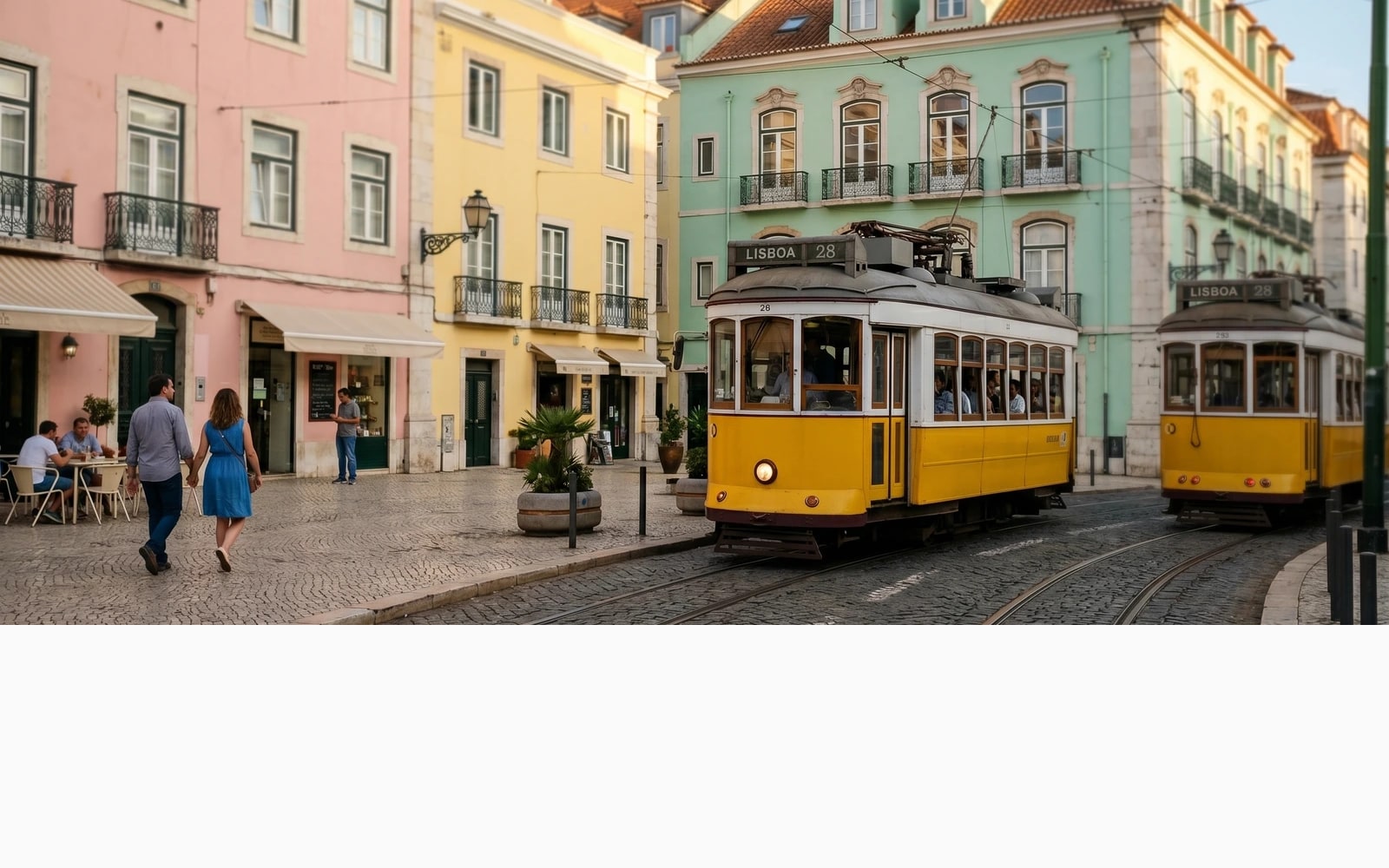
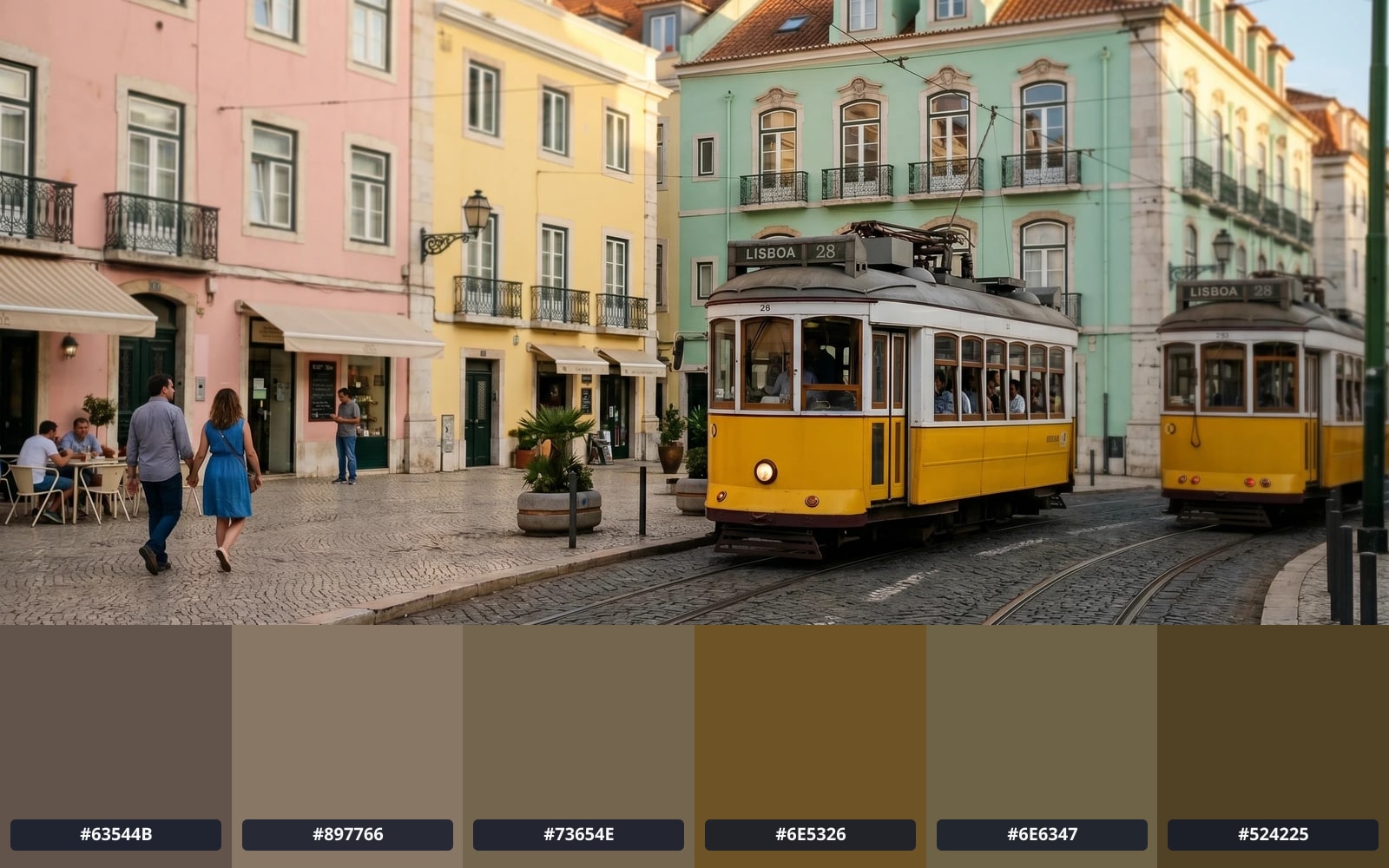
Twoje zdjęcie znika, gdy skończysz
Palette extraction runs entirely in your browser. The image bytes never reach our servers, never touch disk, and are not used to train any model. The only network traffic is a single Plausible analytics beacon (consent-gated) carrying nothing but the page name and the resulting palette size. This is the strictest privacy tier we offer.
- Gotowe w kilka sekund
- Nic nie zapisujemy
- Bez powiązania z kontem
Prześlij zdjęcie
Jedno kliknięcie. Bez rejestracji. Resztą zajmiemy się my.
Wyodrębnij paletę kolorów
Palette glossary
Wyjaśnienia żargonu prostym językiem.
Najczęściej zadawane pytania
Odpowiedzi na to, o co ludzie najczęściej pytają przed wypróbowaniem nowego narzędzia.
Powiązane narzędzia
Jedno kliknięcie do innych zadań, których to zdjęcie prawdopodobnie potrzebuje.
Compress image
Once you know the palette, you usually want to ship the image. Lossless and lossy compression in your browser, no upload.
Convert PNG to AVIF
AVIF cuts the byte cost of a brand image roughly in half. Our converter pairs naturally with palette extraction for hero-image work.
View EXIF metadata
Curious what is hidden in the image you just dropped? The viewer shows GPS, camera, and copyright tags without uploading anything.
Cytujesz lub udostępniasz?
Skopiuj zwięzłe podsumowanie Markdown (tytuł, opis, FAQ, kanoniczny URL i sposób cytowania) gotowe do wklejenia w model AI lub dokument.