
Resize image online, free pixel-exact width and height resizer
Drop a photo and resize it to an exact width and height, with optional aspect-ratio lock and a quality knob. Runs in your browser, nothing saved.
- Runs in your browser
- Aspect-ratio lock
- Quality knob included


Dra for å sammenligne, før / etter
Oversikt
Most image resizers either lock you into a preset (Instagram square, Twitter card) or hand you a percent slider that hides what is really happening. This tool shows the raw width and height in pixels and lets you decide whether to keep the source aspect ratio or stretch the image freely.
Resize and quality are tuned in the same screen so you can shrink a 4000 by 3000 phone photo to a 1200-wide blog upload and trim its file size in one pass. The quality slider controls JPEG, WebP, and AVIF output; PNG keeps every pixel and ignores the slider.
In any modern browser the resize runs locally on your device, so the image never leaves your computer. A server fallback exists for older browsers that cannot run it locally; on that path the upload is deleted the moment we send the result back.
Hvordan det fungerer
Tre trinn, vanligvis ferdig innen fem sekunder.
- 1
Upload an image
Drop a JPG, PNG, WebP, or AVIF up to 25 MB. Clipboard paste also works.
- 2
Type the target width and height
Leave the aspect-ratio lock on if you want to preserve the source ratio: type one side and the other fills in. Turn it off if you want a free-form stretch.
- 3
Pick a format and quality
Keep the source format or switch to JPEG, PNG, WebP, or AVIF. The quality slider controls JPEG, WebP, and AVIF; PNG keeps every pixel and ignores the slider.
- 4
Download the result
The resized image downloads with `-resized` appended to the original filename. On modern browsers it is generated on your own device, so nothing is uploaded.
Se det i aksjon
Dra hver glider for å piksel-titte før og etter.
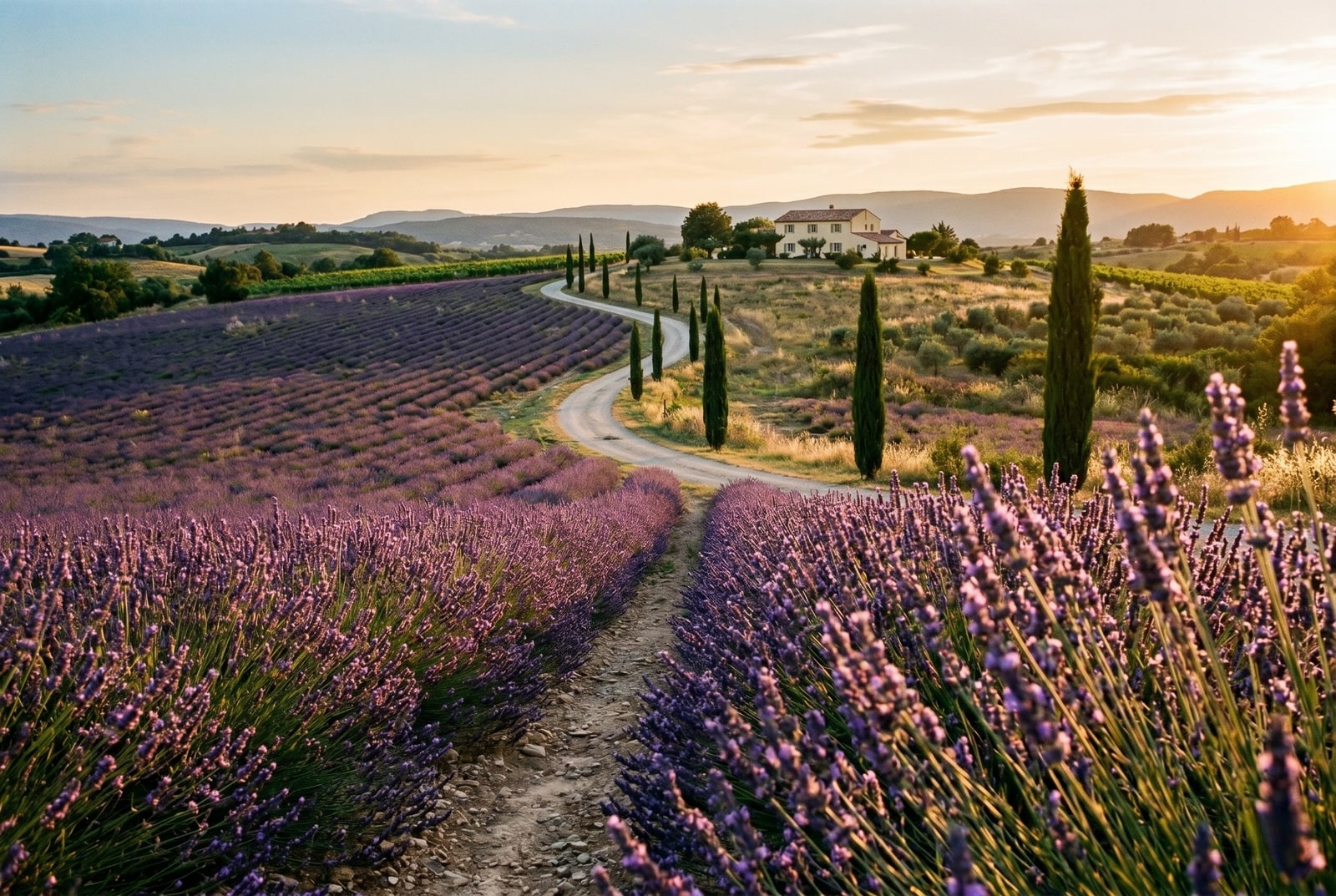

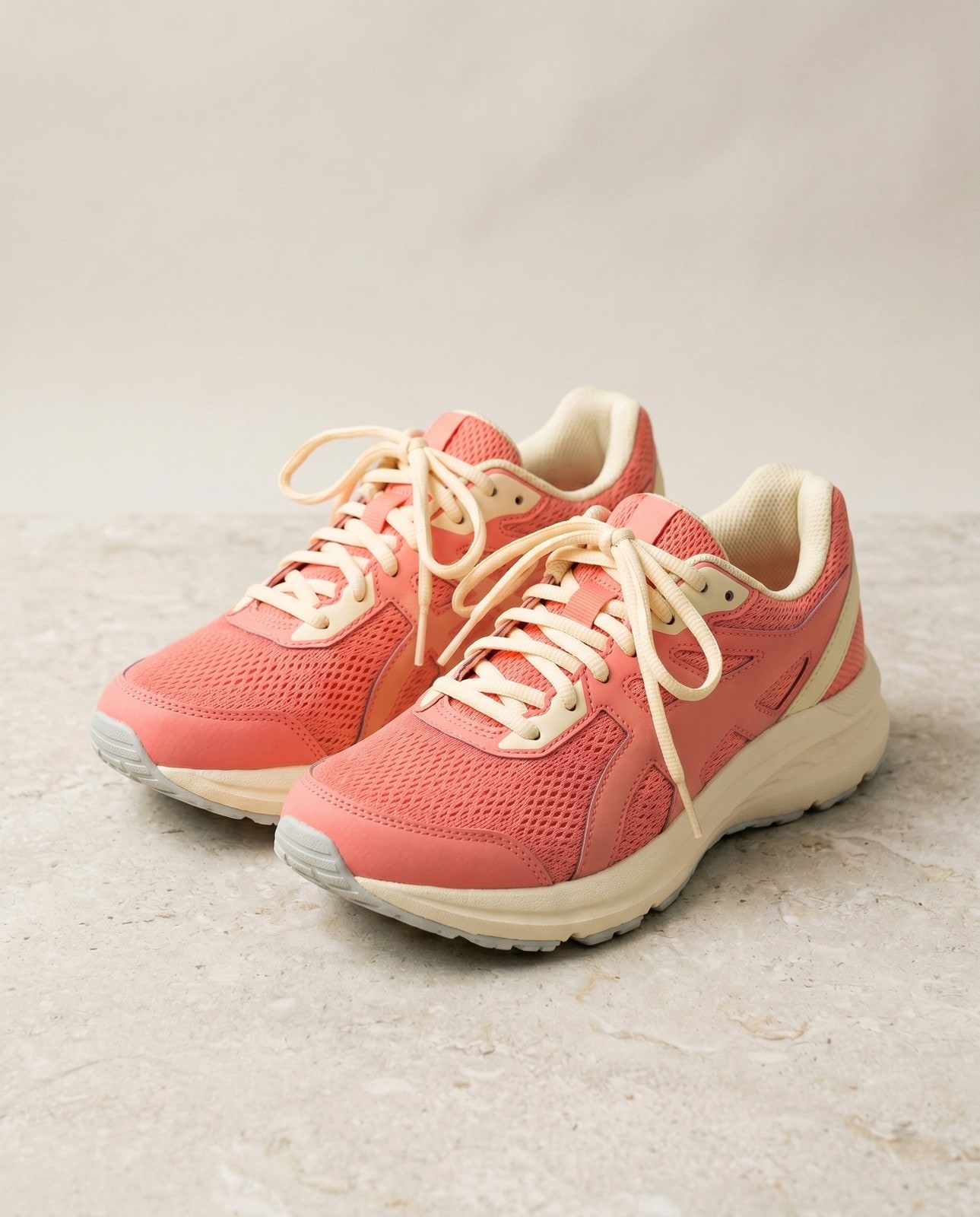


Bildet ditt, borte når du er ferdig
Resize runs in your browser by default. Your image never leaves your device on that path. For the small share of browsers without local-processing support we fall back to a server round-trip, where the upload is only held while we process it and is deleted the moment the result is sent back. Nothing is saved, indexed, or trained on.
- Behandlet på sekunder
- Ingenting lagres
- Ingen konto knyttet til
Last opp et bilde
Ett klikk. Ingen registrering. Vi gjør resten.
Endre størrelse på bilde
Trenger du å behandle mer enn ett bilde?
Gratis Resize image online, free pixel-exact width and height resizer kjører ett bilde om gangen. En kredittpakke åpner for opptil 50 bilder per batch, én ZIP-nedlasting, og tre navngitte forhåndsinnstillinger (Blogg / Sosialt / E-handel). Fra €5 for 100 kreditter. Betal én gang, utløper aldri.
Resize glossary
Klare definisjoner på vanlig norsk for fagspråket ovenfor.
Vanlige spørsmål
Svar på det de fleste lurer på før de prøver et nytt verktøy.
Relaterte verktøy
Ett-klikks hopp til andre jobber dette bildet sannsynligvis trenger.
Compress image
Already at the right dimensions? Compress without resizing to trim bytes per quality.
Pad to square
Need a square or 16:9 frame without cropping? Pad the resized image to fit a target aspect ratio.
Rotate or flip
If the source is sideways from your phone, rotate first, then resize.
Skal du sitere eller dele?
Kopier et kortfattet Markdown-sammendrag (tittel, beskrivelse, FAQ, kanonisk URL og sitering) klart til å limes inn i en LLM eller et dokument.