
Smart crop image online, free saliency-driven subject cropper
Drop a photo, pick an aspect ratio, and let the saliency model pick the most interesting rectangle. No dragging, no hand-tuning.
- Aspect-ratio presets
- Saliency-driven
- Centred fallback when unsure
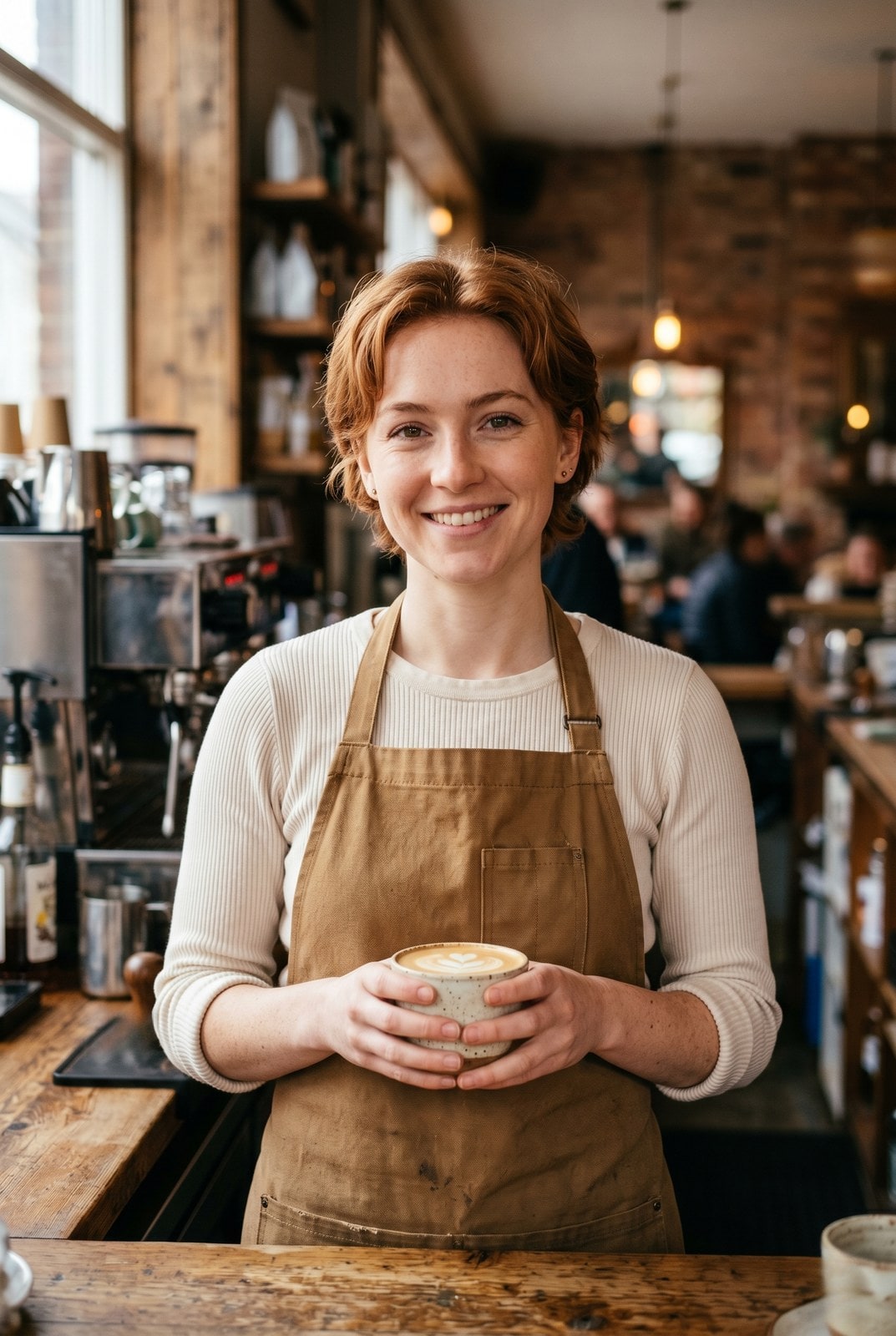
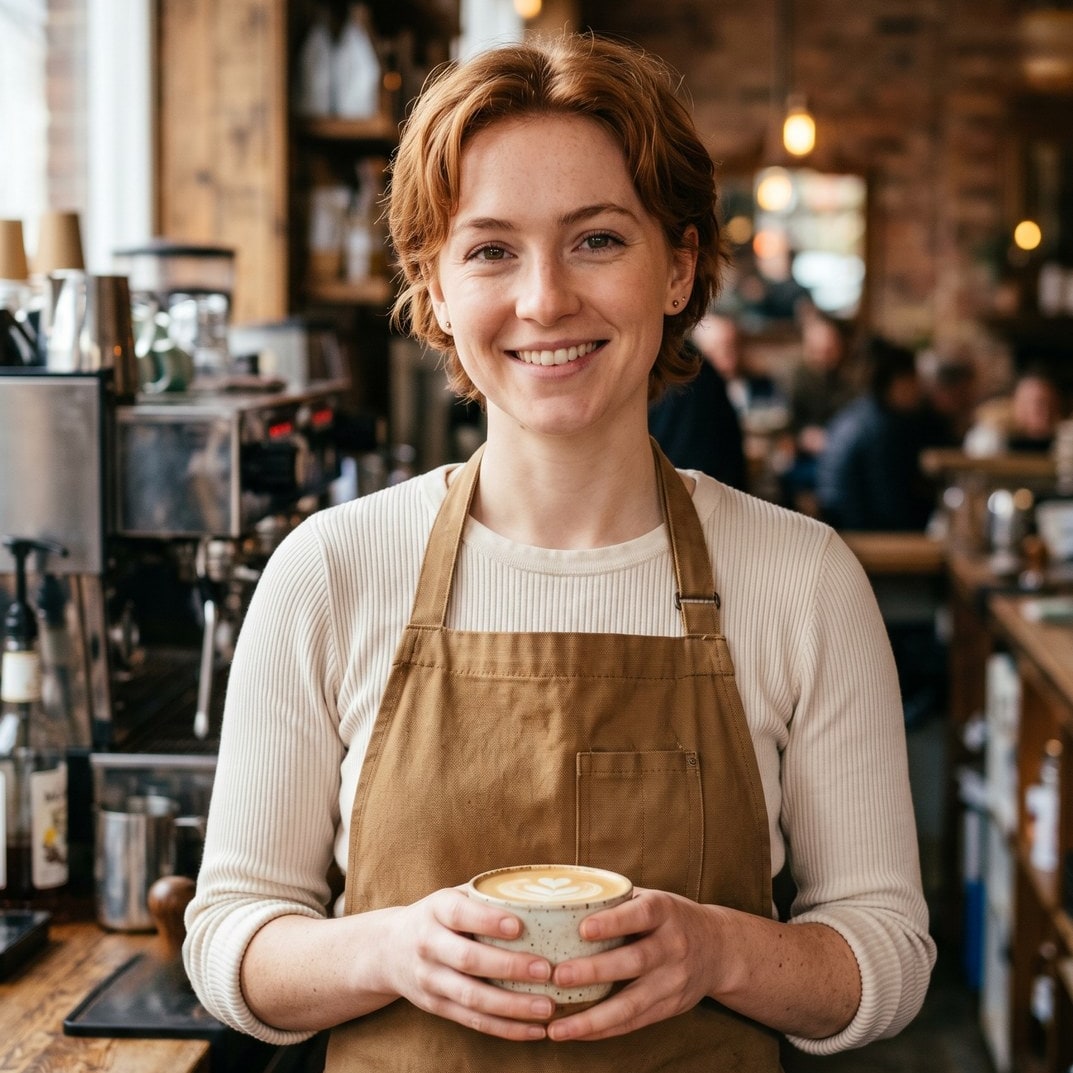
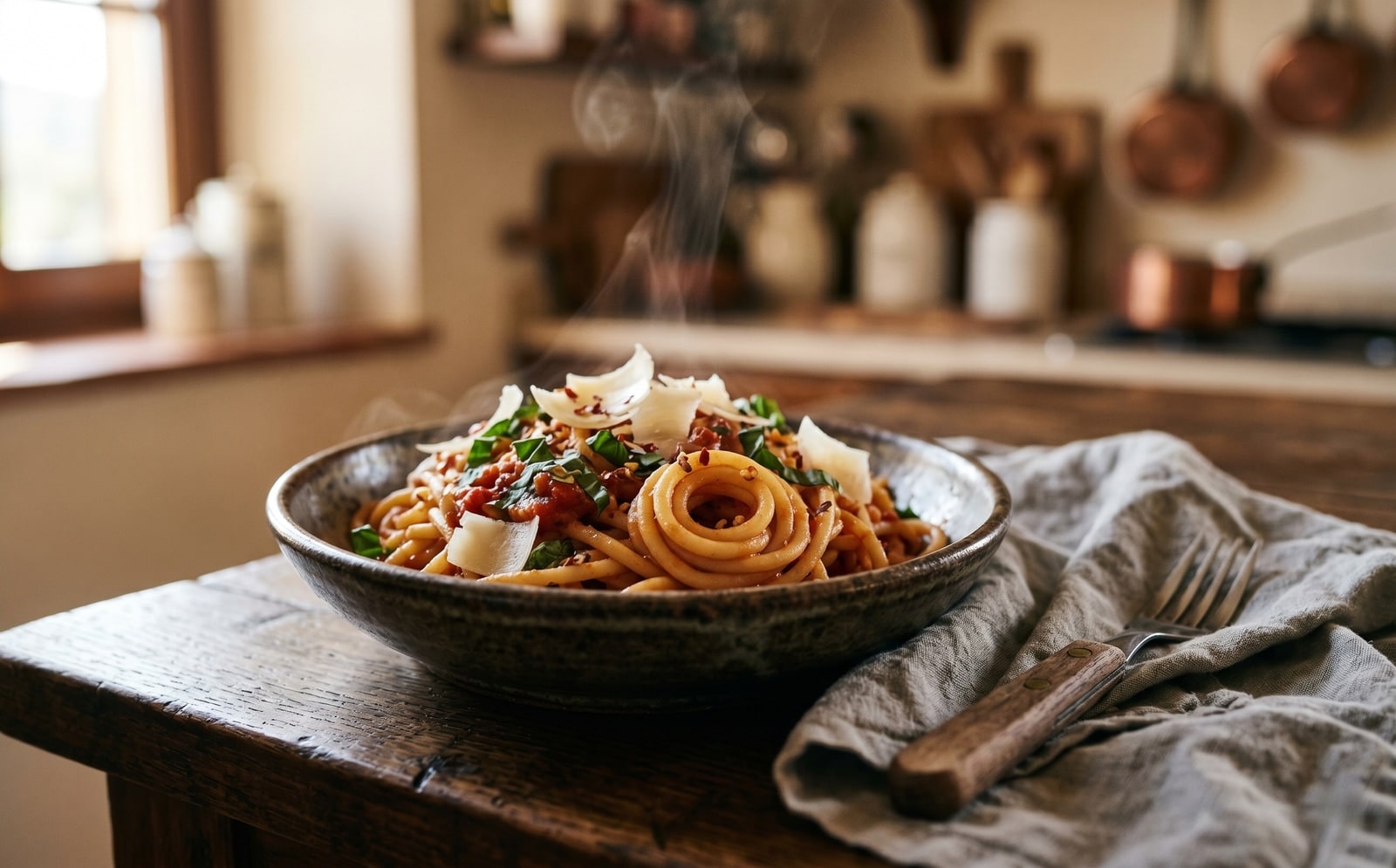
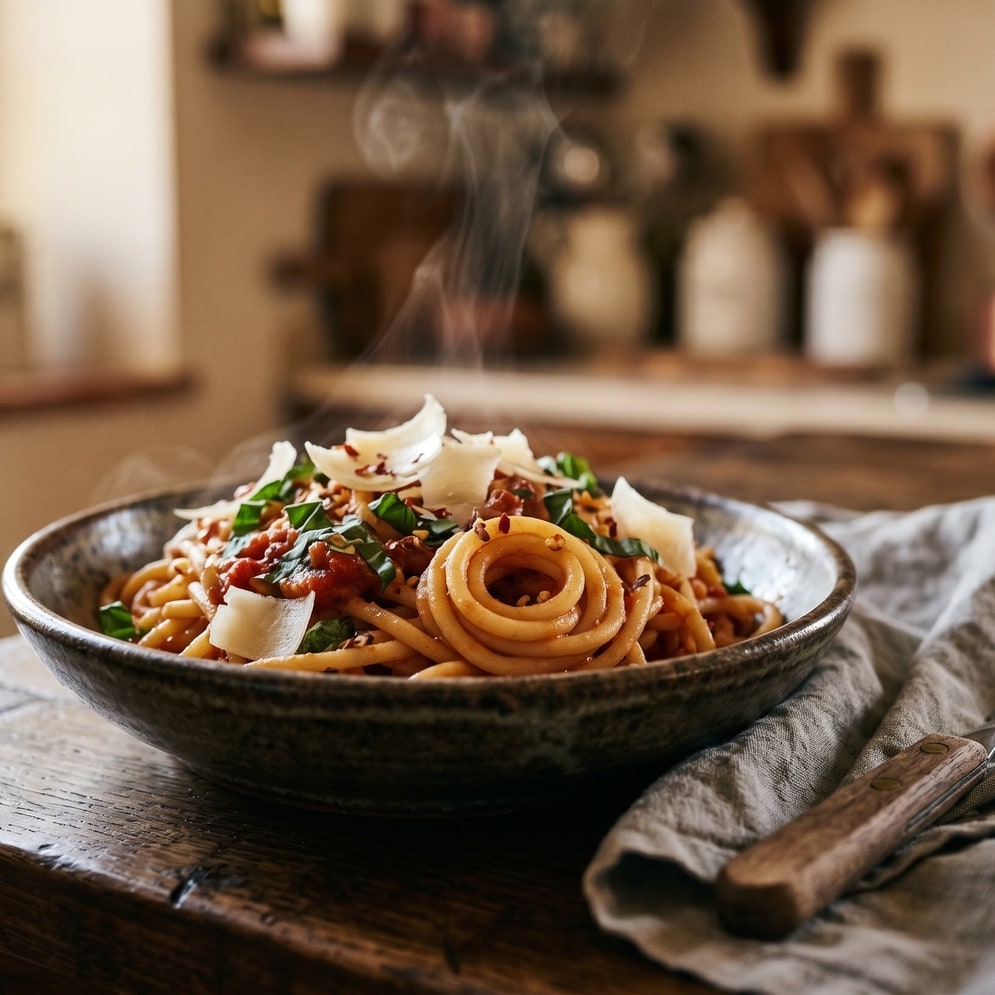
Sleep om te vergelijken, voor / na
Overzicht
Cropping a portrait to a 1:1 thumbnail without chopping off the subject is the kind of fiddly task that eats five minutes for the price of a single image. Smart crop replaces the manual draggable rectangle with a saliency model: every candidate window scores by saturation, edge density, and skin-tone density, and the tool picks the window with the highest weighted score that matches your requested aspect ratio.
For portraits, product shots, and most photographs the tool reliably keeps the subject in frame and trims the dead pixels around it. For inputs without a clear focal point (abstract art, group photos, uniform-colour images) it falls back to the centred rectangle so the result is at least predictable.
The whole pipeline runs on our server because the saliency model needs native pixel access and the smartcrop algorithm is deterministic enough that we do not need to mirror it client-side. The upload is held only while we compute the bounds and emit the cropped file, then deleted. Nothing is saved.
Hoe het werkt
Drie stappen, meestal binnen vijf seconden klaar.
- 1
Upload an image
Drop a JPG, PNG, WebP, or AVIF up to 25 MB.
- 2
Pick an aspect ratio
Choose 1:1, 4:5, 16:9, 9:16, 3:2, 2:3, or Custom (type your own width and height pair).
- 3
Confirm
The saliency model picks the rectangle that maximises subject coverage. The tool reports the chosen bounds so you can compare them to the source.
- 4
Download
The cropped image downloads with `-smart-cropped` appended to the original filename. Pick the output format (Same as source, JPEG, PNG, or WebP) before submitting.
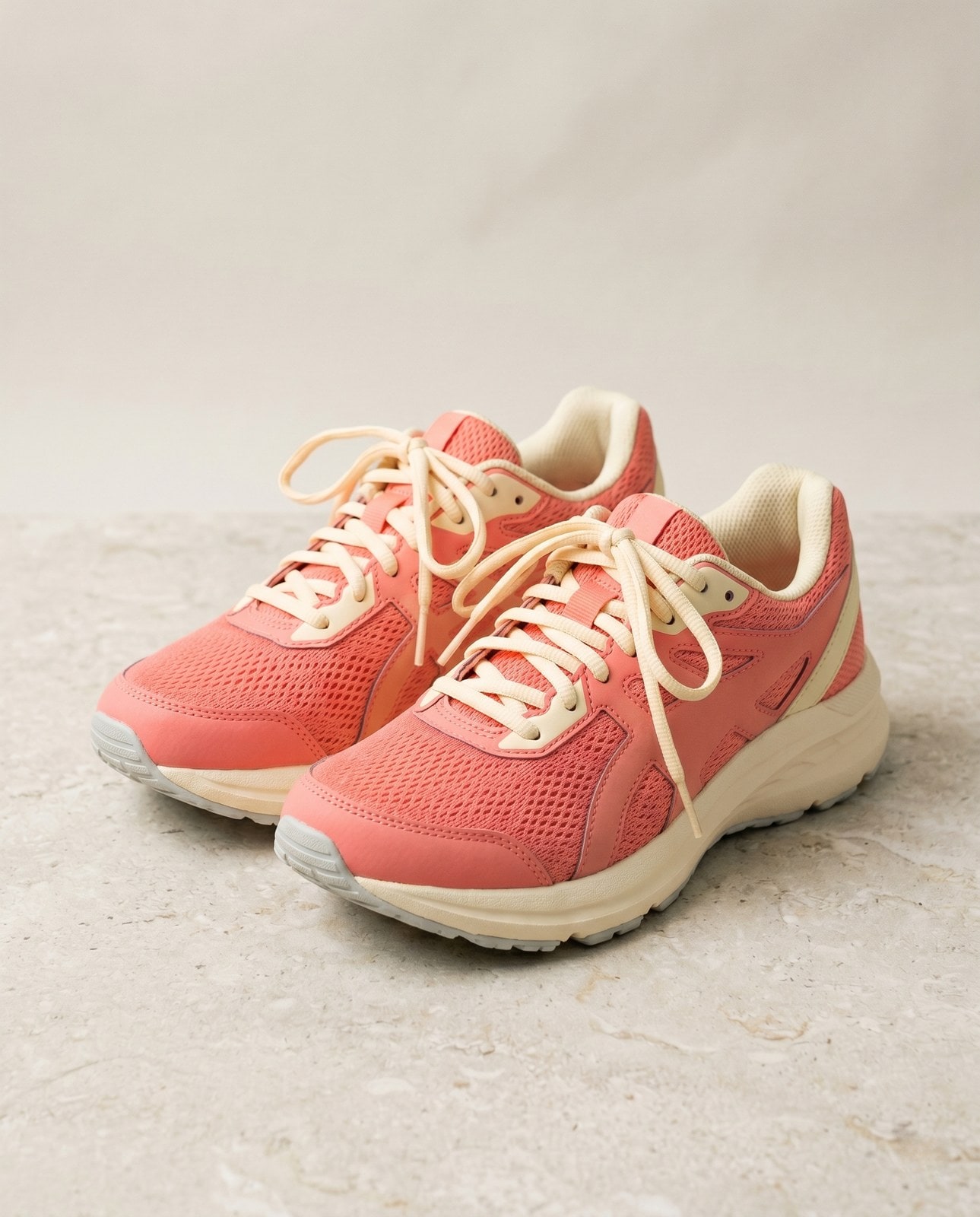
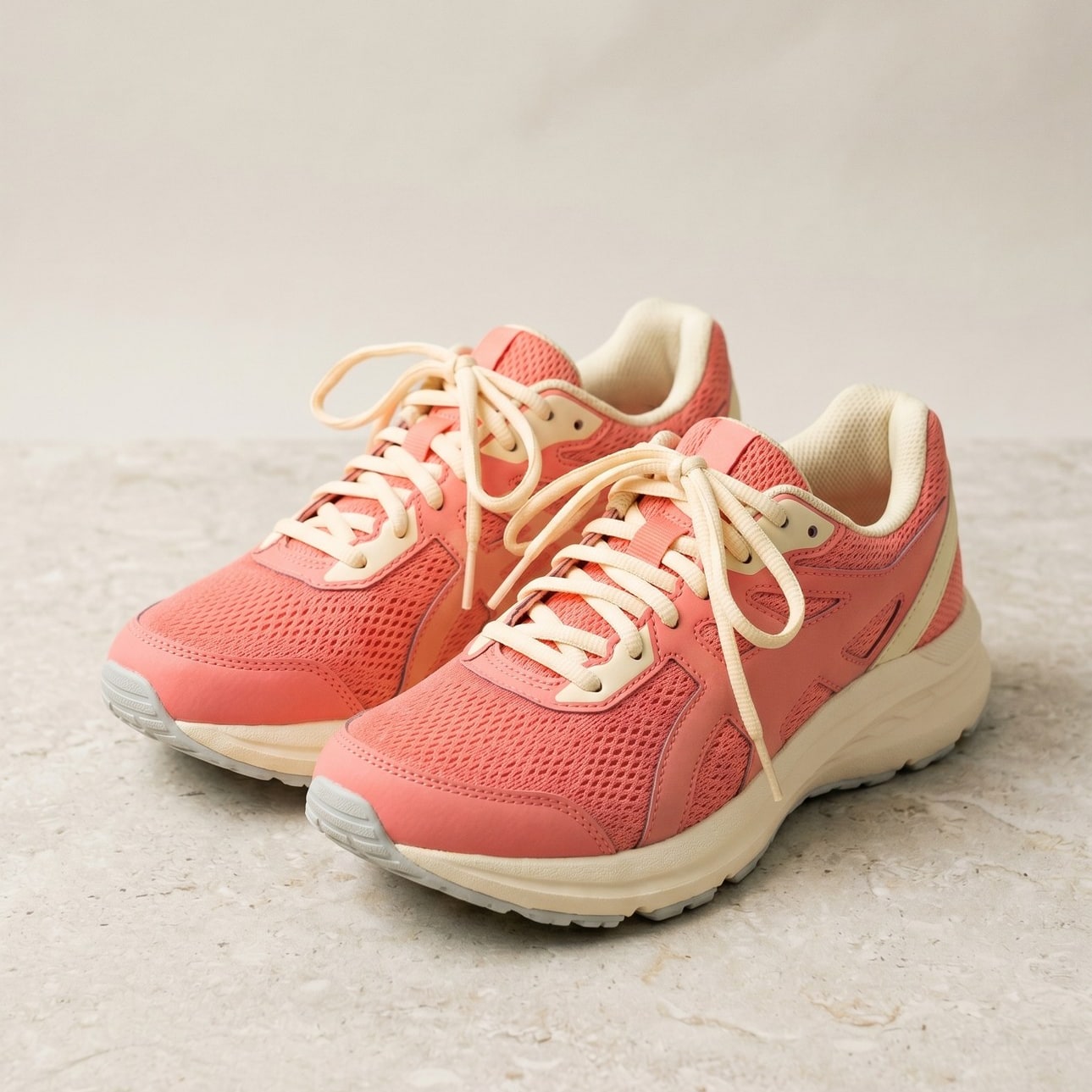
Zie het in actie
Sleep elke schuifregelaar om voor en na in detail te bekijken.


Je afbeelding, weg als je klaar bent
Smart crop runs on our server because the saliency model needs native pixel access. Your upload is held only while we compute the bounds and emit the cropped output, and is deleted the moment we send the file back. Nothing is saved, indexed, or trained on.
- Binnen seconden verwerkt
- Niets bewaard
- Geen account gekoppeld
Upload een afbeelding
Eén klik. Geen registratie. Wij doen de rest.
Slim bijsnijden
Meer dan één afbeelding verwerken?
De gratis Smart crop image online, free saliency-driven subject cropper verwerkt één afbeelding tegelijk. Een creditpakket ontgrendelt tot 50 afbeeldingen per batch, één ZIP-download en drie voorinstellingen (Blog / Social / Ecom). Vanaf EUR 5 voor 100 credits. Eenmalig betalen, nooit verlopen.
Veelgestelde vragen
Antwoorden op de dingen die de meeste mensen vragen voordat ze een nieuwe tool proberen.
Gerelateerde tools
Eén-kliksprongen naar andere taken die deze afbeelding waarschijnlijk nodig heeft.
Crop image (manual)
Want to pick the rectangle yourself? The manual cropper has aspect-ratio presets and a draggable stencil.
Resize image
Already at the right shape? Resize to exact pixels with optional aspect-ratio lock.
Pad to square
Want to keep the whole frame? Pad to a target aspect ratio instead of cropping it away.
Citeren of delen?
Kopieer een beknopte Markdown-samenvatting (titel, beschrijving, FAQ, canonieke URL en citaat) klaar om in een LLM of een document te plakken.