
Resize image online, free pixel-exact width and height resizer
Drop a photo and resize it to an exact width and height, with optional aspect-ratio lock and a quality knob. Runs in your browser, nothing saved.
- Runs in your browser
- Aspect-ratio lock
- Quality knob included
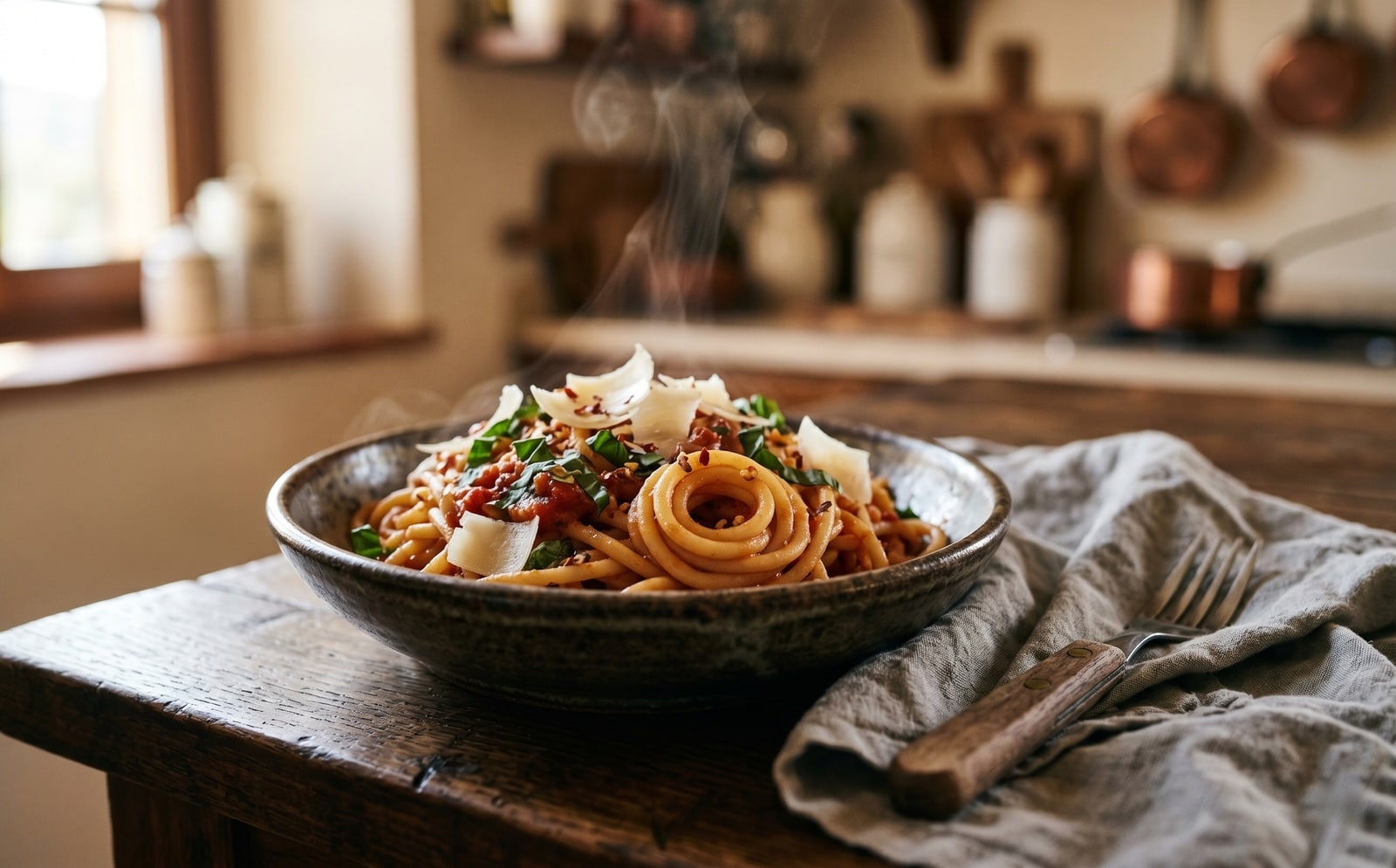
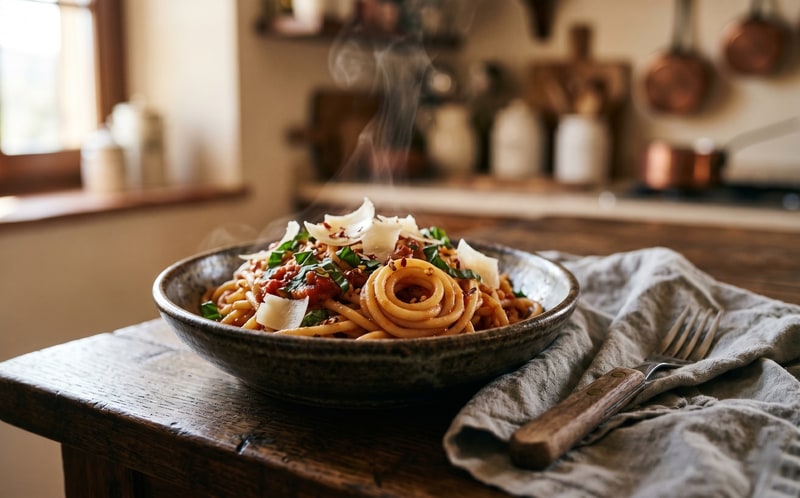
Sleep om te vergelijken, voor / na
Overzicht
Most image resizers either lock you into a preset (Instagram square, Twitter card) or hand you a percent slider that hides what is really happening. This tool shows the raw width and height in pixels and lets you decide whether to keep the source aspect ratio or stretch the image freely.
Resize and quality are tuned in the same screen so you can shrink a 4000 by 3000 phone photo to a 1200-wide blog upload and trim its file size in one pass. The quality slider controls JPEG, WebP, and AVIF output; PNG keeps every pixel and ignores the slider.
In any modern browser the resize runs locally on your device, so the image never leaves your computer. A server fallback exists for older browsers that cannot run it locally; on that path the upload is deleted the moment we send the result back.
Hoe het werkt
Drie stappen, meestal binnen vijf seconden klaar.
- 1
Upload an image
Drop a JPG, PNG, WebP, or AVIF up to 25 MB. Clipboard paste also works.
- 2
Type the target width and height
Leave the aspect-ratio lock on if you want to preserve the source ratio: type one side and the other fills in. Turn it off if you want a free-form stretch.
- 3
Pick a format and quality
Keep the source format or switch to JPEG, PNG, WebP, or AVIF. The quality slider controls JPEG, WebP, and AVIF; PNG keeps every pixel and ignores the slider.
- 4
Download the result
The resized image downloads with `-resized` appended to the original filename. On modern browsers it is generated on your own device, so nothing is uploaded.
Zie het in actie
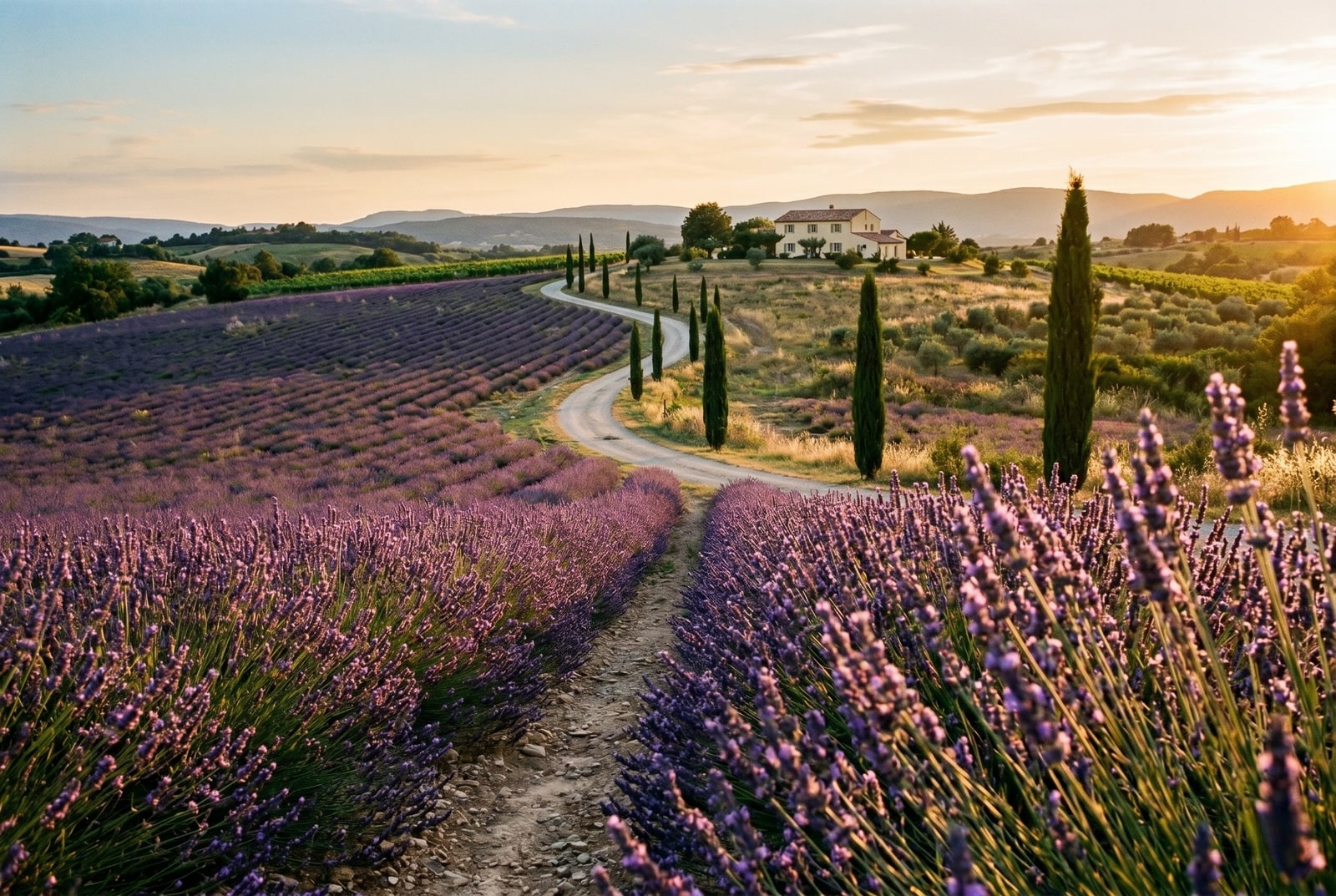
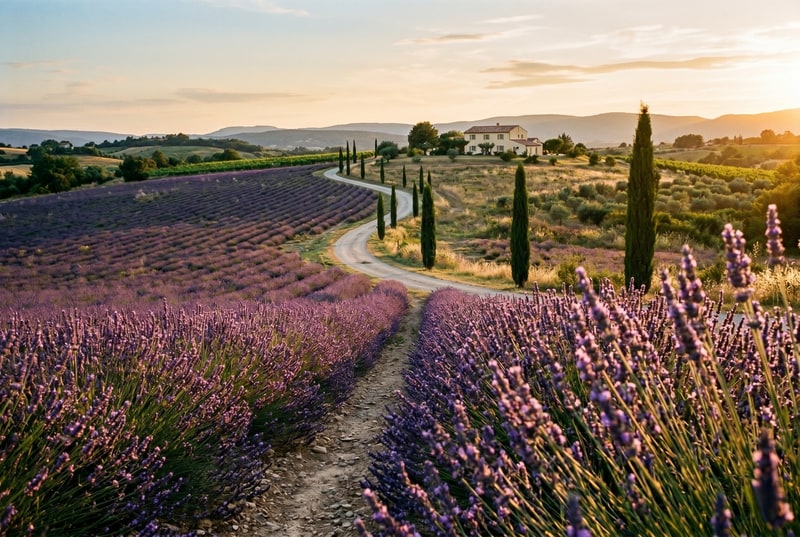
Sleep elke schuifregelaar om voor en na in detail te bekijken.
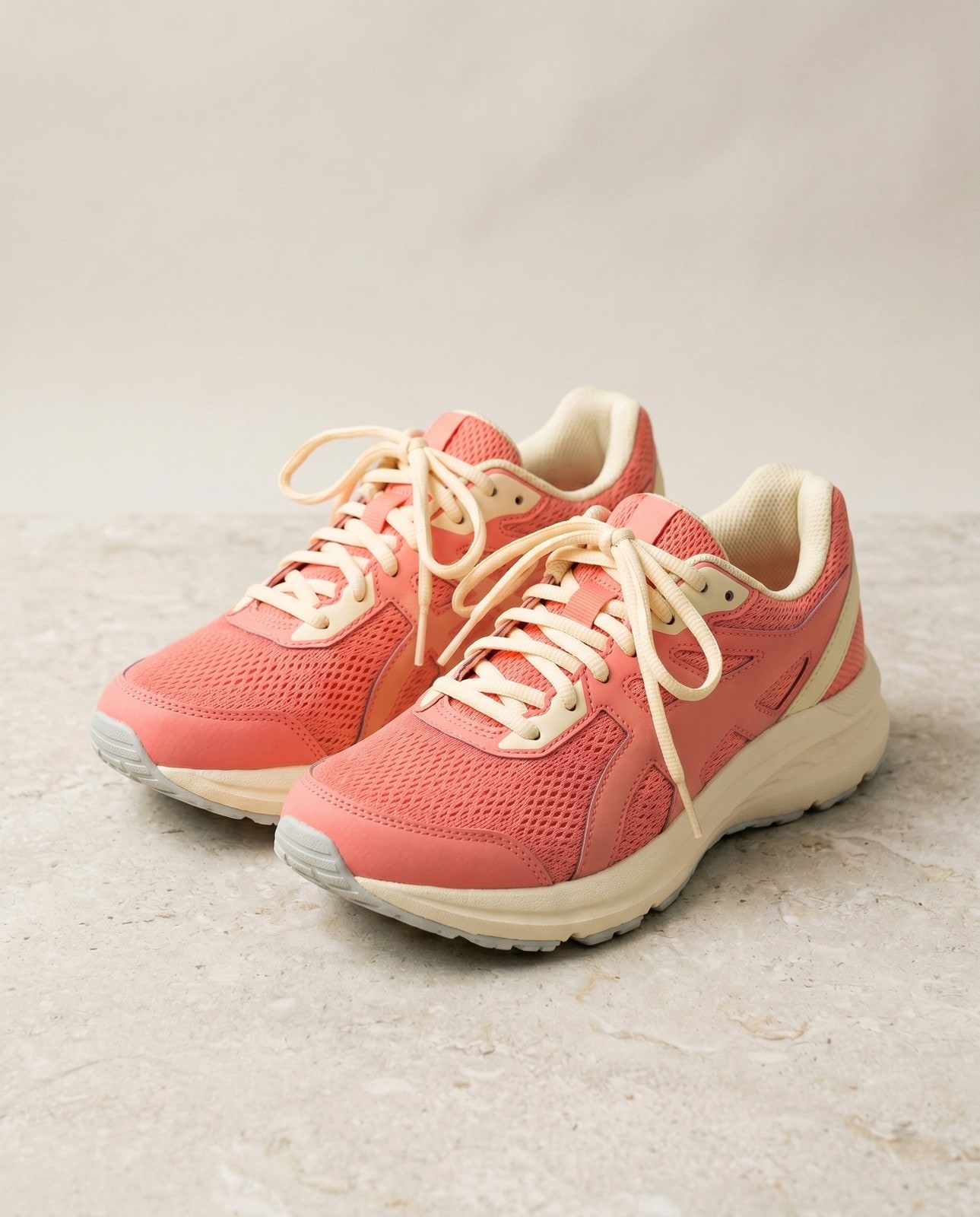


Je afbeelding, weg als je klaar bent
Resize runs in your browser by default. Your image never leaves your device on that path. For the small share of browsers without local-processing support we fall back to a server round-trip, where the upload is only held while we process it and is deleted the moment the result is sent back. Nothing is saved, indexed, or trained on.
- Binnen seconden verwerkt
- Niets bewaard
- Geen account gekoppeld
Upload een afbeelding
Eén klik. Geen registratie. Wij doen de rest.
Afbeelding vergroten of verkleinen
Meer dan één afbeelding verwerken?
De gratis Resize image online, free pixel-exact width and height resizer verwerkt één afbeelding tegelijk. Een creditpakket ontgrendelt tot 50 afbeeldingen per batch, één ZIP-download en drie voorinstellingen (Blog / Social / Ecom). Vanaf EUR 5 voor 100 credits. Eenmalig betalen, nooit verlopen.
Resize glossary
Definities in gewoon Nederlands voor het bovenstaande jargon.
Veelgestelde vragen
Antwoorden op de dingen die de meeste mensen vragen voordat ze een nieuwe tool proberen.
Gerelateerde tools
Eén-kliksprongen naar andere taken die deze afbeelding waarschijnlijk nodig heeft.
Compress image
Already at the right dimensions? Compress without resizing to trim bytes per quality.
Pad to square
Need a square or 16:9 frame without cropping? Pad the resized image to fit a target aspect ratio.
Rotate or flip
If the source is sideways from your phone, rotate first, then resize.
Citeren of delen?
Kopieer een beknopte Markdown-samenvatting (titel, beschrijving, FAQ, canonieke URL en citaat) klaar om in een LLM of een document te plakken.