
Smart crop image online, free saliency-driven subject cropper
Drop a photo, pick an aspect ratio, and let the saliency model pick the most interesting rectangle. No dragging, no hand-tuning.
- Aspect-ratio presets
- Saliency-driven
- Centred fallback when unsure


슬라이더를 드래그해 전후 비교
개요
Cropping a portrait to a 1:1 thumbnail without chopping off the subject is the kind of fiddly task that eats five minutes for the price of a single image. Smart crop replaces the manual draggable rectangle with a saliency model: every candidate window scores by saturation, edge density, and skin-tone density, and the tool picks the window with the highest weighted score that matches your requested aspect ratio.
For portraits, product shots, and most photographs the tool reliably keeps the subject in frame and trims the dead pixels around it. For inputs without a clear focal point (abstract art, group photos, uniform-colour images) it falls back to the centred rectangle so the result is at least predictable.
The whole pipeline runs on our server because the saliency model needs native pixel access and the smartcrop algorithm is deterministic enough that we do not need to mirror it client-side. The upload is held only while we compute the bounds and emit the cropped file, then deleted. Nothing is saved.
사용 방법
세 단계, 보통 5초 안에 완료됩니다.
- 1
Upload an image
Drop a JPG, PNG, WebP, or AVIF up to 25 MB.
- 2
Pick an aspect ratio
Choose 1:1, 4:5, 16:9, 9:16, 3:2, 2:3, or Custom (type your own width and height pair).
- 3
Confirm
The saliency model picks the rectangle that maximises subject coverage. The tool reports the chosen bounds so you can compare them to the source.
- 4
Download
The cropped image downloads with `-smart-cropped` appended to the original filename. Pick the output format (Same as source, JPEG, PNG, or WebP) before submitting.
실제 결과 보기
각 슬라이더를 드래그해 전후를 픽셀 단위로 비교하세요.


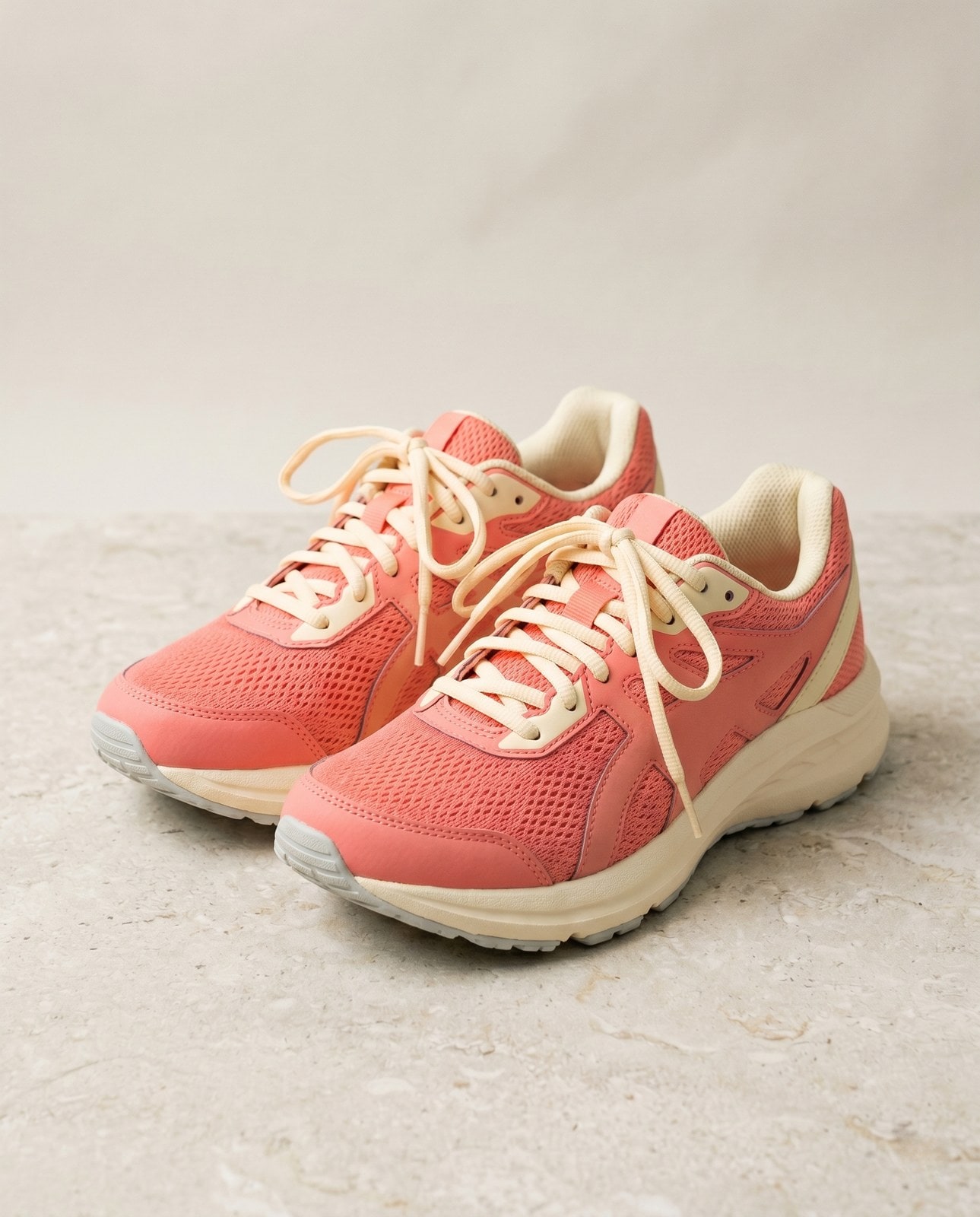
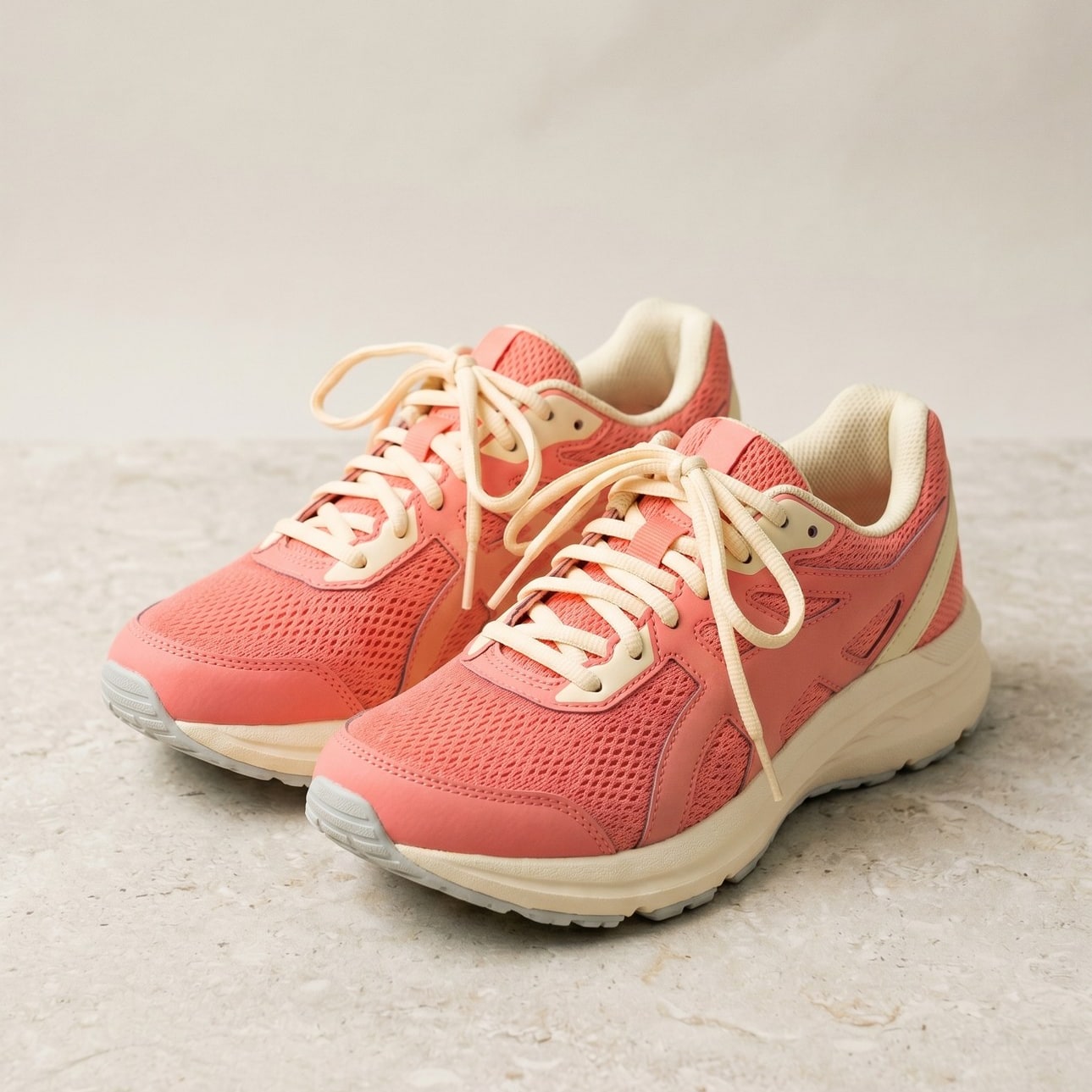
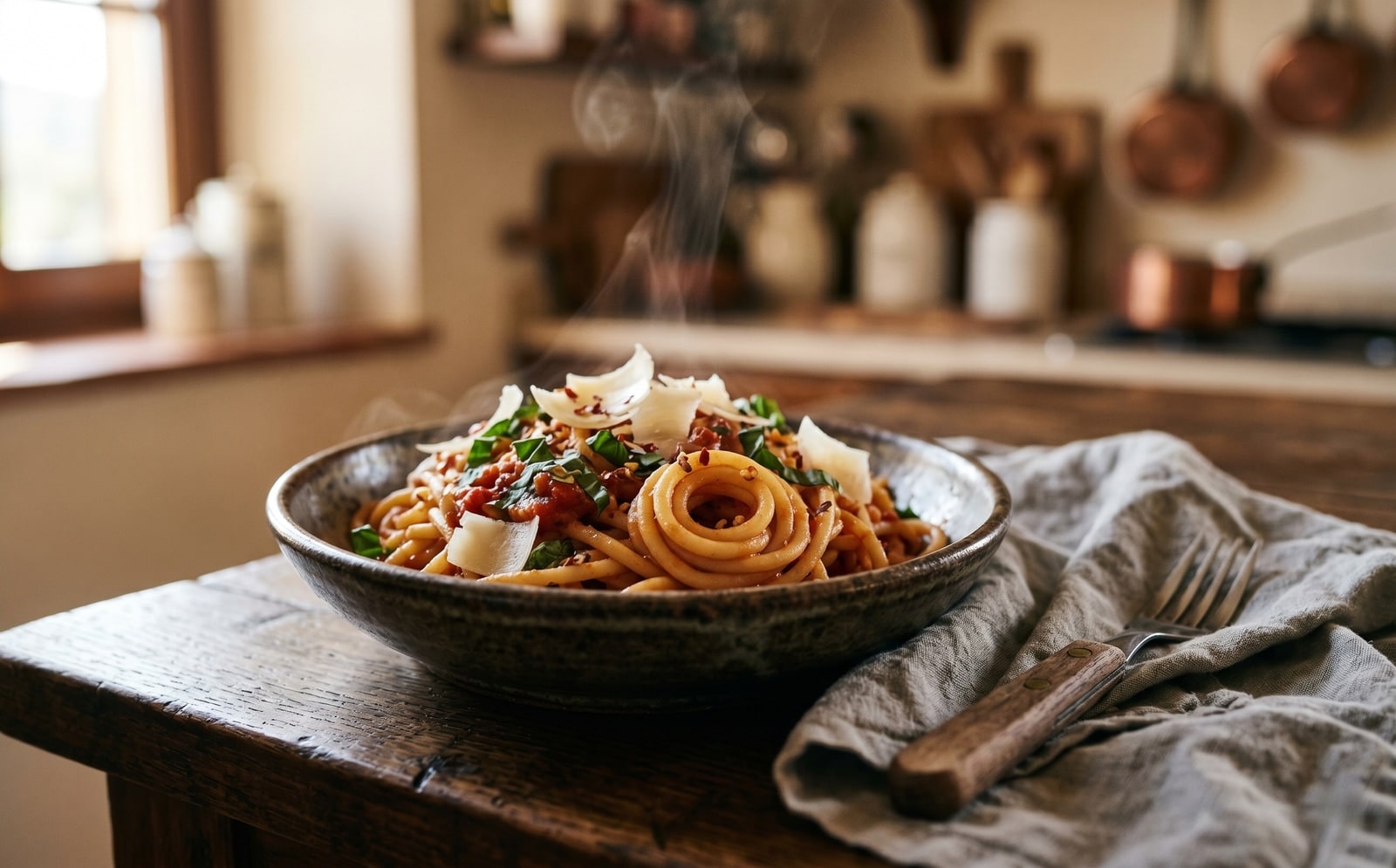
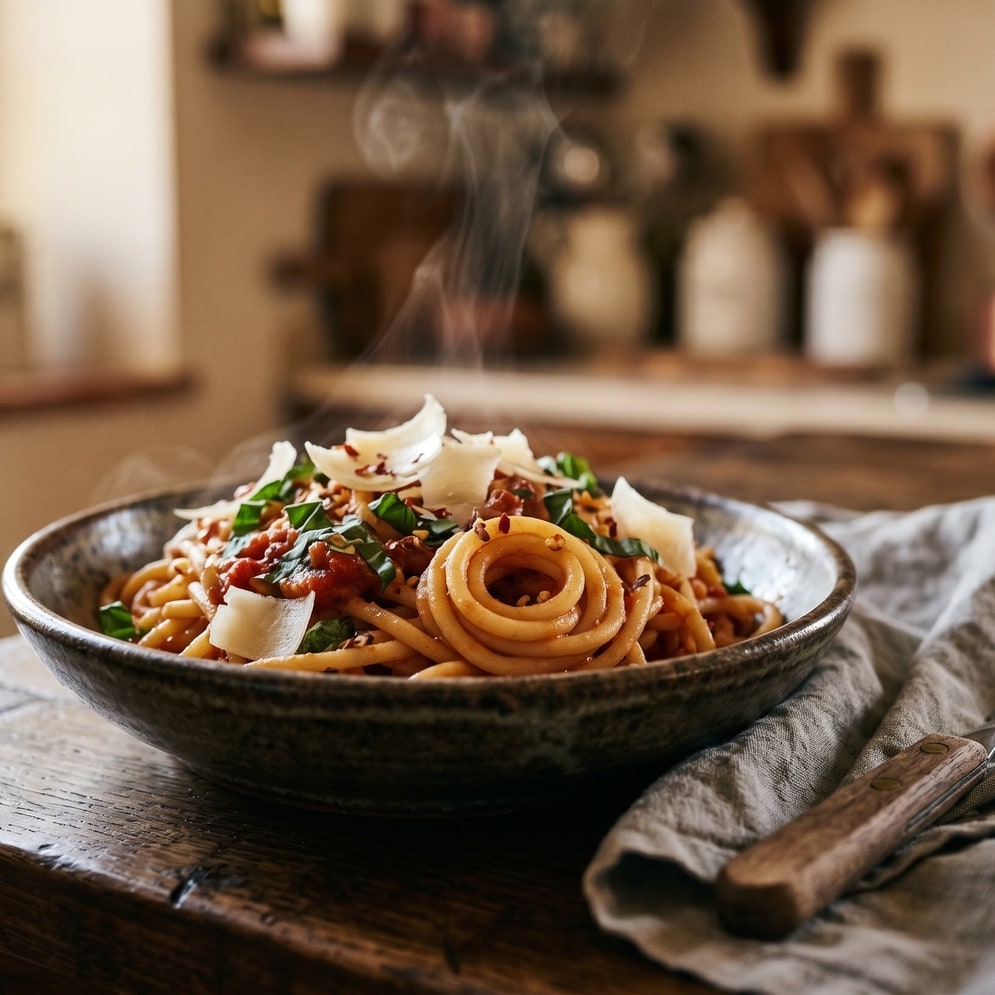
이미지는 작업이 끝나면 사라집니다
Smart crop runs on our server because the saliency model needs native pixel access. Your upload is held only while we compute the bounds and emit the cropped output, and is deleted the moment we send the file back. Nothing is saved, indexed, or trained on.
- 몇 초 안에 처리 완료
- 저장되지 않음
- 계정 연결 없음
이미지를 업로드하세요
클릭 한 번. 가입 불필요. 나머지는 저희가 처리합니다.
스마트 이미지 자르기
이미지를 여러 장 처리해야 하나요?
무료 Smart crop image online, free saliency-driven subject cropper 는 한 번에 이미지 한 장을 처리합니다. 크레딧 팩을 사용하면 배치당 최대 50장, ZIP 다운로드 한 번, 3가지 이름별 프리셋(Blog / Social / Ecom)을 이용할 수 있습니다. 최저 100 크레딧에 €5. 한 번 결제, 만료 없음.
자주 묻는 질문
새 도구를 사용하기 전 대부분의 사람들이 묻는 질문에 대한 답변입니다.
관련 도구
이 이미지에 필요할 다른 작업으로 바로 이동합니다.
Crop image (manual)
Want to pick the rectangle yourself? The manual cropper has aspect-ratio presets and a draggable stencil.
Resize image
Already at the right shape? Resize to exact pixels with optional aspect-ratio lock.
Pad to square
Want to keep the whole frame? Pad to a target aspect ratio instead of cropping it away.
인용 또는 공유하시겠습니까?
제목, 설명, FAQ, 정규 URL, 인용 정보가 담긴 간결한 Markdown 요약을 복사하여 AI 도구나 문서에 바로 붙여넣으세요.