
Rotate image online, free 90, 180, 270 degree rotator
Drop a sideways photo and rotate it 90, 180, or 270 degrees. Or flip horizontally or vertically. One image per request, nothing saved.
- No account required
- Nothing saved
- Lossless 90° rotations
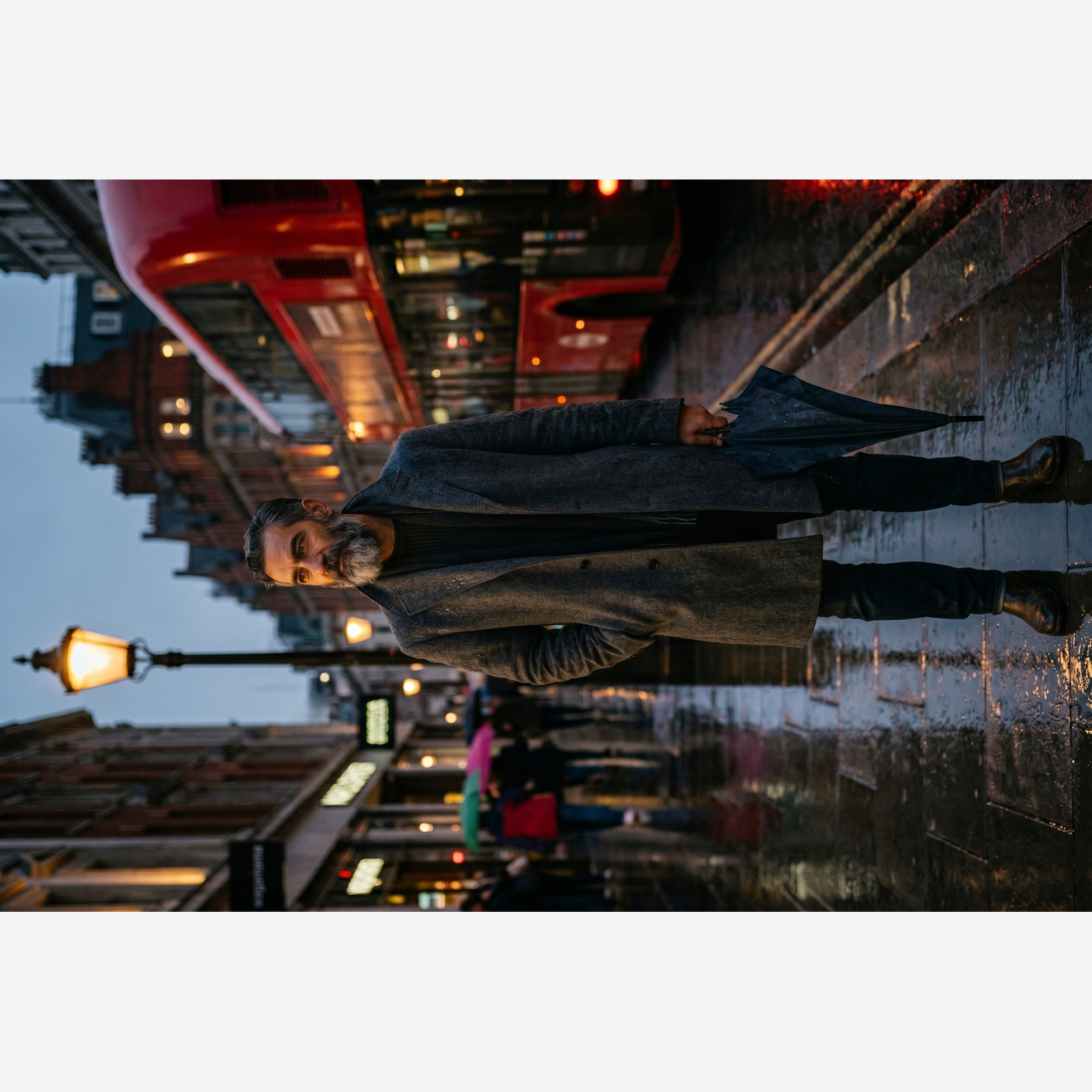
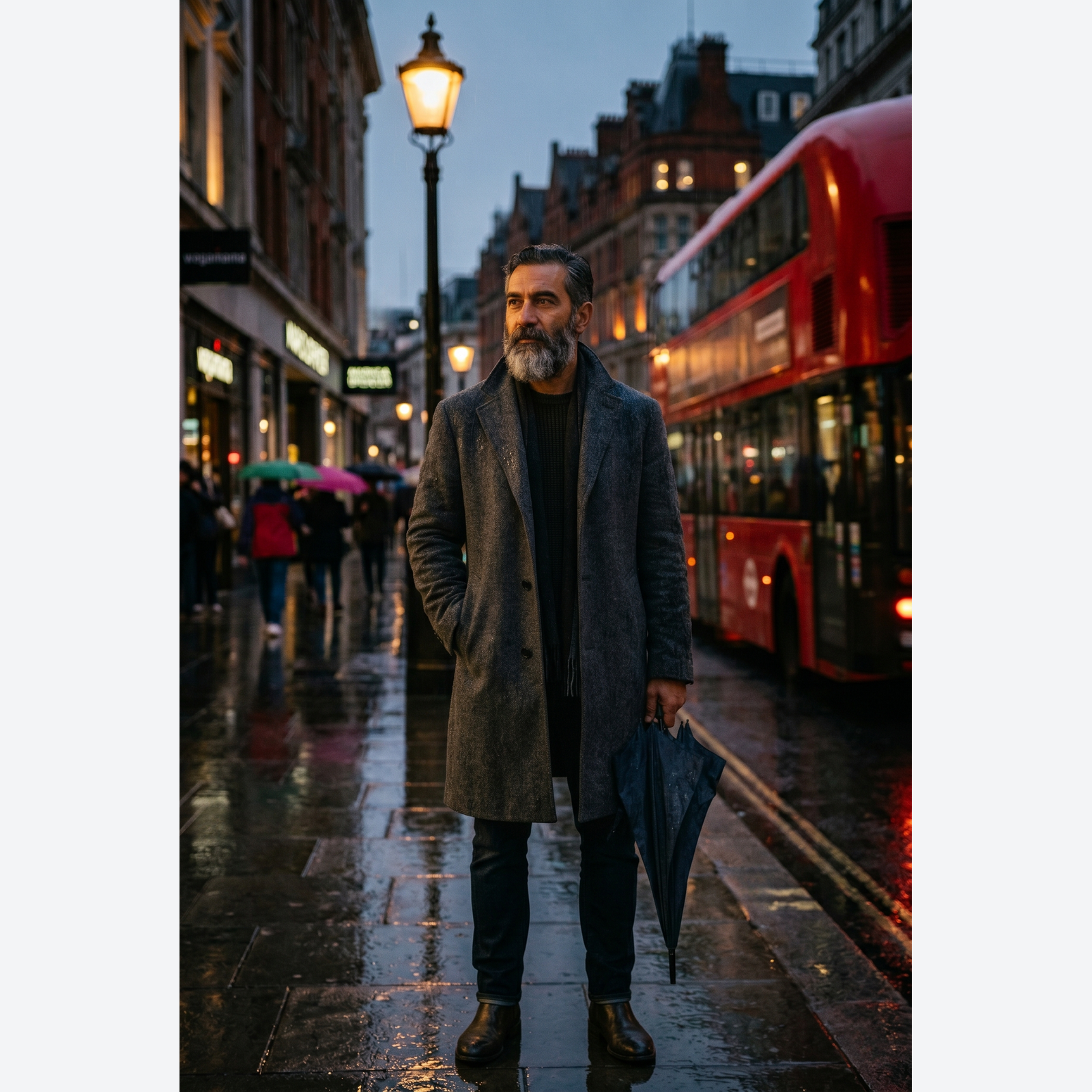
슬라이더를 드래그해 전후 비교
개요
Cameras and phones write an EXIF orientation tag instead of baking the rotation into the pixels. Most browsers honour that tag; most CMS uploaders do not. The result is the classic "my photo is sideways in my blog post" bug that wastes twenty minutes of every content producer's day, every week.
This tool runs a true rotation: it reads the EXIF orientation, applies the correct rotation to the pixel buffer, and strips the orientation tag so the image renders the same way in every downstream viewer. You can also request an explicit 90, 180, or 270 degree rotation or a horizontal or vertical flip, which is handy for mock-ups, visual effects, or producing mirrored variants.
Rotations of 90, 180, and 270 are lossless: no resampling, no blur. Arbitrary angles are available too but they require resampling and introduce a small amount of softening; the tool shows a preview before committing. In modern browsers the whole rotation runs locally, so the image never leaves your device. A server fallback exists for older browsers without local-processing support; on that path the upload is deleted the moment we send the result back.
사용 방법
세 단계, 보통 5초 안에 완료됩니다.
- 1
Upload an image
Drop a JPG, PNG, WebP, or AVIF up to 25 MB. Clipboard paste also works.
- 2
Pick a rotation or flip
Choose 90°, 180°, 270°, horizontal flip, or vertical flip. The preview updates instantly.
- 3
Download the result
The rotated image downloads as the same format you started with. On modern browsers it is generated on your own device, so nothing is uploaded. On the rare server fallback, the file is deleted the moment it is sent back.
실제 결과 보기
각 슬라이더를 드래그해 전후를 픽셀 단위로 비교하세요.




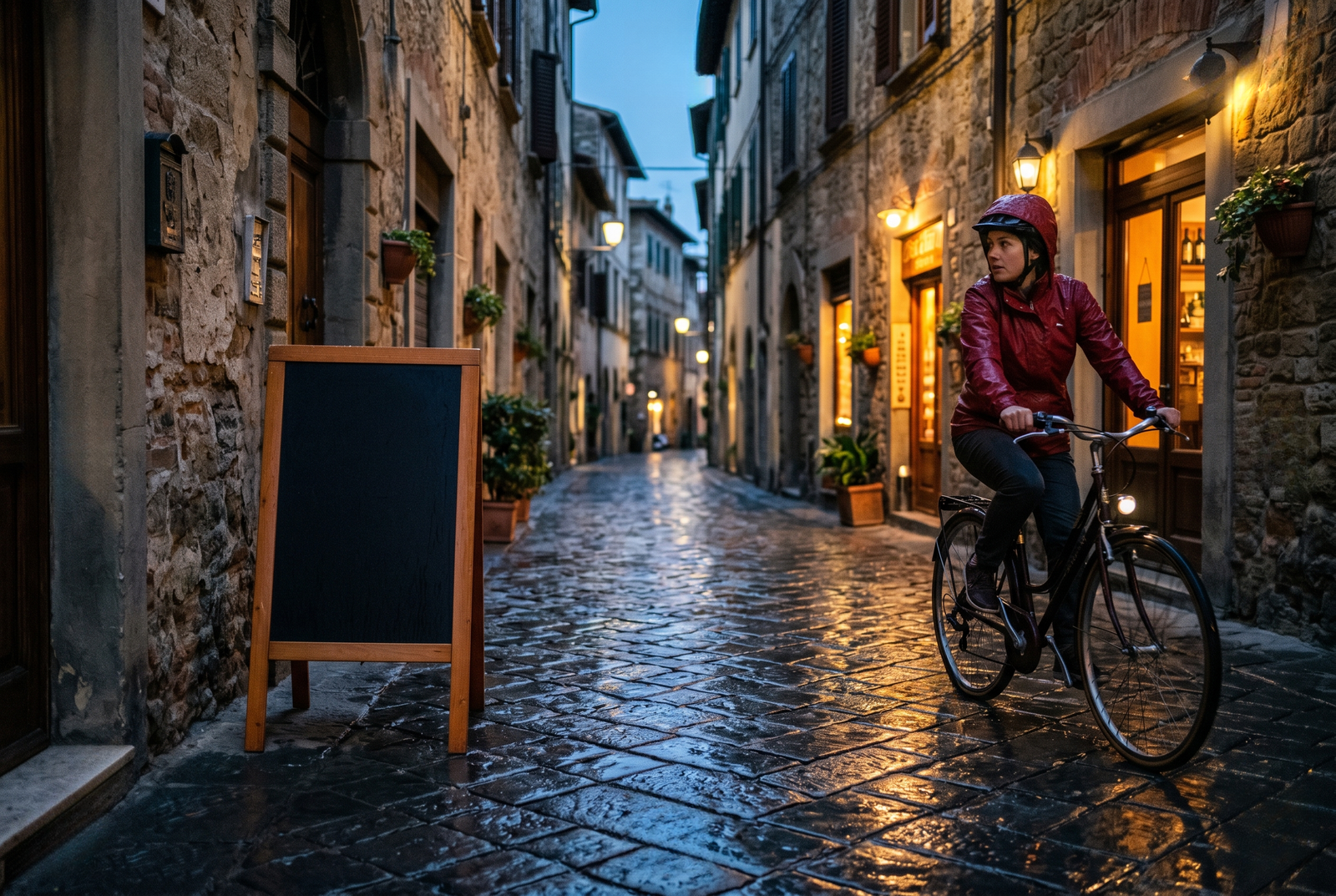
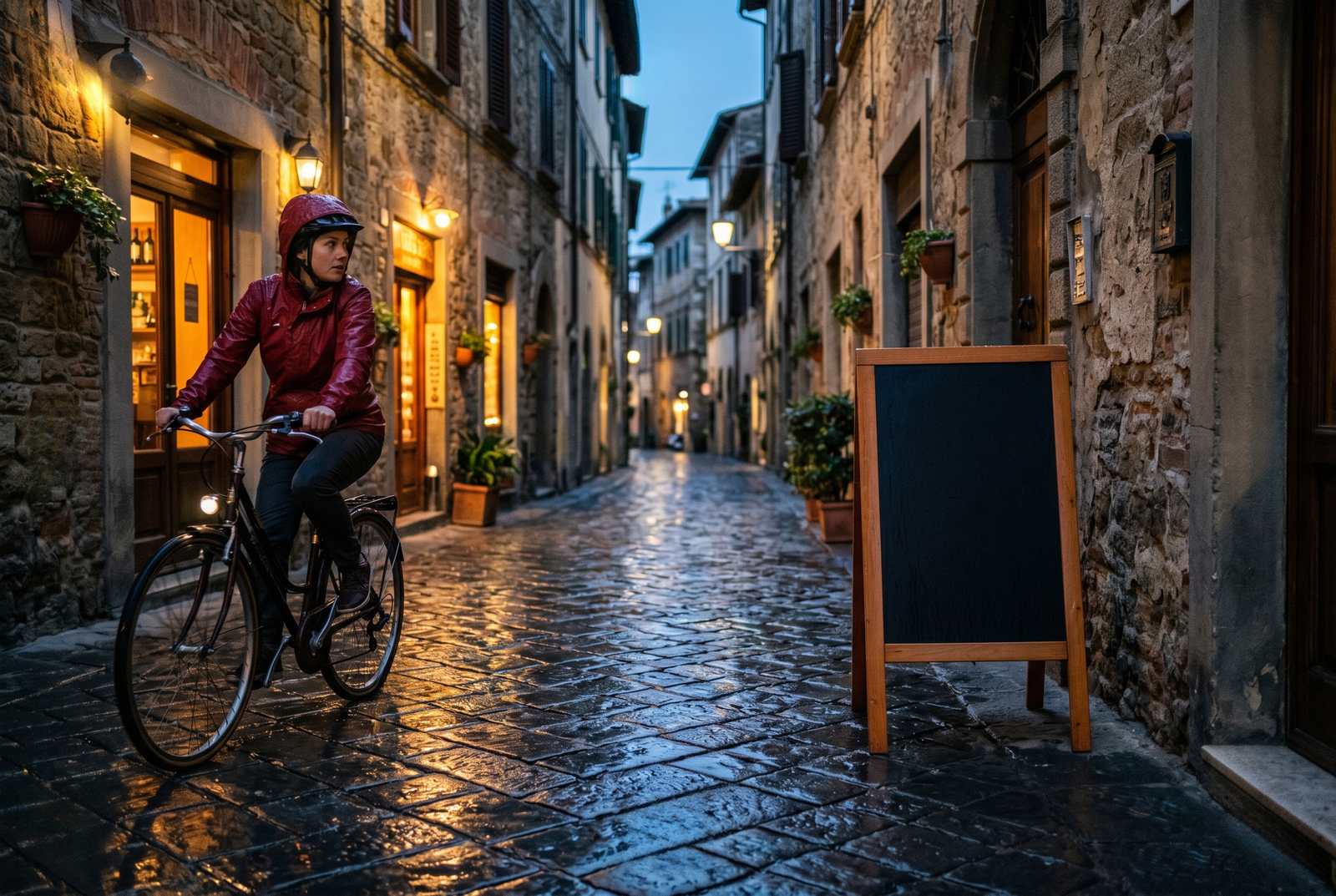
이미지는 작업이 끝나면 사라집니다
Rotation runs in your browser by default. Your image never leaves your device on that path. For the small share of browsers without local-processing support we fall back to a server round-trip, where the upload is only held while we process it and is deleted the moment the result is sent back. Nothing is saved, indexed, or trained on.
- 몇 초 안에 처리 완료
- 저장되지 않음
- 계정 연결 없음
이미지를 업로드하세요
클릭 한 번. 가입 불필요. 나머지는 저희가 처리합니다.
회전 / 뒤집기 / 미러링
이미지를 여러 장 처리해야 하나요?
무료 Rotate image online, free 90, 180, 270 degree rotator 는 한 번에 이미지 한 장을 처리합니다. 크레딧 팩을 사용하면 배치당 최대 50장, ZIP 다운로드 한 번, 3가지 이름별 프리셋(Blog / Social / Ecom)을 이용할 수 있습니다. 최저 100 크레딧에 €5. 한 번 결제, 만료 없음.
자주 묻는 질문
새 도구를 사용하기 전 대부분의 사람들이 묻는 질문에 대한 답변입니다.
관련 도구
이 이미지에 필요할 다른 작업으로 바로 이동합니다.
Pad image to square
After rotating, pad the image to 1:1 or 16:9 for social platforms with strict aspect ratios.
Compress image
Rotation is free but the file size stays the same; compress the rotated image for the web.
Strip EXIF metadata
Rotation strips orientation but preserves other EXIF; drop the rest before publishing publicly.
인용 또는 공유하시겠습니까?
제목, 설명, FAQ, 정규 URL, 인용 정보가 담긴 간결한 Markdown 요약을 복사하여 AI 도구나 문서에 바로 붙여넣으세요.