
Pad image to square, 1:1, 16:9, 9:16 without cropping
Drop an image and pad it to a square, 16:9, or 9:16 frame with a colour background of your choice. One image per request, nothing saved.
- No account required
- Nothing saved
- No cropping, pixels preserved
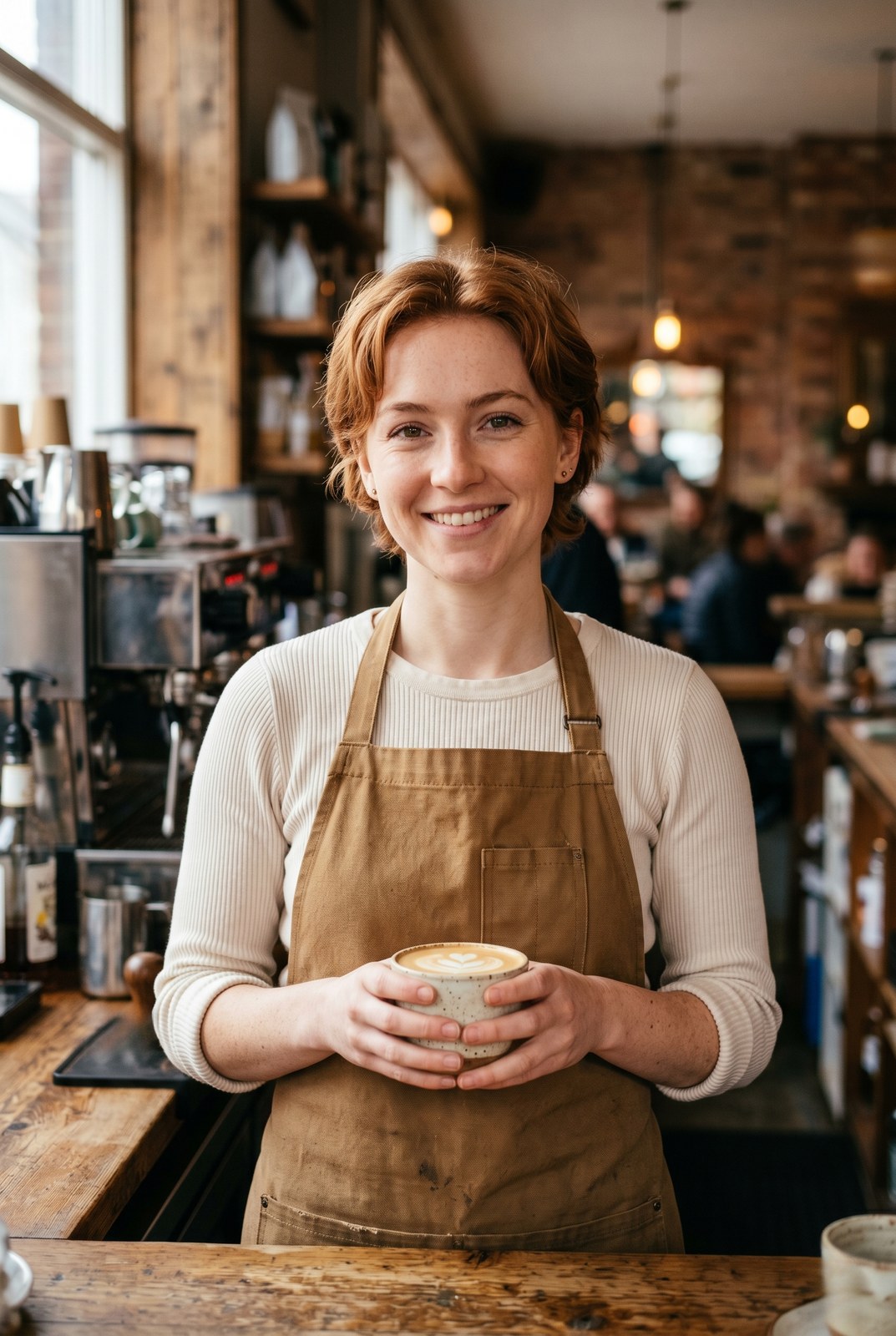
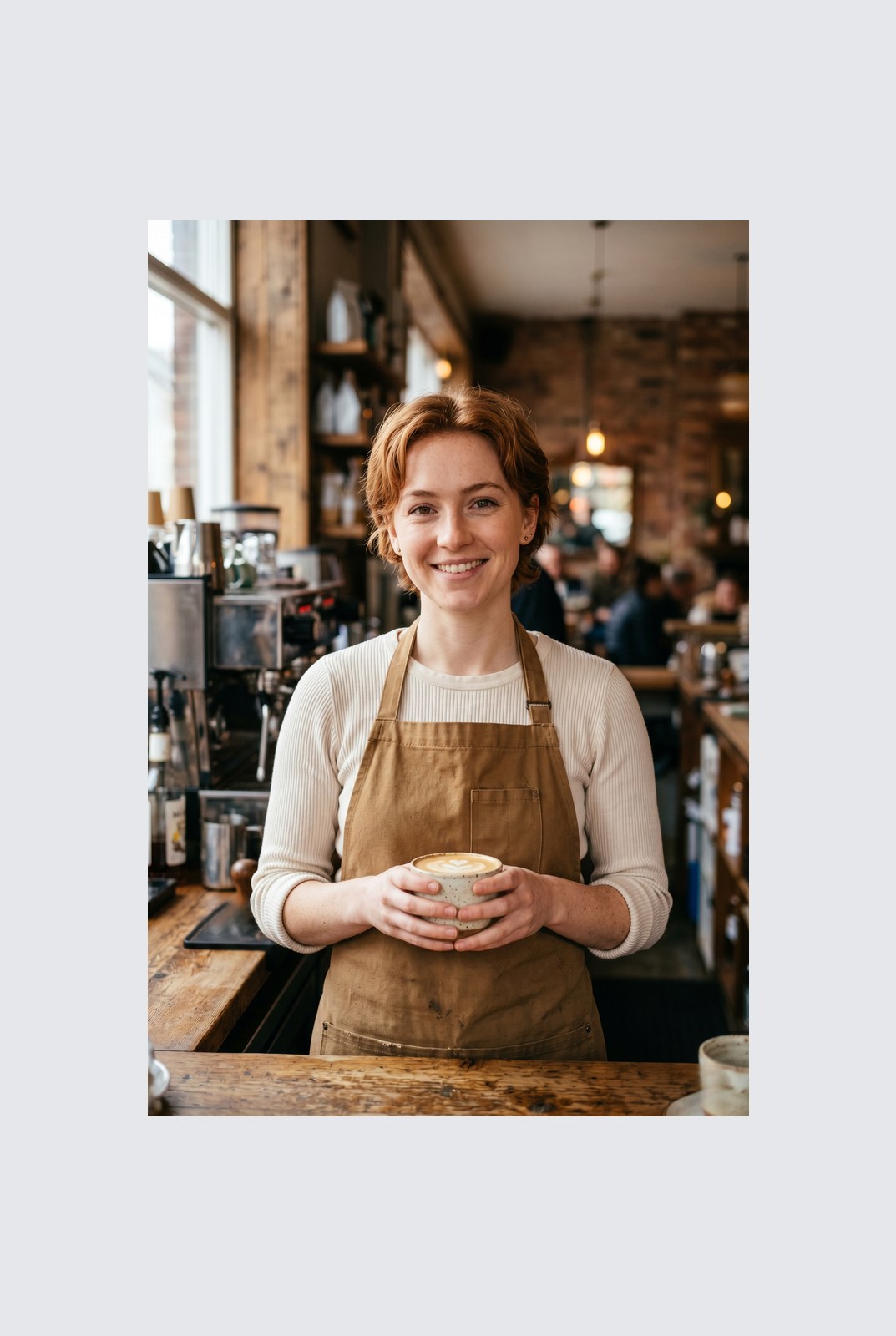
슬라이더를 드래그해 전후 비교
개요
Instagram wants a square. LinkedIn wants 16:9. TikTok wants 9:16. Your photo was shot at whatever ratio your camera felt like. Cropping removes parts of the frame you might care about. Padding does not: it just adds a coloured background around the image until it hits the aspect ratio you need.
This tool extends one image per request to a target aspect ratio without touching the original pixels. The padded area is filled with a colour of your choice: a solid background, a brand accent, or full transparency for PNG, WebP, or AVIF outputs. You pick the ratio (1:1, 16:9, 9:16, or a custom ratio like 4:5), the colour, and the alignment (centre, top, left, and so on).
Padding runs entirely in your browser. Your browser decodes, composites, and re-encodes the image on your own device, then hands you a download. Nothing is uploaded, nothing is saved, nothing is indexed or trained on, because we never see the pixels.
사용 방법
세 단계, 보통 5초 안에 완료됩니다.
- 1
Upload an image
Drop a JPG, PNG, WebP, or AVIF up to 25 MB. No sign-up, no credit card.
- 2
Pick a ratio and colour
Choose 1:1, 16:9, 9:16, or a custom ratio. Pick any hex colour or transparent. The preview updates live.
- 3
Download the padded image
The padded file is generated in your browser and saved straight to your device. Nothing is uploaded, so there is nothing for us to store or delete.
실제 결과 보기
각 슬라이더를 드래그해 전후를 픽셀 단위로 비교하세요.
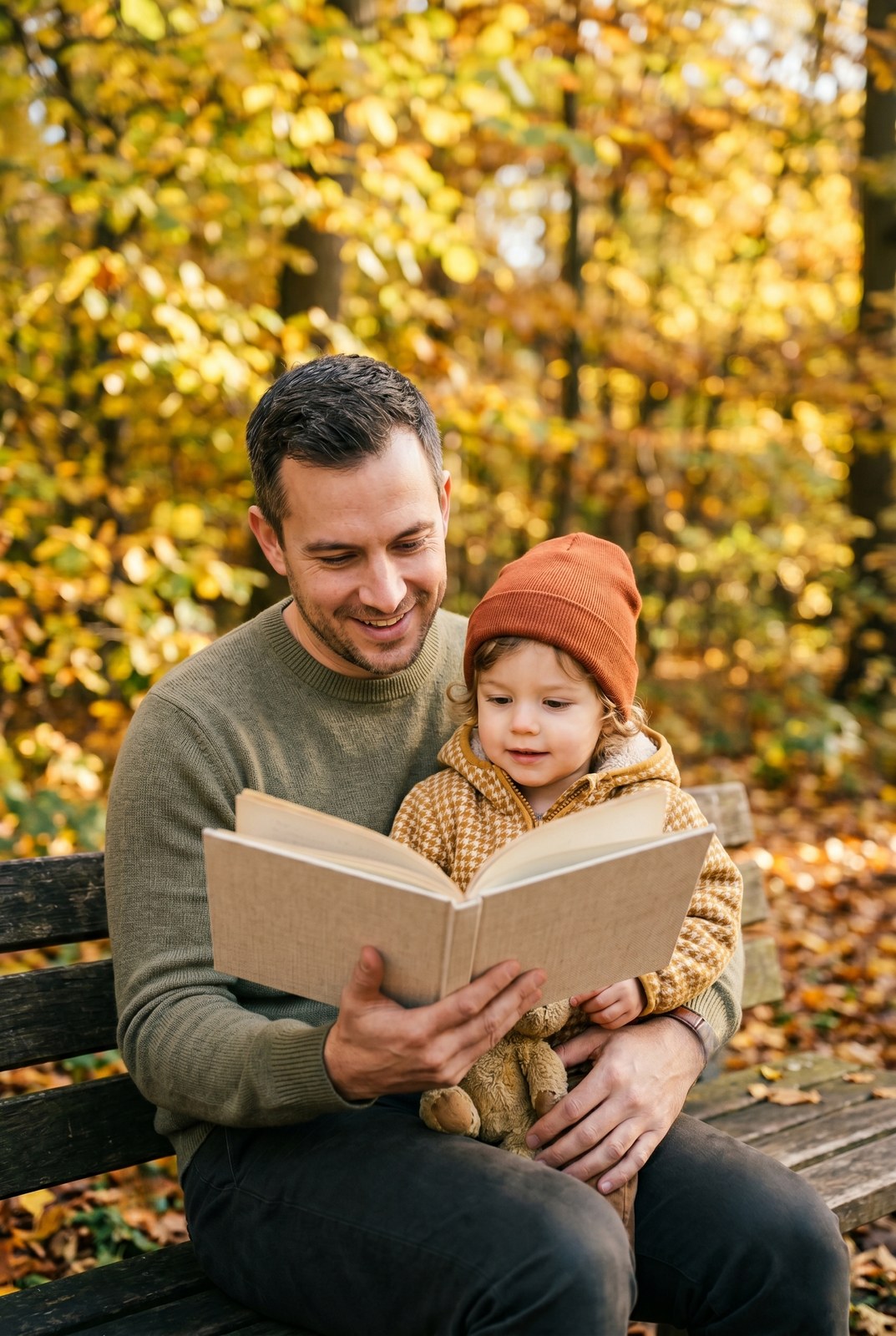
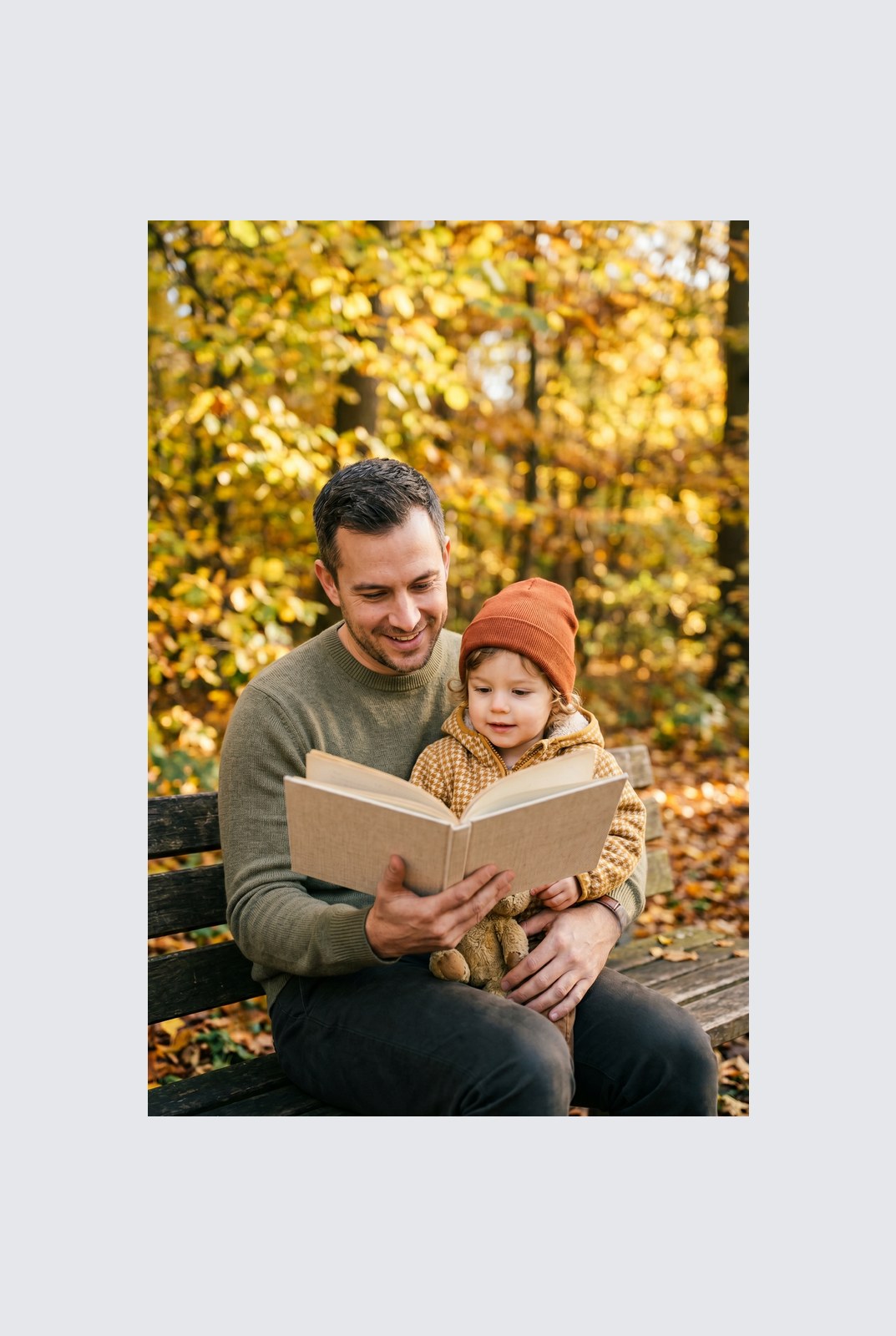
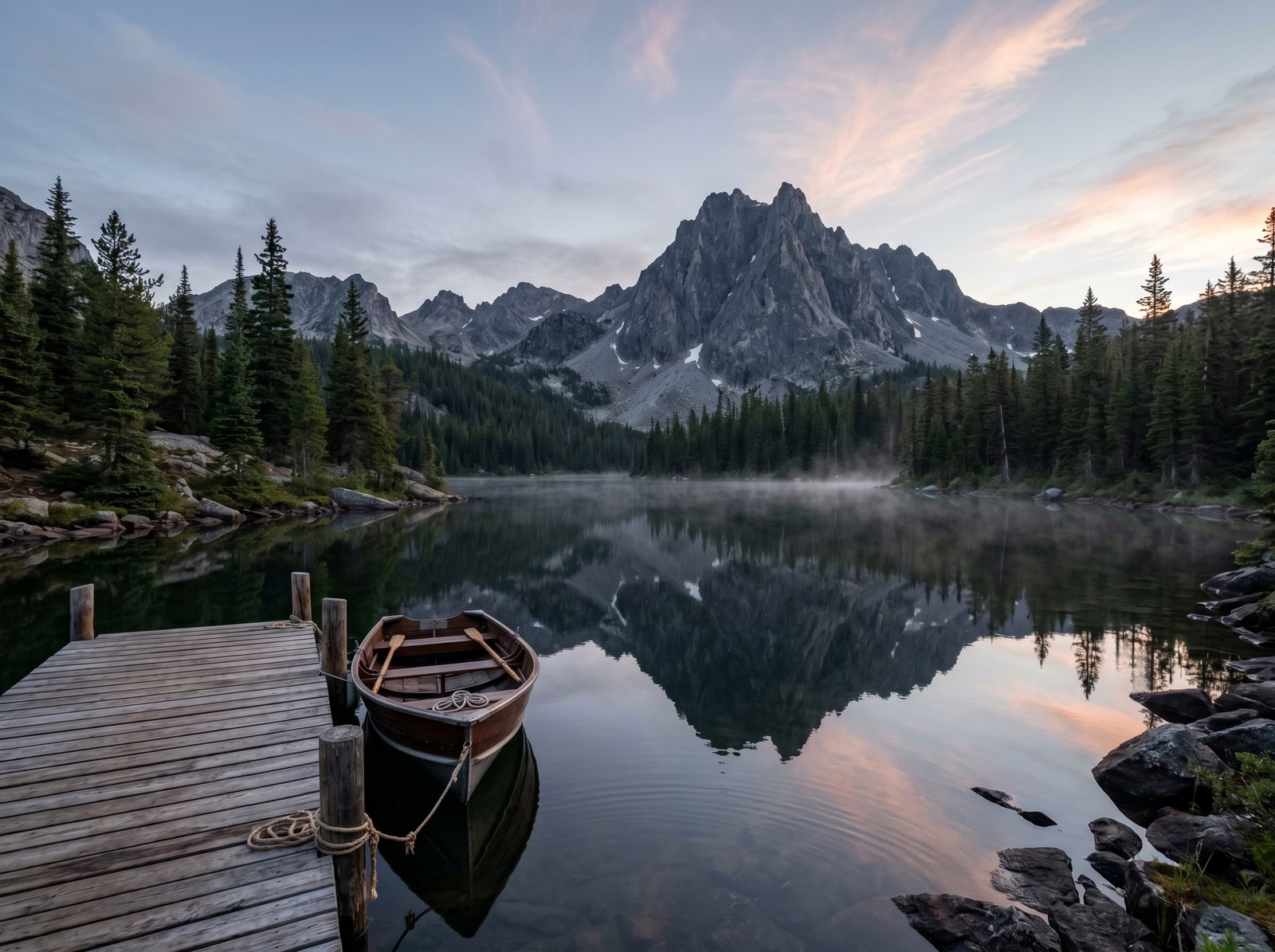
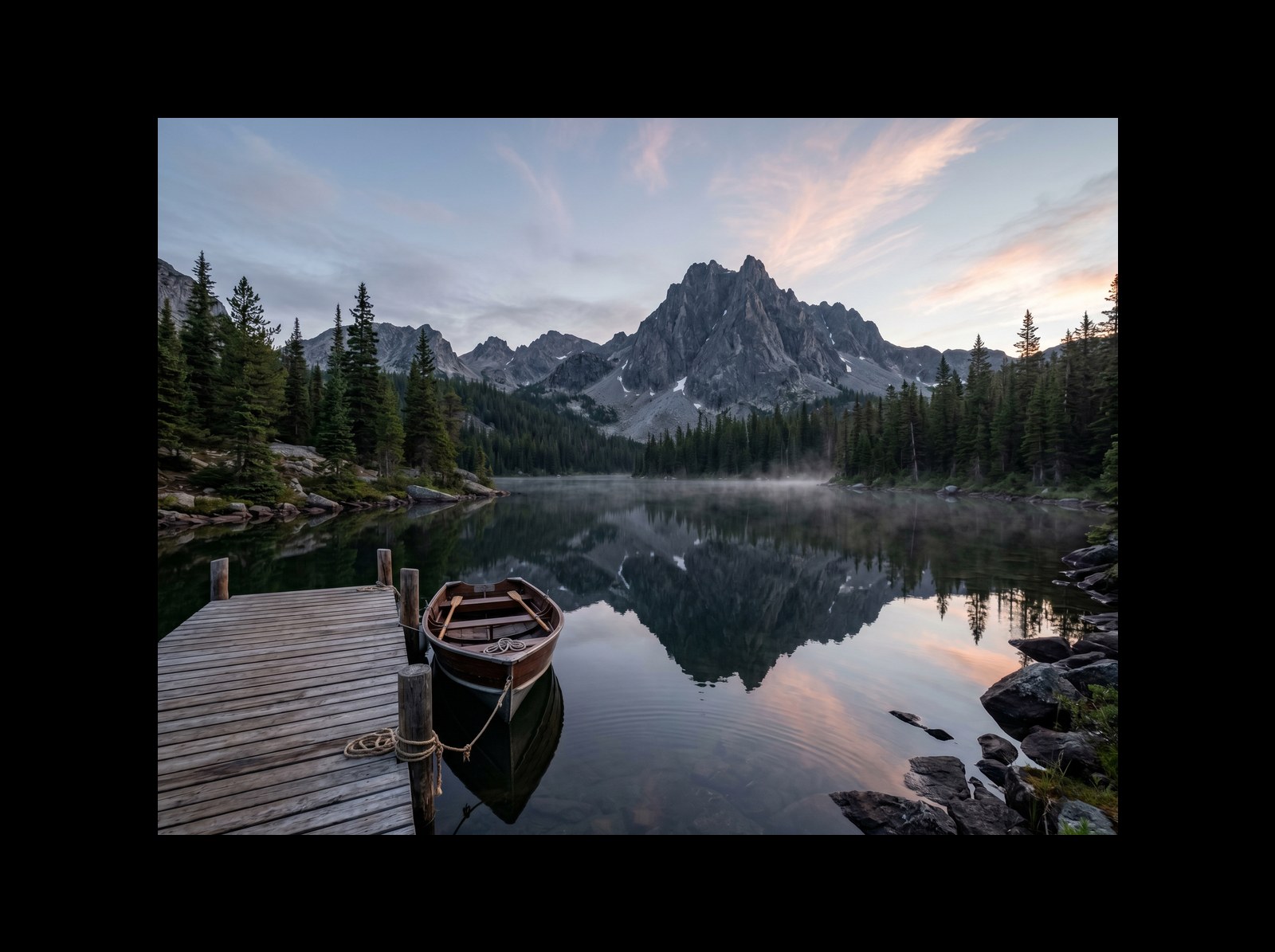
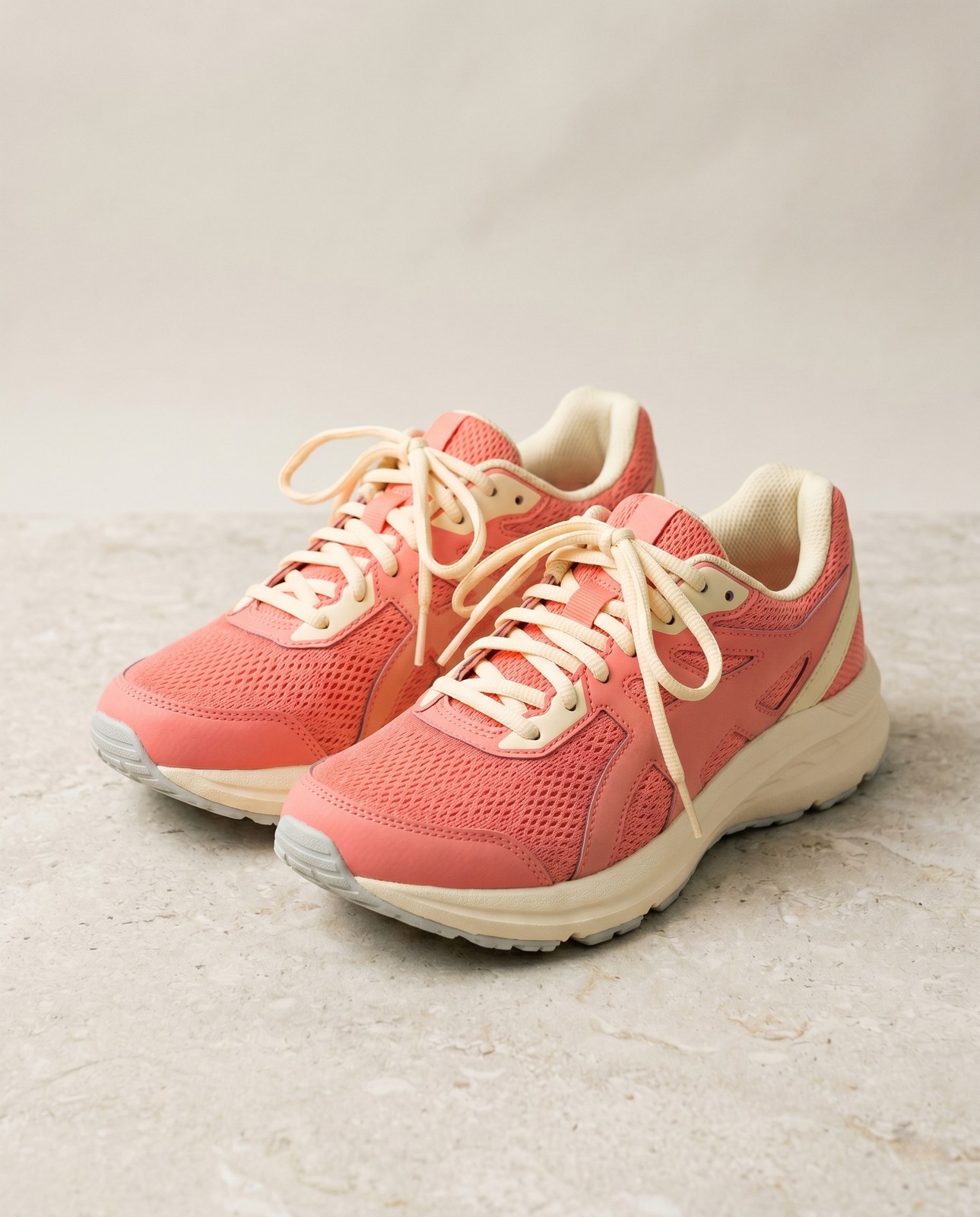
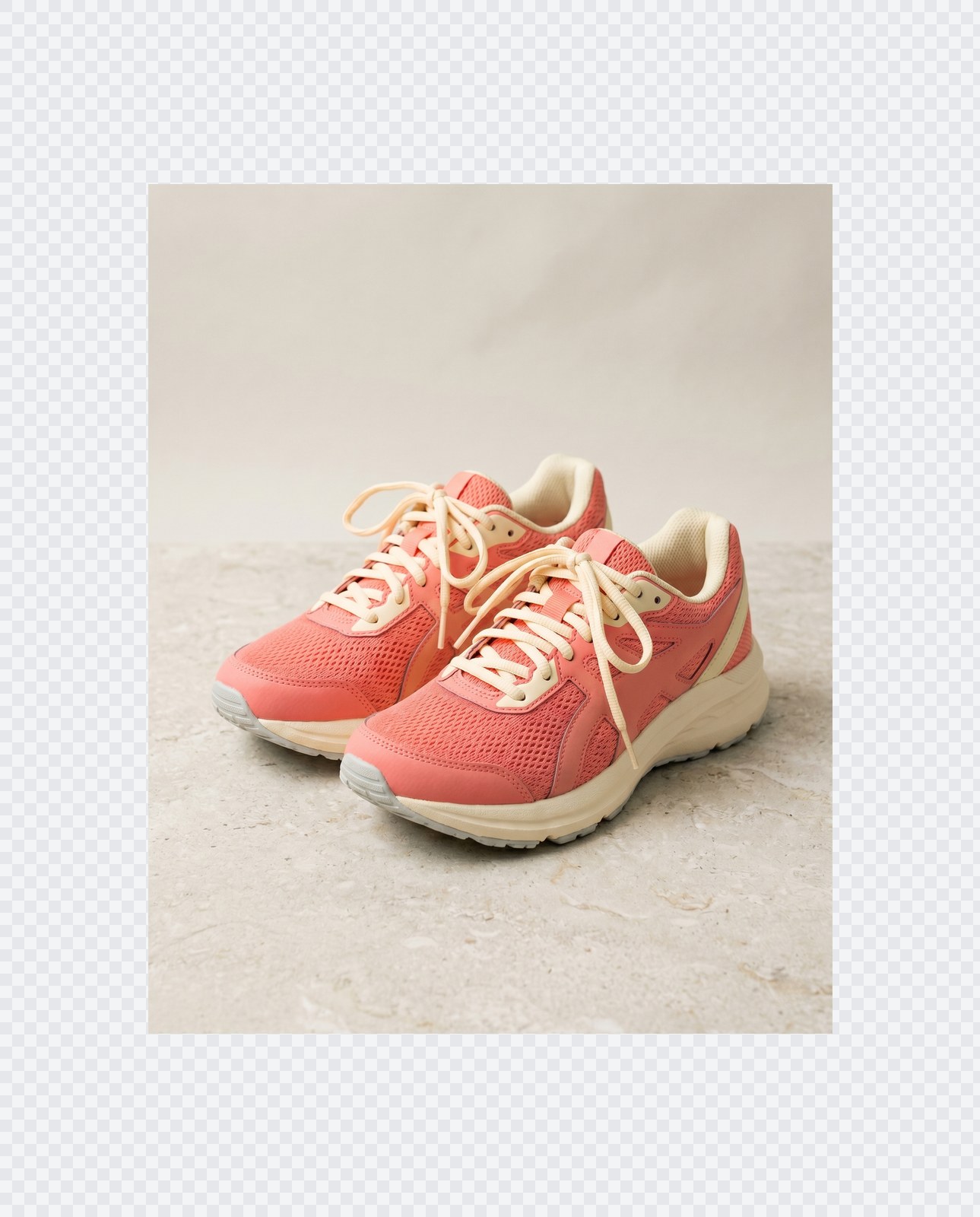
이미지는 작업이 끝나면 사라집니다
Padding runs entirely in your browser. Your image is never uploaded, never touches our servers, and never gets saved, indexed, or used for model training. If you close the tab, the image goes with it.
- 몇 초 안에 처리 완료
- 저장되지 않음
- 계정 연결 없음
이미지를 업로드하세요
클릭 한 번. 가입 불필요. 나머지는 저희가 처리합니다.
패딩 / 캔버스 확장
이미지를 여러 장 처리해야 하나요?
무료 Pad image to square, 1:1, 16:9, 9:16 without cropping 는 한 번에 이미지 한 장을 처리합니다. 크레딧 팩을 사용하면 배치당 최대 50장, ZIP 다운로드 한 번, 3가지 이름별 프리셋(Blog / Social / Ecom)을 이용할 수 있습니다. 최저 100 크레딧에 €5. 한 번 결제, 만료 없음.
자주 묻는 질문
새 도구를 사용하기 전 대부분의 사람들이 묻는 질문에 대한 답변입니다.
관련 도구
이 이미지에 필요할 다른 작업으로 바로 이동합니다.
Rotate image
Fix sideways photos before padding so the result aligns to the target aspect ratio.
Compress image
Padding keeps pixels intact but inflates file size; compress the padded result for the web.
Remove Gemini watermark
Clean the Gemini AI badge off a generated image before padding it for a social platform.
인용 또는 공유하시겠습니까?
제목, 설명, FAQ, 정규 URL, 인용 정보가 담긴 간결한 Markdown 요약을 복사하여 AI 도구나 문서에 바로 붙여넣으세요.