
Convert PNG to WebP (Portable Network Graphics to WebP)
Convert PNG to WebP online. Drop a Portable Network Graphics and get a WebP back at roughly 6% of the original byte cost. No sign-up, nothing saved.
- No account required
- Nothing saved
- Pixel-for-pixel, no resizing


슬라이더를 드래그해 전후 비교
개요
Convert PNG to WebP. This tool re-encodes one Portable Network Graphics into a WebP of the same pixels at roughly 6% of the byte cost, without resizing, cropping, or colour-regrading. The net effect is faster pages, better Core Web Vitals scores, and lower CDN egress bills, because the same visual output travels in a much smaller container. Nothing is saved on our side.
WebP (WebP) is the modern web target. It was standardised in 2010 and reaches roughly 97%% of global browsers in 2026. At equivalent visual quality it cuts byte cost against PNG to about 6% on typical photographic content, which is why hero images on news sites, product galleries, and blog covers increasingly ship as WebP first with a legacy fallback.
PNG (Portable Network Graphics) is the incumbent your source probably came from: camera exports, older CMS uploads, and designer PSDs still save as PNG by default. It is supported everywhere, decodes fast, and is trivial to produce. The cost is size. Nothing in the PNG spec was designed for 2026 bandwidth budgets, and on photographic content a typical PNG file is measurably larger than the same pixels in WebP.
The trade-off is encoding speed and fallback plumbing. WebP takes more CPU to encode than PNG, which is why we run the encoder on our side instead of in your browser. Visual quality at the default target matches PNG on typical photographic content; screenshots and flat-colour illustrations retain their sharp edges. Shipping WebP in production usually pairs with a standard picture element and a PNG fallback for the last few percent of visitors.
When NOT to convert PNG to WebP: archival masters where every original pixel matters (keep the PNG), email-newsletter assets where a desktop client may still refuse WebP (ship JPEG there), and tiny icon-sized assets under 50x50 pixels where the WebP container overhead can exceed the encoded payload. For real hero art, product photography, and blog covers, WebP is the right 2026 default.
Every upload is held only while we re-encode it. The resulting WebP comes back on a one-time download link and is deleted the moment you fetch it, or sooner if you never come back. No account ties the upload to you, and the Privacy page lists every byte that touches disk. Converting PNG to WebP on BouseMutton leaves no residue behind.
WebP at a glance, against PNG
결정하기 전에 확인해야 할 수치와 장단점입니다.
WebP vs PNG byte cost
On typical photographic content, WebP reaches PNG-equivalent visual quality at roughly 6% of the bytes. Flat illustrations compress even better.
WebP browser support
WebP covers roughly 97%% of global browser traffic in 2026. Pair with a PNG fallback in a picture element for the remaining tail.
Codec era
WebP was standardised in 2010; PNG dates from earlier. The generation gap is why WebP fits the same image in much less space.
Encoding cost
WebP encoding is more CPU-heavy than PNG, which is why we run it on our side. Decoding in the browser is fast and not perceptibly slower than PNG.
No resizing
Conversion is pixel-for-pixel. A PNG that was 2048 pixels wide comes back as a WebP that is 2048 pixels wide. No silent dimension change.
Transparency preserved
WebP supports an alpha channel, so PNG files with transparent regions convert without losing transparency. Edges stay clean.
When to keep PNG
Keep the PNG for archival masters, for email-only delivery, and for icons under 50x50 pixels where the WebP container overhead outweighs its codec win.
사용 방법
세 단계, 보통 5초 안에 완료됩니다.
- 1
Upload a PNG
Drop a PNG up to 25 MB, or paste from the clipboard. No sign-up, no credit card, no account link.
- 2
We re-encode it as WebP
We run the WebP encoder on our side at a default quality that matches PNG visual quality for typical photographic content. Your battery stays cool.
- 3
Download your WebP
Your WebP comes back on a one-time download link. Fetch it and the file is deleted. Never come back and the file is deleted anyway.
실제 결과 보기
각 슬라이더를 드래그해 전후를 픽셀 단위로 비교하세요.


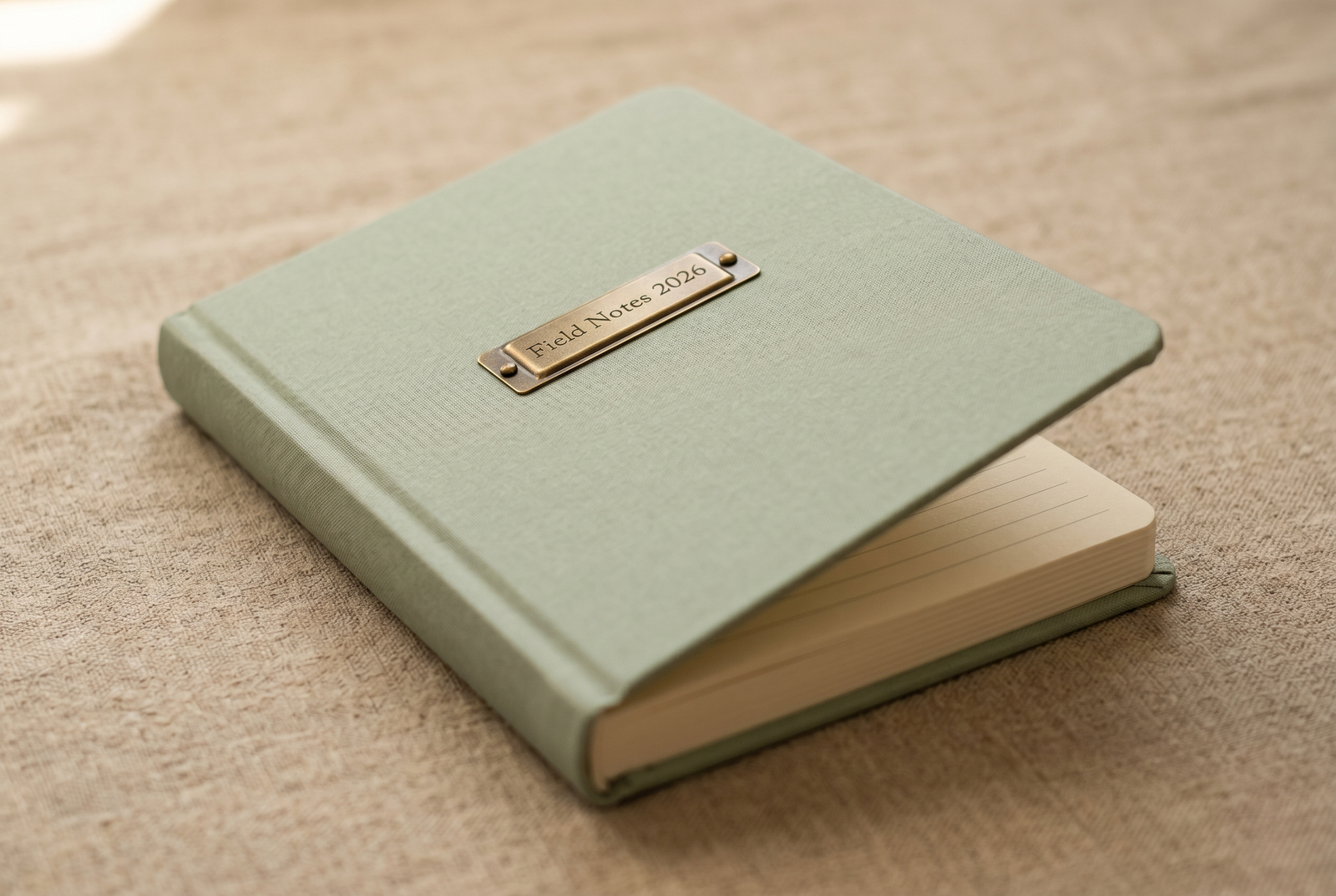


이미지는 작업이 끝나면 사라집니다
Every upload is held only while we re-encode it. The resulting WebP comes back on a one-time download link and is deleted the moment you fetch it, or sooner if you never come back. No account ties the upload to you, and the Privacy page lists every byte that touches disk. Converting PNG to WebP on BouseMutton leaves no residue behind.
- 몇 초 안에 처리 완료
- 저장되지 않음
- 계정 연결 없음
이미지를 업로드하세요
클릭 한 번. 가입 불필요. 나머지는 저희가 처리합니다.
이미지 형식 변환
이미지를 여러 장 처리해야 하나요?
무료 Convert PNG to WebP (Portable Network Graphics to WebP) 는 한 번에 이미지 한 장을 처리합니다. 크레딧 팩을 사용하면 배치당 최대 50장, ZIP 다운로드 한 번, 3가지 이름별 프리셋(Blog / Social / Ecom)을 이용할 수 있습니다. 최저 100 크레딧에 €5. 한 번 결제, 만료 없음.
Glossary for PNG and WebP
위 전문 용어에 대한 쉬운 설명입니다.
자주 묻는 질문
새 도구를 사용하기 전 대부분의 사람들이 묻는 질문에 대한 답변입니다.
관련 도구
이 이미지에 필요할 다른 작업으로 바로 이동합니다.
Compress image
Shrink an already-converted image further without changing its format, for bandwidth-constrained pages.
Strip EXIF metadata
Remove camera, GPS, and device metadata before publishing the converted image publicly.
Pad to a target aspect ratio
Extend the canvas to a 1:1 or 9:16 frame without losing pixels, before or after the format conversion.
Related reading on PNG, WebP, and image optimisation
이 도구와 함께 사용하면 좋은 다른 도구입니다.
- Browse all format convertersSee the full set of PNG and WebP tools on BouseMutton, including compression, EXIF stripping, and resize.
- Portable Network Graphics -> JPEGAlso converting Portable Network Graphics to JPEG? This tool handles the same source in a different target format, for cases where the codec choice differs.
- JPEG -> WebPRun JPEG through this tool before or after conversion to WebP, depending on the workflow step you are at.
- Compress imageShrink an already-converted image further without changing its format, for bandwidth-constrained pages.
인용 또는 공유하시겠습니까?
제목, 설명, FAQ, 정규 URL, 인용 정보가 담긴 간결한 Markdown 요약을 복사하여 AI 도구나 문서에 바로 붙여넣으세요.