
Extract a colour palette from any image, in your browser
Drop a photo and get its 3 to 12 most representative colours as hex, RGB, HSL, CSS custom properties, Tailwind theme colours, SCSS variables, JSON, or a 600 x 100 px PNG strip. Each swatch is annotated with its WCAG contrast tier against white and black. Image bytes never leave your browser.
- Processed 100% in your browser
- No account required
- Nothing uploaded
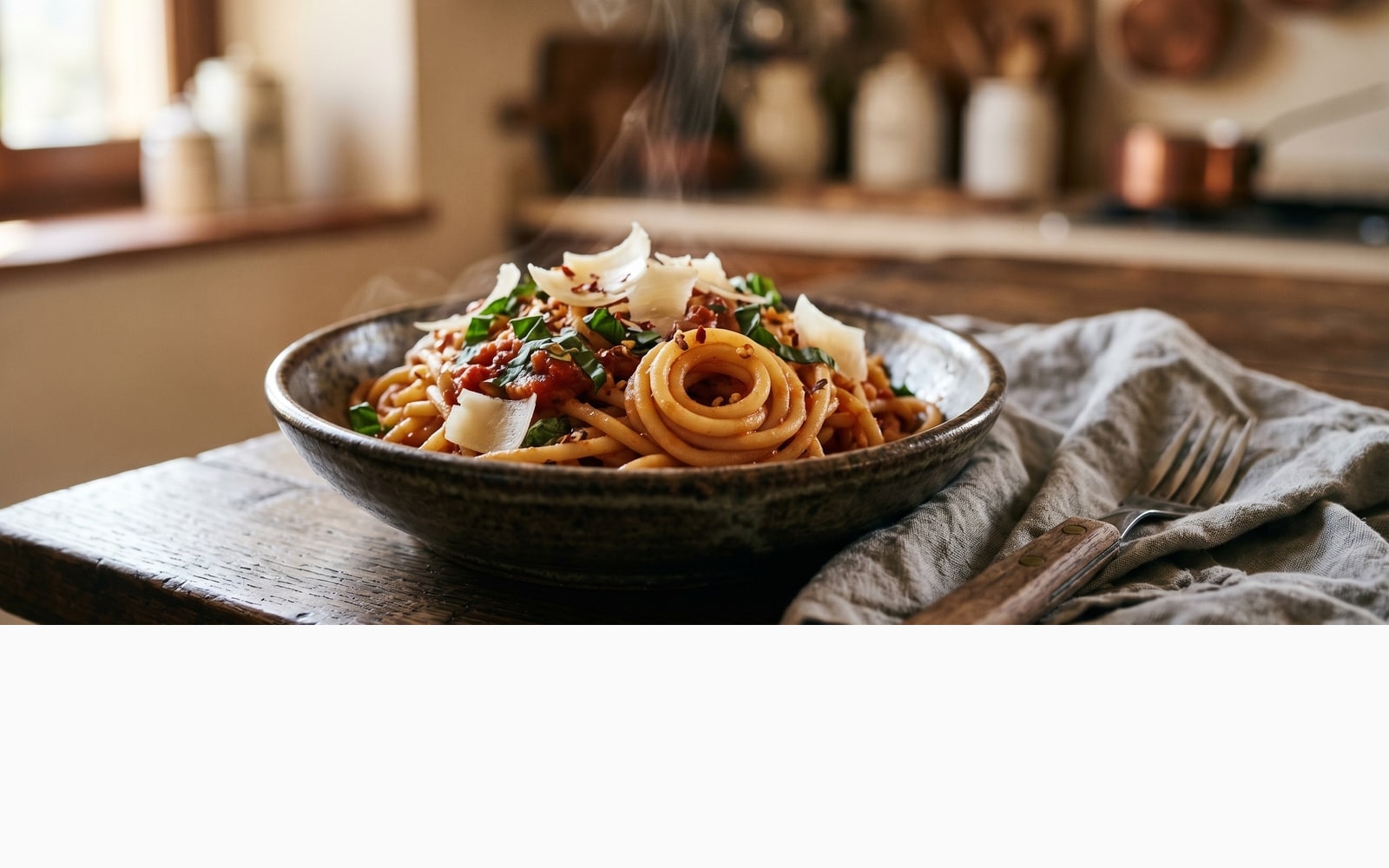
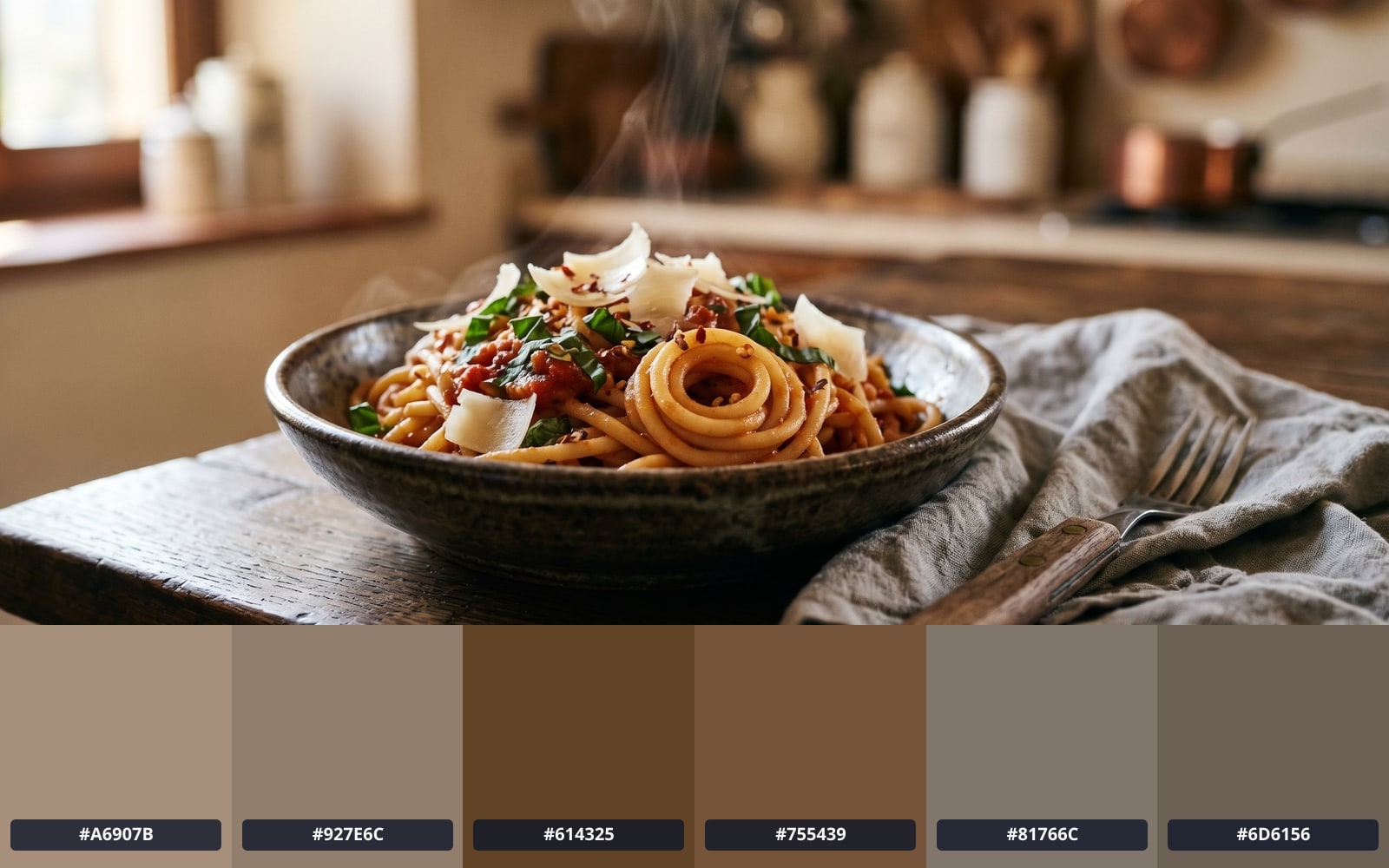
슬라이더를 드래그해 전후 비교
개요
Every photo carries a colour story: a dominant tone, two or three supporting accents, and a long tail of edge-case pixels. Designers use that palette to build mood boards, brand systems, and accessible UI themes; developers reach for it when they want CSS variables that match a hero image without eyeballing the swatch.
The classic way to extract a palette is server-side: upload the image, the server crunches the colours, and a list of hex codes comes back. That round-trip is wasteful for what is, fundamentally, a few hundred milliseconds of in-memory math. It also means handing your image to a third party. Neither of those trade-offs is necessary.
BouseMutton runs the palette extractor in your browser. Drop an image; the browser shrinks it to 256 pixels on the longest edge (plenty of detail for palette work), groups the colours into the number of swatches you asked for, and renders them with WCAG contrast badges. The image never leaves the page. Five export formats are one click away: CSS custom properties, Tailwind theme.extend.colors, SCSS variables, JSON, and a 600 x 100 px PNG strip.
Quick facts
결정하기 전에 확인해야 할 수치와 장단점입니다.
Where it runs
Processed 100% in your browser. Nothing is uploaded.
Palette size
Adjustable from 3 to 12 swatches via a UInputNumber. The dominant colour and 4 accents are tagged when size is 5 or more.
Export formats
CSS custom properties, Tailwind theme.extend.colors, SCSS variables, JSON, and a 600 x 100 px PNG swatch strip.
WCAG contrast
Each swatch is annotated AAA, AA, AA-Large, or Fail against pure white and pure black backgrounds.
사용 방법
세 단계, 보통 5초 안에 완료됩니다.
- 1
Drop an image
PNG, JPG, WebP, AVIF, or GIF up to 25 MB. Single image at a time. No sign-up, no credit card.
- 2
Pick the palette size
Choose how many colours you want: anywhere from 3 (just the brand essentials) to 12 (a full design-system palette).
- 3
Your browser does the work
Your browser shrinks the image to a thumbnail, groups the pixels into the number of colour groups you asked for, and returns one swatch per group. The whole pass takes a few hundred milliseconds for typical photos.
- 4
Export to your stack
Copy any swatch to your clipboard as hex, or download the full palette as CSS custom properties, a Tailwind theme.extend.colors block, SCSS variables, JSON (with WCAG contrast ratios baked in), or a 600 x 100 px PNG strip.
실제 결과 보기
각 슬라이더를 드래그해 전후를 픽셀 단위로 비교하세요.
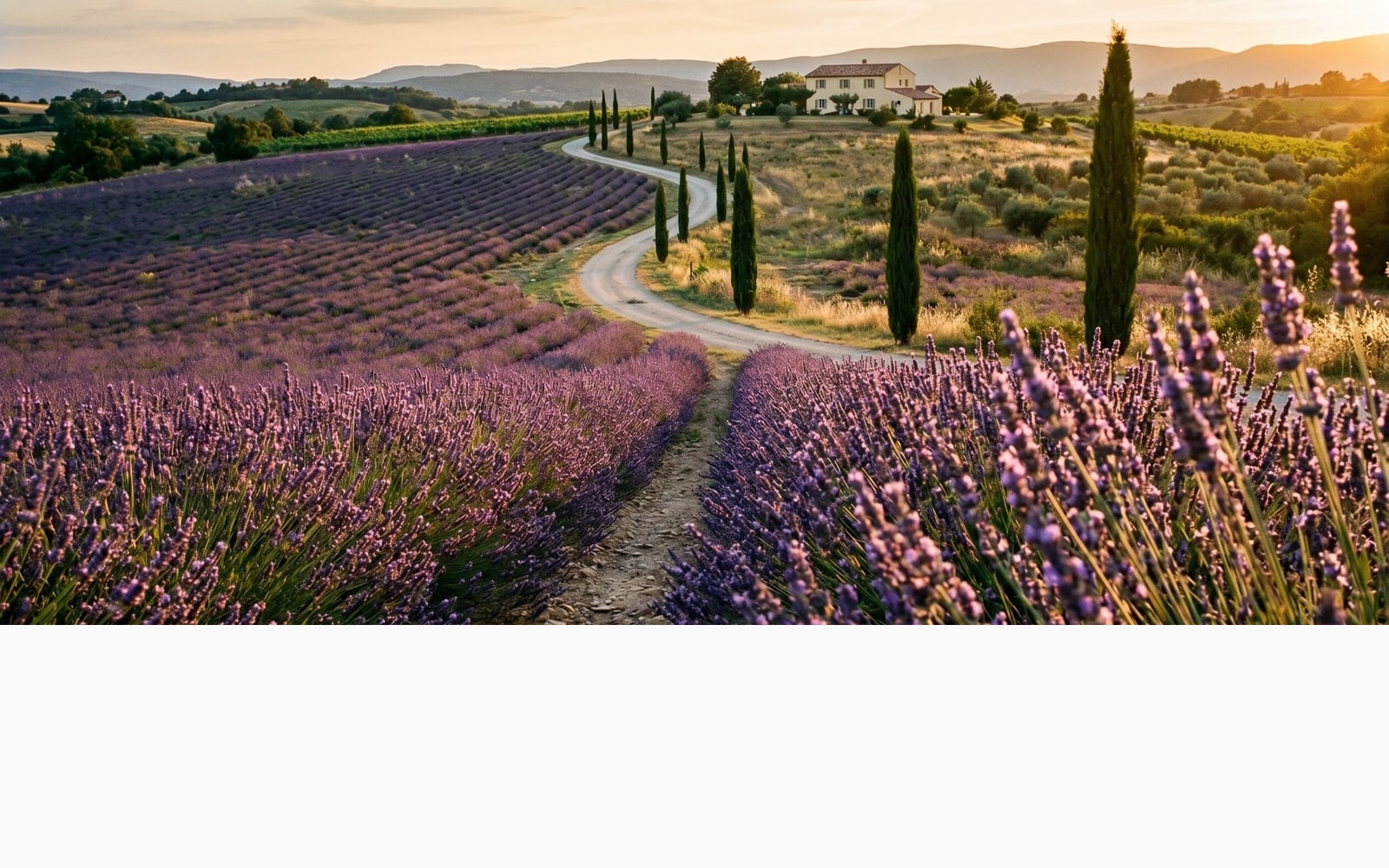
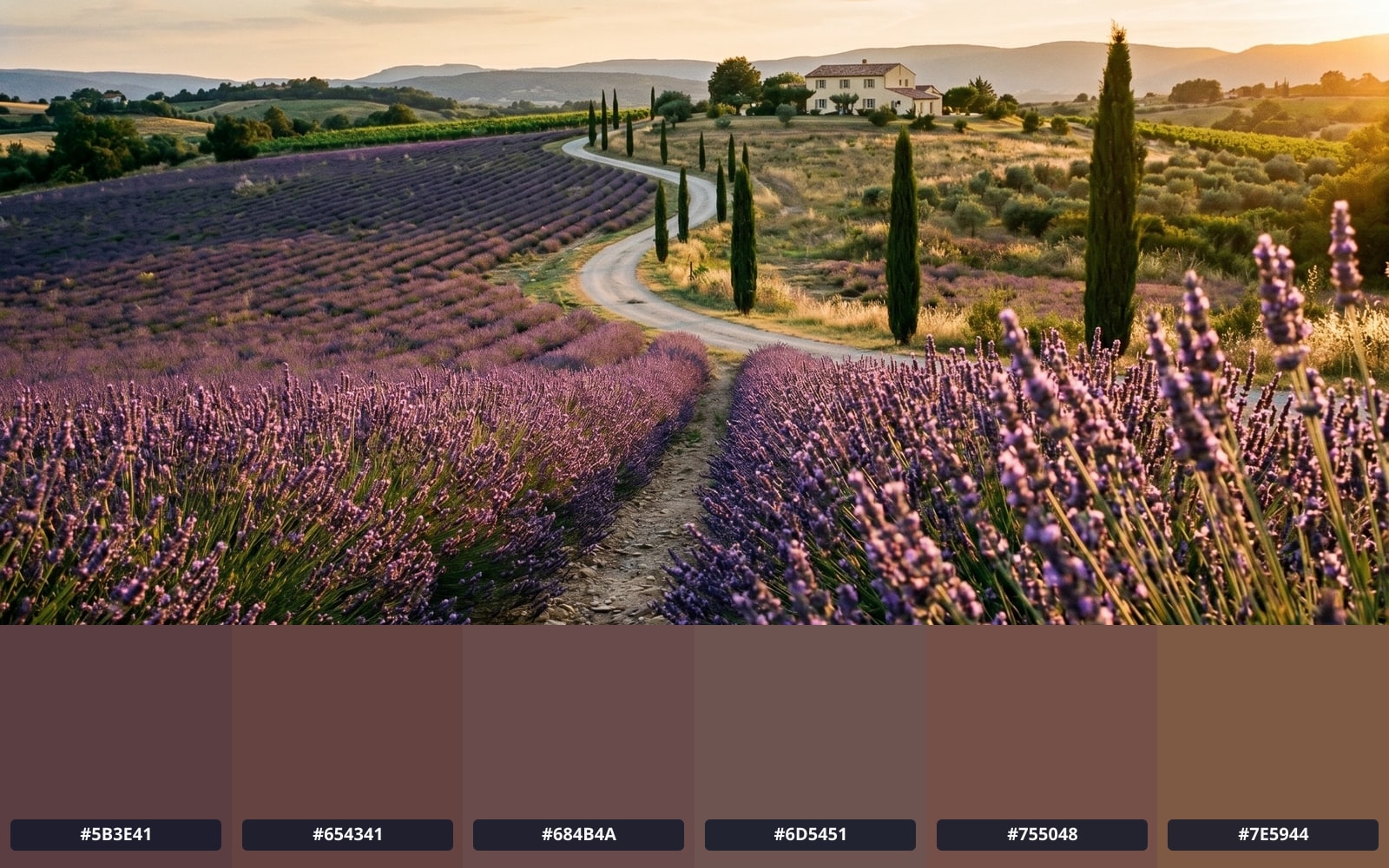
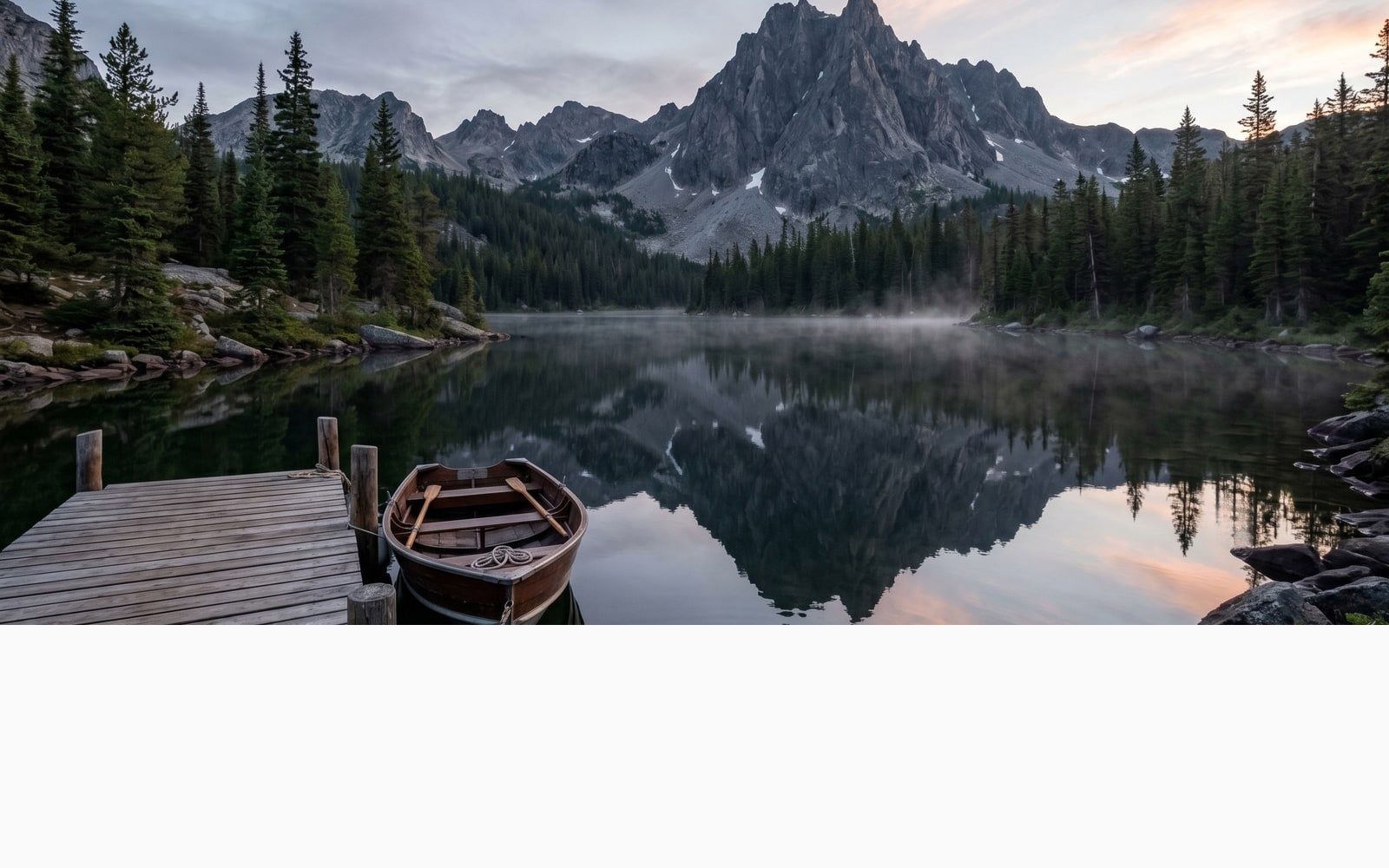
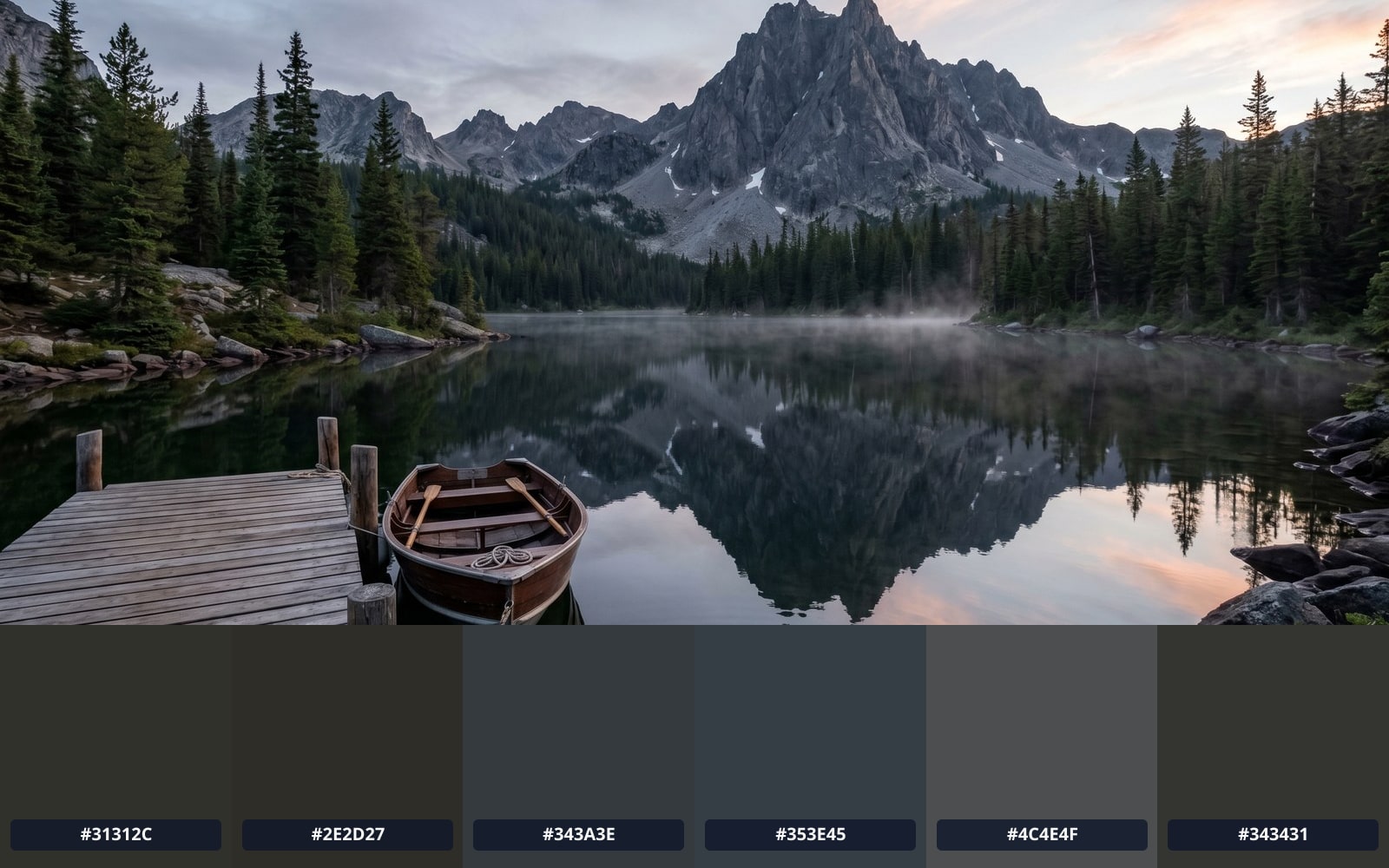
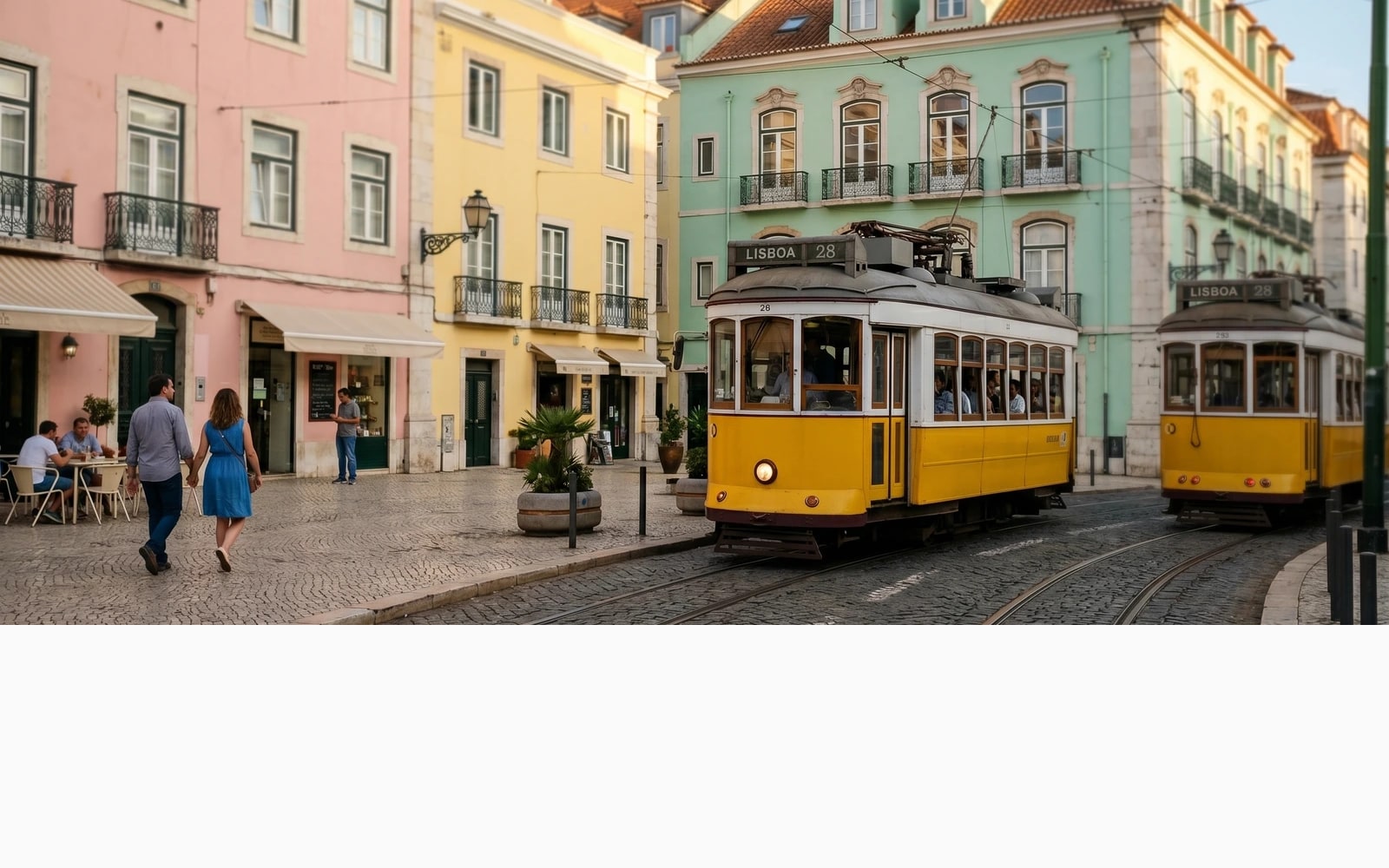
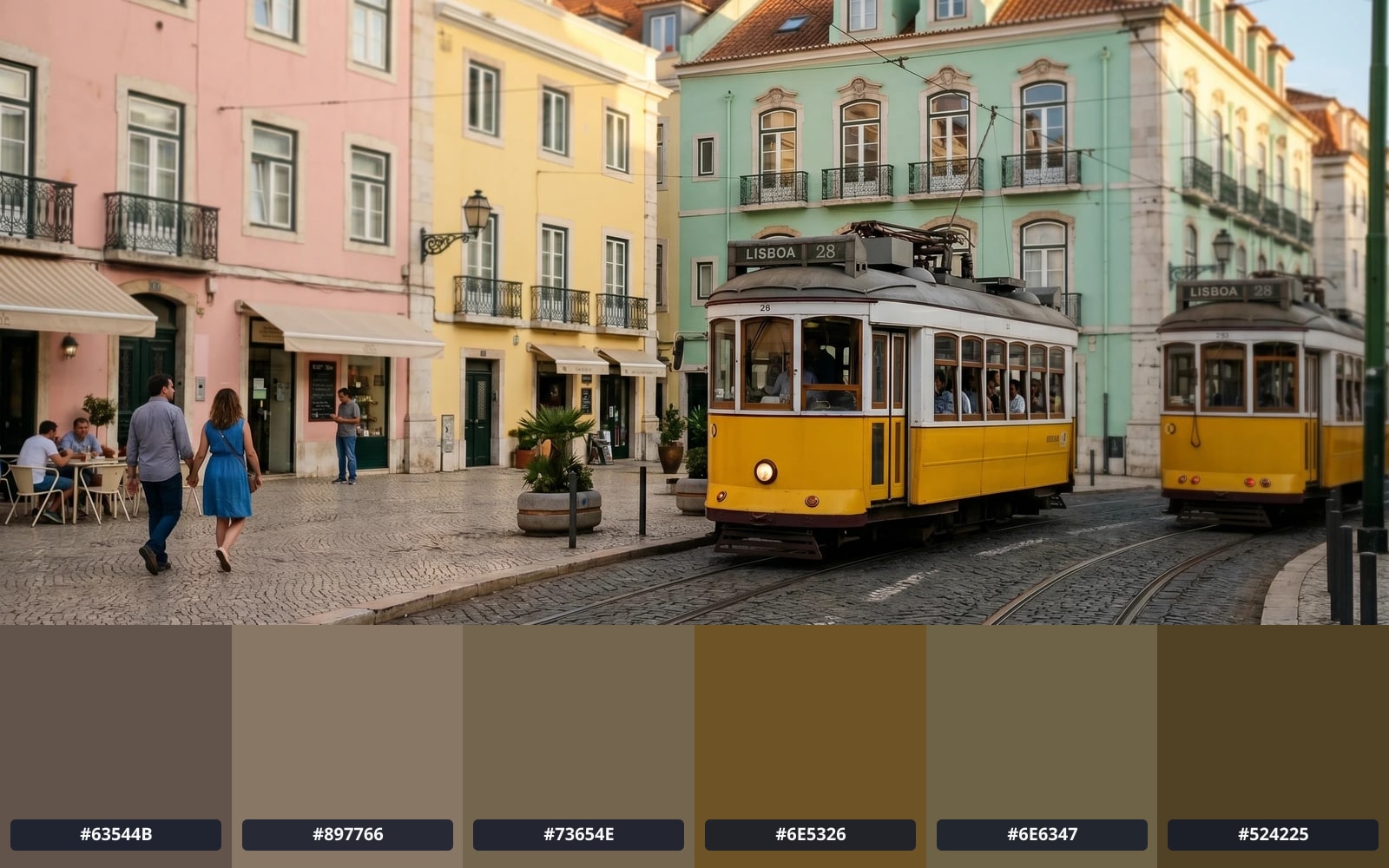
이미지는 작업이 끝나면 사라집니다
Palette extraction runs entirely in your browser. The image bytes never reach our servers, never touch disk, and are not used to train any model. The only network traffic is a single Plausible analytics beacon (consent-gated) carrying nothing but the page name and the resulting palette size. This is the strictest privacy tier we offer.
- 몇 초 안에 처리 완료
- 저장되지 않음
- 계정 연결 없음
이미지를 업로드하세요
클릭 한 번. 가입 불필요. 나머지는 저희가 처리합니다.
색상 팔레트 추출
Palette glossary
위 전문 용어에 대한 쉬운 설명입니다.
자주 묻는 질문
새 도구를 사용하기 전 대부분의 사람들이 묻는 질문에 대한 답변입니다.
관련 도구
이 이미지에 필요할 다른 작업으로 바로 이동합니다.
Compress image
Once you know the palette, you usually want to ship the image. Lossless and lossy compression in your browser, no upload.
Convert PNG to AVIF
AVIF cuts the byte cost of a brand image roughly in half. Our converter pairs naturally with palette extraction for hero-image work.
View EXIF metadata
Curious what is hidden in the image you just dropped? The viewer shows GPS, camera, and copyright tags without uploading anything.
인용 또는 공유하시겠습니까?
제목, 설명, FAQ, 정규 URL, 인용 정보가 담긴 간결한 Markdown 요약을 복사하여 AI 도구나 문서에 바로 붙여넣으세요.