
Smart crop image online, free saliency-driven subject cropper
Drop a photo, pick an aspect ratio, and let the saliency model pick the most interesting rectangle. No dragging, no hand-tuning.
- Aspect-ratio presets
- Saliency-driven
- Centred fallback when unsure


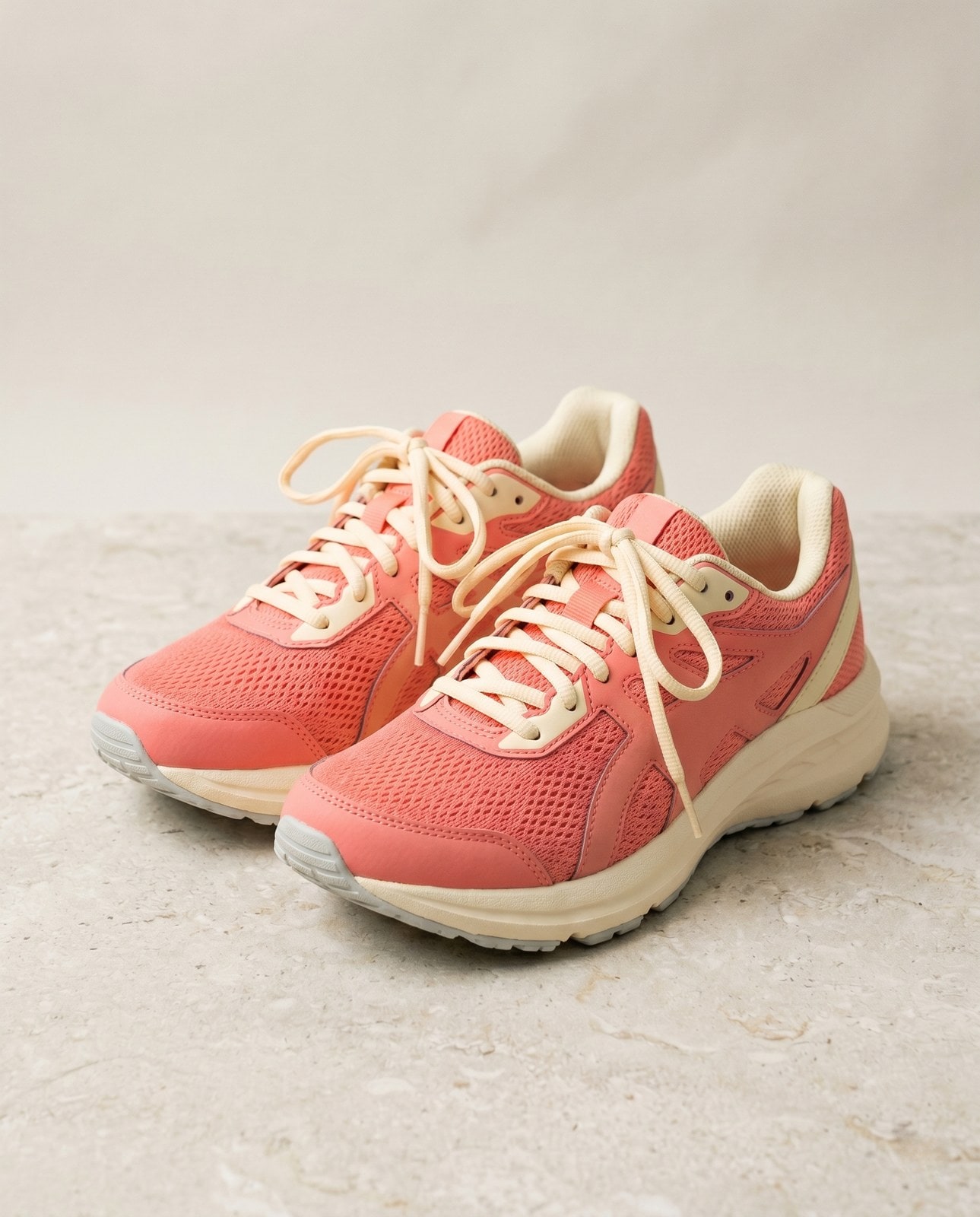
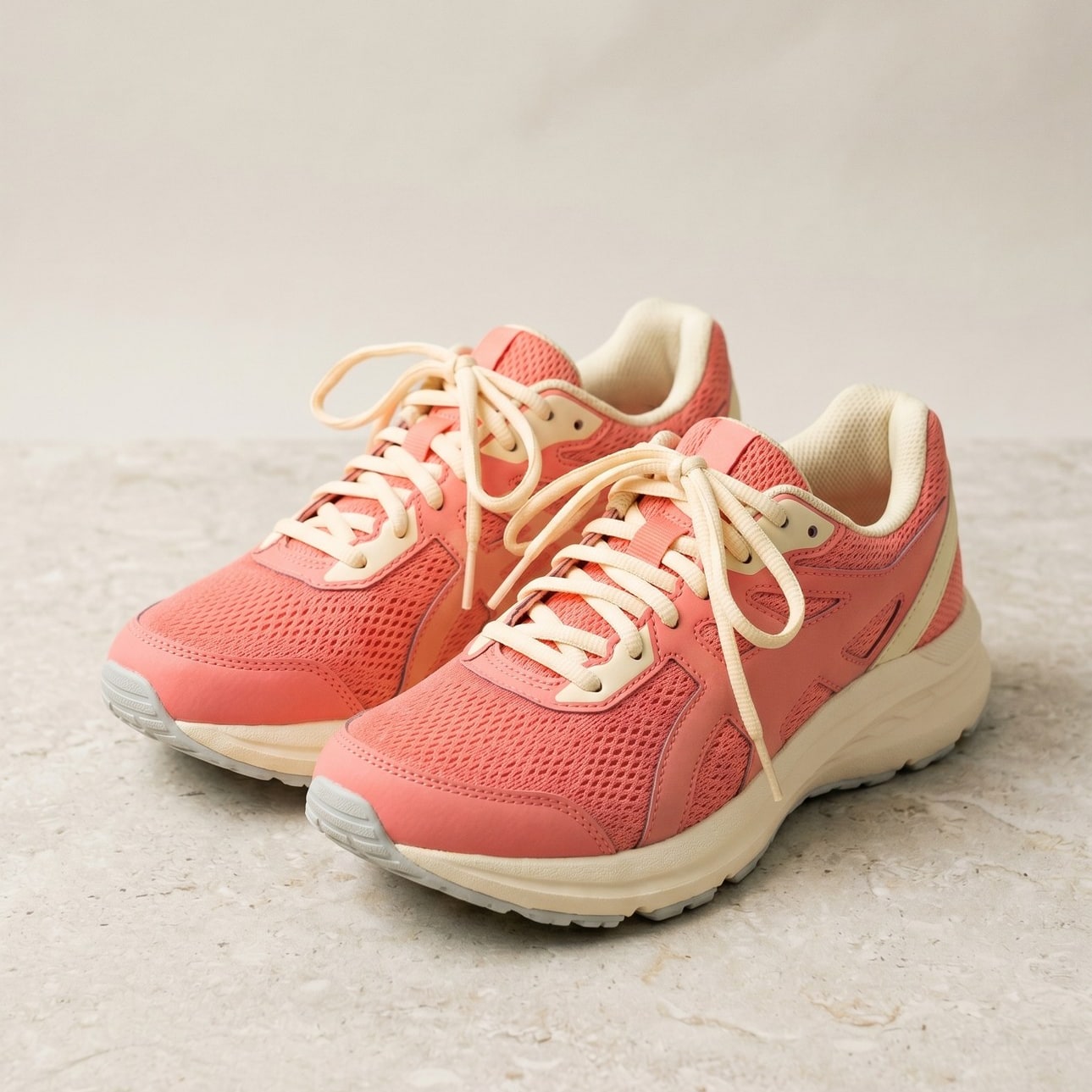
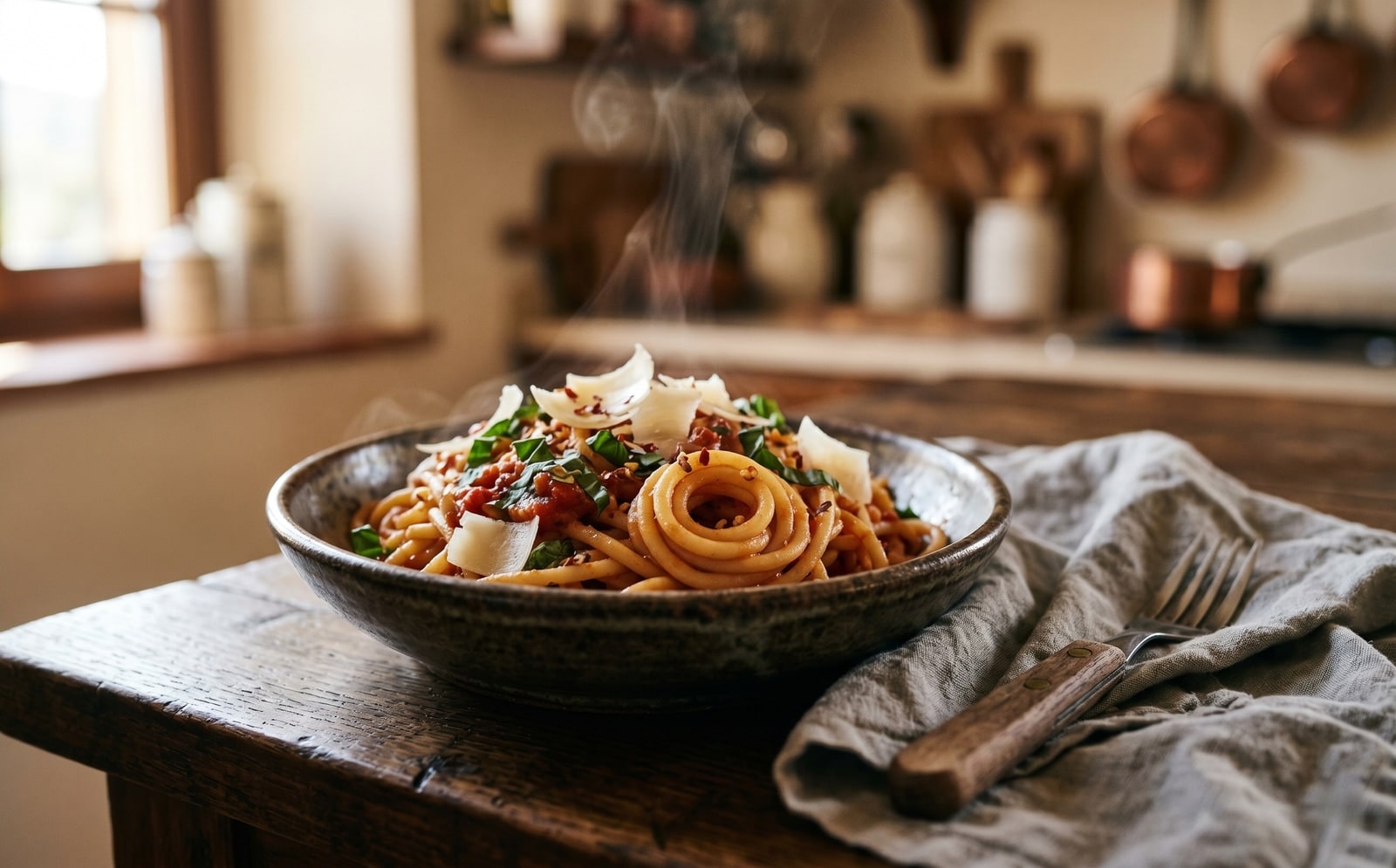
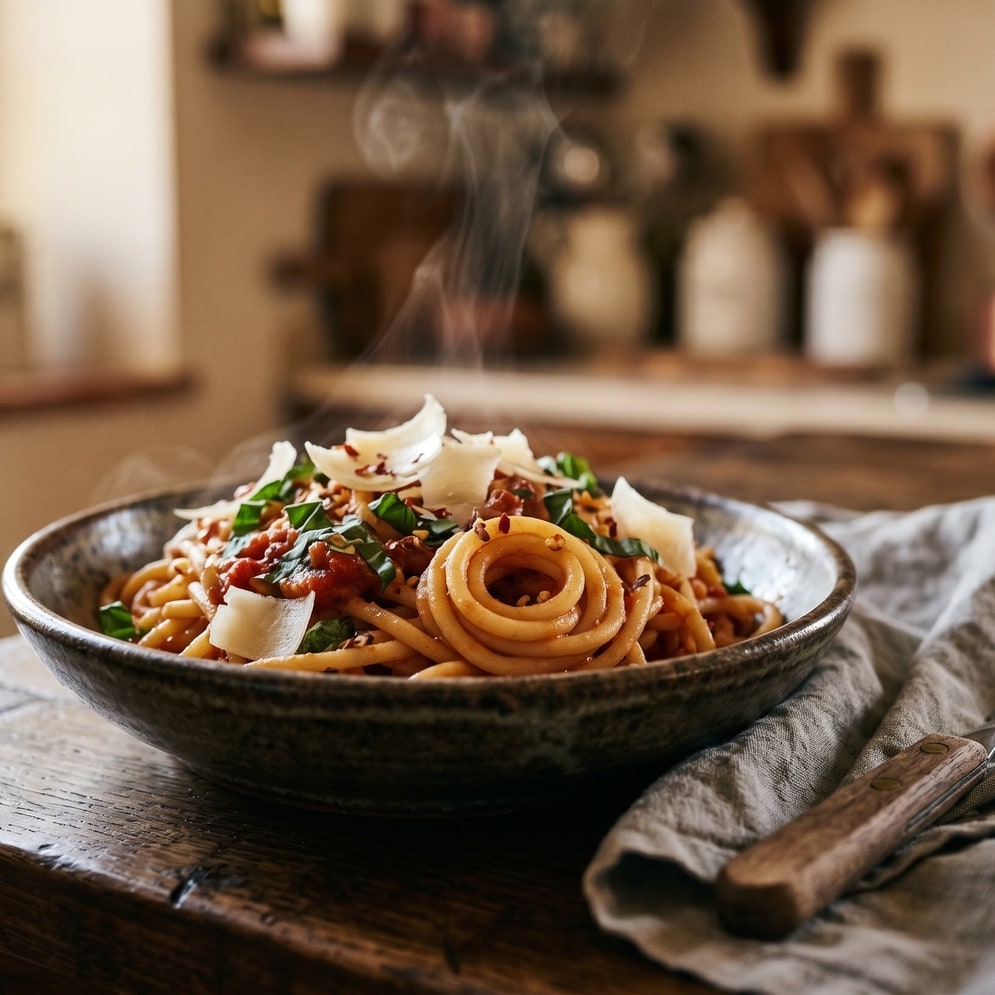
ドラッグで比較、ビフォー / アフター
概要
Cropping a portrait to a 1:1 thumbnail without chopping off the subject is the kind of fiddly task that eats five minutes for the price of a single image. Smart crop replaces the manual draggable rectangle with a saliency model: every candidate window scores by saturation, edge density, and skin-tone density, and the tool picks the window with the highest weighted score that matches your requested aspect ratio.
For portraits, product shots, and most photographs the tool reliably keeps the subject in frame and trims the dead pixels around it. For inputs without a clear focal point (abstract art, group photos, uniform-colour images) it falls back to the centred rectangle so the result is at least predictable.
The whole pipeline runs on our server because the saliency model needs native pixel access and the smartcrop algorithm is deterministic enough that we do not need to mirror it client-side. The upload is held only while we compute the bounds and emit the cropped file, then deleted. Nothing is saved.
使い方
3 ステップ、通常 5 秒以内に完了。
- 1
Upload an image
Drop a JPG, PNG, WebP, or AVIF up to 25 MB.
- 2
Pick an aspect ratio
Choose 1:1, 4:5, 16:9, 9:16, 3:2, 2:3, or Custom (type your own width and height pair).
- 3
Confirm
The saliency model picks the rectangle that maximises subject coverage. The tool reports the chosen bounds so you can compare them to the source.
- 4
Download
The cropped image downloads with `-smart-cropped` appended to the original filename. Pick the output format (Same as source, JPEG, PNG, or WebP) before submitting.
実際の動作を見る
各スライダーをドラッグして、ビフォーとアフターをピクセル単位で比べてみてください。


画像は使い終わったら消えます
Smart crop runs on our server because the saliency model needs native pixel access. Your upload is held only while we compute the bounds and emit the cropped output, and is deleted the moment we send the file back. Nothing is saved, indexed, or trained on.
- 数秒で処理
- データ保存なし
- アカウント紐付けなし
画像をアップロード
ワンクリック。サインアップ不要。あとはこちらにお任せ。
スマートに画像をトリミング
複数の画像を処理する必要がありますか?
無料の Smart crop image online, free saliency-driven subject cropper は 1 枚ずつ処理します。クレジットパックなら 1 バッチで最大 50 枚、単一の ZIP ダウンロード、3 種類のプリセット (Blog / Social / Ecom) が使えます。 100 クレジット €5 から。一度払えば失効しません。
よくある質問
新しいツールを試す前にもっとも多く寄せられる質問への回答。
関連ツール
この画像でおそらく必要になる他の作業へ、ワンクリックでジャンプ。
Crop image (manual)
Want to pick the rectangle yourself? The manual cropper has aspect-ratio presets and a draggable stencil.
Resize image
Already at the right shape? Resize to exact pixels with optional aspect-ratio lock.
Pad to square
Want to keep the whole frame? Pad to a target aspect ratio instead of cropping it away.