
Resize image online, free pixel-exact width and height resizer
Drop a photo and resize it to an exact width and height, with optional aspect-ratio lock and a quality knob. Runs in your browser, nothing saved.
- Runs in your browser
- Aspect-ratio lock
- Quality knob included
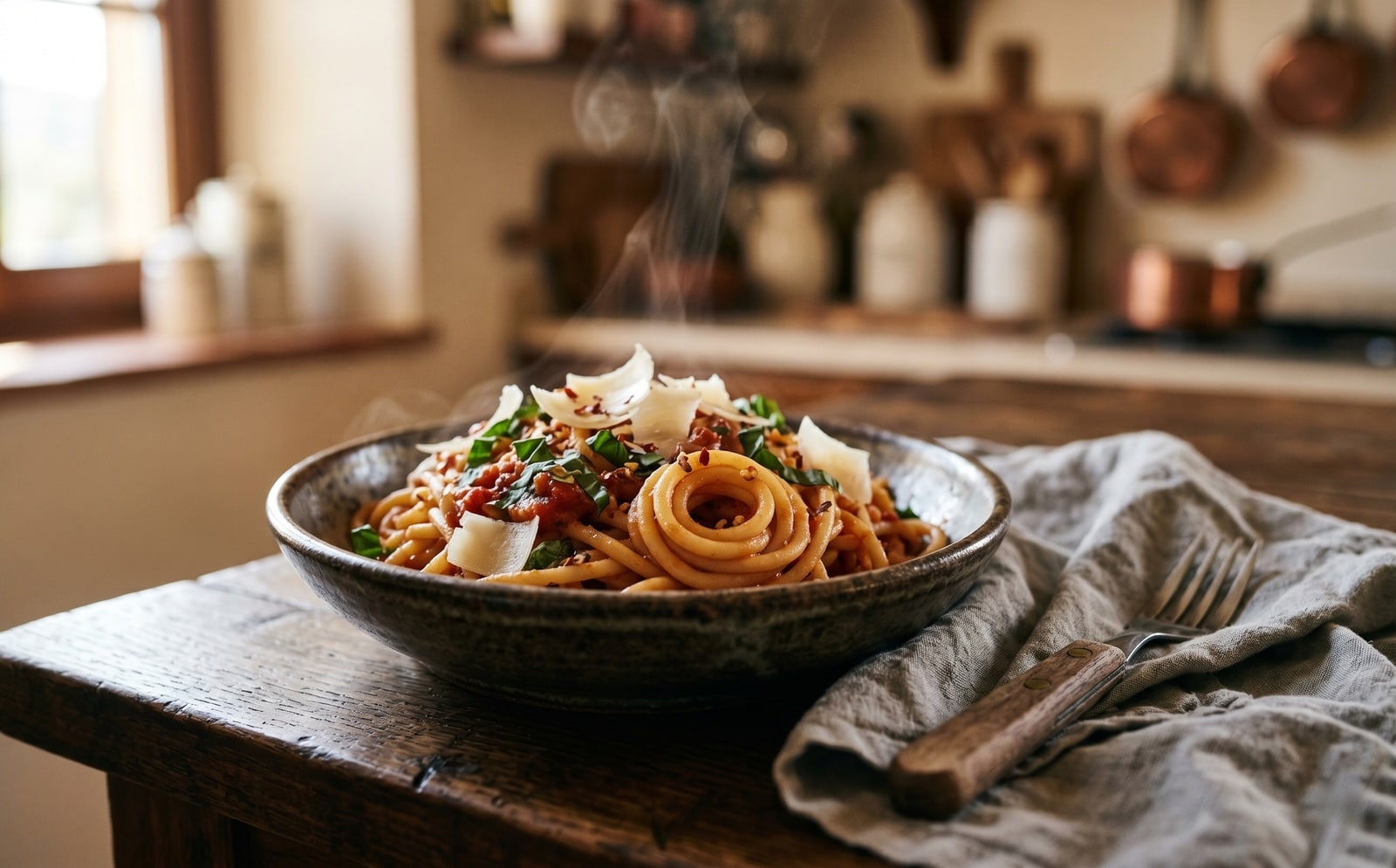
ドラッグで比較、ビフォー / アフター
概要
Most image resizers either lock you into a preset (Instagram square, Twitter card) or hand you a percent slider that hides what is really happening. This tool shows the raw width and height in pixels and lets you decide whether to keep the source aspect ratio or stretch the image freely.
Resize and quality are tuned in the same screen so you can shrink a 4000 by 3000 phone photo to a 1200-wide blog upload and trim its file size in one pass. The quality slider controls JPEG, WebP, and AVIF output; PNG keeps every pixel and ignores the slider.
In any modern browser the resize runs locally on your device, so the image never leaves your computer. A server fallback exists for older browsers that cannot run it locally; on that path the upload is deleted the moment we send the result back.
使い方
3 ステップ、通常 5 秒以内に完了。
- 1
Upload an image
Drop a JPG, PNG, WebP, or AVIF up to 25 MB. Clipboard paste also works.
- 2
Type the target width and height
Leave the aspect-ratio lock on if you want to preserve the source ratio: type one side and the other fills in. Turn it off if you want a free-form stretch.
- 3
Pick a format and quality
Keep the source format or switch to JPEG, PNG, WebP, or AVIF. The quality slider controls JPEG, WebP, and AVIF; PNG keeps every pixel and ignores the slider.
- 4
Download the result
The resized image downloads with `-resized` appended to the original filename. On modern browsers it is generated on your own device, so nothing is uploaded.
実際の動作を見る
各スライダーをドラッグして、ビフォーとアフターをピクセル単位で比べてみてください。
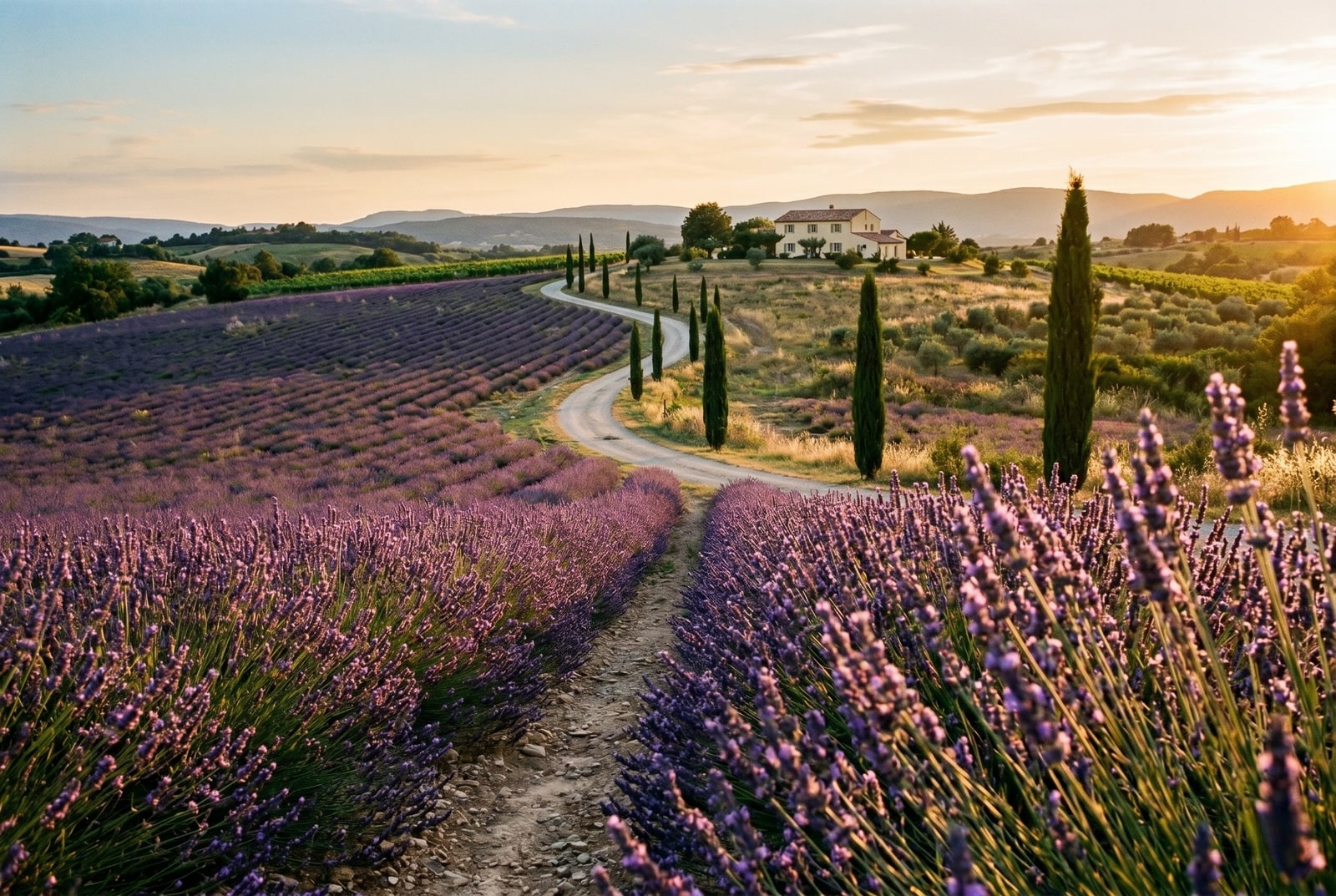
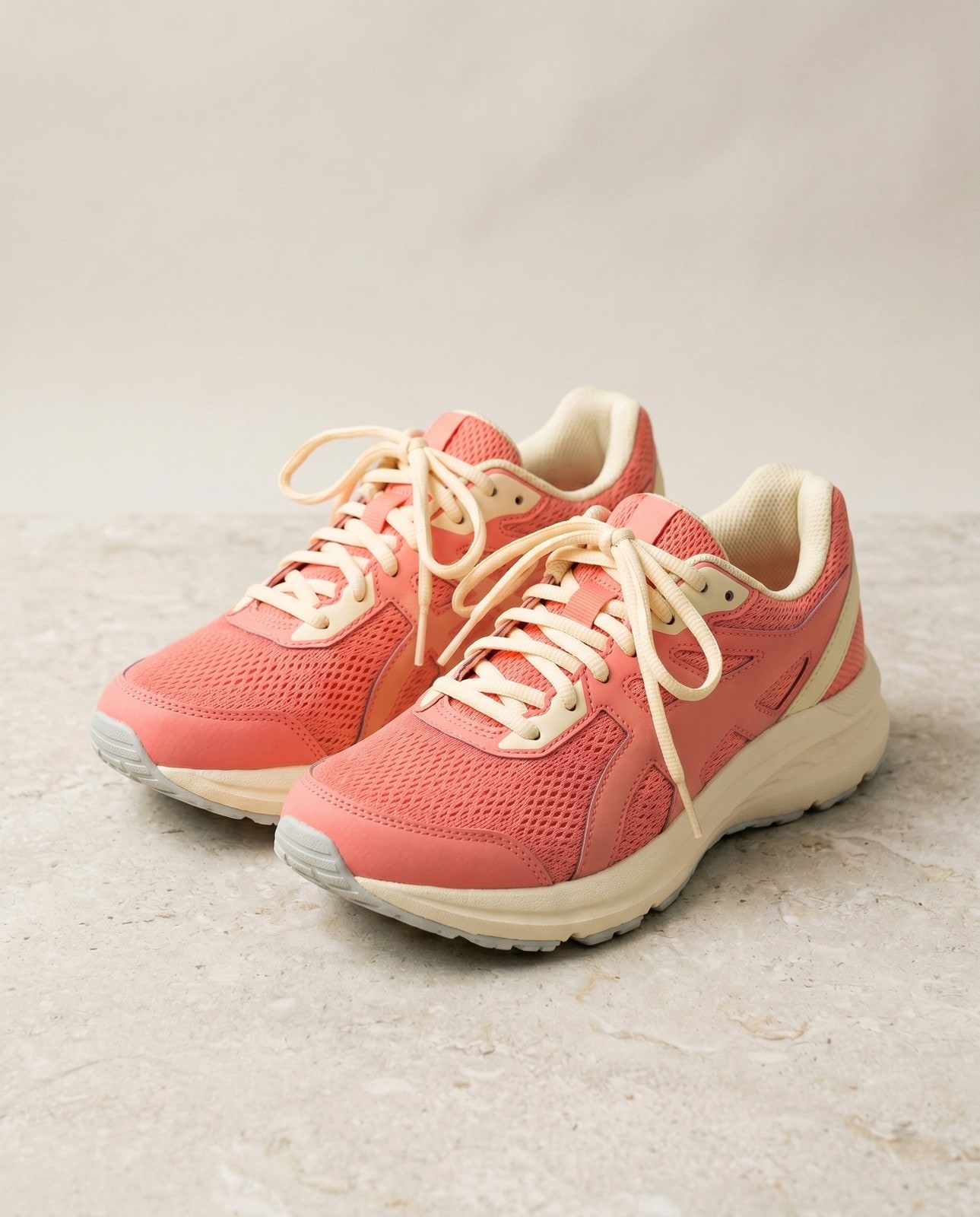


画像は使い終わったら消えます
Resize runs in your browser by default. Your image never leaves your device on that path. For the small share of browsers without local-processing support we fall back to a server round-trip, where the upload is only held while we process it and is deleted the moment the result is sent back. Nothing is saved, indexed, or trained on.
- 数秒で処理
- データ保存なし
- アカウント紐付けなし
画像をアップロード
ワンクリック。サインアップ不要。あとはこちらにお任せ。
画像のサイズを変更
複数の画像を処理する必要がありますか?
無料の Resize image online, free pixel-exact width and height resizer は 1 枚ずつ処理します。クレジットパックなら 1 バッチで最大 50 枚、単一の ZIP ダウンロード、3 種類のプリセット (Blog / Social / Ecom) が使えます。 100 クレジット €5 から。一度払えば失効しません。
Resize glossary
上記の専門用語のやさしい説明。
よくある質問
新しいツールを試す前にもっとも多く寄せられる質問への回答。
関連ツール
この画像でおそらく必要になる他の作業へ、ワンクリックでジャンプ。
Compress image
Already at the right dimensions? Compress without resizing to trim bytes per quality.
Pad to square
Need a square or 16:9 frame without cropping? Pad the resized image to fit a target aspect ratio.
Rotate or flip
If the source is sideways from your phone, rotate first, then resize.