
Pad image to square, 1:1, 16:9, 9:16 without cropping
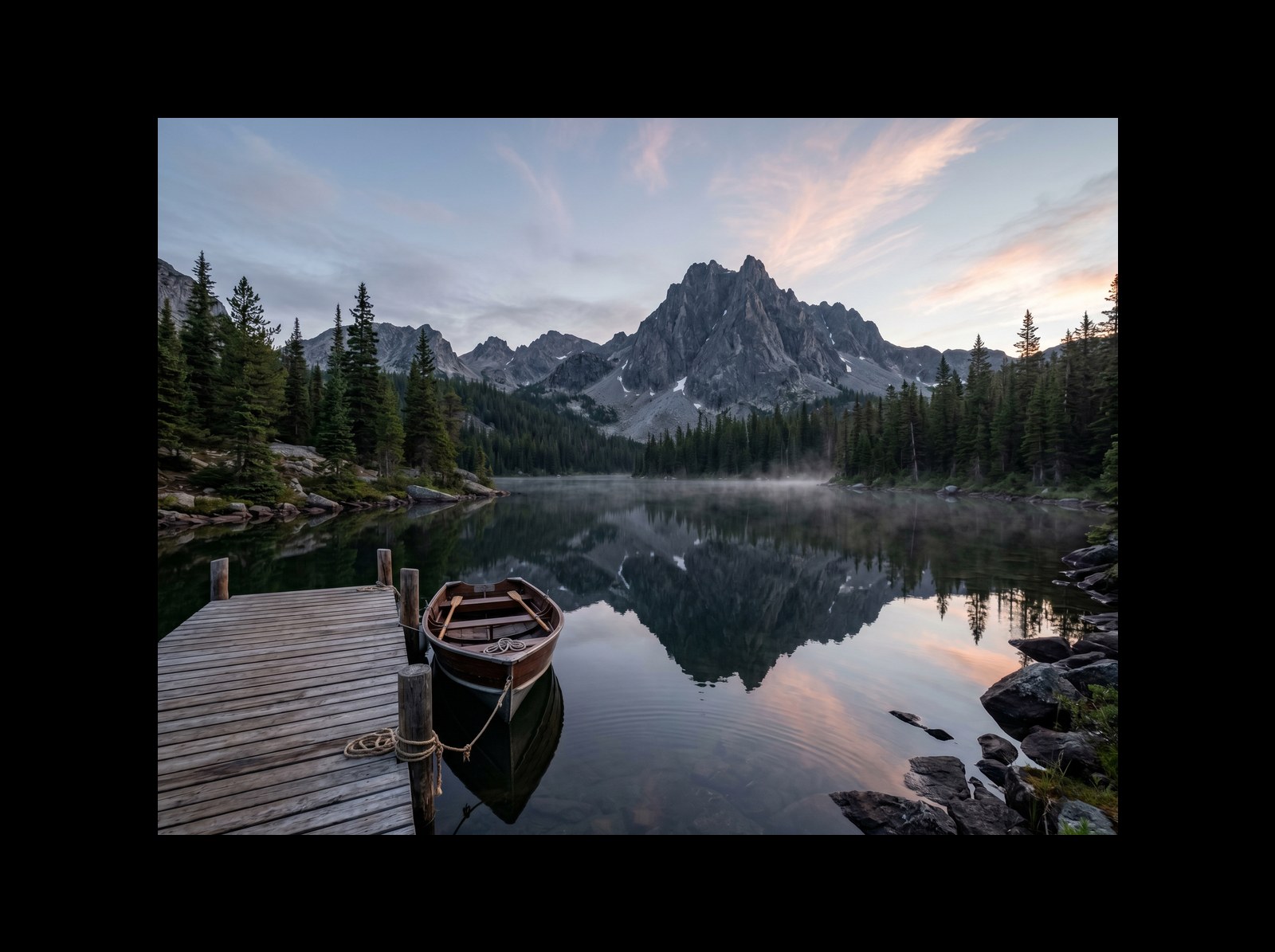
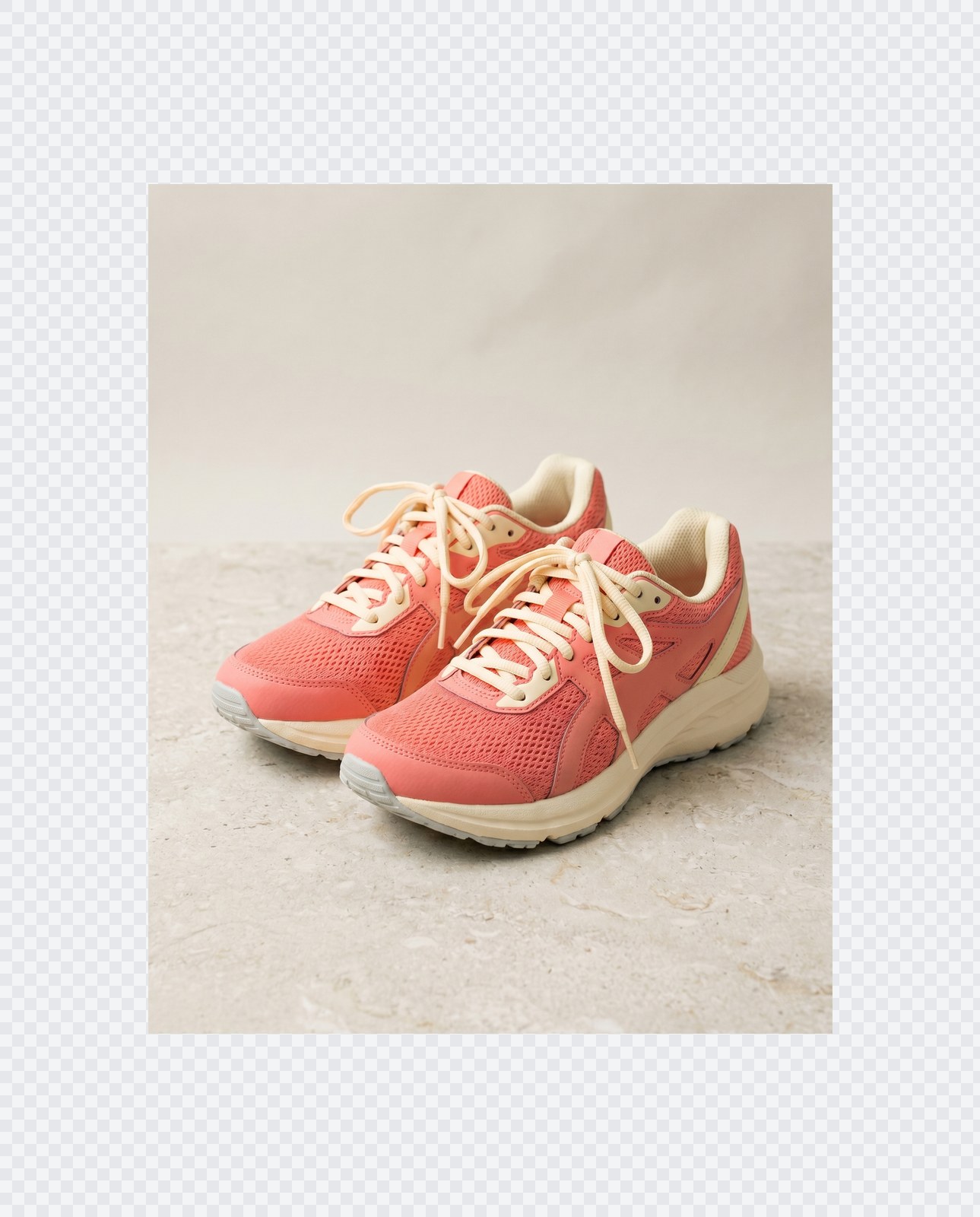
Drop an image and pad it to a square, 16:9, or 9:16 frame with a colour background of your choice. One image per request, nothing saved.
- No account required
- Nothing saved
- No cropping, pixels preserved
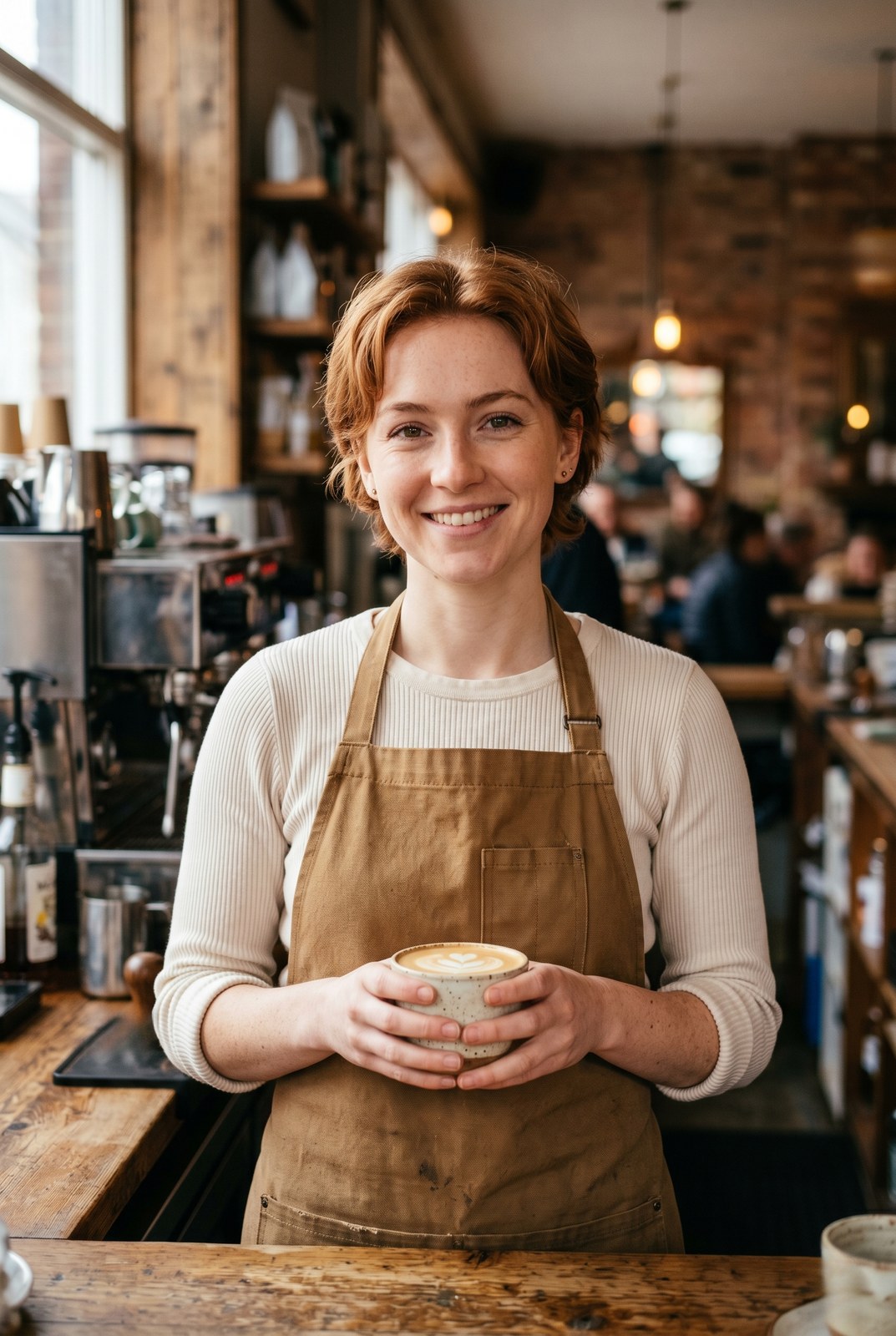
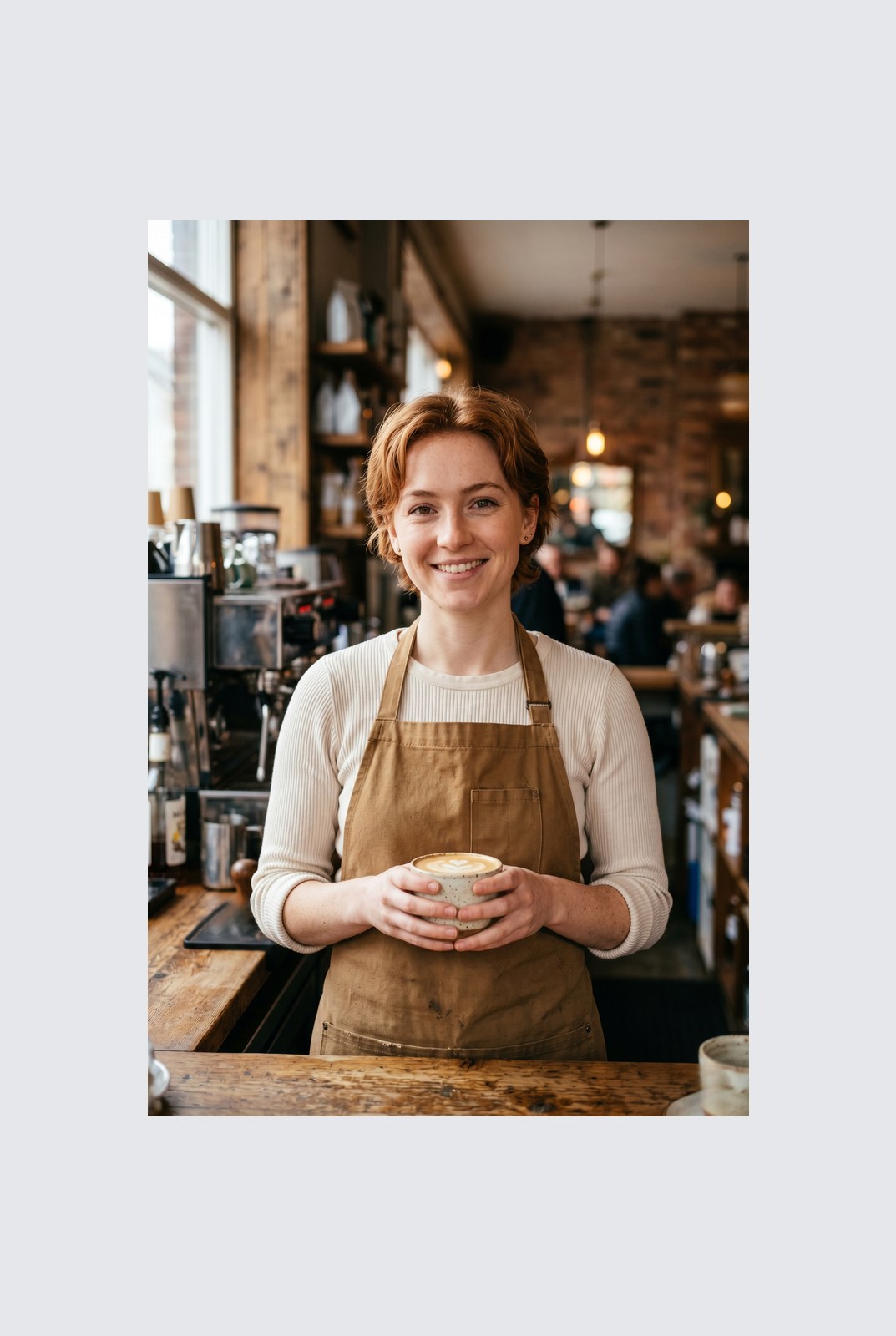
ドラッグで比較、ビフォー / アフター
概要
Instagram wants a square. LinkedIn wants 16:9. TikTok wants 9:16. Your photo was shot at whatever ratio your camera felt like. Cropping removes parts of the frame you might care about. Padding does not: it just adds a coloured background around the image until it hits the aspect ratio you need.
This tool extends one image per request to a target aspect ratio without touching the original pixels. The padded area is filled with a colour of your choice: a solid background, a brand accent, or full transparency for PNG, WebP, or AVIF outputs. You pick the ratio (1:1, 16:9, 9:16, or a custom ratio like 4:5), the colour, and the alignment (centre, top, left, and so on).
Padding runs entirely in your browser. Your browser decodes, composites, and re-encodes the image on your own device, then hands you a download. Nothing is uploaded, nothing is saved, nothing is indexed or trained on, because we never see the pixels.
使い方
3 ステップ、通常 5 秒以内に完了。
- 1
Upload an image
Drop a JPG, PNG, WebP, or AVIF up to 25 MB. No sign-up, no credit card.
- 2
Pick a ratio and colour
Choose 1:1, 16:9, 9:16, or a custom ratio. Pick any hex colour or transparent. The preview updates live.
- 3
Download the padded image
The padded file is generated in your browser and saved straight to your device. Nothing is uploaded, so there is nothing for us to store or delete.
実際の動作を見る
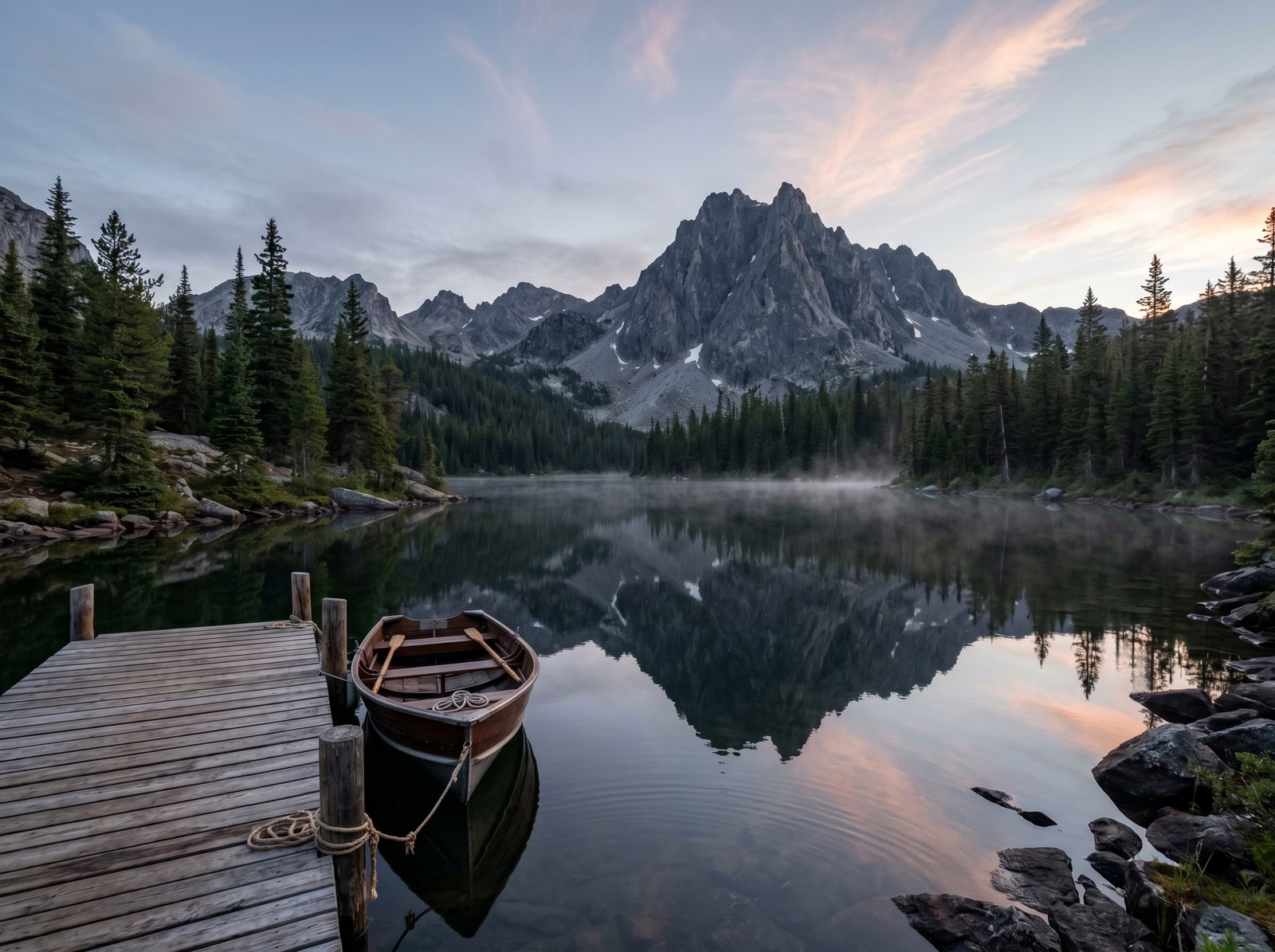
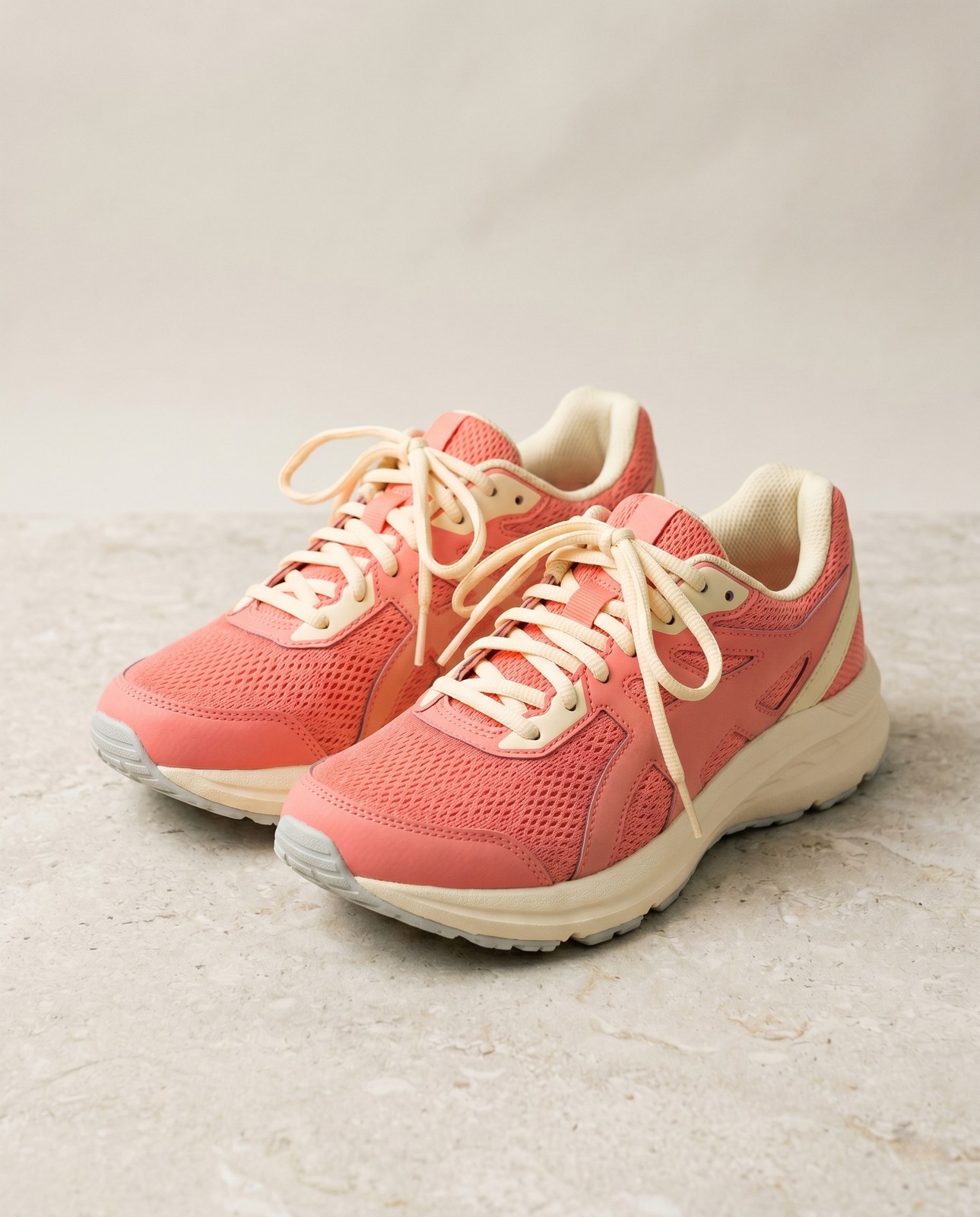
各スライダーをドラッグして、ビフォーとアフターをピクセル単位で比べてみてください。
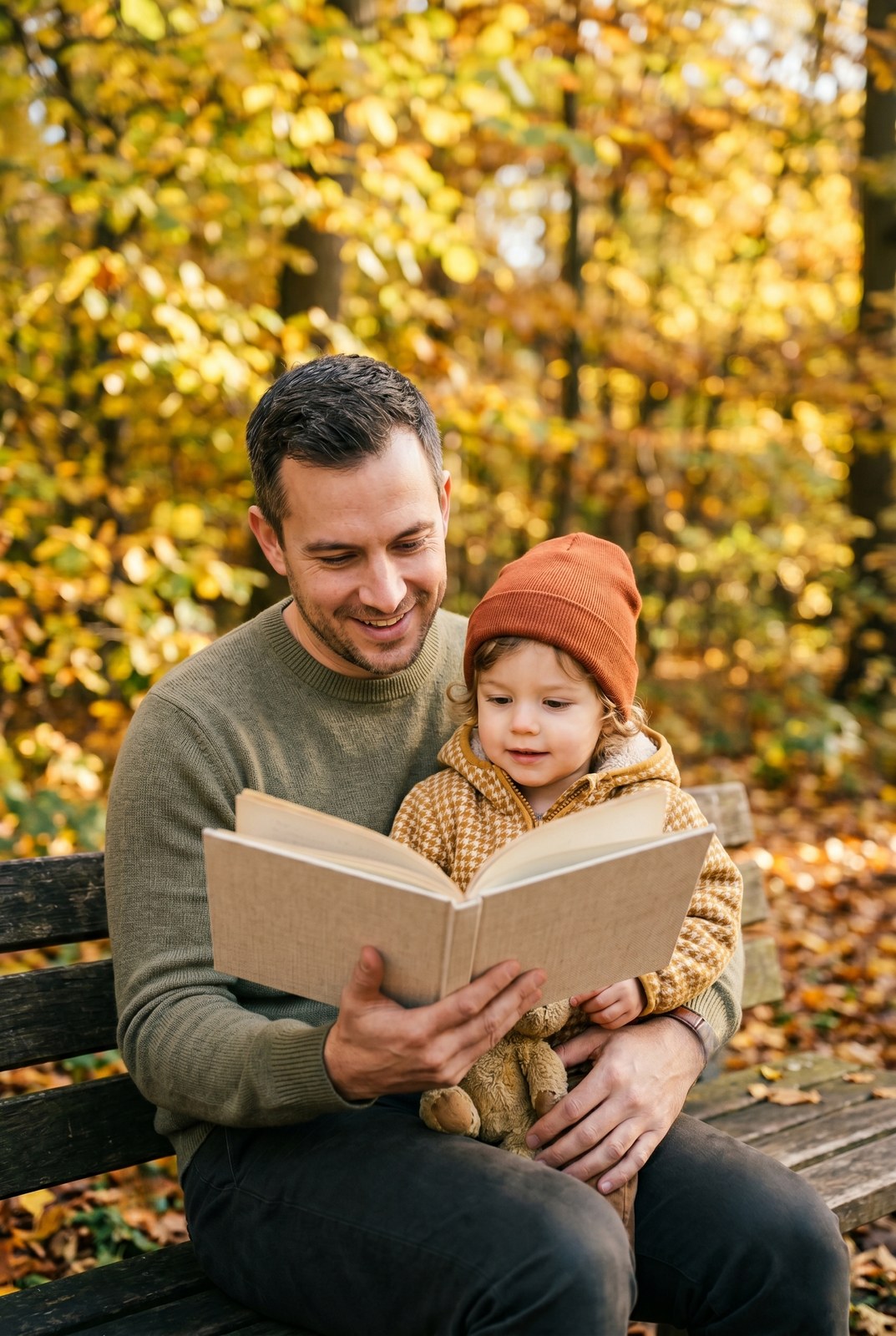
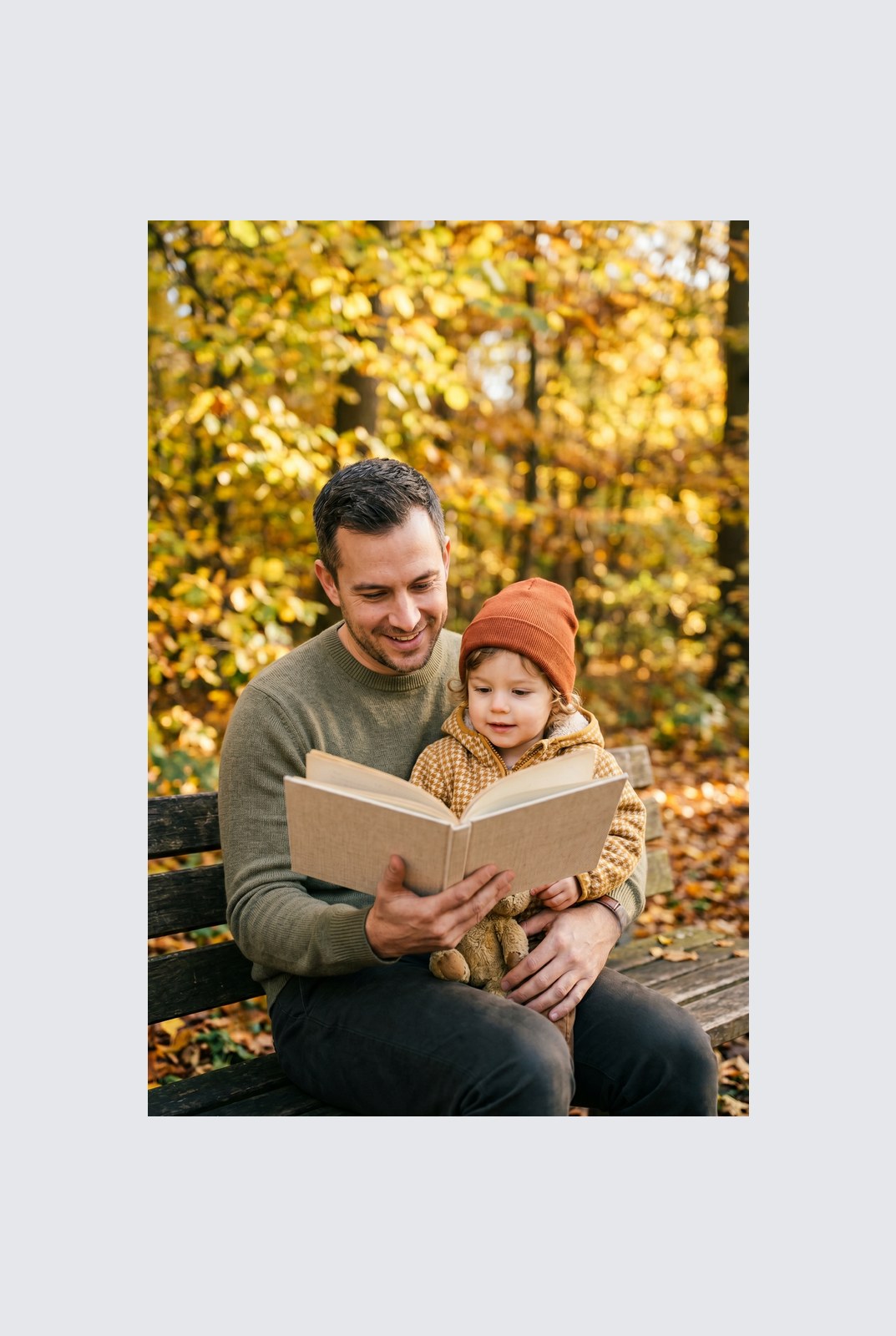
画像は使い終わったら消えます
Padding runs entirely in your browser. Your image is never uploaded, never touches our servers, and never gets saved, indexed, or used for model training. If you close the tab, the image goes with it.
- 数秒で処理
- データ保存なし
- アカウント紐付けなし
画像をアップロード
ワンクリック。サインアップ不要。あとはこちらにお任せ。
キャンバスをパディング / 拡張
複数の画像を処理する必要がありますか?
無料の Pad image to square, 1:1, 16:9, 9:16 without cropping は 1 枚ずつ処理します。クレジットパックなら 1 バッチで最大 50 枚、単一の ZIP ダウンロード、3 種類のプリセット (Blog / Social / Ecom) が使えます。 100 クレジット €5 から。一度払えば失効しません。
よくある質問
新しいツールを試す前にもっとも多く寄せられる質問への回答。
関連ツール
この画像でおそらく必要になる他の作業へ、ワンクリックでジャンプ。
Rotate image
Fix sideways photos before padding so the result aligns to the target aspect ratio.
Compress image
Padding keeps pixels intact but inflates file size; compress the padded result for the web.
Remove Gemini watermark
Clean the Gemini AI badge off a generated image before padding it for a social platform.