
Combine images into a single PDF, in your browser
Drop up to 25 photos (JPG, PNG, WebP), pick a page size, orientation, fit, and margin, optionally add a title, author, and an open password, and download a single PDF. Your photos never leave the page. Camera and location info is removed from every photo before it goes into the PDF.
- Processed 100% in your browser
- No account required
- No camera or location info in the PDF
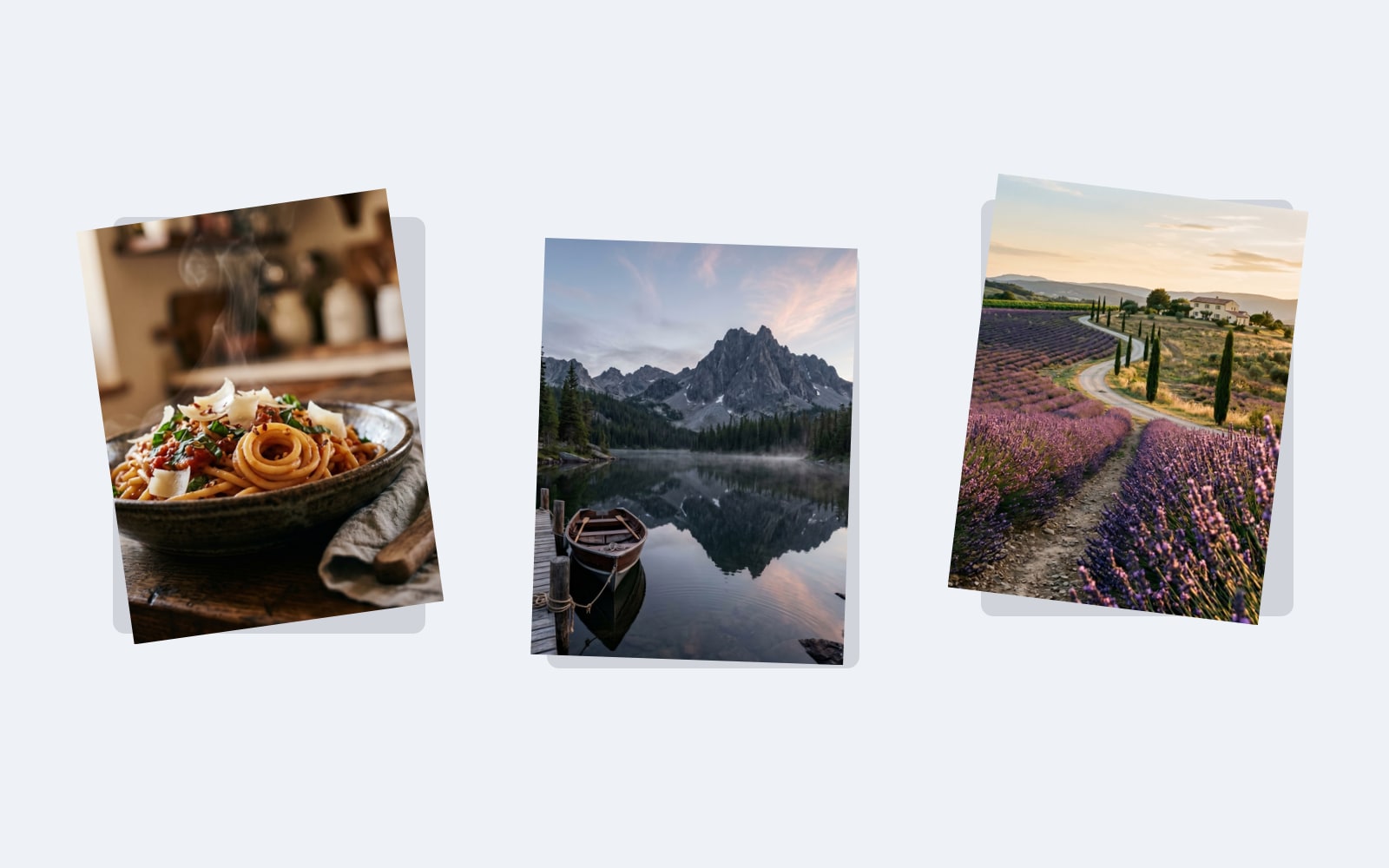
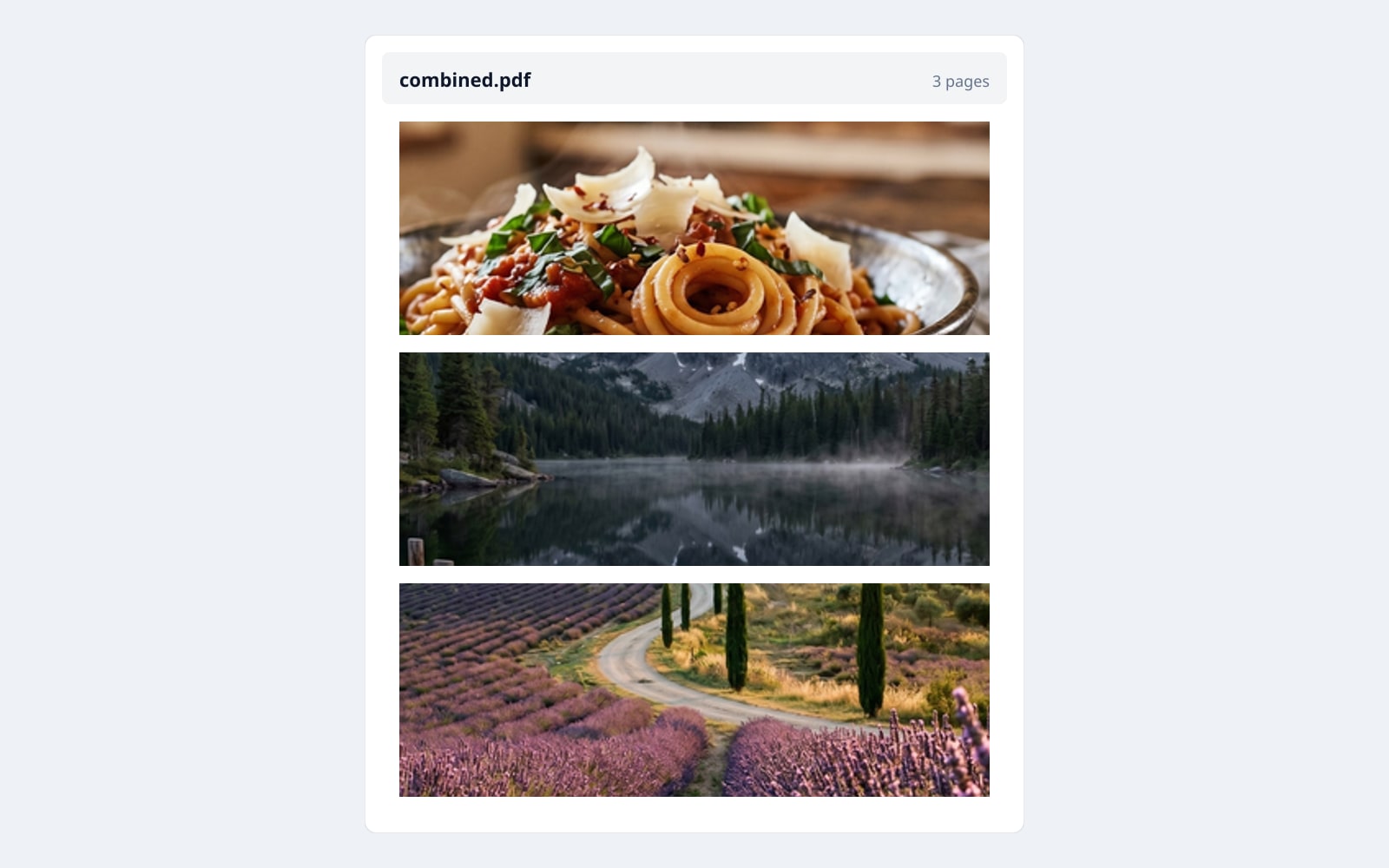
ドラッグで比較、ビフォー / アフター
概要
Combining a stack of receipts, screenshots, or scanned pages into one PDF is a chore that most web tools charge for. The usual round trip is wasteful and bad for privacy: your photos are uploaded to a stranger's server, sit there until that server gets around to deleting them, and the PDF comes back later.
BouseMutton does the combining inside your browser. Drop up to 25 images, pick a page size and a fit mode, and your browser writes a single PDF. Camera and location info is removed from every photo before it goes in, so a recipient cannot pull your home location out of the file.
Optional features keep the workflow light. Reorder pages by dragging, or with the keyboard arrow keys. Add a title, an author, and an optional open password. The creation date is left off unless you opt in. The whole job stays in your browser.
Quick facts
決める前に知っておきたい数字とトレードオフ。
Where it runs
Processed 100% in your browser. Nothing is uploaded.
Batch cap
Up to 25 files, each up to 25 MB, total at most 100 MB. JPG, PNG, or WebP.
Page sizes
A4 (210 x 297 mm), US Letter (8.5 x 11 in), Legal (8.5 x 14 in), or custom millimetre size.
Orientation
Portrait, landscape, or auto (each page picks based on the photo).
Fit modes
Fit (whole image visible), fill (image covers the page), stretch (ignore aspect), original (real size).
Privacy default
Camera and location info is removed from every photo. No switch.
使い方
3 ステップ、通常 5 秒以内に完了。
- 1
Drop your images
JPG, PNG, or WebP. Up to 25 files, each up to 25 MB. No sign-up, no credit card.
- 2
Pick a page size + orientation + fit
A4, US Letter, Legal, or a custom width and height in millimetres. Portrait, landscape, or auto from image. Fit, fill, stretch, or original.
- 3
Reorder pages and add metadata
Move pages up or down with the keyboard or by drag. Type a title, an author, and an optional open password. The creation date is left off unless you opt in.
- 4
Build the PDF
Your browser strips camera and location info from every image, packs them into a single PDF, and offers it for download. The download badge shows the resulting file size.
実際の動作を見る
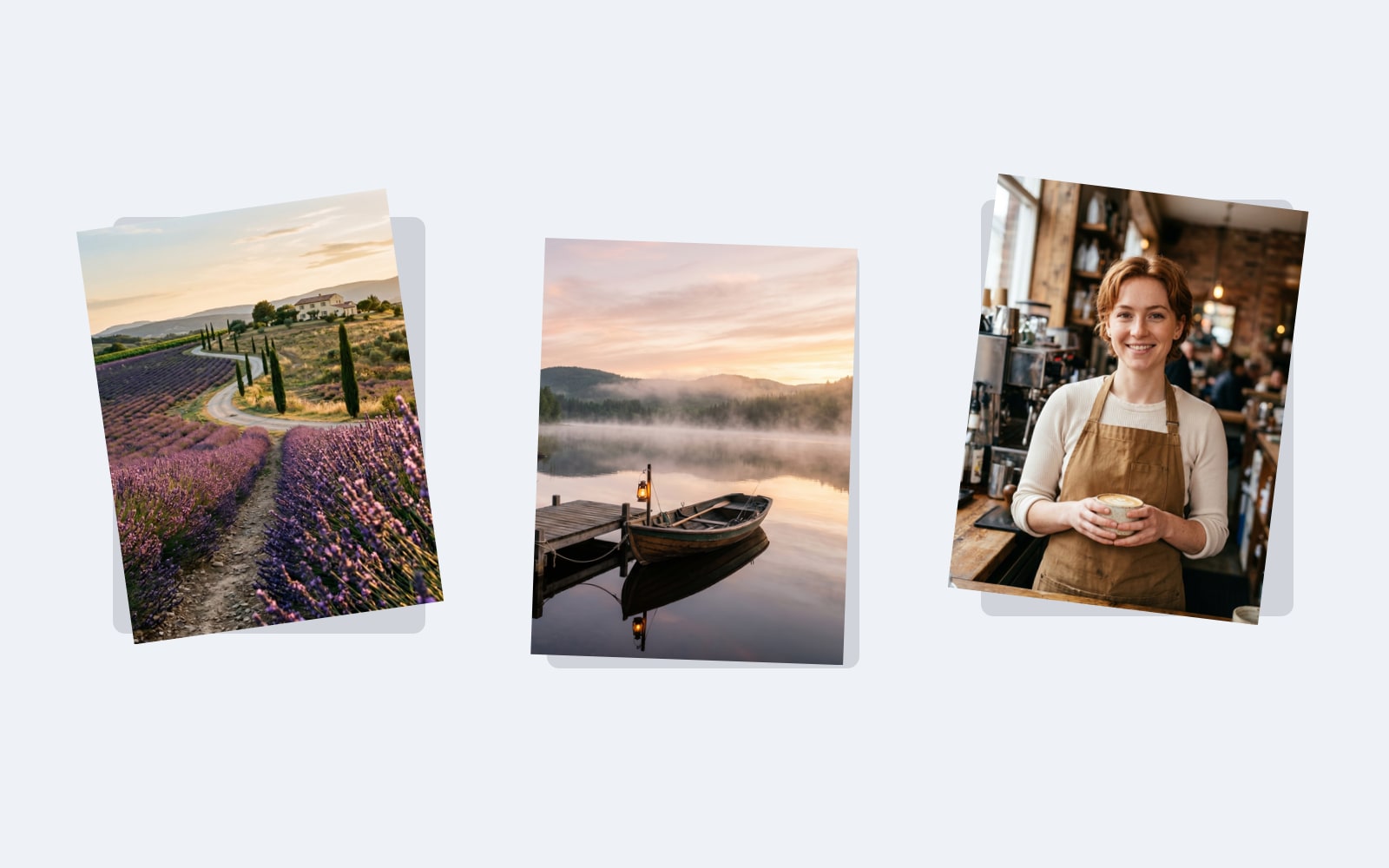
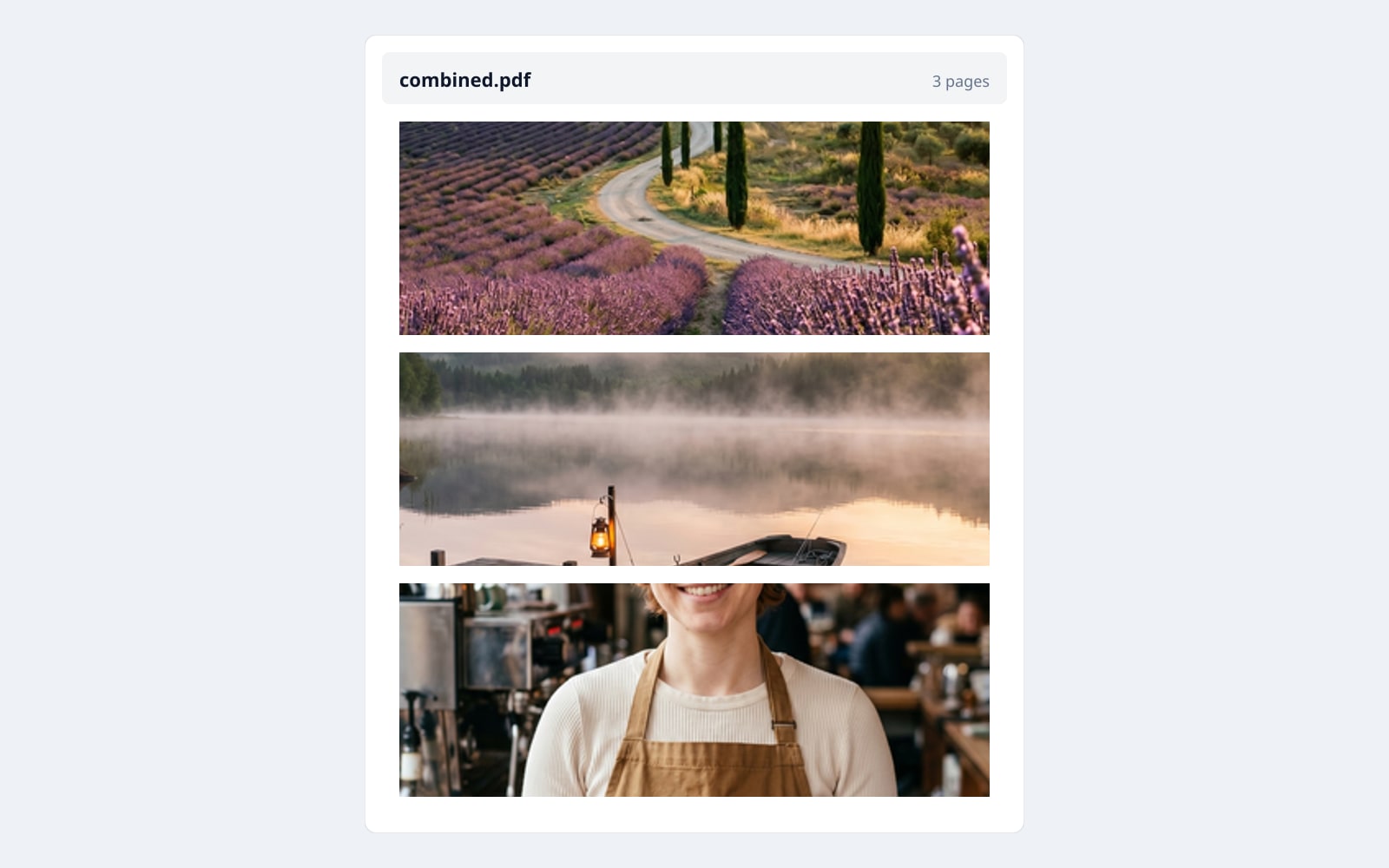
各スライダーをドラッグして、ビフォーとアフターをピクセル単位で比べてみてください。
画像は使い終わったら消えます
The whole job runs in your browser. Camera and location info is removed from every photo before it goes into the PDF, so the file you download has no location or camera tags. Your photos never leave the page, never touch our disk, and are not used to train any model. The only network traffic is a single privacy-friendly analytics ping (only after you accept), with the page name, page count, and the orientation and fit you picked. Filenames, titles, and passwords stay on your device.
- 数秒で処理
- データ保存なし
- アカウント紐付けなし
画像をアップロード
ワンクリック。サインアップ不要。あとはこちらにお任せ。
画像を 1 つの PDF にまとめる
よくある質問
新しいツールを試す前にもっとも多く寄せられる質問への回答。
関連ツール
この画像でおそらく必要になる他の作業へ、ワンクリックでジャンプ。
Bulk rename images
Renaming photos before combining them into a PDF is a common workflow. The bulk-rename tool runs in your browser too, with the same client-local privacy posture.
Strip EXIF metadata
For single-image privacy work, the dedicated EXIF stripper produces a clean JPG / PNG / WebP without combining anything. Same engine, different output shape.
Convert HEIC to JPG
iPhone photos arrive as HEIC, which the PDF builder cannot read directly. Convert them to JPG first, then drop them into the PDF builder.