
Generate alt text and SEO captions for an image with Gemini Vision
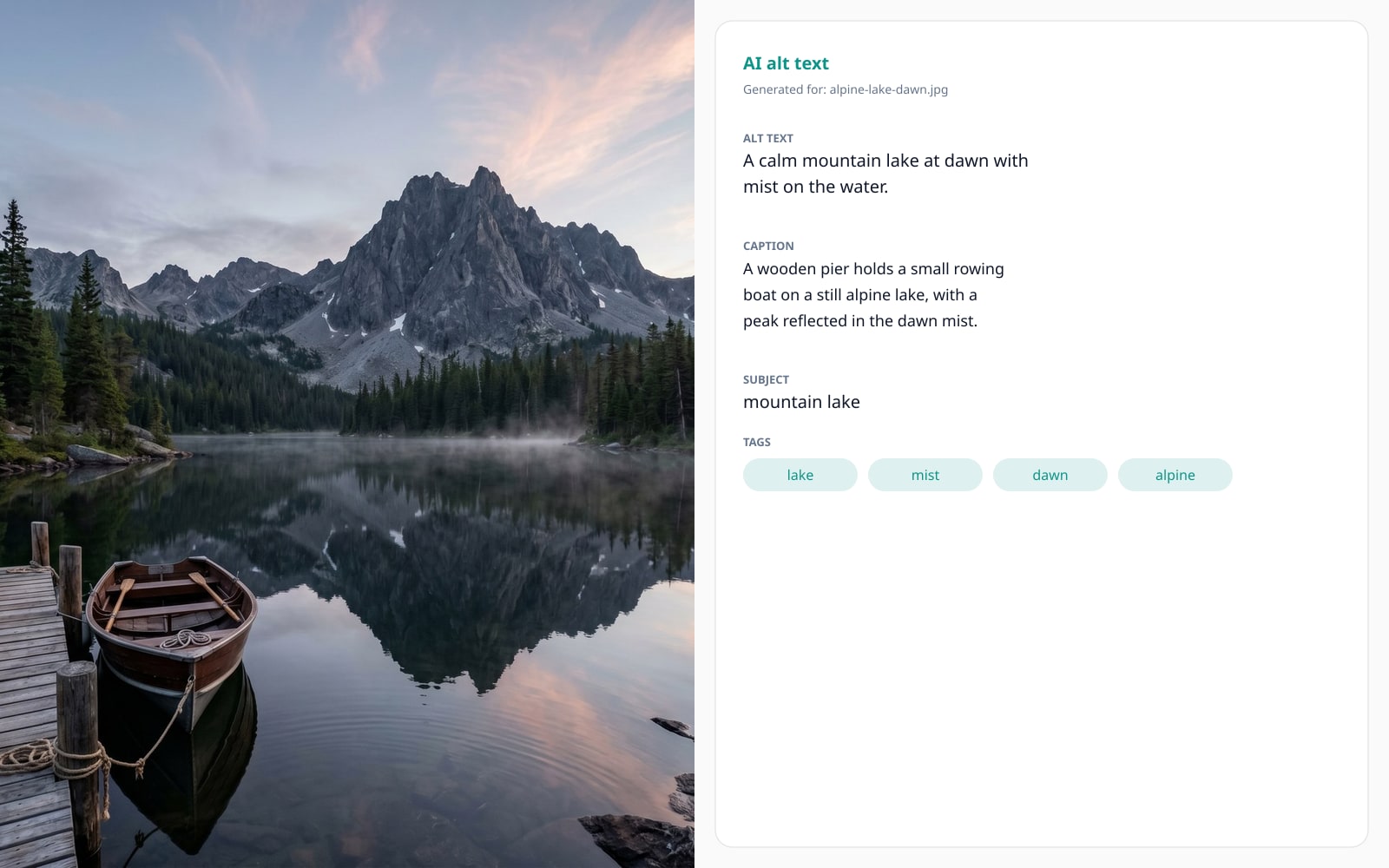
Drop a photo and get back an accessibility alt text, a 1-2 sentence caption, an SEO-friendly filename, 3-5 keyword tags, and the dominant subject. Image bytes are sent to Google Gemini Vision (United States) for processing.
- Image bytes go to Google Gemini Vision (United States)
- One credit per image, malformed responses auto-refund
- Consent revocable from /account
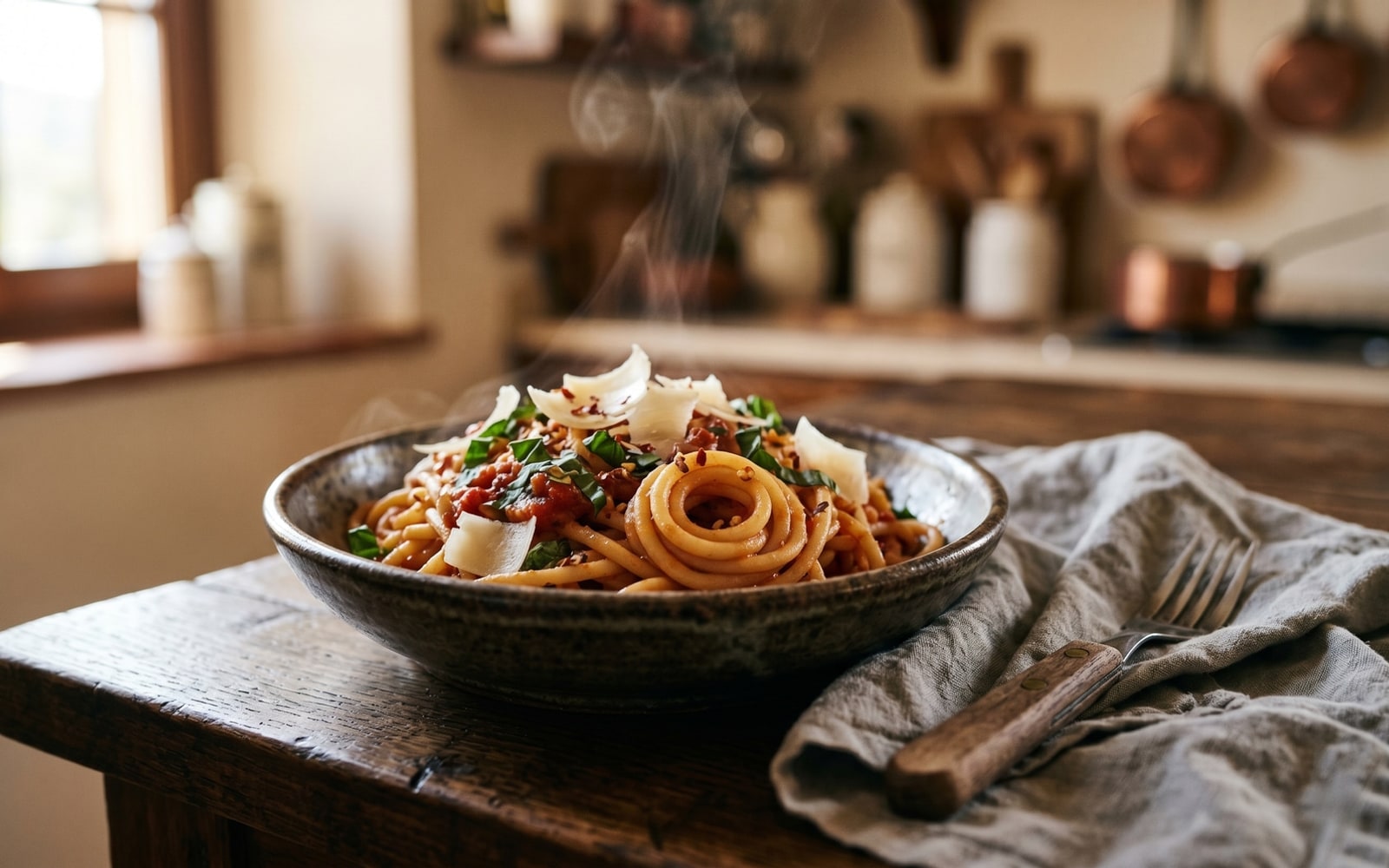
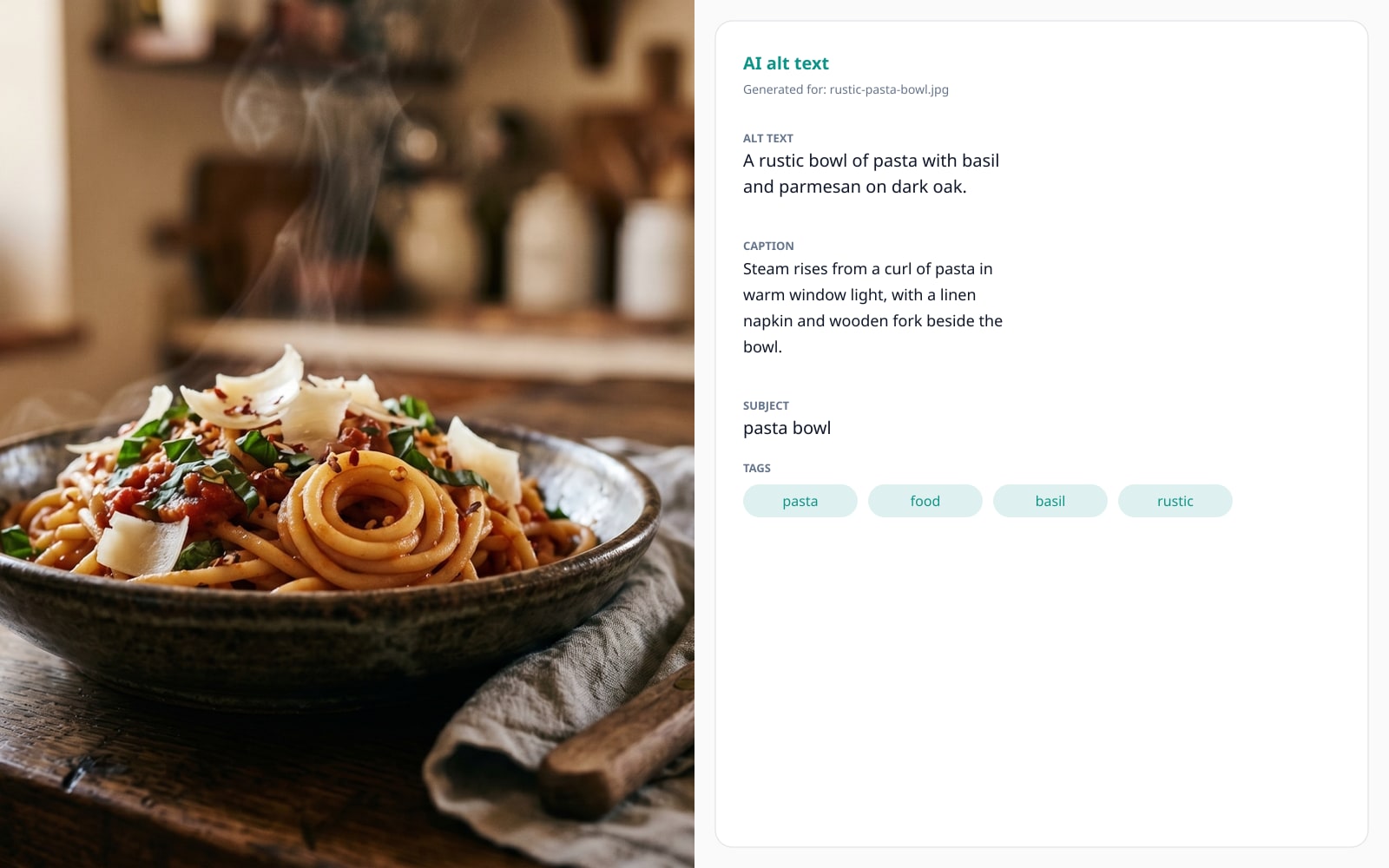
ドラッグで比較、ビフォー / アフター
概要
Hand-writing accessibility alt text for twenty product photos is slow, repetitive, and easy to skip. Skipping it is also a measurable accessibility regression: screen reader users hit "image" announcements with no context, and the SERP loses every long-tail keyword the photo could have anchored. This tool replaces the manual pass with a single Gemini Vision (US) call: drop the image, get back a JSON object with alt text, a 1-2 sentence caption, a kebab-case SEO filename, three to five keyword tags, and the dominant subject phrase.
The trade is honest. Image bytes are sent to Google Gemini Vision (United States); the bytes do not stay on your machine. F-13 carries an explicit consent gate: the first time you submit an image while logged in, the disclosure modal appears and the submission is held until you accept. You can withdraw consent on /account, which flips the column back and forces the modal again on the next attempt. The privacy badge on this page reads external-api so you can eyeball the data flow before you read the prose.
Each field is editable after the response renders, so the AI output is a draft, not a verdict. Alt text is capped at 125 characters and truncated at a word boundary if Gemini ignores the maximum. The credit is refunded automatically if the JSON parse fails (worker retries twice; on final failure, refund) or if the safety filter rejects the image. You never pay for our integration mistakes.
使い方
3 ステップ、通常 5 秒以内に完了。
- 1
Top up credits
AI alt text is one credit per image. Buy a Standard pack from /pricing if your balance is low; credits never expire.
- 2
Drop an image and accept the consent gate
The first submission shows the Google Gemini Vision (United States) disclosure modal. Accept it and the original submission retries automatically. The accept event flips a Boolean column on your User row that is revocable from /account.
- 3
Edit the result
Five editable fields: alt text under 125 chars, caption (1-2 sentences), kebab-case filename, 3-5 keyword tags, dominant subject. Copy any field to the clipboard with one click.
- 4
Save the metadata
Paste the alt text into your CMS, drop the filename into your asset bundle, and use the tags as the SEO keyword anchor for the surrounding paragraph.
実際の動作を見る
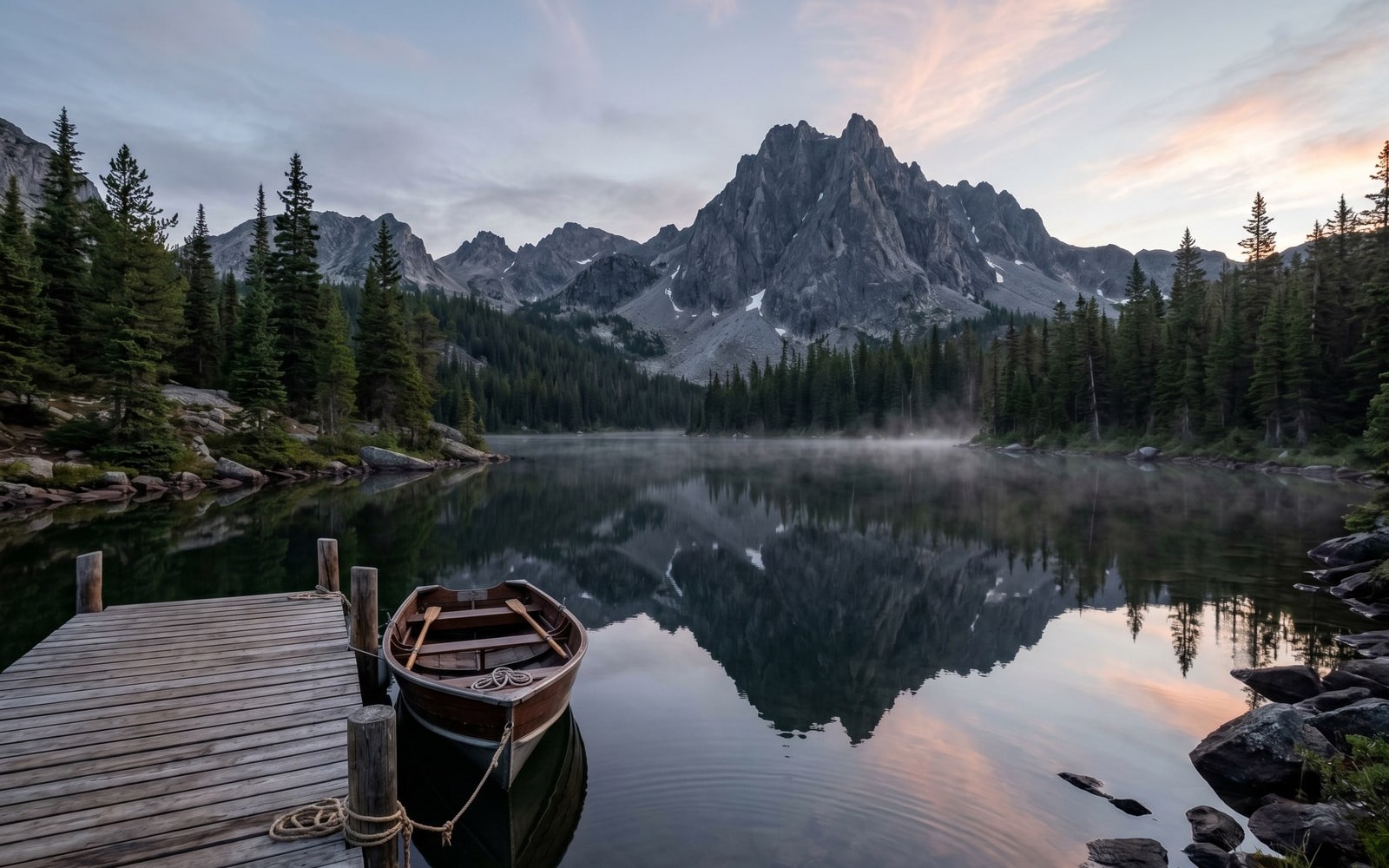
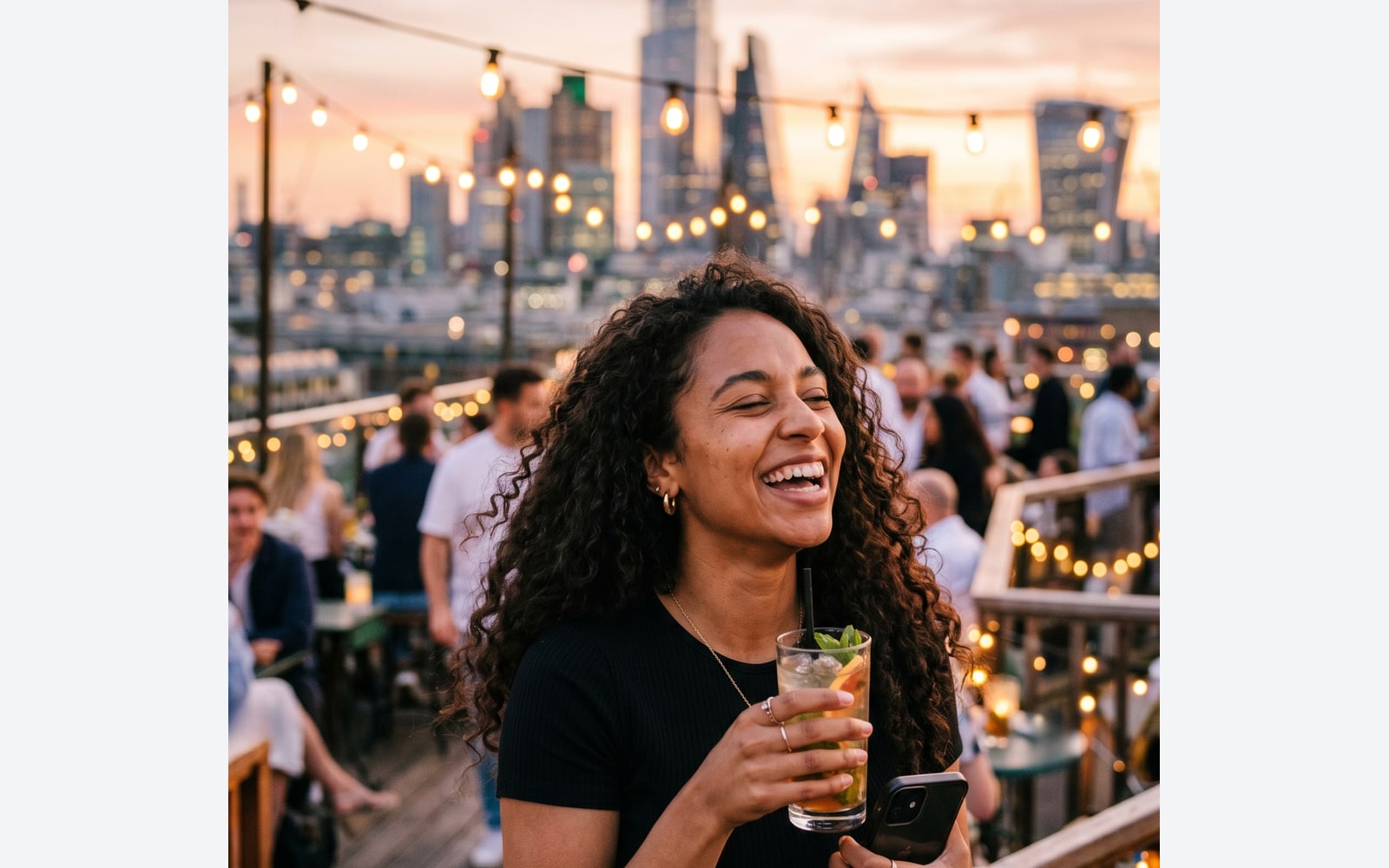
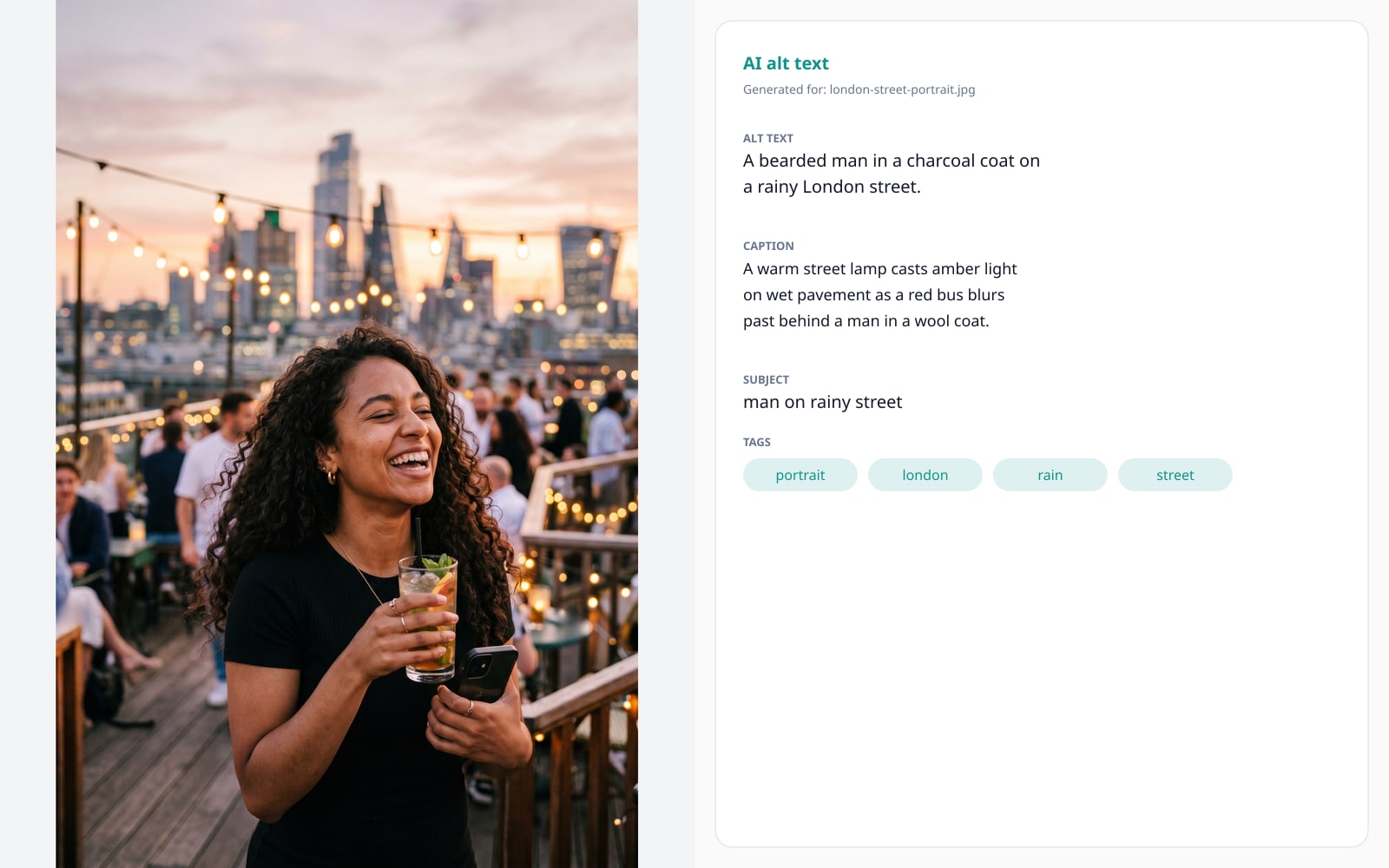
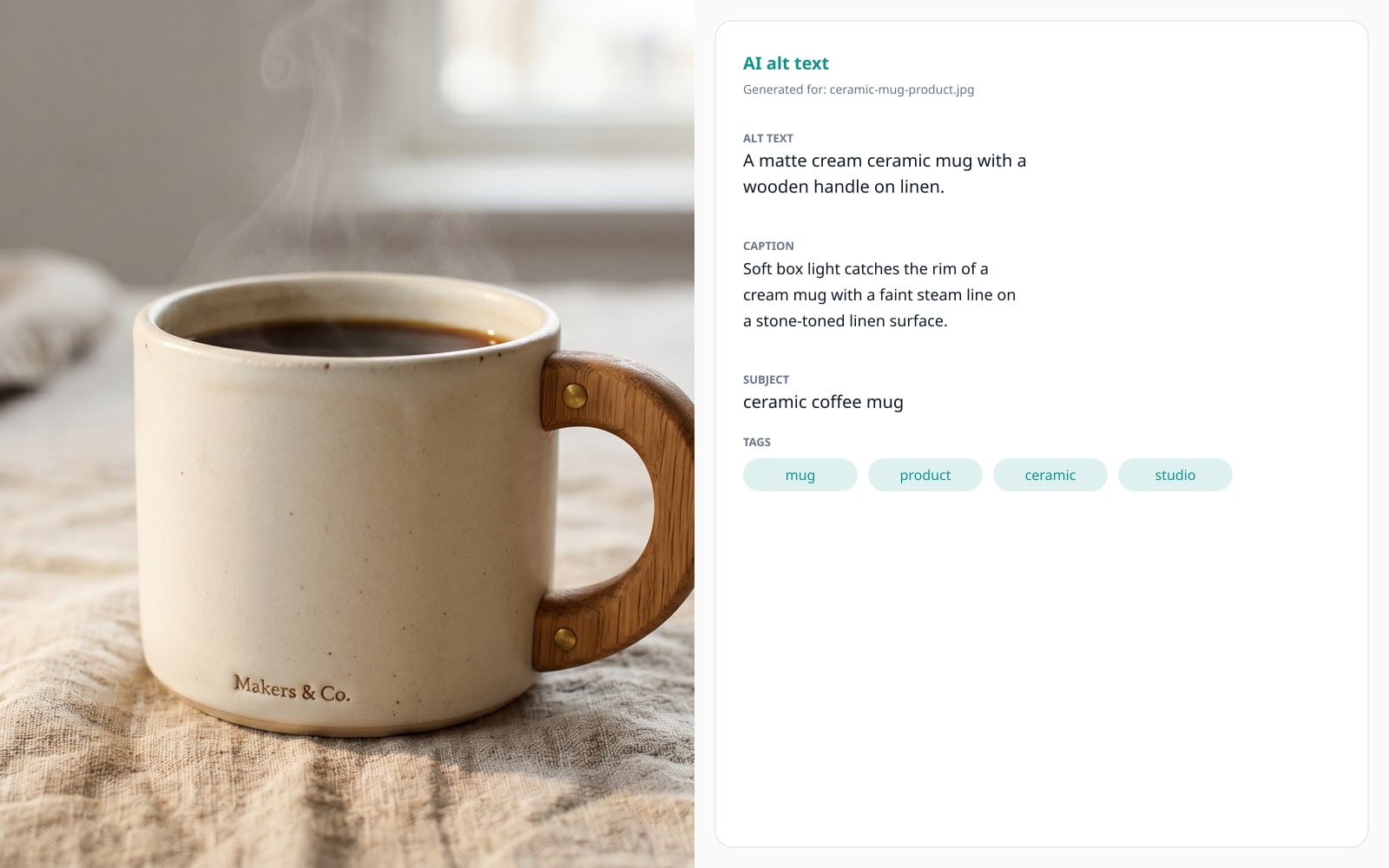
各スライダーをドラッグして、ビフォーとアフターをピクセル単位で比べてみてください。

画像は使い終わったら消えます
Image bytes are sent to Google Gemini Vision (United States) for processing. This tool requires a one-time consent gate that flips a Boolean column on your User row; revoke consent on /account at any time. Marketing copy on this page does NOT claim "never leaves the browser" because that would be false. Other BouseMutton tools (watermark removal, format conversion, EXIF strip) keep bytes server-side OR client-side; the privacy badge on every tool page tells you which.
- 数秒で処理
- データ保存なし
- アカウント紐付けなし
画像をアップロード
ワンクリック。サインアップ不要。あとはこちらにお任せ。
代替テキストを生成
よくある質問
新しいツールを試す前にもっとも多く寄せられる質問への回答。
関連ツール
この画像でおそらく必要になる他の作業へ、ワンクリックでジャンプ。
Optimize images
Run alt-tagged images through the responsive optimizer to ship 9 variants per source. Pairs naturally with the alt text generator.
Color palette extractor
Pull a brand palette from the same hero photo so the alt text and the colour story land together.
Strip EXIF metadata
Drop GPS, camera, and copyright tags before publishing. Useful when the alt text is going public but the source metadata should not.