
Smart crop image online, free saliency-driven subject cropper
Drop a photo, pick an aspect ratio, and let the saliency model pick the most interesting rectangle. No dragging, no hand-tuning.
- Aspect-ratio presets
- Saliency-driven
- Centred fallback when unsure
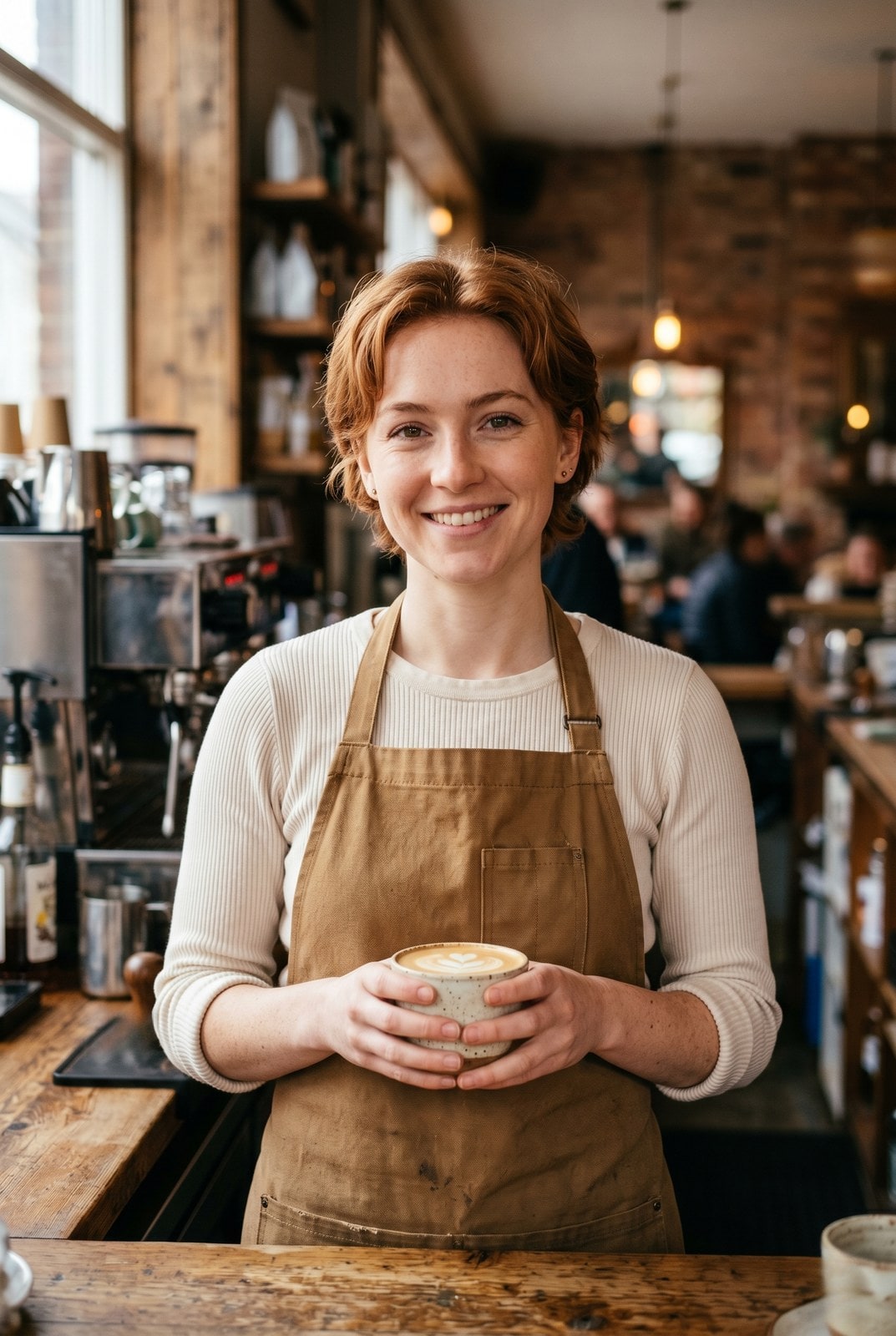
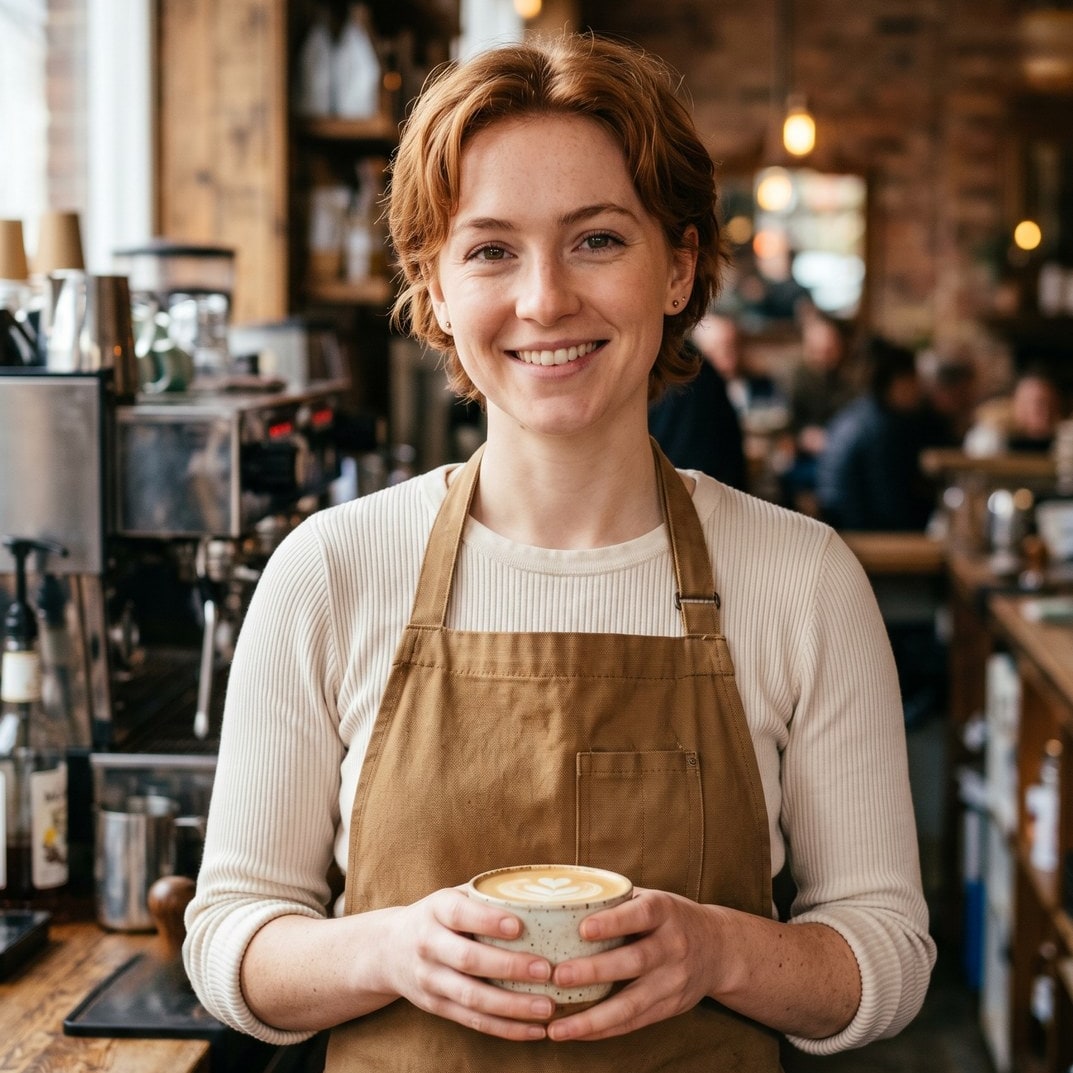
Trascina per confrontare, prima / dopo
Panoramica
Cropping a portrait to a 1:1 thumbnail without chopping off the subject is the kind of fiddly task that eats five minutes for the price of a single image. Smart crop replaces the manual draggable rectangle with a saliency model: every candidate window scores by saturation, edge density, and skin-tone density, and the tool picks the window with the highest weighted score that matches your requested aspect ratio.
For portraits, product shots, and most photographs the tool reliably keeps the subject in frame and trims the dead pixels around it. For inputs without a clear focal point (abstract art, group photos, uniform-colour images) it falls back to the centred rectangle so the result is at least predictable.
The whole pipeline runs on our server because the saliency model needs native pixel access and the smartcrop algorithm is deterministic enough that we do not need to mirror it client-side. The upload is held only while we compute the bounds and emit the cropped file, then deleted. Nothing is saved.
Come funziona
Tre passi, di solito completati in cinque secondi.
- 1
Upload an image
Drop a JPG, PNG, WebP, or AVIF up to 25 MB.
- 2
Pick an aspect ratio
Choose 1:1, 4:5, 16:9, 9:16, 3:2, 2:3, or Custom (type your own width and height pair).
- 3
Confirm
The saliency model picks the rectangle that maximises subject coverage. The tool reports the chosen bounds so you can compare them to the source.
- 4
Download
The cropped image downloads with `-smart-cropped` appended to the original filename. Pick the output format (Same as source, JPEG, PNG, or WebP) before submitting.
Vedilo in azione
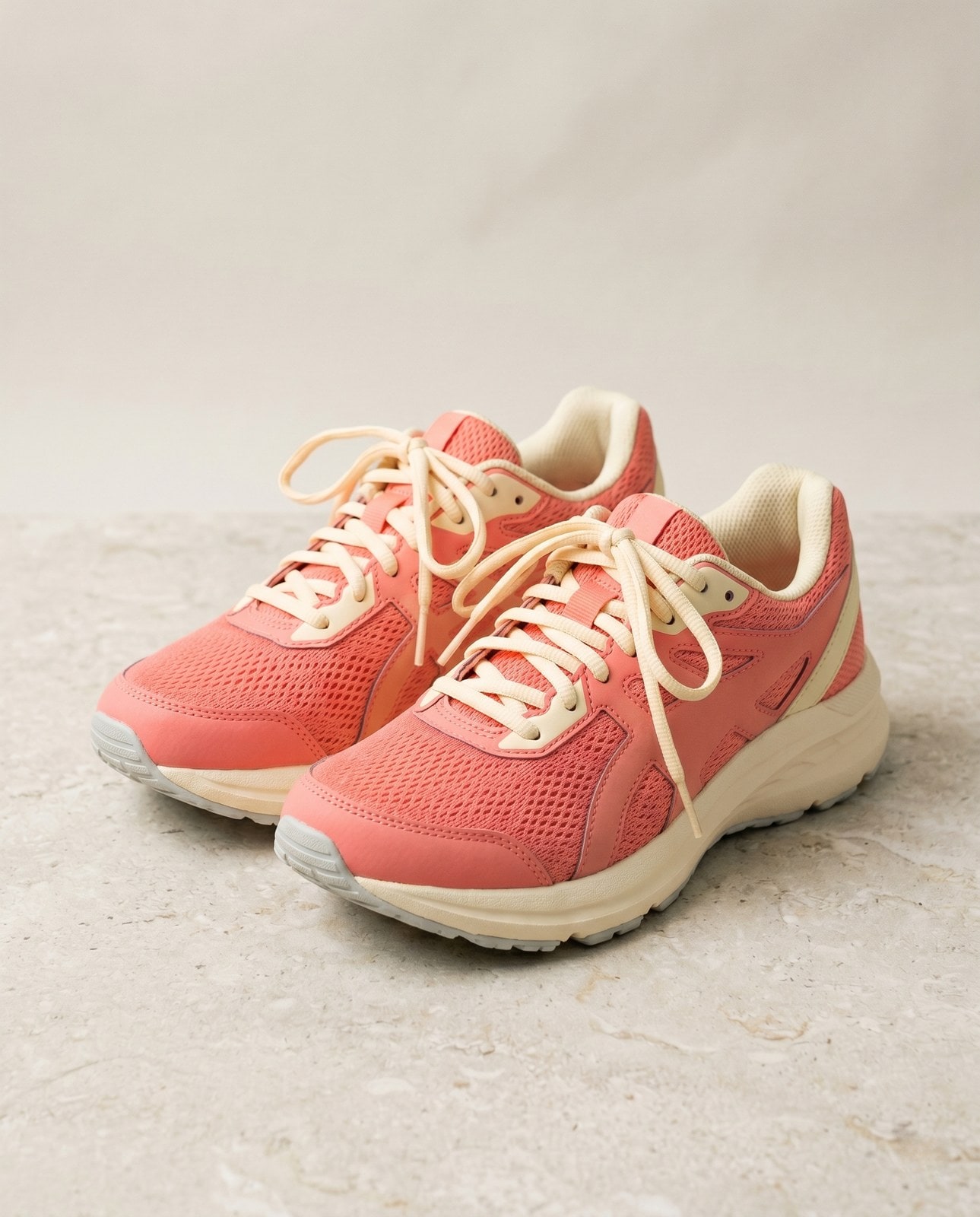
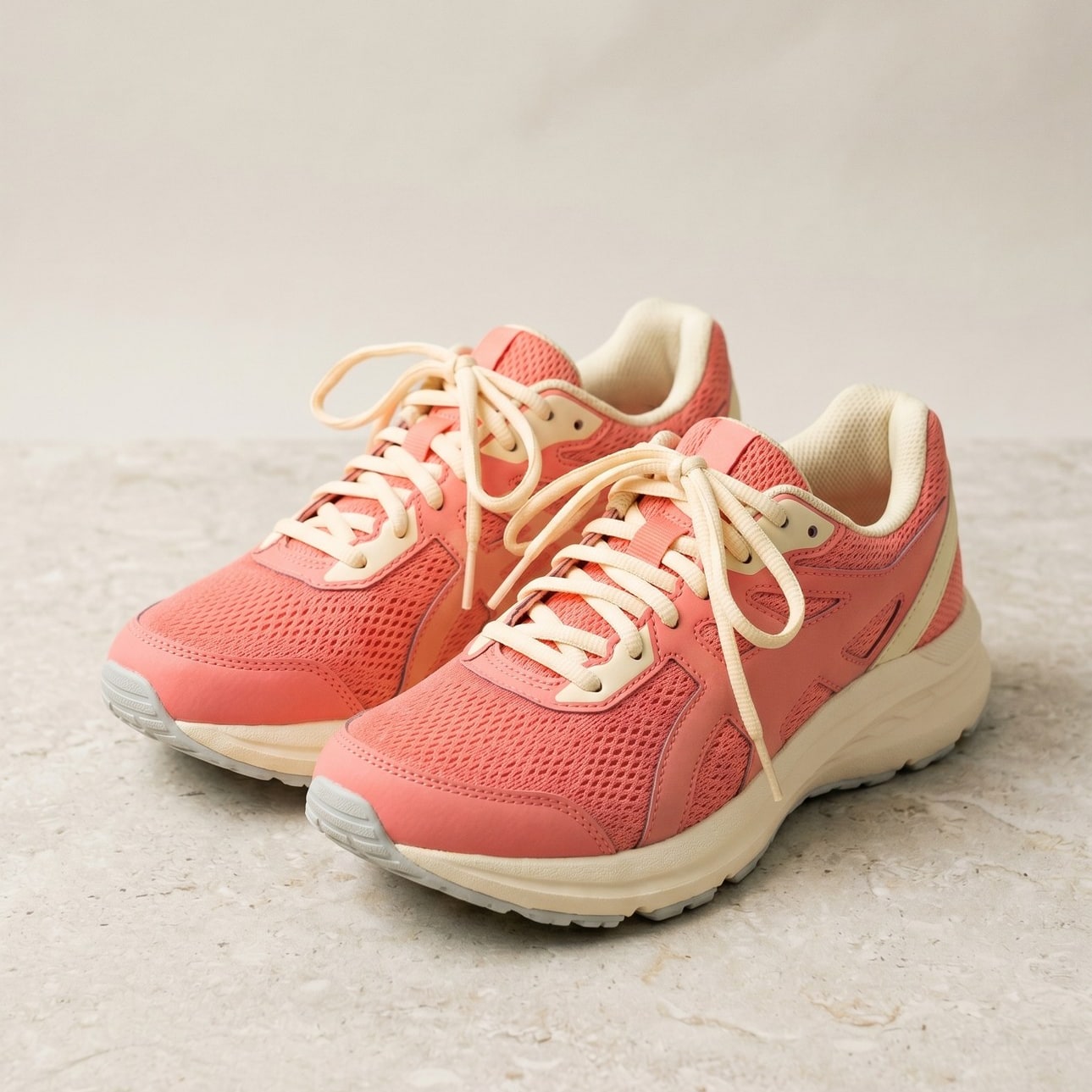
Trascina ogni cursore per osservare nel dettaglio il prima e il dopo.


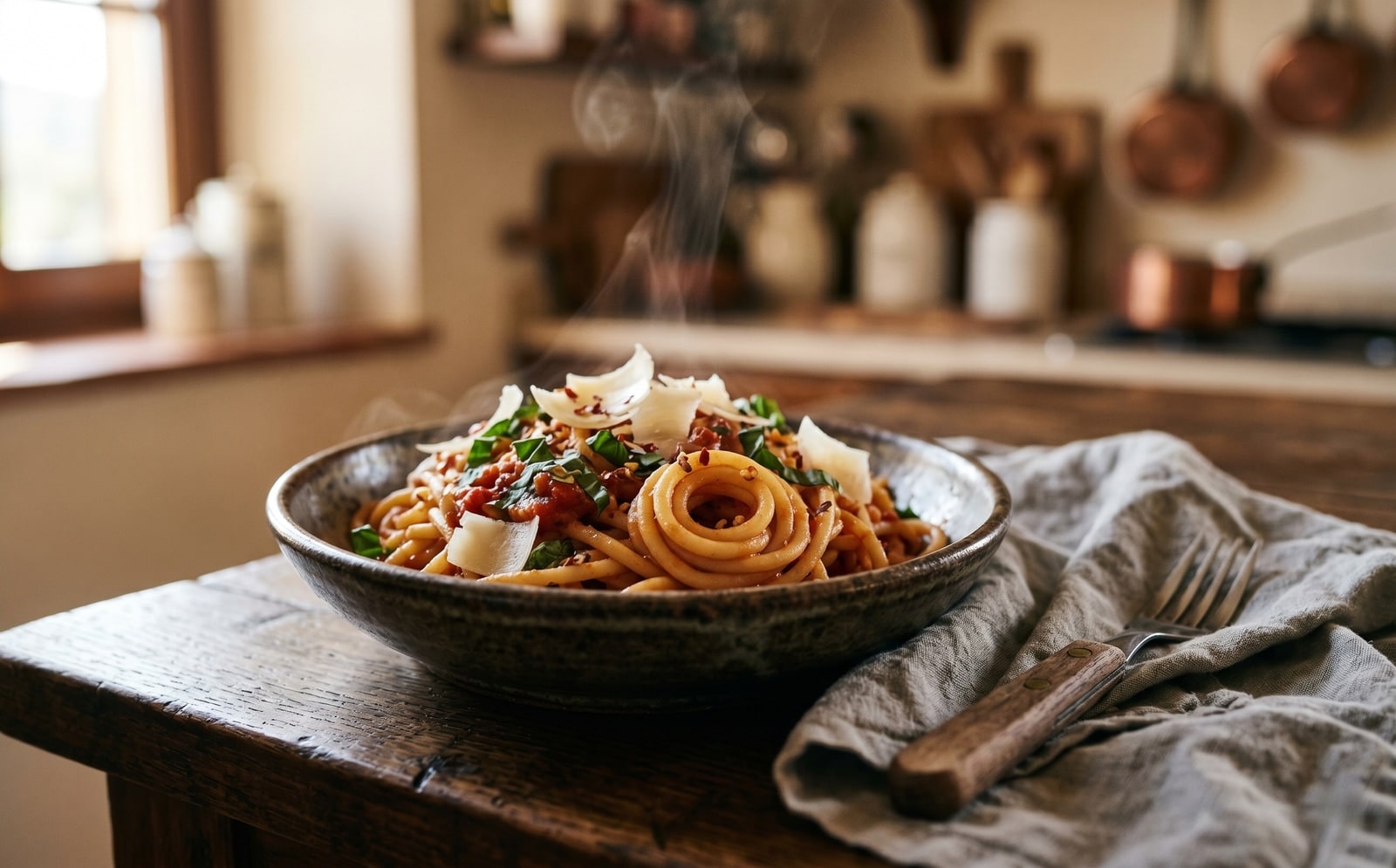
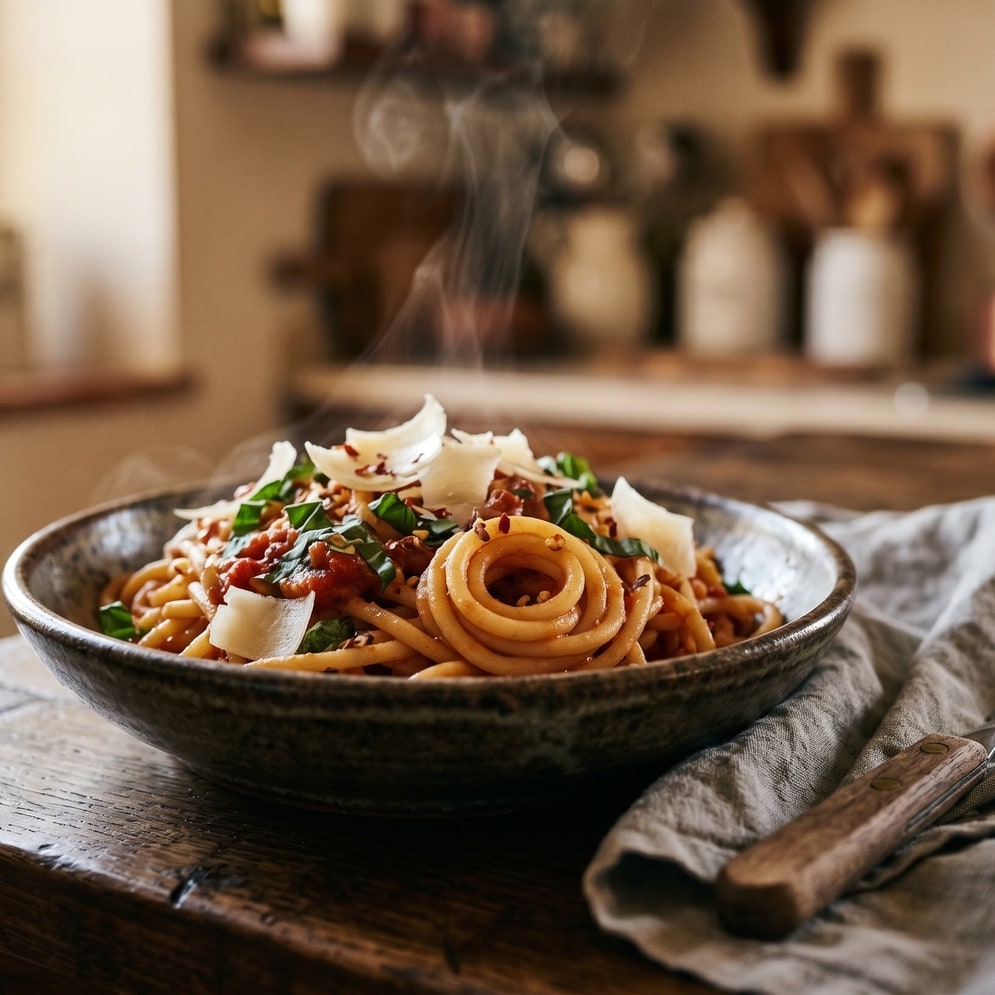
La tua immagine, sparita quando hai finito
Smart crop runs on our server because the saliency model needs native pixel access. Your upload is held only while we compute the bounds and emit the cropped output, and is deleted the moment we send the file back. Nothing is saved, indexed, or trained on.
- Elaborata in pochi secondi
- Nulla viene salvato
- Nessun account collegato
Carica un'immagine
Un clic. Senza registrazione. Faremo il resto.
Ritaglio intelligente dell'immagine
Devi elaborare più di un'immagine?
Lo strumento gratuito Smart crop image online, free saliency-driven subject cropper elabora un'immagine alla volta. Un pacchetto di crediti sblocca fino a 50 immagini per batch, un singolo ZIP da scaricare e tre preset (Blog / Social / E-commerce). A partire da €5 per 100 crediti. Paga una volta, mai scadenza.
Domande frequenti
Risposte alle cose che la maggior parte delle persone chiede prima di provare un nuovo strumento.
Strumenti correlati
Salti con un clic ad altre operazioni di cui questa immagine probabilmente ha bisogno.
Crop image (manual)
Want to pick the rectangle yourself? The manual cropper has aspect-ratio presets and a draggable stencil.
Resize image
Already at the right shape? Resize to exact pixels with optional aspect-ratio lock.
Pad to square
Want to keep the whole frame? Pad to a target aspect ratio instead of cropping it away.
Citi o condividi?
Copia un riepilogo Markdown conciso (titolo, descrizione, FAQ, URL canonico e citazione) pronto da incollare in un LLM o in un documento.