
Pad image to square, 1:1, 16:9, 9:16 without cropping
Drop an image and pad it to a square, 16:9, or 9:16 frame with a colour background of your choice. One image per request, nothing saved.
- No account required
- Nothing saved
- No cropping, pixels preserved
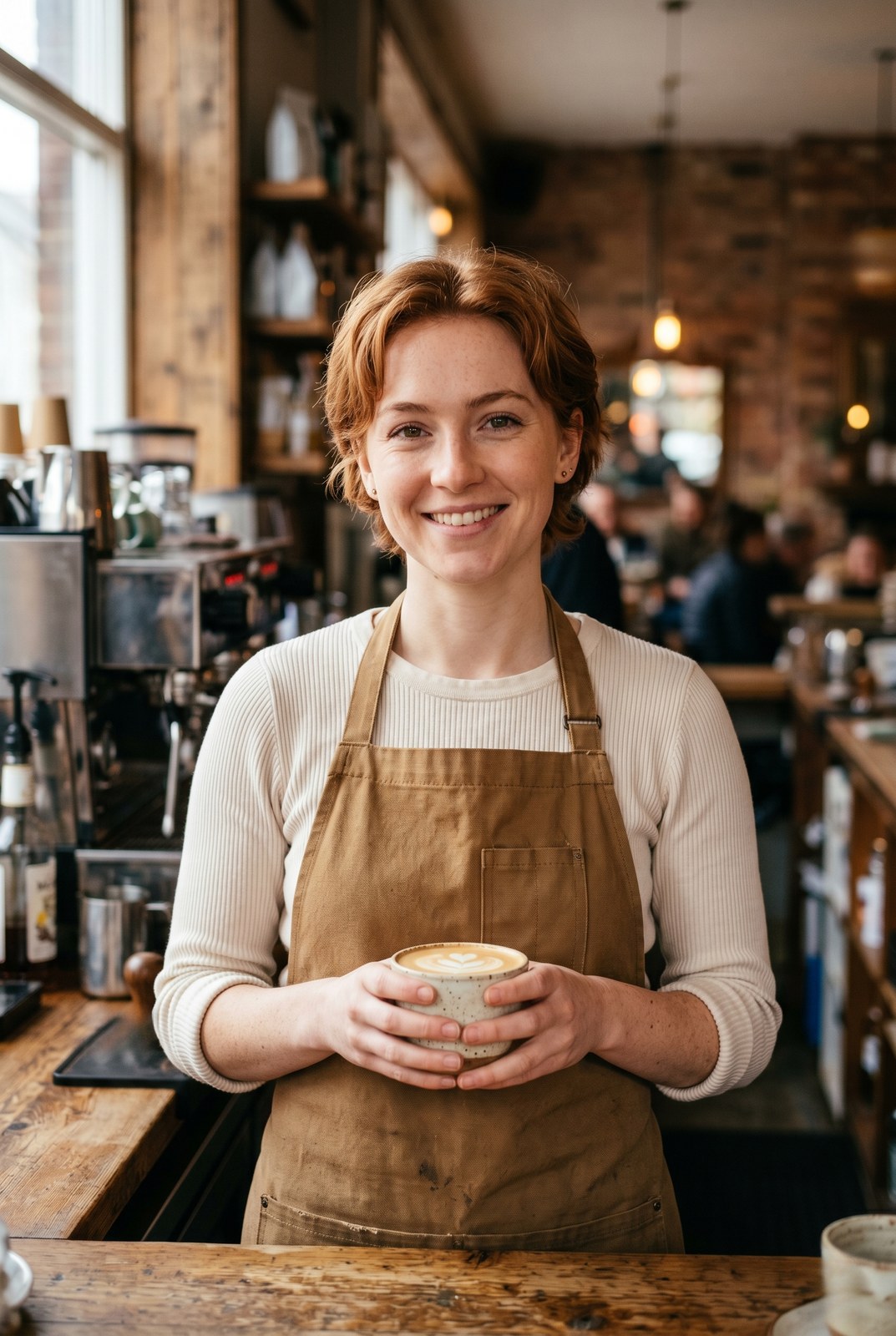
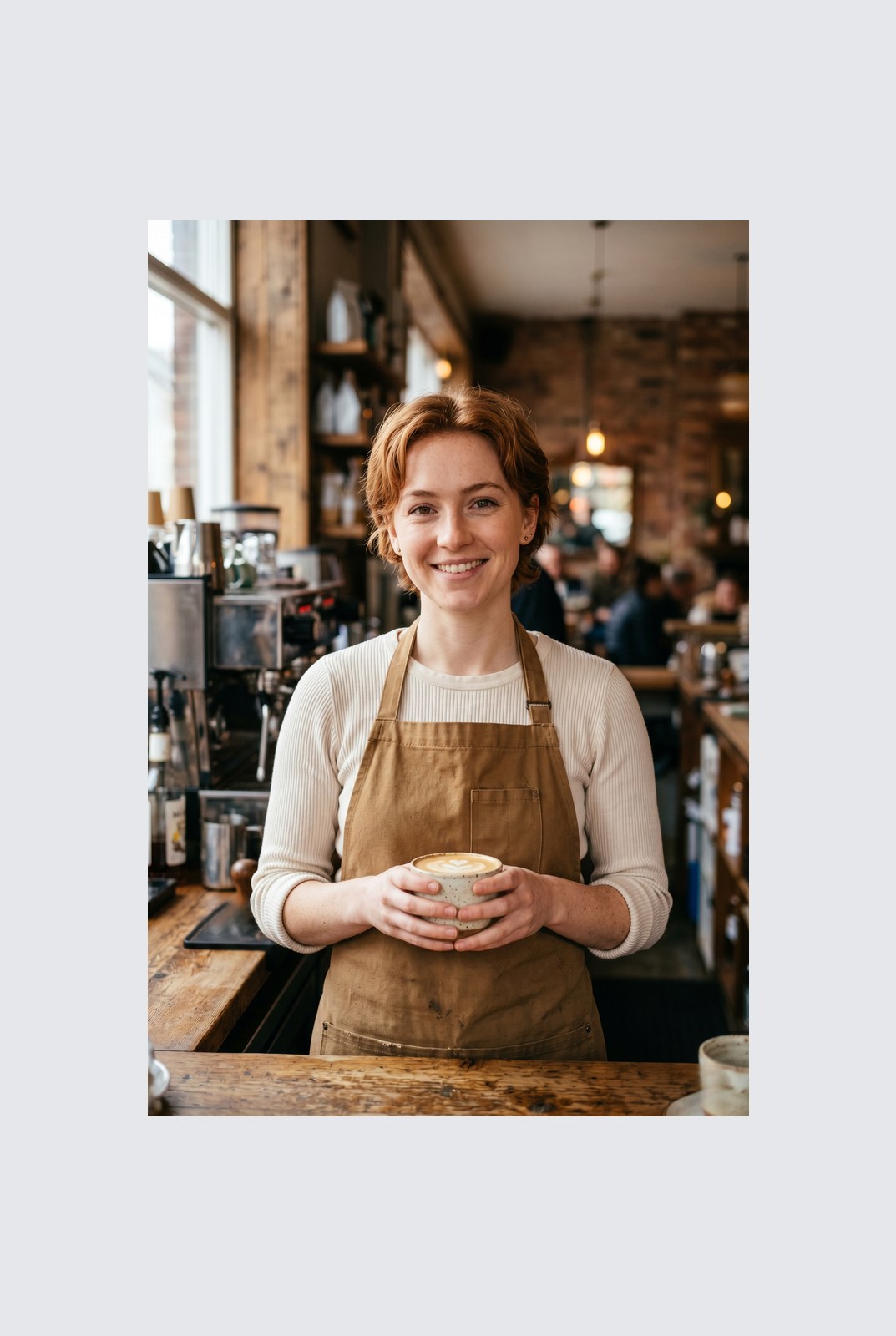
Trascina per confrontare, prima / dopo
Panoramica
Instagram wants a square. LinkedIn wants 16:9. TikTok wants 9:16. Your photo was shot at whatever ratio your camera felt like. Cropping removes parts of the frame you might care about. Padding does not: it just adds a coloured background around the image until it hits the aspect ratio you need.
This tool extends one image per request to a target aspect ratio without touching the original pixels. The padded area is filled with a colour of your choice: a solid background, a brand accent, or full transparency for PNG, WebP, or AVIF outputs. You pick the ratio (1:1, 16:9, 9:16, or a custom ratio like 4:5), the colour, and the alignment (centre, top, left, and so on).
Padding runs entirely in your browser. Your browser decodes, composites, and re-encodes the image on your own device, then hands you a download. Nothing is uploaded, nothing is saved, nothing is indexed or trained on, because we never see the pixels.
Come funziona
Tre passi, di solito completati in cinque secondi.
- 1
Upload an image
Drop a JPG, PNG, WebP, or AVIF up to 25 MB. No sign-up, no credit card.
- 2
Pick a ratio and colour
Choose 1:1, 16:9, 9:16, or a custom ratio. Pick any hex colour or transparent. The preview updates live.
- 3
Download the padded image
The padded file is generated in your browser and saved straight to your device. Nothing is uploaded, so there is nothing for us to store or delete.
Vedilo in azione
Trascina ogni cursore per osservare nel dettaglio il prima e il dopo.
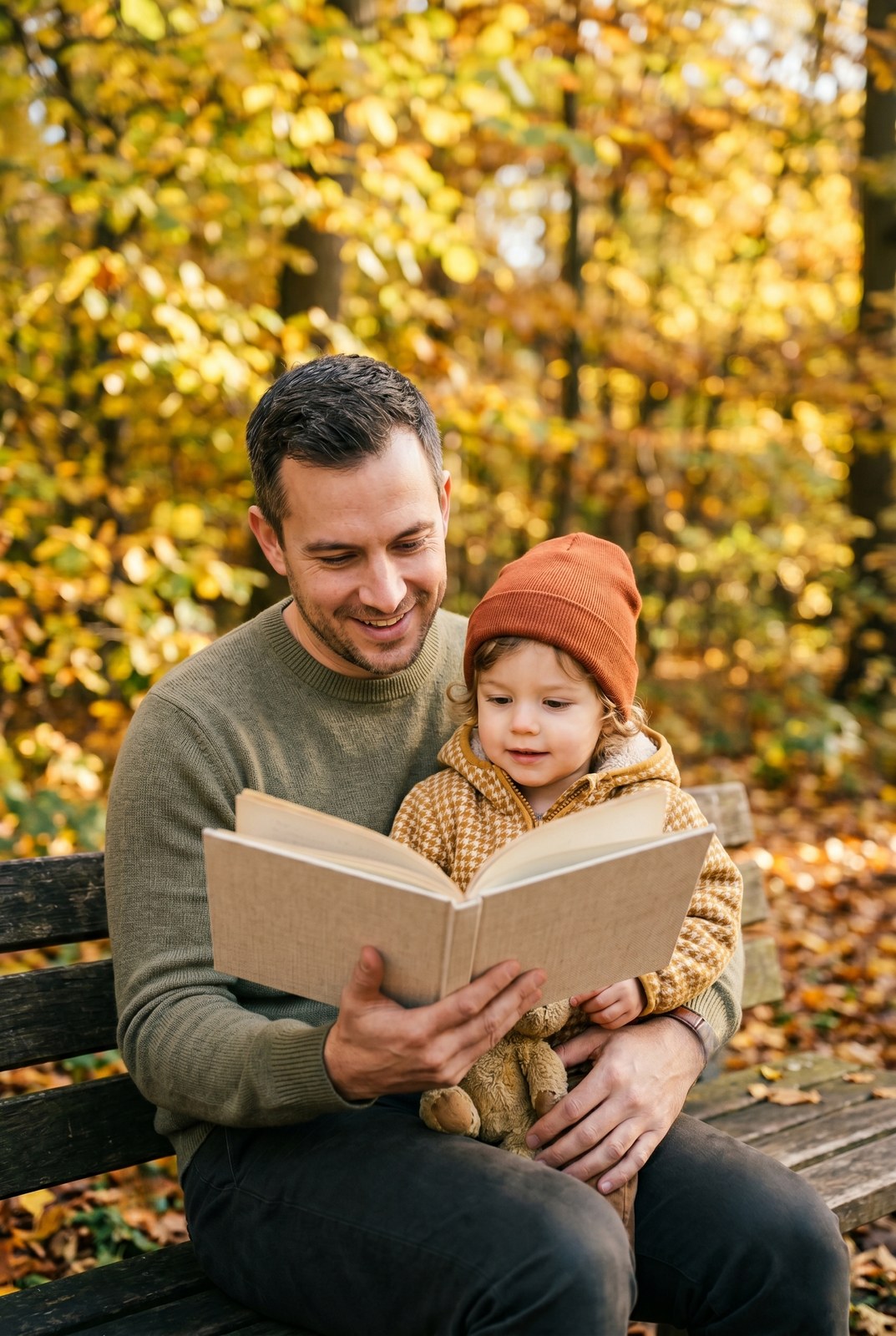
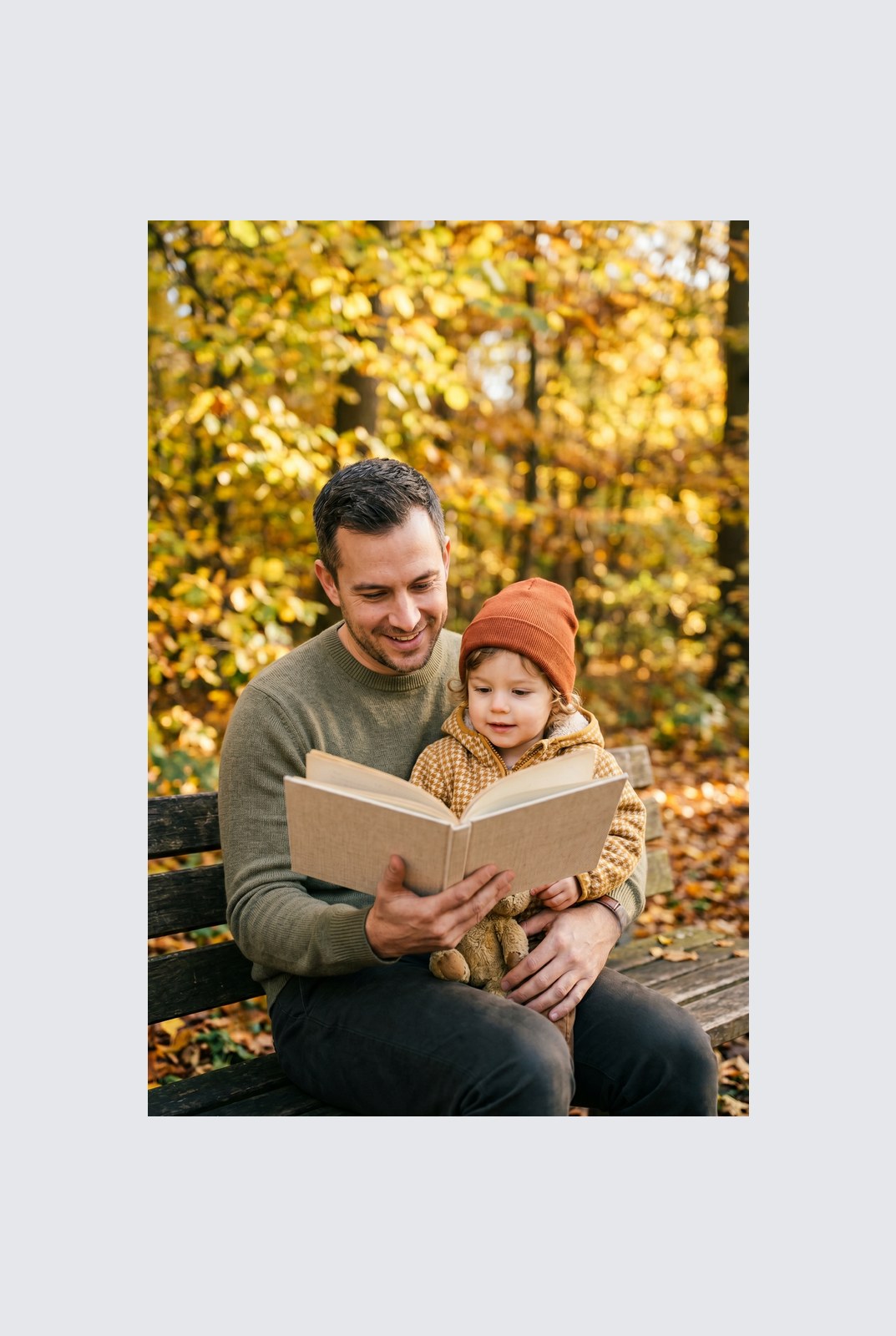
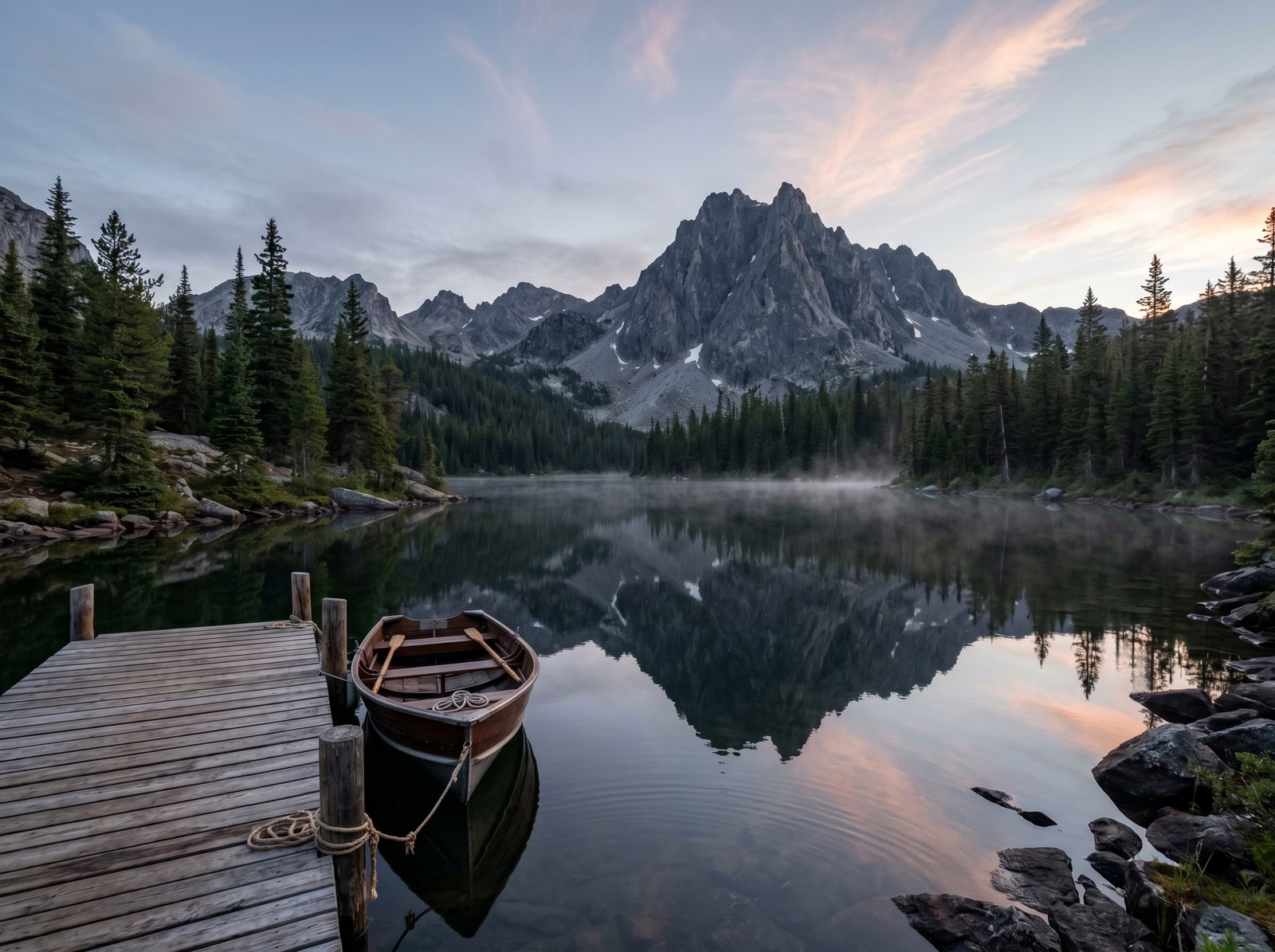
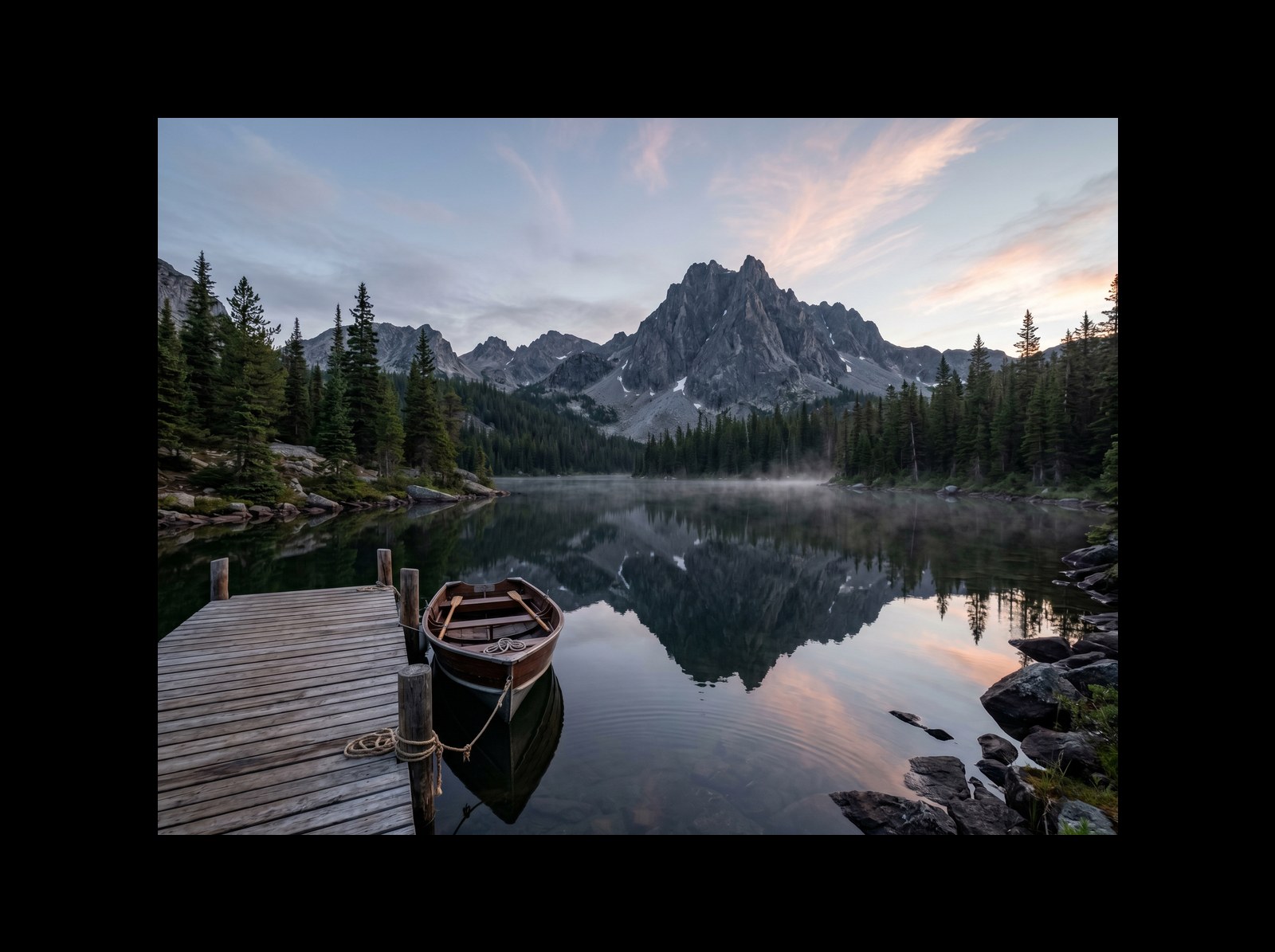
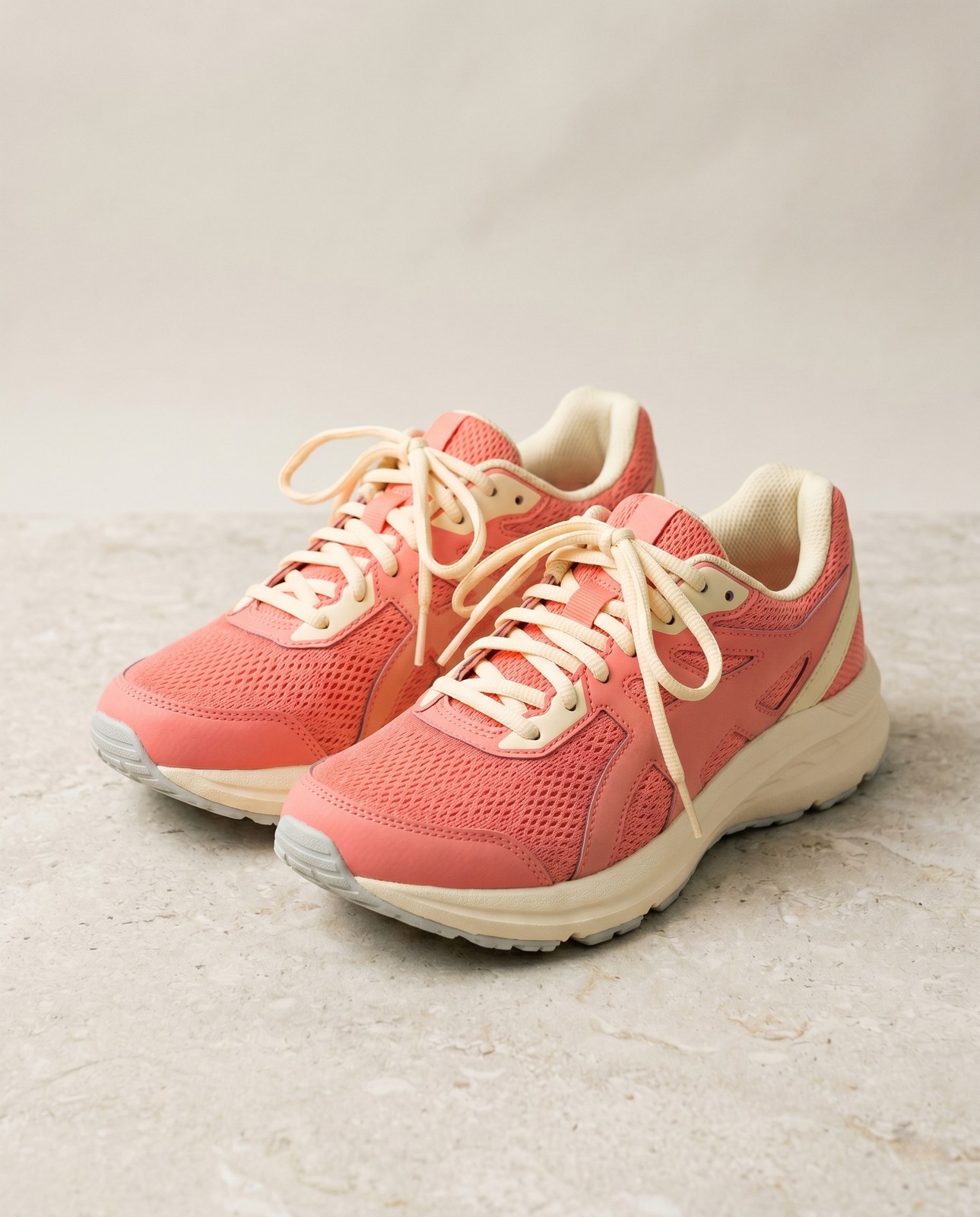
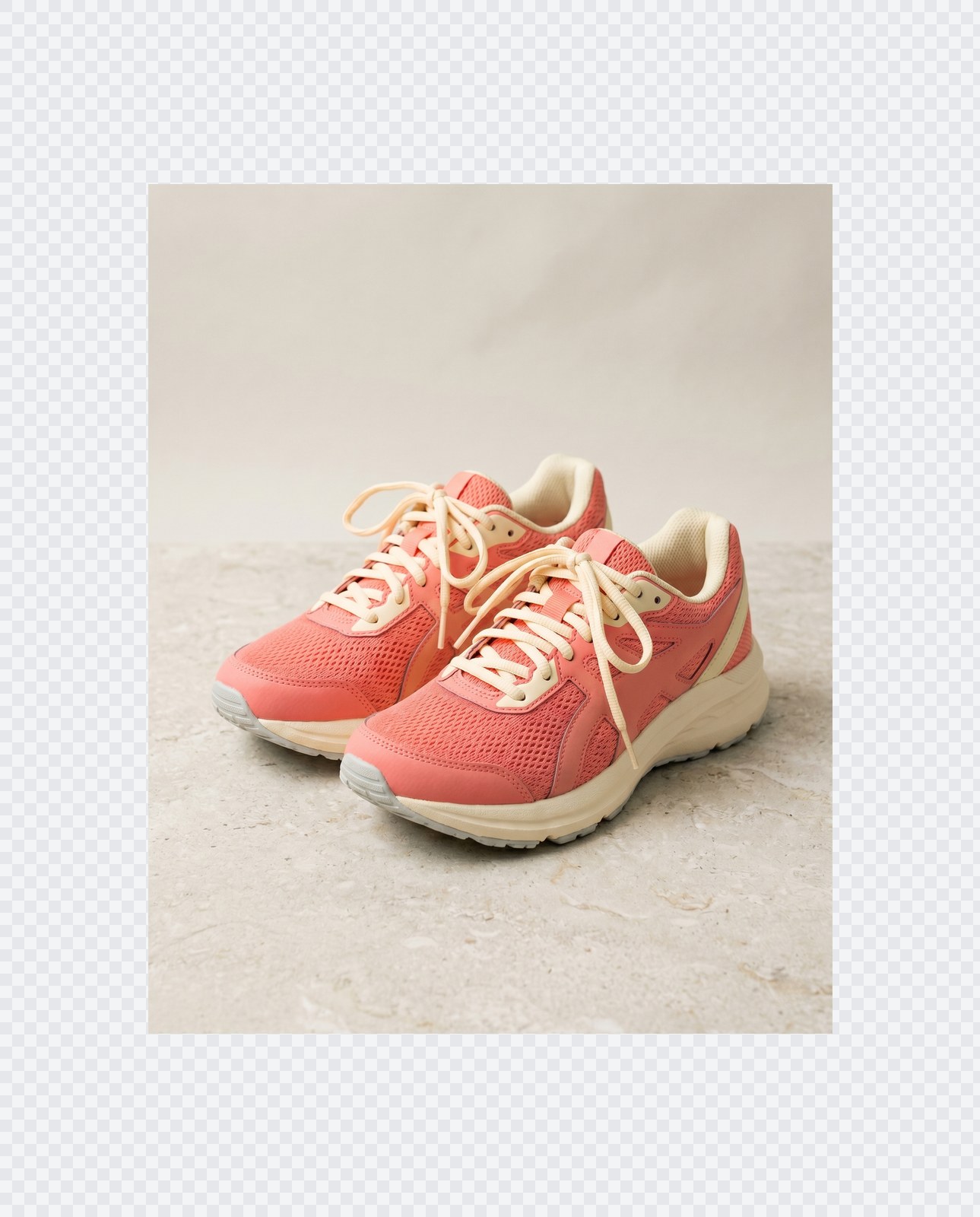
La tua immagine, sparita quando hai finito
Padding runs entirely in your browser. Your image is never uploaded, never touches our servers, and never gets saved, indexed, or used for model training. If you close the tab, the image goes with it.
- Elaborata in pochi secondi
- Nulla viene salvato
- Nessun account collegato
Carica un'immagine
Un clic. Senza registrazione. Faremo il resto.
Adatta / estendi tela
Devi elaborare più di un'immagine?
Lo strumento gratuito Pad image to square, 1:1, 16:9, 9:16 without cropping elabora un'immagine alla volta. Un pacchetto di crediti sblocca fino a 50 immagini per batch, un singolo ZIP da scaricare e tre preset (Blog / Social / E-commerce). A partire da €5 per 100 crediti. Paga una volta, mai scadenza.
Domande frequenti
Risposte alle cose che la maggior parte delle persone chiede prima di provare un nuovo strumento.
Strumenti correlati
Salti con un clic ad altre operazioni di cui questa immagine probabilmente ha bisogno.
Rotate image
Fix sideways photos before padding so the result aligns to the target aspect ratio.
Compress image
Padding keeps pixels intact but inflates file size; compress the padded result for the web.
Remove Gemini watermark
Clean the Gemini AI badge off a generated image before padding it for a social platform.
Citi o condividi?
Copia un riepilogo Markdown conciso (titolo, descrizione, FAQ, URL canonico e citazione) pronto da incollare in un LLM o in un documento.