
Check what a file really is, beyond the extension
Drop any file (PDF, executable, archive, image, video, audio, source code) and we look at the actual bytes (and use AI for text files) to check whether they match the extension. MATCH, MISMATCH, AMBIGUOUS, or UNKNOWN. In your browser, no upload.
- Processed in your browser
- No account required
- 200+ formats
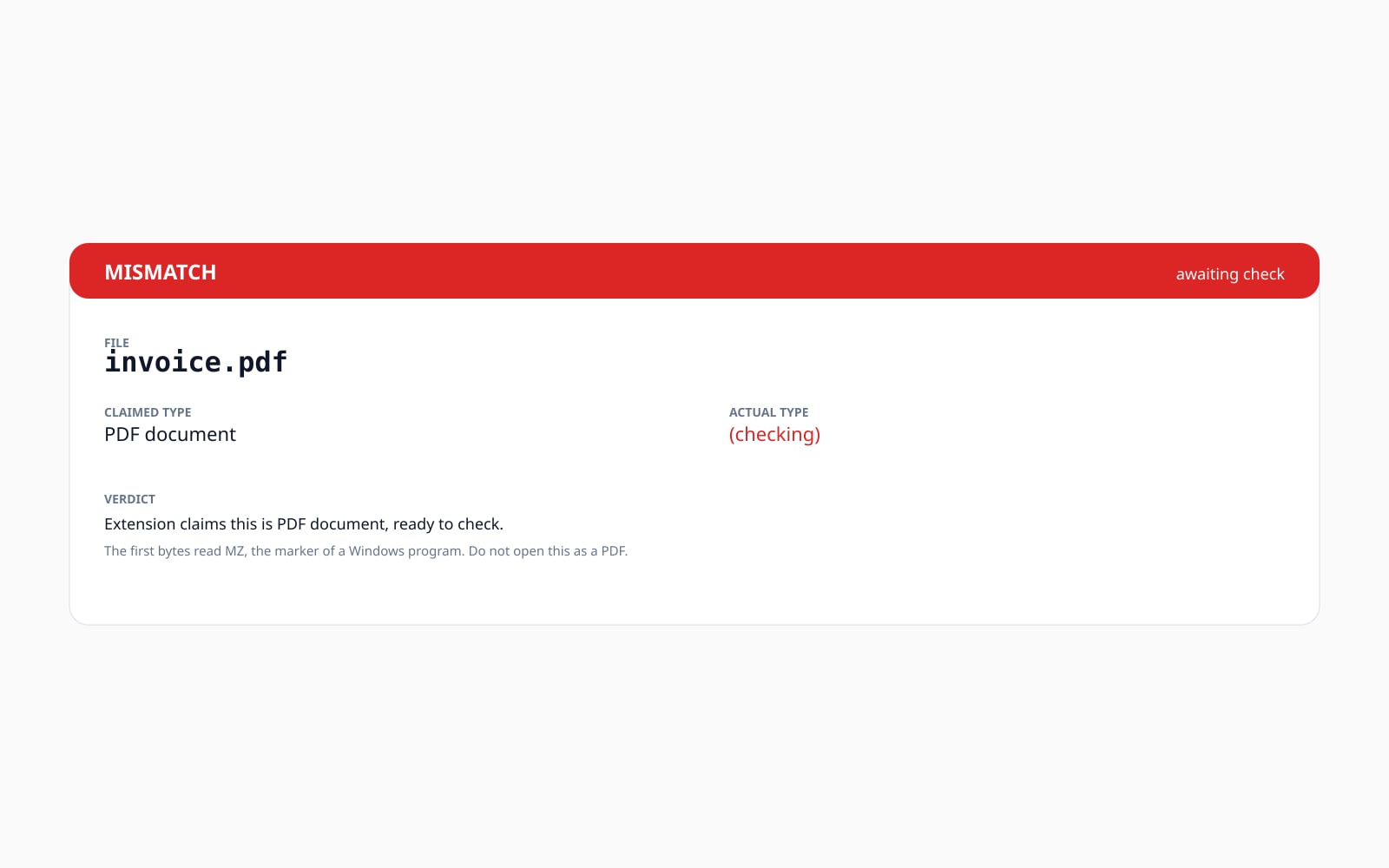
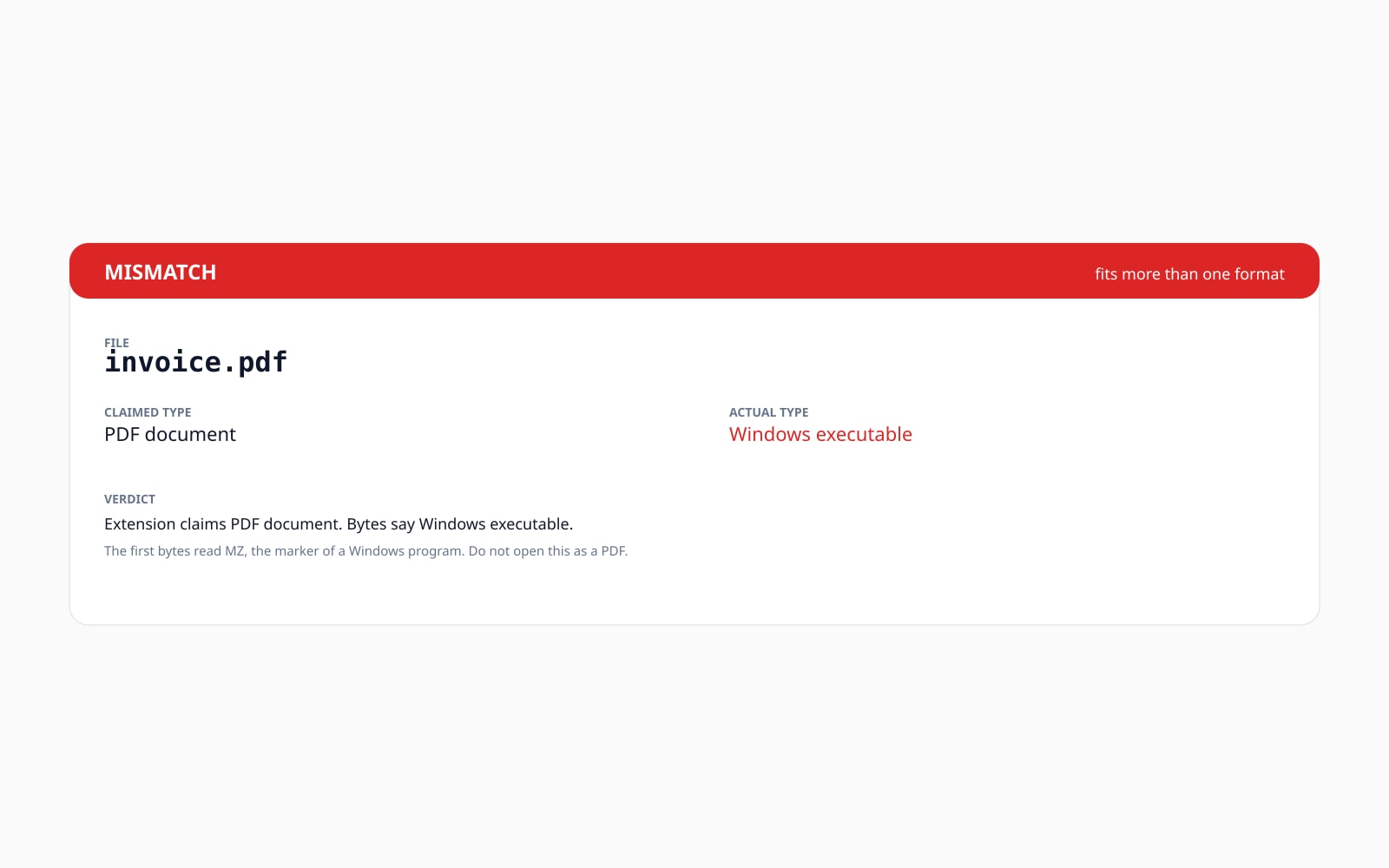
Povucite za usporedbu, prije / poslije
Pregled
A file extension is just a label. The bytes inside are the truth. Renaming `invoice.exe` to `invoice.pdf` changes nothing about the file; it still starts with the same Windows-executable header. Any operating system that takes the extension at face value misses the swap. This tool reads those bytes for you and tells you what is really there.
The check is hybrid. The first pass is an instant byte-level look at the start of the file, comparing it against a library of well-known formats: PDF, PNG, ZIP, a Windows executable, a Linux executable, and several dozen more. That covers most binary formats your inbox or download folder is going to throw at you.
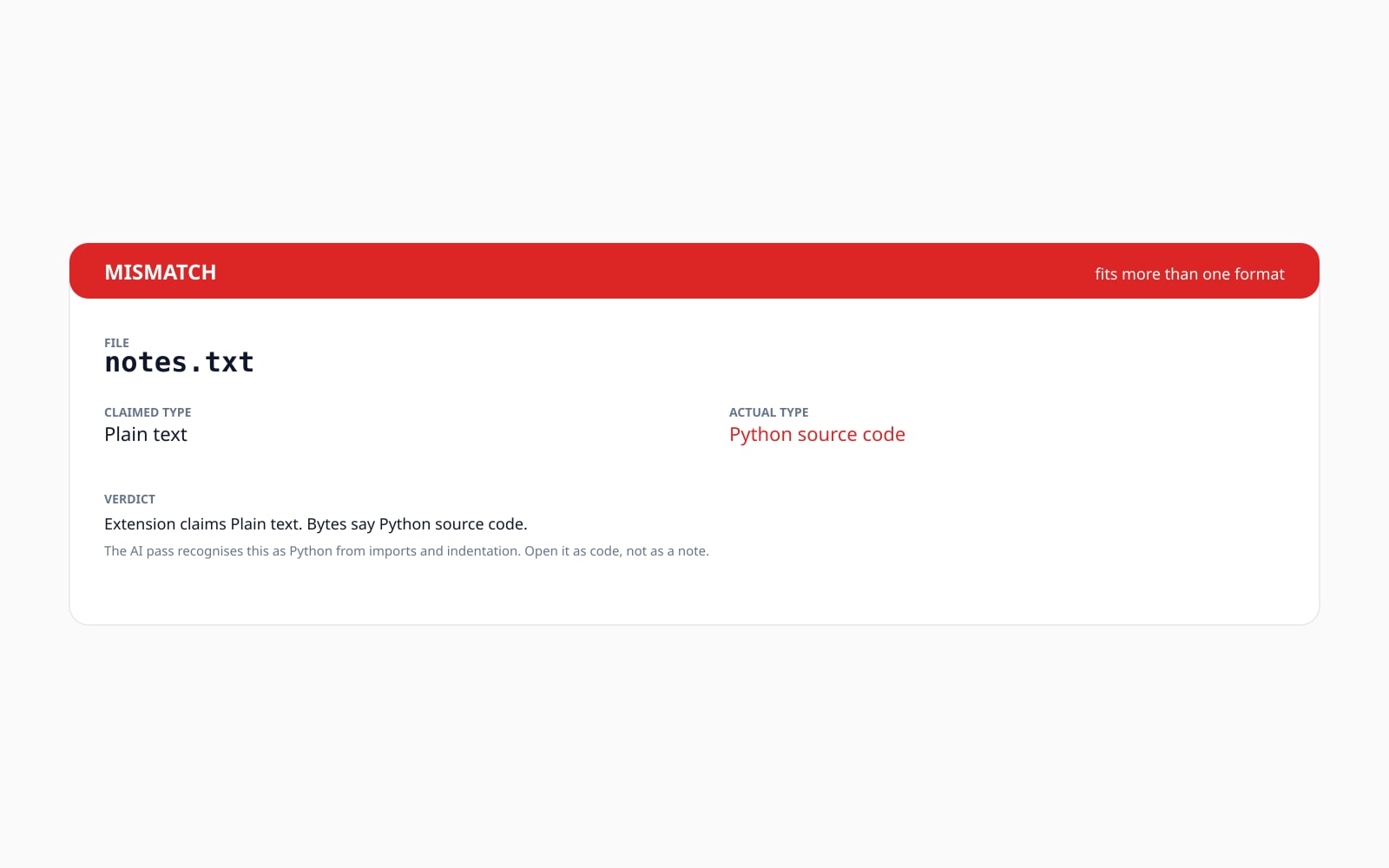
For text-based files (source code, configuration, CSV / JSON / Markdown / YAML, shell scripts) the start of the file does not give them away; every text file looks the same to a byte-level check. The second pass closes that gap with an on-device AI that recognises more than 200 formats. We run the AI locally on desktop computers; it picks the most likely label and a confidence score, and the verdict re-renders.
Both passes run in your browser. The first few kilobytes of the dropped file are read into memory for the byte-level check; the AI sees the whole file (capped at 20 MB for mobile safety). Nothing is uploaded, nothing is saved. We never claim malware detection; the verdict tells you what the file IS, not whether the file is safe.
Quick facts
Brojevi i kompromisi koje trebate prije nego se obvežete.
Where it runs
Both the byte-level check and the AI pass run in your browser, on your device. Nothing is uploaded to our servers.
Formats supported
Byte-level check covers two dozen well-known formats (PDF, PNG, JPEG, ZIP, RAR, MP4, Linux and macOS executables, Windows EXE / DLL, DOCX, and more). The AI pass recognises 200+ file types, including text-based ones (Python, Go, JSON, YAML, and more).
Verdict vocabulary
MATCH (extension and bytes agree), MISMATCH (extension and bytes disagree), AMBIGUOUS (more than one format fits, or the AI is unsure), UNKNOWN (no recognised format, often a text-based file on mobile).
When the AI pass runs
The AI pass runs only when the byte-level check returns AMBIGUOUS or UNKNOWN, the device has at least 4 GB of memory, and the file is under 20 MB. Confident byte-level matches skip it so the 7 MB AI download is never wasted.
Free limit
Ten verifications per IP per UTC day, with spam protection. The paid batch flow ships verifying up to 50 files in one job at 1 credit per file.
Kako radi
Tri koraka, obično završena u pet sekundi.
- 1
Drop any file
Up to 50 MB for the byte-level check, up to 20 MB for the AI pass. Drag-and-drop, file picker, or paste from the clipboard.
- 2
Byte-level check (instant)
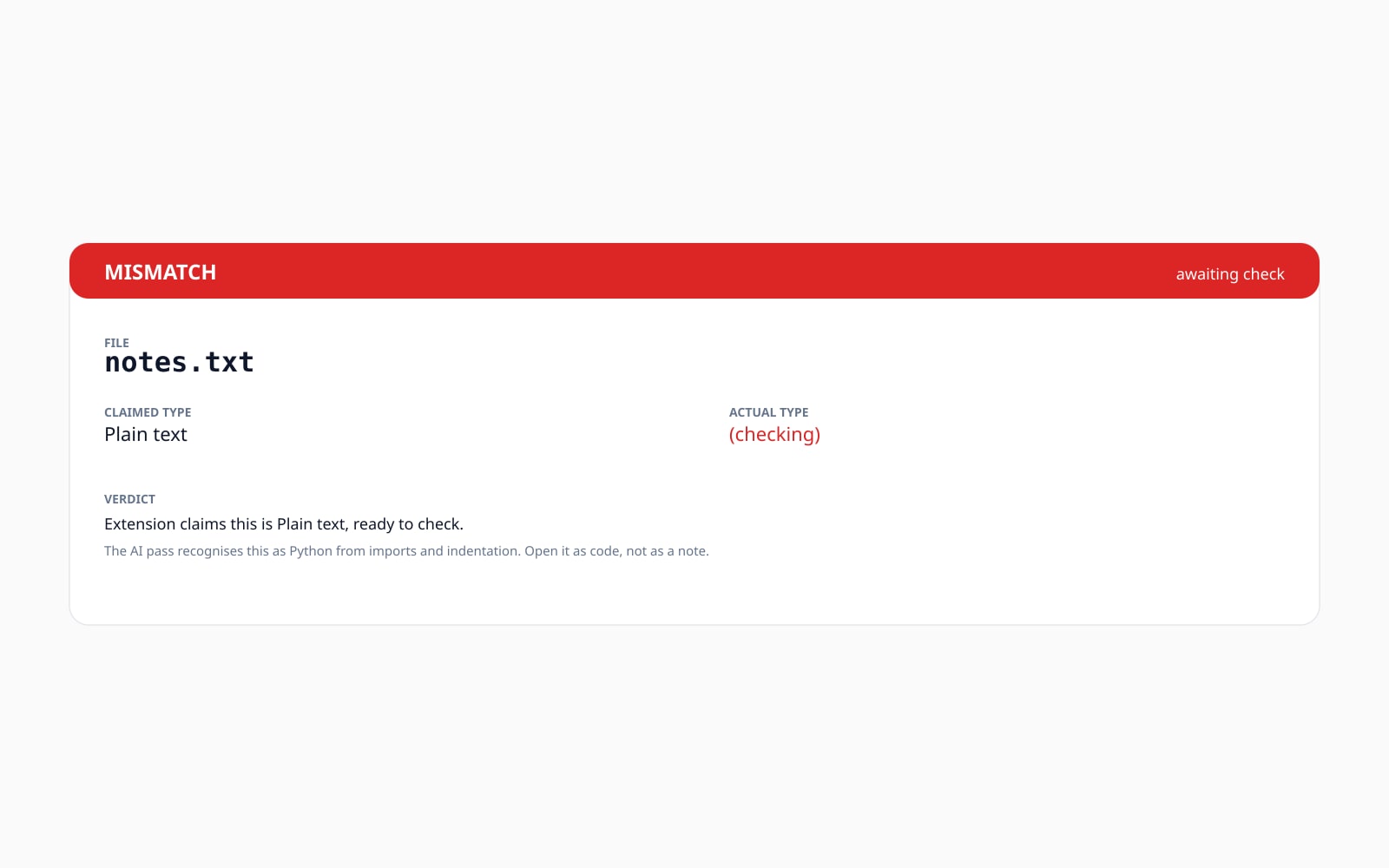
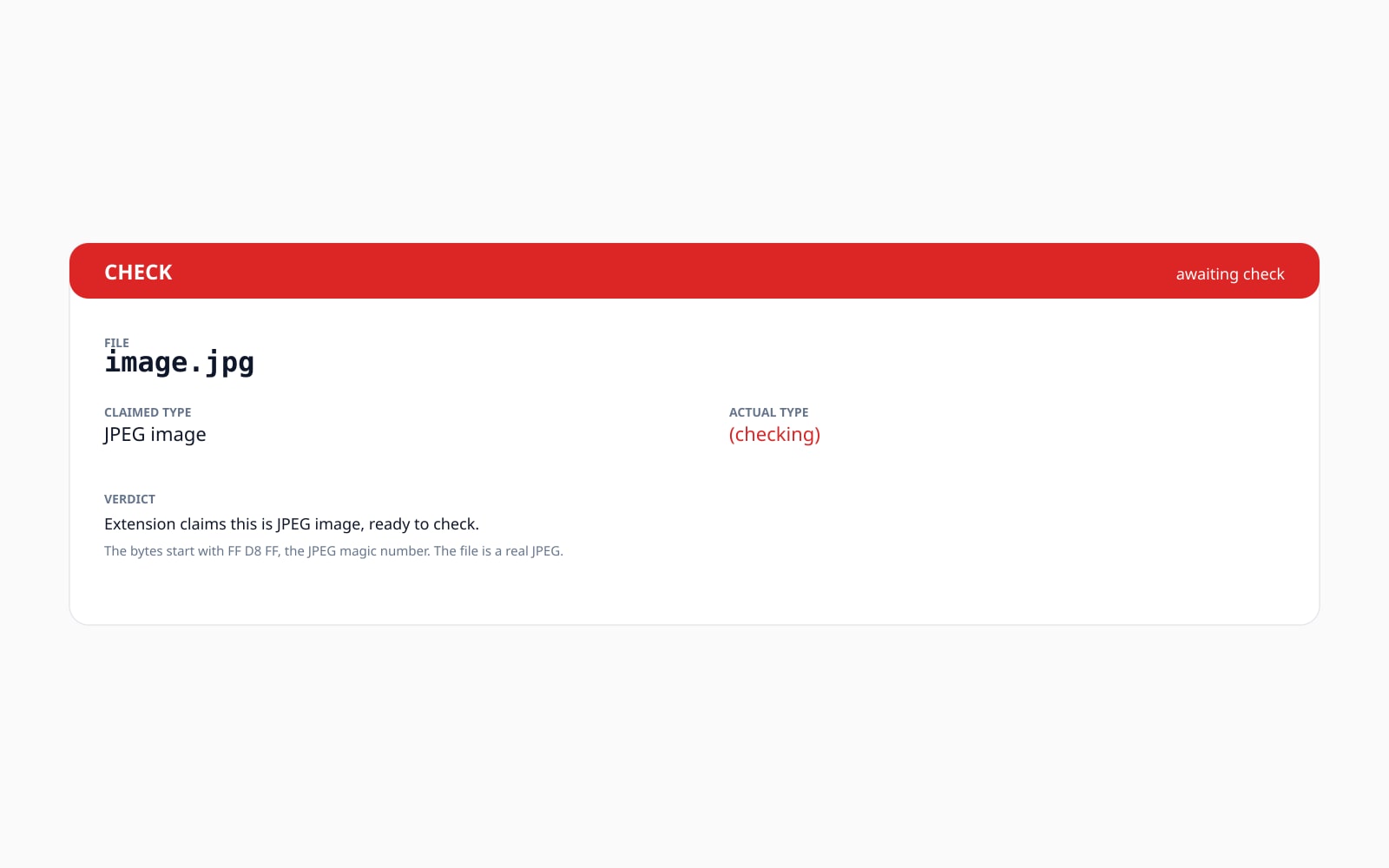
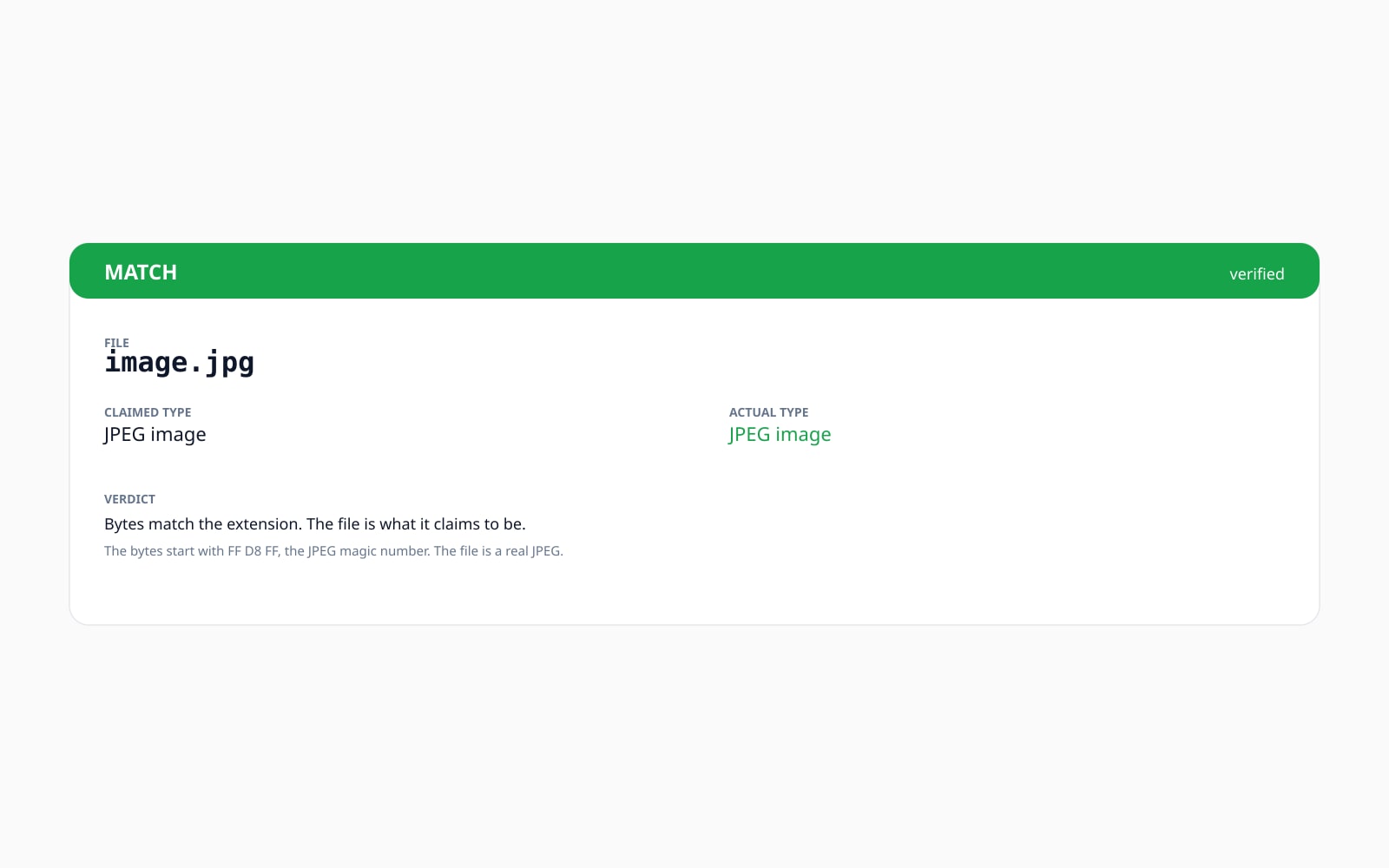
We read the start of the file and compare it against a couple of dozen well-known formats. If the bytes match the extension, you get a green MATCH banner with a peek at the bytes that proved it.
- 3
AI pass (desktop only, automatic)
When the byte-level check returns AMBIGUOUS or UNKNOWN, an on-device AI runs locally on the full file and picks the most likely format from over 200 file types. The verdict updates with the detected label and confidence score.
- 4
Read the verdict and decide
MATCH means the bytes back up the extension. MISMATCH means something has been relabelled. AMBIGUOUS means more than one format fits. UNKNOWN means we cannot tell yet (often a text-based file on mobile where the AI pass is held back).
Pogledajte na djelu
Povucite svaki klizač da pomno pogledate prije i poslije.
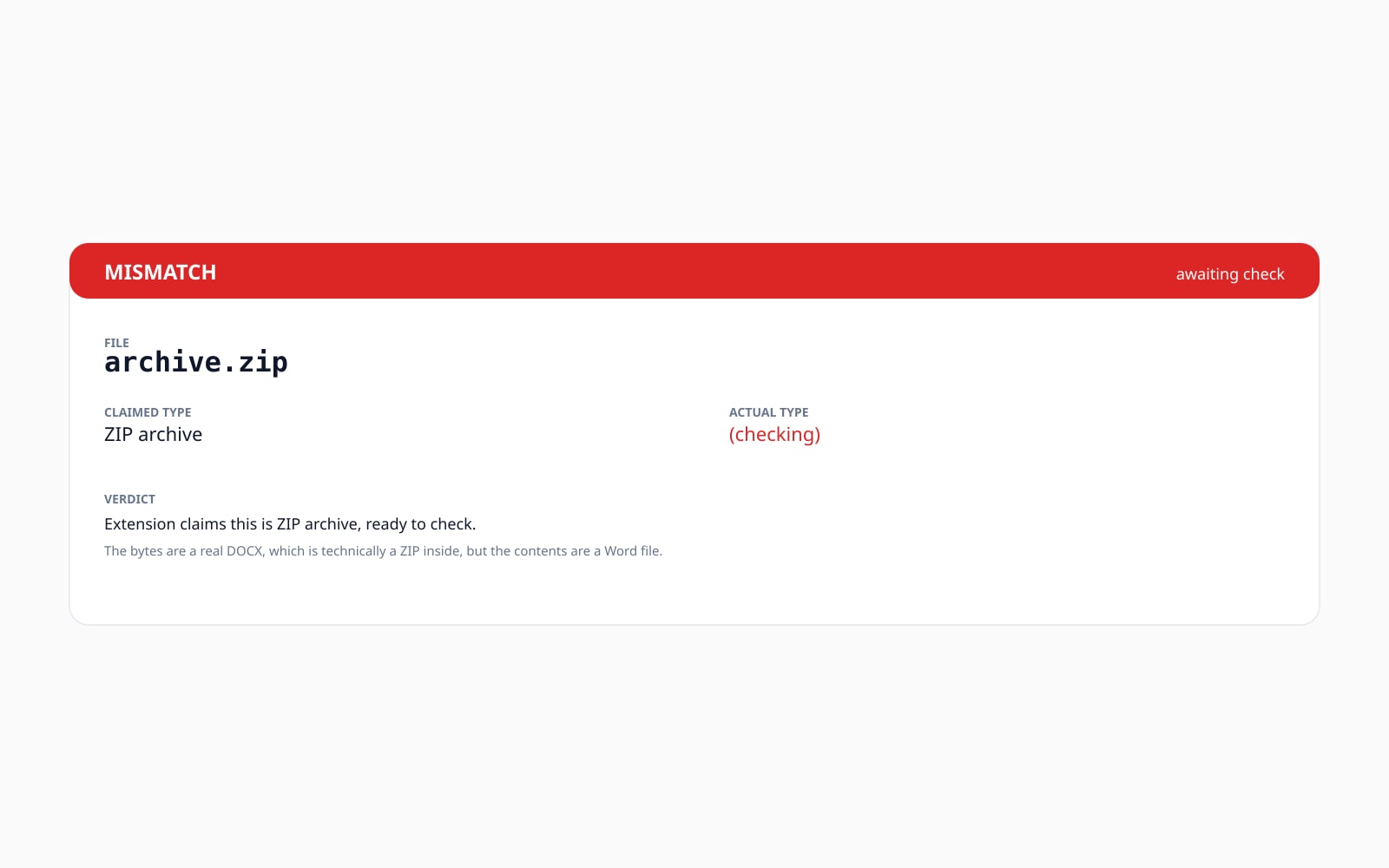
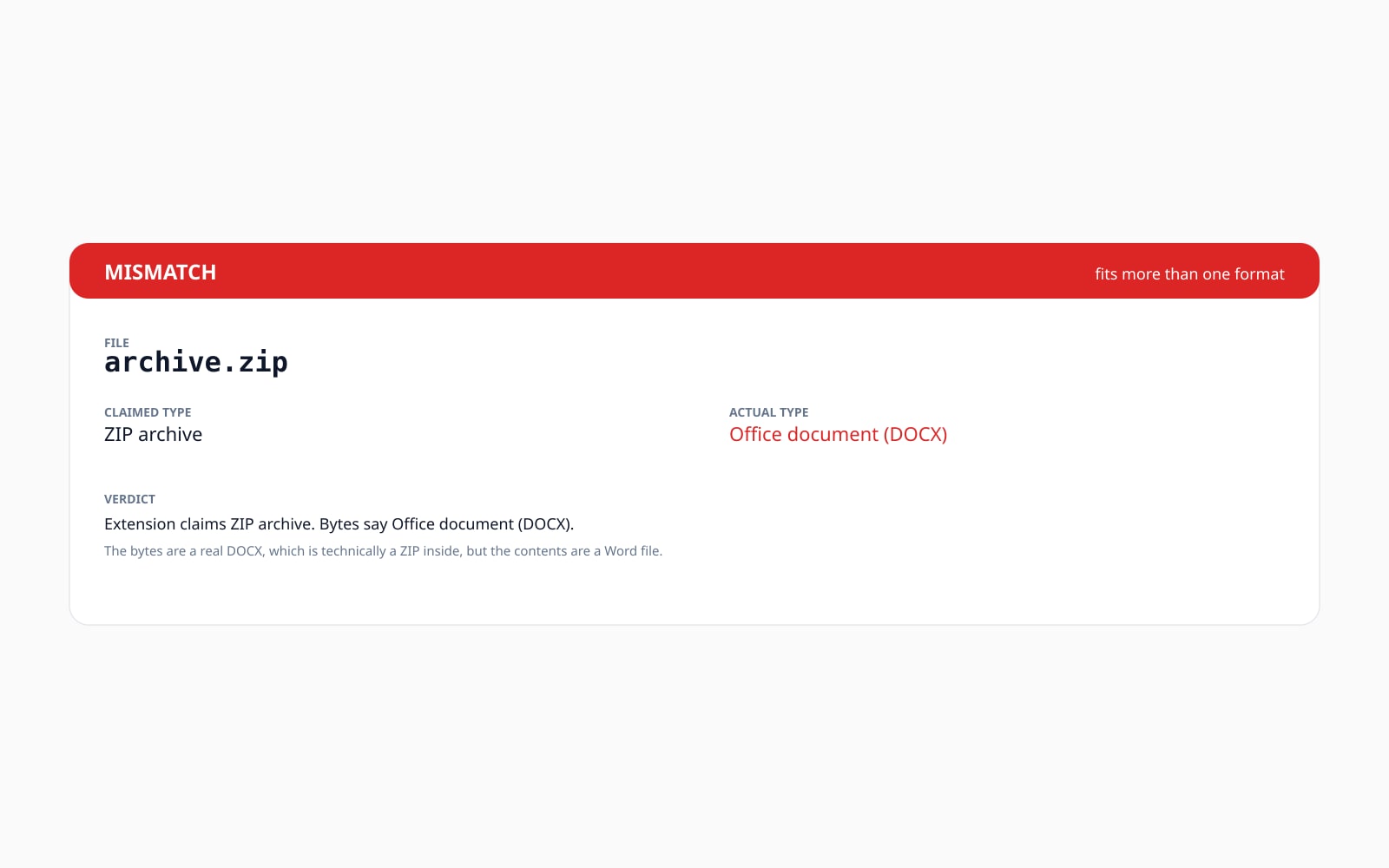
Vaša slika, nestaje kad ste gotovi
Both the byte-level check and the AI pass run entirely in your browser. The file never reaches our servers and nothing is saved. The only network call this page makes is a per-day usage counter (a one-way hash, no file content) protected against automated abuse. The AI model files are served from our own domain and cached for a year so a second visit reuses them.
- Obrađeno u sekundama
- Ništa se ne sprema
- Bez povezanog računa
Pošaljite sliku
Jedan klik. Bez registracije. Ostatak je na nama.
Provjeri datoteku
File-type glossary
Definicije svakodnevnim jezikom za gore navedeni žargon.
Često postavljana pitanja
Odgovori na stvari koje većina ljudi pita prije isprobavanja novog alata.
Povezani alati
Jednoklikni prelasci na druge poslove koje ova slika vjerojatno treba.
View EXIF metadata
Inspect the GPS, camera, lens, and copyright tags an image is carrying before you publish it. Pairs well with confirming the file really is the image format you expect.
Strip EXIF metadata
Remove camera, GPS, and device metadata from an image without re-encoding the pixels. Useful once you have confirmed the file is a real image and are ready to publish.
Compress image
Trim bytes off a confirmed image without changing its format. AVIF, WebP, JPEG, and PNG output, with a quality slider that previews live.
Convert image format
Re-encode the same source to a different target format. Once the file type checker confirms an image is what it claims to be, the converter ships it as the right output container.
Related reading
Drugi alati koji se dobro slažu s ovim.
- What is a magic number?Plain-English explainer of magic-byte signatures, how they identify files, and the canonical examples (PDF, PNG, ZIP, PE, ELF, Mach-O).
- File extension vs file typeThe extension is a label; the file type is what the bytes actually say. Here is exactly how the two diverge and what to do when they disagree.
- Is my file safe? Magic-byte vs malware scannersHonest scope-setting for what this tool can and cannot tell you. A magic-byte check identifies the format; only an antivirus tells you about malicious payloads.
- Is this really a PDF?Per-format spoke focused on PDFs specifically, with the exact magic-byte signature and the most common PDF-as-something-else attack patterns.
Citiranje ili dijeljenje?
Kopirajte sažeti Markdown sažetak (naslov, opis, ČPP, kanonski URL i citat) spreman za lijepljenje u jezični model ili dokument.