
Crop image online, free aspect-ratio cropper with draggable rectangle
Drop an image, drag a rectangle or pick a preset aspect ratio (1:1, 4:5, 16:9), and download the cropped output. Runs in your browser, nothing saved.
- Aspect-ratio presets
- Runs in your browser
- Drag-friendly rectangle


Povucite za usporedbu, prije / poslije
Pregled
Cropping a photo on a desktop browser usually means launching an image editor, fighting with a misbehaving rectangle, and exporting a file in a format you did not pick. This tool keeps the surface small: drop an image, pick an aspect ratio (or pick Custom to drag freely), drag the rectangle to the part you want, and download.
Aspect-ratio presets cover the cases people actually need: square (1:1) for product tiles, portrait (4:5, 9:16) for Instagram and TikTok, landscape (16:9, 3:2) for YouTube thumbnails and DSLR-native ratios. The Original preset removes the aspect constraint; Custom does the same but reflows freely as you drag the corners.
In any modern browser the crop runs locally: the cropper renders to a canvas and the encode happens in the browser, so the image bytes never leave your device. A server fallback exists for browsers that cannot mount the cropper canvas; on that path the upload is deleted the moment we send the result back.
Kako radi
Tri koraka, obično završena u pet sekundi.
- 1
Upload an image
Drop a JPG, PNG, WebP, or AVIF up to 25 MB. Clipboard paste also works.
- 2
Pick an aspect ratio
Choose Original, 1:1, 4:5, 16:9, 9:16, 3:2, 2:3, or Custom. The rectangle resnaps to the new ratio without losing your position.
- 3
Drag the rectangle
Move the rectangle, resize from the corners, or drag the edges. The selection updates live; you can switch presets at any time.
- 4
Download the cropped image
Pick the output format (Same as source, JPEG, PNG, or WebP) and confirm. The file downloads with `-cropped` appended to the original filename.
Pogledajte na djelu
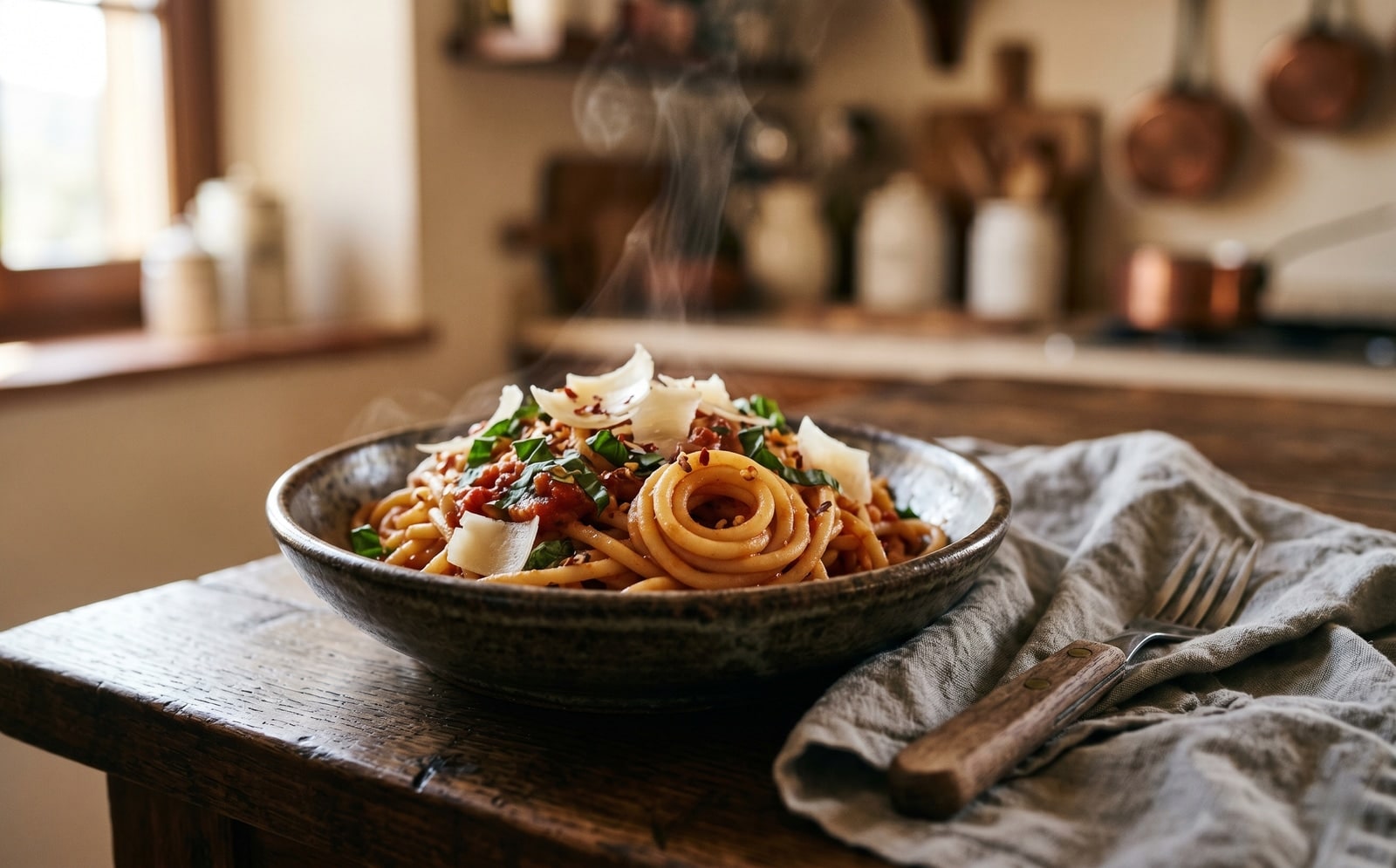
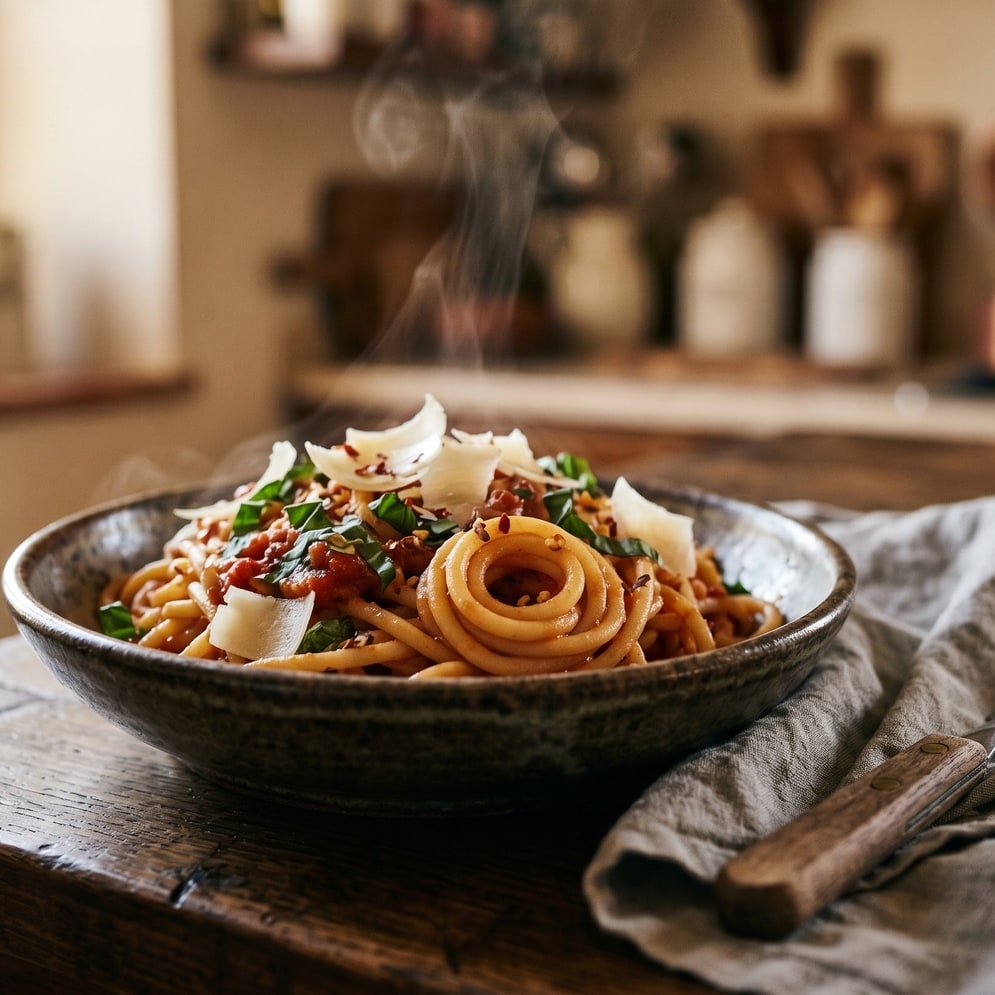
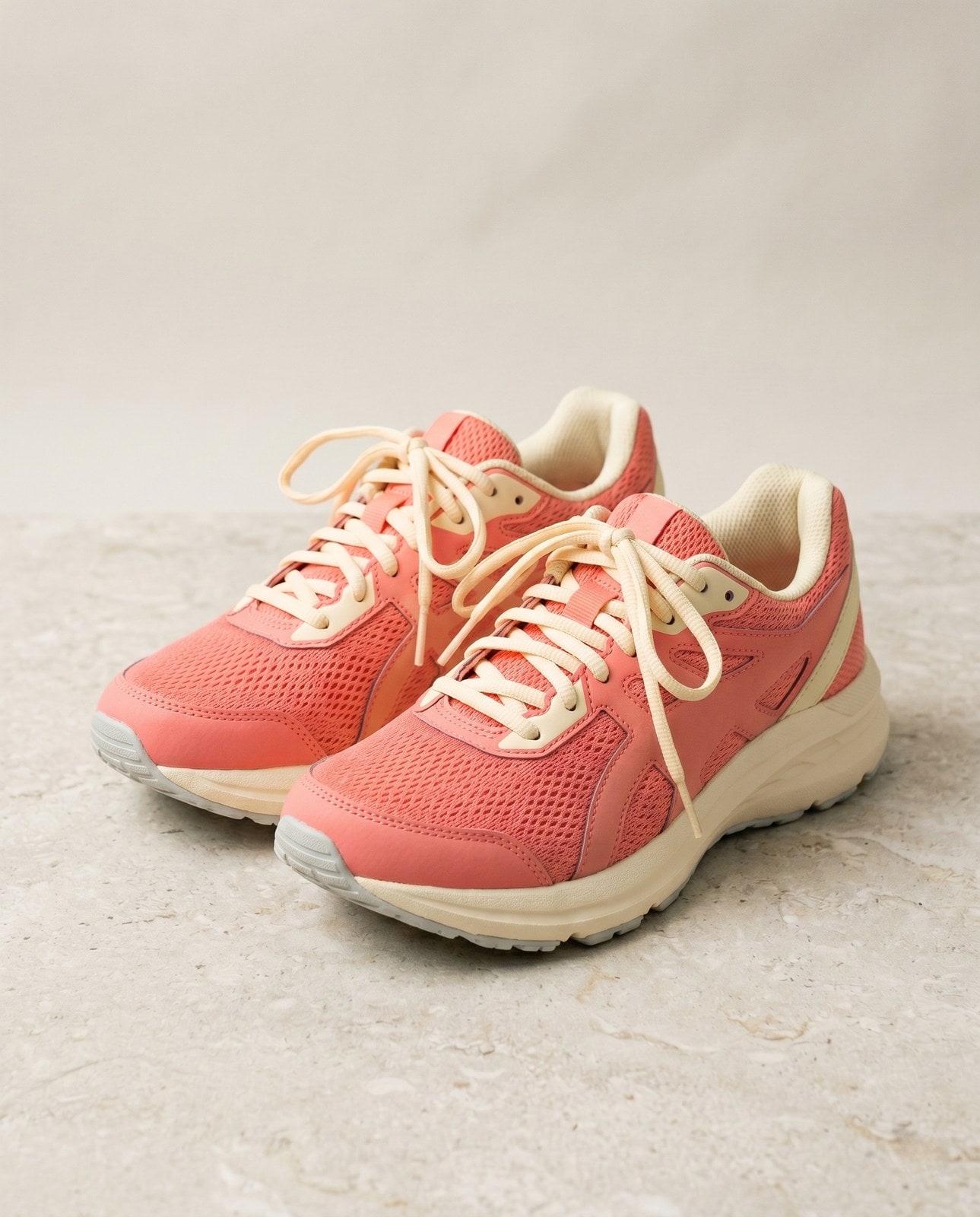
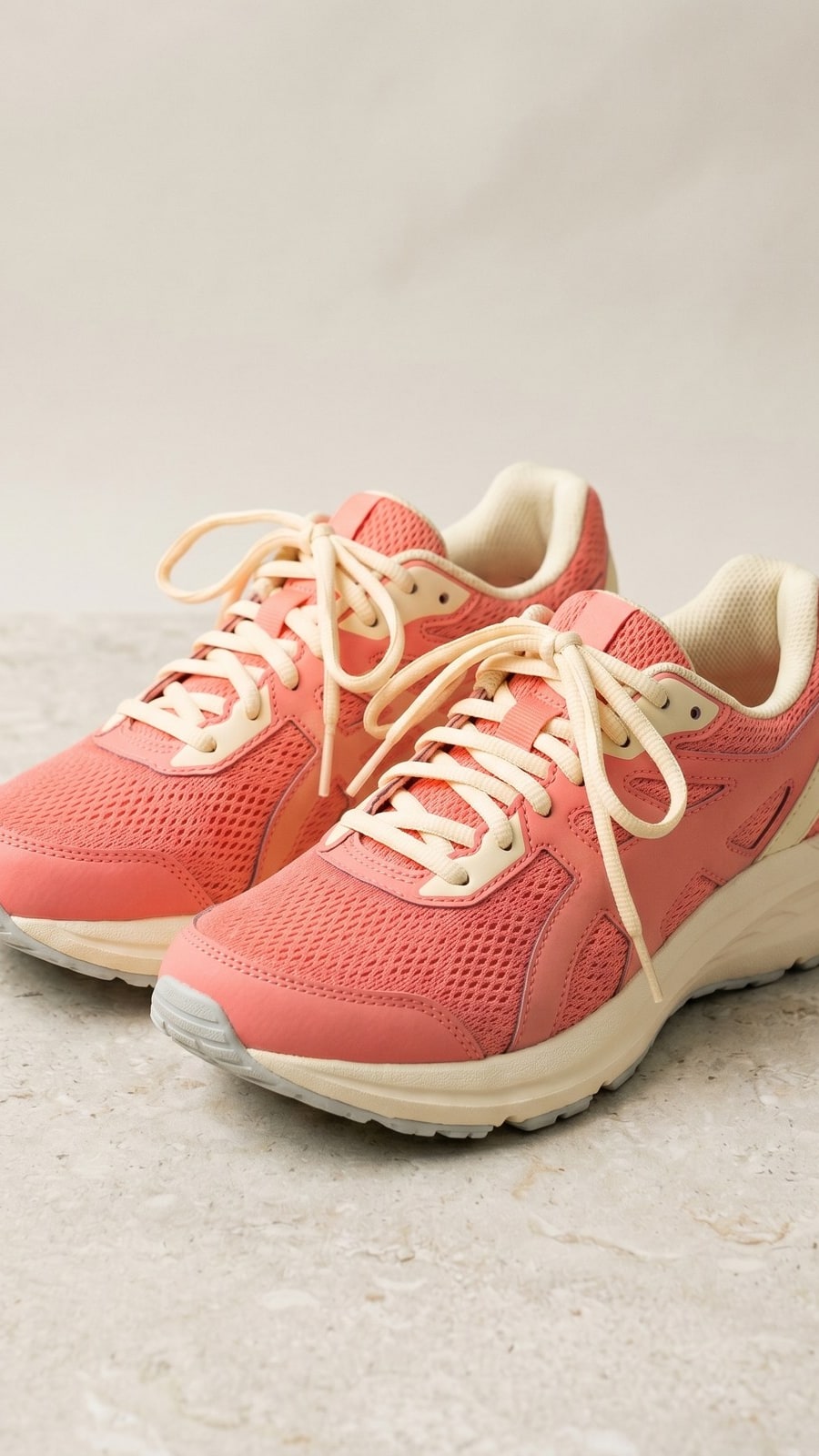
Povucite svaki klizač da pomno pogledate prije i poslije.


Vaša slika, nestaje kad ste gotovi
Cropping runs in your browser by default. Your image never leaves your device on that path. For the small share of browsers that cannot mount the cropper canvas we fall back to a server round-trip, where the upload is only held while we process it and is deleted the moment the result is sent back. Nothing is saved, indexed, or trained on.
- Obrađeno u sekundama
- Ništa se ne sprema
- Bez povezanog računa
Pošaljite sliku
Jedan klik. Bez registracije. Ostatak je na nama.
Izreži sliku
Trebate obraditi više od jedne slike?
Besplatni Crop image online, free aspect-ratio cropper with draggable rectangle obrađuje jednu sliku odjednom. Paket kredita otključava do 50 slika po seriji, jedno ZIP preuzimanje i tri imenovane postavke (Blog / Social / Ecom). Od €5 za 100 kredita. Platite jednom, nikad ne istječu.
Često postavljana pitanja
Odgovori na stvari koje većina ljudi pita prije isprobavanja novog alata.
Povezani alati
Jednoklikni prelasci na druge poslove koje ova slika vjerojatno treba.
Resize image
Already at the right shape? Resize to exact pixels with optional aspect-ratio lock and a quality knob.
Pad to square
Want to keep the whole frame? Pad to a target aspect ratio instead of cropping it away.
Rotate or flip
If the source is sideways from your phone, rotate first, then crop.
Citiranje ili dijeljenje?
Kopirajte sažeti Markdown sažetak (naslov, opis, ČPP, kanonski URL i citat) spreman za lijepljenje u jezični model ili dokument.