
Smart crop image online, free saliency-driven subject cropper
Drop a photo, pick an aspect ratio, and let the saliency model pick the most interesting rectangle. No dragging, no hand-tuning.
- Aspect-ratio presets
- Saliency-driven
- Centred fallback when unsure
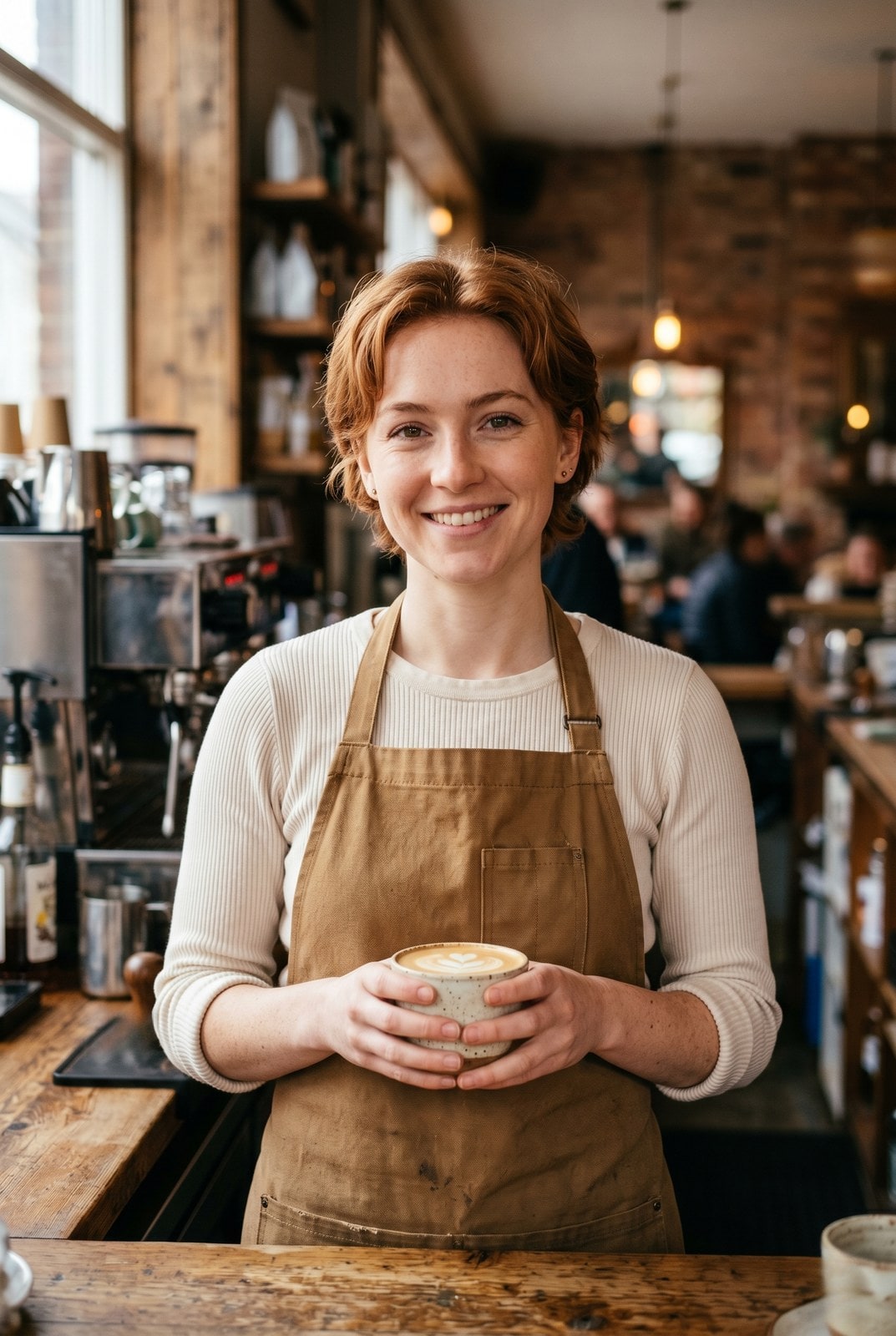

Faites glisser pour comparer, avant / apres
Apercu
Cropping a portrait to a 1:1 thumbnail without chopping off the subject is the kind of fiddly task that eats five minutes for the price of a single image. Smart crop replaces the manual draggable rectangle with a saliency model: every candidate window scores by saturation, edge density, and skin-tone density, and the tool picks the window with the highest weighted score that matches your requested aspect ratio.
For portraits, product shots, and most photographs the tool reliably keeps the subject in frame and trims the dead pixels around it. For inputs without a clear focal point (abstract art, group photos, uniform-colour images) it falls back to the centred rectangle so the result is at least predictable.
The whole pipeline runs on our server because the saliency model needs native pixel access and the smartcrop algorithm is deterministic enough that we do not need to mirror it client-side. The upload is held only while we compute the bounds and emit the cropped file, then deleted. Nothing is saved.
Comment ca marche
Trois etapes, generalement en moins de cinq secondes.
- 1
Upload an image
Drop a JPG, PNG, WebP, or AVIF up to 25 MB.
- 2
Pick an aspect ratio
Choose 1:1, 4:5, 16:9, 9:16, 3:2, 2:3, or Custom (type your own width and height pair).
- 3
Confirm
The saliency model picks the rectangle that maximises subject coverage. The tool reports the chosen bounds so you can compare them to the source.
- 4
Download
The cropped image downloads with `-smart-cropped` appended to the original filename. Pick the output format (Same as source, JPEG, PNG, or WebP) before submitting.
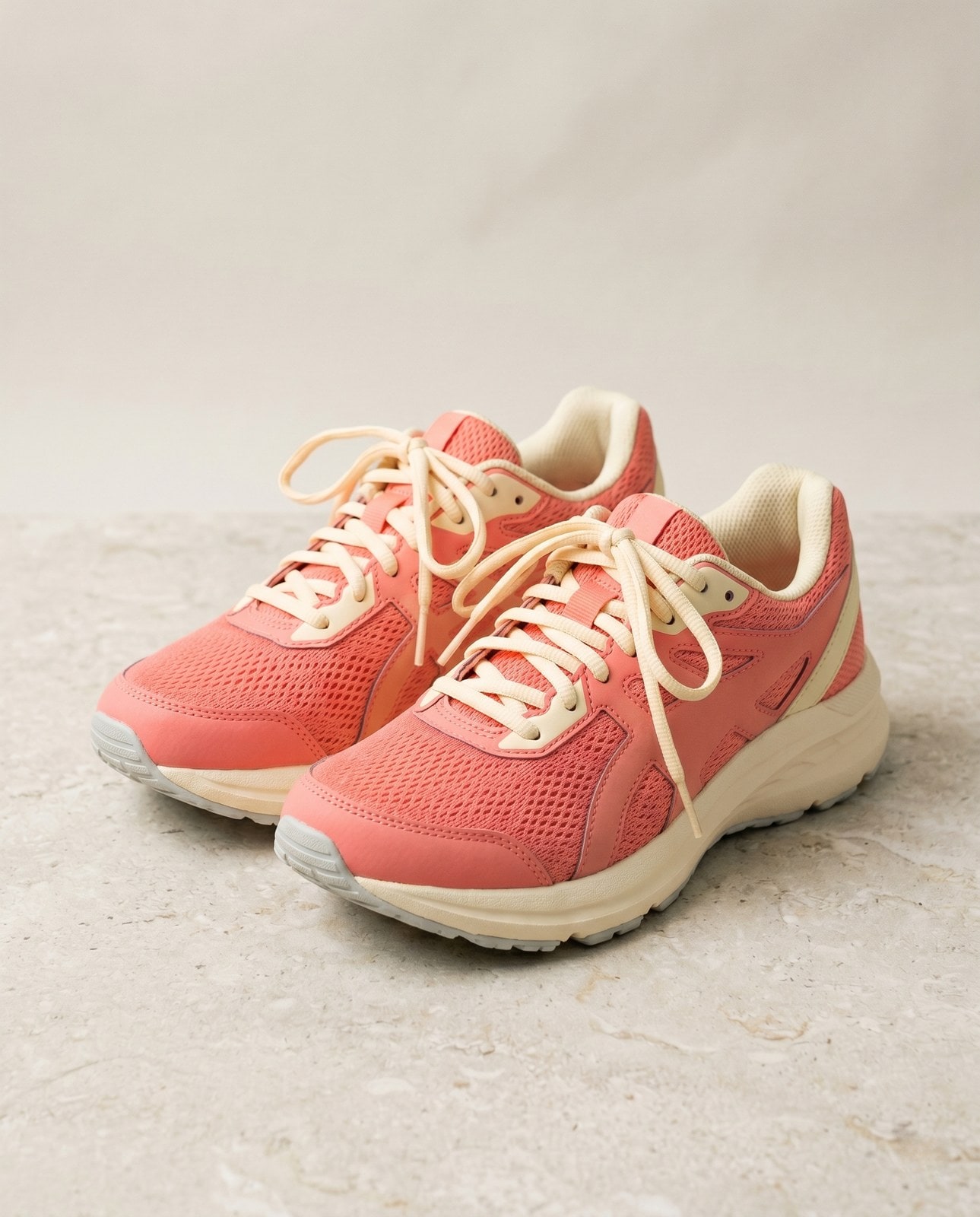
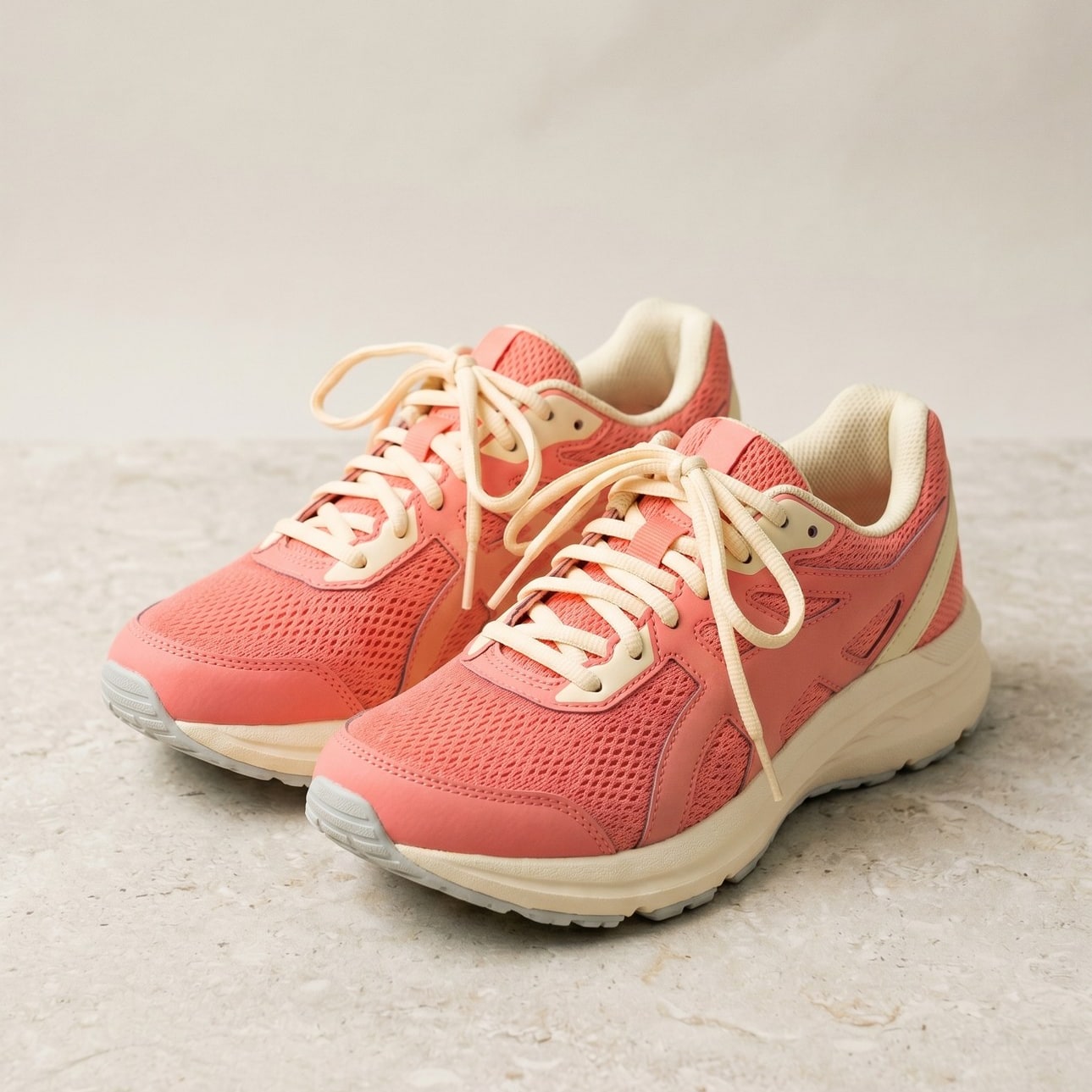
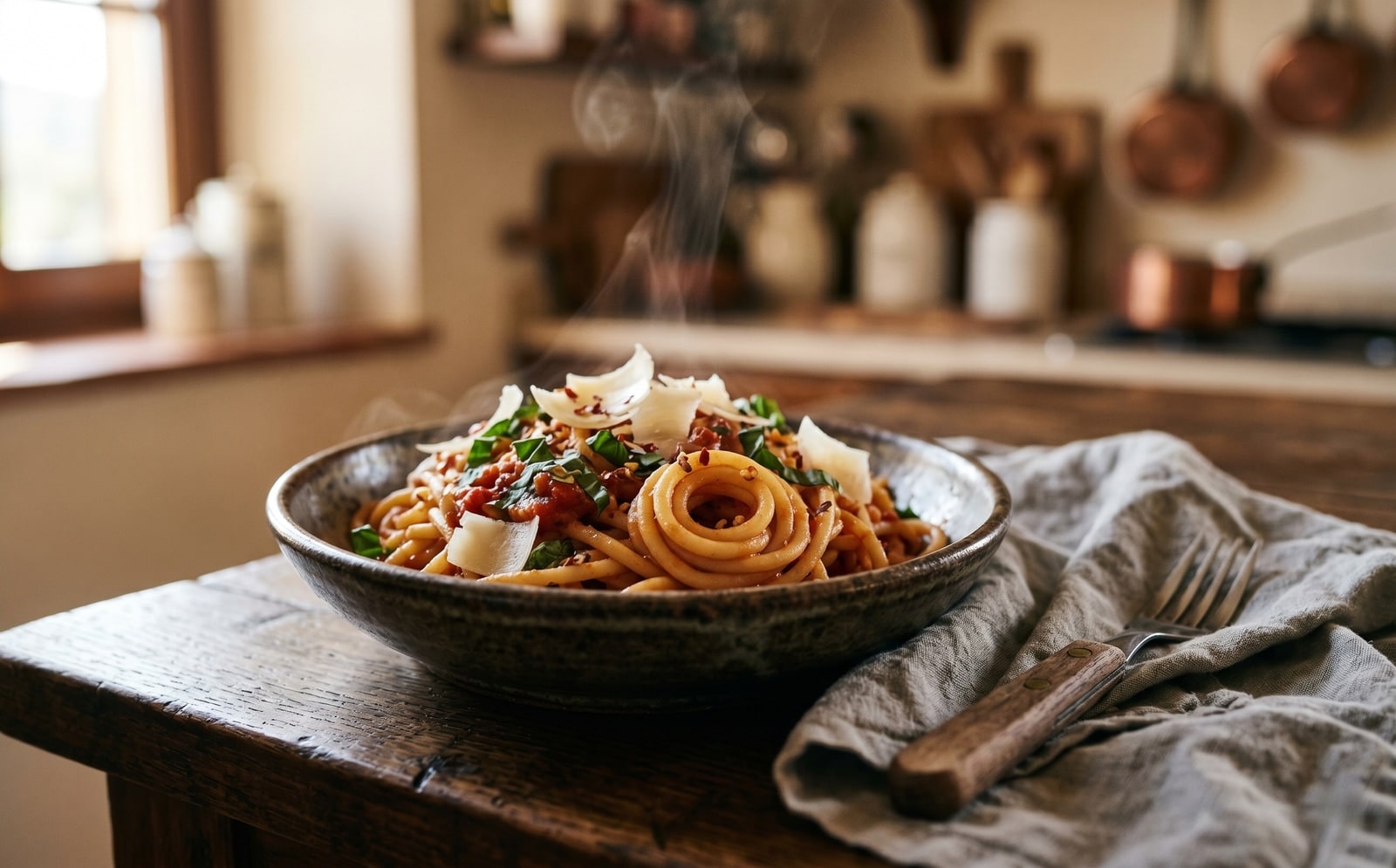
Voyez-le en action
Faites glisser chaque curseur pour examiner le resultat au pixel pres.


Votre image, supprimee quand vous avez termine
Smart crop runs on our server because the saliency model needs native pixel access. Your upload is held only while we compute the bounds and emit the cropped output, and is deleted the moment we send the file back. Nothing is saved, indexed, or trained on.
- Traite en quelques secondes
- Rien n'est conserve
- Aucun compte lie
Envoyez une image
Un clic. Sans inscription. Nous ferons le reste.
Recadrage intelligent
Besoin de traiter plus d'une image ?
L'outil gratuit Smart crop image online, free saliency-driven subject cropper traite une image a la fois. Un forfait credits debloque jusqu'a 50 images par lot, un telechargement ZIP unique et trois presets (Blog / Social / Ecom). A partir de 5 euros pour 100 credits. Payez une fois, sans expiration.
Questions frequentes
Reponses aux questions que la plupart des gens posent avant d'essayer un nouvel outil.
Outils associes
Acces en un clic aux autres taches dont cette image a probablement besoin.
Crop image (manual)
Want to pick the rectangle yourself? The manual cropper has aspect-ratio presets and a draggable stencil.
Resize image
Already at the right shape? Resize to exact pixels with optional aspect-ratio lock.
Pad to square
Want to keep the whole frame? Pad to a target aspect ratio instead of cropping it away.
Citer ou partager ?
Copiez un resume Markdown concis (titre, description, FAQ, URL canonique et citation) pret a coller dans un outil IA ou un document.