
Pad image to square, 1:1, 16:9, 9:16 without cropping
Drop an image and pad it to a square, 16:9, or 9:16 frame with a colour background of your choice. One image per request, nothing saved.
- No account required
- Nothing saved
- No cropping, pixels preserved
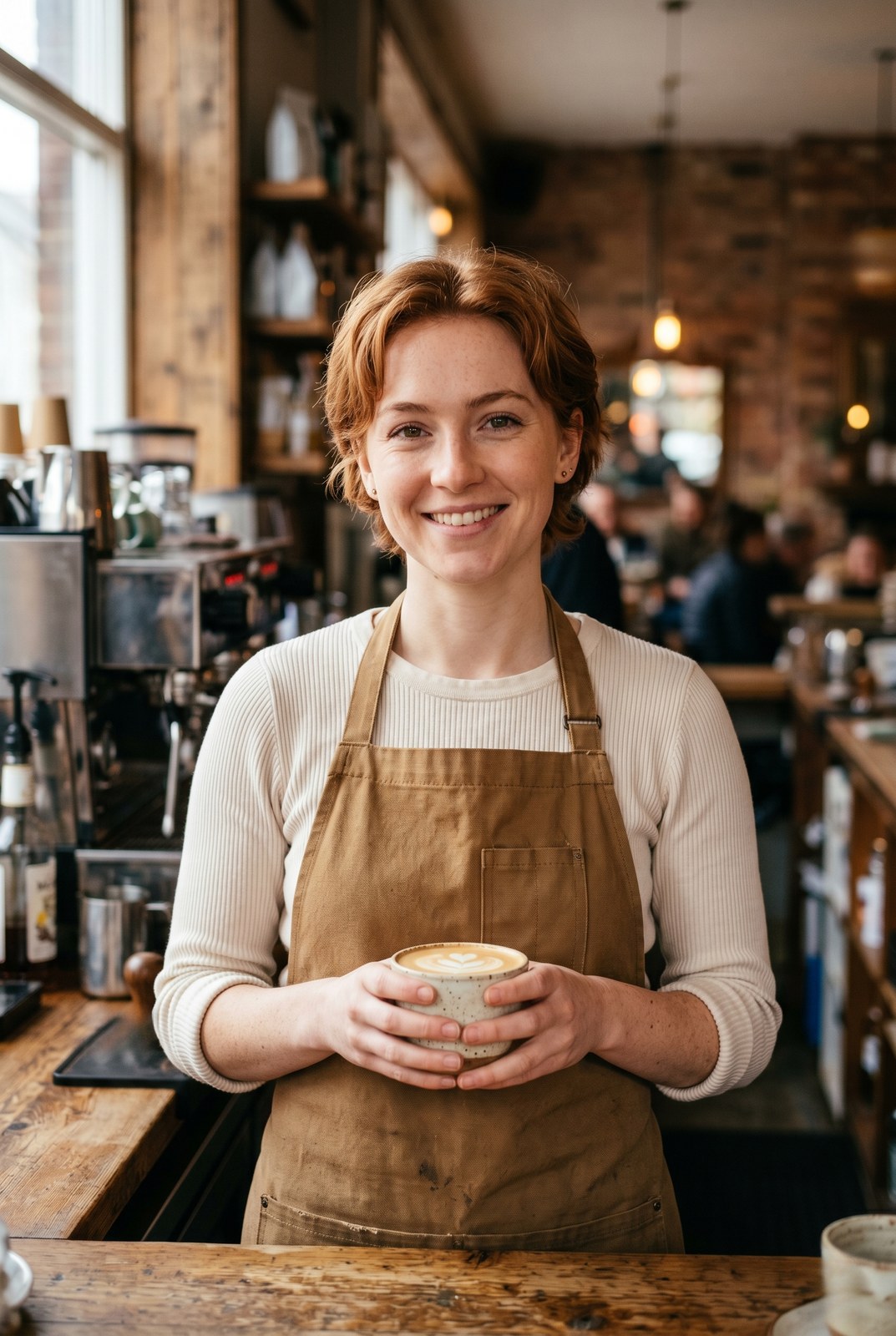
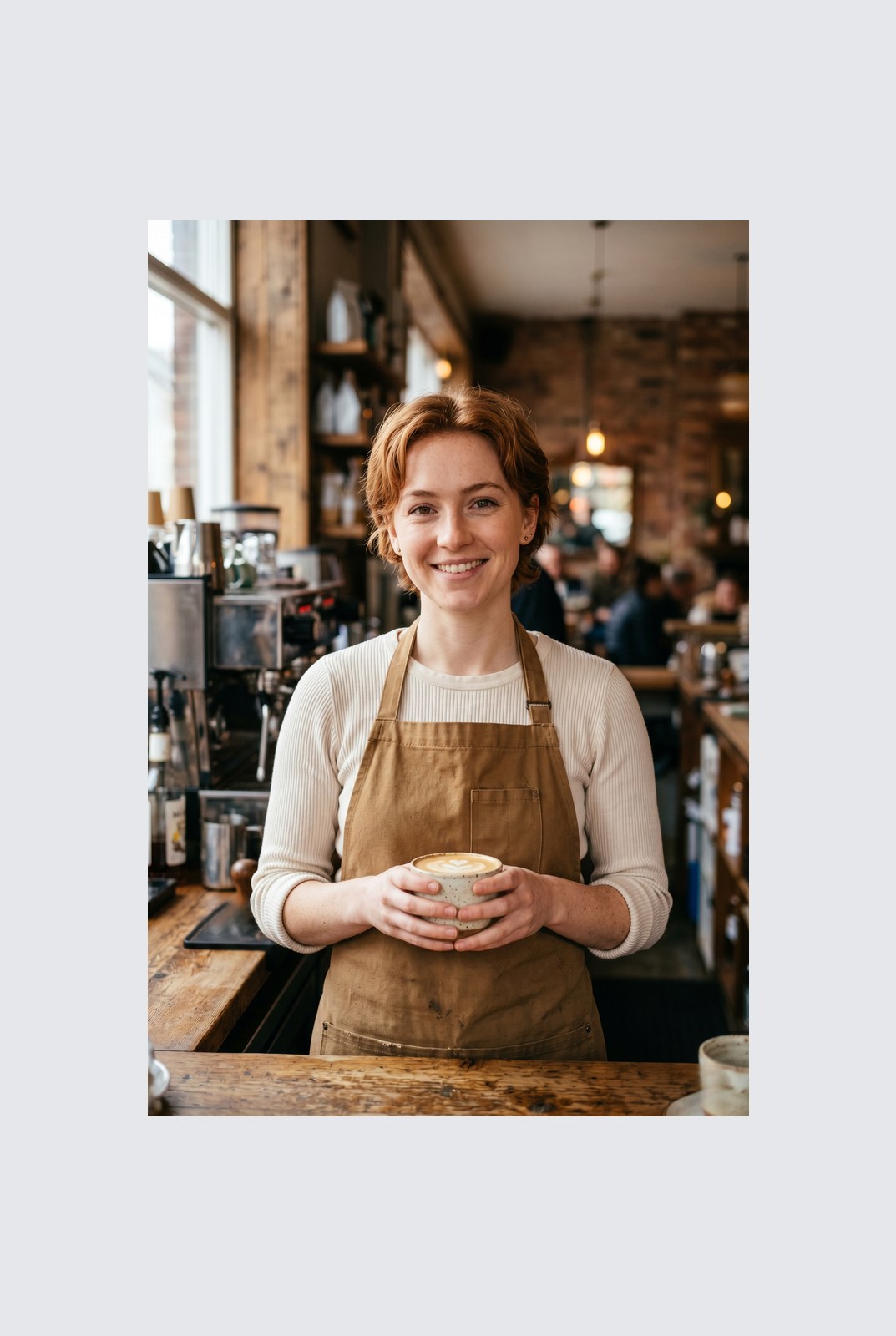
Faites glisser pour comparer, avant / apres
Apercu
Instagram wants a square. LinkedIn wants 16:9. TikTok wants 9:16. Your photo was shot at whatever ratio your camera felt like. Cropping removes parts of the frame you might care about. Padding does not: it just adds a coloured background around the image until it hits the aspect ratio you need.
This tool extends one image per request to a target aspect ratio without touching the original pixels. The padded area is filled with a colour of your choice: a solid background, a brand accent, or full transparency for PNG, WebP, or AVIF outputs. You pick the ratio (1:1, 16:9, 9:16, or a custom ratio like 4:5), the colour, and the alignment (centre, top, left, and so on).
Padding runs entirely in your browser. Your browser decodes, composites, and re-encodes the image on your own device, then hands you a download. Nothing is uploaded, nothing is saved, nothing is indexed or trained on, because we never see the pixels.
Comment ca marche
Trois etapes, generalement en moins de cinq secondes.
- 1
Upload an image
Drop a JPG, PNG, WebP, or AVIF up to 25 MB. No sign-up, no credit card.
- 2
Pick a ratio and colour
Choose 1:1, 16:9, 9:16, or a custom ratio. Pick any hex colour or transparent. The preview updates live.
- 3
Download the padded image
The padded file is generated in your browser and saved straight to your device. Nothing is uploaded, so there is nothing for us to store or delete.
Voyez-le en action
Faites glisser chaque curseur pour examiner le resultat au pixel pres.
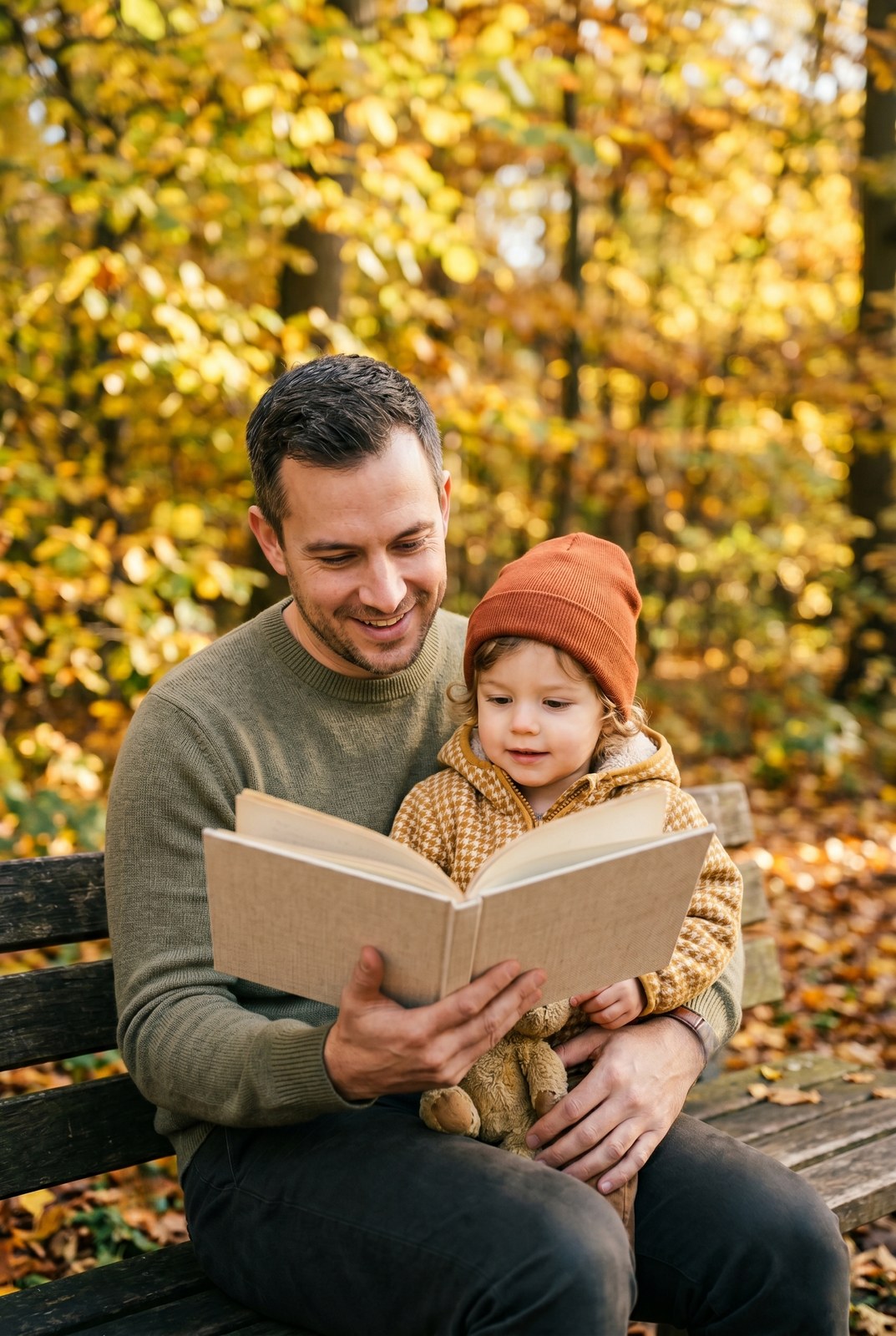
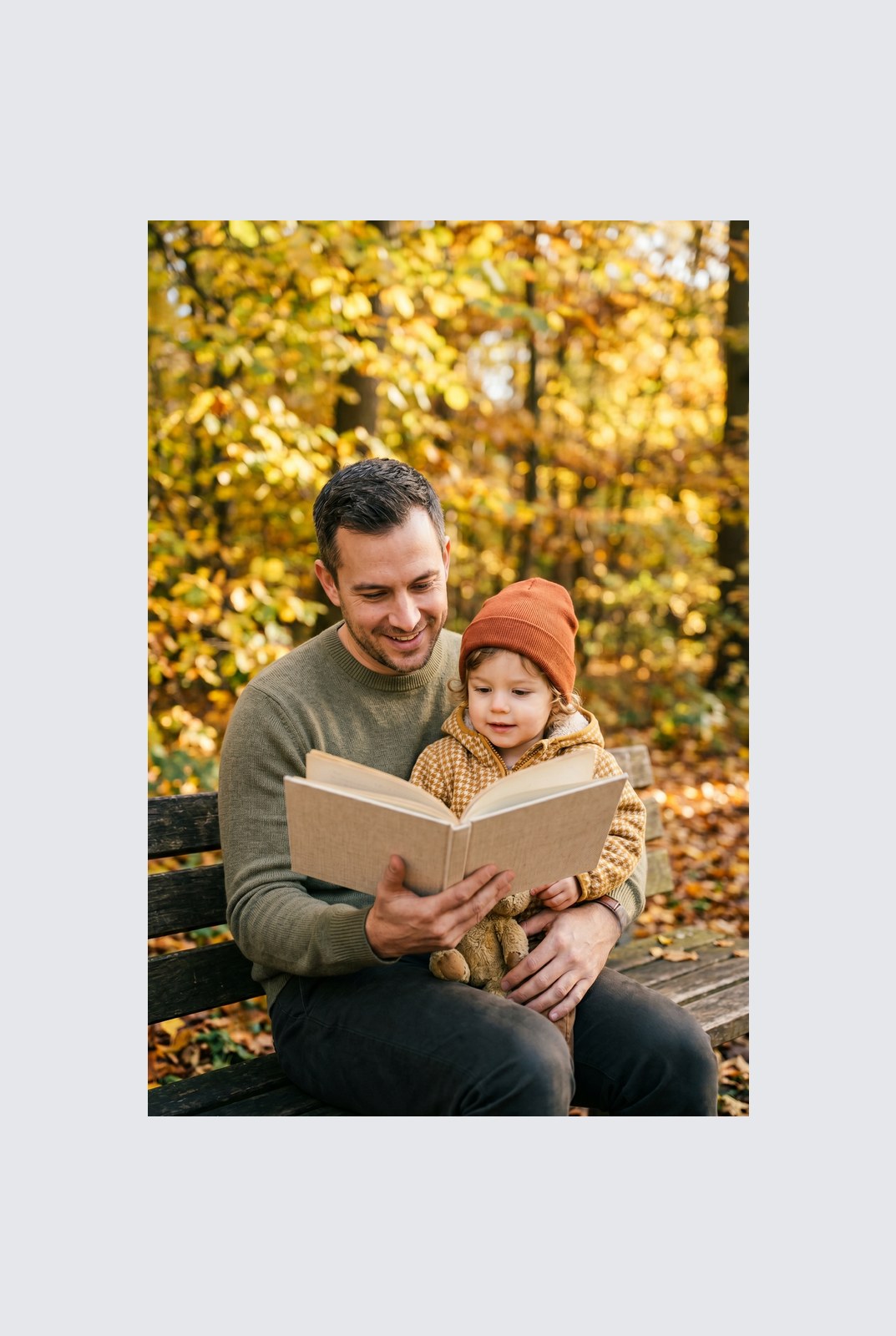
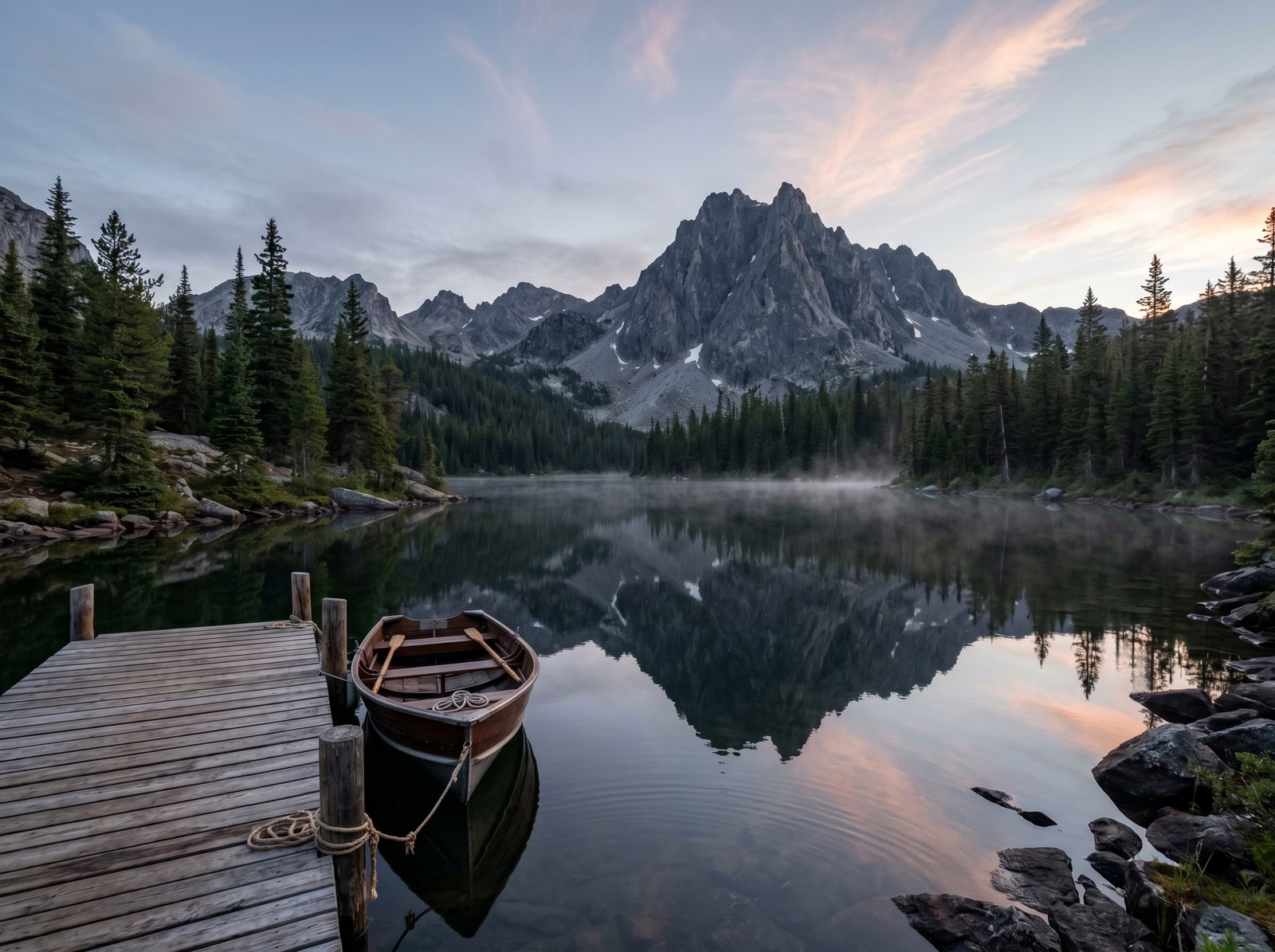
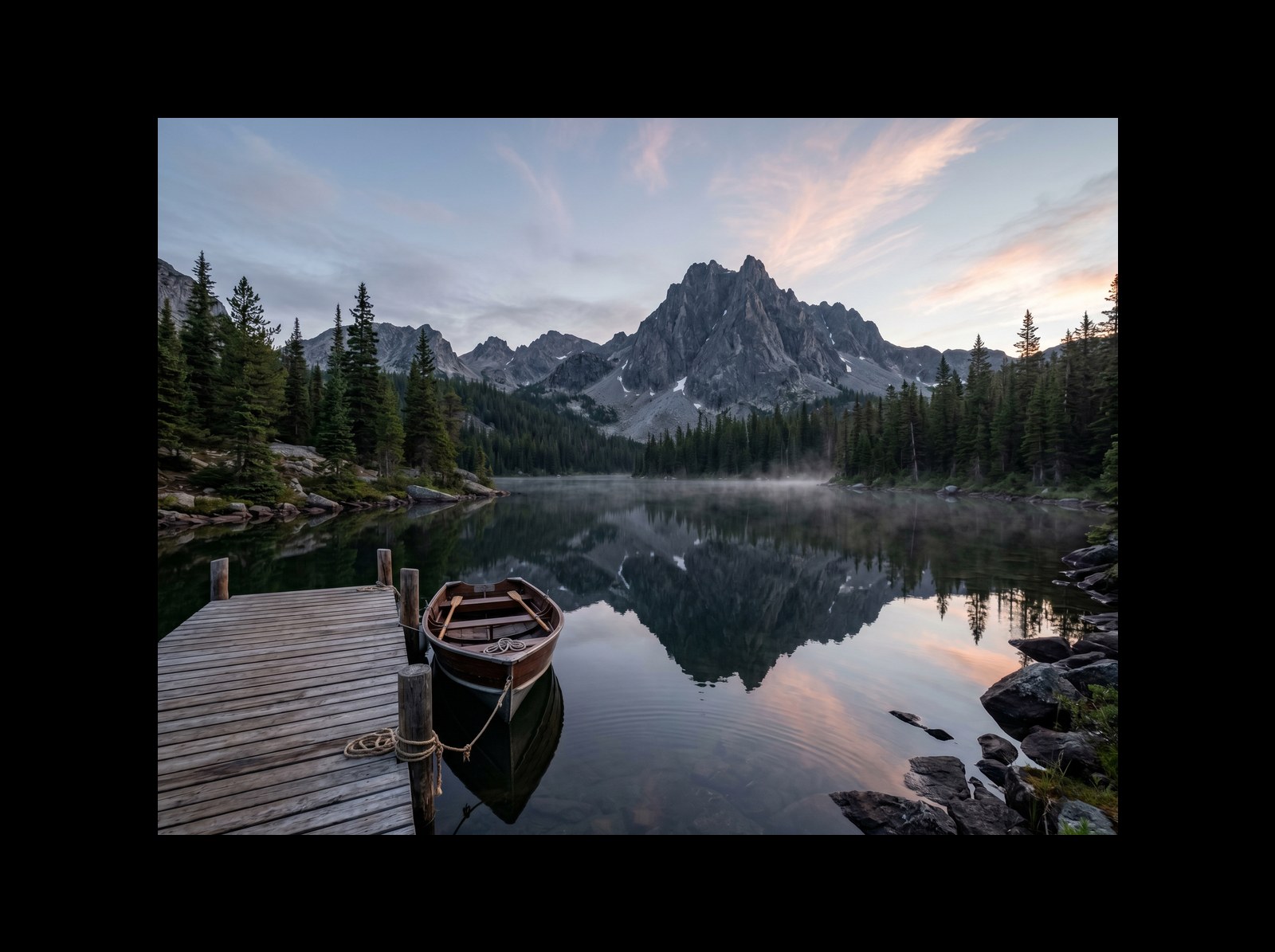
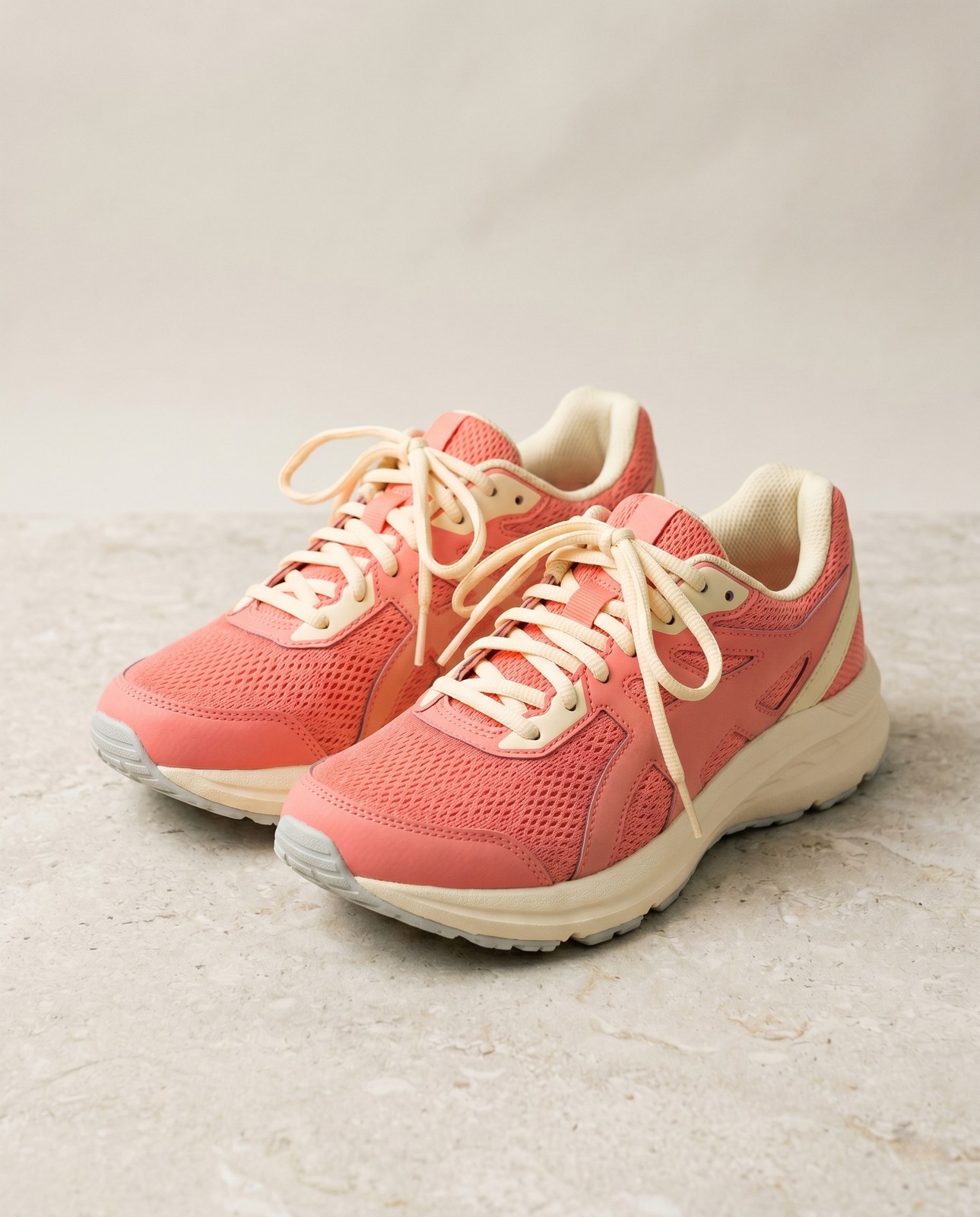
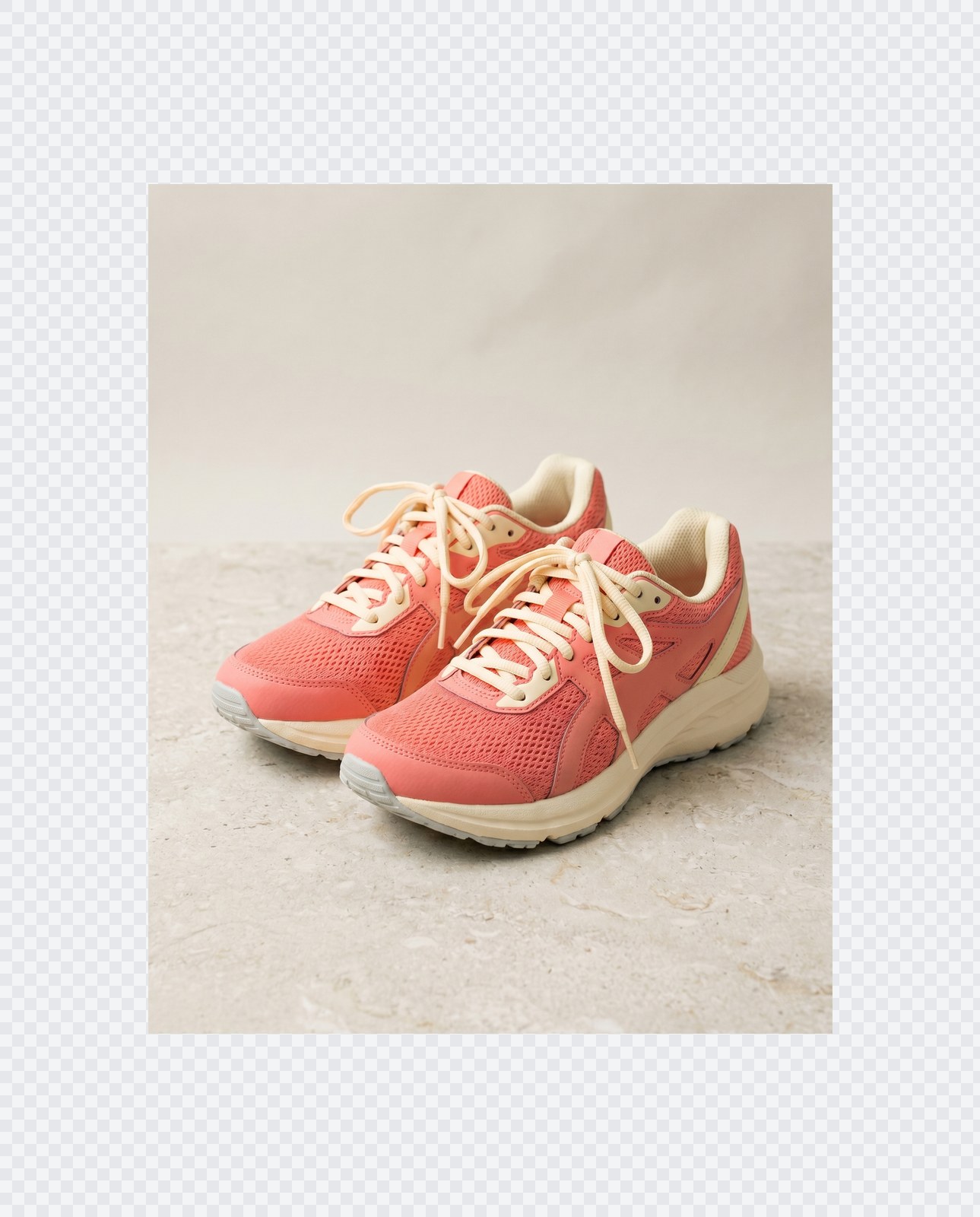
Votre image, supprimee quand vous avez termine
Padding runs entirely in your browser. Your image is never uploaded, never touches our servers, and never gets saved, indexed, or used for model training. If you close the tab, the image goes with it.
- Traite en quelques secondes
- Rien n'est conserve
- Aucun compte lie
Envoyez une image
Un clic. Sans inscription. Nous ferons le reste.
Rembourrer / etendre le canevas
Besoin de traiter plus d'une image ?
L'outil gratuit Pad image to square, 1:1, 16:9, 9:16 without cropping traite une image a la fois. Un forfait credits debloque jusqu'a 50 images par lot, un telechargement ZIP unique et trois presets (Blog / Social / Ecom). A partir de 5 euros pour 100 credits. Payez une fois, sans expiration.
Questions frequentes
Reponses aux questions que la plupart des gens posent avant d'essayer un nouvel outil.
Outils associes
Acces en un clic aux autres taches dont cette image a probablement besoin.
Rotate image
Fix sideways photos before padding so the result aligns to the target aspect ratio.
Compress image
Padding keeps pixels intact but inflates file size; compress the padded result for the web.
Remove Gemini watermark
Clean the Gemini AI badge off a generated image before padding it for a social platform.
Citer ou partager ?
Copiez un resume Markdown concis (titre, description, FAQ, URL canonique et citation) pret a coller dans un outil IA ou un document.