
Smart crop image online, free saliency-driven subject cropper
Drop a photo, pick an aspect ratio, and let the saliency model pick the most interesting rectangle. No dragging, no hand-tuning.
- Aspect-ratio presets
- Saliency-driven
- Centred fallback when unsure
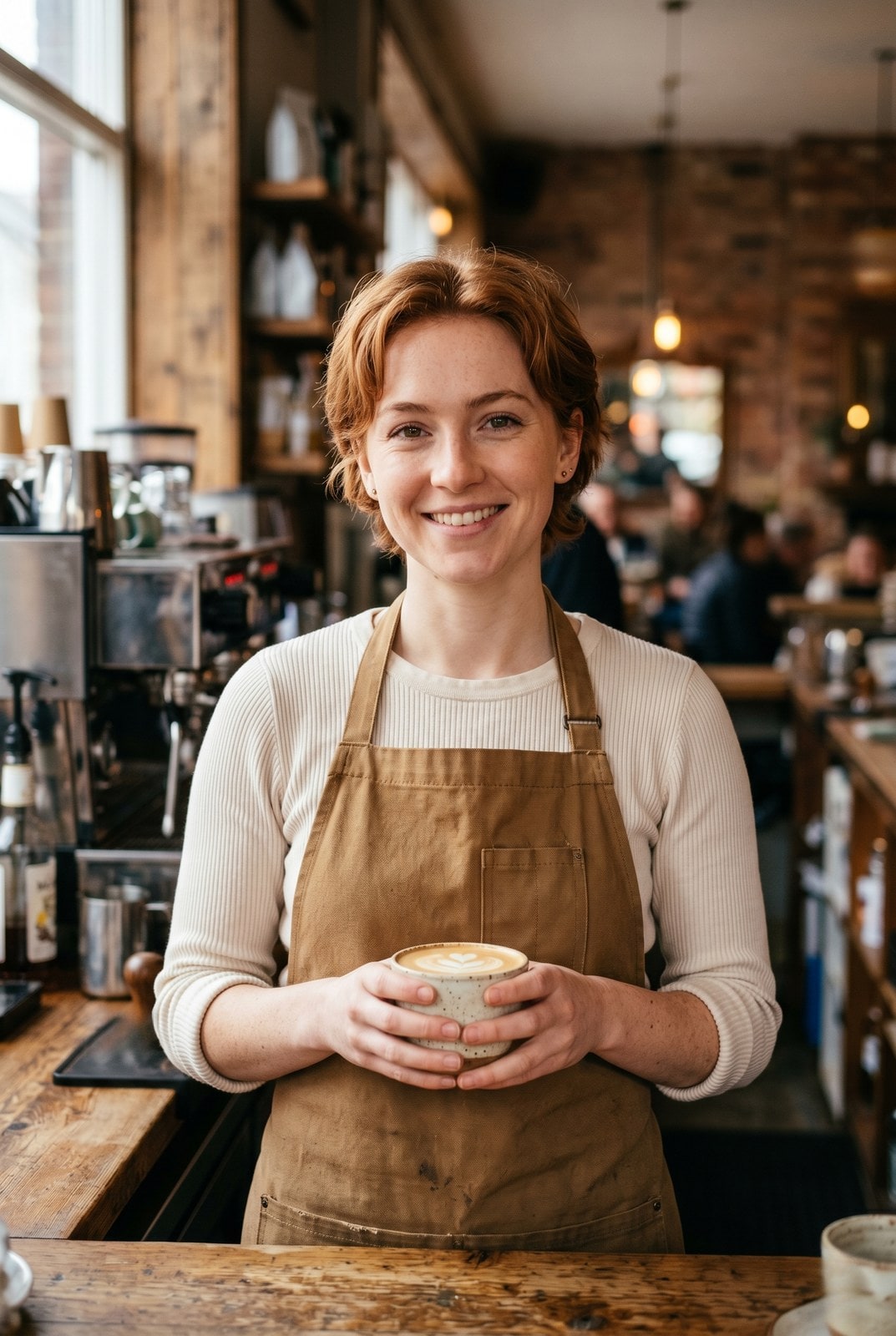

Arrastra para comparar, antes / después
Resumen
Cropping a portrait to a 1:1 thumbnail without chopping off the subject is the kind of fiddly task that eats five minutes for the price of a single image. Smart crop replaces the manual draggable rectangle with a saliency model: every candidate window scores by saturation, edge density, and skin-tone density, and the tool picks the window with the highest weighted score that matches your requested aspect ratio.
For portraits, product shots, and most photographs the tool reliably keeps the subject in frame and trims the dead pixels around it. For inputs without a clear focal point (abstract art, group photos, uniform-colour images) it falls back to the centred rectangle so the result is at least predictable.
The whole pipeline runs on our server because the saliency model needs native pixel access and the smartcrop algorithm is deterministic enough that we do not need to mirror it client-side. The upload is held only while we compute the bounds and emit the cropped file, then deleted. Nothing is saved.
Cómo funciona
Tres pasos, normalmente listos en menos de cinco segundos.
- 1
Upload an image
Drop a JPG, PNG, WebP, or AVIF up to 25 MB.
- 2
Pick an aspect ratio
Choose 1:1, 4:5, 16:9, 9:16, 3:2, 2:3, or Custom (type your own width and height pair).
- 3
Confirm
The saliency model picks the rectangle that maximises subject coverage. The tool reports the chosen bounds so you can compare them to the source.
- 4
Download
The cropped image downloads with `-smart-cropped` appended to the original filename. Pick the output format (Same as source, JPEG, PNG, or WebP) before submitting.
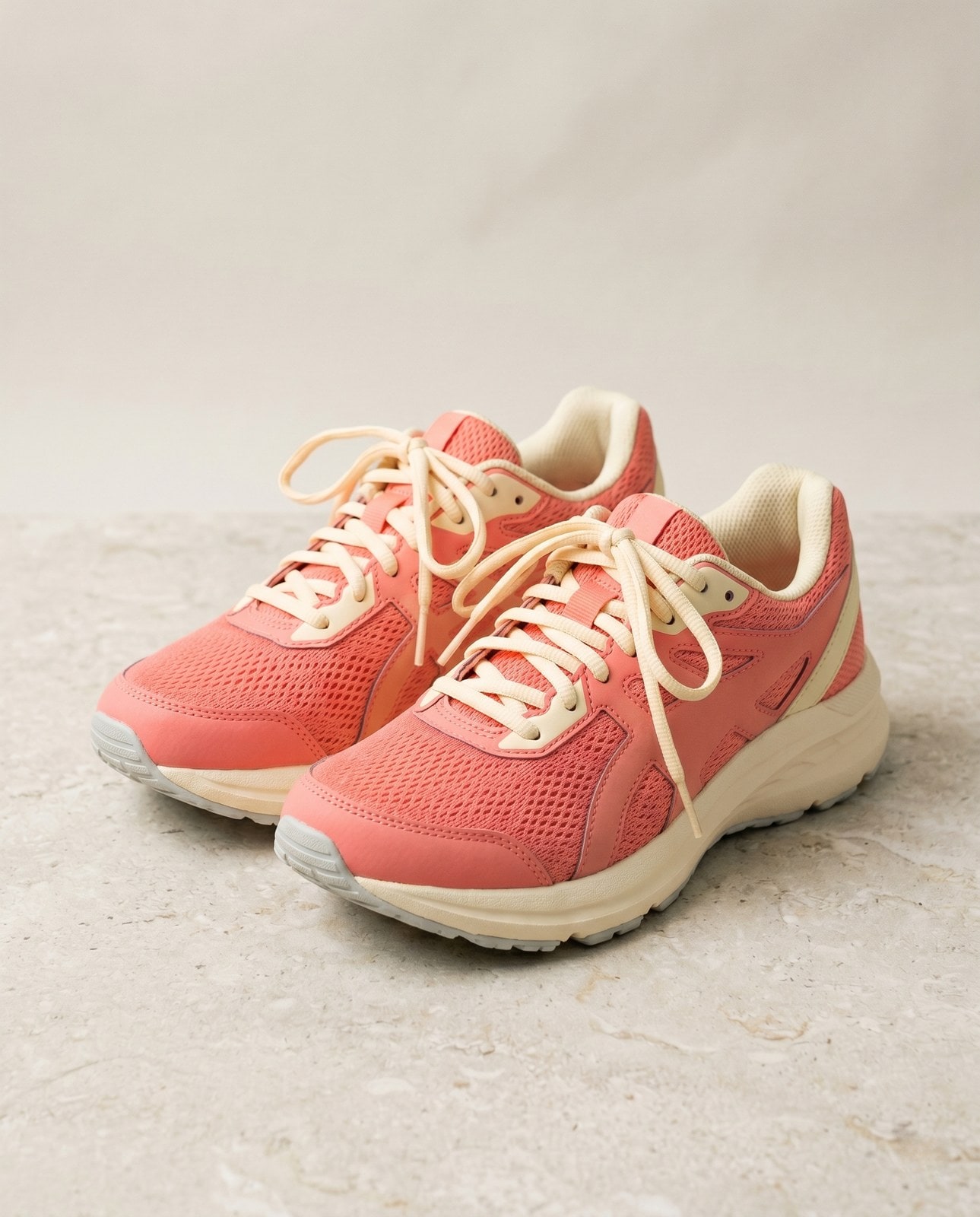
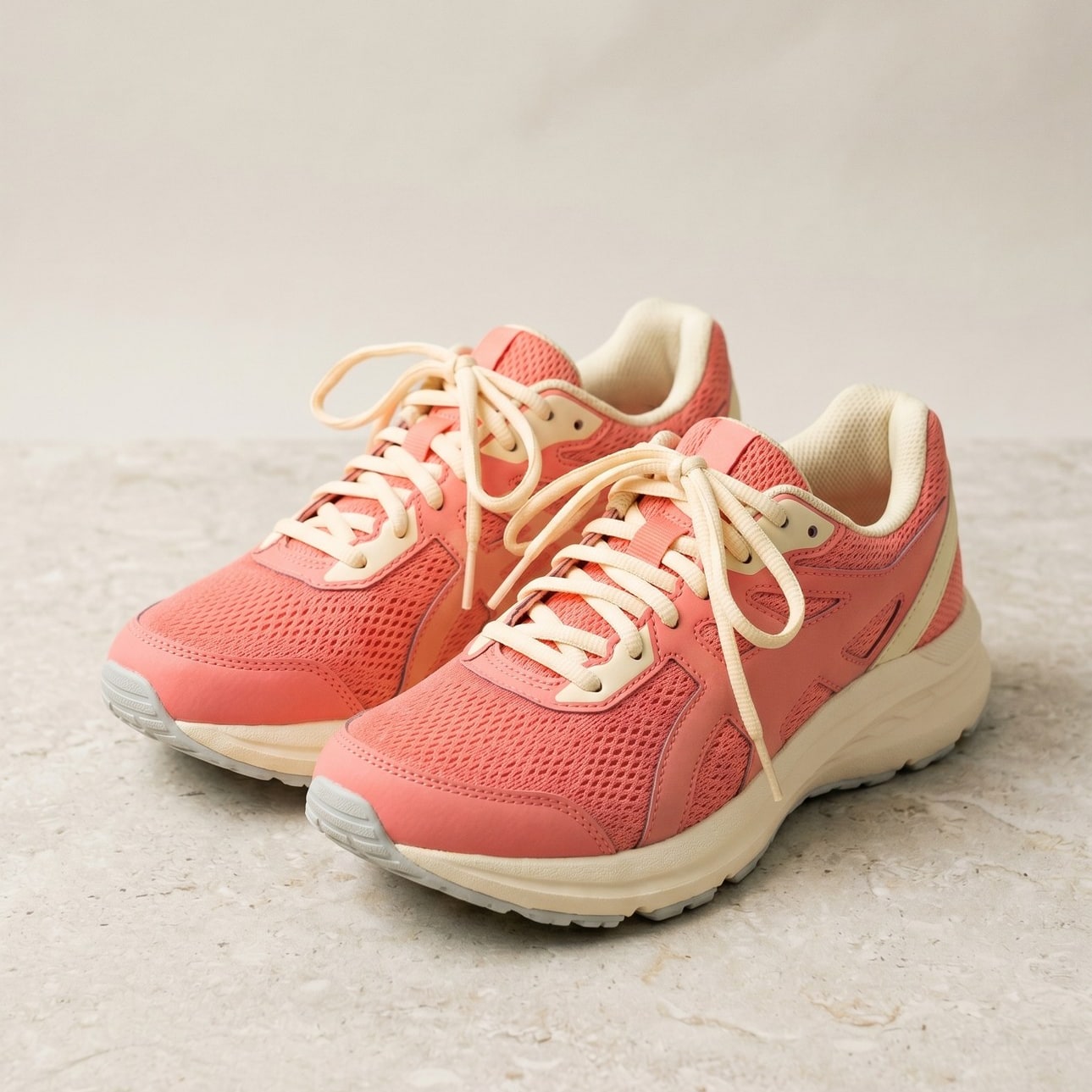
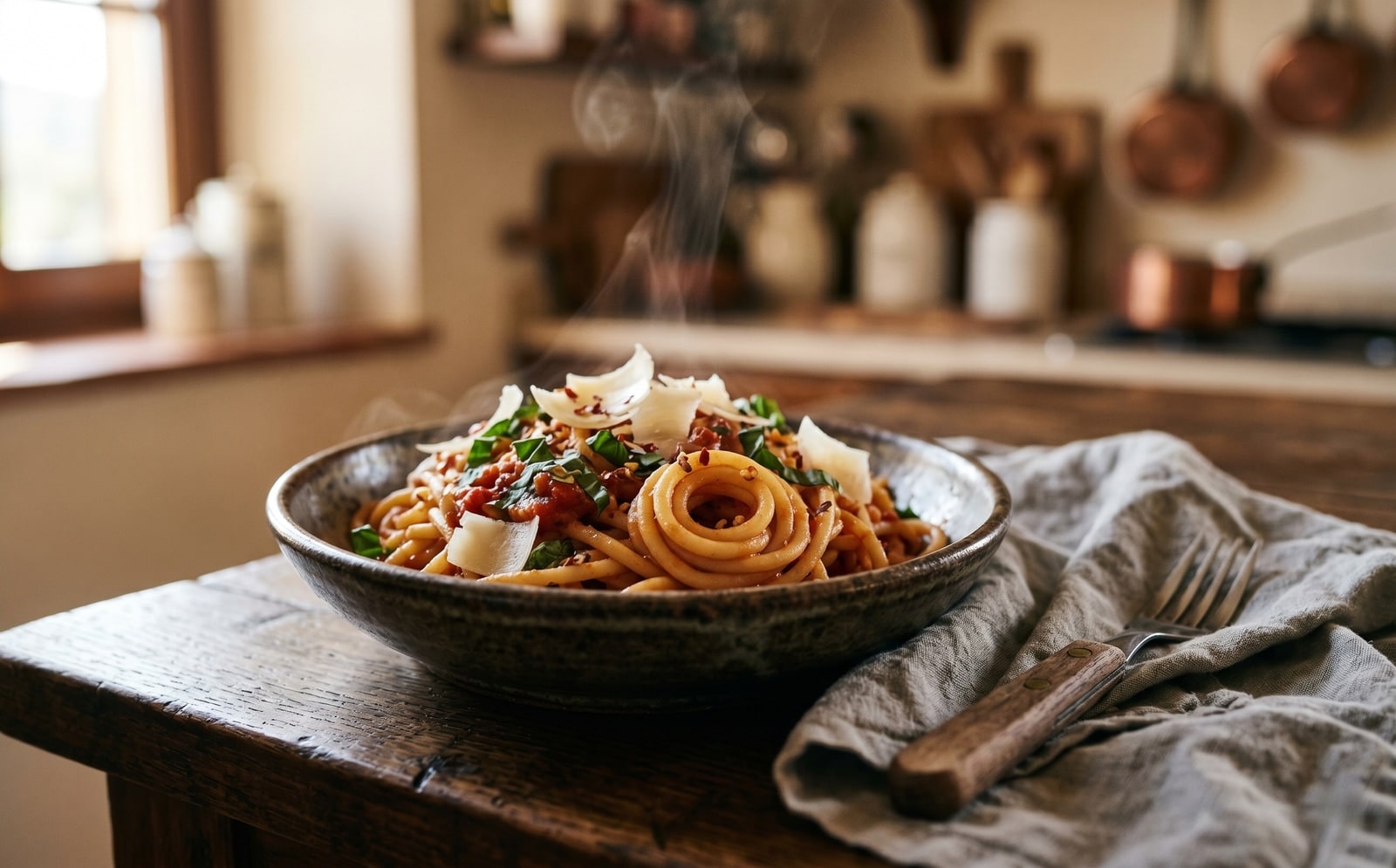
Míralo en acción
Arrastra cada control deslizante para examinar el antes y el después píxel a píxel.


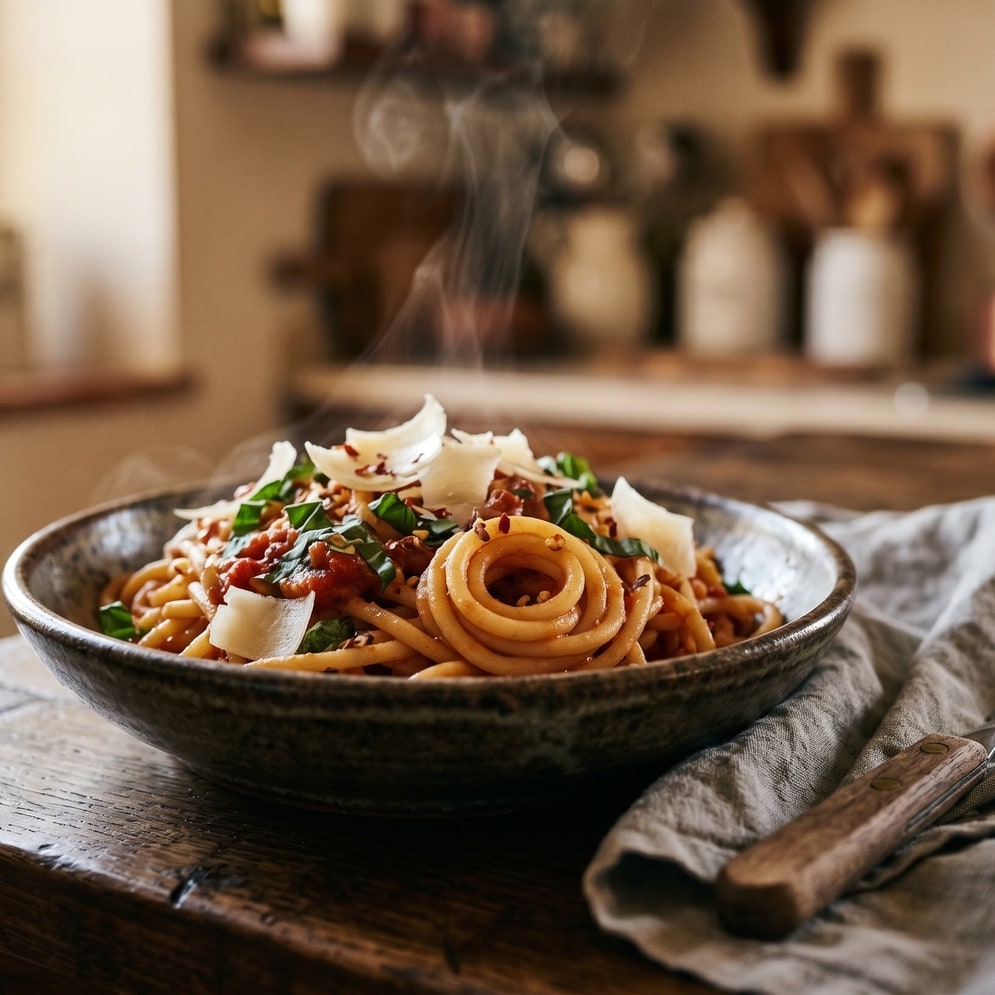
Tu imagen, fuera cuando termines
Smart crop runs on our server because the saliency model needs native pixel access. Your upload is held only while we compute the bounds and emit the cropped output, and is deleted the moment we send the file back. Nothing is saved, indexed, or trained on.
- Procesado en segundos
- No se guarda nada
- Sin cuenta asociada
Sube una imagen
Un clic. Sin registro. Nosotros nos encargamos del resto.
Recortar imagen con inteligencia
¿Necesitas procesar más de una imagen?
La Smart crop image online, free saliency-driven subject cropper gratuita procesa una imagen a la vez. Un pack de créditos desbloquea hasta 50 imágenes por lote, una única descarga ZIP y tres ajustes preestablecidos con nombre (Blog / Social / Ecom). Desde 5 € por 100 créditos. Pago único, no caducan nunca.
Preguntas frecuentes
Respuestas a lo que la mayoría pregunta antes de probar una herramienta nueva.
Herramientas relacionadas
Saltos de un clic a otros trabajos que probablemente necesite esta imagen.
Crop image (manual)
Want to pick the rectangle yourself? The manual cropper has aspect-ratio presets and a draggable stencil.
Resize image
Already at the right shape? Resize to exact pixels with optional aspect-ratio lock.
Pad to square
Want to keep the whole frame? Pad to a target aspect ratio instead of cropping it away.
¿Vas a citar o compartir?
Copia un resumen breve en Markdown (título, descripción, preguntas frecuentes, URL canónica y cita) listo para pegar en un modelo de IA o un documento.