
Pad image to square, 1:1, 16:9, 9:16 without cropping
Drop an image and pad it to a square, 16:9, or 9:16 frame with a colour background of your choice. One image per request, nothing saved.
- No account required
- Nothing saved
- No cropping, pixels preserved
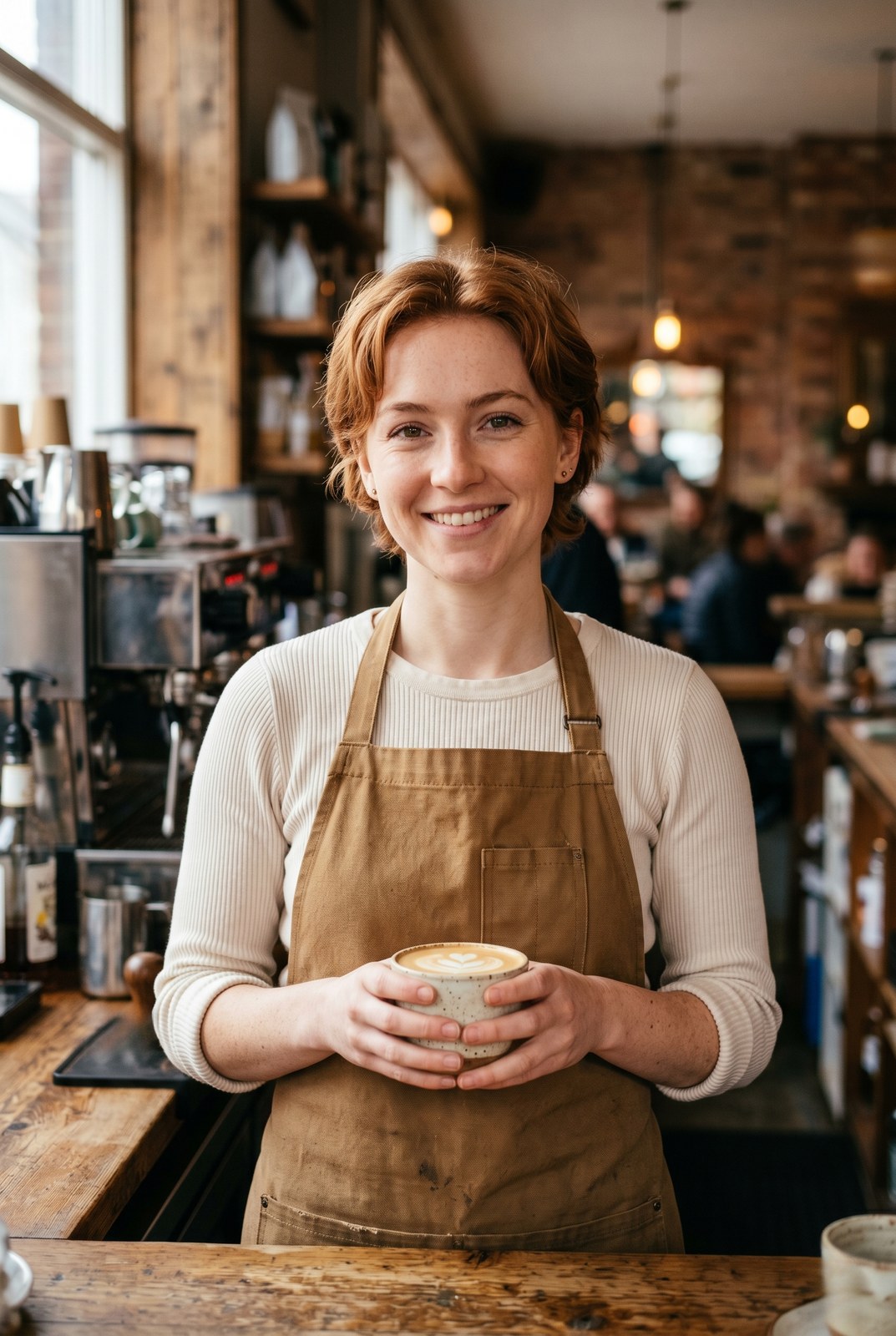
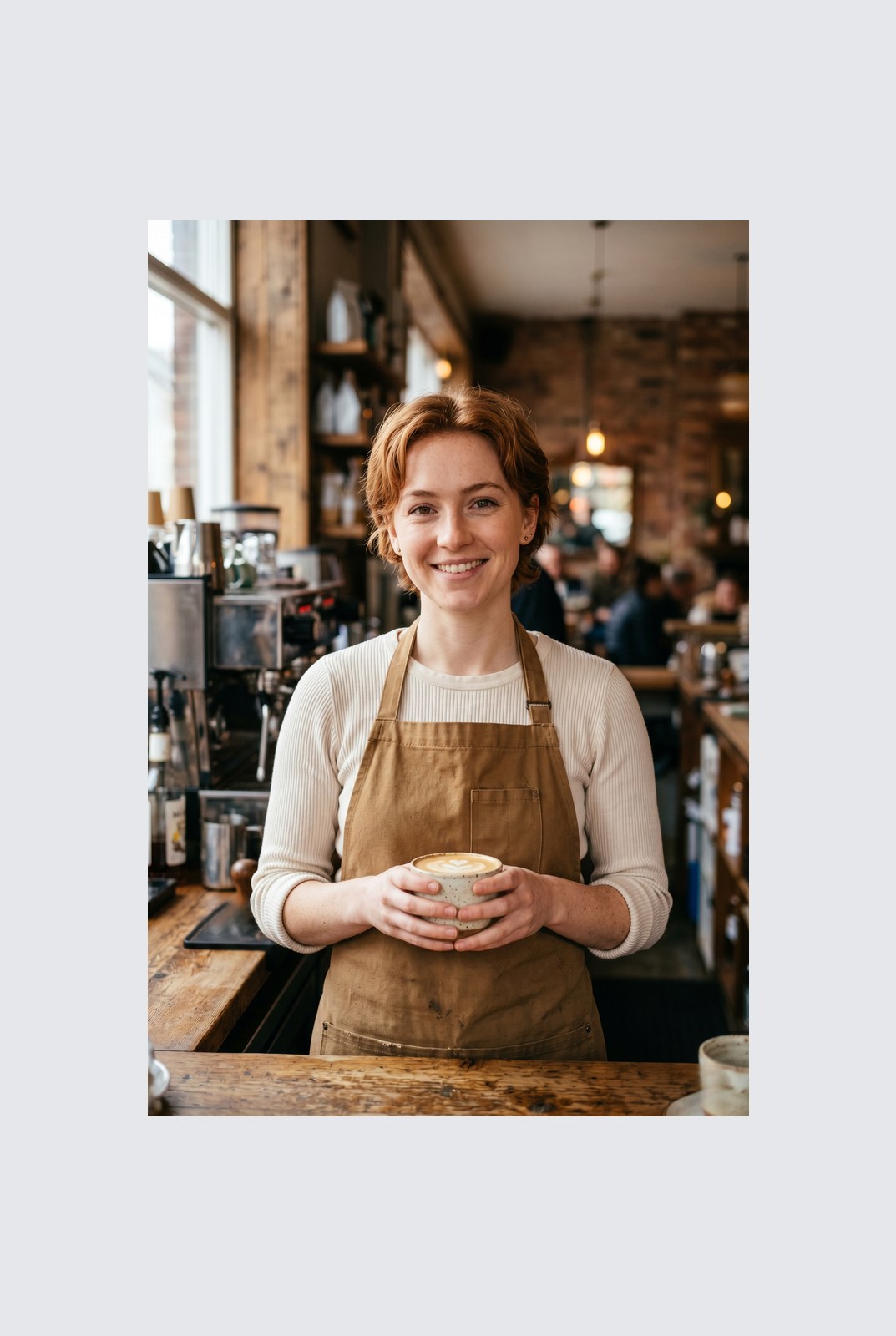
Arrastra para comparar, antes / después
Resumen
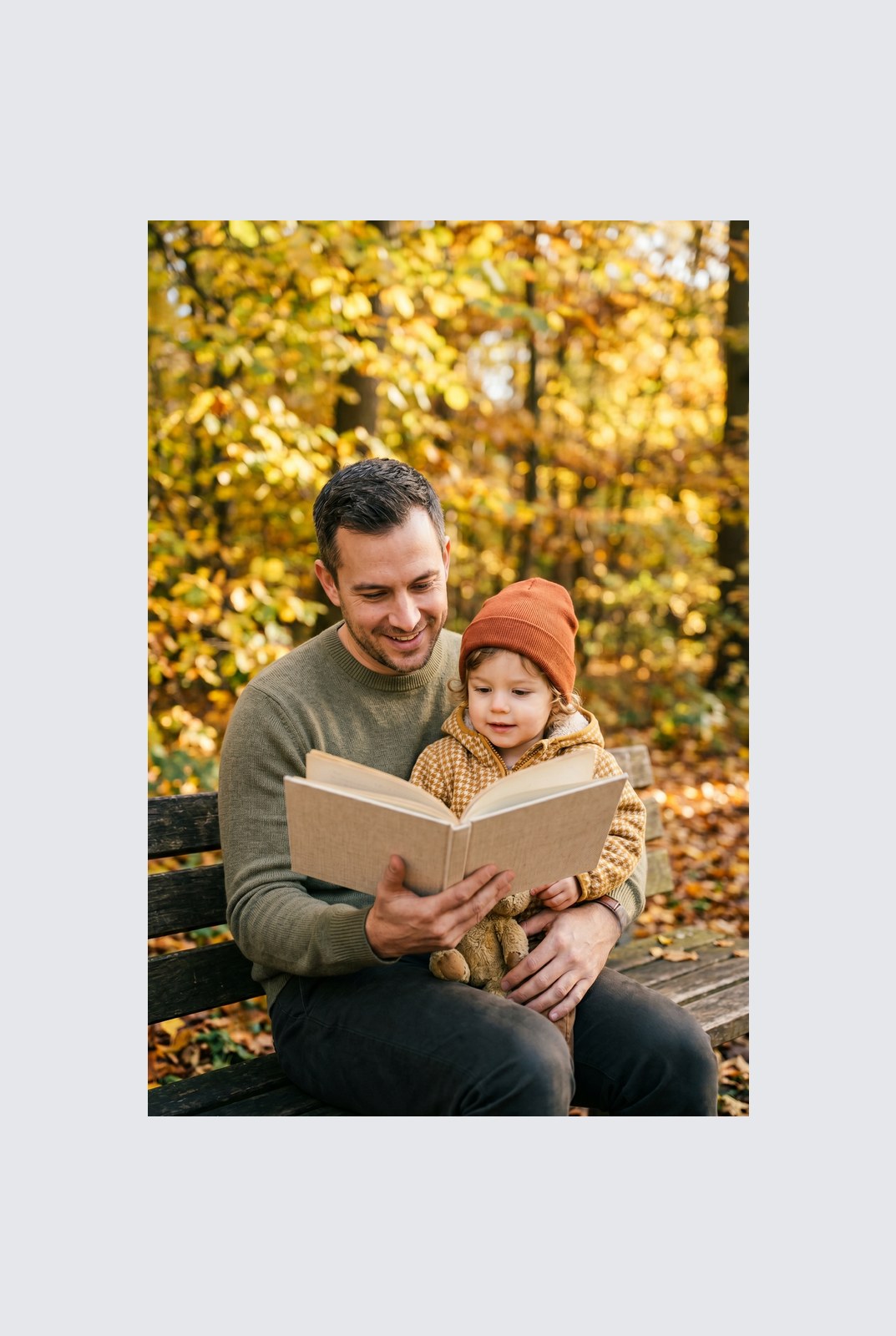
Instagram wants a square. LinkedIn wants 16:9. TikTok wants 9:16. Your photo was shot at whatever ratio your camera felt like. Cropping removes parts of the frame you might care about. Padding does not: it just adds a coloured background around the image until it hits the aspect ratio you need.
This tool extends one image per request to a target aspect ratio without touching the original pixels. The padded area is filled with a colour of your choice: a solid background, a brand accent, or full transparency for PNG, WebP, or AVIF outputs. You pick the ratio (1:1, 16:9, 9:16, or a custom ratio like 4:5), the colour, and the alignment (centre, top, left, and so on).
Padding runs entirely in your browser. Your browser decodes, composites, and re-encodes the image on your own device, then hands you a download. Nothing is uploaded, nothing is saved, nothing is indexed or trained on, because we never see the pixels.
Cómo funciona
Tres pasos, normalmente listos en menos de cinco segundos.
- 1
Upload an image
Drop a JPG, PNG, WebP, or AVIF up to 25 MB. No sign-up, no credit card.
- 2
Pick a ratio and colour
Choose 1:1, 16:9, 9:16, or a custom ratio. Pick any hex colour or transparent. The preview updates live.
- 3
Download the padded image
The padded file is generated in your browser and saved straight to your device. Nothing is uploaded, so there is nothing for us to store or delete.
Míralo en acción
Arrastra cada control deslizante para examinar el antes y el después píxel a píxel.
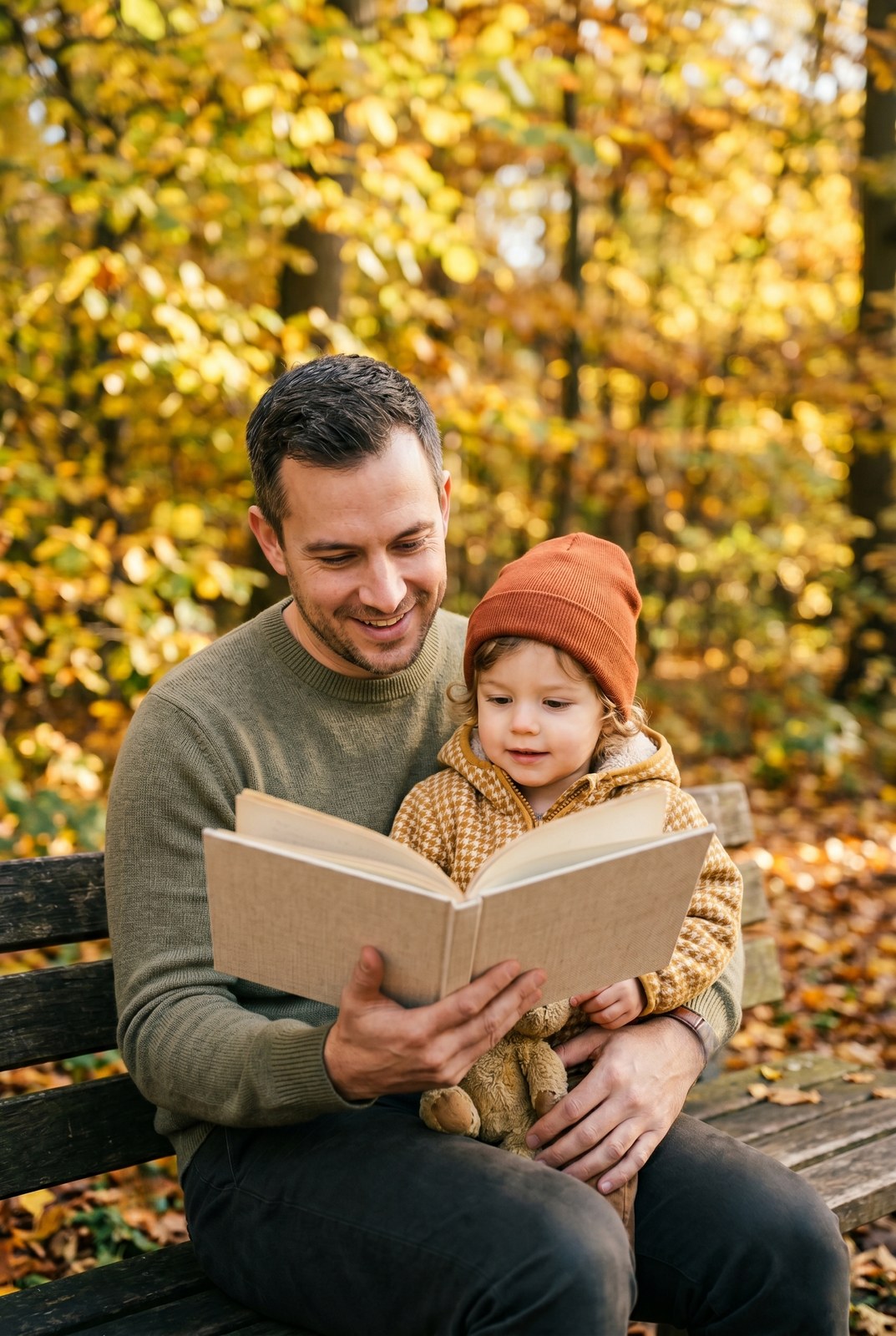
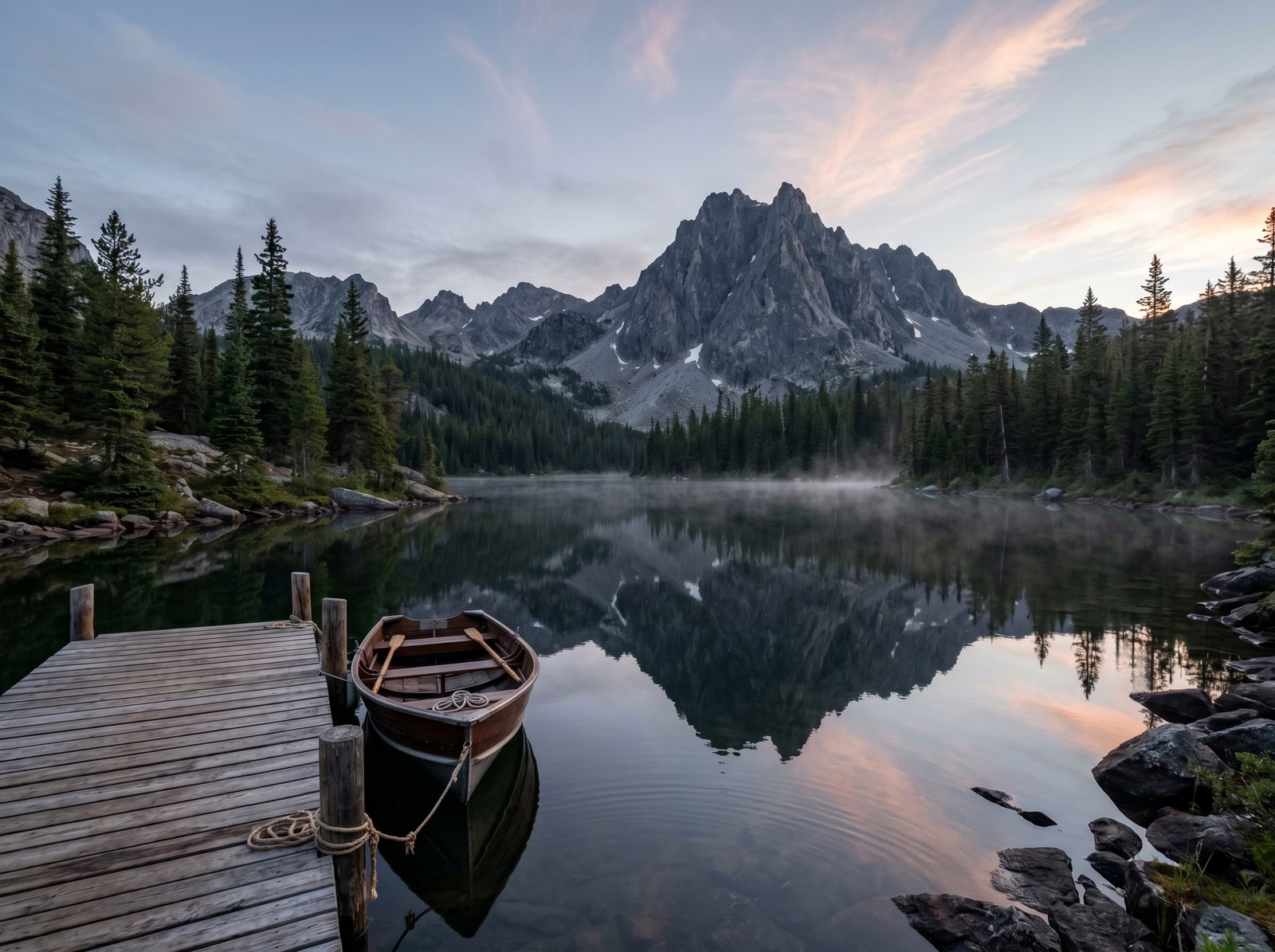
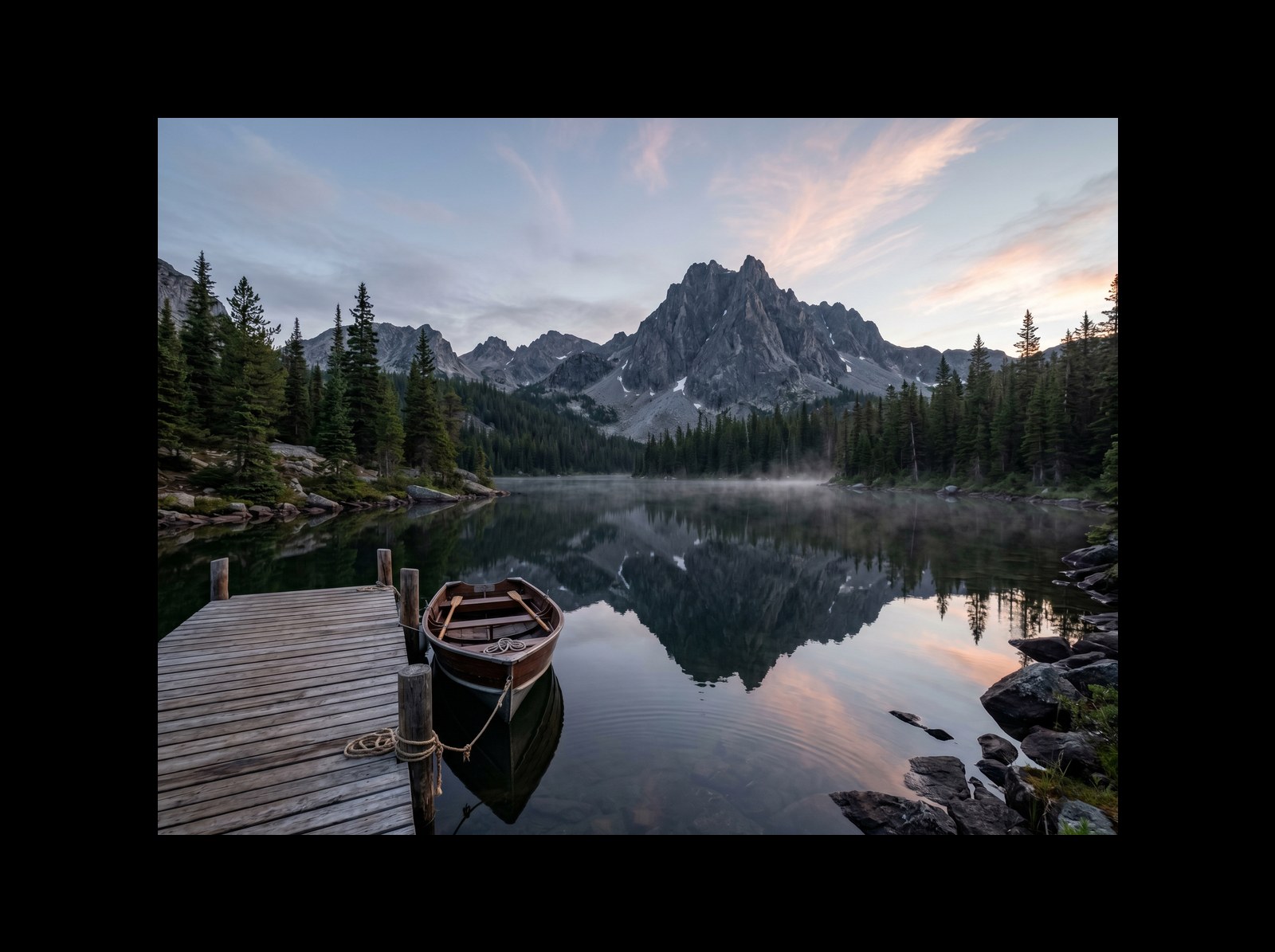
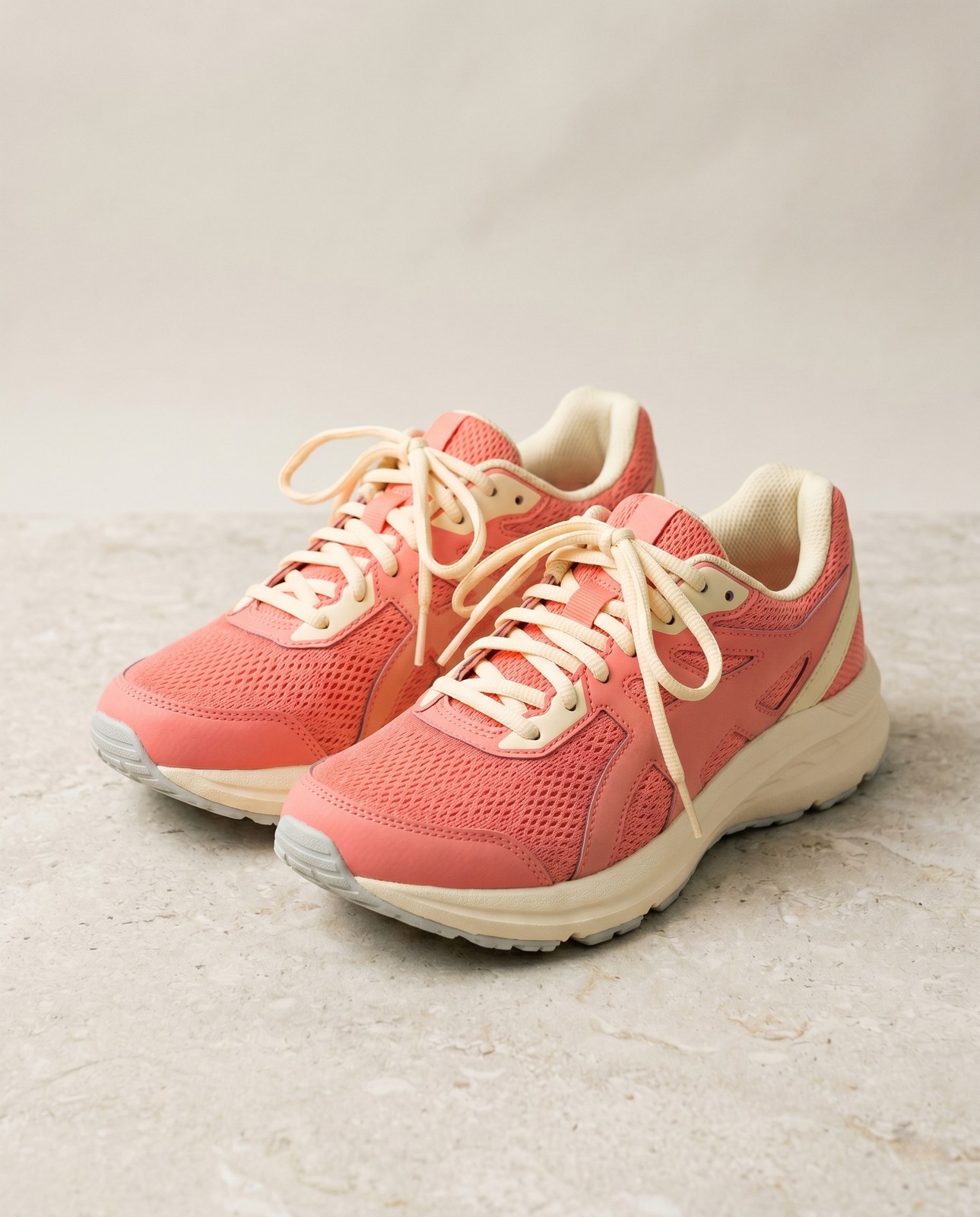
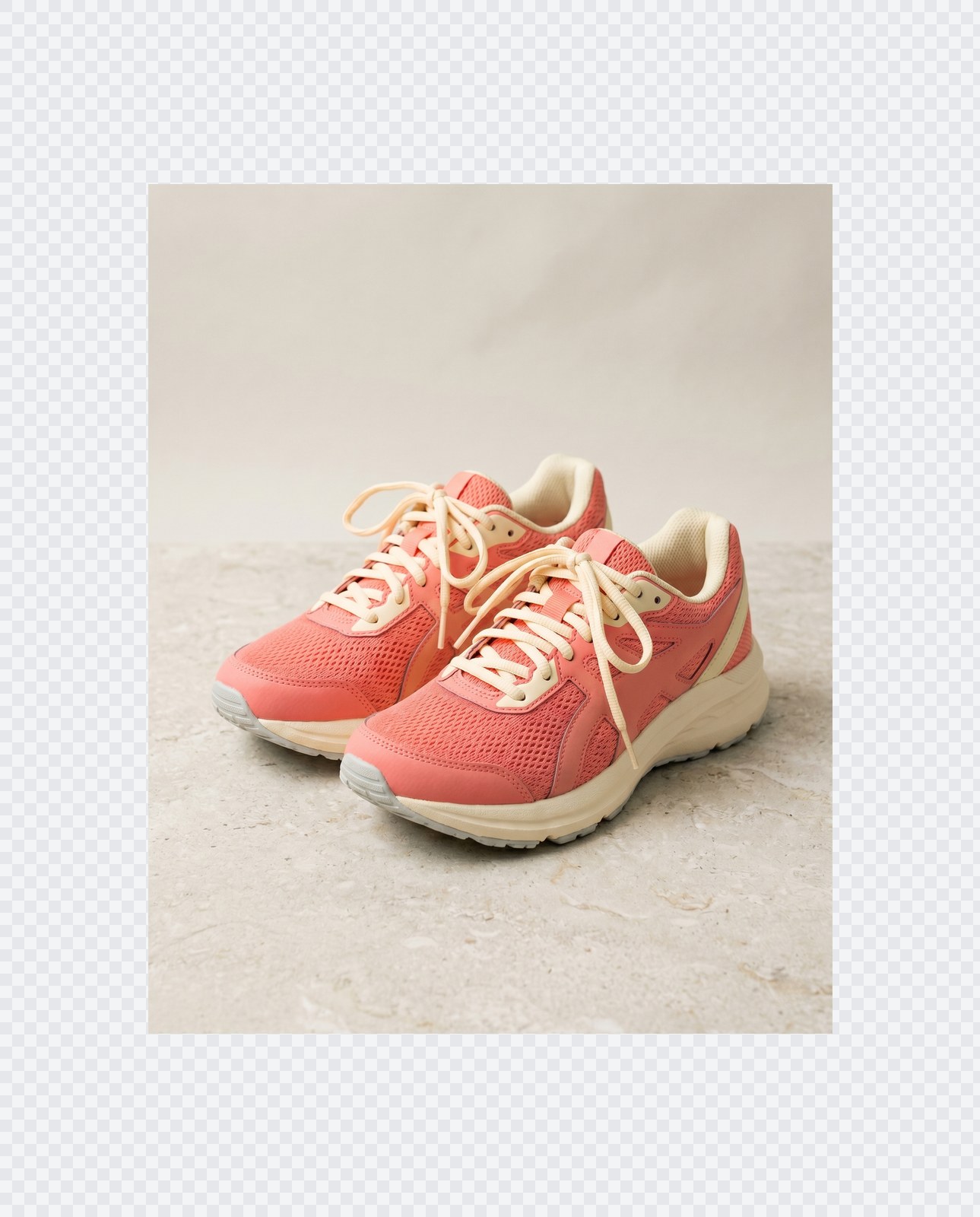
Tu imagen, fuera cuando termines
Padding runs entirely in your browser. Your image is never uploaded, never touches our servers, and never gets saved, indexed, or used for model training. If you close the tab, the image goes with it.
- Procesado en segundos
- No se guarda nada
- Sin cuenta asociada
Sube una imagen
Un clic. Sin registro. Nosotros nos encargamos del resto.
Rellenar / ampliar el lienzo
¿Necesitas procesar más de una imagen?
La Pad image to square, 1:1, 16:9, 9:16 without cropping gratuita procesa una imagen a la vez. Un pack de créditos desbloquea hasta 50 imágenes por lote, una única descarga ZIP y tres ajustes preestablecidos con nombre (Blog / Social / Ecom). Desde 5 € por 100 créditos. Pago único, no caducan nunca.
Preguntas frecuentes
Respuestas a lo que la mayoría pregunta antes de probar una herramienta nueva.
Herramientas relacionadas
Saltos de un clic a otros trabajos que probablemente necesite esta imagen.
Rotate image
Fix sideways photos before padding so the result aligns to the target aspect ratio.
Compress image
Padding keeps pixels intact but inflates file size; compress the padded result for the web.
Remove Gemini watermark
Clean the Gemini AI badge off a generated image before padding it for a social platform.
¿Vas a citar o compartir?
Copia un resumen breve en Markdown (título, descripción, preguntas frecuentes, URL canónica y cita) listo para pegar en un modelo de IA o un documento.