
Smart crop image online, free saliency-driven subject cropper
Drop a photo, pick an aspect ratio, and let the saliency model pick the most interesting rectangle. No dragging, no hand-tuning.
- Aspect-ratio presets
- Saliency-driven
- Centred fallback when unsure
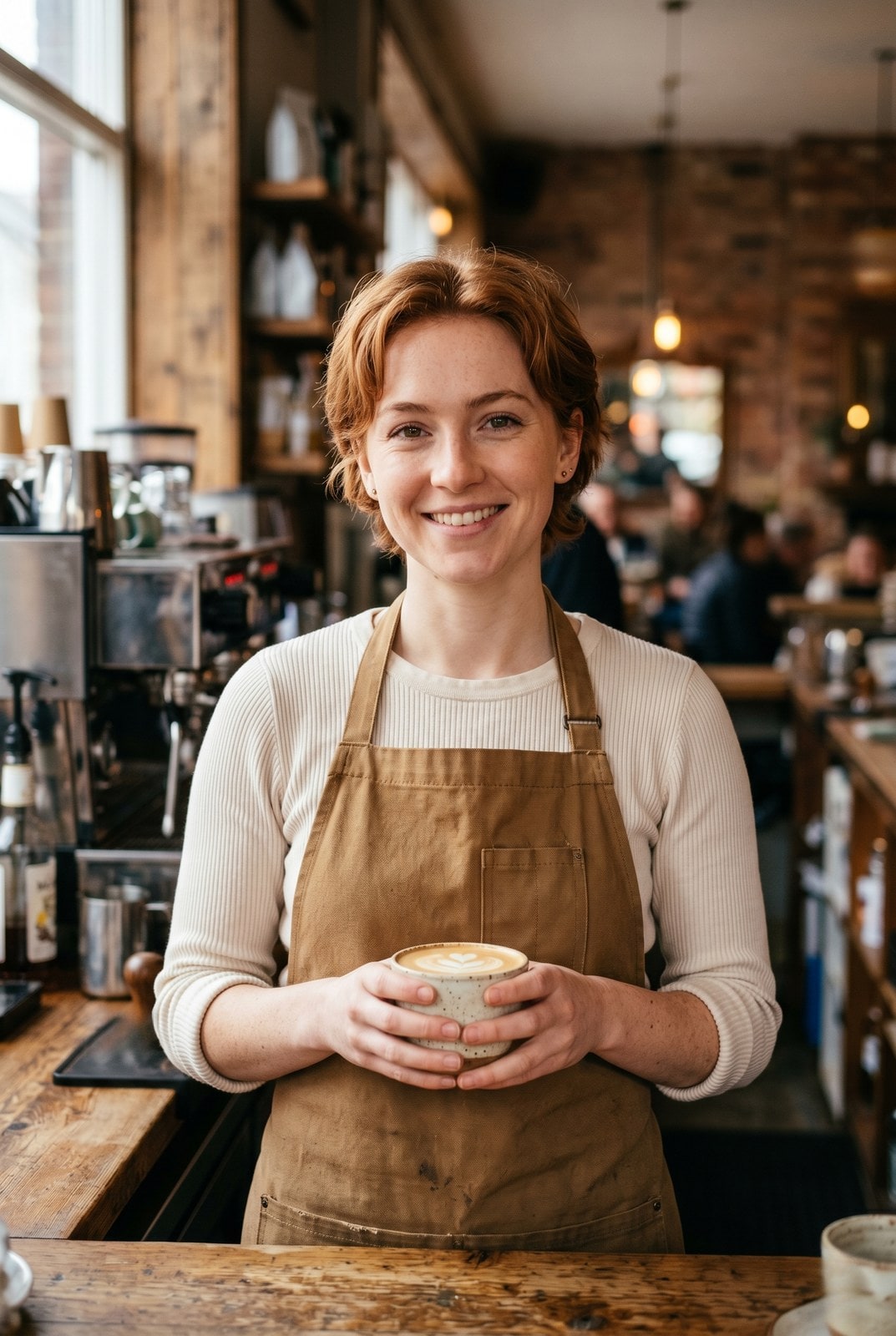

Ziehen zum Vergleichen, vorher / nachher
Übersicht
Cropping a portrait to a 1:1 thumbnail without chopping off the subject is the kind of fiddly task that eats five minutes for the price of a single image. Smart crop replaces the manual draggable rectangle with a saliency model: every candidate window scores by saturation, edge density, and skin-tone density, and the tool picks the window with the highest weighted score that matches your requested aspect ratio.
For portraits, product shots, and most photographs the tool reliably keeps the subject in frame and trims the dead pixels around it. For inputs without a clear focal point (abstract art, group photos, uniform-colour images) it falls back to the centred rectangle so the result is at least predictable.
The whole pipeline runs on our server because the saliency model needs native pixel access and the smartcrop algorithm is deterministic enough that we do not need to mirror it client-side. The upload is held only while we compute the bounds and emit the cropped file, then deleted. Nothing is saved.
So funktioniert es
Drei Schritte, in der Regel in unter fünf Sekunden erledigt.
- 1
Upload an image
Drop a JPG, PNG, WebP, or AVIF up to 25 MB.
- 2
Pick an aspect ratio
Choose 1:1, 4:5, 16:9, 9:16, 3:2, 2:3, or Custom (type your own width and height pair).
- 3
Confirm
The saliency model picks the rectangle that maximises subject coverage. The tool reports the chosen bounds so you can compare them to the source.
- 4
Download
The cropped image downloads with `-smart-cropped` appended to the original filename. Pick the output format (Same as source, JPEG, PNG, or WebP) before submitting.
Sieh es in Aktion
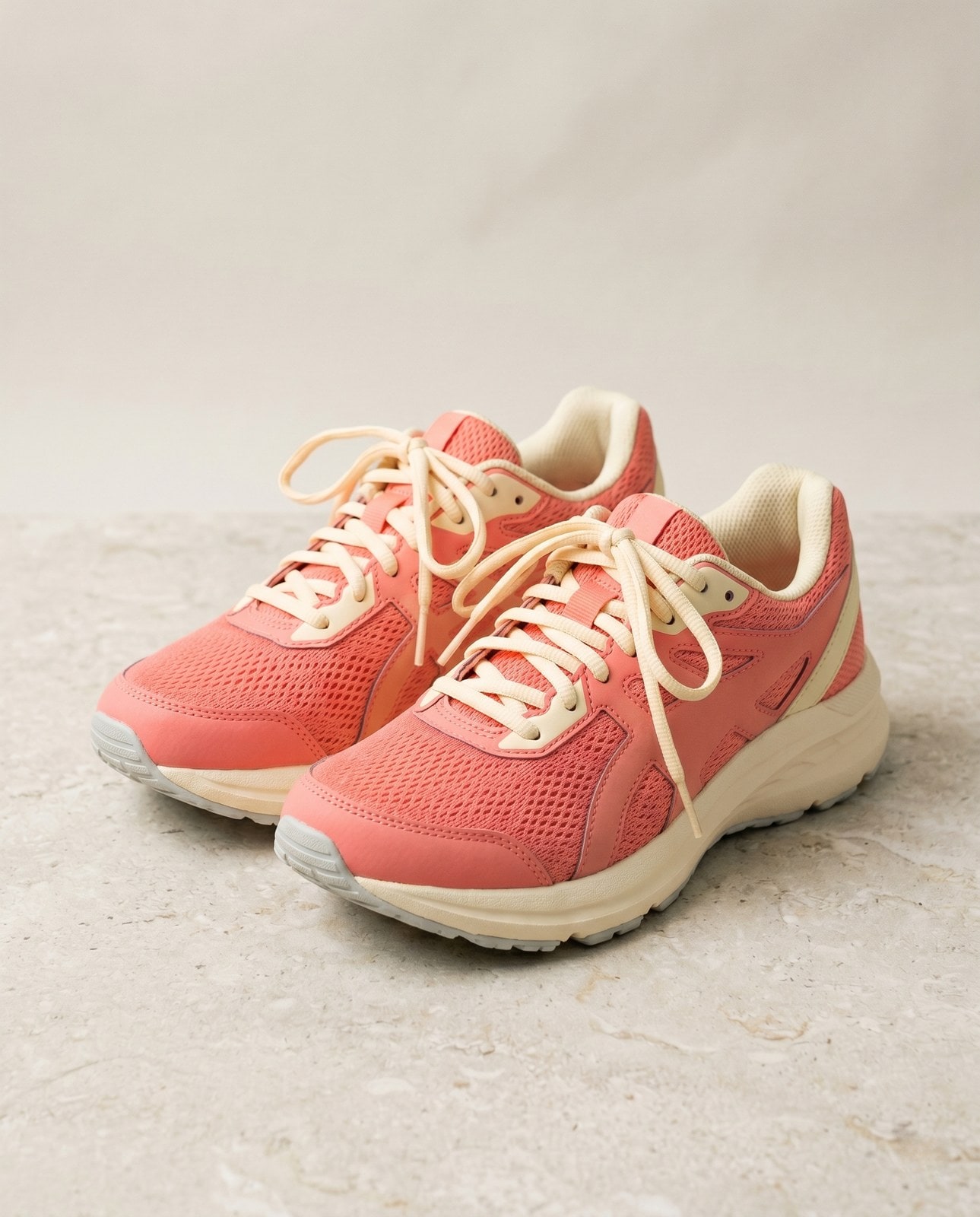
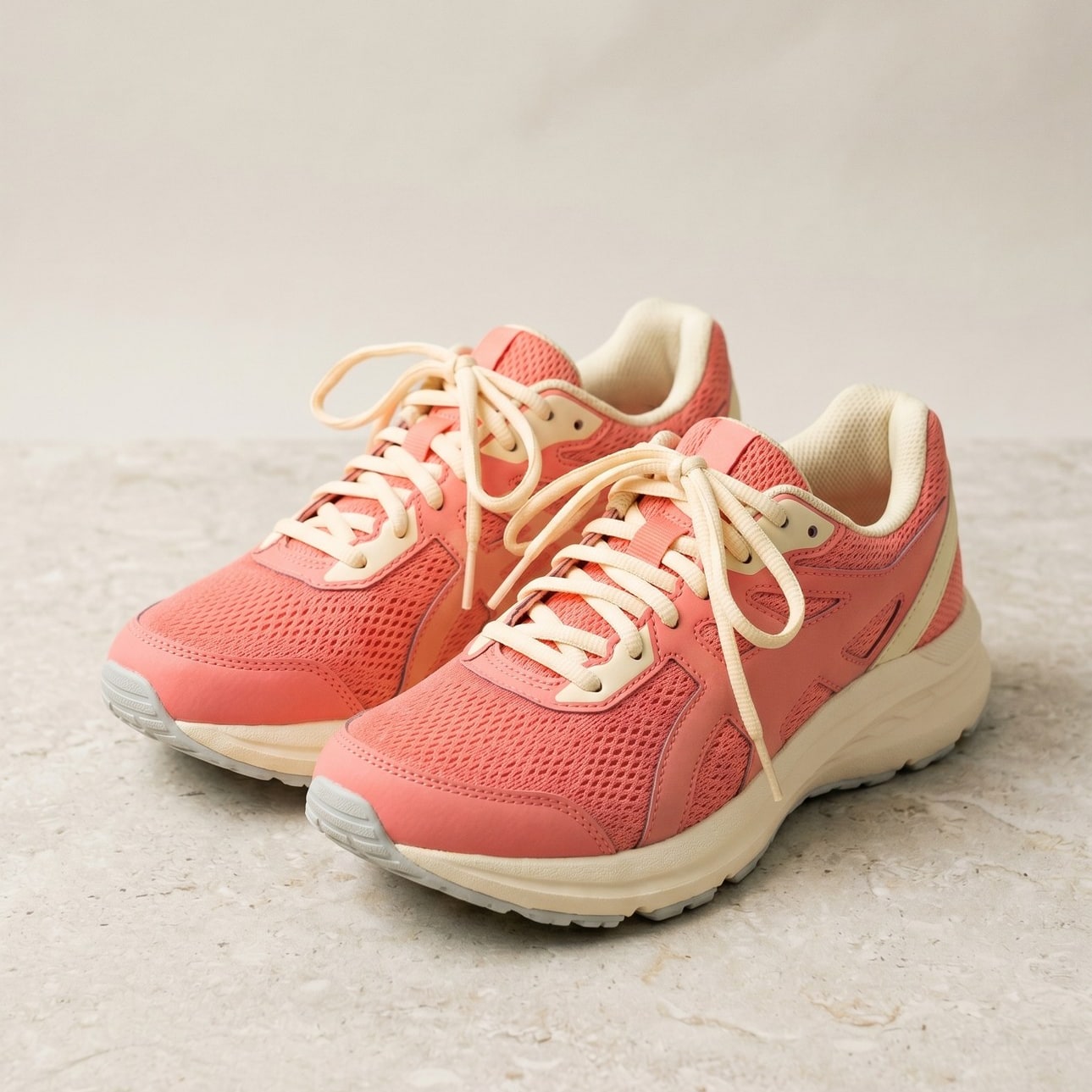
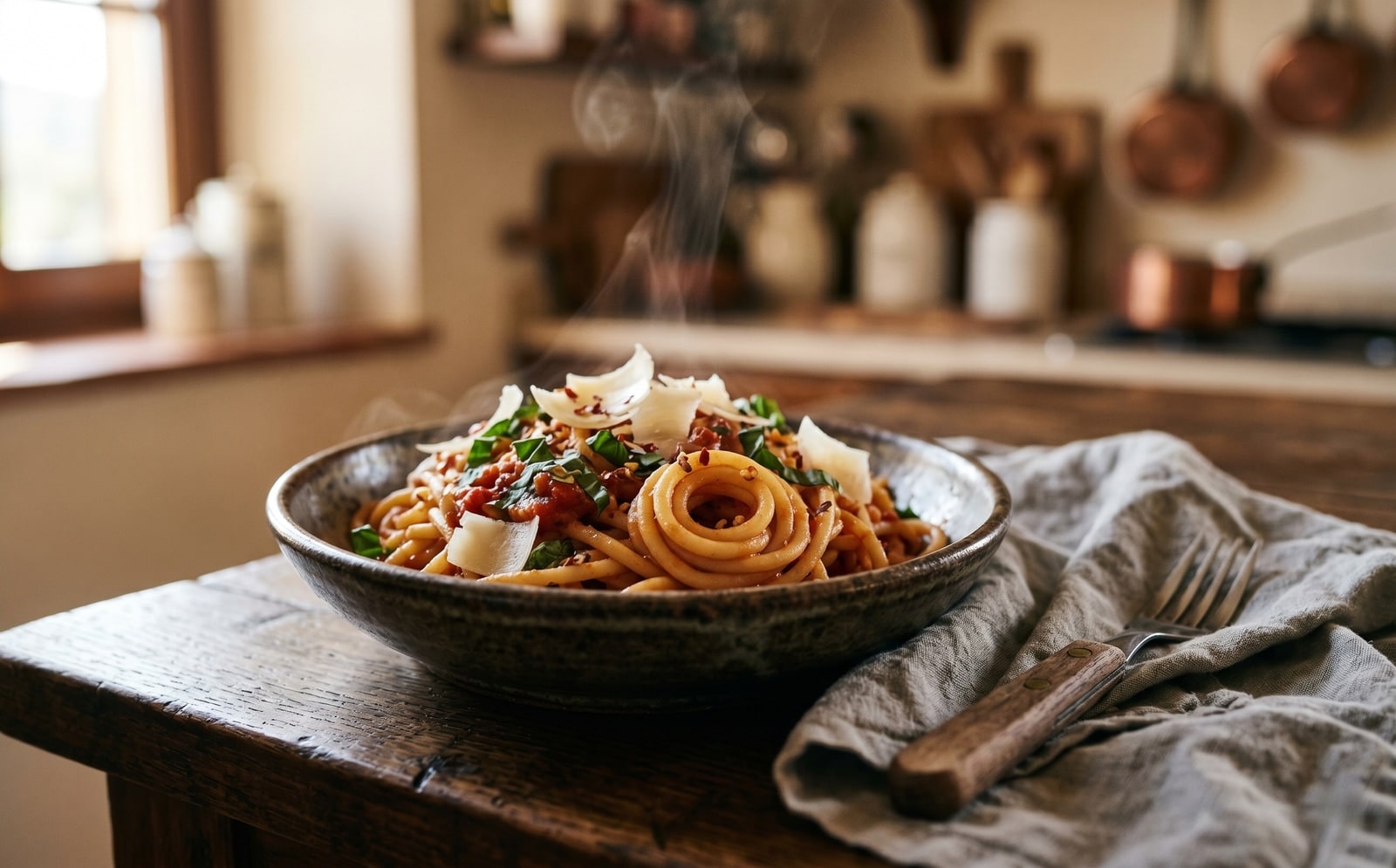
Ziehe jeden Schieber, um Vorher und Nachher Pixel für Pixel zu vergleichen.


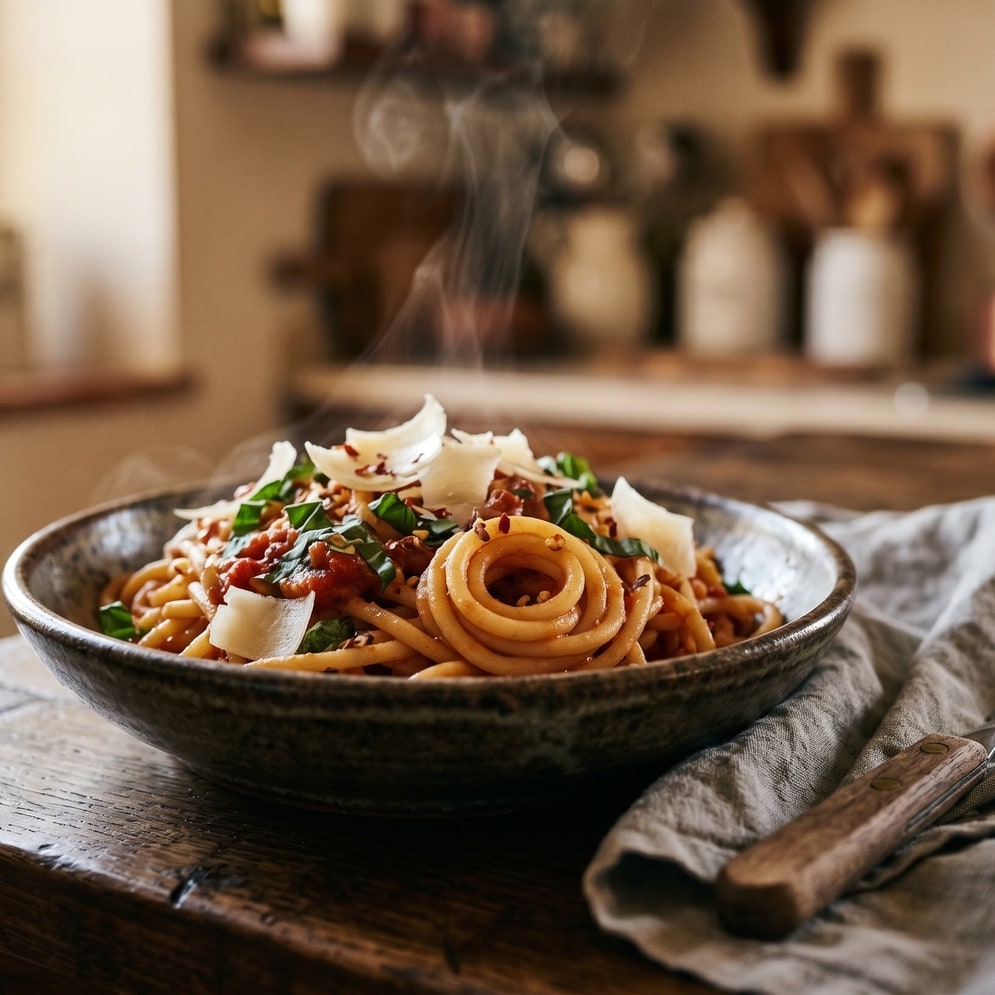
Dein Bild ist weg, wenn du fertig bist
Smart crop runs on our server because the saliency model needs native pixel access. Your upload is held only while we compute the bounds and emit the cropped output, and is deleted the moment we send the file back. Nothing is saved, indexed, or trained on.
- In Sekunden verarbeitet
- Nichts gespeichert
- Kein Konto verknüpft
Bild hochladen
Ein Klick. Keine Anmeldung. Wir erledigen den Rest.
Bild intelligent zuschneiden
Mehr als ein Bild verarbeiten?
Das kostenlose Smart crop image online, free saliency-driven subject cropper verarbeitet ein Bild auf einmal. Ein Guthabenpaket schaltet bis zu 50 Bilder pro Stapel frei, einen einzelnen ZIP-Download und drei benannte Voreinstellungen (Blog / Social / Ecom). Ab 5 € für 100 Guthaben. Einmal zahlen, läuft nie ab.
Häufig gestellte Fragen
Antworten auf die Fragen, die die meisten Leute stellen, bevor sie ein neues Werkzeug ausprobieren.
Verwandte Werkzeuge
Ein-Klick-Sprünge zu weiteren Aufgaben, die dieses Bild wahrscheinlich braucht.
Crop image (manual)
Want to pick the rectangle yourself? The manual cropper has aspect-ratio presets and a draggable stencil.
Resize image
Already at the right shape? Resize to exact pixels with optional aspect-ratio lock.
Pad to square
Want to keep the whole frame? Pad to a target aspect ratio instead of cropping it away.
Zitieren oder teilen?
Kopiere eine knappe Markdown-Zusammenfassung (Titel, Beschreibung, FAQ, kanonische URL und Zitierung), bereit zum Einfügen in ein KI-Werkzeug oder ein Dokument.