
Rotate image online, free 90, 180, 270 degree rotator
Drop a sideways photo and rotate it 90, 180, or 270 degrees. Or flip horizontally or vertically. One image per request, nothing saved.
- No account required
- Nothing saved
- Lossless 90° rotations
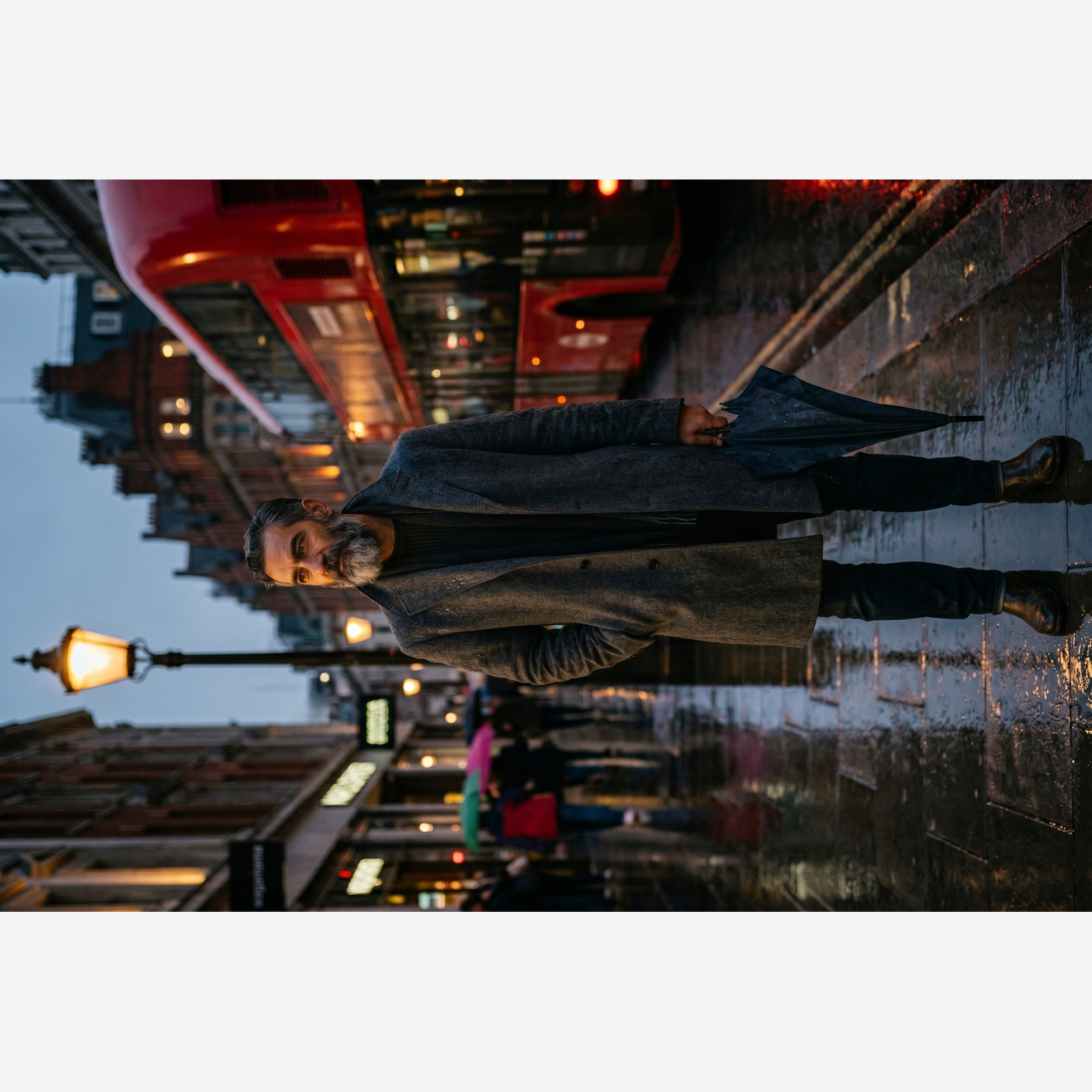
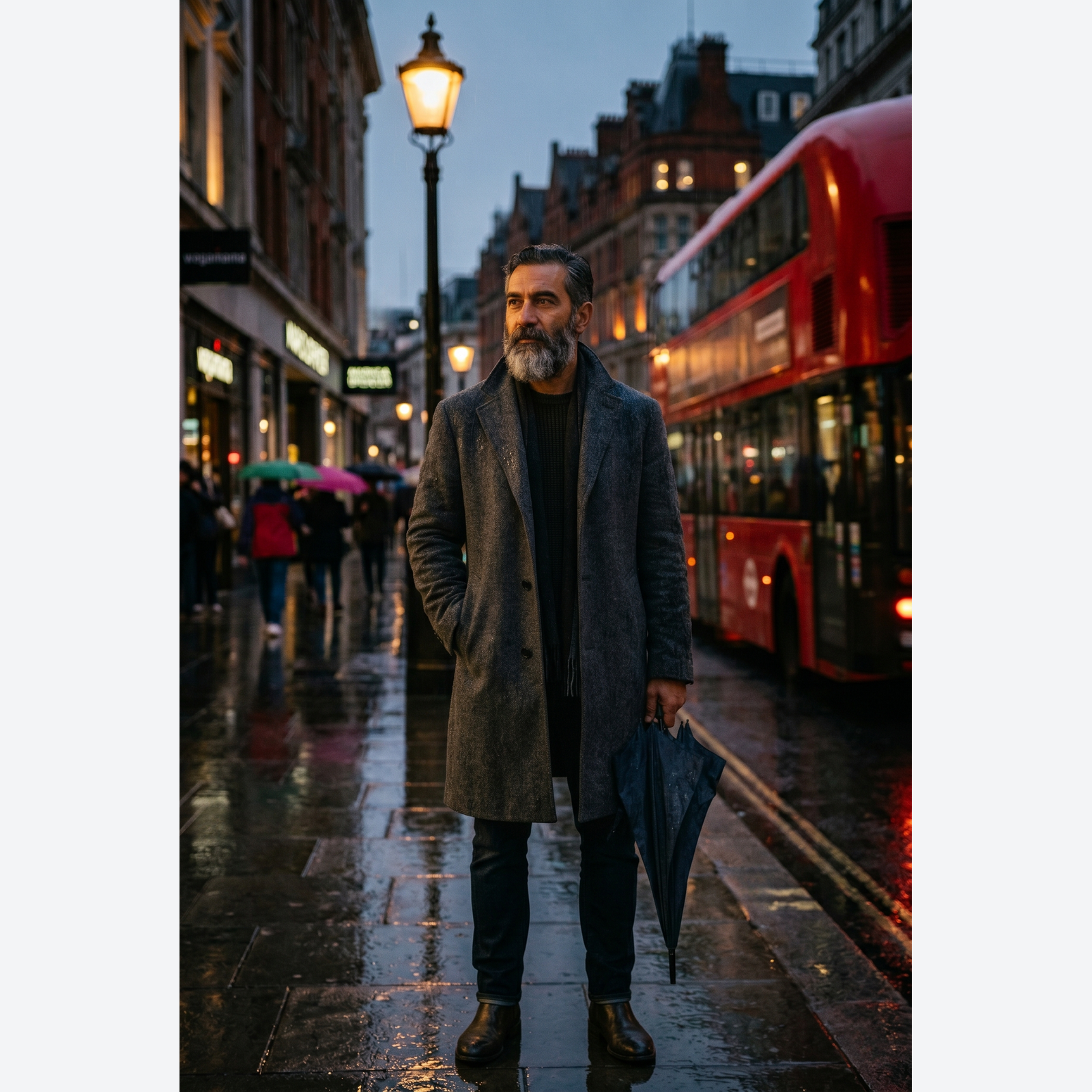
Ziehen zum Vergleichen, vorher / nachher
Übersicht
Cameras and phones write an EXIF orientation tag instead of baking the rotation into the pixels. Most browsers honour that tag; most CMS uploaders do not. The result is the classic "my photo is sideways in my blog post" bug that wastes twenty minutes of every content producer's day, every week.
This tool runs a true rotation: it reads the EXIF orientation, applies the correct rotation to the pixel buffer, and strips the orientation tag so the image renders the same way in every downstream viewer. You can also request an explicit 90, 180, or 270 degree rotation or a horizontal or vertical flip, which is handy for mock-ups, visual effects, or producing mirrored variants.
Rotations of 90, 180, and 270 are lossless: no resampling, no blur. Arbitrary angles are available too but they require resampling and introduce a small amount of softening; the tool shows a preview before committing. In modern browsers the whole rotation runs locally, so the image never leaves your device. A server fallback exists for older browsers without local-processing support; on that path the upload is deleted the moment we send the result back.
So funktioniert es
Drei Schritte, in der Regel in unter fünf Sekunden erledigt.
- 1
Upload an image
Drop a JPG, PNG, WebP, or AVIF up to 25 MB. Clipboard paste also works.
- 2
Pick a rotation or flip
Choose 90°, 180°, 270°, horizontal flip, or vertical flip. The preview updates instantly.
- 3
Download the result
The rotated image downloads as the same format you started with. On modern browsers it is generated on your own device, so nothing is uploaded. On the rare server fallback, the file is deleted the moment it is sent back.
Sieh es in Aktion
Ziehe jeden Schieber, um Vorher und Nachher Pixel für Pixel zu vergleichen.




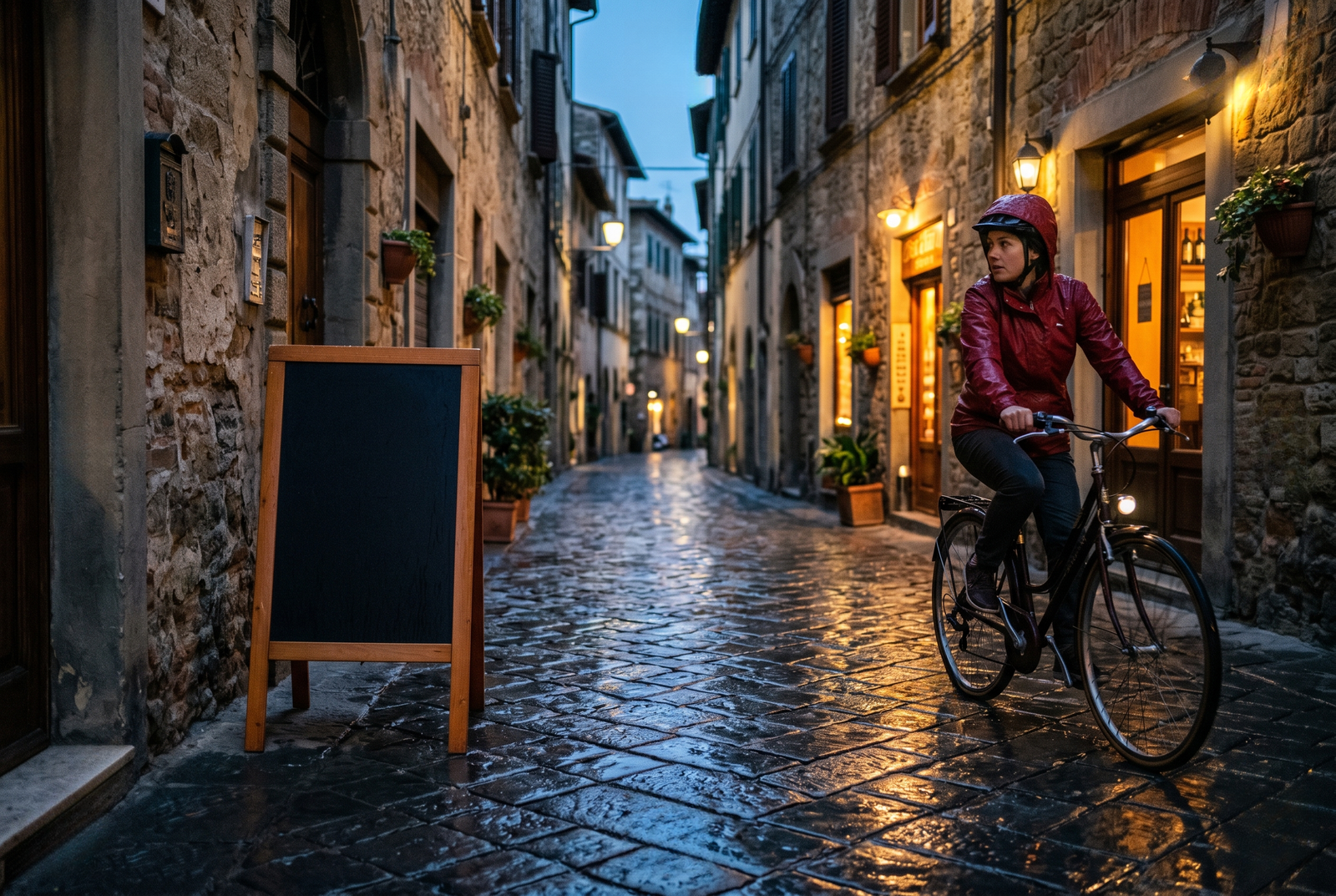
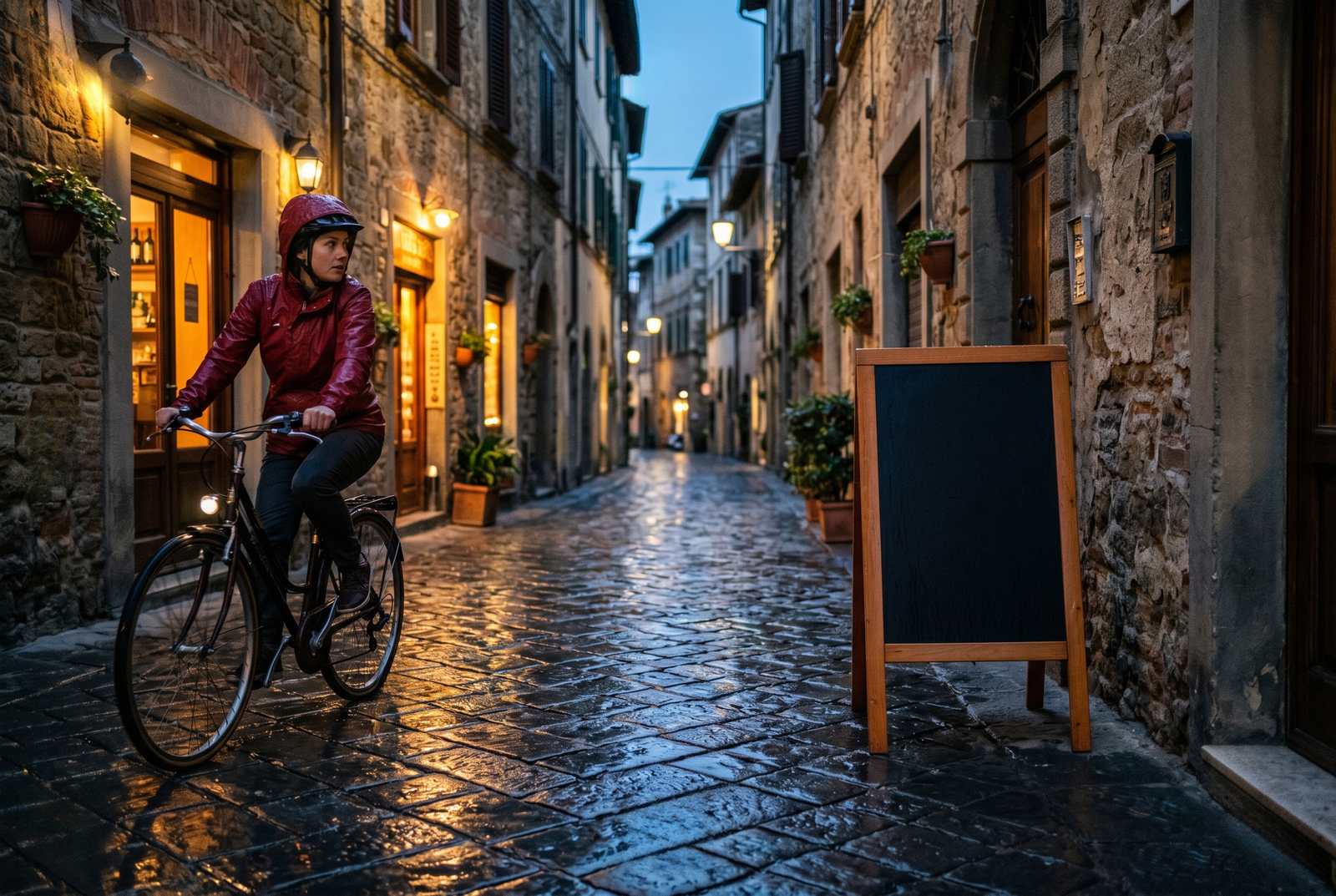
Dein Bild ist weg, wenn du fertig bist
Rotation runs in your browser by default. Your image never leaves your device on that path. For the small share of browsers without local-processing support we fall back to a server round-trip, where the upload is only held while we process it and is deleted the moment the result is sent back. Nothing is saved, indexed, or trained on.
- In Sekunden verarbeitet
- Nichts gespeichert
- Kein Konto verknüpft
Bild hochladen
Ein Klick. Keine Anmeldung. Wir erledigen den Rest.
Drehen / Spiegeln
Mehr als ein Bild verarbeiten?
Das kostenlose Rotate image online, free 90, 180, 270 degree rotator verarbeitet ein Bild auf einmal. Ein Guthabenpaket schaltet bis zu 50 Bilder pro Stapel frei, einen einzelnen ZIP-Download und drei benannte Voreinstellungen (Blog / Social / Ecom). Ab 5 € für 100 Guthaben. Einmal zahlen, läuft nie ab.
Häufig gestellte Fragen
Antworten auf die Fragen, die die meisten Leute stellen, bevor sie ein neues Werkzeug ausprobieren.
Verwandte Werkzeuge
Ein-Klick-Sprünge zu weiteren Aufgaben, die dieses Bild wahrscheinlich braucht.
Pad image to square
After rotating, pad the image to 1:1 or 16:9 for social platforms with strict aspect ratios.
Compress image
Rotation is free but the file size stays the same; compress the rotated image for the web.
Strip EXIF metadata
Rotation strips orientation but preserves other EXIF; drop the rest before publishing publicly.
Zitieren oder teilen?
Kopiere eine knappe Markdown-Zusammenfassung (Titel, Beschreibung, FAQ, kanonische URL und Zitierung), bereit zum Einfügen in ein KI-Werkzeug oder ein Dokument.