
Pad image to square, 1:1, 16:9, 9:16 without cropping
Drop an image and pad it to a square, 16:9, or 9:16 frame with a colour background of your choice. One image per request, nothing saved.
- No account required
- Nothing saved
- No cropping, pixels preserved
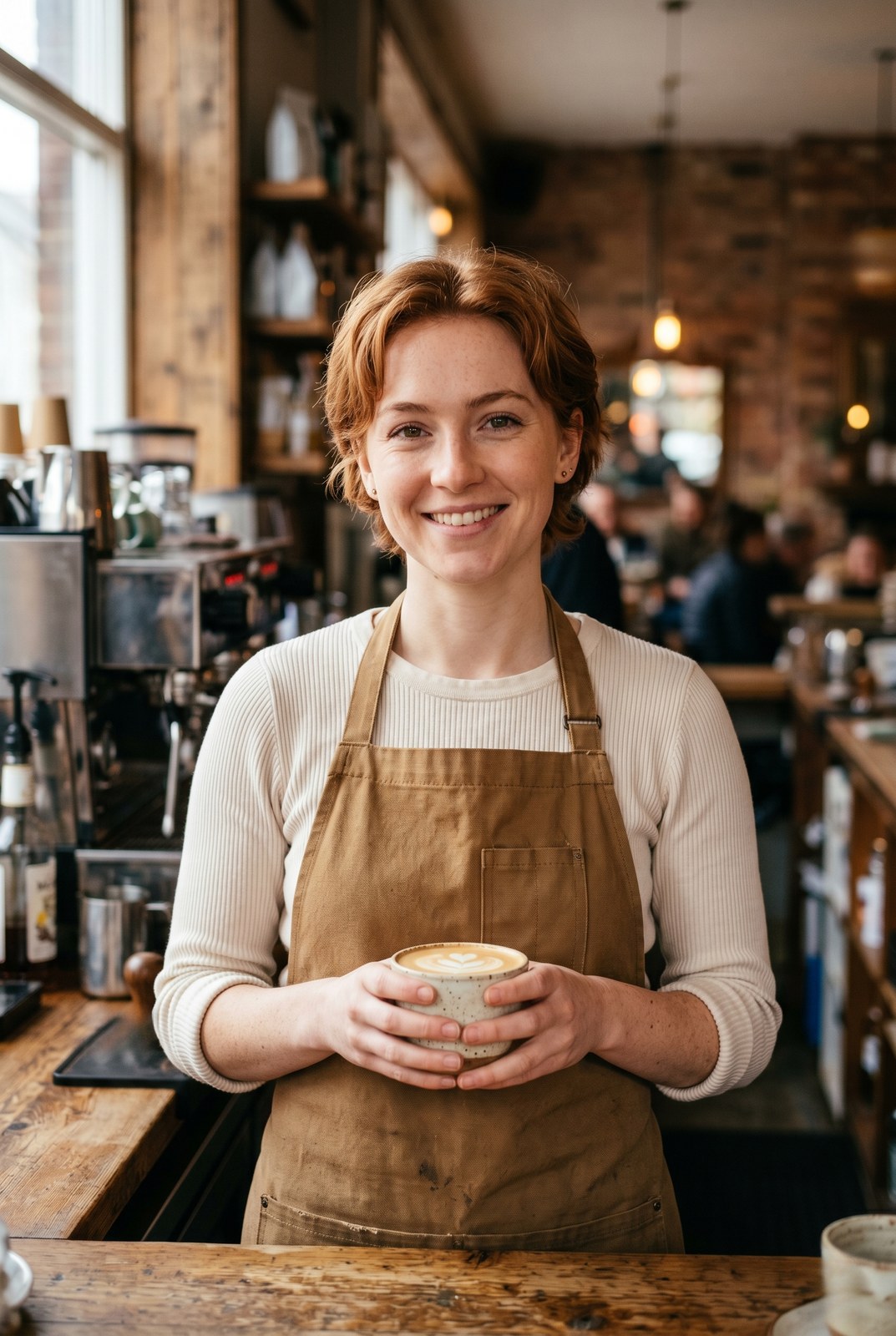
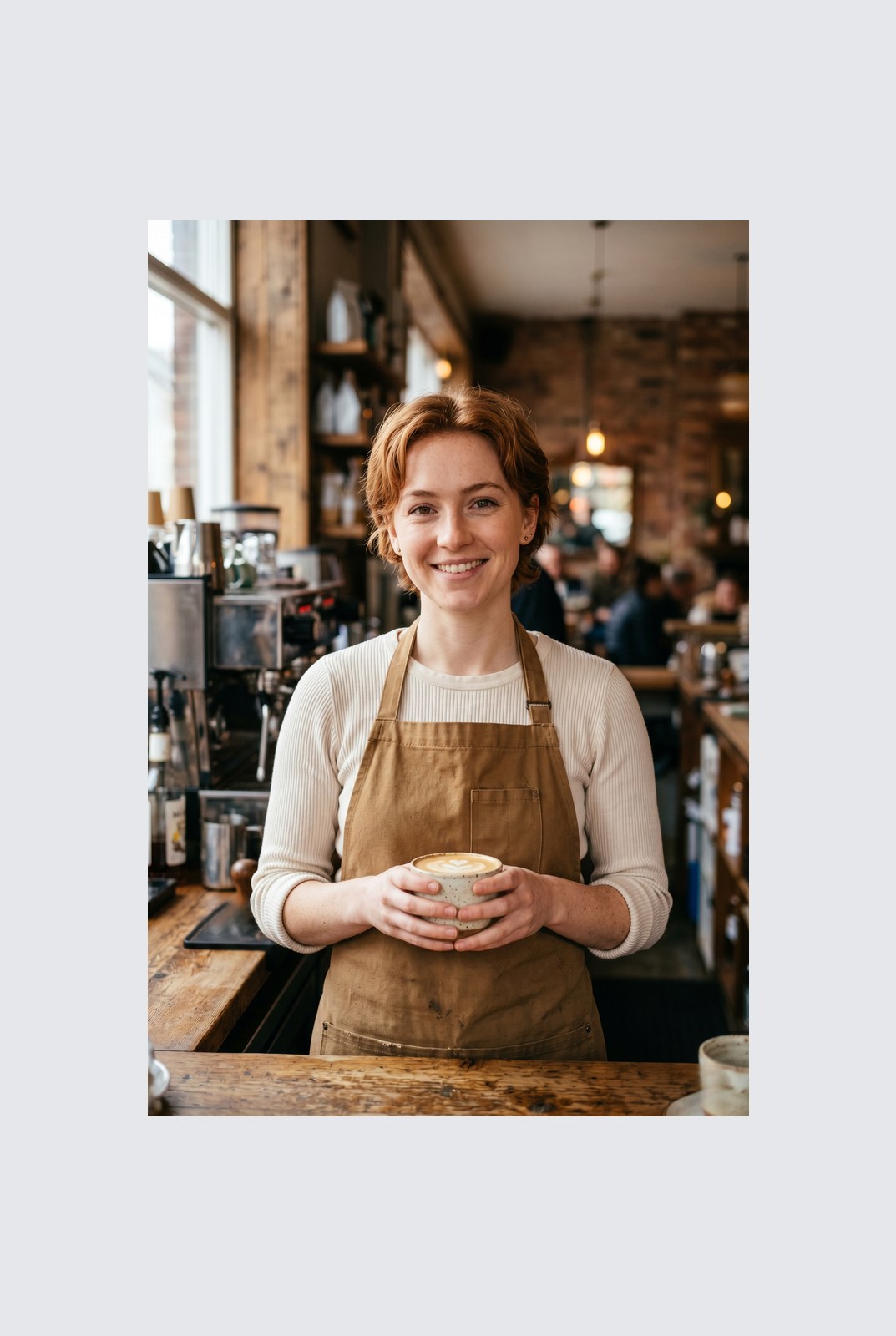
Ziehen zum Vergleichen, vorher / nachher
Übersicht
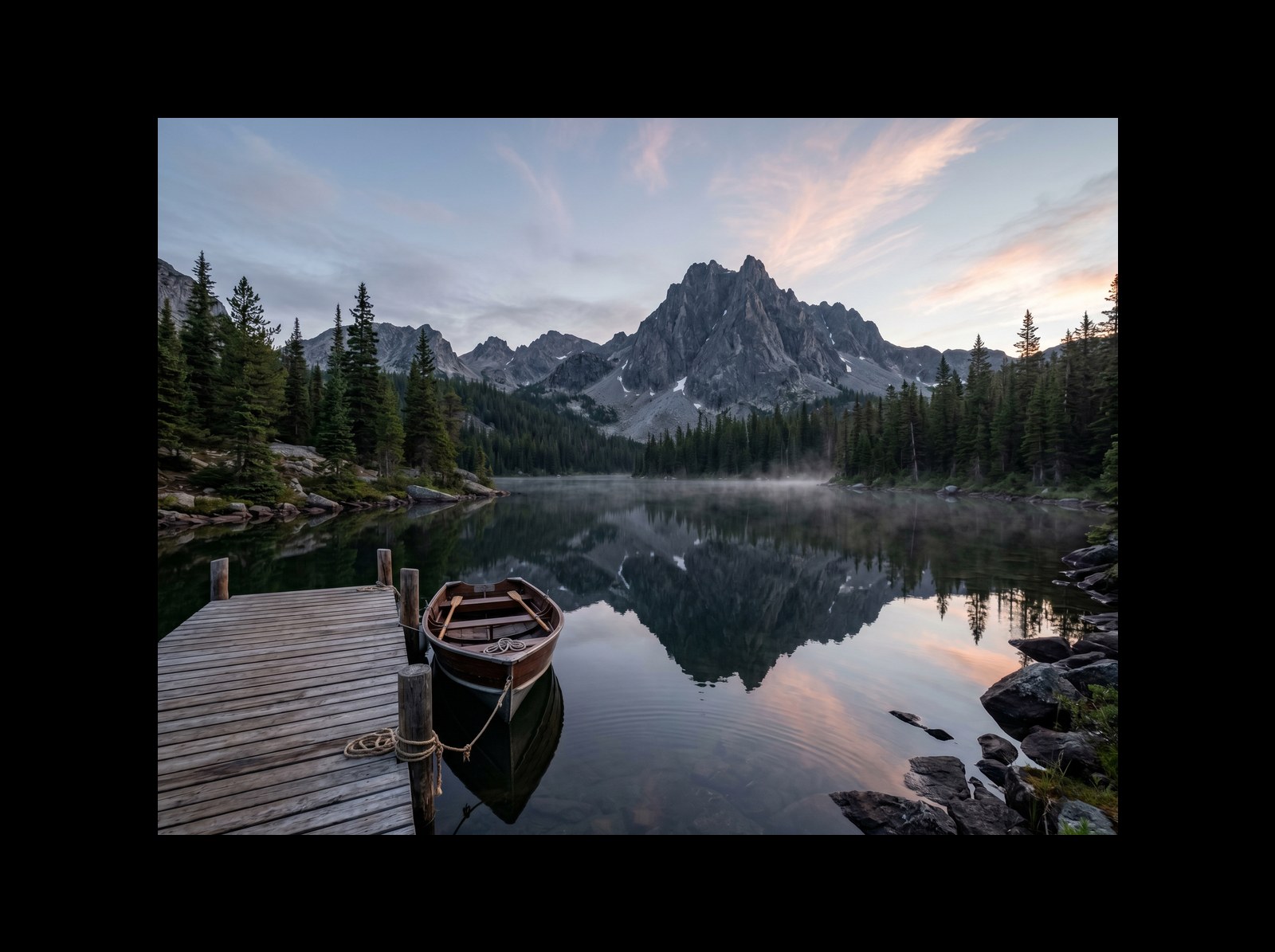
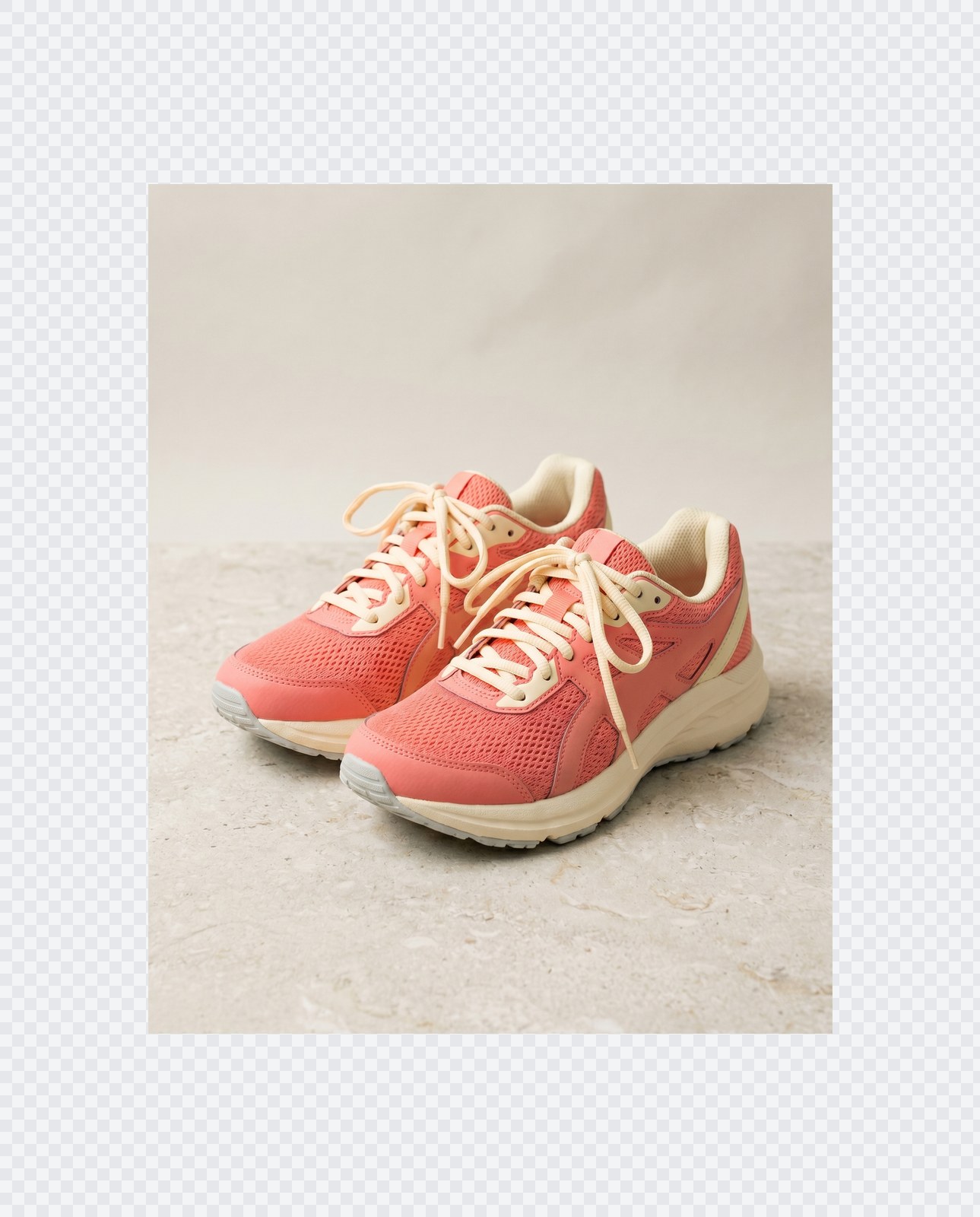
Instagram wants a square. LinkedIn wants 16:9. TikTok wants 9:16. Your photo was shot at whatever ratio your camera felt like. Cropping removes parts of the frame you might care about. Padding does not: it just adds a coloured background around the image until it hits the aspect ratio you need.
This tool extends one image per request to a target aspect ratio without touching the original pixels. The padded area is filled with a colour of your choice: a solid background, a brand accent, or full transparency for PNG, WebP, or AVIF outputs. You pick the ratio (1:1, 16:9, 9:16, or a custom ratio like 4:5), the colour, and the alignment (centre, top, left, and so on).
Padding runs entirely in your browser. Your browser decodes, composites, and re-encodes the image on your own device, then hands you a download. Nothing is uploaded, nothing is saved, nothing is indexed or trained on, because we never see the pixels.
So funktioniert es
Drei Schritte, in der Regel in unter fünf Sekunden erledigt.
- 1
Upload an image
Drop a JPG, PNG, WebP, or AVIF up to 25 MB. No sign-up, no credit card.
- 2
Pick a ratio and colour
Choose 1:1, 16:9, 9:16, or a custom ratio. Pick any hex colour or transparent. The preview updates live.
- 3
Download the padded image
The padded file is generated in your browser and saved straight to your device. Nothing is uploaded, so there is nothing for us to store or delete.
Sieh es in Aktion
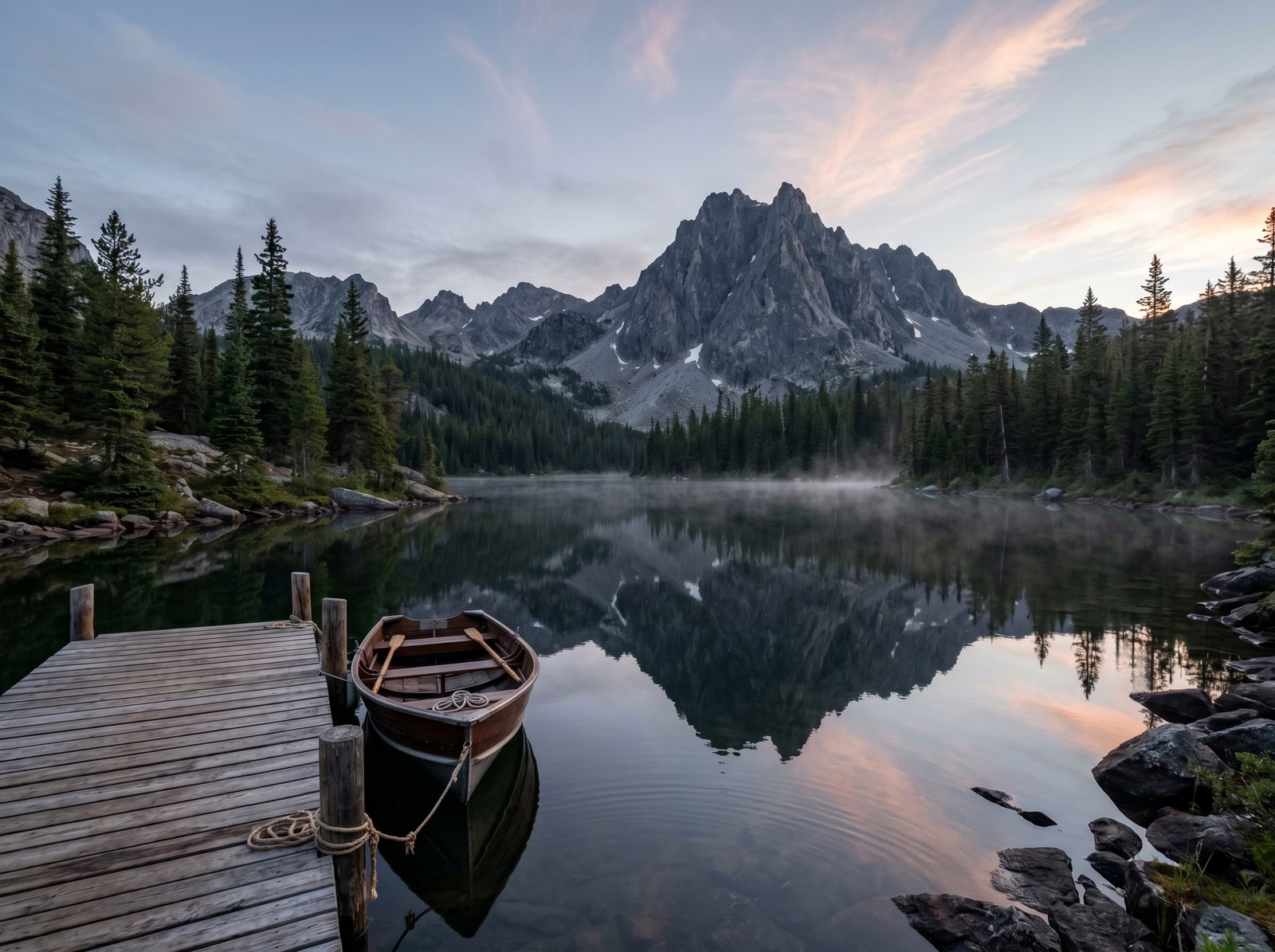
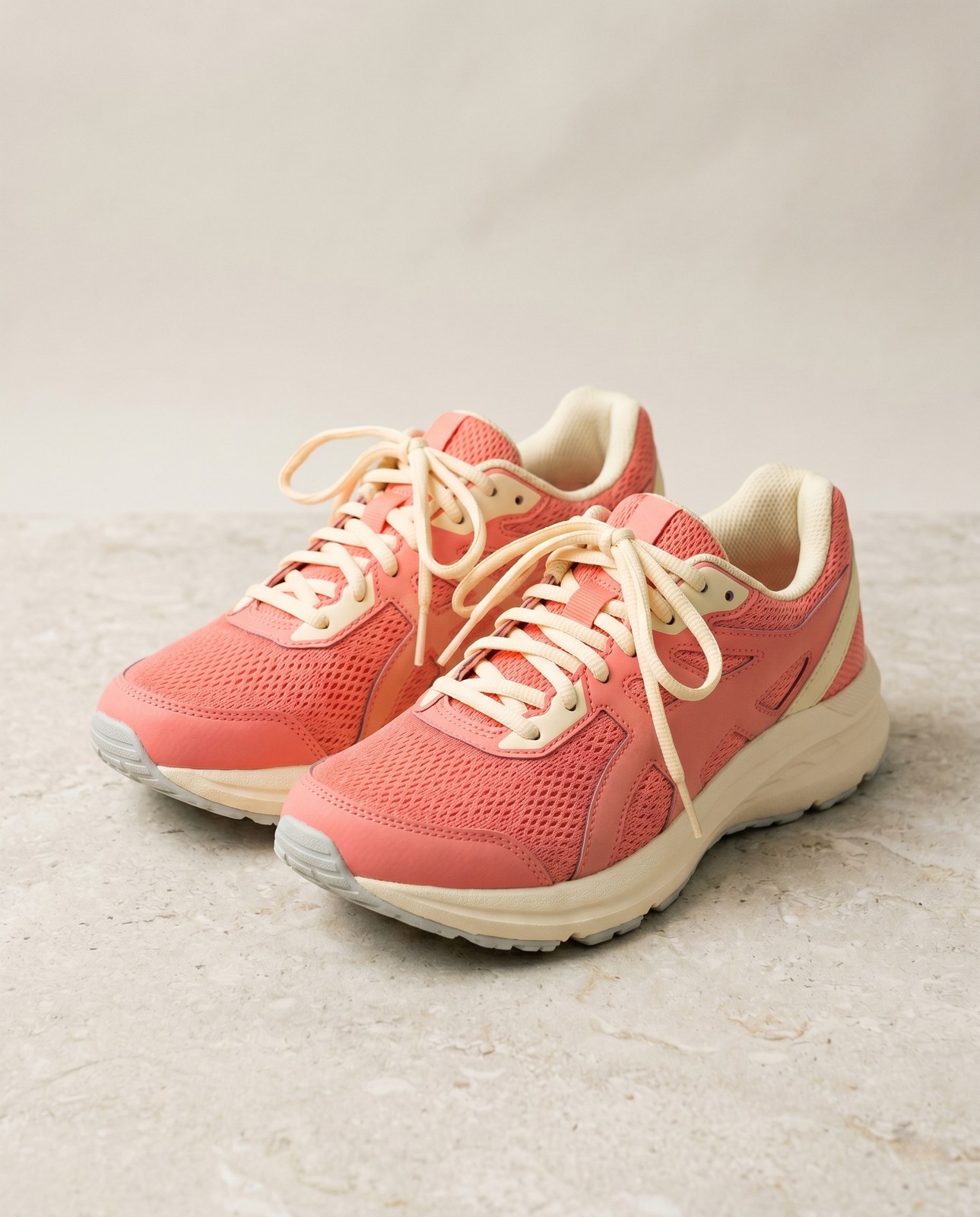
Ziehe jeden Schieber, um Vorher und Nachher Pixel für Pixel zu vergleichen.
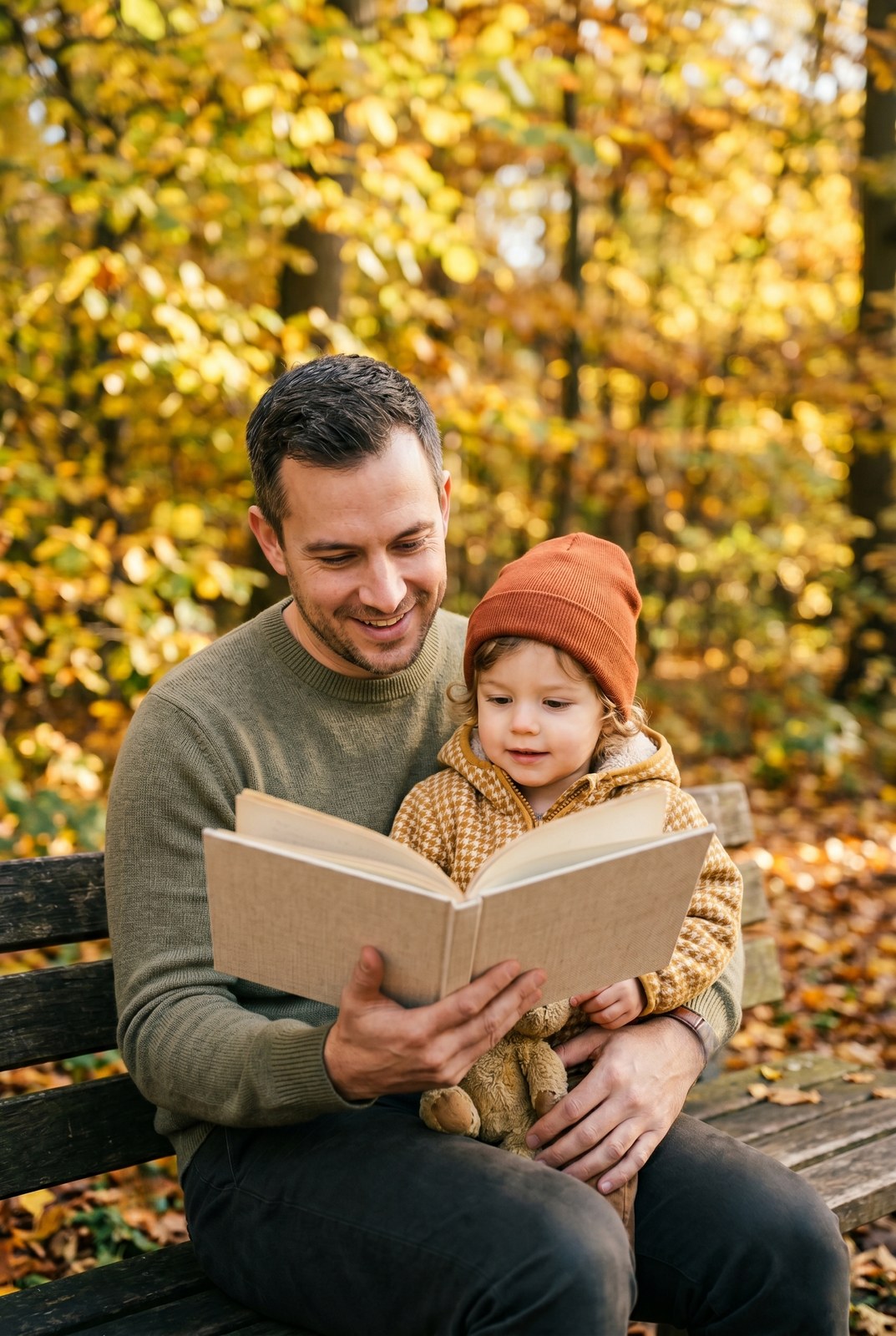
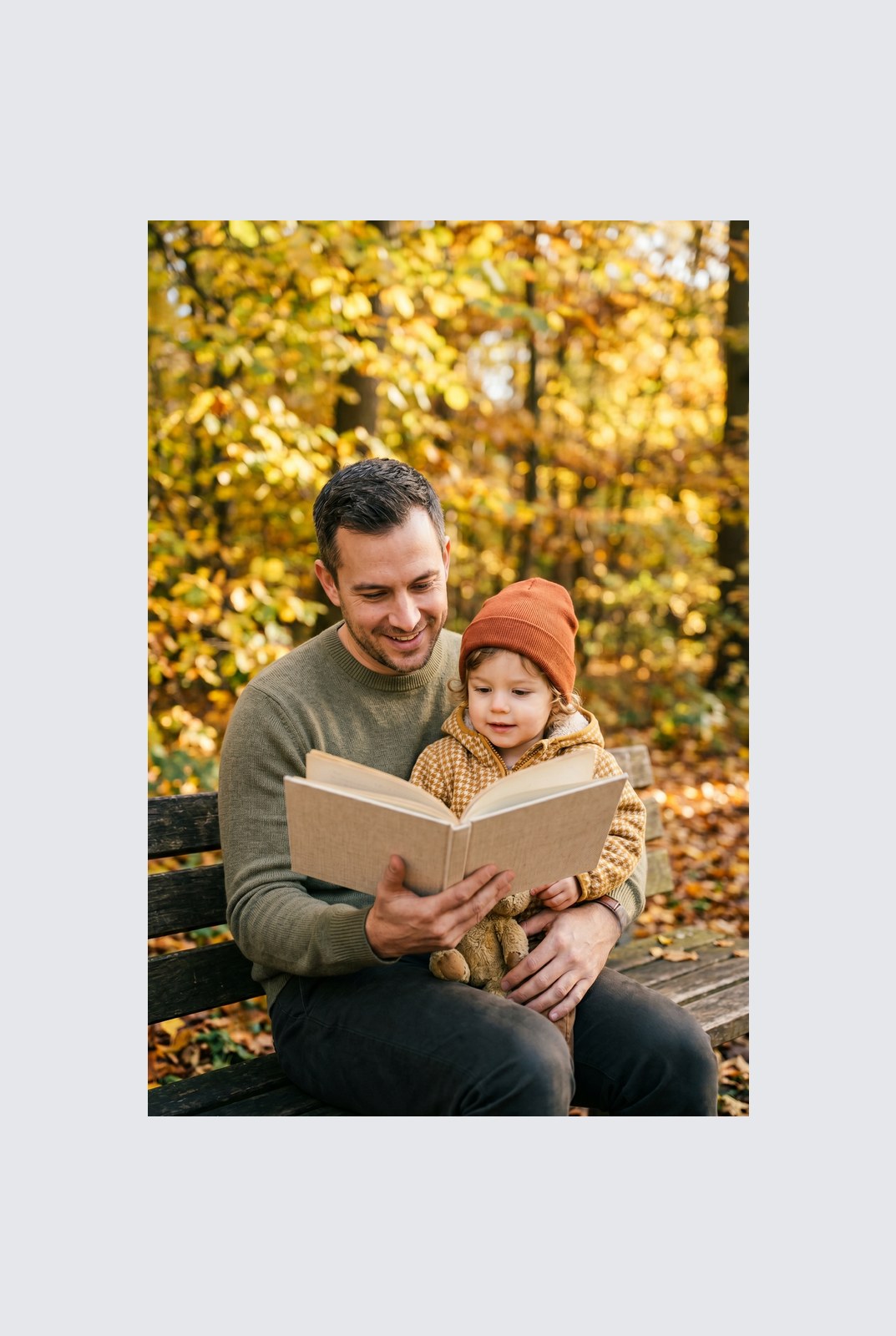
Dein Bild ist weg, wenn du fertig bist
Padding runs entirely in your browser. Your image is never uploaded, never touches our servers, and never gets saved, indexed, or used for model training. If you close the tab, the image goes with it.
- In Sekunden verarbeitet
- Nichts gespeichert
- Kein Konto verknüpft
Bild hochladen
Ein Klick. Keine Anmeldung. Wir erledigen den Rest.
Auffüllen / Leinwand erweitern
Mehr als ein Bild verarbeiten?
Das kostenlose Pad image to square, 1:1, 16:9, 9:16 without cropping verarbeitet ein Bild auf einmal. Ein Guthabenpaket schaltet bis zu 50 Bilder pro Stapel frei, einen einzelnen ZIP-Download und drei benannte Voreinstellungen (Blog / Social / Ecom). Ab 5 € für 100 Guthaben. Einmal zahlen, läuft nie ab.
Häufig gestellte Fragen
Antworten auf die Fragen, die die meisten Leute stellen, bevor sie ein neues Werkzeug ausprobieren.
Verwandte Werkzeuge
Ein-Klick-Sprünge zu weiteren Aufgaben, die dieses Bild wahrscheinlich braucht.
Rotate image
Fix sideways photos before padding so the result aligns to the target aspect ratio.
Compress image
Padding keeps pixels intact but inflates file size; compress the padded result for the web.
Remove Gemini watermark
Clean the Gemini AI badge off a generated image before padding it for a social platform.
Zitieren oder teilen?
Kopiere eine knappe Markdown-Zusammenfassung (Titel, Beschreibung, FAQ, kanonische URL und Zitierung), bereit zum Einfügen in ein KI-Werkzeug oder ein Dokument.