
Blur or pixelate faces in a photo, free in-browser face redactor
Drop a photo, click Auto-redact, and every face is pixelated, blurred, or blacked out before you save the result. Brush extra rectangles by hand for plates, badges, or tattoos. Runs 100% in your browser; nothing is uploaded.
- Processed 100% in your browser
- Auto-detect plus manual brush
- No hidden metadata in the output
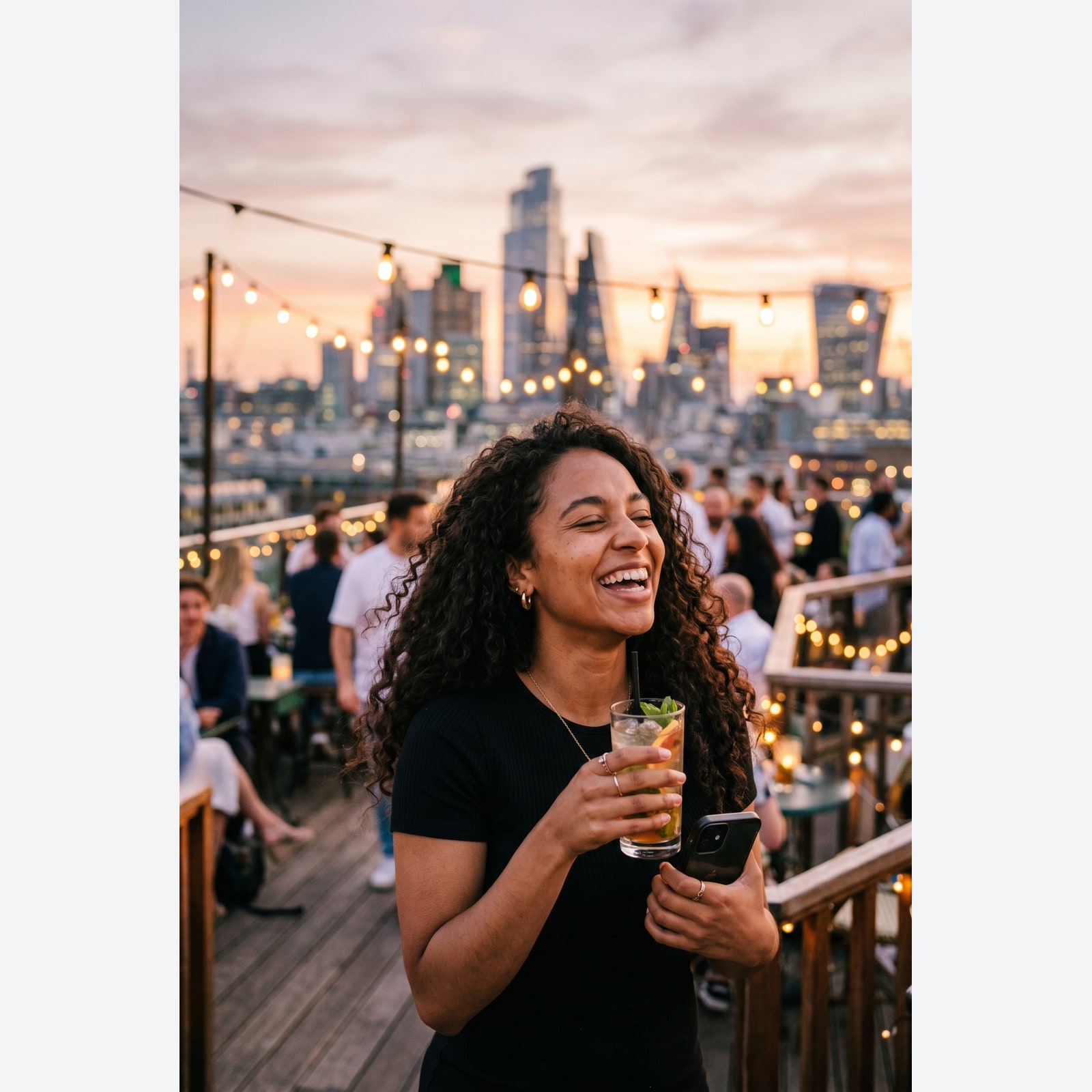
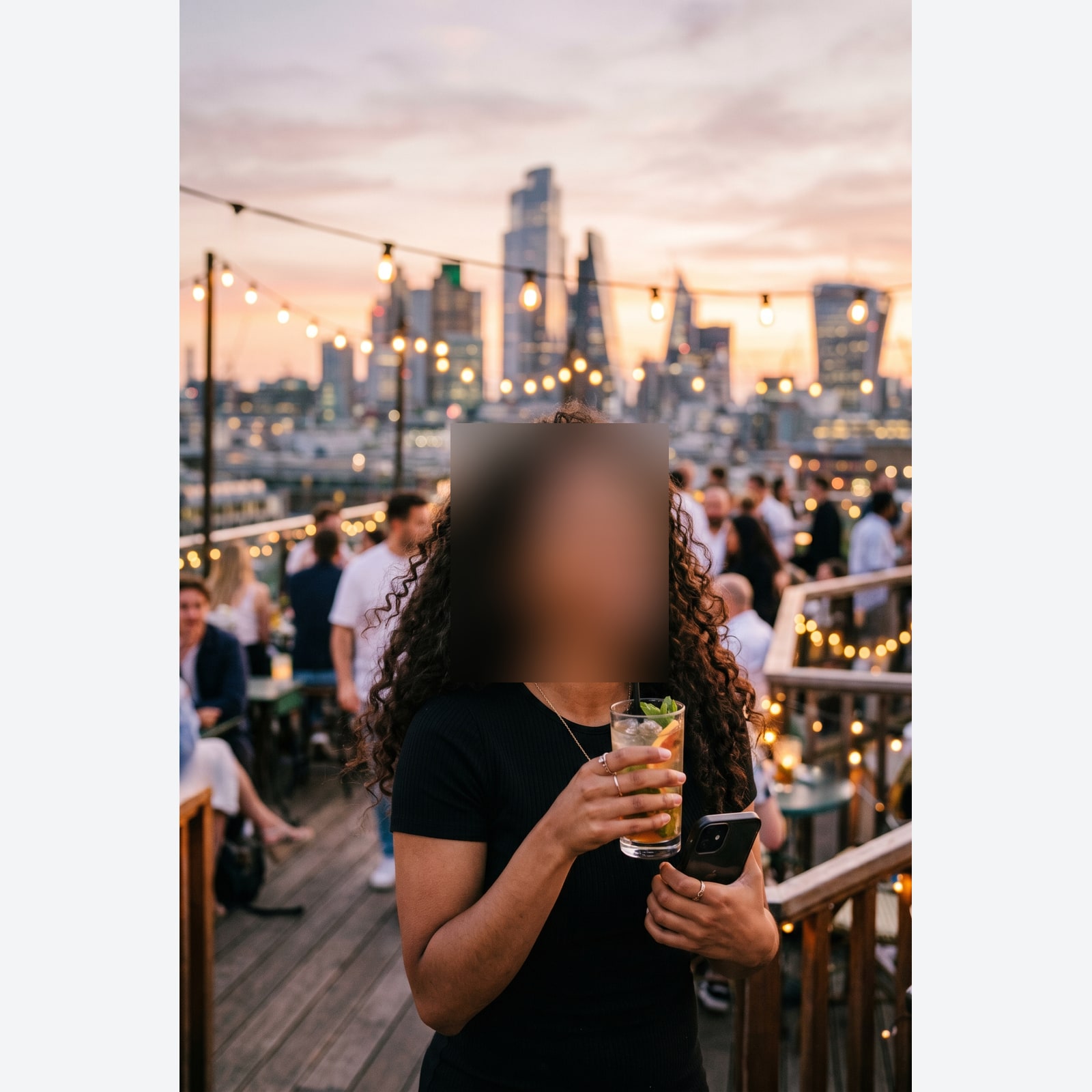
Ziehen zum Vergleichen, vorher / nachher
Übersicht
Photos of strangers come with a privacy bill that gets bigger every year. A school-event picture has the bystander parents, a real-estate listing has the neighbours, an OSINT investigation has the source. Most face-blur tools online run on someone else's server, which fixes the problem only by trusting a different stranger with the original image. This tool removes that trade. The face detector and the redaction step both run inside your browser; the image never leaves the page.
The Auto-redact button runs the detector on the source image and turns every face it finds into a redaction rectangle. The brush overlay lets you add rectangles by hand for license plates, name badges, tattoos, or any other identifying region the detector did not flag. Each rectangle uses the redaction style and strength you picked: pixelate (the default), blur, or black-box. Pixelate is hard to undo but not impossible; blur can sometimes be partly recovered with the right software, and the tool shows a warning when you pick it; black-box is the only truly unrecoverable style.
The output is a fresh PNG, written from scratch with no camera, location, or copyright tags. Source GPS coordinates and camera serial numbers do not leak into the result. There is no toggle for that; it is the privacy default.
So funktioniert es
Drei Schritte, in der Regel in unter fünf Sekunden erledigt.
- 1
Drop a photo
JPG, PNG, WebP, or AVIF up to 25 MB. Drag-and-drop or use the file picker.
- 2
Click Auto-redact
The detector loads on first use (about one megabyte of model files, served from our own domain) and finds every face in the image. Each face becomes a redaction rectangle on the overlay.
- 3
Brush extra regions by hand
License plates, name badges, tattoos, and other identifiers are not faces. Brush over them on the canvas overlay and the same redaction style is applied to that rectangle.
- 4
Pick a style and download
Pixelate is the default; blur shows a warning; black-box is the only truly unrecoverable style. The strength slider controls how strong the effect is. Click Process and the redacted PNG downloads with no hidden camera, location, or copyright tags.
Sieh es in Aktion
Ziehe jeden Schieber, um Vorher und Nachher Pixel für Pixel zu vergleichen.
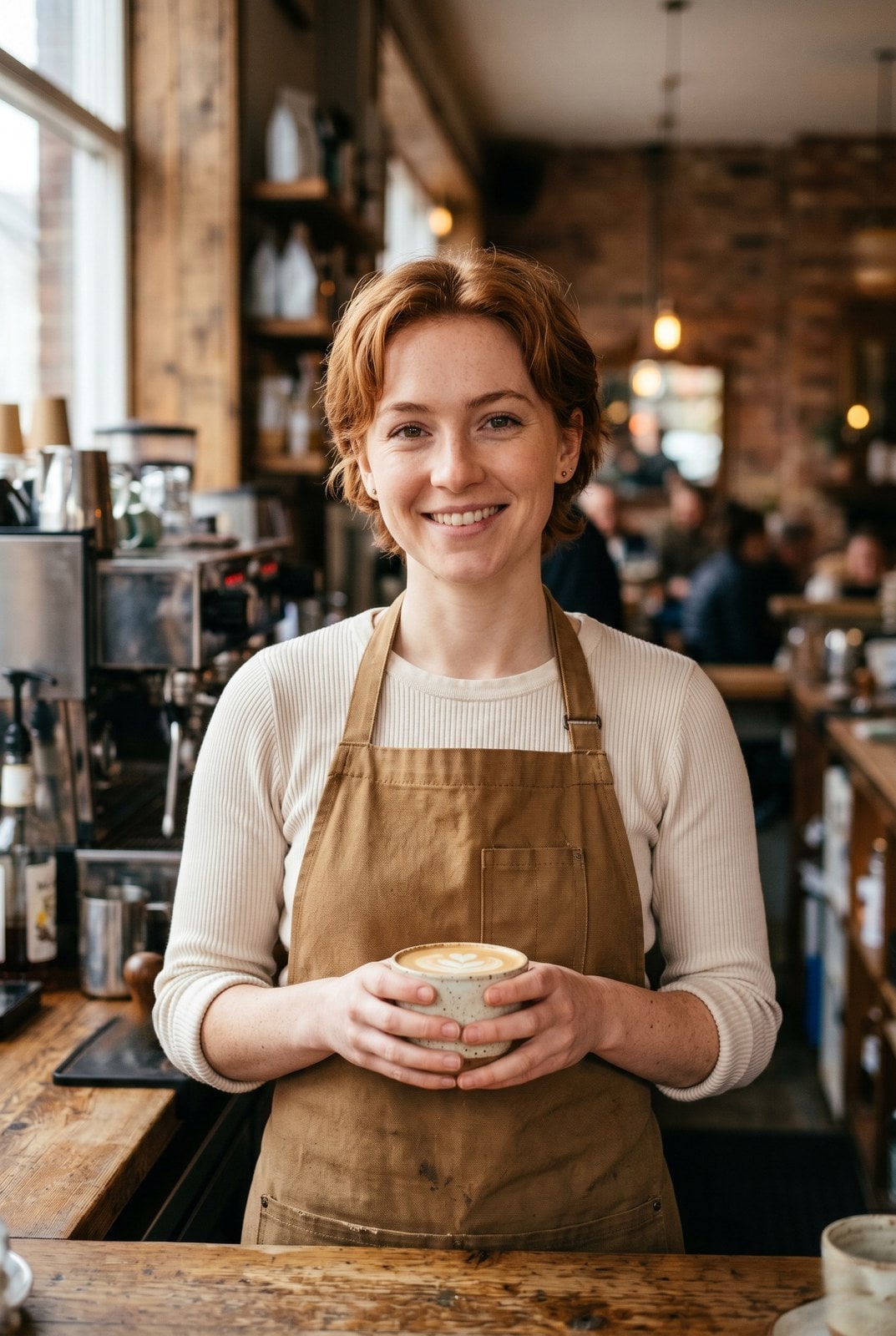
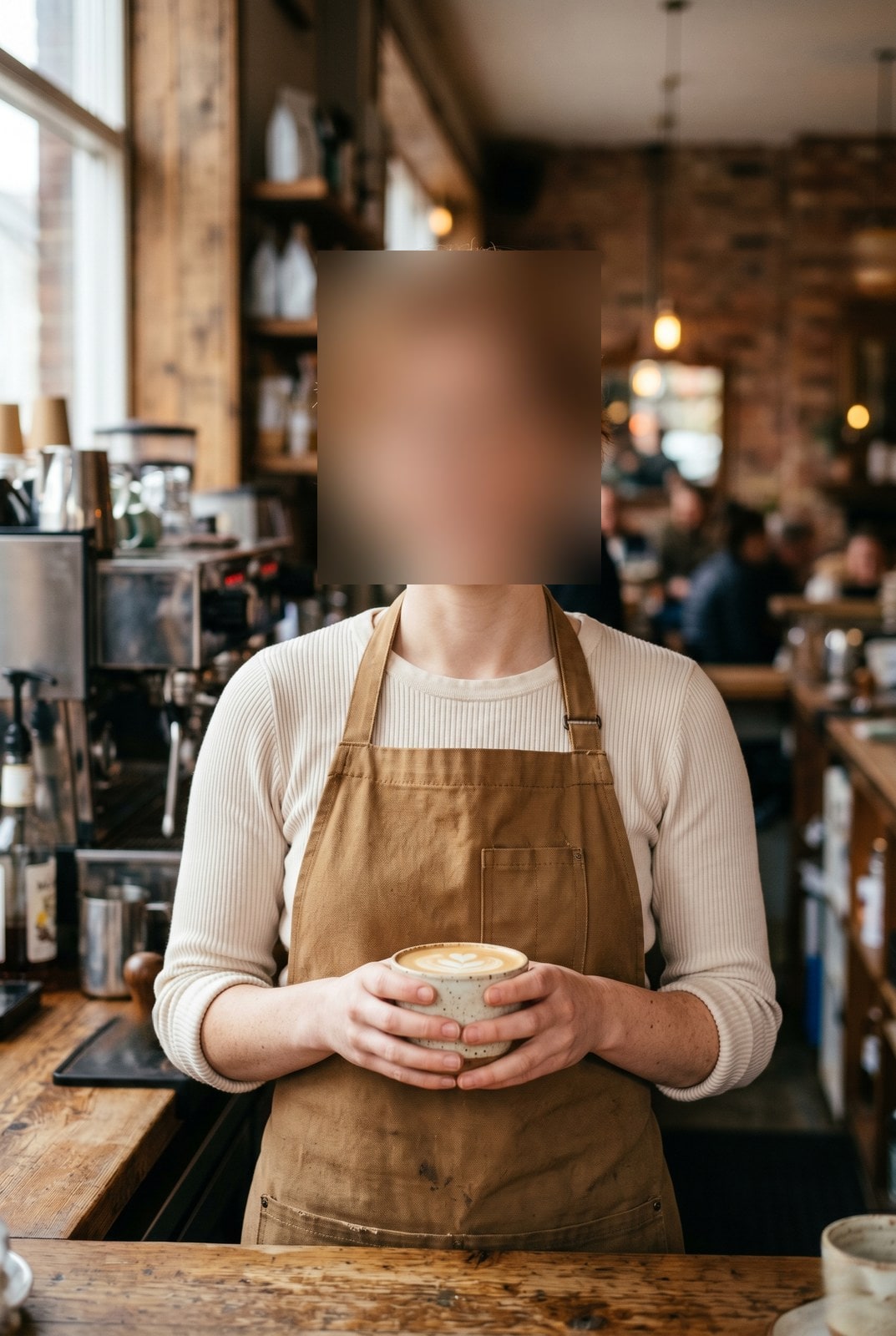
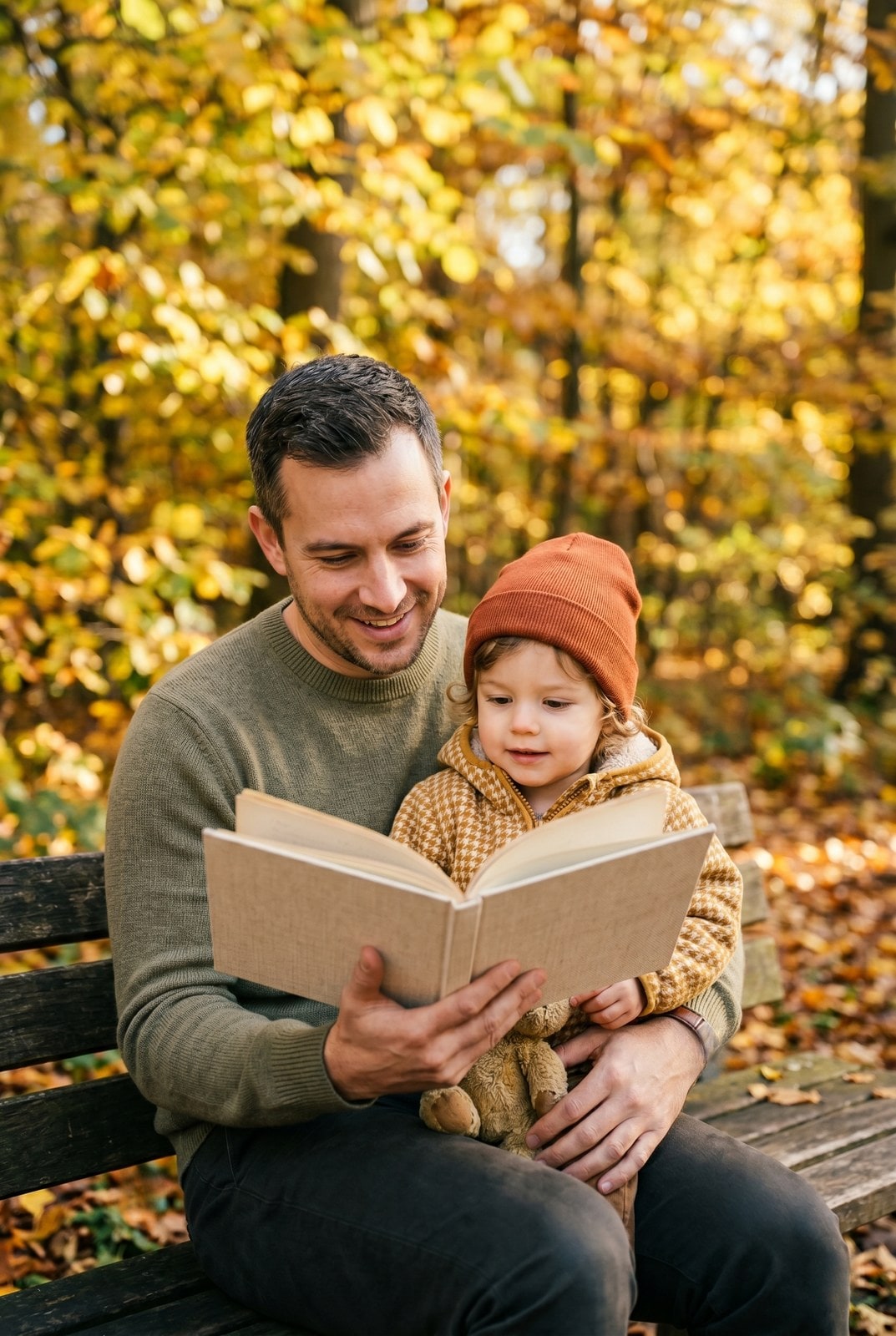
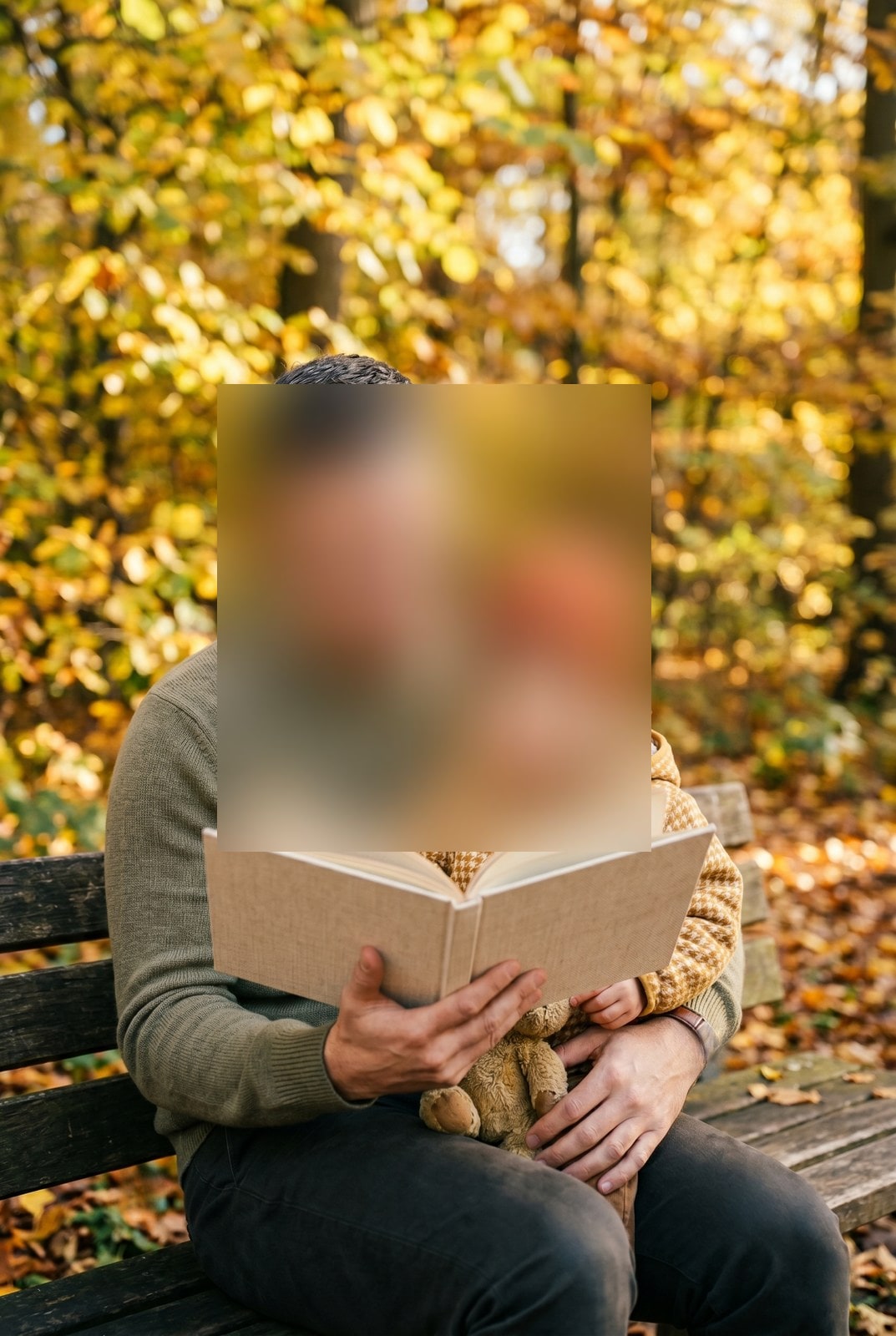
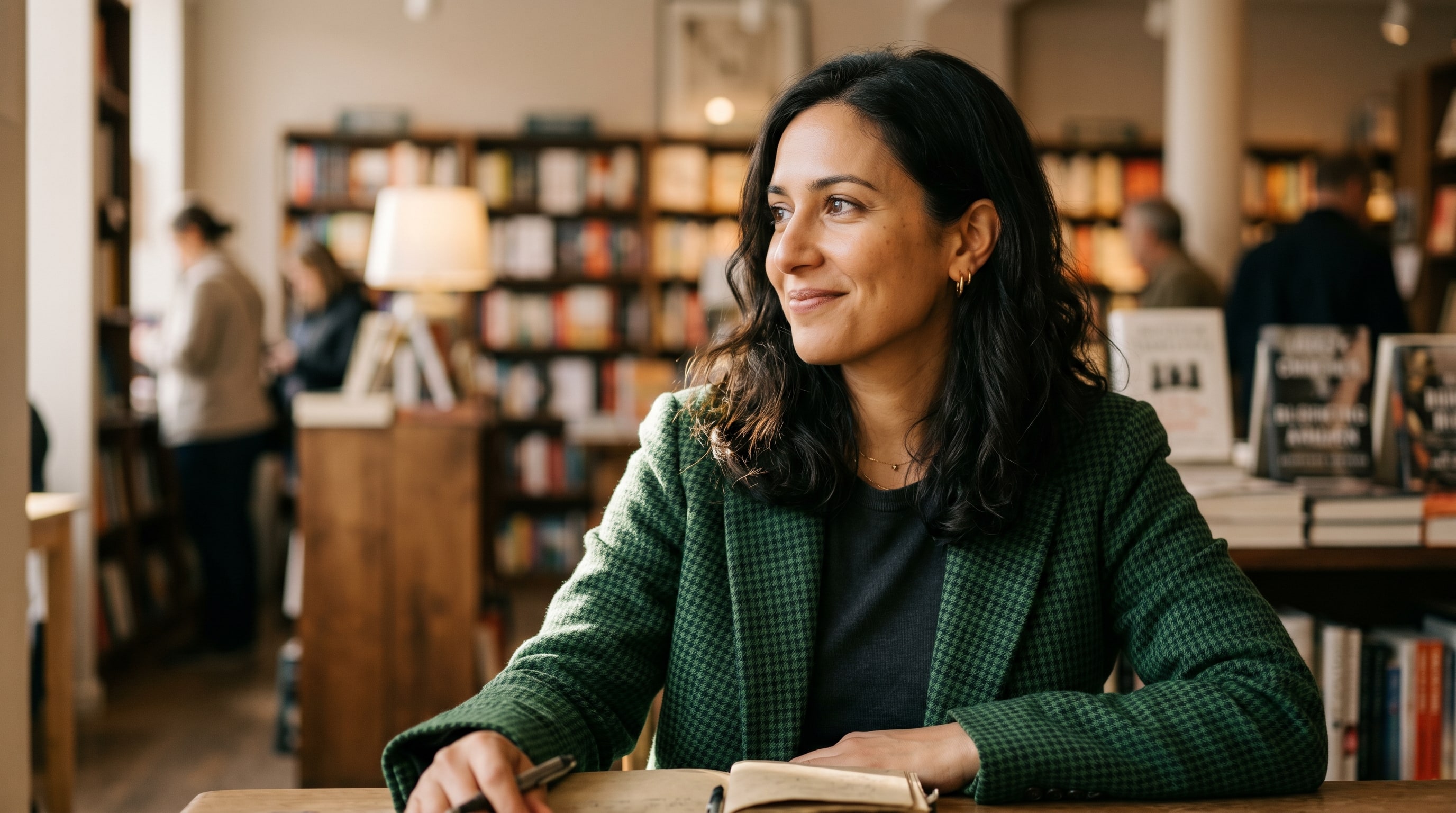
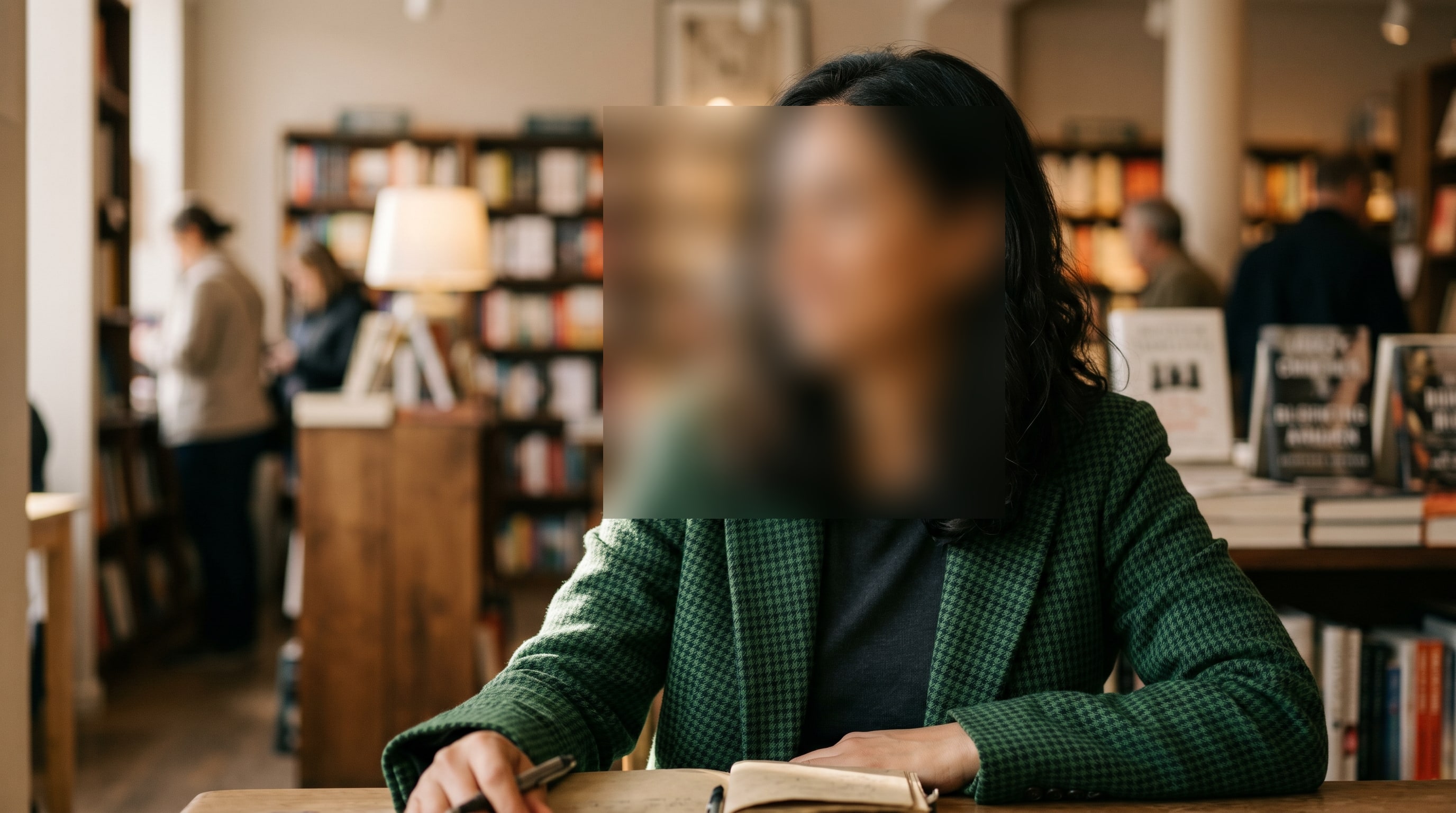
Dein Bild ist weg, wenn du fertig bist
The face detector and the redaction step both run entirely in your browser. Your image is never uploaded. The only network call this page makes after first paint is the one to fetch the detector model, served from our own domain so the visit pattern is not handed to a third-party CDN. The output PNG is written from scratch, so no camera, location, or copyright tags from the original survive into the file you download.
- In Sekunden verarbeitet
- Nichts gespeichert
- Kein Konto verknüpft
Bild hochladen
Ein Klick. Keine Anmeldung. Wir erledigen den Rest.
Gesichter unkenntlich machen
PNG, JPEG, WebP or AVIF, up to 25 MB, one image per run
Face redaction glossary
Verständliche Definitionen für die Fachbegriffe oben.
Häufig gestellte Fragen
Antworten auf die Fragen, die die meisten Leute stellen, bevor sie ein neues Werkzeug ausprobieren.
Verwandte Werkzeuge
Ein-Klick-Sprünge zu weiteren Aufgaben, die dieses Bild wahrscheinlich braucht.
View EXIF metadata
Check what GPS, camera, and copyright tags an image is carrying before you publish it. Pairs naturally with the redactor.
Strip EXIF metadata
Remove camera, GPS, and device metadata from an image without re-encoding the pixels. Useful when redaction is overkill but the metadata is not.
Compress image
Trim bytes off a redacted image without changing its format. AVIF, WebP, JPEG, and PNG output, with a quality slider that previews live.
Zitieren oder teilen?
Kopiere eine knappe Markdown-Zusammenfassung (Titel, Beschreibung, FAQ, kanonische URL und Zitierung), bereit zum Einfügen in ein KI-Werkzeug oder ein Dokument.