
Crop image online, free aspect-ratio cropper with draggable rectangle
Drop an image, drag a rectangle or pick a preset aspect ratio (1:1, 4:5, 16:9), and download the cropped output. Runs in your browser, nothing saved.
- Aspect-ratio presets
- Runs in your browser
- Drag-friendly rectangle


Træk for at sammenligne, før / efter
Oversigt
Cropping a photo on a desktop browser usually means launching an image editor, fighting with a misbehaving rectangle, and exporting a file in a format you did not pick. This tool keeps the surface small: drop an image, pick an aspect ratio (or pick Custom to drag freely), drag the rectangle to the part you want, and download.
Aspect-ratio presets cover the cases people actually need: square (1:1) for product tiles, portrait (4:5, 9:16) for Instagram and TikTok, landscape (16:9, 3:2) for YouTube thumbnails and DSLR-native ratios. The Original preset removes the aspect constraint; Custom does the same but reflows freely as you drag the corners.
In any modern browser the crop runs locally: the cropper renders to a canvas and the encode happens in the browser, so the image bytes never leave your device. A server fallback exists for browsers that cannot mount the cropper canvas; on that path the upload is deleted the moment we send the result back.
Sådan virker det
Tre trin, normalt færdige inden for fem sekunder.
- 1
Upload an image
Drop a JPG, PNG, WebP, or AVIF up to 25 MB. Clipboard paste also works.
- 2
Pick an aspect ratio
Choose Original, 1:1, 4:5, 16:9, 9:16, 3:2, 2:3, or Custom. The rectangle resnaps to the new ratio without losing your position.
- 3
Drag the rectangle
Move the rectangle, resize from the corners, or drag the edges. The selection updates live; you can switch presets at any time.
- 4
Download the cropped image
Pick the output format (Same as source, JPEG, PNG, or WebP) and confirm. The file downloads with `-cropped` appended to the original filename.
Se det i aktion
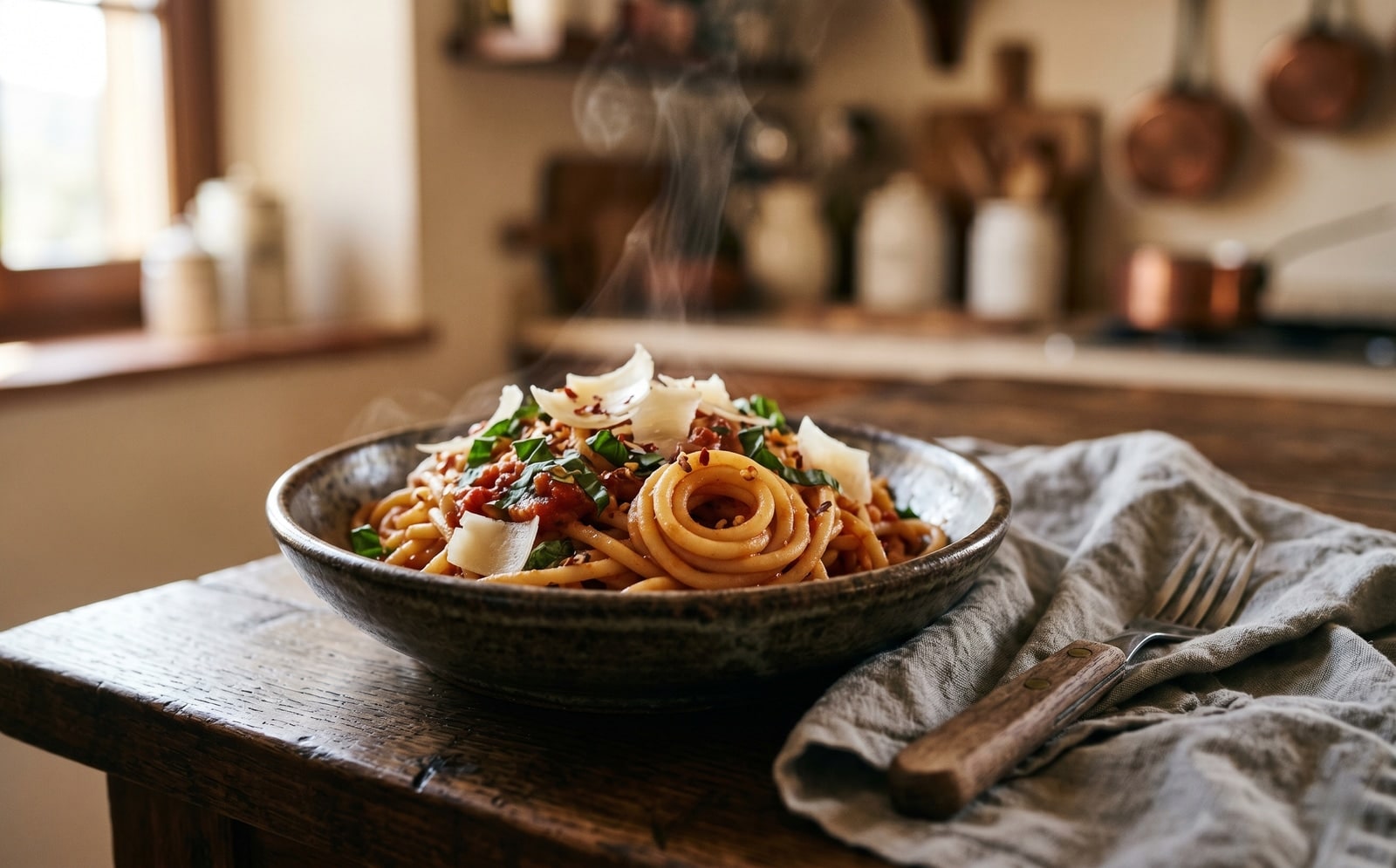
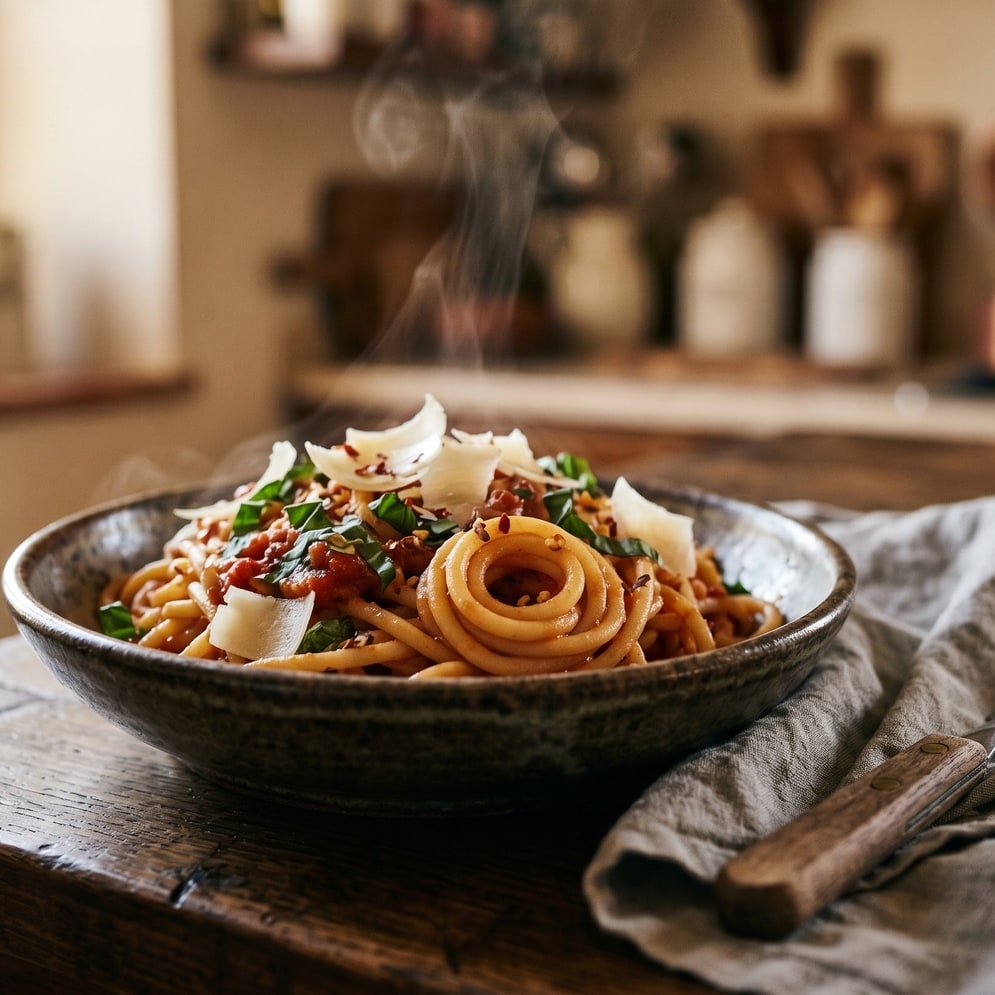
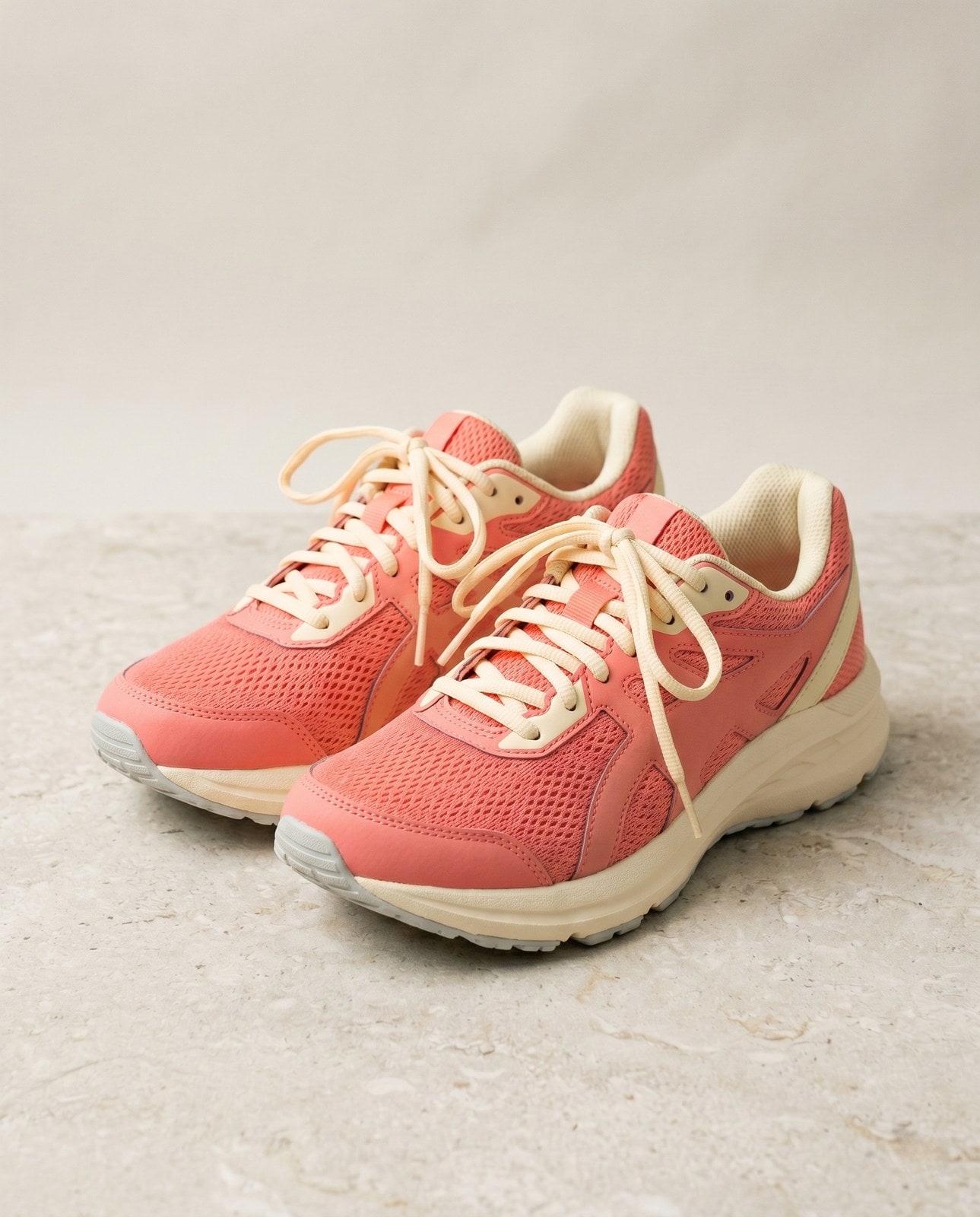
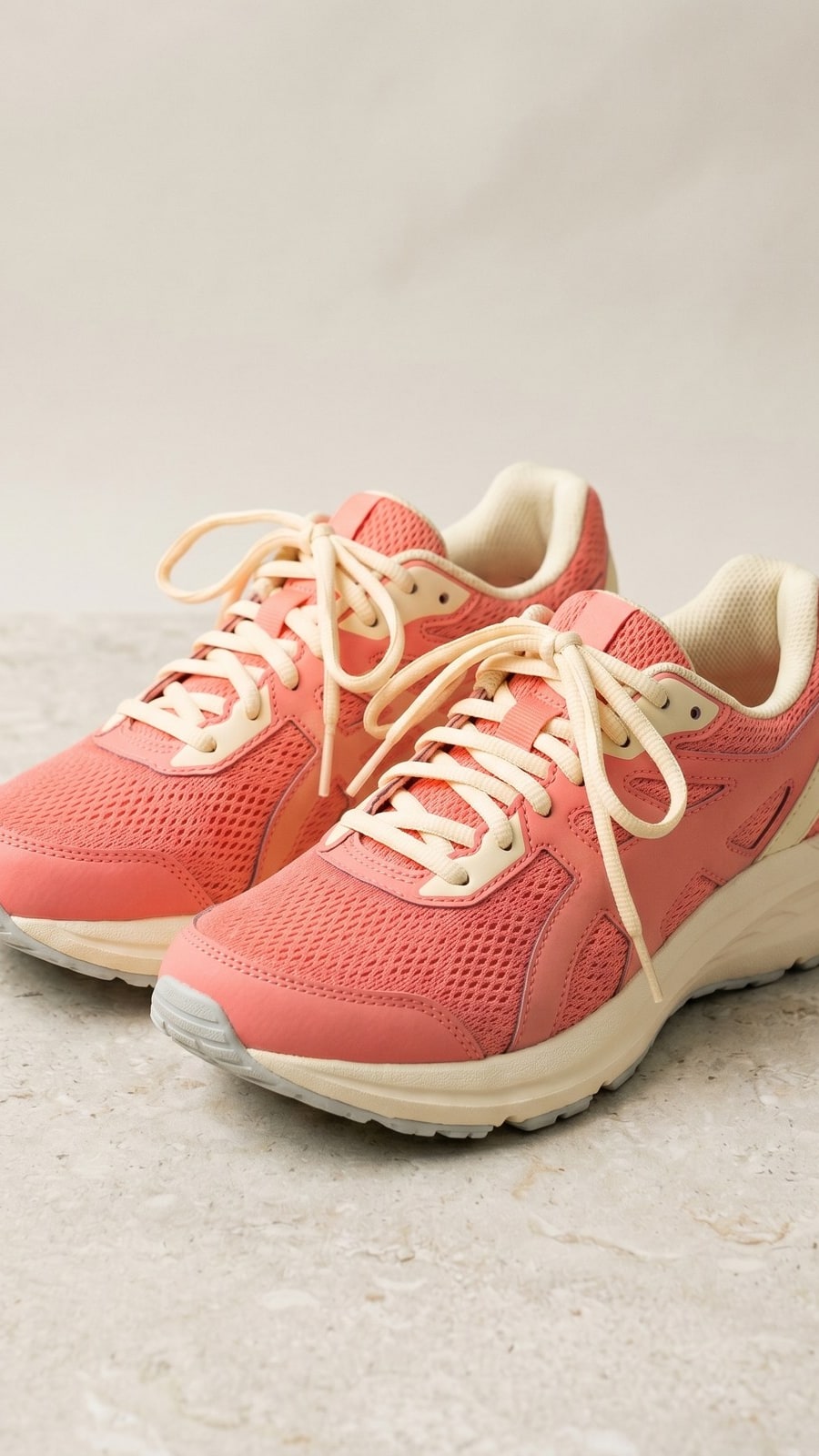
Træk hver skyder for at se nøje på før og efter.


Dit billede er væk, når du er færdig
Cropping runs in your browser by default. Your image never leaves your device on that path. For the small share of browsers that cannot mount the cropper canvas we fall back to a server round-trip, where the upload is only held while we process it and is deleted the moment the result is sent back. Nothing is saved, indexed, or trained on.
- Behandlet på sekunder
- Intet gemmes
- Ingen konto knyttet
Upload et billede
Ét klik. Ingen tilmelding. Vi klarer resten.
Beskær billede
Brug for at behandle mere end ét billede?
Det gratis Crop image online, free aspect-ratio cropper with draggable rectangle kører ét billede ad gangen. En kreditpakke åbner op til 50 billeder pr. batch, et enkelt ZIP-download og tre navngivne forindstillinger (Blog / Social / E-handel). Fra €5 for 100 kreditter. Betal én gang, udløber aldrig.
Ofte stillede spørgsmål
Svar på de ting, de fleste spørger om, før de prøver et nyt værktøj.
Relaterede værktøjer
Ét-klik-spring til andre opgaver, dette billede sandsynligvis har brug for.
Resize image
Already at the right shape? Resize to exact pixels with optional aspect-ratio lock and a quality knob.
Pad to square
Want to keep the whole frame? Pad to a target aspect ratio instead of cropping it away.
Rotate or flip
If the source is sideways from your phone, rotate first, then crop.
Citerer eller deler?
Kopiér et kort Markdown-resumé (titel, beskrivelse, FAQ, kanonisk URL og citation) klar til at indsætte i en LLM eller et dokument.